What Is a Illustration? Complete Guide for Designers
EpicPxls offers 200+ curated illustrations, all with a commercial license and editable source files (Figma, Sketch, PSD). A illustration is a pre-made design resource that helps designers work faster. Browse 200+ illustrations on EpicPxls for your projects.
Last updated February 12, 2026
Everything you need to know about illustrations — definition, types, and how to use them.
Trusted by designers at leading companies
Top Illustrations
Handpicked resources from our curated collection


![[Part 7] Website illustrations set preview picture](https://imgproxy.epicpxls.com/De1k26J4yn21FJLEkO1cx5SRoMTVQ2x9Lt7-lTmY_dQ/rs:fill:720:540:0/g:no/aHR0cHM6Ly9pdGVt/cy5lcGljcHhscy5j/b20vdXBsb2Fkcy9w/aG90by9hYzc0NGY5/MWM1MmY3NjIyYmY5/ZWM4MjgxNjNmNTc2/Ng.jpg)


![[Part 17] Website illustrations set preview picture](https://imgproxy.epicpxls.com/jB8ezJdYK6qszc1ZYI5OiEol5jFC2f4cfnTPawB-qAs/rs:fill:720:540:0/g:no/aHR0cHM6Ly9pdGVt/cy5lcGljcHhscy5j/b20vdXBsb2Fkcy9w/aG90by9iOWE3ZmU4/NDc5Y2UwZDk3M2Y1/NjQzYjUyMWRkYjlm/Yw.jpg)
![[Part 16] Website illustrations set preview picture](https://imgproxy.epicpxls.com/tID1FupoazZ6nDZypj8jkxcTihlVWw4HOSJ0B7RpeHQ/rs:fill:720:540:0/g:no/aHR0cHM6Ly9pdGVt/cy5lcGljcHhscy5j/b20vdXBsb2Fkcy9w/aG90by8zMjk2YWI3/ZmNjZWJlYjNmN2Qx/ZGJmZWE1MTFhNjc3/Yw.jpg)

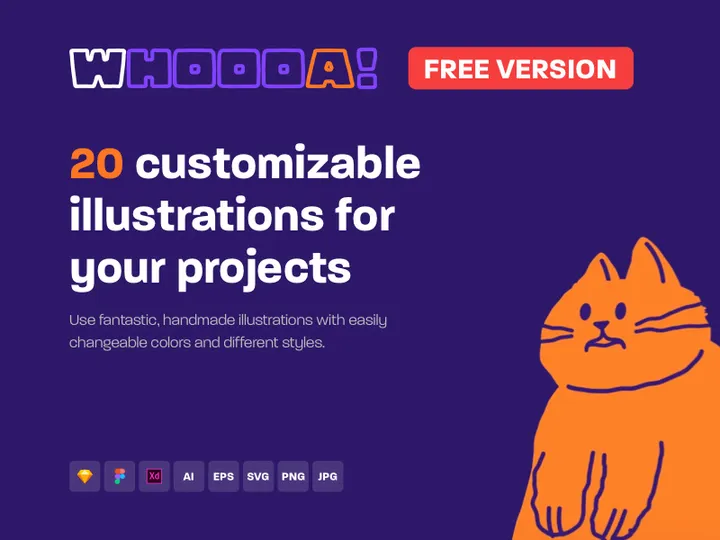

![[Part 21] Website illustrations set preview picture](https://imgproxy.epicpxls.com/YzVUtAorc0AidAHpvBr_gY6l9DBTJhe5qsCEvnbjA_k/rs:fill:720:540:0/g:no/aHR0cHM6Ly9pdGVt/cy5lcGljcHhscy5j/b20vdXBsb2Fkcy9w/aG90by82MjgxZmE0/NmVlYjM3NzRmZDc3/ZWFhYzRjYmM0NDI4/Yg.jpg)



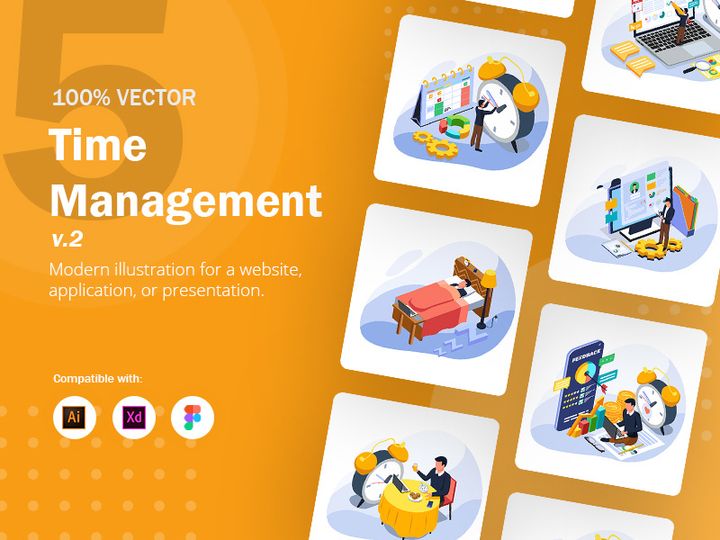
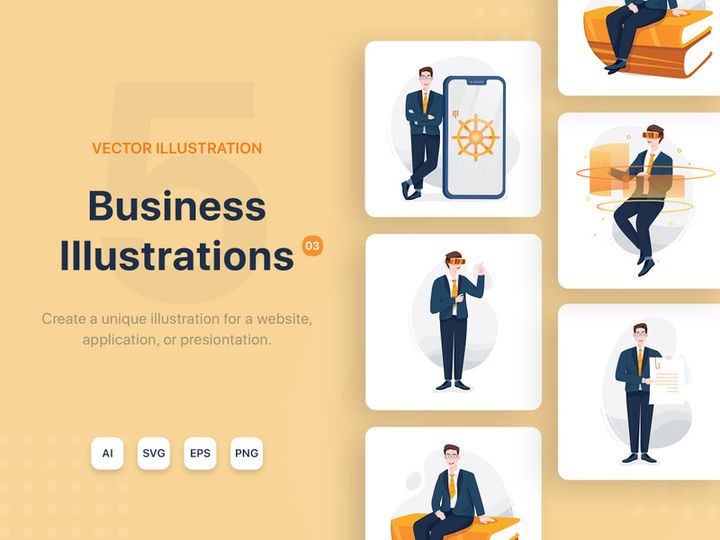

![[Part 24] Website illustrations set preview picture](https://imgproxy.epicpxls.com/Bo1Z_swXRqHZFD38Mm8Oet77Dmvx2DfshoUqdW4zQEM/rs:fill:720:540:0/g:no/aHR0cHM6Ly9pdGVt/cy5lcGljcHhscy5j/b20vdXBsb2Fkcy9w/aG90by85OWNlOTM5/NTI5NmFjZjY1MjI0/Y2U0OWI5YzcyY2U3/Ng.jpg)
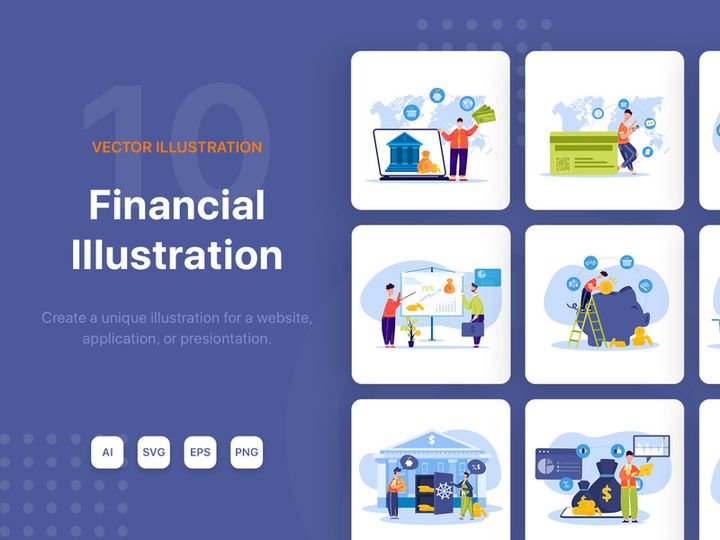

Try Our Free Resources
Download any of these for free - no account required
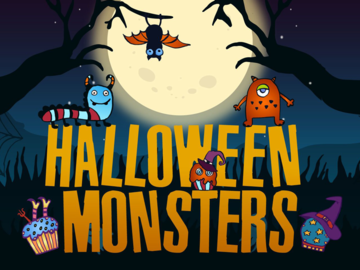

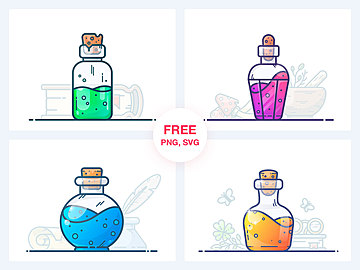

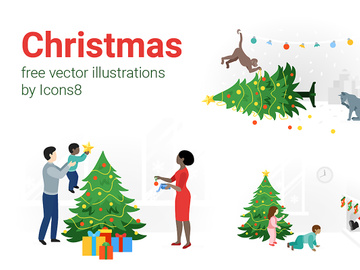

What Is a Illustration?
An illustration is a visual representation created to explain, clarify, or enhance a concept, story, or message. Unlike photography or abstract art, illustrations are typically designed with a communicative purpose—making them a powerful tool in design, marketing, education, and digital media. Whether hand-drawn, painted, or digitally created, illustrations bring ideas to life in a way that resonates emotionally and intellectually with audiences.
The term “illustration” originates from the Latin word illustrare, meaning "to light up" or "to illuminate." Historically, illustrations were used in religious manuscripts, scientific texts, and early printed books to guide readers through complex content. With the advent of mass printing in the 15th century, illustrations became more widespread. The 19th and 20th centuries saw a boom in editorial and commercial illustration, with artists like Norman Rockwell and Tove Jansson defining visual storytelling for generations. Today, the digital revolution has transformed illustration into a dynamic, scalable, and highly adaptable design asset used across websites, apps, social media, and branding materials.
In modern design workflows, illustrations are more than just decorative elements—they are strategic tools. They help simplify complex information, improve user experience, and strengthen brand identity. For example, a well-designed illustration can make an onboarding screen more welcoming, guide users through a process, or communicate a company’s values in a memorable way. Illustrations are also inclusive; they can represent diverse cultures, identities, and scenarios in a stylized, sensitive manner where photography might fall short.
With the growing demand for visual content, designers today have unprecedented access to high-quality illustrations. Platforms like EpicPxls offer over 38539+ illustration resources, enabling creators to find or customize visuals that fit specific project needs. Whether you're building a mobile app, designing a marketing campaign, or creating educational materials, illustrations offer a unique blend of creativity and clarity that enhances the overall design experience.
Types of Illustrations
By Purpose
Illustrations are categorized by their intended use, which determines their style, tone, and complexity. Editorial illustrations appear in magazines, blogs, and news articles to highlight a story or theme. Commercial illustrations are used in advertising and branding to promote products or services—common in packaging, social media, and promotional campaigns. Technical illustrations explain complex systems or processes, such as medical diagrams or engineering schematics. Narrative illustrations support storytelling, often seen in children’s books, comics, and animated films. User interface (UI) illustrations are increasingly popular in digital products, where they guide users, reduce cognitive load, and add personality to apps and websites. Each purpose demands a tailored approach to ensure the illustration effectively communicates its message.
By Format
The format of an illustration affects how it’s used and displayed across devices and media. Raster illustrations (e.g., PNG, JPEG) are pixel-based and ideal for detailed, photo-like images but can lose quality when scaled. Vector illustrations (e.g., SVG, AI, EPS) use mathematical paths, making them infinitely scalable—perfect for logos, icons, and responsive web design. Animated illustrations (e.g., Lottie, GIF) add motion and interactivity, commonly used in onboarding flows and loading screens. 3D illustrations offer depth and realism, created using software like Blender or Cinema 4D, and are popular in product visualization and immersive experiences. Choosing the right format ensures optimal performance and visual fidelity across platforms.
By Complexity
Illustrations range from simple to highly detailed, depending on project needs. Minimalist illustrations use clean lines, limited colors, and reduced detail—ideal for fast loading times and modern design aesthetics. Flat illustrations follow a two-dimensional style without shadows or gradients, widely used in UI design. Isometric illustrations simulate 3D space using 2D elements, great for technical visuals and data representation. On the other end, realistic illustrations mimic real-life appearance with intricate shading, textures, and depth, often used in high-end branding or editorial features. Complex narrative scenes involve multiple characters, environments, and storytelling elements, common in book covers or advertising campaigns. Designers should match complexity to context—simple illustrations for clarity, complex ones for engagement.
How to Use Illustrations in Your Projects
- Define the purpose and audience. Before selecting an illustration, clarify its role: Is it to educate, entertain, or brand? Consider your audience’s cultural context, age group, and expectations to choose a style that resonates.
- Choose the right style and tone. Match the illustration’s aesthetic to your project’s mood—playful, professional, futuristic, or nostalgic. For example, a fintech app may use sleek, geometric illustrations, while a wellness brand might prefer soft, organic shapes.
- Select appropriate format and resolution. Use vector formats (SVG, EPS) for scalability in logos and icons. Opt for high-resolution PNGs when transparency or detailed imagery is needed. For web performance, consider compressed formats or animated Lottie files.
- Customize for brand consistency. Modify colors, characters, or elements to align with your brand guidelines. Many platforms, including EpicPxls, provide editable illustration packs that allow designers to tweak visuals without starting from scratch.
- Optimize for user experience. Place illustrations strategically—near headlines, in empty states, or as visual cues. Avoid clutter; use illustrations to guide attention, not distract. Ensure accessibility by maintaining contrast and avoiding over-reliance on imagery for critical information.
- Test across devices and contexts. Preview illustrations on different screen sizes and in various layouts. Check how they appear in dark mode, print, or social media thumbnails. Refine based on feedback and performance metrics.
Popular tools for working with illustrations include Adobe Illustrator for vector creation, Figma for collaborative design, Procreate for hand-drawn styles, and After Effects for animation. When sourcing from libraries like EpicPxls, designers can quickly integrate 38539+ resources into these tools, streamlining workflows and boosting productivity. By following these steps, designers ensure illustrations enhance—not hinder—the overall message and usability of their projects.
Illustration vs Related Concepts
While often used interchangeably, illustration, graphic design, photography, and iconography serve distinct roles. Illustration is a form of visual storytelling, often interpretive and artistic, created to represent an idea or narrative. In contrast, graphic design is broader—it encompasses layout, typography, and visual hierarchy, using illustrations as one of many elements. While graphic design organizes content, illustration enriches it.
Photography captures real moments and scenes, offering authenticity and detail. However, illustrations provide creative freedom—designers can depict imaginary concepts, exaggerate features, or represent abstract ideas that photography cannot. For instance, illustrating a “cloud-based AI assistant” allows symbolic representation, whereas photography would struggle to visualize the intangible.
Icons are simplified symbols used for navigation and functionality, such as a magnifying glass for search. Illustrations, while they may include icons, are more elaborate and contextual. A loading screen might feature a full scene of a character traveling through a digital landscape—an illustration—while a settings page uses individual icons.
These concepts often complement each other. A website might use photography for hero banners, illustrations for onboarding, icons for navigation, and graphic design to unify the layout. Knowing when to use an illustration—versus a photo or icon—helps designers communicate more effectively. For example, illustrations are ideal when you need to simplify, personalize, or add emotional appeal, while photography suits realism and credibility. Platforms like EpicPxls help designers blend these elements seamlessly with curated, cohesive illustration sets among their 38539+ resources.
Where to Find Quality Illustrations
Finding high-quality illustrations starts with knowing what to look for. Professional illustrations should be visually consistent, technically sound, and stylistically appropriate. Key considerations include resolution, file format, scalability, color palette, and licensing. Look for illustrations with clean lines, balanced composition, and attention to detail. Consistency in style—such as character proportions, stroke weight, and shading—is crucial when using multiple illustrations in one project.
EpicPxls curates a vast library of over 38539+ illustration resources, ensuring every asset meets professional standards. Each illustration is reviewed for artistic quality, technical precision, and design versatility. Whether you need flat vector sets, hand-drawn sketches, or animated scenes, EpicPxls organizes its collection by theme, style, and use case, making it easy to find the perfect match. The platform supports various formats—including SVG, PNG, and Lottie—ensuring compatibility across design tools and development environments.
When choosing between free and premium illustrations, consider long-term value. Free resources may lack customization, consistency, or proper licensing for commercial use. Premium illustrations, while an investment, offer higher quality, broader usage rights, and professional support. Most importantly, premium platforms provide clear licensing terms—essential for legal compliance in client work or product development. With EpicPxls, designers gain access to royalty-free, commercially licensed illustrations that can be used across web, print, and app projects without restrictions. This peace of mind, combined with the sheer depth of 38539+ resources, makes it a trusted choice for designers worldwide.
Why Download from EpicPxls?
Commercial License
Use in personal and commercial projects
No Account Required
Download free resources instantly
Quality Curated
Every resource is reviewed for quality
Preview Files
See Figma and Photoshop files before downloading
Who Uses These Illustrations?
Professionals and teams who benefit most from our collection
UI/UX Designers
Speed up your workflow with ready-to-use illustrations for design tools. Perfect for prototyping and client presentations.
Developers
Get production-ready assets without design skills. Export in any format for web and mobile apps.
Startups & Agencies
Save design budget with affordable premium illustrations. Commercial license included for client work.
Marketing Teams
Create professional campaigns faster. All illustrations are optimized for social media and ads.
Illustrations FAQCommon questions about these resources
Simple, Transparent Pricing
Get unlimited access to all premium resources
Yearly
- 20 downloads per month
- All file formats
- Commercial license
Lifetime
- Unlimited downloads forever
- All file formats
- Commercial license
Ready to Get Started?
Access 4,442+ free design resources today.
Browse Free ResourcesView Premium PlansEarn 85% and
more on all sales
Upload your products and put them up
for sale at whatever price you want.


