What Is a Landing Page Template? Complete Guide for Designers
EpicPxls offers 200+ curated templates, all with a commercial license and editable source files (Figma, Sketch, PSD). A landing page template is a pre-made design resource that helps designers work faster. Browse 200+ landing page templates on EpicPxls for your projects.
Last updated February 12, 2026
Everything you need to know about landing page templates — definition, types, and how to use them.
Trusted by designers at leading companies
Top Templates
Handpicked resources from our curated collection

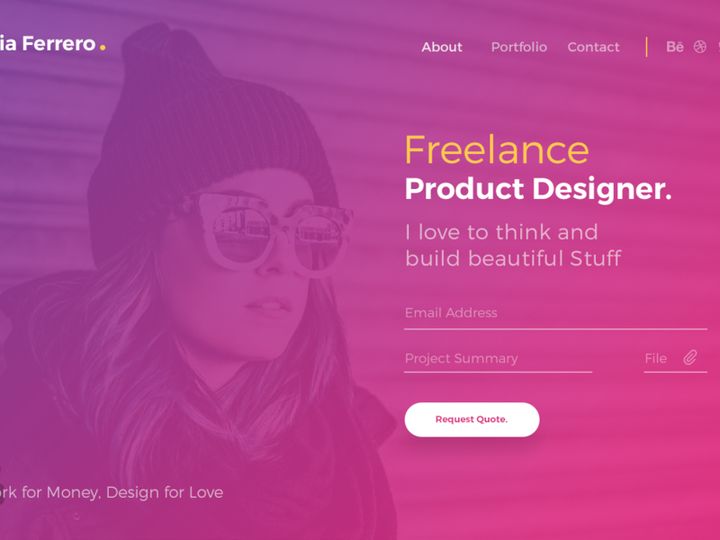

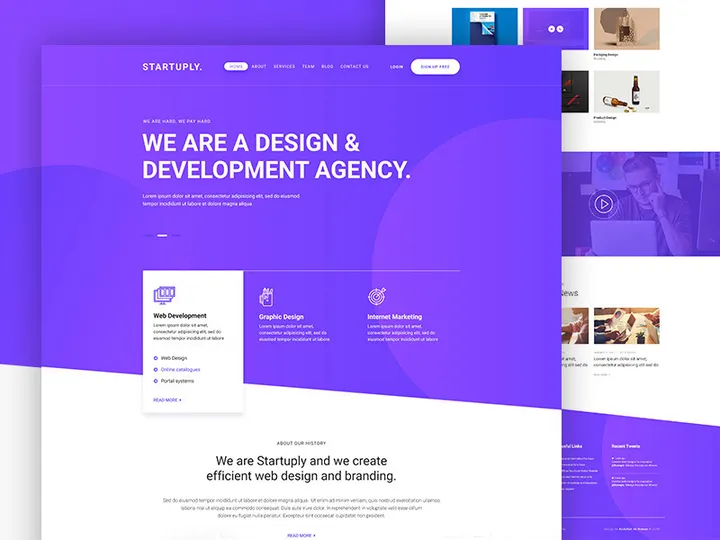
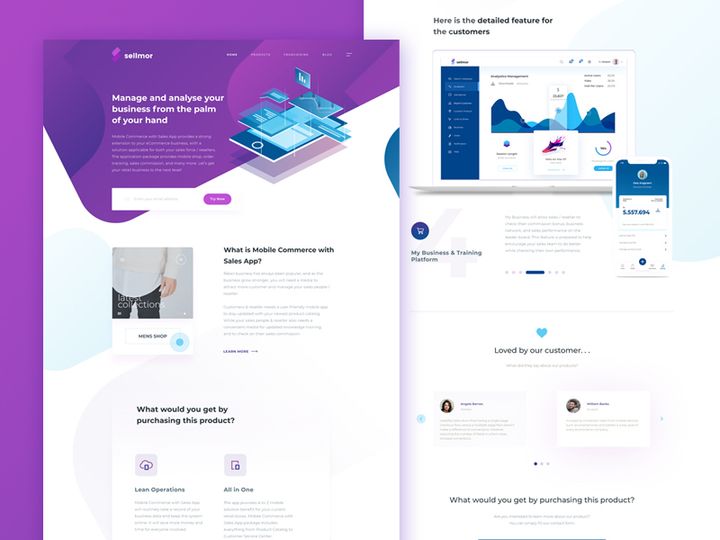
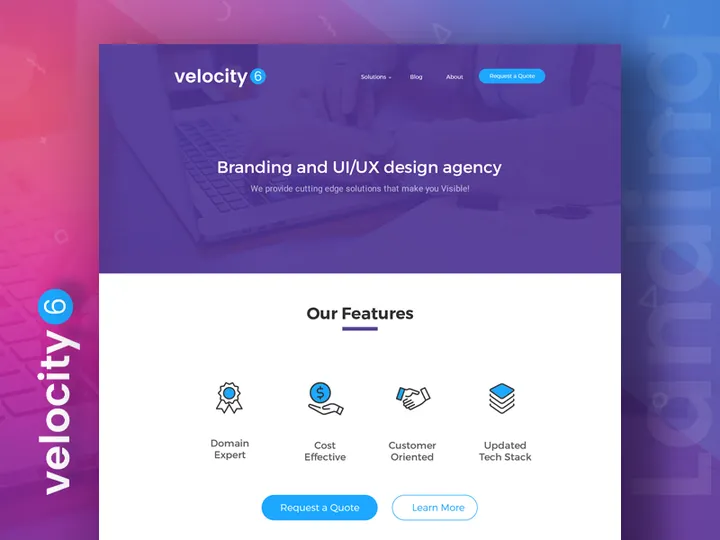
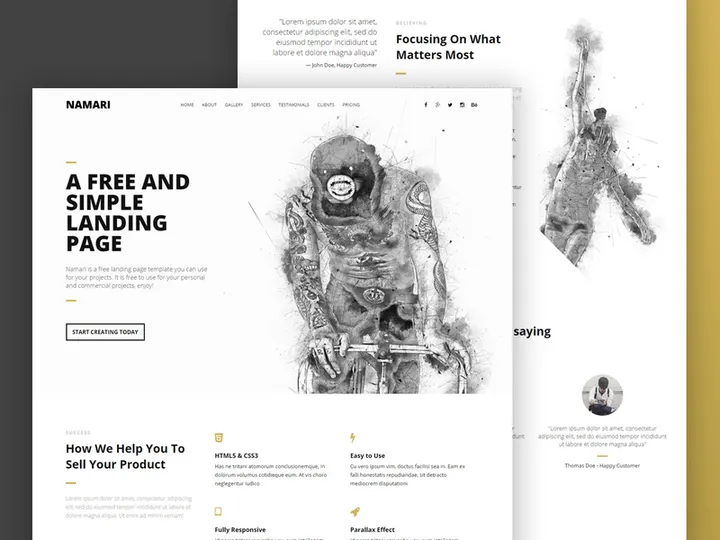
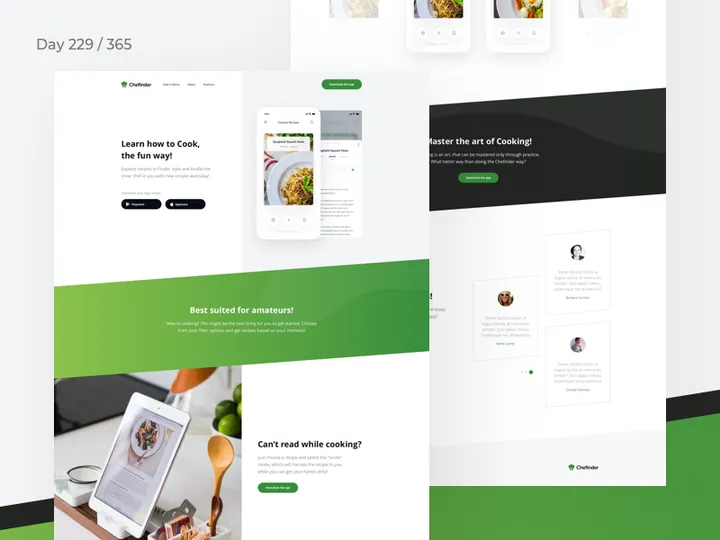
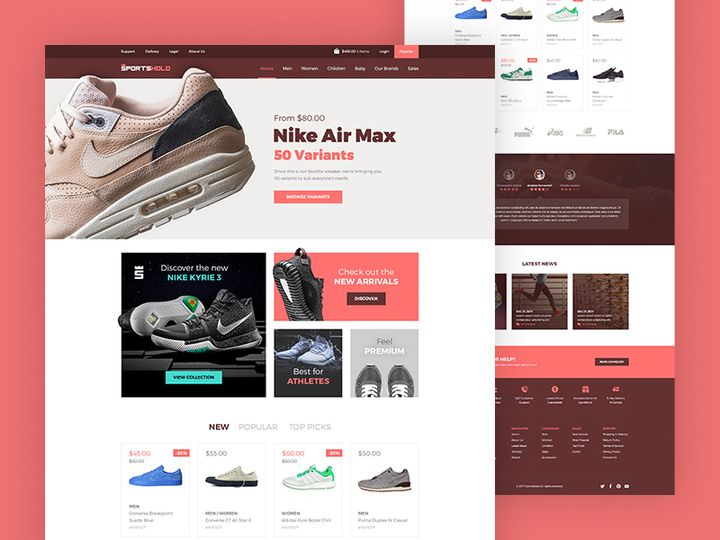
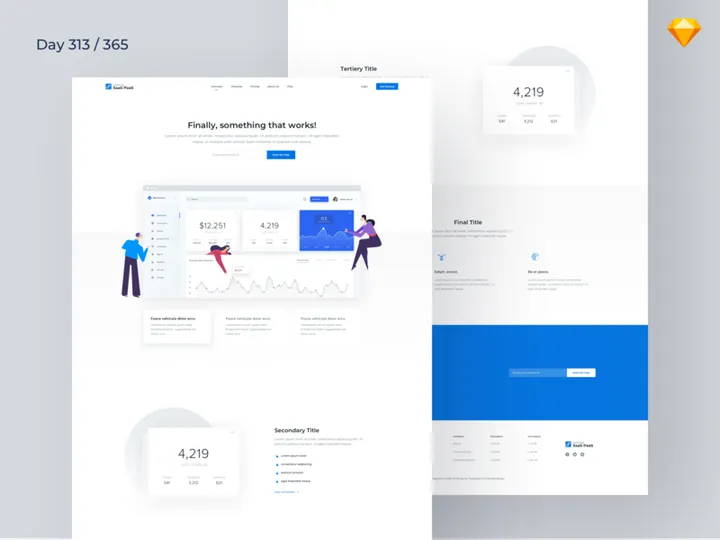
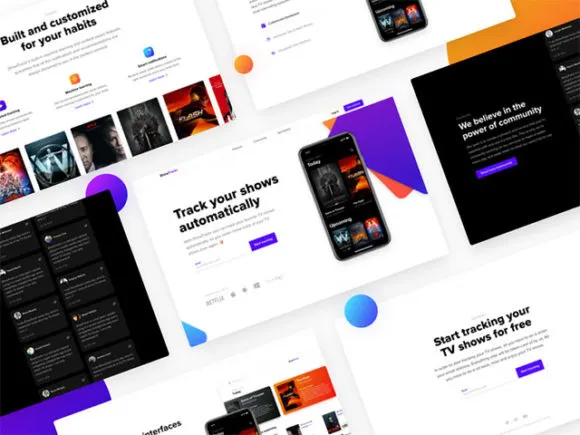
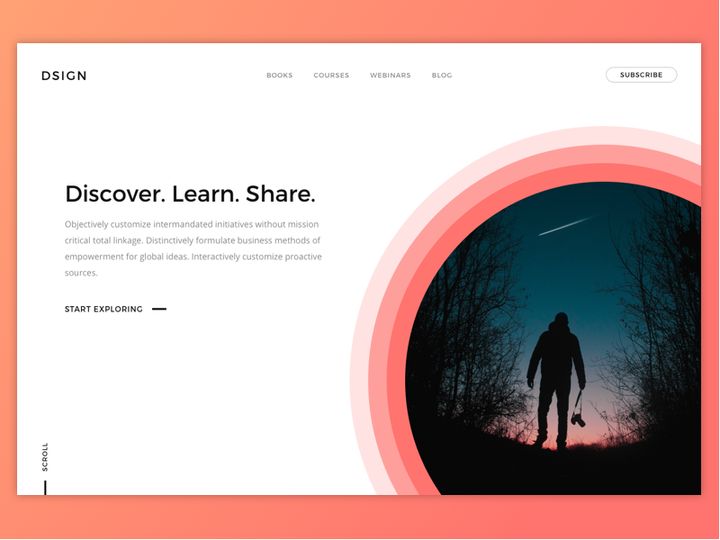
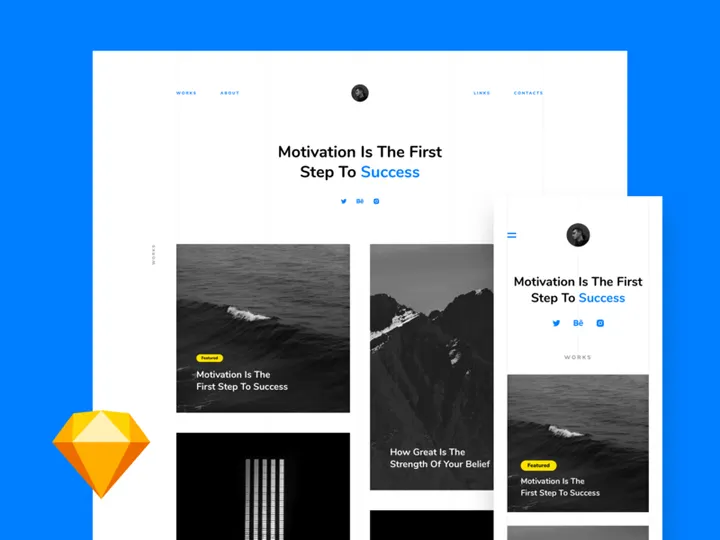
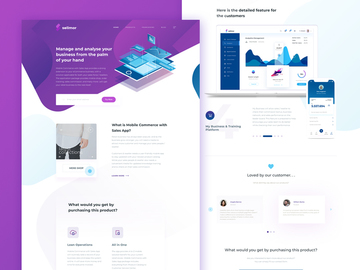
![Website Finance Landing page [Figma] preview picture](https://imgproxy.epicpxls.com/u_EI3cCaO32AA-DaN56ZpqRzTI1_z6Ei3KdlkcvQB7w/rs:fill:720:540:0/g:no/aHR0cHM6Ly9pdGVt/cy5lcGljcHhscy5j/b20vdXBsb2Fkcy9w/aG90by9iN2U5NDQz/MzlhMDM5ODBiZWFm/NWFiNTA2Yzg0ZDNk/YQ.jpg)
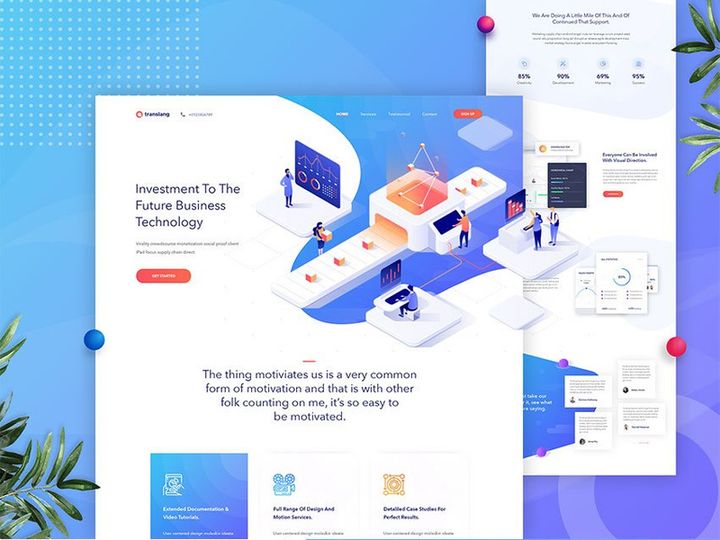
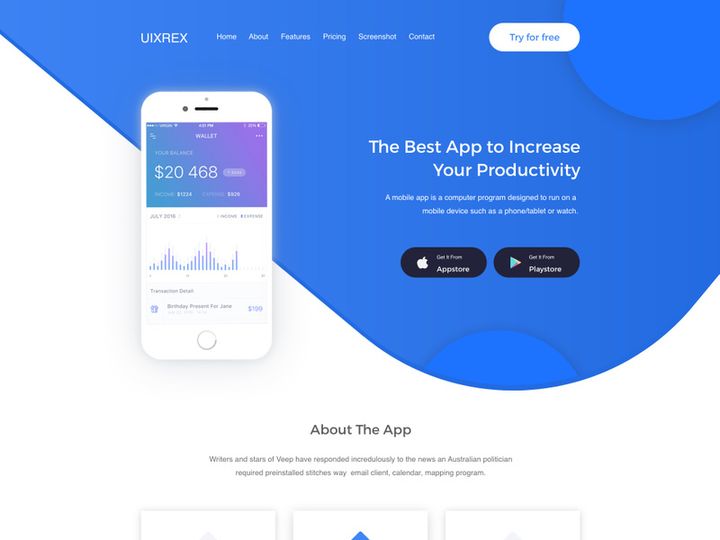

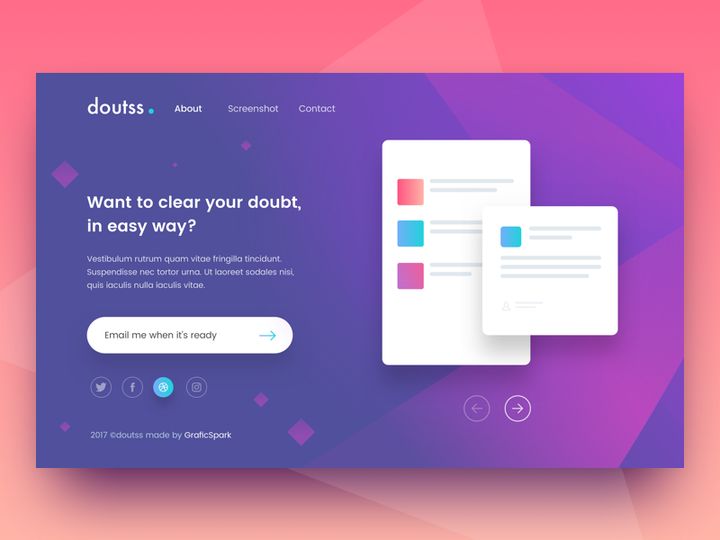


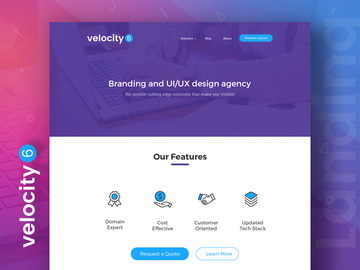
![Edd - Landing Page [Sketch] preview picture](https://imgproxy.epicpxls.com/Bdysu8IVoPDF48b2bafcRTHp--cLR0l0x7lqGoUKCak/rs:fill:720:540:0/g:no/aHR0cHM6Ly9pdGVt/cy5lcGljcHhscy5j/b20vdXBsb2Fkcy9w/aG90by8wY2QwYzgw/ZWVjYzIzNjVmNGI0/ZDU3NzVmMmQ3MjJl/OS5qcGc.jpg)
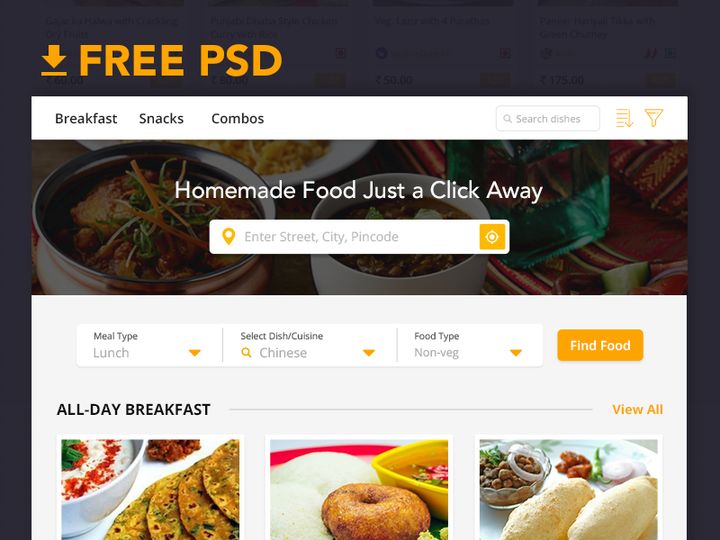

Try Our Free Resources
Download any of these for free - no account required
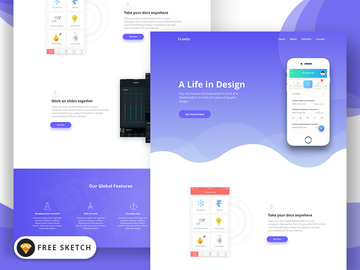
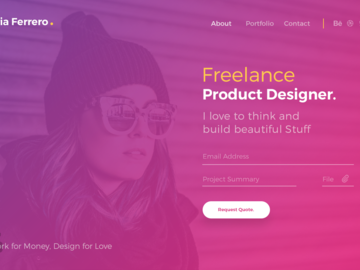
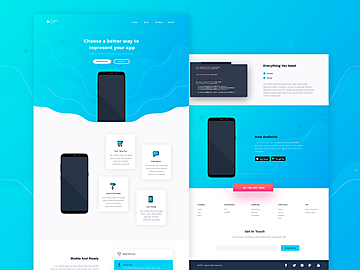
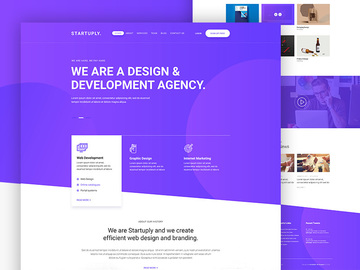
What Is a Landing Page Template?
A landing page template is a pre-designed layout that serves as a starting point for creating a standalone web page aimed at converting visitors into leads, customers, or subscribers. Unlike full website templates, landing page templates focus on a single objective—such as promoting a product, collecting email sign-ups, or driving event registrations—without the distractions of navigation menus or external links. These templates are crafted with conversion-optimized elements like compelling headlines, clear call-to-action (CTA) buttons, lead capture forms, and strategically placed visuals.
The concept of landing page templates emerged in the early 2000s alongside the growth of digital marketing and performance-driven web design. As businesses began measuring online success through conversion rates rather than just traffic, designers and marketers sought efficient ways to create high-performing pages quickly. Early templates were basic HTML files, but they evolved with advancements in web technology, design tools, and user experience (UX) research. Today’s landing page templates are responsive (mobile-friendly), often built with accessibility in mind, and optimized for fast loading and SEO performance.
Landing page templates are essential in modern design workflows because they dramatically reduce project timelines while maintaining professional quality. Designers can focus on customization and branding instead of building from scratch, enabling faster iterations and A/B testing. For agencies and freelance designers, templates streamline client deliverables and ensure consistency across campaigns. Moreover, these templates often incorporate proven UX patterns—such as visual hierarchy, whitespace balance, and CTA placement—that improve conversion potential without requiring deep expertise in conversion rate optimization (CRO).
With platforms like EpicPxls offering access to 19390+ landing page template resources, designers now have an expansive library of professionally crafted options tailored to diverse industries, objectives, and design trends. Whether launching a SaaS product, promoting a webinar, or collecting pre-orders, a well-chosen template provides a solid foundation for success.
Types of Landing Page Templates
By Purpose
Landing page templates are categorized by their intended function, allowing designers to select one that aligns with specific campaign goals. Lead generation templates prioritize form fields and value propositions to capture user information. Sales or product launch templates feature persuasive copy, pricing tables, and strong CTAs to drive purchases. Event registration templates include date counters, speaker grids, and RSVP forms. Other common types include coming soon pages, app download pages, portfolio showcase layouts, and nonprofit donation pages.
Each purpose-driven template is structured to guide users toward a single action. For example, a webinar sign-up template will emphasize urgency with countdown timers and social proof like testimonial sections. Selecting a template based on purpose ensures the layout supports the campaign’s psychology and user journey, improving overall effectiveness.
By Format
The format of a landing page template determines how it’s used and integrated into a project. HTML/CSS/JS templates are ready-to-deploy code files ideal for developers or designers comfortable with front-end tools. Figma and Adobe XD templates offer editable design files perfect for UI/UX prototyping and client presentations. WordPress themes or plugin-based templates (e.g., Elementor, Divi) allow integration within content management systems. Webflow and Webflow-compatible templates provide responsive, interactive designs that can be customized without coding.
Some templates are delivered as part of broader design systems, including style guides and component libraries. The format you choose depends on your workflow, client requirements, and technical capabilities. For rapid prototyping, design file formats are ideal; for direct deployment, coded templates are more practical.
By Complexity
Landing page templates vary in complexity to suit different project needs. Simple templates feature minimal sections—a headline, image, form, and CTA—ideal for quick campaigns or beginners. These are often one-column layouts with limited customization options but are fast to implement and load quickly.
Intermediate templates include multiple sections such as features grids, video backgrounds, pricing tiers, and testimonial carousels. They balance visual appeal with functionality and are suitable for most marketing campaigns.
Comprehensive templates are feature-rich, often including animations, parallax scrolling, embedded chat widgets, and integration-ready forms (e.g., Mailchimp, HubSpot). These are best for enterprise clients or high-stakes launches requiring maximum engagement. Platforms like EpicPxls organize templates by complexity, helping designers filter options based on project scope and technical demands across their 19390+ resources.
How to Use Landing Page Templates in Your Projects
- Define Your Campaign Goal: Before selecting a template, clarify the primary objective—lead capture, sales, event sign-up, etc. This guides your choice of purpose-specific templates and ensures alignment with user intent.
- Select the Right Template: Browse curated collections such as those on EpicPxls to find a design that matches your industry, aesthetic, and functionality needs. Filter by purpose, format, device compatibility, and customization level to narrow options efficiently.
- Review Technical Requirements: Check if the template requires specific software (e.g., Figma, Webflow) or development skills (e.g., HTML editing). Ensure compatibility with your publishing platform and any third-party tools (e.g., analytics, CRM integrations).
- Customize Brand Elements: Replace placeholder text, images, and colors with your brand’s voice and visual identity. Adjust typography, spacing, and button styles to maintain consistency with existing assets. Keep the layout structure intact unless you’re experienced in UX design.
- Optimize for Conversion and Performance: Test CTA placement, form length, and mobile responsiveness. Use tools like Google Lighthouse to check loading speed and accessibility. Add trust signals (e.g., security badges, testimonials) where appropriate to boost credibility.
- Publish and Monitor Results: Deploy the page using your preferred hosting or CMS. Integrate analytics to track conversions, bounce rates, and user behavior. Use insights to refine the design—either through A/B testing or iterative updates.
To use landing page templates effectively, follow best practices such as maintaining visual hierarchy, minimizing distractions, and ensuring fast load times. Avoid overloading templates with unnecessary elements, even if they’re included by default. Prioritize clarity and usability over decorative features.
Popular tools for working with landing page templates include Figma for collaborative design, Webflow for no-code publishing, WordPress + Elementor for CMS-based sites, and VS Code for editing raw HTML templates. Many designers also use Chrome DevTools to test responsiveness and debug issues in real time.
With access to thousands of professionally designed options through platforms like EpicPxls, designers can accelerate production without sacrificing quality. The key is selecting a template that fits both the technical and strategic needs of the project, then refining it with user-centered design principles.
Landing Page Template vs Related Concepts
It’s important to distinguish landing page templates from similar design assets to ensure proper usage. A website template typically includes multiple pages (home, about, contact, etc.) and full navigation, designed for broad informational or e-commerce purposes. In contrast, a landing page template is singular in focus, optimized for conversion, and often exists independently from a main site.
Similarly, a UI kit or design system provides reusable components (buttons, cards, forms) but lacks a complete, structured layout. While UI kits are excellent for building custom interfaces, they require more effort to assemble into a functional landing page. A landing page template, however, delivers a cohesive, ready-to-use structure that incorporates those components in a proven arrangement.
A mockup is another related concept—it’s a visual representation of how a design will appear in context (e.g., on a phone screen or laptop). Mockups are useful for presentations but aren’t functional or code-based. Landing page templates, especially coded or interactive ones, go beyond visuals to offer deployable solutions.
These concepts are not mutually exclusive. Designers often use a UI kit within a landing page template to maintain brand consistency or showcase a prototype using a mockup of a completed template. The landing page template acts as the bridge between conceptual design and functional execution. For instance, a designer might start with a Figma-based landing page template from EpicPxls, enhance it with custom components from a UI kit, and present the final concept using device mockups—all within a streamlined workflow.
Where to Find Quality Landing Page Templates
Finding high-quality landing page templates requires evaluating several factors: design aesthetics, responsiveness, code cleanliness, browser compatibility, and licensing terms. Look for templates that are mobile-optimized, SEO-friendly, and built with semantic HTML and accessible markup. Check for clear documentation, layer organization (in design files), and compatibility with popular tools like Google Analytics, Facebook Pixel, or email marketing platforms.
Designers should also consider customization flexibility. A good template allows easy color, font, and content changes without breaking the layout. Templates with modular sections—such as reusable feature blocks or testimonial sliders—offer greater adaptability across projects.
EpicPxls stands out as a trusted source for landing page templates, curating over 19390+ resources from experienced designers worldwide. Each template undergoes a quality review to ensure modern design standards, technical reliability, and creative originality. The platform categorizes templates by industry, use case, and format, making it easy to locate the perfect match for any project. Whether you're designing for tech startups, healthcare providers, or creative entrepreneurs, EpicPxls offers targeted solutions that save time and elevate outcomes.
When choosing between free and premium options, weigh the trade-offs. Free templates can be useful for learning or low-budget projects but may lack support, updates, or commercial licensing. Premium templates—like those available on EpicPxls—often include extended licenses, priority support, and regular updates to align with evolving web standards. They also tend to have cleaner code, better documentation, and more professional aesthetics, justifying the investment for client work or business-critical campaigns.
Why Download from EpicPxls?
Commercial License
Use in personal and commercial projects
No Account Required
Download free resources instantly
Quality Curated
Every resource is reviewed for quality
Preview Files
See Figma and Photoshop files before downloading
Who Uses These Templates?
Professionals and teams who benefit most from our collection
UI/UX Designers
Speed up your workflow with ready-to-use templates for design tools. Perfect for prototyping and client presentations.
Developers
Get production-ready assets without design skills. Export in any format for web and mobile apps.
Startups & Agencies
Save design budget with affordable premium templates. Commercial license included for client work.
Marketing Teams
Create professional campaigns faster. All templates are optimized for social media and ads.
Templates FAQCommon questions about these resources
Simple, Transparent Pricing
Get unlimited access to all premium resources
Yearly
- 20 downloads per month
- All file formats
- Commercial license
Lifetime
- Unlimited downloads forever
- All file formats
- Commercial license
Ready to Get Started?
Access 4,441+ free design resources today.
Browse Free ResourcesView Premium PlansEarn 85% and
more on all sales
Upload your products and put them up
for sale at whatever price you want.


