6804+ Portfolio Design Examples & Inspiration
EpicPxls offers 200+ curated templates, all with a commercial license and editable source files (Figma, Sketch, PSD). EpicPxls has 200+ portfolio design resources you can browse for inspiration and download for your projects.
Last updated February 12, 2026
Get inspired with 6804+ handpicked portfolio design examples from top designers.
Trusted by designers at leading companies
Top Templates
Handpicked resources from our curated collection



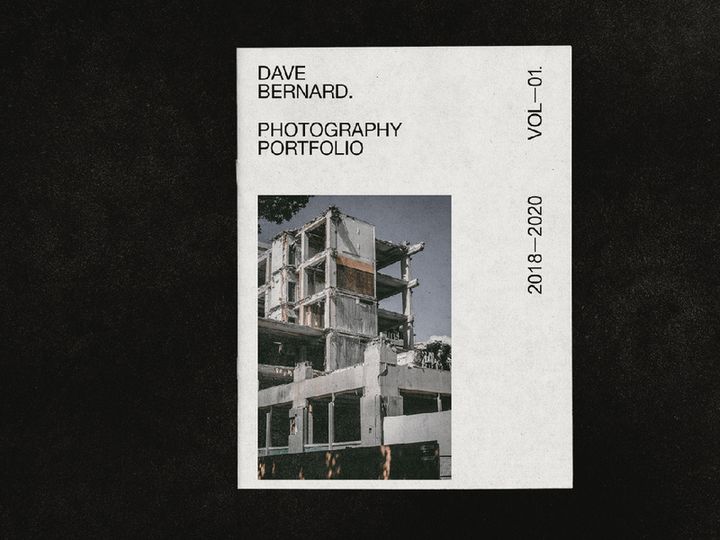
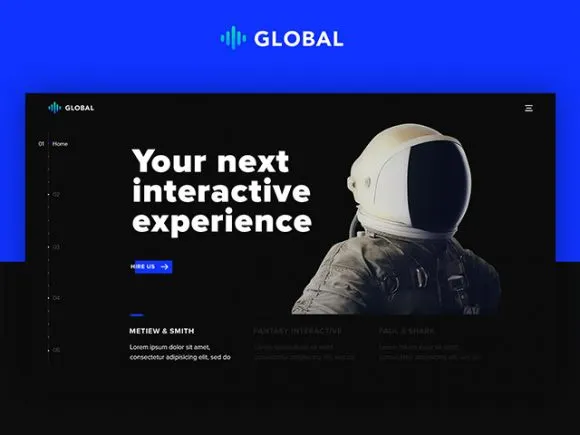
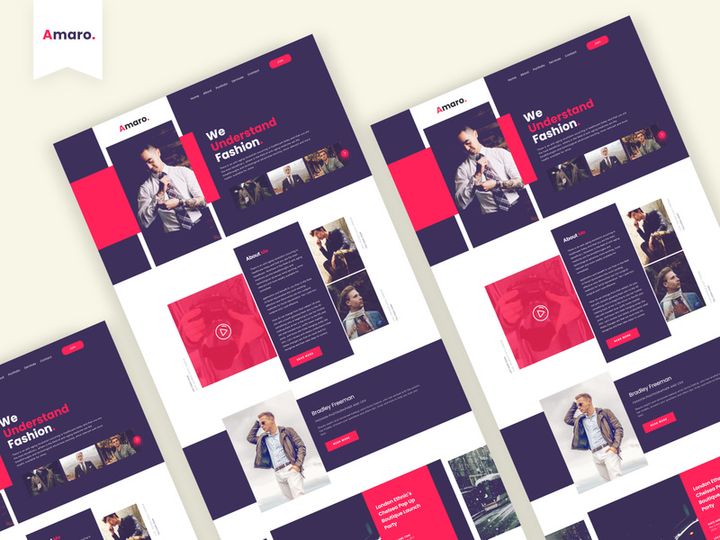
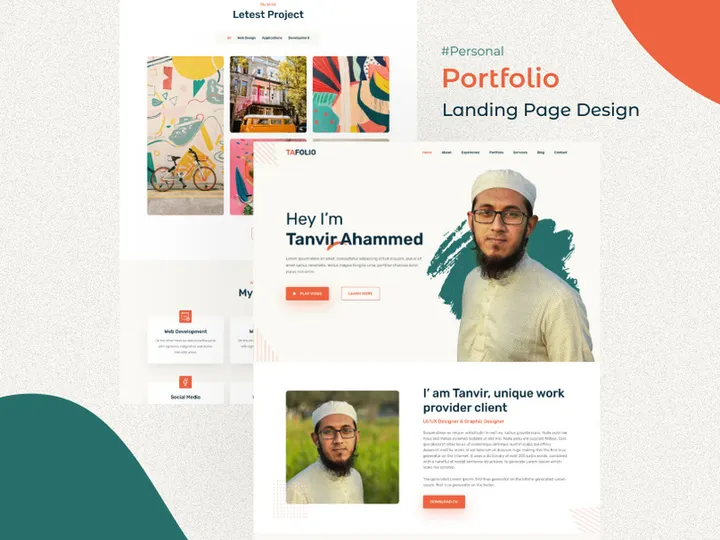
![Portfolio - Landing Page [Sketch] preview picture](https://imgproxy.epicpxls.com/H_nSr6lKsuODoG95gYU4iGs9VahrTVPYUQgBfXcJmfo/rs:fill:720:540:0/g:no/aHR0cHM6Ly9pdGVt/cy5lcGljcHhscy5j/b20vdXBsb2Fkcy9w/aG90by81ZDQ1MGFi/ZmQ0ZjIxY2RmODRm/NWNiNjYyYTNjMTQw/OC5wbmc.jpg)
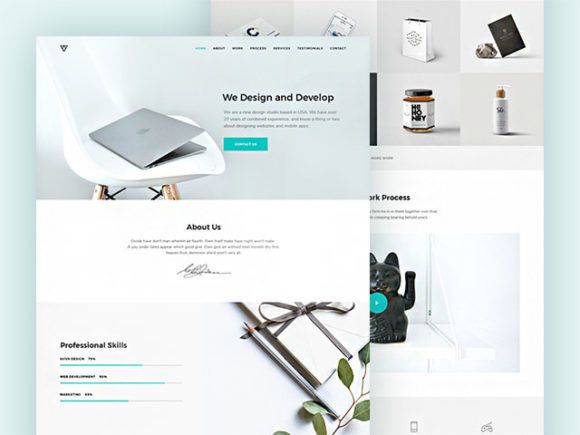
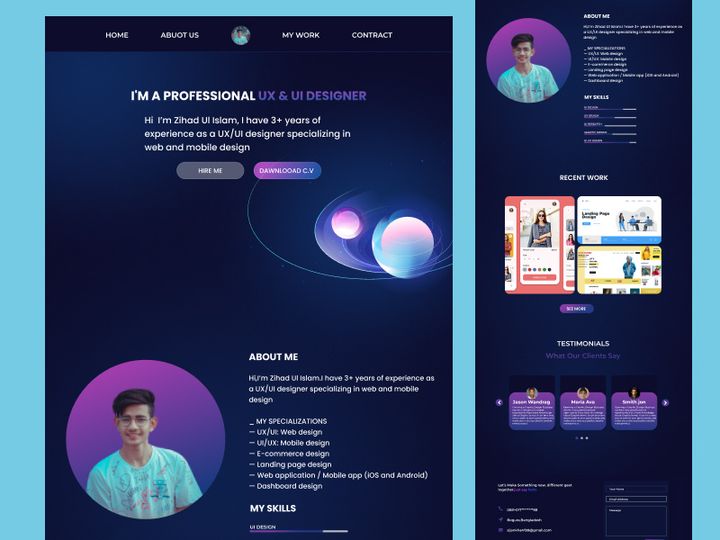

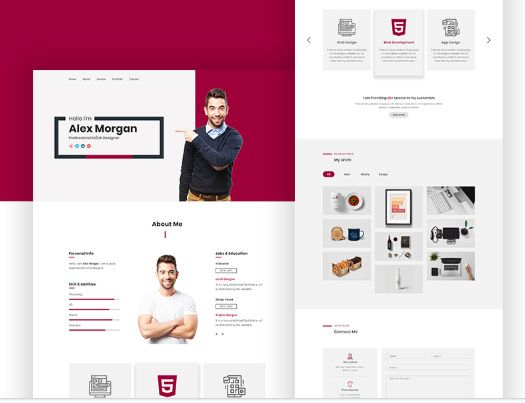
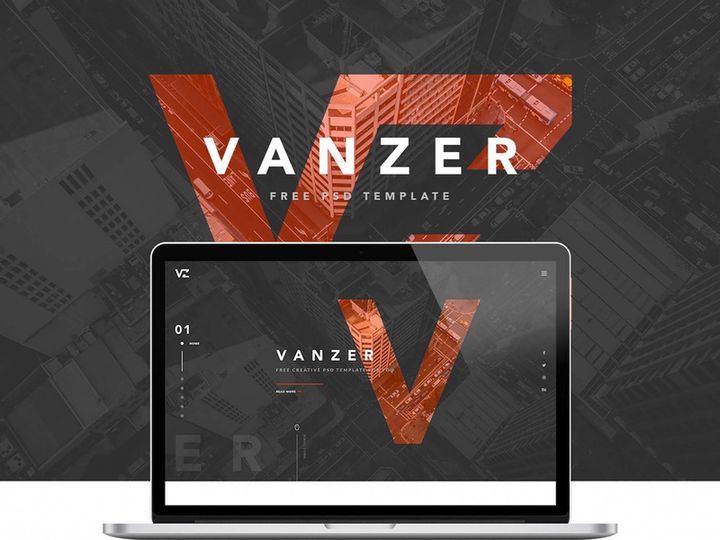
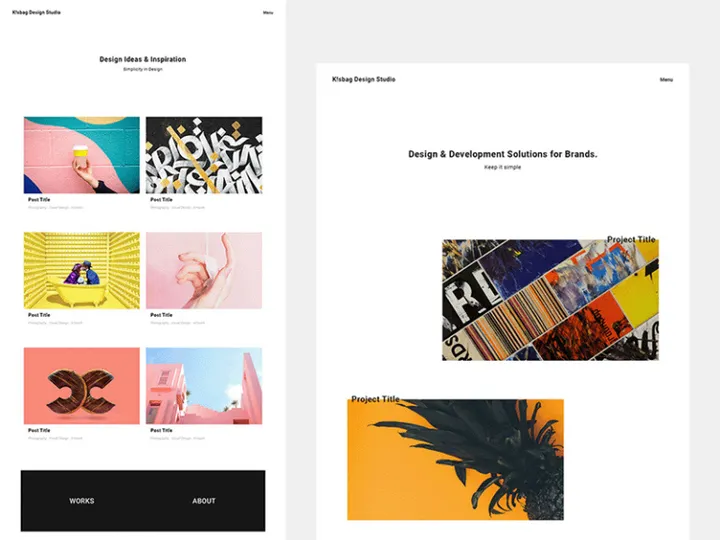
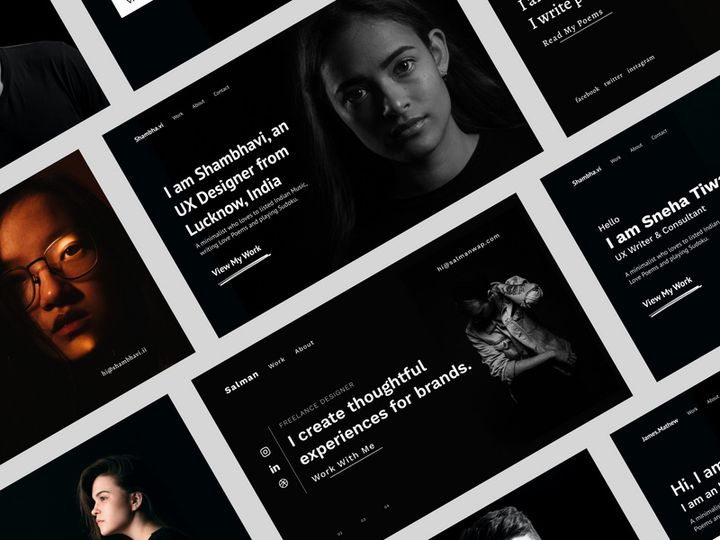

Try Our Free Resources
Download any of these for free - no account required
Best Portfolio Design Examples in 2026
In 2026, portfolio design continues to evolve as a dynamic fusion of creativity, functionality, and storytelling. The best portfolio design examples stand out not just for their aesthetic appeal, but for how effectively they communicate an individual’s or brand’s identity, skills, and achievements. These standout portfolios often feature bold visual narratives, seamless navigation, and a strong sense of personal or professional branding. Designers, artists, photographers, developers, and creatives across disciplines are embracing minimalist layouts with high-impact visuals, allowing their work to take center stage without distraction.
What makes these examples truly noteworthy is their attention to detail—every font choice, color palette, and interactive element serves a purpose. For instance, portfolios utilizing micro-interactions, such as subtle hover animations or scroll-triggered transitions, create a more engaging user experience. Additionally, mobile-first design has become non-negotiable, with responsive layouts ensuring optimal viewing across devices. Designers are also integrating immersive elements like full-screen video backgrounds, parallax scrolling, and dynamic galleries to elevate the storytelling aspect of their work.
Current design trends such as glassmorphism, neumorphism, and dark mode interfaces are heavily influencing portfolio aesthetics. Glassmorphism, with its frosted-glass effects and layered transparency, adds depth and modernity. Neumorphism offers a soft, tactile feel that makes interface elements appear subtly embossed. Meanwhile, dark mode is not only stylish but also reduces eye strain and improves battery life on devices. These trends, when applied thoughtfully, enhance usability while reflecting contemporary design sensibilities. As seen across 6804+ portfolio design examples on platforms like EpicPxls, the most successful portfolios balance innovation with clarity, ensuring that the content remains the hero. Whether you're a seasoned professional or just starting out, drawing inspiration from these leading examples can help you craft a portfolio that’s both visually compelling and highly functional.
What Makes Great Portfolio Design?
Great portfolio design goes far beyond beautiful visuals—it’s about creating a cohesive, engaging experience that effectively showcases your work while reflecting your unique voice. A well-crafted portfolio communicates professionalism, attention to detail, and an understanding of user behavior. Whether digital or print-based, the most impactful portfolios are built on foundational design principles that guide both creators and viewers through a clear, intuitive journey.
Visual Hierarchy
Visual hierarchy is the backbone of effective layout and composition. It determines how viewers process information by prioritizing key elements through size, contrast, spacing, and positioning. In a strong portfolio, the most important content—such as project titles, featured images, or call-to-action buttons—should be immediately noticeable. Designers use grids, alignment, and whitespace strategically to create rhythm and balance, guiding the eye naturally from one section to the next. A clean, uncluttered layout ensures that the work speaks for itself without competing visual noise.
Color and Typography
The right color palette and typography choices can dramatically influence a portfolio’s tone and readability. Colors should align with your personal or brand identity while ensuring sufficient contrast for accessibility. For example, muted tones may convey sophistication, while bold hues suggest energy and creativity. Similarly, typography plays a critical role in establishing mood and guiding attention. Pairing a strong headline font with a clean, legible body typeface ensures both visual interest and readability. Limiting the number of typefaces (ideally two or three) maintains consistency and professionalism across all pages.
User Experience
User experience (UX) is essential in making a portfolio not only attractive but also functional. Navigation should be intuitive, with clear menus and minimal clicks to access key sections. Accessibility considerations—such as keyboard navigation, screen reader compatibility, and color contrast ratios—ensure your portfolio is inclusive. Fast load times, mobile responsiveness, and SEO-friendly structures further enhance usability. Great portfolios anticipate user needs, making it easy for potential clients or employers to explore work, learn about the creator, and get in touch—all within seconds.
Portfolio Design Trends & Patterns
As digital platforms and design tools advance, so do the trends shaping modern portfolio design. In 2026, creatives are embracing new visual languages and interactive techniques that push the boundaries of traditional presentation formats. These trends are not just about aesthetics—they reflect changing user behaviors, technological capabilities, and the growing importance of personal branding in competitive industries.
Current Design Movements
One of the most prominent movements in portfolio design today is the shift toward immersive storytelling. Designers are moving beyond static image grids to craft narrative-driven experiences that unfold as users scroll. Techniques like scroll-jacking, kinetic typography, and layered animations create dynamic journeys through a project’s development process. Glassmorphism and soft UI elements add a futuristic yet approachable feel, while dark mode designs dominate portfolios aiming for a sleek, modern aesthetic. Additionally, asymmetrical layouts and broken grid designs are gaining popularity, offering a sense of unpredictability and artistic flair without sacrificing usability.
Industry-Specific Approaches
Different industries demand different approaches to portfolio presentation. Photographers often favor full-bleed image galleries with minimal text, letting visuals dominate. Graphic designers may incorporate motion graphics or interactive case studies to demonstrate process and concept evolution. Web developers showcase clean, code-efficient interfaces with live demos or GitHub integrations. Meanwhile, UX/UI designers use detailed project breakdowns—highlighting research, wireframes, and user testing—to illustrate their methodology. These tailored approaches ensure that portfolios resonate with the expectations of specific audiences, from art directors to tech recruiters.
Emerging Innovations
Emerging innovations are redefining what’s possible in portfolio design. AI-powered personalization allows portfolios to adapt content based on user behavior or referral source. Voice navigation and AR/VR integrations are being tested by forward-thinking designers to create truly immersive experiences. Additionally, no-code platforms and advanced design systems make it easier than ever to implement complex interactions without deep technical knowledge. As seen in many of the 6804+ portfolio design resources on EpicPxls, these innovations are becoming more accessible, enabling creators at all levels to experiment with cutting-edge techniques and stand out in a crowded digital landscape.
How to Create Your Own Portfolio Design
Creating a standout portfolio doesn’t require starting from scratch. With the right approach and resources, you can build a professional, visually engaging portfolio that reflects your unique style and expertise. Here’s a step-by-step guide to help you go from inspiration to execution.
- Define Your Purpose and Audience: Begin by clarifying your goals—is your portfolio for job applications, client acquisition, or personal branding? Understanding your audience helps shape your tone, content, and design choices.
- Gather and Curate Your Work: Select your strongest, most representative projects. Quality trumps quantity—aim for 5–8 well-documented pieces that showcase range and skill.
- Choose a Design Direction: Explore current trends and browse EpicPxls for inspiration. Decide whether you want a minimalist, bold, or experimental style, and select a layout that supports your content.
- Start with a Template or Framework: Utilize pre-made portfolio templates to save time and ensure structural integrity. Many of the 6804+ resources available offer customizable, responsive designs tailored to various creative fields.
- Customize for Uniqueness: Personalize your template with your own branding—colors, fonts, logo, and voice. Add interactive elements like hover effects or animated transitions to enhance engagement.
- Test and Optimize: Review your portfolio on multiple devices and browsers. Check load speed, navigation flow, and accessibility. Gather feedback from peers and refine before publishing.
By following this process and leveraging available tools, you can create a portfolio that’s both polished and authentic. Starting with a strong foundation—such as those found on EpicPxls—allows you to focus on what matters most: showcasing your talent.
Portfolio Design Resources on EpicPxls
Finding the perfect starting point for your portfolio has never been easier, thanks to platforms like EpicPxls. With over 6804+ portfolio design resources available, you’ll discover a vast library of templates, mockups, UI kits, and design assets tailored to creatives across industries. Whether you're a photographer, designer, developer, or entrepreneur, these resources are crafted to help you build a stunning, professional portfolio with minimal effort and maximum impact.
Each resource on EpicPxls is designed with modern aesthetics and usability in mind. You’ll find responsive HTML templates, Figma and Adobe XD layouts, WordPress themes, and even animated portfolio concepts that incorporate the latest design trends. These tools are ideal for both beginners who need a plug-and-play solution and experienced designers looking for inspiration or a time-saving foundation. The collection includes both free and premium options, allowing you to choose based on your budget and project requirements.
When selecting a resource, consider your industry, personal style, and technical comfort level. A minimalist template might suit a fine art photographer, while a developer may prefer a sleek, code-integrated design with live demo sections. Use filters and preview options to explore different layouts and functionalities before committing. By starting with a high-quality template from EpicPxls, you can focus on customizing content and refining user experience—rather than building from the ground up. With thousands of options at your fingertips, creating a portfolio that stands out is not just possible—it’s within reach.
Why Download from EpicPxls?
Commercial License
Use in personal and commercial projects
No Account Required
Download free resources instantly
Quality Curated
Every resource is reviewed for quality
Preview Files
See Figma and Photoshop files before downloading
Who Uses These Templates?
Professionals and teams who benefit most from our collection
UI/UX Designers
Speed up your workflow with ready-to-use templates for design tools. Perfect for prototyping and client presentations.
Developers
Get production-ready assets without design skills. Export in any format for web and mobile apps.
Startups & Agencies
Save design budget with affordable premium templates. Commercial license included.
Marketing Teams
Create professional campaigns faster. All templates are optimized for social media and ads.
Templates FAQCommon questions about these resources
Simple, Transparent Pricing
Get unlimited access to all premium resources
Yearly
- 20 downloads per month
- All file formats
- Commercial license
Lifetime
- Unlimited downloads forever
- All file formats
- Commercial license
Ready to Get Started?
Access 4,442+ free design resources today.
Browse Free ResourcesView Premium PlansEarn 85% and
more on all sales
Upload your products and put them up
for sale at whatever price you want.


