6011+ Mobile App Design Examples & Inspiration
EpicPxls offers 200+ curated ui kits, all with a commercial license and editable source files (Figma, Sketch, PSD). EpicPxls has 200+ mobile app design resources you can browse for inspiration and download for your projects.
Last updated February 12, 2026
Get inspired with 6011+ handpicked mobile app design examples from top designers.
Trusted by designers at leading companies
Top UI Kits
Handpicked resources from our curated collection
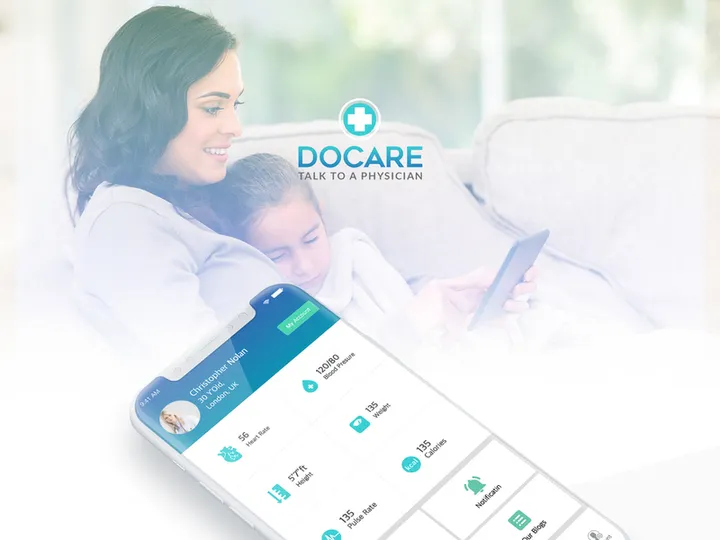
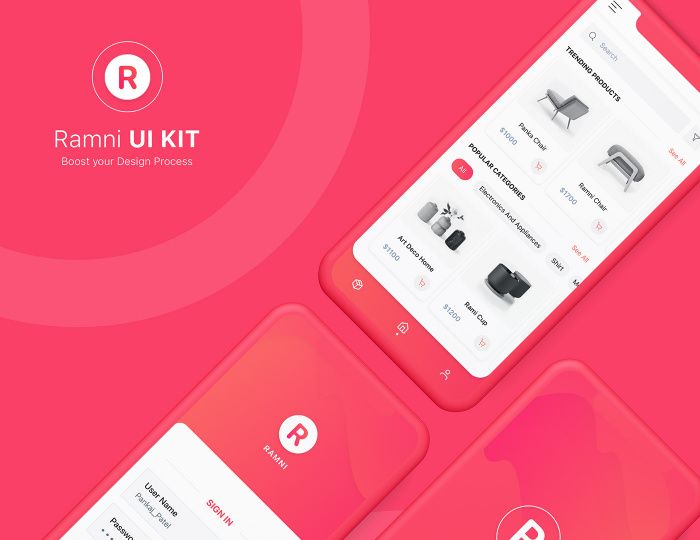
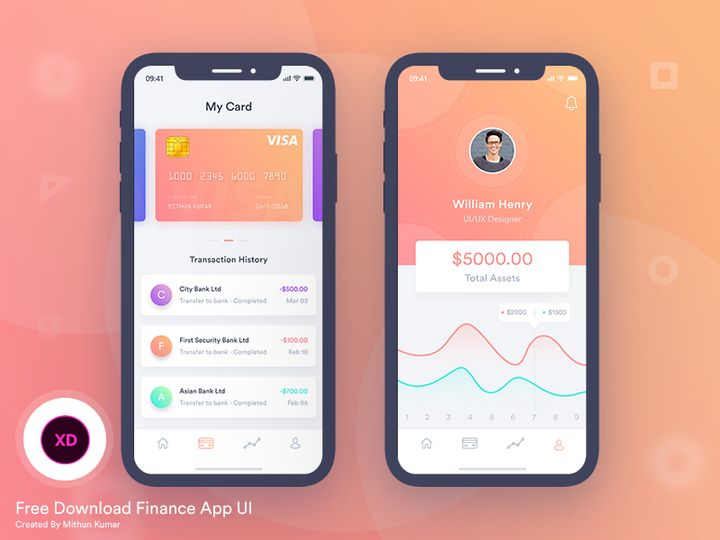
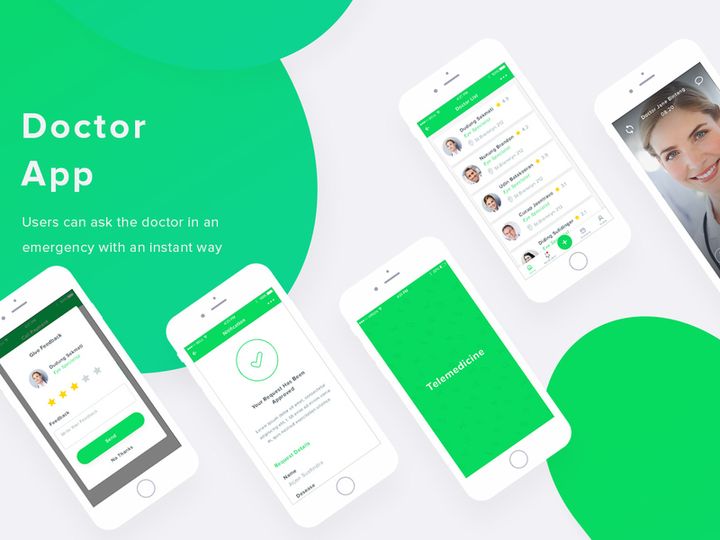

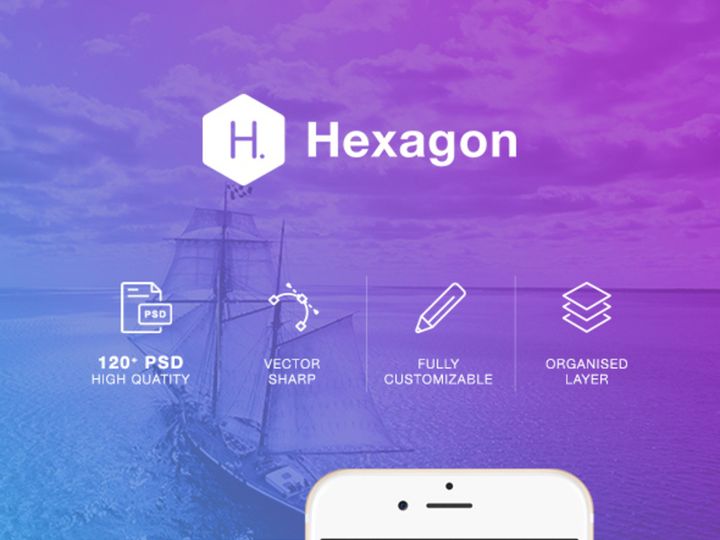
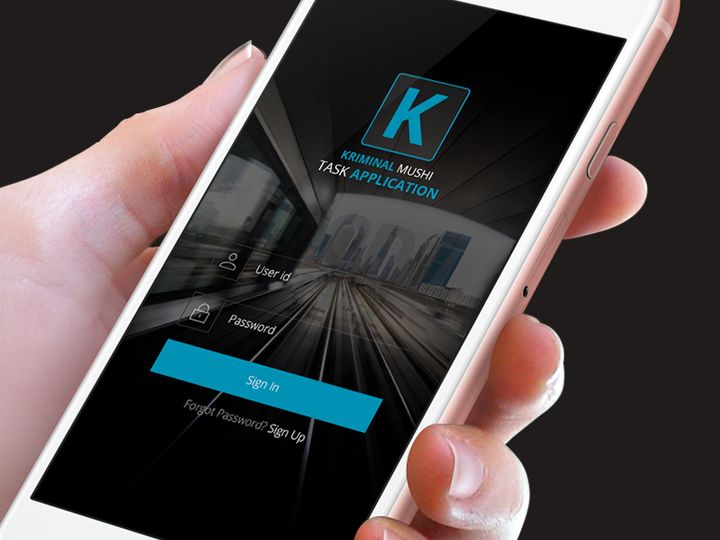
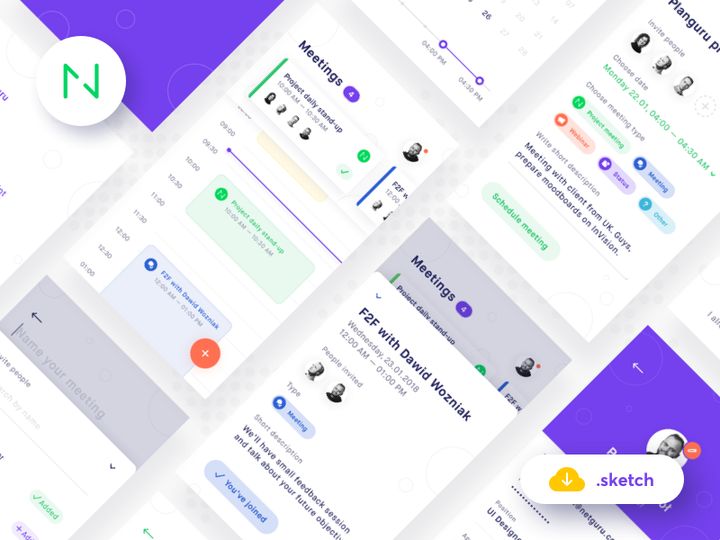
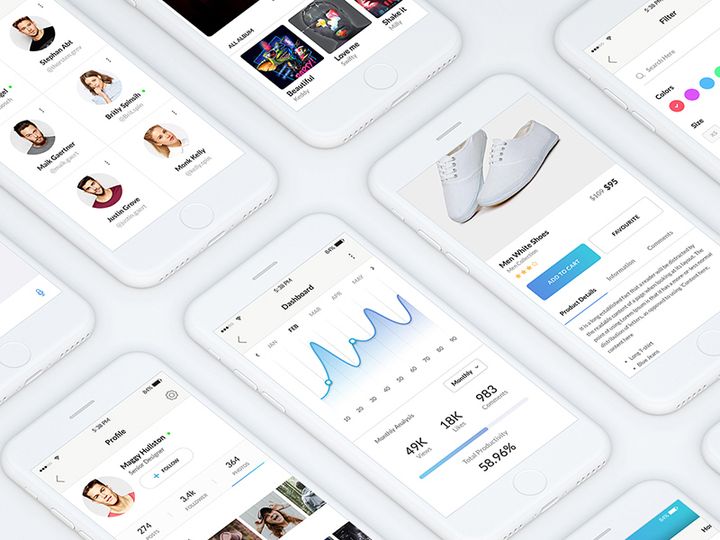
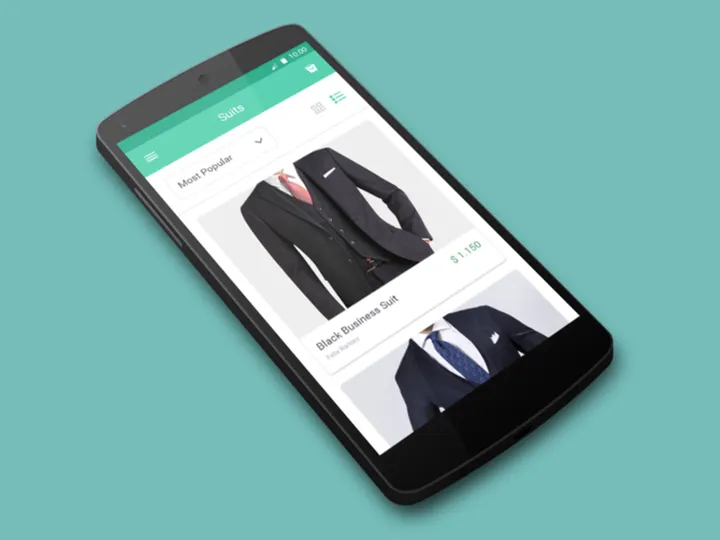
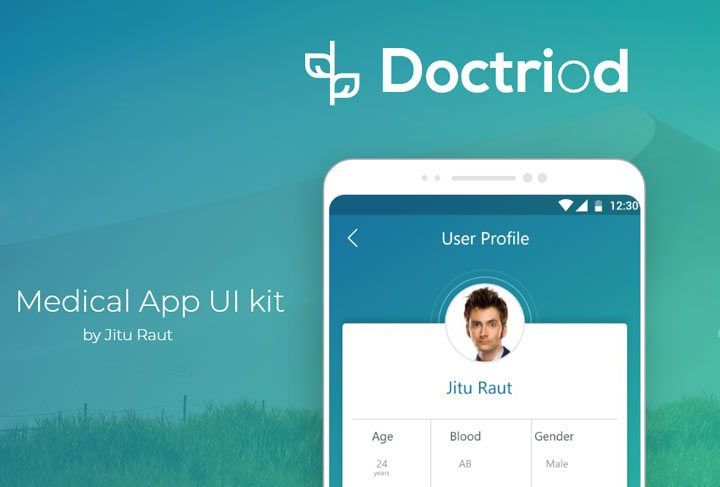

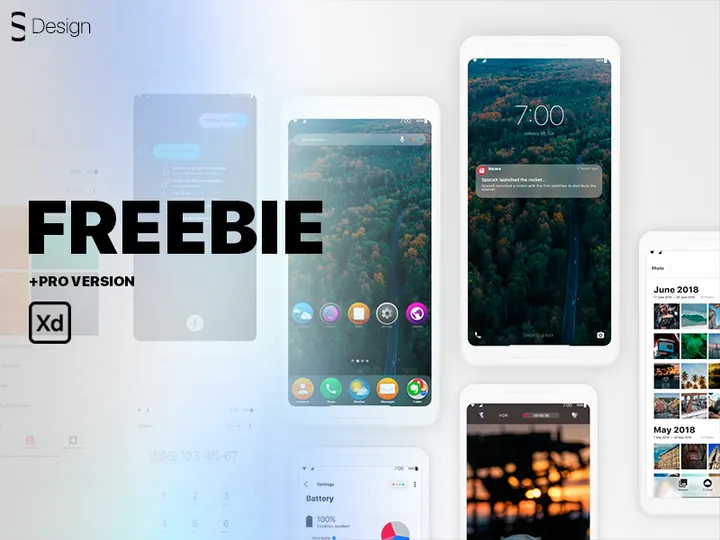
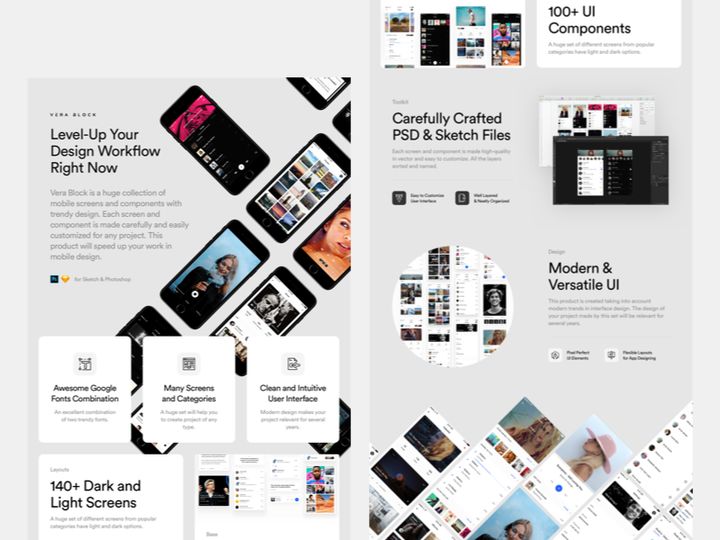
![SpaceMessenger Mobile UI Kit [Sketch] preview picture](https://imgproxy.epicpxls.com/X2rDmbwwYH322c5_bQU5Sf3omAIDLV0Xb29BweonBNY/rs:fill:720:540:0/g:no/aHR0cHM6Ly9pdGVt/cy5lcGljcHhscy5j/b20vdXBsb2Fkcy9w/aG90by9jZmViNzA4/ZDQ1NjAxNzcwYjJk/NjQ3ZDUyMDNmMTE5/MS5wbmc.jpg)

Try Our Free Resources
Download any of these for free - no account required
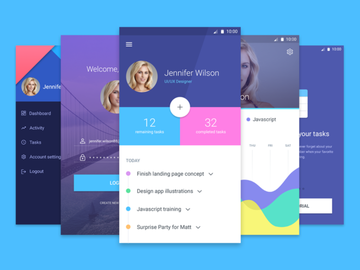
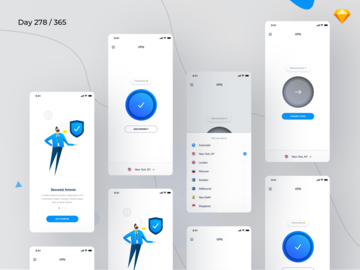
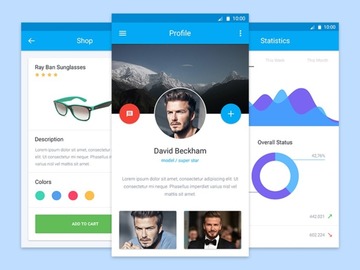
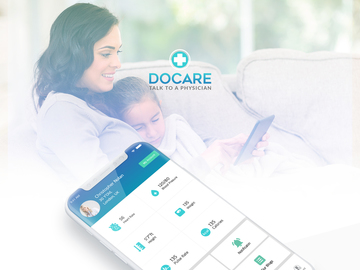
Best Mobile App Design Examples in 2026
As we step further into 2026, mobile app design continues to evolve with bold innovations, refined aesthetics, and a stronger focus on user-centric experiences. The most compelling examples of mobile app design today blend cutting-edge technology with intuitive interfaces, creating seamless interactions that delight users across devices. From dynamic animations and adaptive color schemes to minimalist layouts enhanced by intelligent micro-interactions, the best mobile app designs are setting new benchmarks in digital experience.
What makes these examples truly noteworthy is their ability to balance visual appeal with functionality. Leading apps are prioritizing personalization—leveraging AI to adjust content and interface elements based on user behavior—while maintaining accessibility for diverse audiences. For instance, voice navigation, gesture-based controls, and dark mode optimization are no longer luxuries but standard expectations. These design choices reflect a deeper understanding of user needs, driven by data and empathy.
Current design trends are heavily influenced by advancements in device capabilities and shifting user behaviors. With foldable screens, augmented reality integration, and faster processing power, designers are reimagining how users interact with mobile interfaces. Concepts like spatial design, where UI elements respond to device orientation and movement, are becoming more common. Additionally, the rise of wellbeing-focused digital experiences has led to calmer color palettes, reduced visual clutter, and mindfulness-driven navigation patterns.
Designers today draw inspiration from real-world interactions, creating digital experiences that feel tactile and immediate. Glassmorphism, neumorphism, and layered depth effects are being used more thoughtfully to guide attention and enhance usability. The result is an ecosystem of mobile app design examples where beauty and utility coexist seamlessly. With access to over 6011+ resources on platforms like EpicPxls, professionals and beginners alike can explore the full spectrum of modern mobile app design and apply these insights to their own projects.
What Makes Great Mobile App Design?
Great mobile app design goes beyond aesthetics—it’s about crafting an experience that is intuitive, efficient, and enjoyable. The most successful apps share common design principles that prioritize clarity, consistency, and user empowerment. These foundations not only improve usability but also foster trust and long-term engagement.
Visual Hierarchy
Visual hierarchy is the cornerstone of effective mobile app design. It determines how users process information by organizing elements based on importance. Strategic placement, size variation, spacing, and contrast guide the user’s eye naturally through the interface. For example, primary actions like “Sign Up” or “Buy Now” are typically larger, bolder, or color-differentiated to stand out. A well-structured layout reduces cognitive load and ensures users can achieve their goals with minimal effort.
Color and Typography
Color and typography play a vital role in shaping user perception and emotion. A harmonious color palette reinforces brand identity while improving readability and usability. Designers are increasingly using adaptive color systems that shift based on time of day, user preference, or context. Similarly, typography choices impact legibility and tone—clean, sans-serif fonts dominate modern mobile interfaces for their clarity on small screens. Pairing font weights and sizes effectively helps distinguish headings, body text, and interactive elements.
User Experience
User experience (UX) encompasses every interaction a person has with an app, from onboarding to daily use. Great mobile app design anticipates user needs, minimizes friction, and supports accessibility. This includes touch-friendly button sizes, screen reader compatibility, adjustable text scaling, and intuitive navigation patterns like bottom tabs or swipe gestures. Inclusivity is no longer optional; designing for diverse abilities ensures broader reach and deeper user satisfaction. By focusing on real user behaviors and feedback, designers create apps that feel effortless and empowering.
Mobile App Design Trends & Patterns
As mobile technology advances, so do the trends shaping how apps are designed and experienced. In 2026, designers are embracing a fusion of aesthetic innovation and functional intelligence, creating interfaces that are not only beautiful but also adaptive and context-aware. These evolving patterns reflect both technological progress and changing user expectations.
Current Design Movements
Minimalism remains a dominant force, but it’s now enriched with subtle depth and motion. Glassmorphism—characterized by translucent layers, soft blur effects, and floating elements—adds sophistication without sacrificing clarity. Designers are also adopting “quiet design,” a trend that emphasizes calm, unobtrusive interfaces to reduce digital fatigue. Micro-interactions, such as smooth button feedback or animated transitions, enhance engagement while maintaining a sense of responsiveness. Additionally, dynamic theming allows apps to shift between light, dark, and even system-adaptive modes seamlessly.
Industry-Specific Approaches
Different industries are tailoring mobile app design to meet unique user needs. Finance and banking apps prioritize security and trust, using clean layouts, clear data visualization, and biometric authentication cues. Health and wellness apps favor soothing colors, progress tracking, and gentle animations to encourage consistent use. E-commerce platforms focus on visual storytelling, with immersive product displays, gesture-based browsing, and one-tap purchasing. Educational apps leverage gamification, progress bars, and interactive elements to boost engagement and retention. These specialized approaches demonstrate how design can align closely with industry goals and user psychology.
Emerging Innovations
Innovations in AI and machine learning are transforming mobile app design from static to adaptive. Predictive interfaces now anticipate user actions, offering smart suggestions or auto-filling forms based on past behavior. Voice and gesture navigation are expanding accessibility and convenience, especially in hands-free environments. Augmented reality (AR) is being integrated into retail, real estate, and fitness apps, allowing users to visualize products or workouts in real space. Furthermore, designers are exploring 3D elements and spatial UIs that respond to device tilt and motion, creating a more immersive experience. With platforms like EpicPxls offering 6011+ mobile app design examples, creators can study and apply these innovations to stay ahead of the curve.
How to Create Your Own Mobile App Design
Creating a standout mobile app design doesn’t require starting from scratch. With the right process and resources, you can develop a polished, functional interface that resonates with users. Whether you're a solo designer, part of a startup, or working on a client project, following a structured approach ensures consistency and efficiency.
- Define Your Goals and Audience: Begin by understanding the purpose of your app and who will use it. Conduct user research to identify pain points, preferences, and behaviors. This foundation informs every design decision.
- Gather Inspiration: Explore existing mobile app design examples to see what works in your industry. Platforms like EpicPxls offer 6011+ diverse resources—from wireframes to full UI kits—providing a wealth of creative direction.
- Sketch and Wireframe: Translate your ideas into low-fidelity sketches or digital wireframes. Focus on layout, navigation flow, and core functionality without getting distracted by visuals.
- Choose a Design System: Select a consistent set of UI components, colors, and typography. Using pre-built UI kits can accelerate this process while ensuring visual harmony across screens.
- Build High-Fidelity Mockups: Refine your wireframes into detailed designs. Incorporate branding elements, interactive states, and micro-interactions to bring your concept to life.
- Test and Iterate: Share your designs with real users or stakeholders. Gather feedback on usability and clarity, then refine your app accordingly. Continuous iteration leads to a stronger final product.
By leveraging existing templates and design systems, you can save time and focus on customization. Even small tweaks—like adjusting color tones or repositioning key buttons—can make a design feel unique and tailored. The key is to balance inspiration with originality, creating an app that stands out in a crowded market.
Mobile App Design Resources on EpicPxls
For designers seeking high-quality, ready-to-use mobile app design resources, EpicPxls is a go-to destination. With over 6011+ meticulously curated examples, templates, and UI kits, the platform supports creators at every stage of the design journey. Whether you're building a prototype, launching a startup, or refining an enterprise app, you’ll find visually compelling and technically sound resources to accelerate your workflow.
The collection spans a wide range of industries, including fintech, healthcare, e-commerce, social media, and productivity tools. Each resource is designed with modern standards in mind—responsive layouts, accessible color contrasts, and scalable vector components ensure compatibility across devices and screen sizes. You’ll discover everything from minimalist dashboard templates to fully animated onboarding flows, all crafted to reflect current design trends and best practices.
One of the standout advantages of using EpicPxls is the flexibility it offers. Both free and premium options are available, making it accessible for independent designers and large teams alike. Premium resources often include comprehensive design systems, Figma and Sketch compatibility, and extended licensing for commercial use. When choosing a starting point, consider your app’s purpose, target audience, and technical requirements. Browsing by category, style, or functionality helps you quickly identify the most relevant templates from the 6011+ resources available.
By starting with a strong foundation from EpicPxls, you can focus more on innovation and less on reinvention. These resources not only save time but also inspire creative solutions, helping you deliver polished, professional mobile app designs with confidence.
Why Download from EpicPxls?
Commercial License
Use in personal and commercial projects
No Account Required
Download free resources instantly
Quality Curated
Every resource is reviewed for quality
Preview Files
See Figma and Photoshop files before downloading
Who Uses These Ui Kits?
Professionals and teams who benefit most from our collection
UI/UX Designers
Speed up your workflow with ready-to-use ui kits for design tools. Perfect for prototyping and client presentations.
Developers
Get production-ready assets without design skills. Export in any format for web and mobile apps.
Startups & Agencies
Save design budget with affordable premium ui kits. Commercial license included for client work.
Marketing Teams
Create professional campaigns faster. All ui kits are optimized for social media and ads.
UI Kits FAQCommon questions about these resources
Simple, Transparent Pricing
Get unlimited access to all premium resources
Yearly
- 20 downloads per month
- All file formats
- Commercial license
Lifetime
- Unlimited downloads forever
- All file formats
- Commercial license
Ready to Get Started?
Access 4,441+ free design resources today.
Browse Free ResourcesView Premium PlansEarn 85% and
more on all sales
Upload your products and put them up
for sale at whatever price you want.


