Graphics for Brandings: 2482+ Resources
EpicPxls offers 120+ curated graphics, all with a commercial license and editable source files (Figma, Sketch, PSD). Purpose-built graphics for branding projects save time and ensure professional results with design elements tailored to branding requirements.
Last updated February 13, 2026
Discover 2482+ graphics ideal for branding design projects.
Trusted by designers at leading companies
Top Graphics
Handpicked resources from our curated collection
![[Free] Holo Sticker Pack 2 preview picture](https://imgproxy.epicpxls.com/XsXhqJbua8rRMRgGhOwz5Qgm7djpBxjK75FQHjcJeBU/rs:fill:720:540:0/g:no/aHR0cHM6Ly9pdGVt/cy5lcGljcHhscy5j/b20vdXBsb2Fkcy9w/aG90by84MGM5MTA5/MTBiNGIwMTUzYmYy/NmQ1MWMyYTNkM2Nm/NA.jpg)




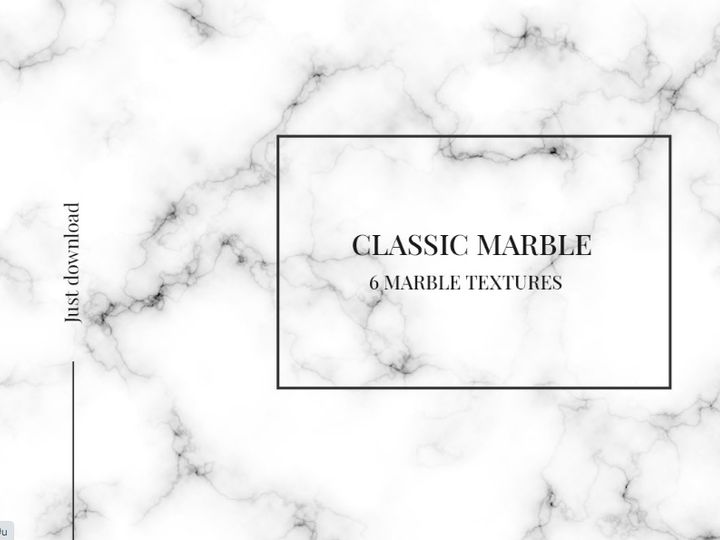


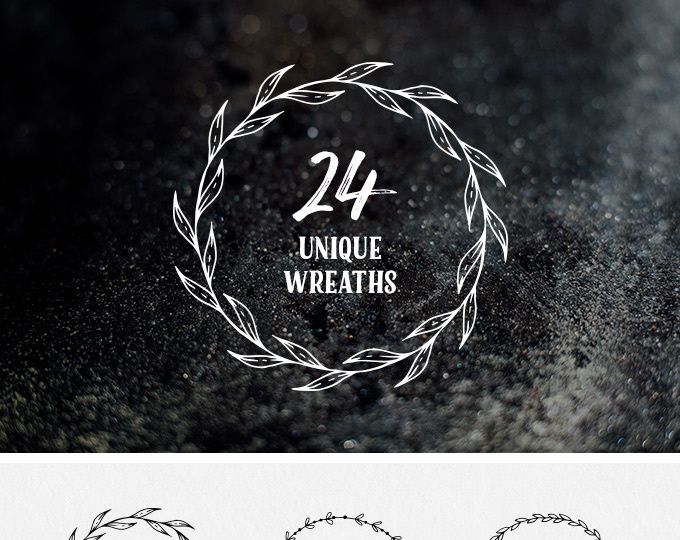

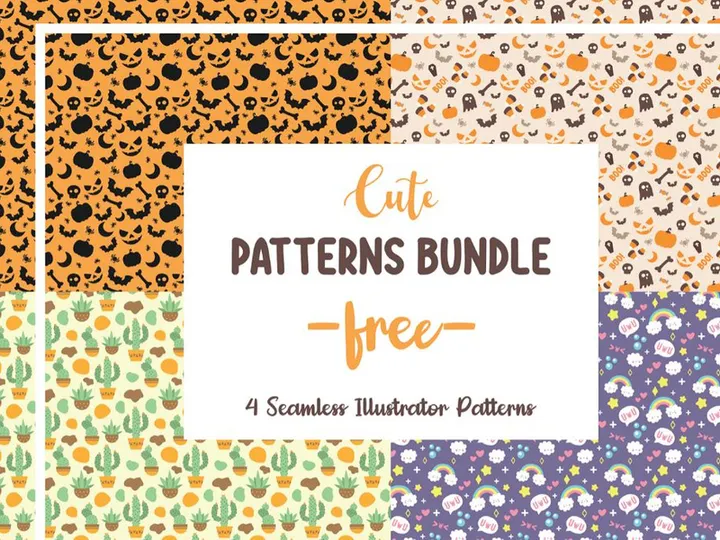
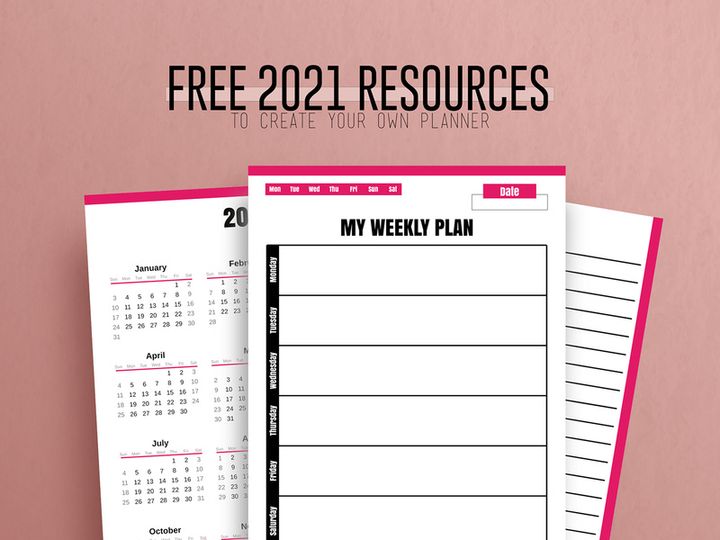



Try Our Free Resources
Download any of these for free - no account required
![[Free] Holo Sticker Pack 2](https://items.epicpxls.com/uploads/photo/94749917639b115938801c119066be39)
Why Graphics for Branding Projects?
Creating a strong, memorable brand identity is a complex but essential process in today’s competitive market. Graphics play a pivotal role in shaping how audiences perceive a brand—through logos, color palettes, typography, and visual elements that communicate values, tone, and purpose. For branding designers, time is often limited, and client expectations are high. This is where pre-made graphics become invaluable. High-quality, customizable graphics allow designers to accelerate their workflow without compromising on creativity or professionalism.
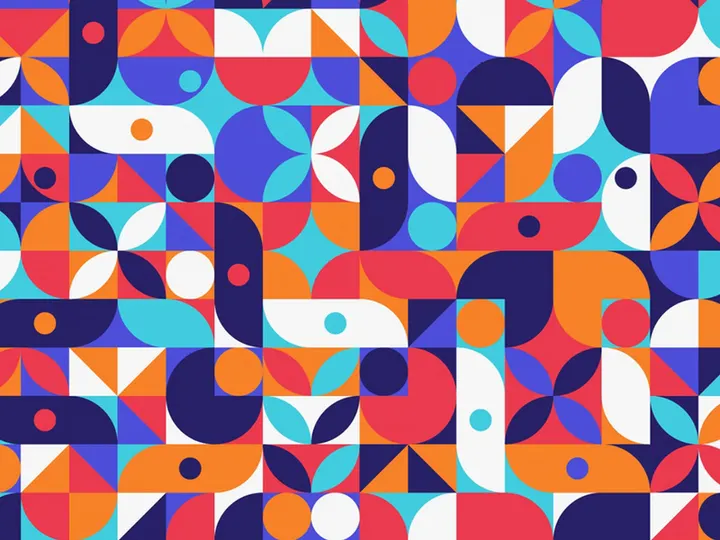
Branding design projects typically require a wide range of visual elements: from abstract background patterns and icon sets to mockups and social media templates. These components must align cohesively to reflect the brand’s personality across multiple platforms and touchpoints. Instead of building every element from scratch, designers can leverage curated libraries of ready-to-use graphics that meet industry standards for resolution, format, and scalability. This not only saves time but ensures consistency and polish across deliverables.
EpicPxls simplifies this process by offering over 118+ branding-ready resources, each selected for its versatility and design integrity. These graphics are created with real-world branding applications in mind—whether for startups, corporate rebrands, or product launches. From vector illustrations to high-res textures and editable templates, the collection supports diverse creative directions. By curating only the most practical and aesthetically refined assets, EpicPxls empowers designers to focus on strategy and storytelling rather than technical execution. With access to such a robust library, branding professionals can respond quickly to client needs while maintaining a high standard of visual excellence.
What Branding Designers Need
Essential Graphics Types
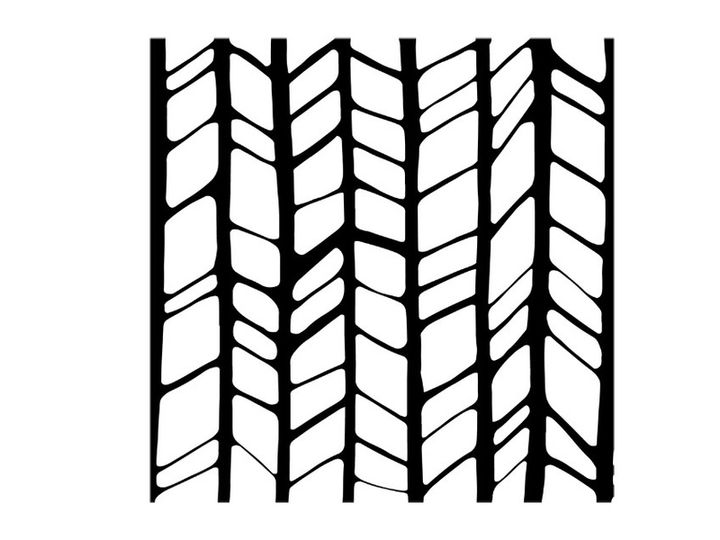
Successful branding relies on a diverse set of visual components that work together to create a unified identity. Designers typically require several key types of graphics to build a complete brand package. Logos and logo variants are foundational, often accompanied by brand marks, monograms, and submarks. Supporting these are icon sets—custom or thematic—that enhance user interfaces and printed materials. Patterns and textures, such as geometric repeats or organic brush strokes, add depth and character to backgrounds and packaging.
Typography treatments, including custom lettering and stylized fonts, are equally vital for establishing tone. Illustrations, whether minimalist or detailed, help convey brand narratives in a visually engaging way. Additionally, mockups allow designers to present their work in real-world contexts—showing how a logo appears on business cards, storefronts, or digital platforms. With 118+ resources tailored for branding, EpicPxls includes many of these essential graphic types, enabling designers to assemble comprehensive brand identities efficiently.
Format Requirements
File format compatibility is critical when integrating graphics into branding workflows. Vector formats like SVG, AI, and EPS are ideal for logos and scalable elements because they maintain quality at any size. Raster formats such as PNG (with transparency) and JPG are best for web and print outputs where pixel precision matters. For collaborative or client-facing work, PDF files offer a universally accessible option that preserves layout and typography.
Designers also benefit from layered PSD or Figma files when working with complex compositions or mockups. These formats allow for easy customization of colors, text, and placement. EpicPxls ensures that its 118+ branding resources are delivered in multiple usable formats, giving designers the flexibility to integrate them seamlessly into their preferred design software and project pipelines.
Quality Standards
Not all graphics are suitable for professional branding use. To ensure a polished final product, designers must prioritize quality in every asset they select. High resolution is non-negotiable—typically 300 DPI for print and optimized 72 DPI for digital. Clean vector paths, well-organized layers, and proper naming conventions make editing faster and reduce errors. Graphics should also be free of pixelation, distortion, or inconsistent styling.
Color accuracy is another crucial factor. Assets should support standard color modes like CMYK for print and RGB for digital, with the option to adjust palettes to match brand guidelines. Above all, the design aesthetic should be contemporary and adaptable, avoiding overly trendy elements that may quickly feel outdated. EpicPxls enforces strict quality control across its library, ensuring that every one of the 118+ resources meets the high benchmarks required for real-world branding applications.
Branding Design Project Walkthrough
- Define the Brand Strategy: Begin by understanding the client’s mission, target audience, and unique value proposition. This informs all visual decisions, from color psychology to typography style. Use mood boards and brand briefs to align expectations before selecting any graphics.
- Select Core Graphics from a Curated Library: Browse through trusted sources like EpicPxls to find foundational elements such as logo templates, icon sets, and background patterns. Prioritize assets that reflect the brand’s tone—minimalist, bold, playful, or elegant—while ensuring they are customizable.
- Customize and Adapt Assets: Import selected graphics into your design software. Modify colors to match the brand palette, adjust typography, and rework compositions as needed. Use vector editing tools to tweak shapes and ensure scalability across formats.
- Create Brand Collateral: Apply the core graphics to various deliverables—business cards, letterheads, social media banners, and packaging. Maintain consistency by using the same visual language across all touchpoints. Leverage mockup templates to visualize how designs appear in real-world use.
- Combine Multiple Graphics for Cohesion: Layer textures beneath logos, pair icons with illustrations, or integrate patterns into digital layouts. Ensure harmony by aligning line weights, color saturation, and stylistic details. Avoid visual clutter by balancing negative space and hierarchy.
- Finalize and Export for Delivery: Review the complete branding suite for consistency and quality. Export files in the required formats—vector for printers, web-optimized images for digital use, and PDFs for client review. Organize assets into a brand guidelines document that includes usage rules and color codes.
This structured workflow ensures that pre-made graphics are not just inserted but thoughtfully integrated into a cohesive brand identity. By building upon high-quality resources from platforms like EpicPxls, designers can deliver professional results efficiently while maintaining creative control.
Branding Design Workflow Tips
Speed Up Your Process
Time is a precious resource in branding design, especially when managing multiple clients or tight deadlines. One of the most effective ways to accelerate your workflow is by using pre-made, professional graphics. Instead of spending hours sketching icons or creating background textures from scratch, you can instantly access polished assets that are ready for customization. EpicPxls streamlines this process by offering 118+ resources specifically filtered for branding use—saving you research time and ensuring relevance.
Organize your frequently used graphics into folders or libraries within your design software. Use naming conventions and tags to quickly locate assets by style, color, or type. Many of the resources from EpicPxls come with layer-friendly formats, enabling rapid edits to color, size, and layout. Automating repetitive tasks—like resizing logos for different platforms—further reduces manual effort and minimizes errors.
Maintain Consistency
A strong brand feels unified across every platform and material. To achieve this, treat every graphic as part of a larger visual ecosystem. Start by establishing a core style guide that defines primary colors, fonts, icon styles, and spacing rules. When selecting graphics from a library, ensure they adhere to these parameters. For example, if your brand uses rounded corners and soft gradients, avoid assets with sharp edges or flat design unless they can be modified.
When combining multiple graphics—such as a pattern with a logo or icons with illustrations—align their visual weight and proportions. Use consistent stroke widths, shadow styles, and color treatments. EpicPxls’ collection is designed with this in mind, offering complementary sets that naturally work together. This makes it easier to build harmonious designs without constant adjustments.
Client Presentation
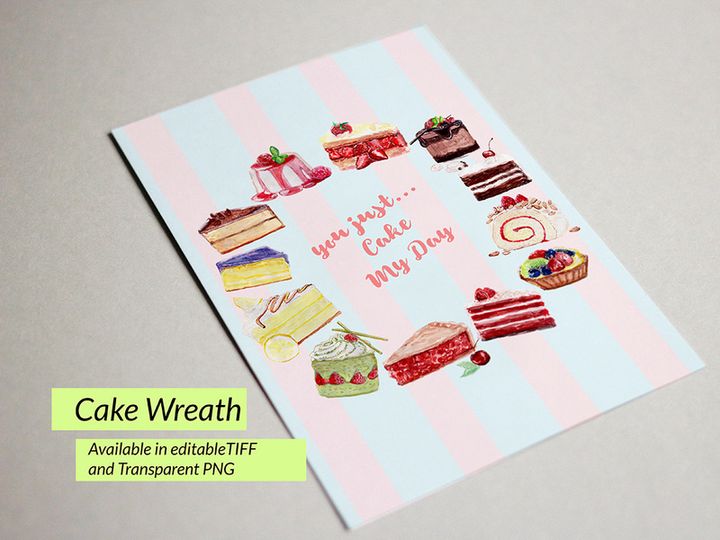
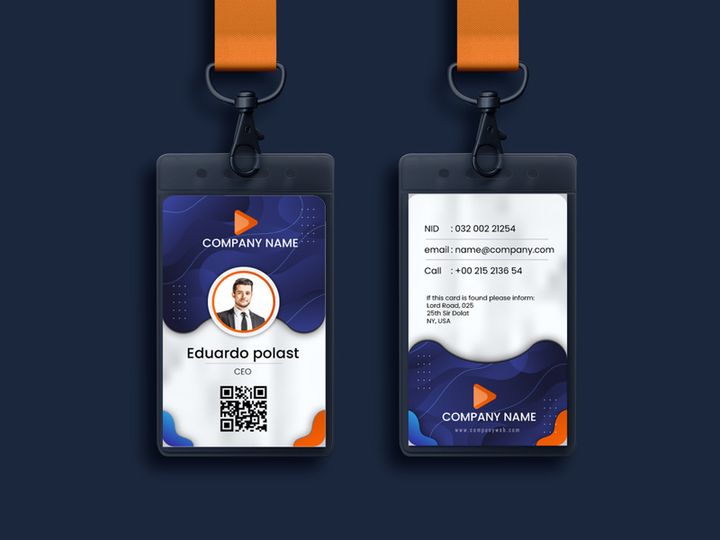
How you present your branding work can be just as impactful as the design itself. Use high-quality mockups to showcase logos on business cards, websites, and merchandise. This helps clients visualize the brand in real-world contexts, increasing their confidence in your deliverables. Include a brand board that summarizes key elements: logo variations, color palette, typography, and sample applications.
When delivering files, provide both editable and final versions in appropriate formats. Offer a simple guide explaining how to use each asset—especially if the client’s team will handle future implementations. By presenting your work professionally and clearly, you reinforce your expertise and the value of your design decisions. With resources from EpicPxls, you gain access to presentation-ready templates that elevate your client deliverables with minimal effort.
Branding Design Inspiration
Staying inspired is essential for creating fresh, impactful branding designs. Current trends emphasize minimalism, bold typography, and authentic storytelling through custom illustrations. Many top designers are moving toward adaptive branding systems—flexible identities that can evolve across platforms while maintaining core recognition. This approach often combines modular graphics, dynamic color schemes, and motion elements for digital experiences.
Another growing trend is the use of hand-drawn elements and organic textures to convey authenticity and human touch, especially in lifestyle, wellness, and artisanal brands. Gradients and duotones continue to be popular for adding depth and modern flair, while retro-inspired design elements are making a comeback with a contemporary twist. Sustainability-focused brands often use earthy tones, natural patterns, and eco-conscious imagery to reinforce their values.
To stay ahead, designers should regularly explore curated collections that reflect these evolving styles. Platforms like EpicPxls offer access to 118+ resources that embody current design sensibilities, from sleek corporate templates to expressive artistic elements. These assets not only serve as practical tools but also spark creative ideas by showcasing how different visual components can be combined. Whether you're refining an existing brand or launching a new one, drawing inspiration from high-quality, trend-aware graphics ensures your work remains relevant and resonant.
Why Download from EpicPxls?
Commercial License
Use in personal and commercial projects
No Account Required
Download free resources instantly
Quality Curated
Every resource is reviewed for quality
Preview Files
See Figma and Photoshop files before downloading
Who Uses These Graphics?
Professionals and teams who benefit most from our collection
UI/UX Designers
Speed up your workflow with ready-to-use graphics for design tools. Perfect for prototyping and client presentations.
Developers
Get production-ready assets without design skills. Export in any format for web and mobile apps.
Startups & Agencies
Save design budget with affordable premium graphics. Commercial license included.
Marketing Teams
Create professional campaigns faster. All graphics are optimized for social media and ads.
Graphics FAQCommon questions about these resources
Simple, Transparent Pricing
Get unlimited access to all premium resources
Yearly
- 20 downloads per month
- All file formats
- Commercial license
Lifetime
- Unlimited downloads forever
- All file formats
- Commercial license
Ready to Get Started?
Access 4,442+ free design resources today.
Browse Free ResourcesView Premium PlansEarn 85% and
more on all sales
Upload your products and put them up
for sale at whatever price you want.


