What Is a Design Template? Complete Guide for Designers
EpicPxls offers 200+ curated templates, all with a commercial license and editable source files (Figma, Sketch, PSD). A design template is a pre-made design resource that helps designers work faster. Browse 200+ design templates on EpicPxls for your projects.
Last updated February 12, 2026
Everything you need to know about design templates — definition, types, and how to use them.
Trusted by designers at leading companies
Top Templates
Handpicked resources from our curated collection
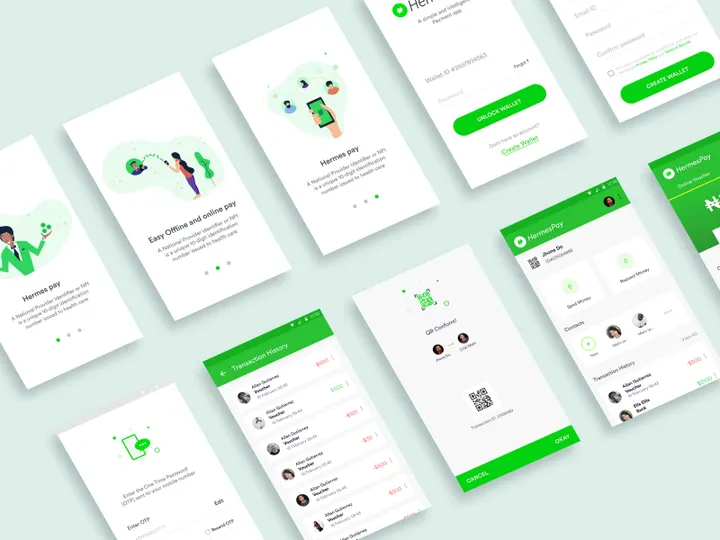


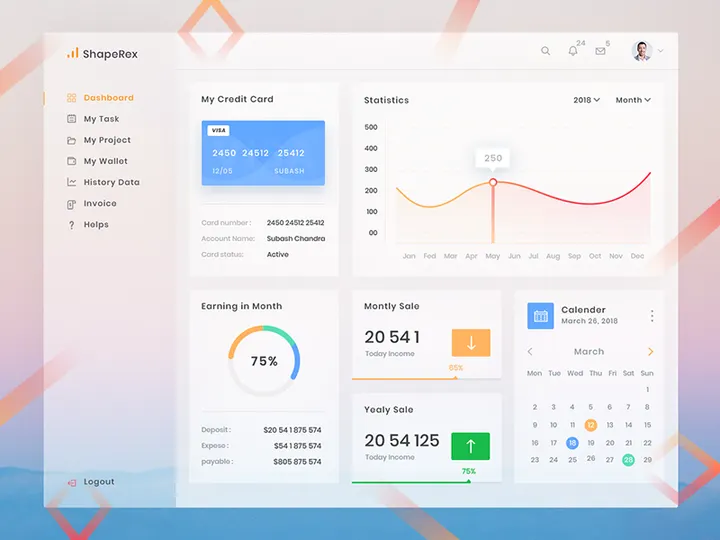
![[PSD FREEBIE] Online library homepage design preview picture](https://imgproxy.epicpxls.com/jhb7TjDzvVegLg8kxq0c-ORM8n_te33F0HroRviDkh4/rs:fill:720:540:0/g:no/aHR0cHM6Ly9pdGVt/cy5lcGljcHhscy5j/b20vdXBsb2Fkcy9w/aG90by9mM2E4YjQ5/NTc5ZDY4ZjE3ZDM2/YjU0OWM5NjQ0OGUw/Yg.jpg)
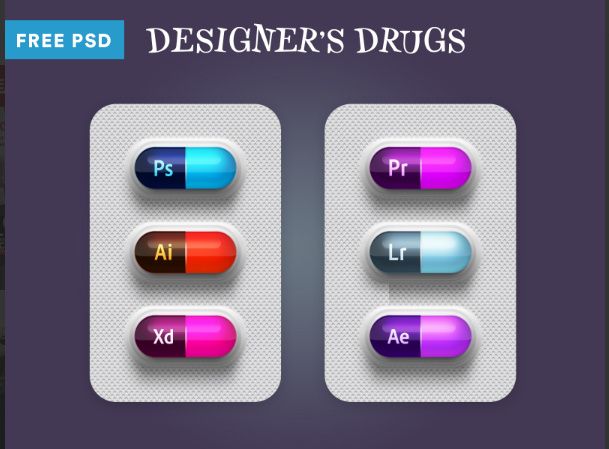

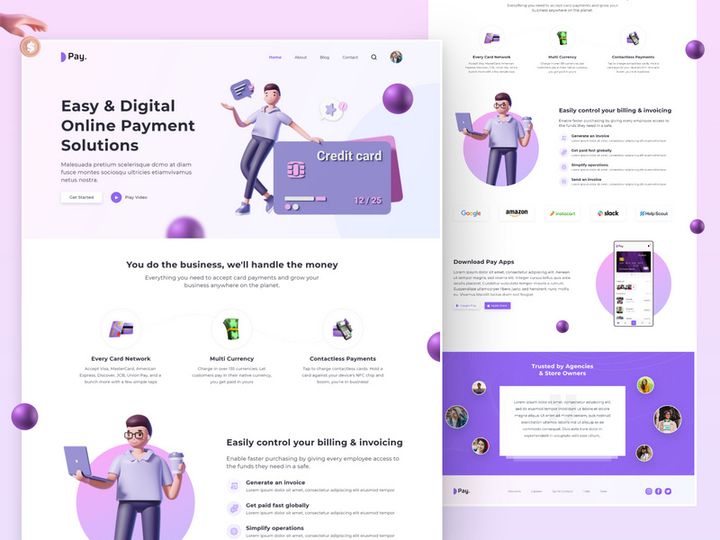
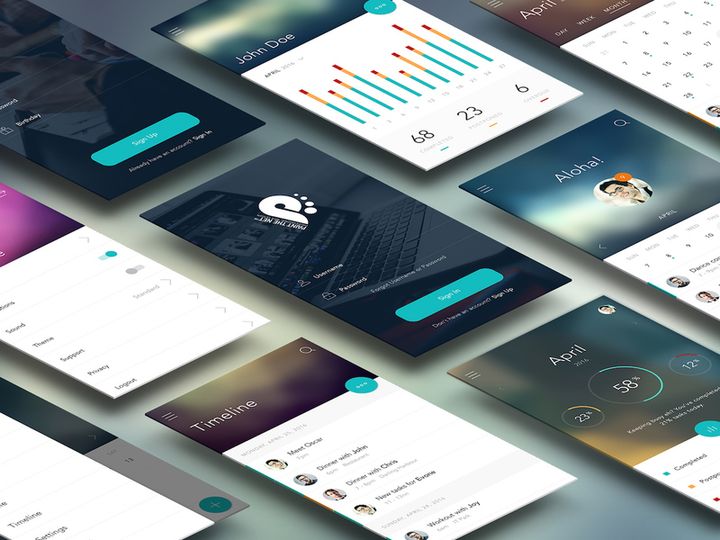
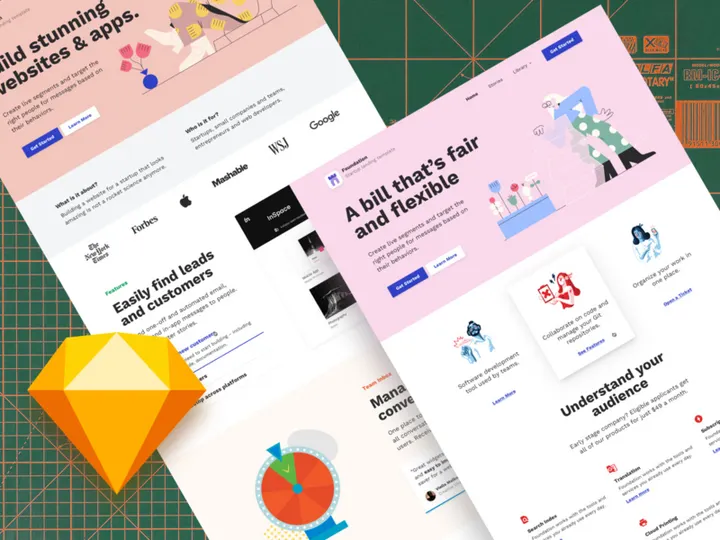
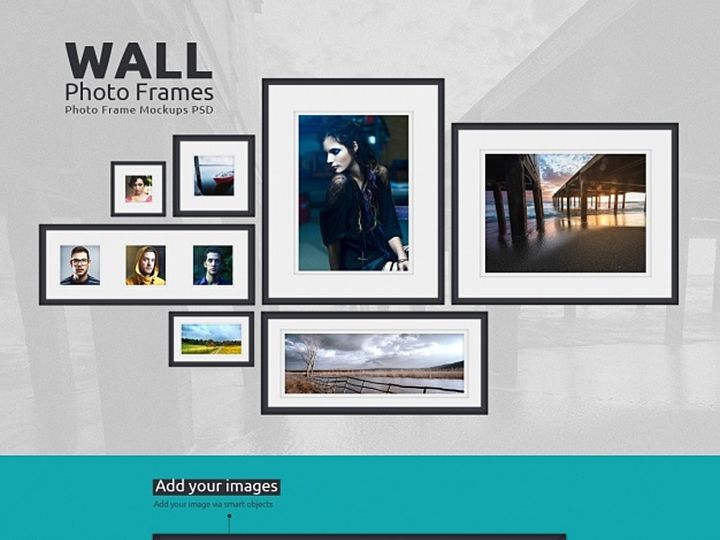
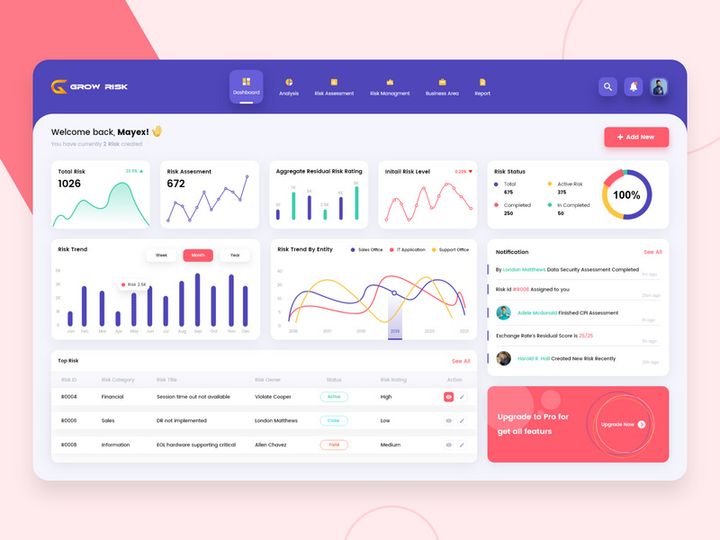
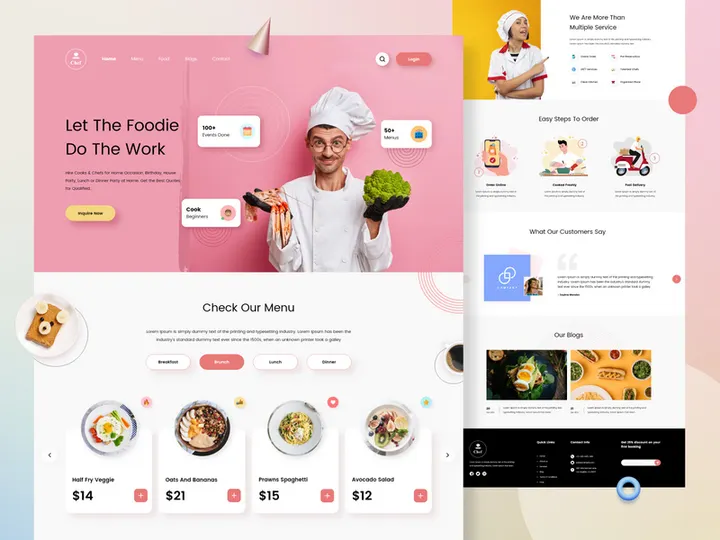
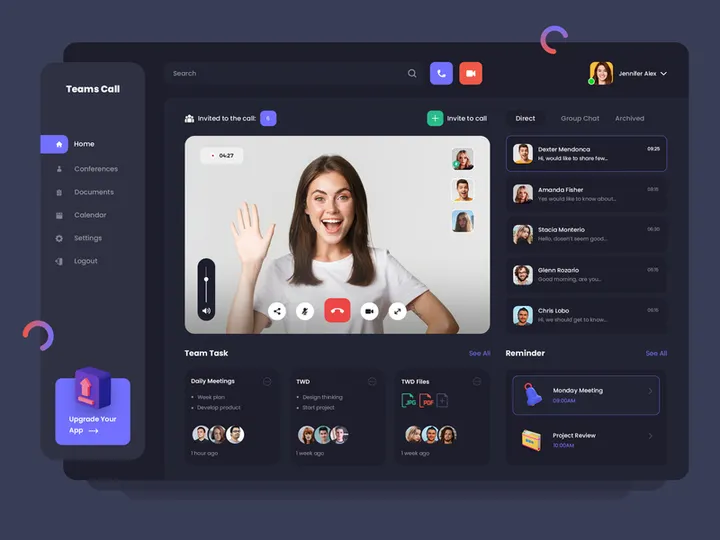
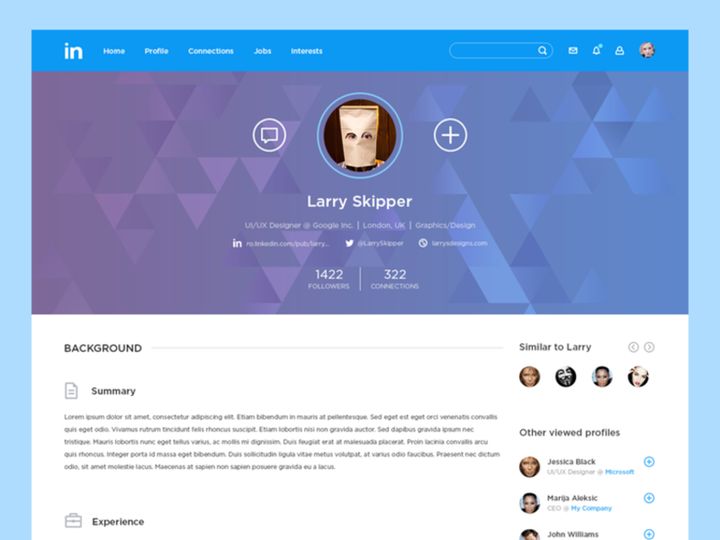
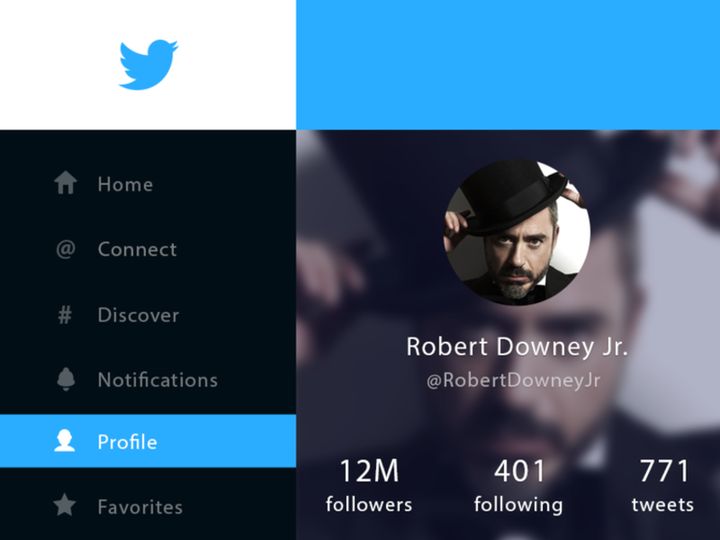
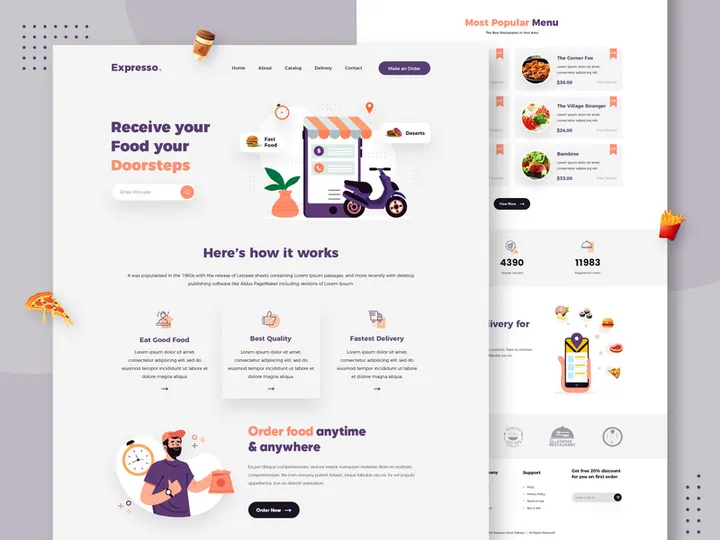
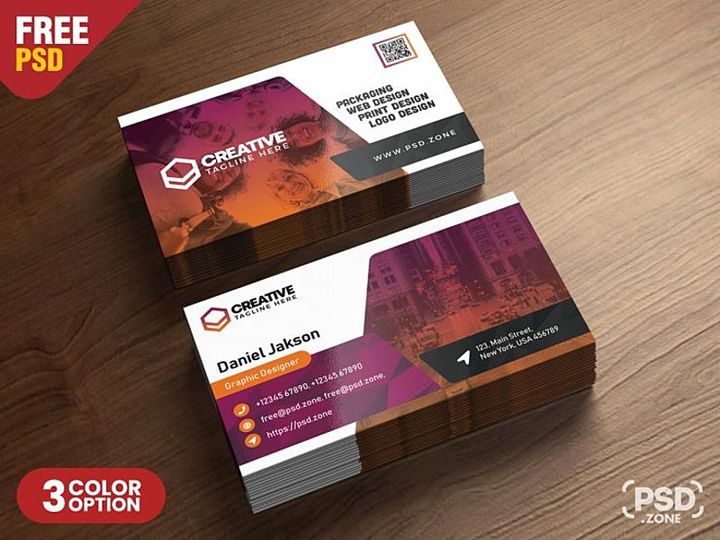
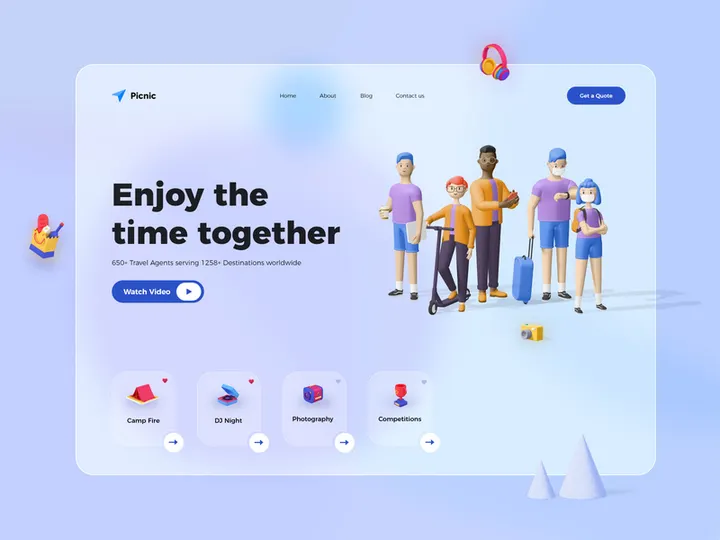

Try Our Free Resources
Download any of these for free - no account required
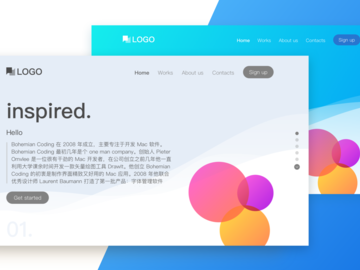
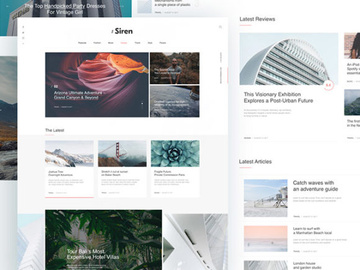
What Is a Design Template?
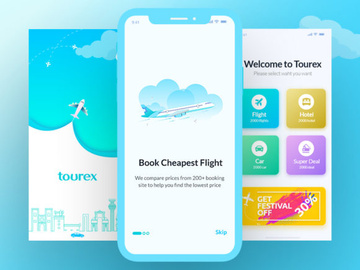
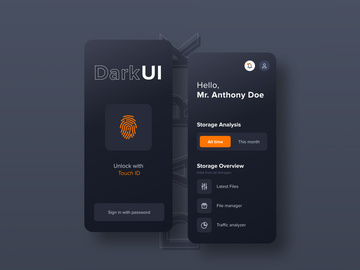
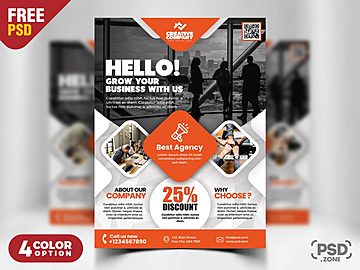
A design template is a pre-designed layout or framework that serves as a starting point for creating visual content. It includes established elements such as typography, color schemes, image placeholders, grid structures, and layout guidelines, allowing designers to focus on customization and content rather than building from scratch. Design templates are widely used across digital and print media, including websites, presentations, social media graphics, brochures, business cards, and more.
The concept of design templates dates back to traditional print design, where standardized formats were used to maintain consistency in newspapers, books, and advertisements. With the rise of desktop publishing in the 1980s and 1990s, templates became more accessible through software like Adobe PageMaker and QuarkXPress. As digital design evolved, tools such as Adobe Photoshop, Illustrator, Figma, and Canva integrated template functionality, making it easier for professionals and non-designers alike to produce polished visuals efficiently.
Today, design templates are essential in modern design workflows for several reasons. First, they save time. Instead of starting every project with a blank canvas, designers can leverage templates to accelerate production without sacrificing quality. Second, templates ensure brand consistency—especially when used within organizations that require uniformity across marketing materials, reports, or digital assets. Third, they lower the barrier to entry for beginners, providing a structured environment to learn design principles while delivering professional results.
Whether you're a seasoned designer or just starting out, understanding how to use design templates effectively can significantly improve your efficiency, creativity, and output quality. Platforms like EpicPxls offer access to 42823+ design template resources, covering a vast range of industries, styles, and applications, empowering designers to find the perfect foundation for any project.
Types of Design Templates
By Purpose
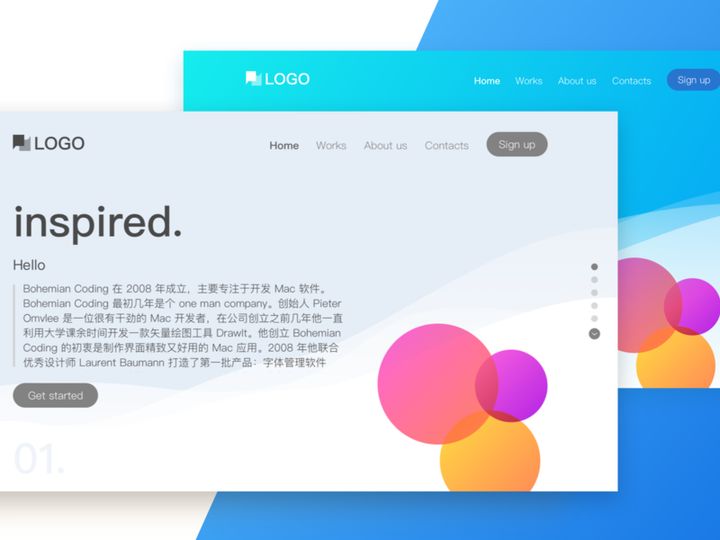
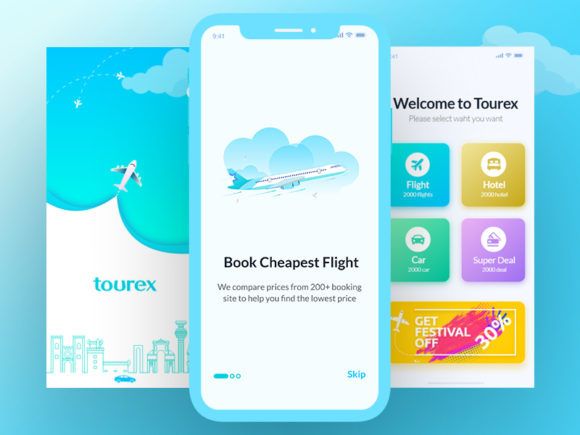
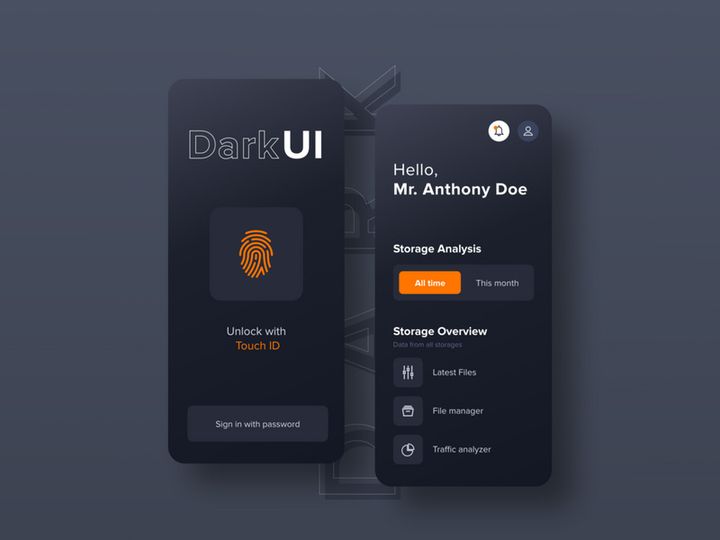
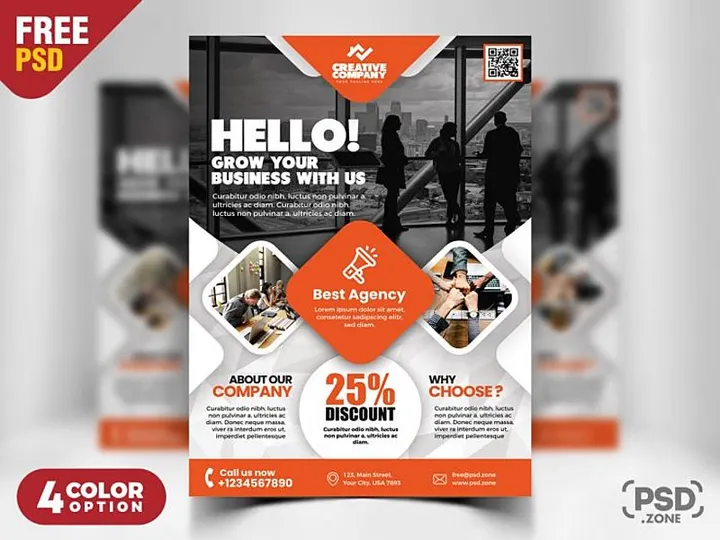
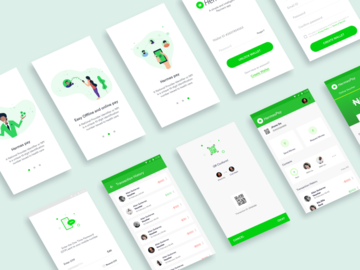
Design templates are often categorized by their intended use, reflecting the diverse needs of modern design. For example, marketing templates include social media posts, email newsletters, flyers, and advertisements tailored for promotional campaigns. Business templates cover resumes, business cards, pitch decks, and invoices—essential tools for professional communication. Web and UI templates provide frameworks for websites, mobile apps, dashboards, and landing pages, often including responsive design considerations. Educational institutions and trainers rely on presentation templates for lectures, workshops, and e-learning modules. Each purpose-driven template is optimized for its specific context, incorporating best practices in layout, readability, and user engagement.
By Format
The format of a design template determines how it’s used and edited. Common file formats include .PSD (Photoshop), .AI (Illustrator), .XD (Adobe XD), .FIG (Figma), .INDD (InDesign), and .PPTX (PowerPoint). These native files preserve layers, text editability, and vector scalability, making them ideal for professional designers. Additionally, templates may come in universal formats like .PDF for viewing or printing, or .PNG/.JPG for quick reference. Some platforms offer editable online templates that run directly in the browser, enabling real-time collaboration and instant publishing. The choice of format depends on the designer’s tools, collaboration needs, and final output requirements.
By Complexity
Templates vary in complexity to suit different skill levels and project demands. Simple templates are minimalistic, featuring basic layouts with few editable elements—perfect for quick projects or users with limited design experience. These often come with drag-and-drop functionality and intuitive interfaces. On the other hand, comprehensive templates include detailed styles, multiple page variations, master pages, component libraries, and design systems. These are ideal for large-scale branding projects, enterprise websites, or agencies needing scalable solutions. Whether you're looking for a one-page flyer or a full brand identity kit, the depth of a template should align with your project scope and technical proficiency. With 42823+ resources available on EpicPxls, designers can easily filter by complexity to find templates that match their needs.
How to Use Design Templates in Your Projects
- Identify your project goals. Before selecting a template, clarify the purpose of your design—whether it’s a social media campaign, company report, or mobile app interface. Understanding the objective helps narrow down suitable templates based on style, layout, and functionality.
- Choose the right template. Browse curated collections from trusted sources like EpicPxls and filter by category, format, or industry. Look for templates that align with your brand identity, message tone, and technical requirements (e.g., print resolution, responsive behavior).
- Download and open in your preferred software. Ensure you have the correct program to edit the file—such as Figma for .FIG files or Adobe InDesign for .INDD. Verify that fonts and linked assets are included or easily replaceable.
- Customize content and branding. Replace placeholder text, images, and colors with your own. Adjust typography, spacing, and layout elements to reflect your brand guidelines. Keep the original structure intact unless you have a strong design rationale for changing it. <5>Optimize for the intended platform. If designing for web, ensure the template is responsive and accessible. For print, confirm bleed, margins, and color mode (CMYK). For presentations, test transitions and readability on different screens.
- Review, test, and export. Proofread all content, check alignment and consistency, and gather feedback if needed. Export in the appropriate format—PNG for social media, PDF for print, or HTML/CSS for web integration. Save a source file for future edits.
To use design templates effectively, follow best practices such as maintaining brand consistency, respecting the original grid system, and avoiding over-customization that could compromise usability. Leverage built-in features like master pages, style guides, and component libraries to streamline updates across multiple pages or projects. Most modern design tools—Figma, Adobe Creative Cloud, Sketch, and Canva—support template integration, version control, and team collaboration, making them indispensable in professional workflows. By starting with a solid template from a reliable source like EpicPxls, you set the foundation for faster delivery and higher-quality results.
Design Template vs Related Concepts
While the term "design template" is often used interchangeably with similar design assets, it’s important to understand how it differs from related concepts such as design systems, themes, and mockups. A design template is a single, reusable layout focused on a specific output—like a business card or blog post graphic. In contrast, a design system is a comprehensive collection of guidelines, components, and standards that govern the entire visual language of a brand or product. It includes templates but goes further by defining interactions, accessibility rules, and code documentation.
Themes, commonly used in website builders and content management systems, are broader than templates. A theme controls the overall look and behavior of an entire website, including navigation, typography, and responsiveness. It may contain multiple templates for different page types (e.g., homepage, blog post, contact page), but operates at a higher architectural level.
Mockups are visual representations used to present designs in real-world contexts—such as a business card on a desk or an app on a smartphone screen. They are not typically editable layouts but rather presentation tools for client reviews or portfolios.
Despite their differences, these concepts often work together. A design system may include templates as part of its component library. A theme might bundle several templates for consistent page layouts. Designers frequently use mockups to showcase final designs created from templates. Knowing when to use each tool enhances workflow efficiency: choose a design template when you need a quick, structured starting point; opt for a design system for long-term brand scalability; use a theme when launching a full website; and rely on mockups for presentation and feedback. With 42823+ resources on EpicPxls, you’ll find templates that integrate seamlessly into any of these broader frameworks.
Where to Find Quality Design Templates
Finding high-quality design templates requires more than just browsing random galleries. Look for platforms that prioritize design integrity, technical precision, and usability. A professional template should be well-organized, fully layered, and easy to edit. It should include clear instructions, use web-safe or accessible fonts, support multiple languages if needed, and follow current design trends without sacrificing functionality. Pay attention to resolution (300 DPI for print, 72 DPI for digital), color modes, and file structure—these details impact the final output significantly.
EpicPxls stands out by curating over 42823+ design template resources from skilled designers worldwide, ensuring every download meets strict quality standards. Each template is reviewed for layout balance, typography hierarchy, and adaptability across use cases. The platform categorizes resources by industry, format, and complexity, making it easy to locate the right fit for your project. Whether you're designing a minimalist portfolio or a bold advertising campaign, EpicPxls offers both aesthetic variety and technical reliability.
When choosing between free and premium templates, consider your project’s needs. Free templates are great for learning or small personal projects but may lack customization options, contain outdated designs, or come with restrictive licensing. Premium templates, while requiring investment, typically offer superior design, extended support, and commercial usage rights. Always review the license type—personal, commercial, or extended—to ensure compliance, especially when working for clients or brands. With EpicPxls, every template includes clear licensing information, so you can use them confidently in professional settings. By leveraging a trusted source with a vast library of vetted designs, you gain access to inspiration, efficiency, and peace of mind—all essential for modern design success.
Why Download from EpicPxls?
Commercial License
Use in personal and commercial projects
No Account Required
Download free resources instantly
Quality Curated
Every resource is reviewed for quality
Preview Files
See Figma and Photoshop files before downloading
Who Uses These Templates?
Professionals and teams who benefit most from our collection
UI/UX Designers
Speed up your workflow with ready-to-use templates for design tools. Perfect for prototyping and client presentations.
Developers
Get production-ready assets without design skills. Export in any format for web and mobile apps.
Startups & Agencies
Save design budget with affordable premium templates. Commercial license included for client work.
Marketing Teams
Create professional campaigns faster. All templates are optimized for social media and ads.
Templates FAQCommon questions about these resources
Simple, Transparent Pricing
Get unlimited access to all premium resources
Yearly
- 20 downloads per month
- All file formats
- Commercial license
Lifetime
- Unlimited downloads forever
- All file formats
- Commercial license
Ready to Get Started?
Access 4,442+ free design resources today.
Browse Free ResourcesView Premium PlansEarn 85% and
more on all sales
Upload your products and put them up
for sale at whatever price you want.


