Illustrations for Photoshop: 2531+ Resources
EpicPxls offers 200+ curated illustrations for Photoshop, all with a commercial license and editable source files (Figma, Sketch, PSD). We have 200+ illustrations compatible with Photoshop, tested and verified for seamless integration.
Last updated February 12, 2026
Discover 2531+ handpicked illustrations for Photoshop.
Trusted by designers at leading companies
Top Illustrations for Photoshop
Handpicked resources from our curated collection


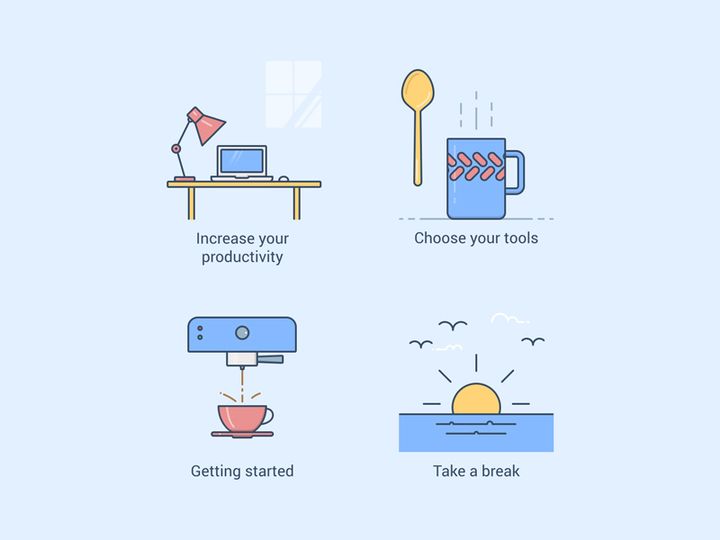
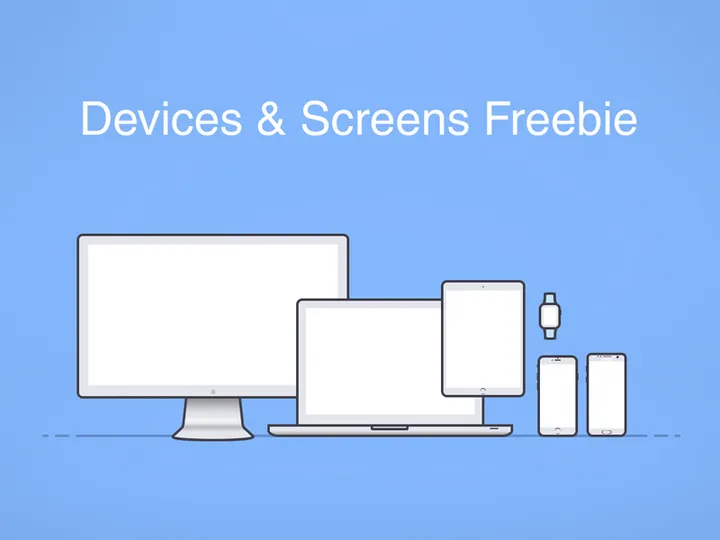

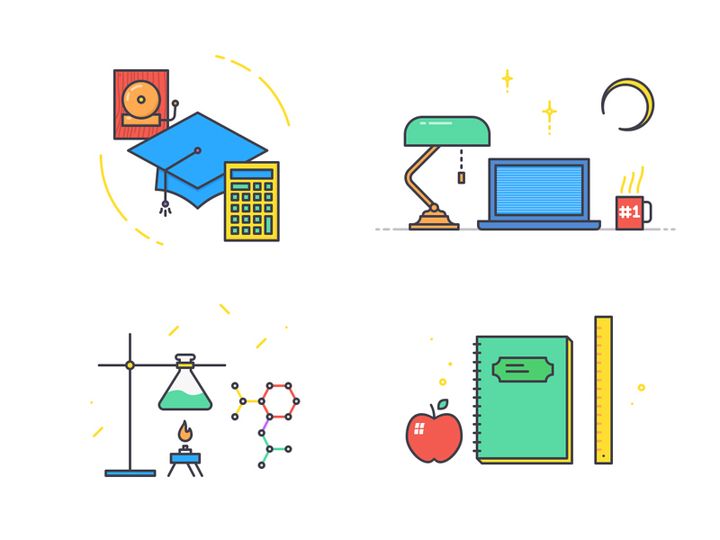




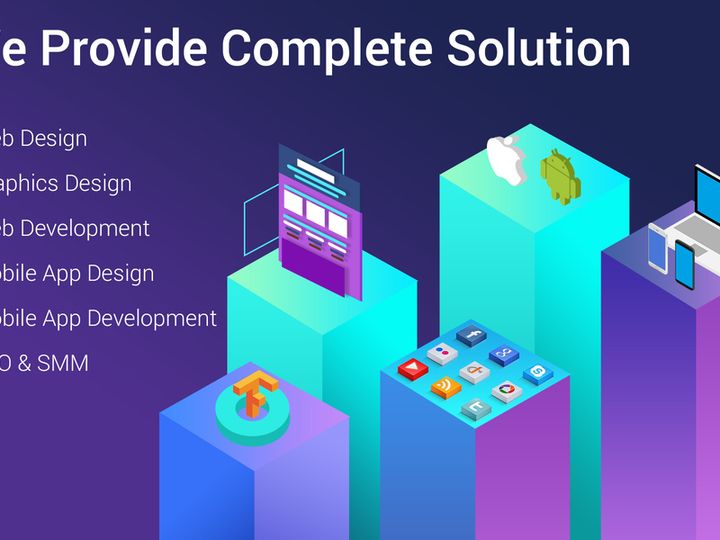
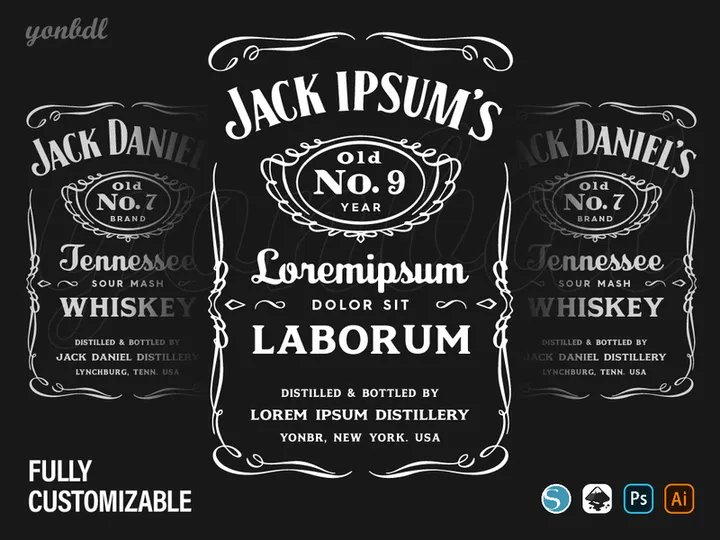




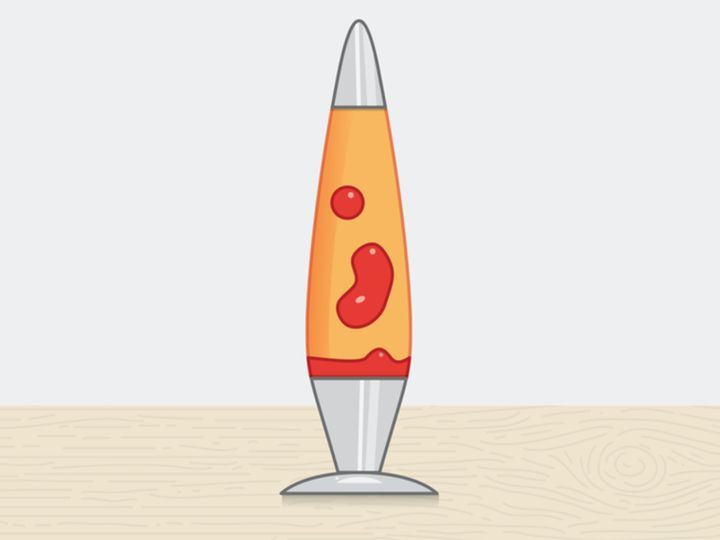

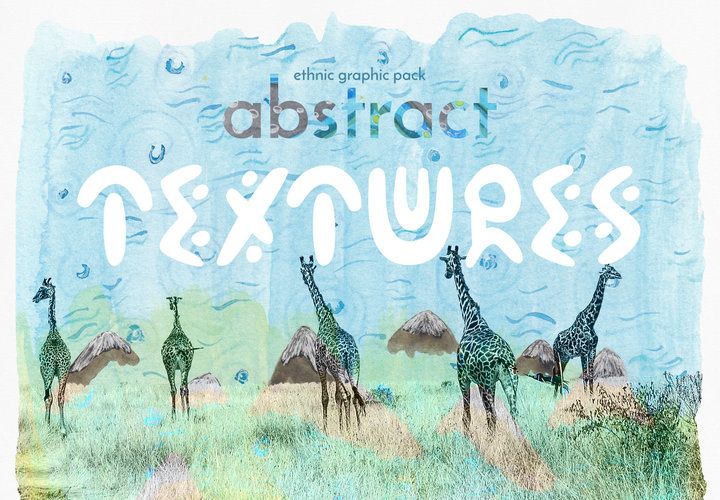


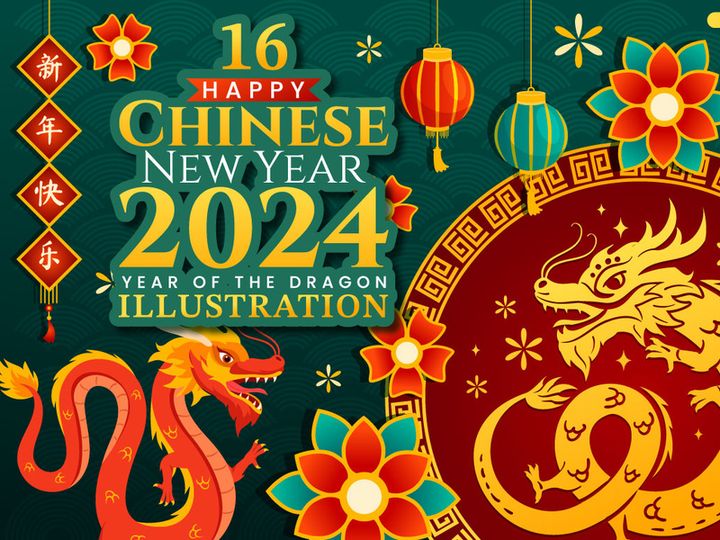
![Handdrawn Tree Graphics [PSD/PNG] preview picture](https://imgproxy.epicpxls.com/scUHRZndp5nD-wEd6JkRbxl1HypFPEny-fd2wpHQNjI/rs:fill:720:540:0/g:no/aHR0cHM6Ly9pdGVt/cy5lcGljcHhscy5j/b20vdXBsb2Fkcy9w/aG90by82ZGQ2ZDVl/NzI4YTdhYWVkMmI1/OGU3ZTBiNmMxY2Zl/YQ.jpg)
Try Our Free Resources
Download any of these for free - no account required



Why Photoshop for Illustrations?
Adobe Photoshop has long stood as a cornerstone in the digital design world, especially when it comes to creating and editing illustrations. Its enduring popularity among illustrators, from hobbyists to industry professionals, stems from its powerful toolset, deep customization, and seamless integration into creative workflows. Whether you're crafting intricate character designs, stylized vector-like illustrations, or textured digital paintings, Photoshop offers the precision and flexibility needed to bring artistic visions to life.
One of the key reasons Photoshop excels in illustration work is its extensive layer management system. Layers allow artists to separate elements such as outlines, colors, shading, and effects, making editing and refining much more efficient. With features like layer masks, blending modes, and non-destructive adjustment layers, illustrators can experiment freely without permanently altering their artwork. Photoshop also supports high-resolution canvases and a vast array of brush engines, enabling natural brush strokes, custom textures, and pressure sensitivity that closely mimic traditional media.
Another major advantage is Photoshop’s compatibility with a wide range of file formats, including PSD, PNG, JPEG, and TIFF, ensuring smooth transitions between design stages and platforms. For users sourcing external assets, the availability of layered, editable files enhances customization. At EpicPxls, we recognize the importance of compatibility and quality, which is why our curation of over 2531+ illustration resources focuses exclusively on Photoshop-optimized files. Each asset is tested for resolution, layer integrity, and ease of use, ensuring that every download enhances your creative process without technical hiccups.
Whether you're developing concept art, editorial illustrations, or digital storybooks, Photoshop provides the ecosystem needed for both creation and refinement. With the right resources and tools, the only limit is your imagination—and with 2531+ resources handpicked by EpicPxls, you're well-equipped to push those creative boundaries.
Top Illustrations Picks for Photoshop
Finding the right illustration resources can dramatically accelerate your design workflow and elevate the quality of your projects. With such a vast collection available, selecting the best tools can be overwhelming. That’s why we’ve categorized our 2531+ resources at EpicPxls to help you quickly identify the perfect assets based on your skill level and project needs. From beginner-friendly templates to professional-grade illustration kits, there’s something for every illustrator.
Best for Beginners
If you're just starting out with digital illustration in Photoshop, simplicity and clarity are key. The best beginner resources are those that come with clear layer structures, labeled folders, and straightforward instructions. At EpicPxls, we highlight starter kits that include basic character templates, pose guides, and simple color palettes to help new users build confidence. These resources often feature drag-and-drop elements, pre-made brushes, and step-by-step visual guides that make learning intuitive. Look for illustration packs that include PSD files with editable layers—this allows you to see how professional designs are structured and reverse-engineer techniques at your own pace.
Best for Professionals
For experienced illustrators, depth and flexibility are essential. Our top picks for professionals include full-featured illustration suites with modular components, advanced layer effects, and scalable vector-based elements. These resources support complex workflows such as animation prep, print production, and multi-platform publishing. Many of the premium assets in our 2531+ resources collection offer non-destructive editing capabilities, smart objects, and compatibility with high DPI outputs. Whether you're designing for publishing, advertising, or game development, these tools integrate seamlessly into advanced pipelines and save valuable production time.
Best Free Options
Quality doesn’t always have to come with a price tag. EpicPxls offers a carefully curated selection of free illustration resources that don’t compromise on resolution, usability, or design. These free downloads include character templates, background elements, and stylized textures perfect for personal projects, prototyping, or educational use. While free resources may have fewer layers or customization options than premium packs, they still provide excellent starting points and are ideal for building portfolios or testing new styles. All free assets are thoroughly vetted for compatibility with Photoshop, ensuring a smooth experience from download to deployment.
Photoshop vs Other Tools for Illustrations
While several digital illustration tools exist, Photoshop remains a top choice for artists who value versatility and depth. Unlike more specialized software that focuses solely on vector graphics or animation, Photoshop combines raster-based painting with robust editing capabilities, making it ideal for detailed, texture-rich illustrations. Its long-standing presence in the creative industry means a wealth of tutorials, community support, and third-party resources are readily available.
One of Photoshop’s standout advantages is its ecosystem. From custom brushes to action scripts and smart filters, the platform supports extensive personalization. Illustrators can combine painting, photo manipulation, and graphic design within a single workspace, streamlining projects that require mixed media. Moreover, Photoshop’s layer system and selection tools offer unmatched control over composition and detail—features that are especially valuable when working on complex illustrations with multiple components.
When it comes to format compatibility, Photoshop shines. Most illustration resources, including those from EpicPxls, are delivered in PSD format, preserving layers, masks, and effects. This ensures full editability upon import. While other tools may support PSD files, Photoshop provides the most accurate rendering and full feature access. With over 2531+ resources optimized specifically for Photoshop, users benefit from assets that are ready to use without conversion or loss of quality. This level of integration makes Photoshop a reliable and efficient choice for both independent artists and design teams.
Setting Up Illustrations in Photoshop
Getting started with illustration resources in Photoshop is a straightforward process, but following best practices ensures a smooth and productive workflow. Whether you're using a single asset or managing an entire library, proper setup is key to maintaining efficiency and organization. These six steps will guide you through importing and preparing your illustrations for creative use.
- Download and Extract Files: After acquiring your illustration pack from EpicPxls, download the compressed file (usually .zip or .rar) and extract it to a dedicated folder on your computer. Keep resources organized by project or category for easier access.
- Verify File Compatibility: Ensure the included files are in PSD format or other Photoshop-supported types like TIFF or PNG. Open a sample file to confirm layers, masks, and effects are intact.
- Open in Photoshop: Launch Photoshop and go to File > Open. Navigate to your extracted folder and select the PSD file you want to use. The file will open with all layers preserved in the Layers panel.
- Explore Layer Structure: Take time to review the layer organization. Look for labeled groups, hidden layers, and smart objects. This understanding helps you modify the illustration efficiently without disrupting the original design.
- Customize and Edit: Use Photoshop’s tools to recolor, resize, or reposition elements. Apply adjustment layers for non-destructive color grading. Replace text layers or swap assets as needed to fit your creative vision.
- Save Your Project: Once edits are complete, save your work as a PSD file to retain layers for future changes. For final output, export to JPEG, PNG, or PDF depending on your use case—print, web, or social media.
For those managing large collections of illustration assets, consider creating a master folder system with subfolders for categories like characters, backgrounds, and icons. This structure, combined with consistent naming conventions, makes it easy to locate and reuse resources across projects. With 2531+ resources available through EpicPxls, staying organized from the start ensures you can fully leverage this extensive library without clutter or confusion.
Photoshop Workflow Tips
Maximizing your efficiency in Photoshop goes beyond knowing where the tools are—it’s about building a sustainable workflow that supports creativity and consistency. Illustrators who work on multiple projects or collaborate with teams benefit greatly from structured processes that reduce redundancy and enhance productivity. Here are key strategies to help you get the most out of your Photoshop illustration workflow.
Organizing Illustrations Libraries
With access to over 2531+ resources from EpicPxls, maintaining a well-organized library is essential. Create a central asset folder on your local drive or cloud storage and divide it into subcategories such as “Characters,” “Textures,” “Icons,” and “Backgrounds.” Use clear, descriptive names for files (e.g., “Fantasy_Character_Pose3.psd”) to make searching easier. Consider maintaining a spreadsheet or digital catalog to track resource usage, licenses, and project associations. Within Photoshop, use the Libraries panel to store frequently used assets like brushes, colors, and smart objects for quick drag-and-drop access during active projects.
Batch Operations
When working with multiple illustration files, batch processing can save significant time. Use Photoshop’s File > Scripts > Image Processor or Actions panel to automate repetitive tasks such as resizing, renaming, or exporting files to different formats. For example, if you need to generate web-ready PNGs from a series of PSD illustrations, record an action that flattens the image, resizes it, and exports it—then apply it to an entire folder. This is especially useful when preparing assets for client delivery or uploading to digital platforms. Batch operations ensure consistency and reduce manual errors, making them a must-know skill for efficient illustration workflows.
Collaboration Best Practices
When working with others, clear communication and file management are crucial. Always share PSD files with layers intact, and include a brief readme file if the layer structure is complex. Use layer naming conventions and group related elements to help collaborators navigate the file easily. Consider using cloud-based sharing services that support version history, so changes can be tracked and reverted if needed. If your team uses project management tools, link design assets directly to tasks or milestones. At EpicPxls, we recommend downloading resources with team licenses when applicable, ensuring everyone has legal access to the same high-quality illustrations. This not only streamlines collaboration but also maintains design consistency across all project stages.
Why Download from EpicPxls?
Commercial License
Use in personal and commercial projects
No Account Required
Download free resources instantly
Quality Curated
Every resource is reviewed for quality
Preview Files
See Figma and Photoshop files before downloading
Who Uses These Illustrations?
Professionals and teams who benefit most from our collection
UI/UX Designers
Speed up your workflow with ready-to-use illustrations for Photoshop. Perfect for prototyping and client presentations.
Developers
Get production-ready assets without design skills. Export in any format for web and mobile apps.
Startups & Agencies
Save design budget with affordable premium illustrations. Commercial license included.
Marketing Teams
Create professional campaigns faster. All illustrations are optimized for social media and ads.
Illustrations for Photoshop FAQCommon questions about these resources
Simple, Transparent Pricing
Get unlimited access to all premium resources
Yearly
- 20 downloads per month
- All file formats
- Commercial license
Lifetime
- Unlimited downloads forever
- All file formats
- Commercial license
Ready to Get Started?
Access 4,442+ free design resources today.
Browse Free ResourcesView Premium PlansEarn 85% and
more on all sales
Upload your products and put them up
for sale at whatever price you want.


