Templates for Brandings: 1442+ Resources
EpicPxls offers 200+ curated templates, all with a commercial license and editable source files (Figma, Sketch, PSD). Purpose-built templates for branding projects save time and ensure professional results with design elements tailored to branding requirements.
Last updated February 13, 2026
Discover 1442+ templates ideal for branding design projects.
Trusted by designers at leading companies
Top Templates
Handpicked resources from our curated collection
![Hang Tag Template Set [Free Download] preview picture](https://imgproxy.epicpxls.com/aAweHrJ1cfiiBNiWURsvMQyTQyNPSMQRqWTGfNhuNBQ/rs:fill:720:540:0/g:no/aHR0cHM6Ly9pdGVt/cy5lcGljcHhscy5j/b20vdXBsb2Fkcy9w/aG90by8zMDlkNmQy/NjhiMWE3YTdkY2Vj/YWY4MmJlYmEyNTM1/Mg.jpg)



![[FREE] Webovio Creative Website Template preview picture](https://imgproxy.epicpxls.com/xadLpNzJu_yfeo_7wjYQevOznOjliBhMmuTsQNMK0bo/rs:fill:720:540:0/g:no/aHR0cHM6Ly9pdGVt/cy5lcGljcHhscy5j/b20vdXBsb2Fkcy9w/aG90by9kZGNlMjA5/MmZiMmE5YTg3Nzdl/MDhkZDg2MTUzZGUy/Mg.jpg)
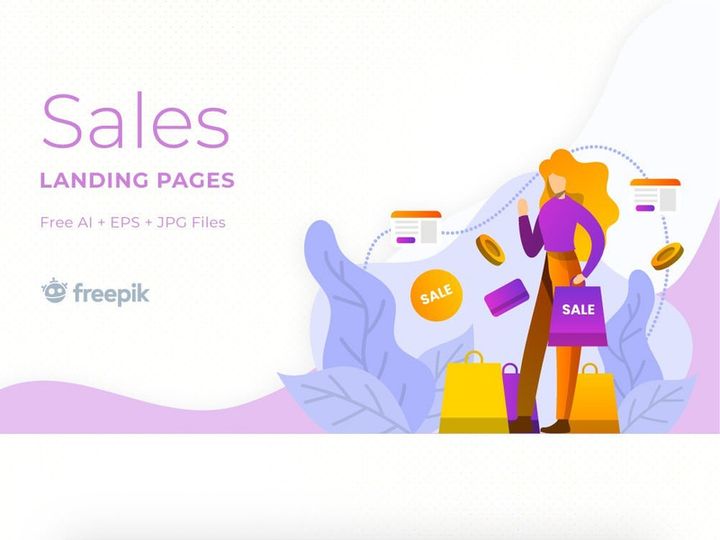
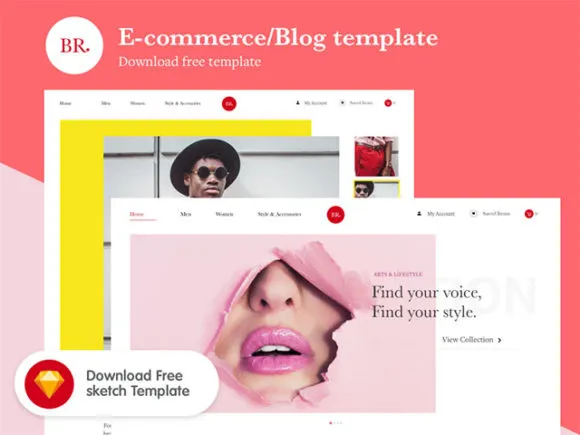
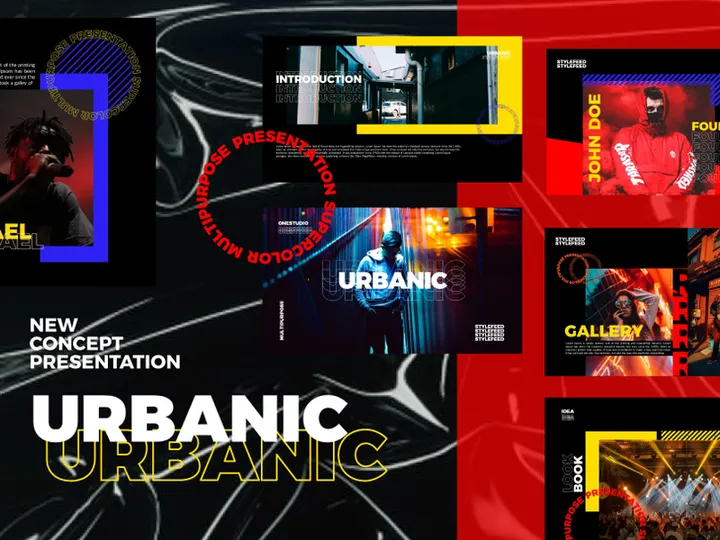
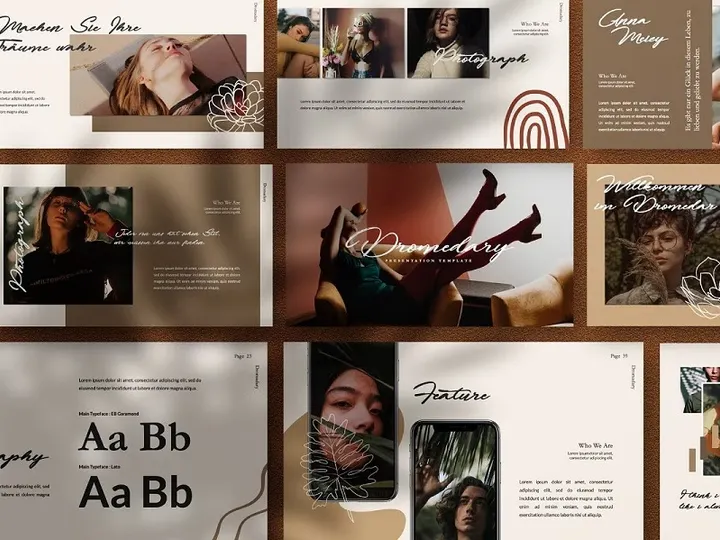
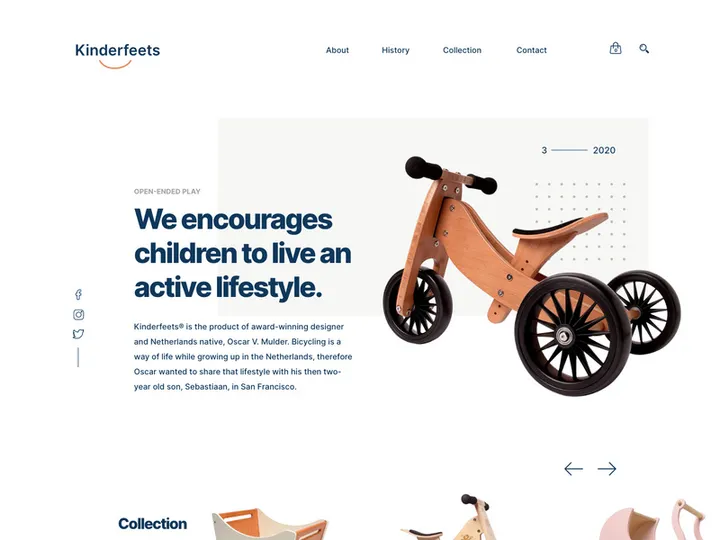

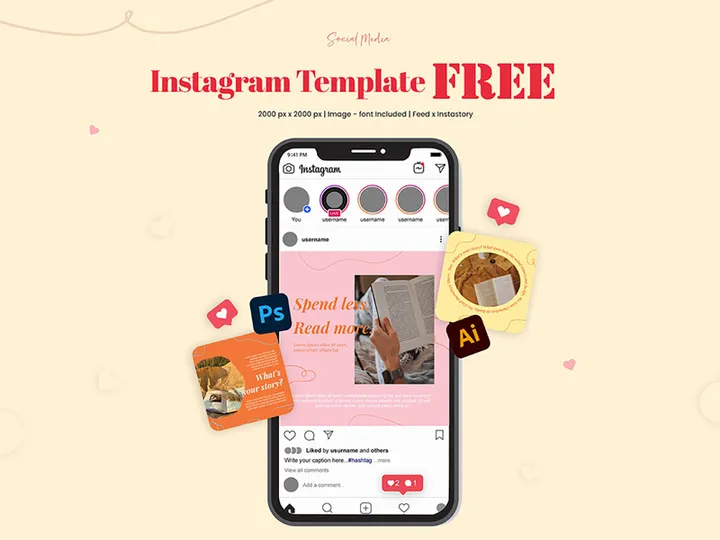
Try Our Free Resources
Download any of these for free - no account required
![Hang Tag Template Set [Free Download]](https://items.epicpxls.com/uploads/photo/e8ddab0598931d6a0a9bc5c5a085738a)
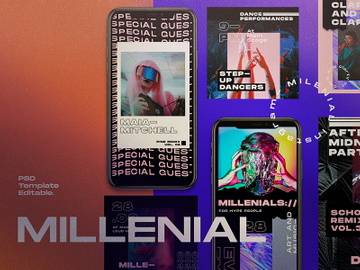
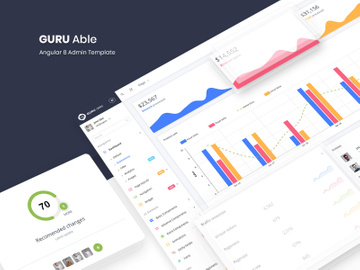
Why Templates for Branding Projects?
Branding design is more than just a logo—it’s the visual identity that defines a company’s presence across digital and physical platforms. For designers, agencies, and in-house creative teams, delivering a cohesive and professional brand experience requires consistency, precision, and speed. This is where templates for branding design projects become invaluable. Pre-made templates streamline the creative process, offering ready-to-use frameworks that align with industry standards and reduce the time spent on repetitive tasks. Whether it’s business cards, social media assets, presentation decks, or brand guidelines, templates provide a solid foundation, allowing designers to focus on customization and innovation rather than starting from scratch.
Common branding design requirements include logo variations, typography systems, color palettes, stationery, digital ads, and brand books—all of which must maintain visual harmony. Crafting each of these elements individually can be time-consuming and prone to inconsistencies, especially under tight deadlines. Templates help standardize these components, ensuring scalability and alignment with the brand’s core identity. With modular designs and editable layers, they support quick adaptation to different brand personalities and sectors.
At EpicPxls, we understand the demands of modern branding workflows. That’s why our collection includes over 200+ professionally crafted, branding-ready resources curated specifically for efficiency and quality. Each template is designed with real-world projects in mind—offering flexibility for customization while maintaining high-resolution output and compatibility with industry-standard software. From minimalist corporate identities to bold, contemporary brand kits, our 200+ resources empower designers to produce polished results faster, without sacrificing creativity or professionalism.
What Branding Designers Need
Essential Templates Types
Successful branding projects rely on a comprehensive suite of design assets. The most commonly used template types include:
- Logo Templates: Versatile logo mockups and editable vector designs that support multiple brand styles.
- Brand Identity Kits: Complete packages featuring business cards, letterheads, envelopes, and email signatures.
- Social Media Templates: Pre-sized layouts for Instagram posts, Facebook covers, LinkedIn banners, and story ads.
- Presentation Decks: Brand-consistent PowerPoint and Google Slides templates for client pitches and internal reviews.
- Brand Guidelines: Editable PDF templates that document typography, color codes, logo usage, and spacing rules.
- Mockups: Realistic product and environment previews for showcasing logos on packaging, apparel, and digital screens.
These templates ensure every touchpoint reflects the brand’s identity, creating a unified experience across mediums.
Format Requirements
For seamless integration into professional workflows, branding templates must support the right file formats. Vector formats like AI (Adobe Illustrator) and EPS are essential for logos and scalable graphics, preserving quality at any size. PSD (Photoshop) files are ideal for layered compositions and photo-based designs. Meanwhile, PDF templates are perfect for sharing brand guidelines and print-ready materials with clients and printers. Modern designers also benefit from Figma and Sketch files when collaborating in digital environments, allowing real-time editing and cloud-based feedback. Ensuring compatibility across platforms means designers can work efficiently, whether they're preparing assets for web, print, or mobile applications.
Quality Standards
Not all templates are created equal. Branding-ready templates must meet high standards of quality to be truly effective. Look for resources with:
- High Resolution (300 DPI or higher): Critical for print deliverables like business cards and brochures.
- Organized Layers and Naming Conventions: Makes customization faster and reduces errors during edits.
- Editable Text and Colors: Allows for easy adaptation to different brand palettes and messaging.
- CMYK & RGB Support: Ensures accurate color reproduction across digital and printed media.
- Smart Objects and Mockup Integration: Streamlines the process of placing designs into realistic scenes.
EpicPxls ensures every template in its 200+ resources collection meets these standards, so designers can deliver professional work with confidence.
Branding Design Project Walkthrough
- Define the Brand Strategy: Begin by understanding the client’s mission, audience, and visual preferences. Research competitors and gather inspiration to inform the creative direction. This foundational step ensures all design choices align with the brand’s identity.
- Select Core Templates from Your Resource Library: Browse through trusted sources like EpicPxls to find matching templates—logo concepts, brand kits, and social media layouts that fit the brand’s tone. With over 200+ resources available, you can quickly identify cohesive starting points.
- Customize Key Brand Elements: Adapt the selected templates by applying unique color schemes, typography, and logo variations. Use vector-based files to maintain scalability and ensure consistency across digital and print outputs.
- Expand the Brand System: Apply the core identity to additional assets such as email headers, presentation slides, and merchandise mockups. Combine multiple templates to create a full brand ecosystem, ensuring all elements reflect the same visual language.
- Conduct Internal Reviews and Mockup Testing: Use realistic mockups to visualize how the brand appears in real-world contexts—on business cards, storefronts, or mobile apps. Gather feedback from team members or stakeholders to refine details before client delivery.
- Finalize and Deliver Brand Assets: Package all finalized files into a structured folder system. Include editable source files, PDF guidelines, and optimized versions for web and print. Present the complete branding suite professionally, ensuring the client receives everything needed for consistent implementation.
By integrating multiple templates from a reliable library like EpicPxls, designers can maintain continuity while accelerating production. The key is choosing resources that are not only visually compatible but also technically robust, enabling smooth transitions from concept to final delivery.
Branding Design Workflow Tips
Speed Up Your Process
Time is a critical factor in branding projects, especially when managing multiple clients or tight turnaround times. One of the most effective ways to speed up your workflow is by leveraging pre-made templates. Instead of building every asset from the ground up, use customizable branding kits that include pre-designed layouts, grids, and style guides. With templates from a curated library such as EpicPxls, you can reduce design time by up to 60%, focusing your energy on fine-tuning rather than foundational work. Use batch editing techniques, style presets, and master pages in design software to apply changes across multiple documents simultaneously. Smart templates with linked assets allow updates to propagate automatically, minimizing repetitive edits and human error.
Maintain Consistency
Consistency is the hallmark of strong branding. When using multiple templates across different platforms, it’s essential to preserve visual harmony. Establish a master style guide early—defining primary and secondary colors, font pairings, logo spacing, and image treatments. Then, apply these rules uniformly across all template-based assets. Use global swatches and character styles in design software to ensure text and color remain consistent. When combining resources from a collection like the 200+ branding-ready templates at EpicPxls, prioritize those from the same design family or series, as they’re more likely to share structural and aesthetic qualities. This approach ensures that whether a client sees a business card, website banner, or Instagram post, the brand feels unified and intentional.
Client Presentation
How you present your branding work can be just as impactful as the design itself. Use professionally formatted presentation templates to showcase your concepts in a clean, engaging manner. Include before-and-after comparisons, mockups in real-world settings, and annotated style guidelines to help clients understand your creative decisions. Interactive PDFs or digital portfolios built from presentation templates allow for easy navigation and feedback collection. When delivering final assets, organize files clearly—grouping by format, usage, and platform. Offering a downloadable brand kit with all necessary templates and instructions reinforces your professionalism and empowers the client to maintain brand integrity independently.
Branding Design Inspiration
Staying inspired is crucial for creating fresh, impactful branding designs. Current trends emphasize minimalism, bold typography, and authentic storytelling. Designers are moving away from overly complex visuals and embracing clean layouts with purposeful whitespace, allowing brand elements to breathe and communicate more effectively. Monochrome palettes with a single accent color are gaining popularity, as are hand-drawn illustrations and custom typefaces that add a human touch. Sustainability-themed branding, using earthy tones and organic shapes, reflects a growing consumer demand for eco-conscious values.
Top designers approach branding projects holistically—viewing identity not as a static logo, but as a dynamic system that evolves across touchpoints. They invest time in research, conduct brand audits, and prototype across multiple mediums before finalizing their vision. Many also integrate motion graphics and adaptive logos for digital environments, ensuring brands remain relevant in an increasingly screen-dominated world.
To elevate your own work, explore curated collections that offer not just templates, but inspiration through design cohesion and real-world application. With access to 200+ resources from trusted providers like EpicPxls, you can study successful design patterns, remix proven concepts, and adapt leading-edge styles to your projects. Whether you’re crafting a startup’s first identity or rebranding an established company, high-quality templates serve as both tools and teaching aids—helping you grow your skills while delivering exceptional results.
Why Download from EpicPxls?
Commercial License
Use in personal and commercial projects
No Account Required
Download free resources instantly
Quality Curated
Every resource is reviewed for quality
Preview Files
See Figma and Photoshop files before downloading
Who Uses These Templates?
Professionals and teams who benefit most from our collection
UI/UX Designers
Speed up your workflow with ready-to-use templates for design tools. Perfect for prototyping and client presentations.
Developers
Get production-ready assets without design skills. Export in any format for web and mobile apps.
Startups & Agencies
Save design budget with affordable premium templates. Commercial license included for client work.
Marketing Teams
Create professional campaigns faster. All templates are optimized for social media and ads.
Templates FAQCommon questions about these resources
Simple, Transparent Pricing
Get unlimited access to all premium resources
Yearly
- 20 downloads per month
- All file formats
- Commercial license
Lifetime
- Unlimited downloads forever
- All file formats
- Commercial license
Ready to Get Started?
Access 4,441+ free design resources today.
Browse Free ResourcesView Premium PlansEarn 85% and
more on all sales
Upload your products and put them up
for sale at whatever price you want.


