Fonts for Webs: 100+ Resources
EpicPxls offers 100+ curated fonts, all with a commercial license and editable source files (Figma, Sketch, PSD). Purpose-built fonts for web projects save time and ensure professional results with design elements tailored to web requirements.
Last updated February 12, 2026
Discover 100+ fonts ideal for web design projects.
Trusted by designers at leading companies
Top Fonts
Handpicked resources from our curated collection







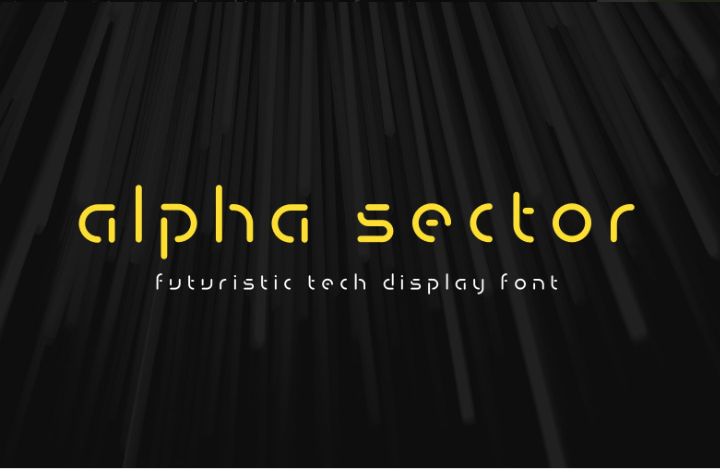

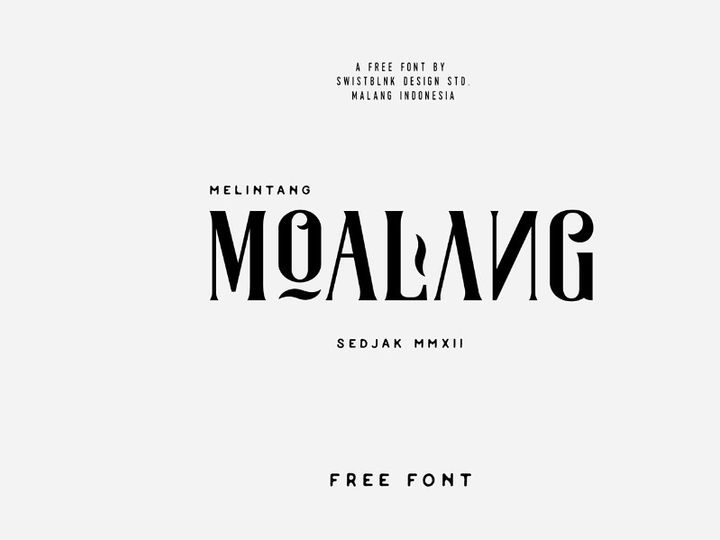
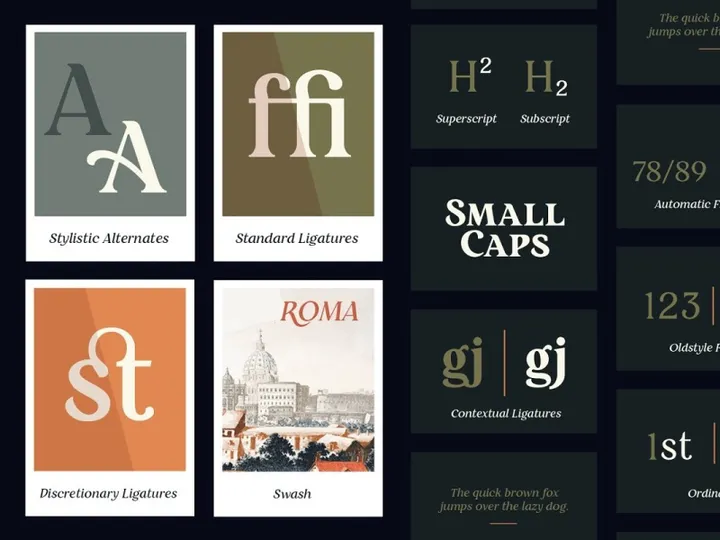

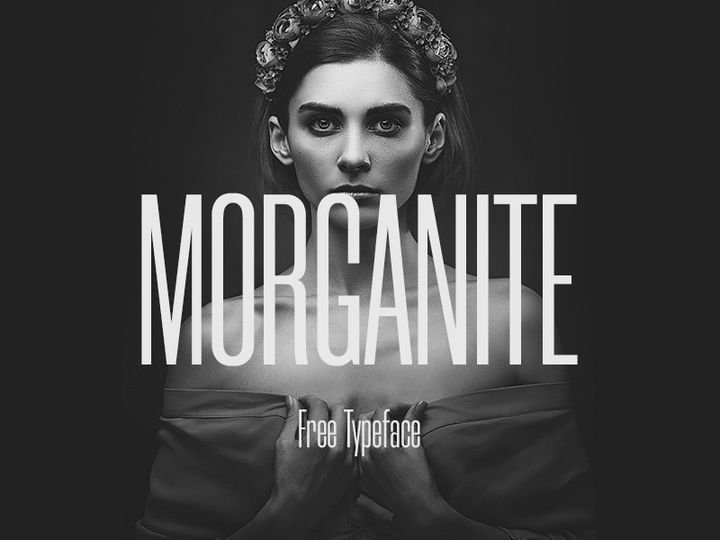
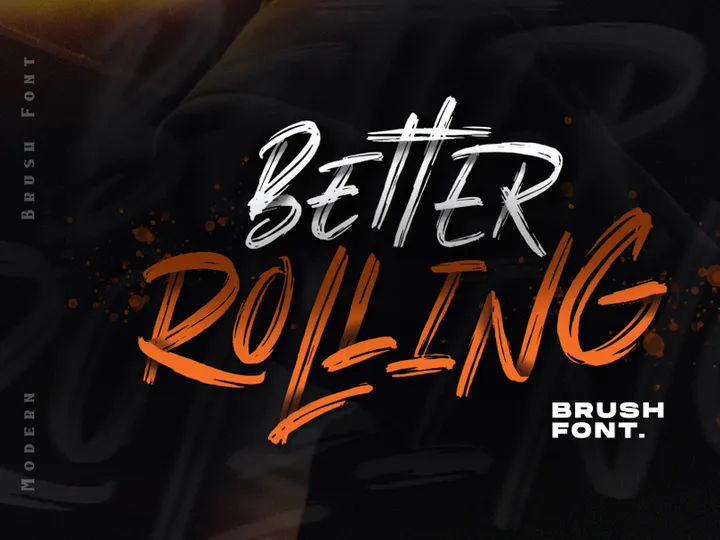
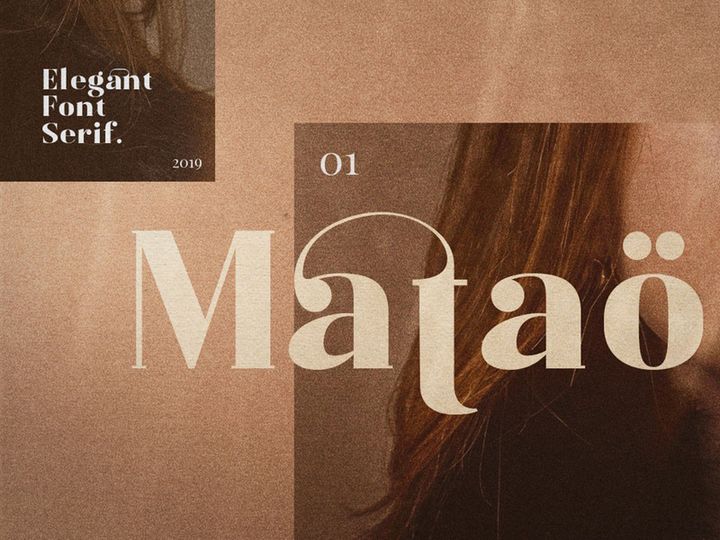


Try Our Free Resources
Download any of these for free - no account required
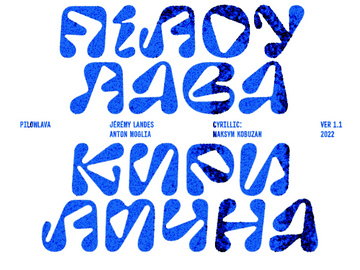

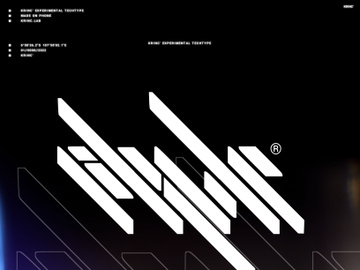
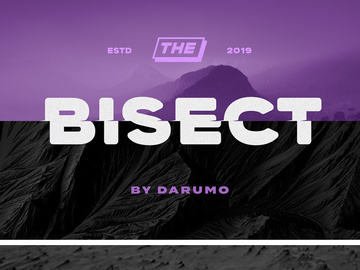
Why Fonts for Web Projects?
Choosing the right fonts is one of the most impactful decisions in web design. Typography influences readability, brand perception, and user experience — all critical factors in creating successful websites. Pre-made fonts significantly accelerate the web design process by offering professionally crafted typefaces that are optimized for digital screens. Rather than starting from scratch or creating custom lettering for every project, designers can leverage a vast library of ready-to-use fonts that maintain visual integrity across devices and platforms.
Web design projects often come with tight deadlines and evolving client expectations. Using pre-built fonts allows designers to focus on layout, user interface, and functionality, rather than spending valuable time on type design. Common requirements include responsive scalability, cross-browser compatibility, and fast loading times — all of which are addressed by high-quality web-ready fonts. These resources are engineered to perform well under real-world conditions, ensuring crisp rendering on screens of all sizes, from mobile phones to 4K displays.
EpicPxls understands the unique demands of modern web design, which is why we’ve curated over 100+ expertly selected font resources tailored specifically for digital use. Our collection includes everything from minimalist sans-serifs to expressive display fonts, all optimized for performance and aesthetics. Each font is tested for web compatibility, licensing clarity, and design consistency, so you can implement them with confidence. With access to 100+ resources, designers can quickly find the perfect typographic match for any brand, style, or audience, streamlining the creative process without sacrificing quality.
What Web Designers Need
Essential Fonts Types
Successful web design relies on a thoughtful selection of font types that serve both functional and aesthetic purposes. The most commonly used categories include:
- Sans-serif fonts – Clean, modern, and highly legible, these are ideal for body text and user interfaces. Examples include Open Sans, Lato, and Montserrat.
- Serif fonts – Often used for editorial or luxury brands, they add sophistication and readability in long-form content. Popular choices include Merriweather and Playfair Display.
- Display fonts – Bold and expressive, these are best suited for headlines, logos, or hero sections where visual impact is key.
- Monospace fonts – Perfect for coding elements, technical websites, or brands with a digital or futuristic identity.
- Handwritten and script fonts – Add personality and warmth, ideal for creative or lifestyle brands when used sparingly.
By combining these font types strategically, designers create visual hierarchies that guide users naturally through content.
Format Requirements
For optimal performance, web fonts must be delivered in formats that balance quality and loading speed. The most widely supported and efficient formats include:
- WOFF (Web Open Font Format) – Specifically designed for the web, WOFF offers excellent compression and broad browser support.
- WOFF2 – An improved version with better compression, reducing file size and improving load times.
- TTF (TrueType Font) – Widely compatible but larger in size; best used as a fallback.
- EOT (Embedded OpenType) – Primarily for older versions of Internet Explorer, now largely obsolete.
When sourcing fonts, ensure they include WOFF or WOFF2 formats to maximize performance. Many of the 100+ resources available through EpicPxls are provided in optimized web-ready formats, minimizing technical hurdles and ensuring seamless integration.
Quality Standards
Not all fonts are created equal — especially for web use. High-quality web-ready fonts should meet several key standards:
- Consistent letter spacing and kerning – Ensures even texture and readability across different screen sizes.
- Multiple weights and styles – From light to bold, including italics, to support visual hierarchy.
- Extensive character sets – Includes support for accents, symbols, and special characters for international audiences.
- Responsive rendering – Crisp appearance at various pixel densities, including retina displays.
- Clear licensing – Fonts must be licensed for commercial and web use without legal risk.
EpicPxls carefully vets each font in our collection to ensure it meets these criteria, so you can trust that every download supports professional-grade web design work.
Web Design Project Walkthrough
- Define the project goals and brand identity – Before selecting fonts, understand the website’s purpose, target audience, and tone. A tech startup will need a different typographic style than a luxury fashion brand.
- Choose a primary font for body text – Prioritize legibility and performance. Opt for a clean sans-serif or serif font that remains readable at small sizes and across devices. Ensure it’s available in multiple weights for flexibility.
- Select a complementary display font for headings – This font can be more expressive or unique, but should harmonize with the body font in tone and proportion. Avoid using more than two contrasting styles to maintain cohesion.
- Download web-optimized formats – Use trusted sources like EpicPxls to obtain fonts in WOFF or WOFF2 formats. These are lightweight and load quickly, improving overall site performance.
- Implement fonts using CSS – Use @font-face rules to load custom fonts, or link to hosted versions via CDN. Always include fallback fonts (e.g., Arial, Georgia) to ensure text displays even if custom fonts fail to load.
- Test across devices and browsers – Verify that fonts render correctly on mobile, tablet, and desktop screens. Check loading speed and ensure accessibility standards are met, such as sufficient contrast and scalable text.
Combining multiple fonts effectively requires attention to contrast, spacing, and hierarchy. Pair a geometric sans-serif with an elegant serif for balance, or use weight variation within a single font family for a minimalist look. The 100+ resources at EpicPxls include curated font pairings and style guides to help you make informed choices that enhance your web design’s visual impact.
Web Design Workflow Tips
Speed Up Your Process
Time is a precious resource in web design, and using pre-made fonts is one of the most effective ways to accelerate your workflow. Instead of searching across multiple platforms or waiting for custom type development, you can instantly access professionally designed, web-optimized fonts from a single source. EpicPxls organizes its 100+ resources by category, style, and use case, making it easy to find the perfect font in minutes. Many fonts also come with ready-to-use CSS snippets, font pairing suggestions, and usage guidelines, reducing setup time and technical troubleshooting.
Maintain Consistency
A cohesive design strengthens brand identity and improves user experience. To maintain consistency across your web project, establish a clear typographic system early in the process. Define which fonts are used for headings, subheadings, body text, buttons, and captions. Stick to a limited palette — usually two or three fonts max — to avoid visual clutter. Using fonts from the same foundry or design family can enhance harmony. With EpicPxls, you’ll find font families that include multiple weights and styles, allowing you to build a unified hierarchy without switching between unrelated typefaces.
Client Presentation
Presenting your web design work professionally includes showcasing typography as a deliberate design choice. When sharing mockups or prototypes, explain why each font was selected — whether for readability, brand alignment, or aesthetic appeal. Use real content instead of placeholder text to demonstrate how the fonts perform in context. High-quality fonts from trusted sources like EpicPxls lend credibility to your work, showing clients that every detail has been thoughtfully considered. Including web performance metrics, such as font load times, can further demonstrate your technical expertise and attention to user experience.
Web Design Inspiration
Staying inspired is essential for creating innovative and effective web designs. Current trends emphasize minimalism, bold typography, and dynamic visual hierarchies. Many top designers are embracing variable fonts — a single font file that supports multiple weights, widths, and styles — to reduce load times and increase design flexibility. Others are using expressive display fonts in hero sections to create instant impact, while maintaining clean, readable sans-serifs for body content.
Leading design studios often start with typography as a foundation, building color schemes and layouts around the mood and rhythm of the chosen fonts. For example, a geometric sans-serif might inspire a modern, tech-forward interface, while a serif with old-style proportions could lead to an elegant, editorial-style website. Designers are also paying closer attention to accessibility, ensuring fonts support screen readers, offer high contrast, and scale gracefully on all devices.
To elevate your web work, explore curated collections that go beyond basic typefaces. The 100+ resources available at EpicPxls include trend-forward fonts, hand-picked pairings, and specialty typefaces for unique use cases — from animated text effects to multilingual support. Whether you're designing a portfolio, e-commerce site, or SaaS platform, these tools help you stay ahead of the curve and deliver designs that resonate with contemporary audiences. By combining inspiration with reliable, high-performance assets, you can create web experiences that are not only beautiful but functionally exceptional.
Why Download from EpicPxls?
Commercial License
Use in personal and commercial projects
No Account Required
Download free resources instantly
Quality Curated
Every resource is reviewed for quality
Preview Files
See Figma and Photoshop files before downloading
Who Uses These Fonts?
Professionals and teams who benefit most from our collection
UI/UX Designers
Speed up your workflow with ready-to-use fonts for design tools. Perfect for prototyping and client presentations.
Developers
Get production-ready assets without design skills. Export in any format for web and mobile apps.
Startups & Agencies
Save design budget with affordable premium fonts. Commercial license included for client work.
Marketing Teams
Create professional campaigns faster. All fonts are optimized for social media and ads.
Fonts FAQCommon questions about these resources
Simple, Transparent Pricing
Get unlimited access to all premium resources
Yearly
- 20 downloads per month
- All file formats
- Commercial license
Lifetime
- Unlimited downloads forever
- All file formats
- Commercial license
Ready to Get Started?
Access 4,441+ free design resources today.
Browse Free ResourcesView Premium PlansEarn 85% and
more on all sales
Upload your products and put them up
for sale at whatever price you want.


