What Is a Icon Set? Complete Guide for Designers
EpicPxls offers 1,294+ curated icons, all with a commercial license. Formats vary by item, and each listing shows its files. A icon set is a pre-made design resource that helps designers work faster. Browse 1,294+ icon sets on EpicPxls for your projects.
Last updated February 03, 2026
Everything you need to know about icon sets — definition, types, and how to use them.
Trusted by designers at leading companies
Top Icons
Handpicked resources from our curated collection


![Business Icon Set [AI, SVG, EPS] preview picture](https://imgproxy.epicpxls.com/9yu2oEZ7M_OuzuHWV7T3APytZWbcczAzPEjc6ZbYBss/rs:fill:720:540:0/g:no/aHR0cHM6Ly9pdGVt/cy5lcGljcHhscy5j/b20vdXBsb2Fkcy9w/aG90by8yMzFkMTQz/NTEwNzBiYzQxYzcw/Njk5YzUzYmVkNjll/Yi5wbmc.jpg)





![Photoshop Icon Pack [Free SVG,PNG] preview picture](https://imgproxy.epicpxls.com/J-z-x9Sjo5KH35FFUojQEsF0BqZjGvGgFkaTfPN_7b8/rs:fill:720:540:0/g:no/aHR0cHM6Ly9pdGVt/cy5lcGljcHhscy5j/b20vdXBsb2Fkcy9w/aG90by8yYzI0ZWM3/ZjNhYjhhYWJiNzU3/YzAxM2Y2NWI1MmQ1/ZA.jpg)

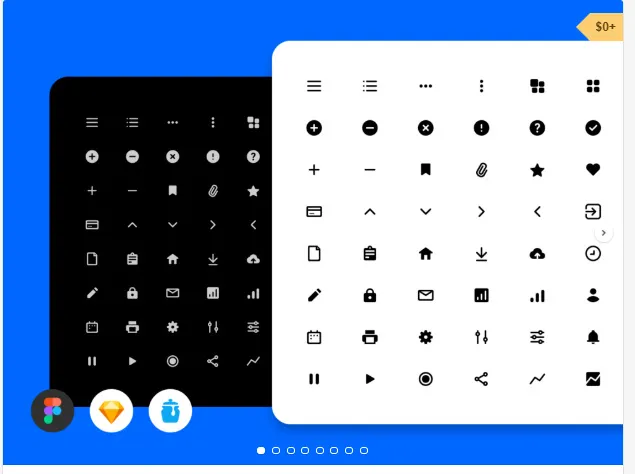

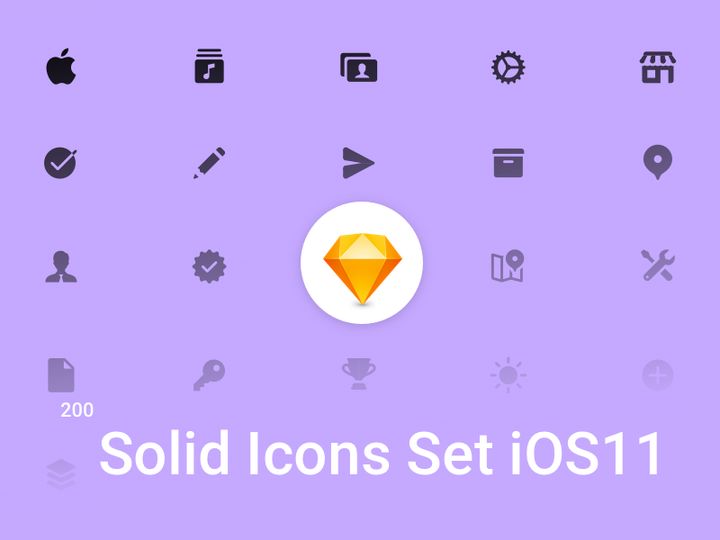
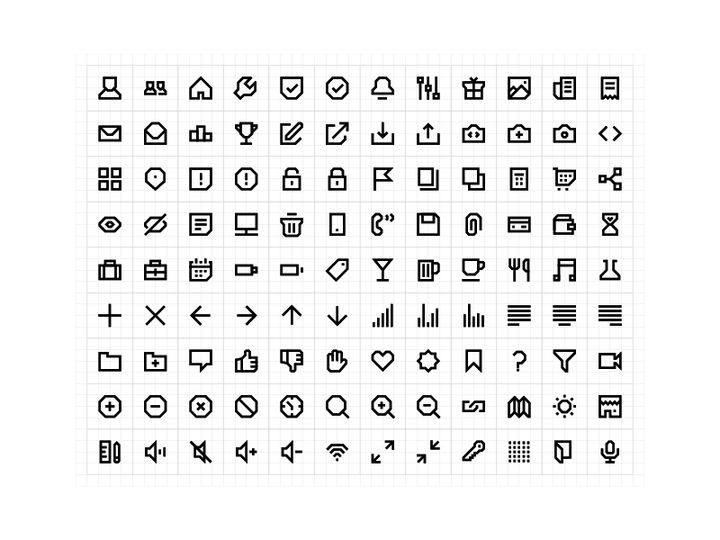
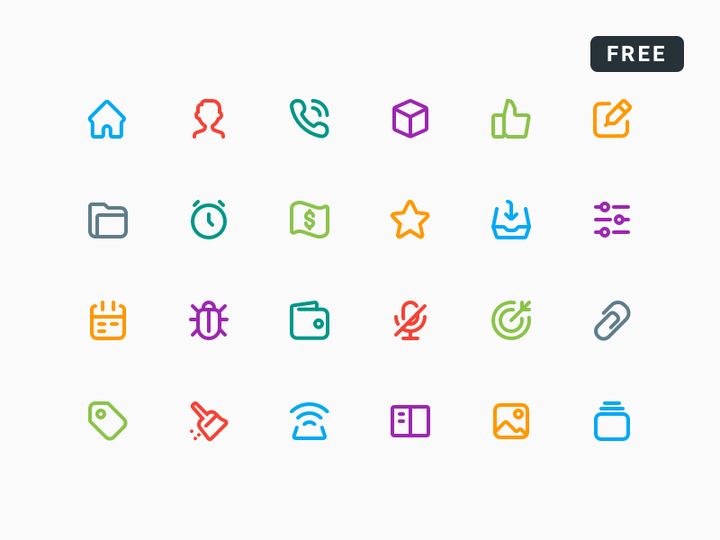
Try Our Free Resources
Download any of these for free - no account required

![Business Icon Set [AI, SVG, EPS]](https://items.epicpxls.com/uploads/photo/e7b5b13e9f700b8615b26d7414fb1412.png)
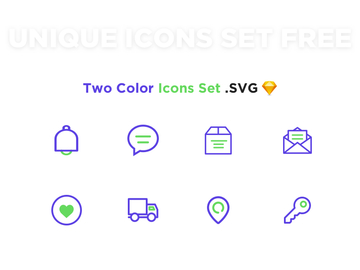
What Is an Icon Set?
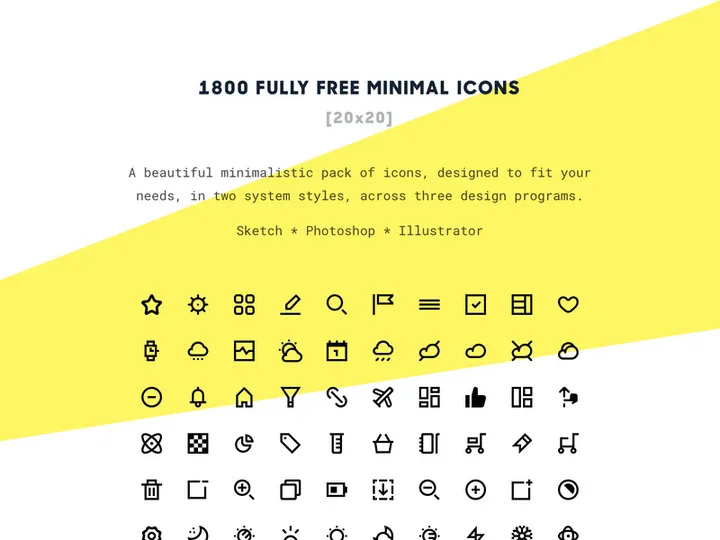
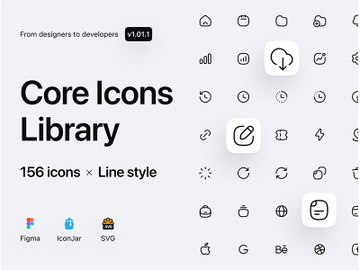
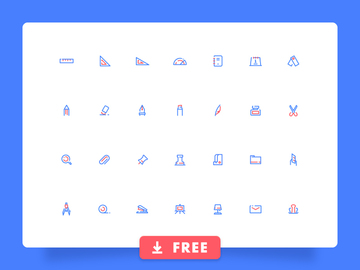
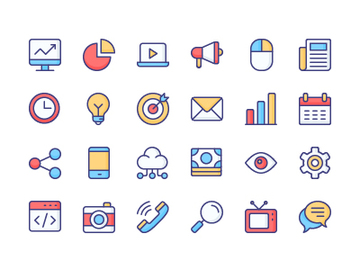
An icon set is a curated collection of graphical symbols or icons designed to work together visually and functionally across digital and print interfaces. These icons are typically unified by style, color palette, stroke weight, perspective, and level of detail, ensuring consistent visual language throughout a design project. Icon sets serve as essential tools for designers aiming to communicate information quickly and intuitively, whether in web design, mobile applications, user interfaces (UI), presentations, or branding systems.
The concept of icon sets originated in the early days of graphical user interfaces (GUIs), when tech pioneers like Xerox PARC and later Apple popularized the use of visual metaphors—such as folders, trash bins, and floppy disks—to represent digital actions and files. As software interfaces evolved, so did the need for standardized, scalable, and easily recognizable symbols. Designers began creating cohesive collections rather than isolated icons, giving rise to what we now know as icon sets. Over time, with the rise of responsive design, mobile apps, and design systems, icon sets became indispensable assets for maintaining consistency and improving user experience (UX).
Today, icon sets are more than decorative elements—they are functional components of interface design. They reduce cognitive load by replacing text with universally understood visuals, enhance navigation, and contribute to brand identity. A well-designed icon set improves usability, especially in multilingual applications, and streamlines the design workflow. For teams working on large-scale projects, using a cohesive icon set ensures that every member adheres to the same visual grammar, minimizing discrepancies and accelerating development timelines.
Platforms like EpicPxls recognize the critical role icon sets play in modern design. With access to over 1,294+ resources, designers can find icon sets tailored to nearly any project requirement, from minimalist line icons for dashboards to detailed glyph sets for e-commerce platforms. The scalability, consistency, and efficiency offered by high-quality icon sets make them foundational tools in every designer’s toolkit.
Types of Icon Sets
By Purpose
Icon sets are often categorized by their intended use, reflecting the specific needs of different design contexts. UI/UX icon sets, for example, are optimized for digital interfaces and include common actions like search, settings, home, and notifications. App-specific icon sets may target industries such as healthcare, finance, or education, featuring symbols relevant to those domains. Branding icon sets are crafted to align with a company’s visual identity, often incorporating custom illustrations or unique stylistic flourishes. Navigation icon sets focus on directional and menu-related symbols, while social media icon sets standardize platform logos for consistent sharing and linking.
By Format
The format of an icon set determines how it can be used and integrated into projects. SVG (Scalable Vector Graphics) is the most popular format due to its resolution independence, small file size, and ease of styling with CSS. PNG icon sets are widely supported and ideal for fixed-size displays, though they lack scalability. ICO files are primarily used for website favicons. Font-based icon sets (like icon fonts) allow icons to be styled like text—resizable, colorable, and animatable—but offer limited design flexibility. Sprite sheets bundle multiple icons into a single image file for performance optimization in web applications. Modern workflows increasingly favor SVG-based icon sets, especially those available through design systems or downloadable libraries such as those found on EpicPxls, where format versatility is prioritized.
By Complexity
Icon sets also vary in scope and depth. Simple icon sets contain a limited number of core icons—often 20 to 50—focused on universal functions like menus, user profiles, and basic actions. These are ideal for lightweight apps or minimalistic designs. Comprehensive icon sets, on the other hand, can include hundreds or even thousands of icons covering niche categories such as weather, medical equipment, logistics, or augmented reality. These are suited for enterprise-level applications, design systems, or SaaS platforms that require extensive iconography. The 1,294+ resources available on EpicPxls span this full spectrum, enabling designers to choose sets based on project complexity, from compact toolkits to expansive visual libraries.
How to Use Icon Sets in Your Projects
- Define Your Use Case: Begin by identifying the purpose of your iconography. Are you building a mobile app, a dashboard, or a marketing website? Understanding your project's goals helps narrow down which type of icon set—minimalist, filled, outlined, or industry-specific—is most appropriate.
- Select a Cohesive Set: Choose an icon set with consistent visual traits. Ensure uniformity in stroke width, corner radius, icon size, and perspective. Avoid mixing icons from different sets unless they are explicitly designed to be compatible. Platforms like EpicPxls offer curated collections where visual harmony is guaranteed across all icons.
- Check Compatibility and Format: Verify that the icon set supports the required formats for your platform—SVG for web, PNG for print, or font icons for legacy systems. Also, ensure the icons are available in multiple sizes if responsiveness is a priority.
- Integrate into Your Design Tool: Import the icon set into your preferred design software—such as Figma, Adobe XD, or Sketch. Many modern tools support SVG natively, allowing you to resize, recolor, and modify icons without quality loss. Organize icons into libraries or components for easy reuse.
- Customize Thoughtfully: While icon sets are designed for consistency, you may need to adjust colors, stroke weights, or sizes to match your brand. Always maintain the original design language to avoid visual dissonance. Avoid altering proportions or adding unnecessary details that disrupt harmony.
- Implement with Accessibility in Mind: Icons should never stand alone without context. Pair them with text labels when necessary, especially for critical navigation. Ensure sufficient contrast and provide alternative text (alt text) for screen readers. Test usability across devices and user groups to confirm clarity.
Following these best practices ensures that your use of icon sets enhances both aesthetics and functionality. Leverage tools like style guides and component libraries to maintain consistency. With over 1,294+ resources, EpicPxls empowers designers to find, customize, and deploy icon sets efficiently, accelerating design workflows while upholding professional standards.
Icon Set vs Related Concepts
While often used interchangeably, the term icon set differs from related design concepts such as icon fonts, individual icons, and illustration packs. An icon font is a specific delivery method—a font file containing icons instead of letters—and may include an icon set, but not all icon sets are delivered as fonts. Icon fonts offer typographic flexibility but can lack fine control over design and accessibility compared to SVG-based sets.
An individual icon is a single graphical symbol, whereas an icon set implies a collection designed for cohesive use. Relying on standalone icons can lead to visual inconsistency, especially when sourced from multiple creators. In contrast, a true icon set ensures stylistic unity and functional harmony.
Illustration packs, while sometimes overlapping in theme, are generally more detailed and narrative-driven than icon sets. They serve decorative or storytelling purposes, whereas icon sets are primarily functional, optimized for clarity and quick recognition at small sizes. However, both can complement each other—using an icon set for navigation and an illustration pack for onboarding screens, for example.
Understanding these distinctions helps designers make informed choices. For UI components, workflows, and system design, a dedicated icon set is almost always the better option. When enhanced visual storytelling is needed, illustrations can support—but not replace—the structured clarity of an icon set. Platforms like EpicPxls clearly categorize these assets, making it easy to select the right resource for each design challenge.
Where to Find Quality Icon Sets
Finding a high-quality icon set requires attention to several key factors: visual consistency, format options, licensing clarity, and update frequency. A professional icon set should be well-organized, with clear naming conventions, grid alignment, and uniform stroke weights. Look for sets that offer multiple weights (light, regular, bold) and color variants, as well as accessibility considerations like stroke accessibility and proper viewBox settings in SVG files.
One of the most trusted sources for curated design assets is EpicPxls, which offers access to over 1,294+ resources including thousands of premium icon sets. Each collection is vetted for design quality, technical precision, and usability across real-world projects. Whether you're looking for flat design icons, material-style sets, or hand-drawn glyphs, EpicPxls ensures that every icon set meets professional standards. The platform also provides detailed previews, format options, and licensing information upfront, helping designers avoid legal pitfalls and compatibility issues.
When choosing between free and premium icon sets, consider long-term value. Free sets may suffice for personal projects or prototypes, but they often lack comprehensiveness, consistency, or proper licensing for commercial use. Premium sets, while requiring investment, typically offer better support, regular updates, and broader usage rights—ideal for agencies, startups, and enterprise teams. With EpicPxls, designers gain access to both free and premium tiers, enabling flexible, scalable solutions tailored to any budget or project scope.
Why Download from EpicPxls?
Commercial License
Use in personal and commercial projects
No Account Required
Download free resources instantly
Quality Curated
Every resource is reviewed for quality
Preview Files
See preview images on each item page before downloading
Who Uses These Icons?
Professionals and teams who benefit most from our collection
UI/UX Designers
Speed up your workflow with ready-to-use icons for design tools. Perfect for prototyping and client presentations.
Developers
Get production-ready assets without design skills. Export in any format for web and mobile apps.
Startups & Agencies
Save design budget with affordable premium icons. Commercial license included.
Marketing Teams
Create professional campaigns faster. All icons are optimized for social media and ads.
Icons FAQCommon questions about these resources
Simple, Transparent Pricing
Get unlimited access to all premium resources
Yearly
- 20 downloads per month
- All file formats
- Commercial license
Lifetime
- Unlimited downloads forever
- All file formats
- Commercial license
Earn 85% and
more on all sales
Upload your products and put them up
for sale at whatever price you want.


