Illustrations for Illustrator: 8128+ Resources
EpicPxls offers 200+ curated illustrations for Illustrator, all with a commercial license and editable source files (Figma, Sketch, PSD). We have 200+ illustrations compatible with Illustrator, tested and verified for seamless integration.
Last updated February 12, 2026
Discover 8128+ handpicked illustrations for Illustrator.
Trusted by designers at leading companies
Top Illustrations for Illustrator
Handpicked resources from our curated collection


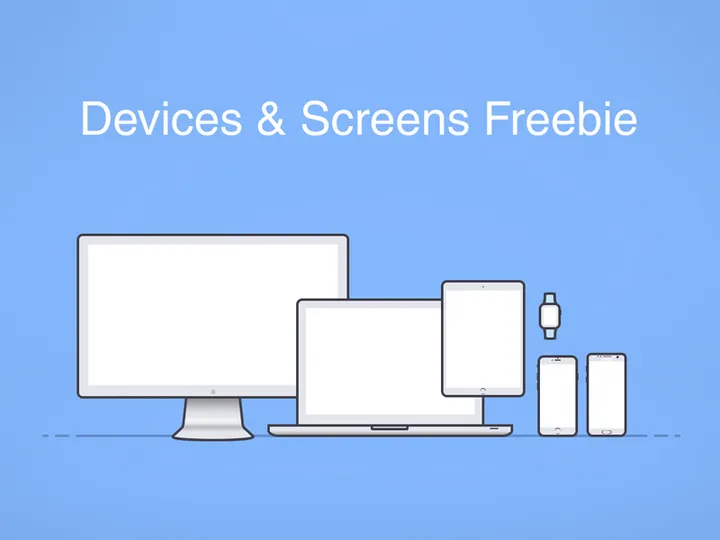




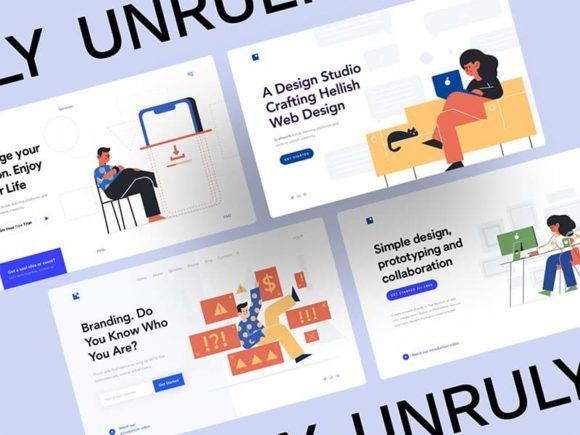

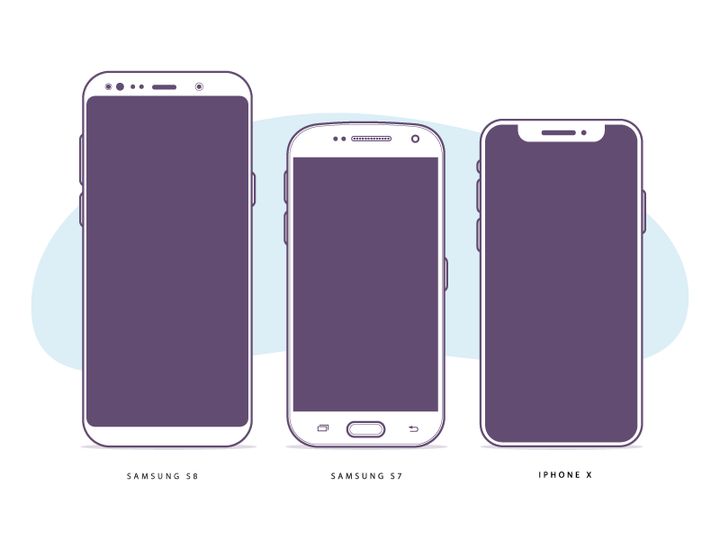

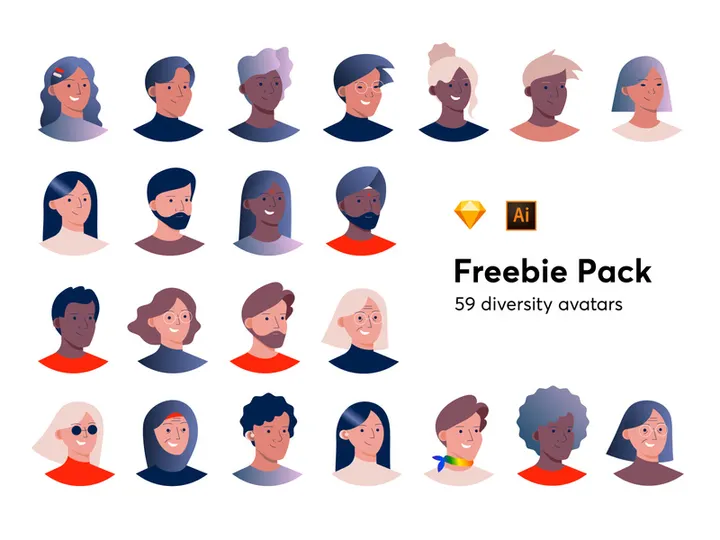










Try Our Free Resources
Download any of these for free - no account required




Why Illustrator for Illustrations?
Adobe Illustrator has long been the industry standard for vector-based illustration, offering designers unmatched precision, scalability, and creative control. Its powerful suite of tools makes it the preferred choice for illustrators across industries—from graphic design and branding to publishing and digital media. The ability to create crisp, resolution-independent artwork ensures that illustrations remain sharp at any size, whether used in a mobile app icon or a large-scale billboard.
One of Illustrator’s most compelling features is its robust vector editing environment. Tools like the Pen Tool, Shape Builder, and Live Paint allow artists to craft intricate designs with pixel-perfect accuracy. Layers, artboards, and symbols streamline complex projects, enabling efficient organization and reuse of design elements. Advanced color tools, gradients, and pattern creation further enhance the creative possibilities, making Illustrator a versatile platform for both simple and highly detailed illustrations.
Another reason Illustrator remains dominant is its seamless integration with other Adobe Creative Cloud applications. This interoperability allows illustrators to move effortlessly between Photoshop, InDesign, and After Effects, making it an essential part of modern creative workflows. Additionally, Illustrator supports a wide range of file formats—including AI, EPS, SVG, and PDF—ensuring broad compatibility across platforms and collaborators.
At EpicPxls, we understand the importance of high-quality, Illustrator-compatible assets. Our team carefully curates every resource in our collection to ensure full compatibility with Illustrator’s tools and workflows. From vector icons and character illustrations to intricate patterns and infographics, our 8128+ resources are optimized to enhance productivity and creativity. Whether you're crafting a brand identity, developing marketing materials, or designing digital content, our curated illustrations are created with Illustrator users in mind—delivering precision, flexibility, and professional-grade results.
Top Illustrations Picks for Illustrator
Best for Beginners
Starting out in illustration can be overwhelming, but the right resources can significantly ease the learning curve. For beginners, we recommend illustration packs that include well-organized layers, clear naming conventions, and comprehensive documentation. Look for resources that use basic vector shapes, simple color palettes, and modular designs—these help new users understand how illustrations are constructed in Illustrator. Many beginner-friendly packs from EpicPxls include editable templates and step-by-step guides, allowing users to experiment and learn by modifying existing artwork.
Best for Professionals
Experienced illustrators demand precision, flexibility, and depth. For professionals, the best Illustrator resources are those that offer advanced features such as layered compositions, custom brushes, and scalable vector assets with non-destructive editing capabilities. These resources often include complex illustrations like isometric scenes, detailed character lineups, and customizable infographics. Many of the 8128+ resources available at EpicPxls are designed with professional workflows in mind, featuring smart objects, linked assets, and compatibility with global colors—ensuring consistency across large-scale projects.
Best Free Options
High-quality illustrations don’t always have to come with a price tag. EpicPxls offers a growing selection of free Illustrator-compatible illustrations that maintain the same standards of quality and usability as our premium collections. These free resources include vector icons, decorative elements, and basic scene compositions—perfect for prototyping, personal projects, or budget-conscious designers. Each free asset is thoroughly tested for Illustrator compatibility, ensuring smooth import and editing. Whether you're building a portfolio or testing a new concept, these free illustrations provide excellent starting points without compromising on quality.
Illustrator vs Other Tools for Illustrations
While several software options exist for creating illustrations, Adobe Illustrator stands out due to its unmatched vector precision and industry-wide adoption. Unlike raster-based tools, Illustrator’s vector foundation ensures that artwork remains infinitely scalable without loss of quality—making it ideal for everything from print media to responsive web graphics. This scalability is especially critical in branding and UI design, where assets must perform across multiple formats and screen sizes.
Illustrator’s ecosystem offers unique advantages, including deep integration with design systems, support for reusable symbols, and advanced typography controls. These features streamline the creation of consistent, professional illustrations across large projects. Additionally, Illustrator’s support for non-destructive effects—such as transparency, blurs, and warps—allows artists to experiment freely while maintaining full editability.
When it comes to format compatibility, Illustrator excels in both input and output flexibility. It can import and export a wide range of vector and raster formats, making it easy to incorporate illustrations into diverse workflows. While other tools may offer specific strengths, Illustrator’s combination of precision, compatibility, and ecosystem support makes it the preferred platform for serious illustrators. With 8128+ Illustrator-optimized resources available at EpicPxls, designers have immediate access to assets that leverage these advantages, saving time and enhancing creative output.
Setting Up Illustrations in Illustrator
- Download and Organize Resources: Begin by downloading your chosen illustrations from EpicPxls. Save them in a dedicated project folder with clear naming, such as “Brand_Illustrations” or “UI_Icons,” to maintain organization.
- Verify File Compatibility: Ensure the files are in AI, EPS, or SVG format—formats fully supported by Illustrator. Most of the 8128+ resources from EpicPxls are provided in multiple formats for maximum compatibility.
- Import into Illustrator: Open Adobe Illustrator and go to File > Open or File > Place to import your illustrations. Use “Place” if you want to embed the asset non-destructively into an existing document.
- Unpack Layered Assets: Many illustrations come with multiple layers. Use the Layers panel to explore and unlock components. Rename or group layers as needed to fit your project structure.
- Customize Colors and Styles: Take advantage of global colors and swatches to modify the illustration’s palette. Edit strokes, shapes, and effects to match your brand or design language.
- Save and Reuse: Once customized, save your version as a new AI file. Consider adding frequently used illustrations to your Creative Cloud Libraries or Symbols panel for quick access in future projects.
For managing large collections of illustrations, consider creating a master library file where you store approved assets. This approach streamlines collaboration and ensures design consistency. EpicPxls resources are designed with this workflow in mind—many include pre-sorted layers and color groups to simplify setup and editing.
Illustrator Workflow Tips
Organizing Illustrations Libraries
Efficient illustration work starts with smart organization. Create a structured library system using Illustrator’s Creative Cloud Libraries or a dedicated AI file to store approved assets. Categorize illustrations by type—such as icons, characters, backgrounds, and UI elements—and use consistent naming conventions. Tagging assets with keywords like “hand-drawn,” “flat design,” or “isometric” can further speed up retrieval. Many of the 8128+ resources from EpicPxls come with built-in categorization, making it easier to integrate them into your existing library structure. Regularly audit and archive outdated illustrations to keep your library lean and relevant.
Batch Operations
When working with large sets of illustrations, batch processing can dramatically improve efficiency. Use Illustrator’s Actions panel to record repetitive tasks like resizing, recoloring, or exporting. For example, you can create an action that applies a specific color theme and exports each illustration as an SVG and PNG. Apply this action across multiple files using the Batch command under the Automation menu. This is especially useful when customizing illustration packs from EpicPxls for client projects or design systems. By automating routine steps, you free up time for creative work while ensuring consistency across outputs.
Collaboration Best Practices
Collaborative illustration projects require clear communication and standardized workflows. Always share files with linked assets properly packaged using File > Package, which collects fonts, images, and resources in one folder. Use layers and layer naming conventions that reflect content—avoid generic names like “Layer 1.” When using shared illustration libraries, establish a naming standard and version control process. For teams using cloud storage, consider syncing Creative Cloud Libraries so all members have access to the latest assets. Resources from EpicPxls are designed with collaboration in mind—many come with clean layer structures, minimal effects, and editable components that reduce friction when multiple designers are involved. This ensures smoother handoffs and fewer compatibility issues.
Why Download from EpicPxls?
Commercial License
Use in personal and commercial projects
No Account Required
Download free resources instantly
Quality Curated
Every resource is reviewed for quality
Preview Files
See Figma and Photoshop files before downloading
Who Uses These Illustrations?
Professionals and teams who benefit most from our collection
UI/UX Designers
Speed up your workflow with ready-to-use illustrations for Illustrator. Perfect for prototyping and client presentations.
Developers
Get production-ready assets without design skills. Export in any format for web and mobile apps.
Startups & Agencies
Save design budget with affordable premium illustrations. Commercial license included.
Marketing Teams
Create professional campaigns faster. All illustrations are optimized for social media and ads.
Illustrations for Illustrator FAQCommon questions about these resources
Simple, Transparent Pricing
Get unlimited access to all premium resources
Yearly
- 20 downloads per month
- All file formats
- Commercial license
Lifetime
- Unlimited downloads forever
- All file formats
- Commercial license
Ready to Get Started?
Access 4,442+ free design resources today.
Browse Free ResourcesView Premium PlansEarn 85% and
more on all sales
Upload your products and put them up
for sale at whatever price you want.


