18120+ Email Template Examples & Inspiration
EpicPxls offers 200+ curated templates, all with a commercial license and editable source files (Figma, Sketch, PSD). EpicPxls has 200+ email template resources you can browse for inspiration and download for your projects.
Last updated February 12, 2026
Get inspired with 18120+ handpicked email template examples from top designers.
Trusted by designers at leading companies
Top Templates
Handpicked resources from our curated collection
![Food Social Media Post Template [PSD] preview picture](https://imgproxy.epicpxls.com/fgSDQO0qfI2fLnnnbe7bRDJBz_4TanIQE-0LpGFO24o/rs:fill:720:540:0/g:no/aHR0cHM6Ly9pdGVt/cy5lcGljcHhscy5j/b20vdXBsb2Fkcy9w/aG90by81ODgzNzBh/MzU4MmY3ZjM3NDYz/MTVmN2YzMjE5Mzg5/Zg.jpg)
![Hang Tag Template Set [Free Download] preview picture](https://imgproxy.epicpxls.com/aAweHrJ1cfiiBNiWURsvMQyTQyNPSMQRqWTGfNhuNBQ/rs:fill:720:540:0/g:no/aHR0cHM6Ly9pdGVt/cy5lcGljcHhscy5j/b20vdXBsb2Fkcy9w/aG90by8zMDlkNmQy/NjhiMWE3YTdkY2Vj/YWY4MmJlYmEyNTM1/Mg.jpg)


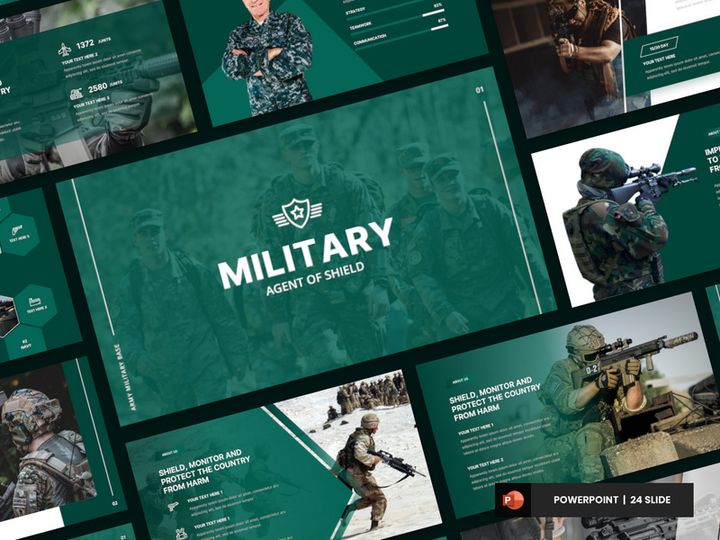

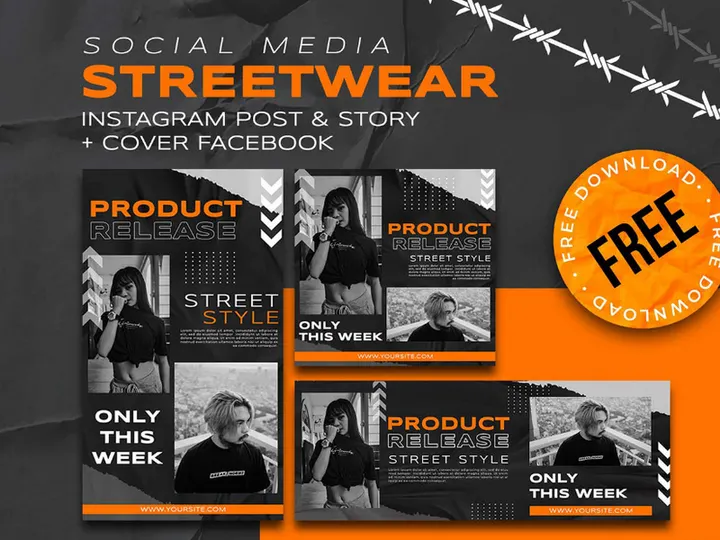
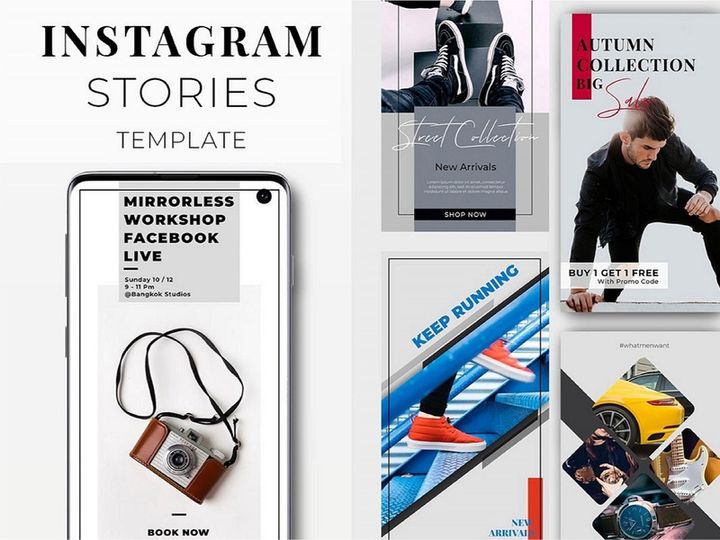
Try Our Free Resources
Download any of these for free - no account required
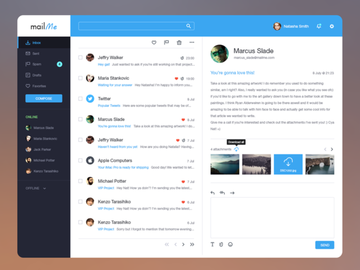
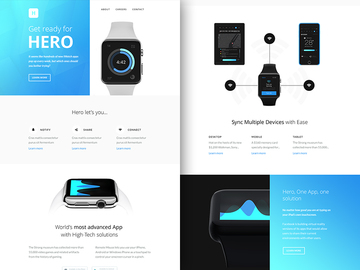
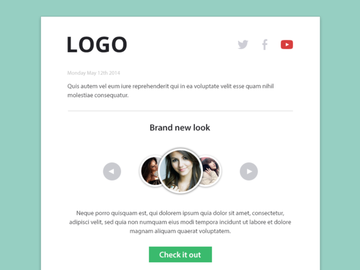
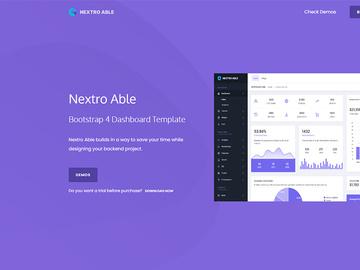
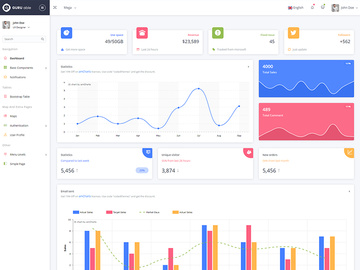
Best Email Template Examples in 2026
In 2026, email template design continues to evolve with a strong emphasis on user engagement, mobile responsiveness, and visual storytelling. The most standout email template examples seamlessly blend aesthetics with functionality, offering users a compelling experience from inbox to action. These templates are not just visually appealing—they are purpose-built to drive conversions, nurture leads, and strengthen brand identity.
One of the most noteworthy trends in top-performing email templates is the use of dynamic, interactive elements such as hover effects, accordions, and embedded videos. These interactive features keep recipients engaged longer and reduce bounce rates. Additionally, minimalist layouts with generous white space have gained popularity, allowing key messaging and calls to action to stand out without visual clutter.
Another hallmark of high-impact email templates is personalization. Leading examples leverage data-driven customization, from dynamic content blocks to location-specific offers, making each recipient feel uniquely addressed. This level of personalization is supported by advanced CRM integrations and AI-powered content recommendations, which are now standard in enterprise email campaigns.
Current design trends also favor bold typography, asymmetric layouts, and the strategic use of gradients and glassmorphism—design techniques that add depth and modernity. Brands are increasingly adopting dark mode compatibility, ensuring their emails look polished across all devices and user preferences. These forward-thinking design choices are not just about style; they reflect a deeper understanding of user behavior and digital accessibility.
At EpicPxls, you can explore thousands of these cutting-edge designs. With over 18120+ email template examples available, users have instant access to professionally crafted inspiration that reflects the latest in design innovation and marketing effectiveness.
What Makes Great Email Template?
A great email template goes far beyond visual appeal—it combines design excellence with strategic communication. Whether used for newsletters, promotional campaigns, or transactional messages, the best templates guide the reader’s eye, deliver clarity, and prompt action. Understanding the core components that define excellence in email design can elevate your campaigns from ordinary to exceptional.
Visual Hierarchy
Visual hierarchy is the foundation of effective email layout. It ensures that the most important elements—such as headlines, primary CTAs, and key images—are seen first. Designers achieve this through strategic sizing, placement, and spacing. For example, placing the main headline at the top in a large, bold font draws immediate attention, while secondary content is arranged in descending order of importance. Tools like z-pattern and F-pattern layouts help align content with natural eye movement, improving readability and engagement.
Color and Typography
The right color palette and typography choices reinforce brand identity and influence emotional response. High-contrast color combinations improve readability, while brand-consistent hues strengthen recognition. For instance, using a primary brand color for buttons can increase click-through rates. Similarly, typography should balance style with legibility—sans-serif fonts are often preferred for digital readability, especially on mobile devices. Limiting font usage to two or three typefaces prevents visual confusion and maintains a clean, professional appearance.
User Experience
User experience (UX) in email design focuses on accessibility, speed, and ease of interaction. Templates should load quickly, render correctly across email clients, and be fully responsive on all devices. Accessibility features such as alt text for images, sufficient color contrast, and scalable text ensure inclusivity for all users, including those with visual impairments. A great email template feels effortless to navigate, with clear CTAs and intuitive layout that guide the user toward the desired action without friction.
Email Template Trends & Patterns
Email template design in 2026 is shaped by broader digital trends, technological advancements, and shifting user expectations. As brands compete for attention in crowded inboxes, innovative design patterns are emerging to capture interest and build trust. These trends reflect a move toward more immersive, human-centered experiences that prioritize value and relevance.
Current Design Movements
Minimalism remains a dominant force, but it’s now enhanced with subtle animations and micro-interactions that add delight without distraction. Glassmorphism—the use of frosted glass effects with transparency and blur—brings a modern, high-tech aesthetic to email headers and buttons. Similarly, kinetic typography and scroll-triggered reveals are being adopted in compatible email clients to create dynamic storytelling experiences. These design movements are not just visually engaging—they also improve message retention and emotional connection.
Industry-Specific Approaches
Different industries tailor their email templates to align with audience expectations and business goals. E-commerce brands often use product carousels, countdown timers, and one-click purchase buttons to streamline the shopping experience. SaaS companies favor clean, informative layouts with feature highlights and onboarding guides. Nonprofits and educational institutions lean into storytelling with full-width images and heartfelt narratives to drive donations or event sign-ups. These industry-specific strategies demonstrate how effective email templates are deeply rooted in audience psychology and conversion goals.
Emerging Innovations
Technological advancements are pushing the boundaries of what’s possible in email. AMP for Email enables live content updates, such as form submissions and calendar bookings, directly within the inbox. AI-driven personalization engines dynamically generate content blocks based on user behavior. Meanwhile, dark mode optimization and variable fonts ensure consistent rendering across platforms. These innovations are transforming static emails into interactive, real-time experiences. With EpicPxls offering access to 18120+ resources, designers can stay ahead of the curve by exploring templates that incorporate these cutting-edge techniques.
How to Create Your Own Email Template
Creating a custom email template doesn’t require starting from scratch. With the right approach, you can adapt existing designs into unique, brand-aligned solutions that deliver results. Whether you're a marketer, designer, or small business owner, following a structured process ensures efficiency and quality.
- Define Your Purpose – Determine the goal of your email: Is it to promote a product, share news, or nurture leads? Your objective shapes the layout, tone, and call to action.
- Gather Inspiration – Browse high-performing email templates to identify effective structures and design elements. Platforms like EpicPxls offer a vast library of examples across industries and use cases.
- Choose a Base Template – Select a pre-designed template that aligns with your vision. Look for responsive, well-structured designs that are easy to customize.
- Customize for Branding – Adjust colors, fonts, and imagery to reflect your brand identity. Ensure consistency with your website and other marketing materials.
- Optimize for Engagement – Refine your layout for clarity and impact. Test button placement, image-to-text ratios, and mobile responsiveness. Use whitespace strategically to avoid clutter.
- Test and Iterate – Preview your template across multiple devices and email clients. Conduct A/B testing on subject lines, CTAs, and content variations to refine performance over time.
By leveraging existing resources as a foundation, you save time and ensure professional results. With thoughtful customization and testing, your email template can become a powerful tool in your marketing arsenal.
Email Template Resources on EpicPxls
Finding the perfect starting point for your email design has never been easier. EpicPxls offers a comprehensive collection of over 18120+ email template examples, meticulously curated to suit a wide range of industries, purposes, and design preferences. From sleek corporate newsletters to vibrant promotional campaigns, the platform provides instant access to high-quality, ready-to-use templates that accelerate your workflow.
Whether you're looking for responsive HTML templates, drag-and-drop designs compatible with major email marketing platforms, or PSD files for full customization, EpicPxls delivers. The resource library includes options for seasonal campaigns, product launches, welcome series, and more—ensuring you always have relevant, up-to-date designs at your fingertips. Each template is crafted with best practices in mind, incorporating responsive layouts, accessible design, and modern aesthetics.
Users can filter by style, color, industry, and file type to quickly find the ideal match for their project. Both free and premium options are available, making it accessible for individuals and teams at every budget level. Premium templates often include extended features such as layered source files, modular sections, and dedicated support, offering greater flexibility for advanced users.
By starting with a professionally designed template from EpicPxls, you gain a strategic advantage—saving time, reducing development costs, and ensuring your emails meet the highest standards of design and functionality. With thousands of options to explore, inspiration is always within reach.
Why Download from EpicPxls?
Commercial License
Use in personal and commercial projects
No Account Required
Download free resources instantly
Quality Curated
Every resource is reviewed for quality
Preview Files
See Figma and Photoshop files before downloading
Who Uses These Templates?
Professionals and teams who benefit most from our collection
UI/UX Designers
Speed up your workflow with ready-to-use templates for design tools. Perfect for prototyping and client presentations.
Developers
Get production-ready assets without design skills. Export in any format for web and mobile apps.
Startups & Agencies
Save design budget with affordable premium templates. Commercial license included.
Marketing Teams
Create professional campaigns faster. All templates are optimized for social media and ads.
Templates FAQCommon questions about these resources
Simple, Transparent Pricing
Get unlimited access to all premium resources
Yearly
- 20 downloads per month
- All file formats
- Commercial license
Lifetime
- Unlimited downloads forever
- All file formats
- Commercial license
Ready to Get Started?
Access 4,442+ free design resources today.
Browse Free ResourcesView Premium PlansEarn 85% and
more on all sales
Upload your products and put them up
for sale at whatever price you want.


