Templates for Adobe InDesign: 11+ Resources
EpicPxls offers 11+ curated templates for Adobe InDesign, all with a commercial license and editable source files (Figma, Sketch, PSD). We have 11+ templates compatible with Adobe InDesign, tested and verified for seamless integration.
Last updated February 12, 2026
Discover 11+ handpicked templates for Adobe InDesign.
Trusted by designers at leading companies
Top Templates for Adobe InDesign
Handpicked resources from our curated collection
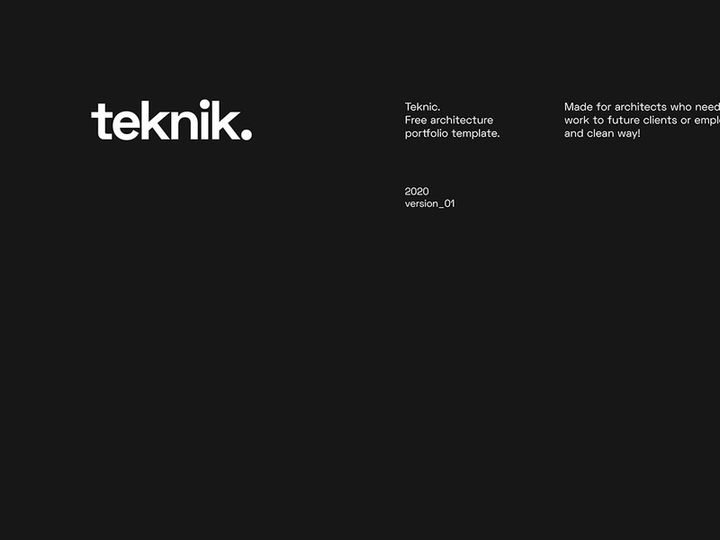

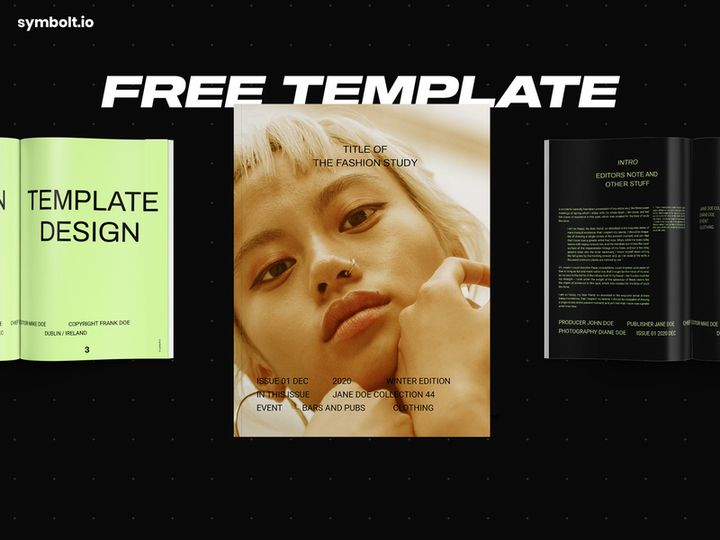
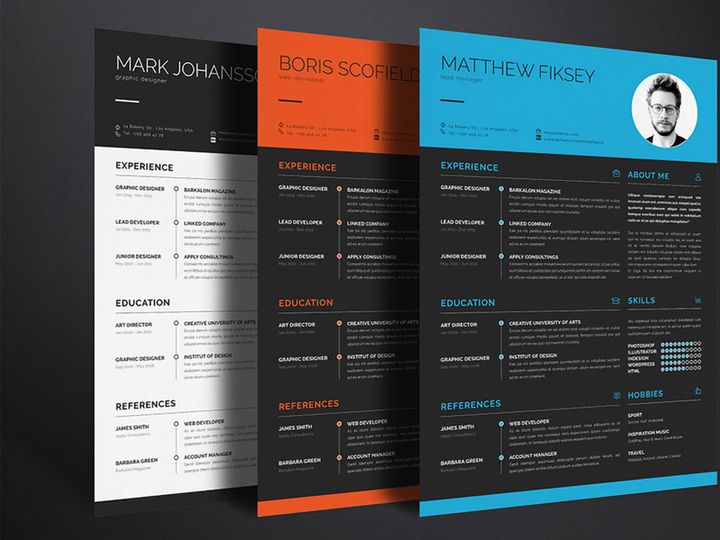
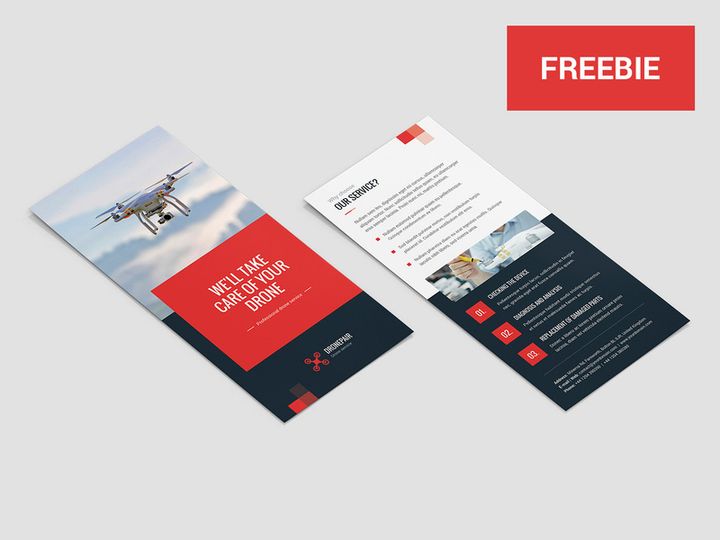


Try Our Free Resources
Download any of these for free - no account required

Why Adobe InDesign for Templates?
Adobe InDesign has long been the industry standard for professional page layout and multi-page document design, making it the go-to platform for creating and using templates. Whether you're designing brochures, magazines, flyers, reports, or ebooks, InDesign offers a robust and flexible environment that supports highly structured, reusable design systems. This makes it an ideal tool for working with templates, where consistency, efficiency, and scalability are paramount.
One of InDesign’s greatest strengths is its powerful master page functionality, which allows designers to define consistent layouts, headers, footers, and design elements across multiple pages. This is especially useful when working with templates, as it ensures brand alignment and design uniformity throughout a project. Additionally, features like paragraph and character styles, object libraries, and data merge enable rapid content population and formatting—critical when adapting templates for different uses or clients.
InDesign also supports high-resolution output for both print and digital formats, including PDF, EPUB, and interactive documents, giving template users maximum versatility. Its integration with other Adobe Creative Cloud applications like Photoshop and Illustrator further enhances workflow efficiency, enabling seamless asset transfer and editing. This ecosystem support means templates can incorporate complex graphics, typography, and effects while maintaining editability and quality.
At EpicPxls, we understand the importance of precision and performance in template design. That’s why we curate only the most reliable, well-structured, and professionally built resources compatible with Adobe InDesign. Our selection of 11+ resources includes templates that leverage InDesign’s full capabilities—from responsive grids to advanced typography—ensuring every designer, marketer, or agency can find something that fits their workflow. Whether you're creating annual reports, social media print packs, or event programs, InDesign’s template-friendly architecture makes it the smart choice for design professionals who value consistency and quality.
Top Templates Picks for Adobe InDesign
With so many templates available, choosing the right ones for your needs can be overwhelming. To streamline your search, we’ve hand-picked a selection of top-tier InDesign templates that stand out for usability, design quality, and functionality. These 11+ resources have been carefully evaluated by the team at EpicPxls to ensure they meet real-world design demands, whether you're just starting out or managing large-scale publishing projects.
Best for Beginners
If you're new to Adobe InDesign, starting with intuitive, well-organized templates is essential. Look for options that include clear layer labeling, instructional guides, and simple color palettes. Templates designed for business cards, flyers, and simple brochures are excellent entry points. These beginner-friendly resources typically use basic grids and minimal effects, making them easy to customize without requiring advanced knowledge. Many also come with linked assets and embedded fonts, reducing setup time and technical hurdles. EpicPxls highlights beginner templates that feature intuitive file structures and step-by-step customization notes, helping new users build confidence while producing professional results.
Best for Professionals
For seasoned designers and agencies, advanced templates are a must. These often include complex master page systems, nested styles, conditional text, and support for data-driven content. Professional-grade templates are ideal for corporate branding kits, multi-chapter reports, and magazine layouts. They’re built with scalability in mind, allowing teams to maintain consistency across large document sets. Many of the top-tier options in our 11+ resources list include modular design components, pre-configured export presets, and CMYK-ready color profiles for print accuracy. These templates save hours in production and are optimized for real-world publishing workflows—making them invaluable for high-volume or deadline-driven projects.
Best Free Options
Not all high-quality templates come with a price tag. There are several excellent free InDesign templates available that deliver professional design without the cost. These often include layouts for resumes, portfolios, newsletters, and event programs. While free templates may have fewer customization options than premium versions, many still offer master pages, style sheets, and grid-based layouts. EpicPxls carefully vets each free resource to ensure compatibility, clean code, and usability. Our curated list of 11+ resources includes standout free templates that don’t compromise on quality, making them perfect for students, freelancers, or anyone testing a new project idea.
Adobe InDesign vs Other Tools for Templates
While many design tools offer template functionality, Adobe InDesign remains unmatched in its depth of control and professional-grade features. Unlike general-purpose design software, InDesign is built specifically for multi-page, content-rich documents, making it inherently better suited for template creation and reuse. Its precision in typography, layout grids, and print-ready output gives it a clear edge over tools that prioritize speed over accuracy.
One of InDesign’s unique advantages is its ecosystem integration. Since it’s part of the Adobe Creative Cloud, templates can seamlessly incorporate assets from Photoshop, Illustrator, and Adobe Stock—enhancing both design flexibility and production efficiency. No other platform offers this level of interoperability, especially when working with layered, vector-based, or high-resolution content. This makes InDesign templates not only more powerful but also easier to maintain across design teams and projects.
From a format compatibility standpoint, InDesign supports a wide range of export options, including print-ready PDFs, interactive PDFs, EPUBs, and IDML for cross-version collaboration. This ensures that templates can be shared, updated, and repurposed across different platforms and devices. While other tools may offer basic template saving features, they often lack the granular control over margins, bleeds, and typography that InDesign provides. With our curated selection of 11+ resources, EpicPxls ensures that every template is fully optimized for InDesign’s native capabilities, delivering maximum usability and long-term value for users at every experience level.
Setting Up Templates in Adobe InDesign
Getting started with templates in Adobe InDesign is a straightforward process, but doing it correctly ensures long-term efficiency and consistency. Follow these six essential steps to import, organize, and begin using templates effectively in your workflow.
- Download and Extract Files: Begin by downloading your chosen template from a trusted source. Most templates come in .ZIP format, so extract the contents to a dedicated folder on your computer.
- Open in Adobe InDesign: Launch InDesign and go to File > Open. Navigate to the extracted folder and select the .INDD file. Wait for all linked assets (images, fonts) to load properly.
- Review Document Structure: Examine the Layers panel, master pages, and paragraph/character styles. Well-built templates will have clearly labeled sections and organized style sheets for easy editing.
- Customize Content: Replace placeholder text with your own copy using the Type tool. Update images by relinking or replacing them via the Links panel. Adjust colors and fonts to match your brand guidelines.
- Save as a New Template: Once customized, go to File > Save As and choose “InDesign Template (.indt)” format. This preserves the original while creating a reusable version for future projects.
- Organize Your Library: Store your templates in a dedicated folder structure—by project type, client, or industry. Consider using subfolders for versions, assets, and final outputs to maintain clarity.
For users managing large template collections, consider using metadata and consistent naming conventions (e.g., “Brochure_Template_BrandX.indt”) to simplify searches. EpicPxls recommends backing up your template library regularly and testing new templates on sample projects before full deployment. With the 11+ resources we’ve curated, you’ll have a diverse range of starting points that are already optimized for easy setup and scalability in Adobe InDesign.
Adobe InDesign Workflow Tips
Maximizing efficiency in Adobe InDesign goes beyond simply using templates—it’s about optimizing how you manage and apply them. A well-structured workflow can dramatically reduce production time, minimize errors, and improve collaboration across teams. Whether you’re a solo designer or part of a larger creative department, integrating smart practices into your routine ensures consistent, high-quality output.
Organizing Templates Libraries
A cluttered template library leads to wasted time and inconsistent designs. Create a centralized folder system on your local drive or shared network, categorized by document type (e.g., “Newsletters,” “Reports,” “Social Media”). Within each category, use subfolders for client names, versions, or status (e.g., “Draft,” “Final”). Apply clear, descriptive file names and consider using InDesign’s metadata to tag templates with keywords like “print,” “digital,” or “brand-compliant.” This makes it easy to locate the right template quickly. EpicPxls emphasizes the importance of clean organization in its 11+ resources, ensuring each template is structured for immediate integration into professional workflows.
Batch Operations
When working with multiple templates or documents, batch processing saves significant time. Use InDesign’s Book feature to synchronize styles, numbering, and master pages across multiple files. For repetitive tasks like exporting to PDF, leverage the Export to Multiple Formats option or automate workflows with scripts. You can also apply global color swatches or paragraph styles across documents using the Load function. These batch operations are especially useful when updating brand elements across a suite of templates—ensuring consistency without manual editing.
Collaboration Best Practices
Collaborating on InDesign templates requires clear communication and standardized processes. Always package your file (File > Package) before sharing, as this collects fonts, links, and the INDD file in one folder. Use version numbering (e.g., “v1.1_Template_Final.indd”) to avoid confusion. If multiple team members are editing, consider breaking large projects into linked documents or using Adobe’s cloud collaboration features. Leave comments via the Notes panel for feedback, and establish a review checklist for final approval. By building templates with collaboration in mind—using locked layers, editable zones, and clear instructions—teams can work faster and with fewer errors. The 11+ resources curated by EpicPxls are designed with teamwork in mind, featuring modular layouts and intuitive structures that support seamless handoffs and revisions.
Why Download from EpicPxls?
Commercial License
Use in personal and commercial projects
No Account Required
Download free resources instantly
Quality Curated
Every resource is reviewed for quality
Preview Files
See Figma and Photoshop files before downloading
Who Uses These Templates?
Professionals and teams who benefit most from our collection
UI/UX Designers
Speed up your workflow with ready-to-use templates for Adobe InDesign. Perfect for prototyping and client presentations.
Developers
Get production-ready assets without design skills. Export in any format for web and mobile apps.
Startups & Agencies
Save design budget with affordable premium templates. Commercial license included.
Marketing Teams
Create professional campaigns faster. All templates are optimized for social media and ads.
Templates for Adobe InDesign FAQCommon questions about these resources
Simple, Transparent Pricing
Get unlimited access to all premium resources
Yearly
- 20 downloads per month
- All file formats
- Commercial license
Lifetime
- Unlimited downloads forever
- All file formats
- Commercial license
Ready to Get Started?
Access 4,440+ free design resources today.
Browse Free ResourcesView Premium PlansEarn 85% and
more on all sales
Upload your products and put them up
for sale at whatever price you want.


