Illustrations for Sketch: 59+ Resources
EpicPxls offers 59+ curated illustrations for Sketch, all with a commercial license and editable source files (Figma, Sketch, PSD). We have 59+ illustrations compatible with Sketch, tested and verified for seamless integration.
Last updated February 12, 2026
Discover 59+ handpicked illustrations for Sketch.
Trusted by designers at leading companies
Top Illustrations for Sketch
Handpicked resources from our curated collection
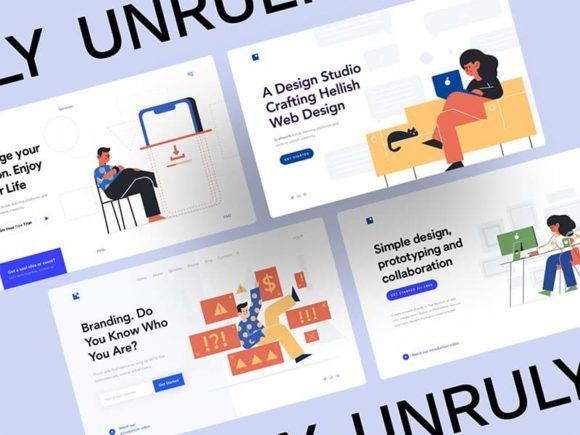
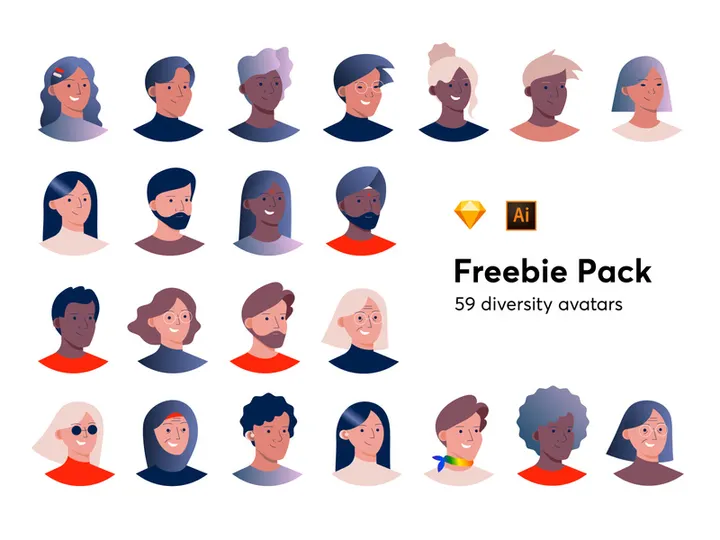



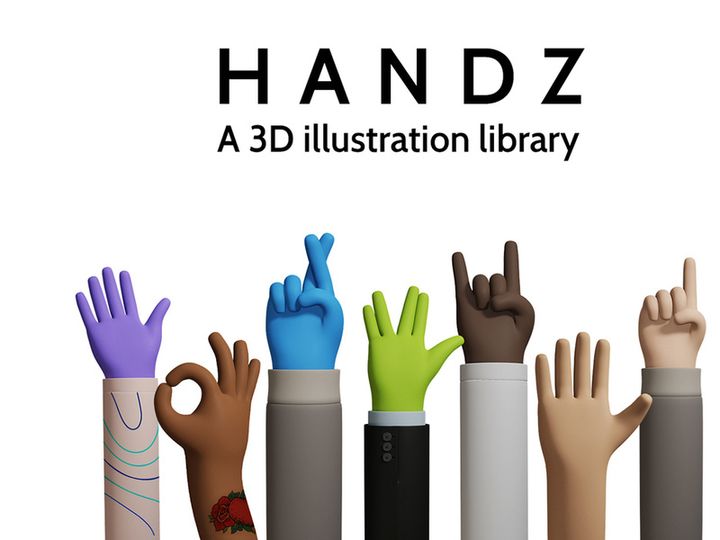
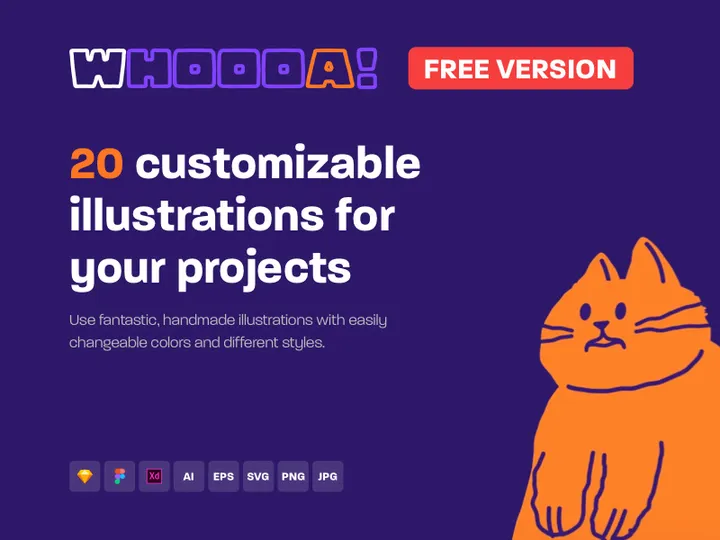

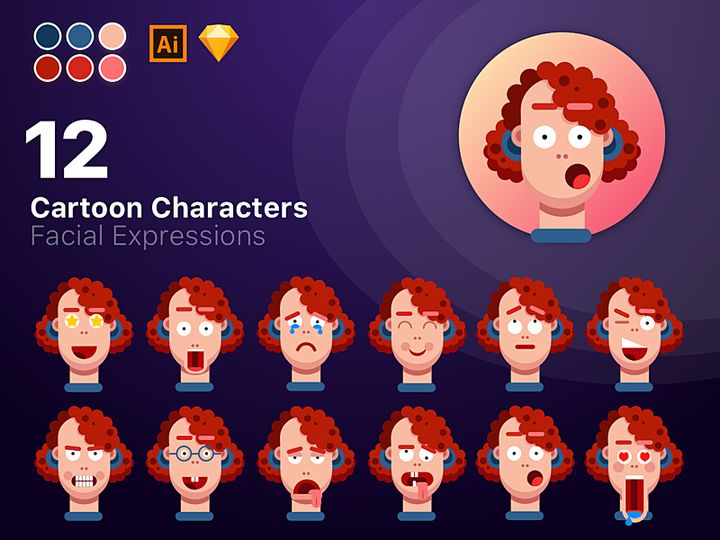
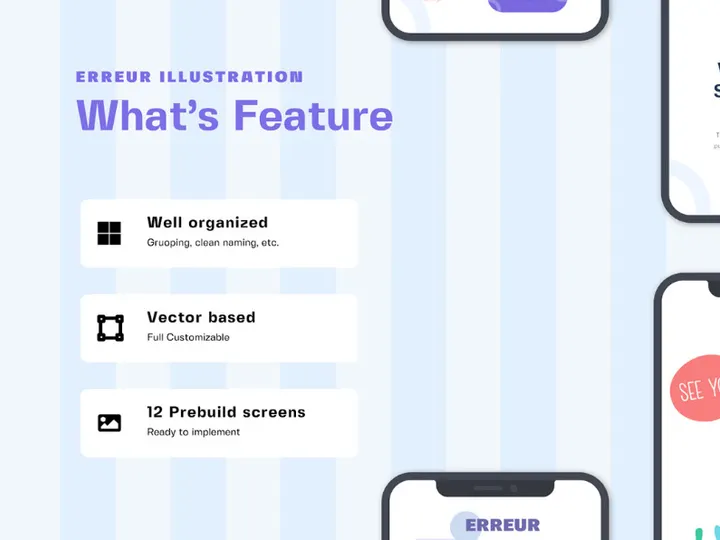
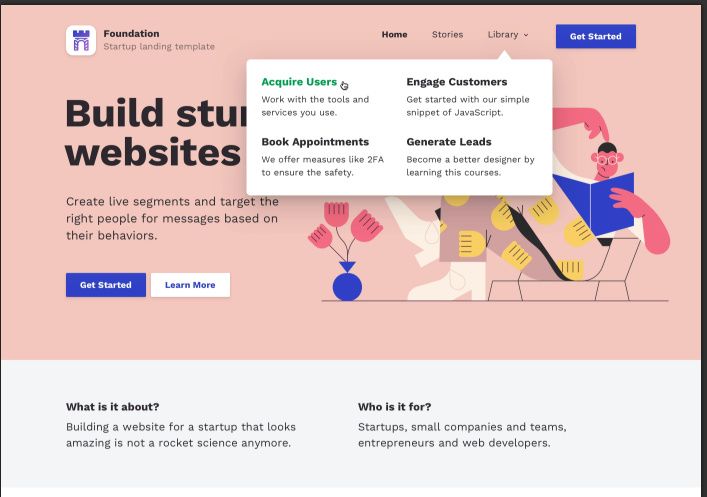



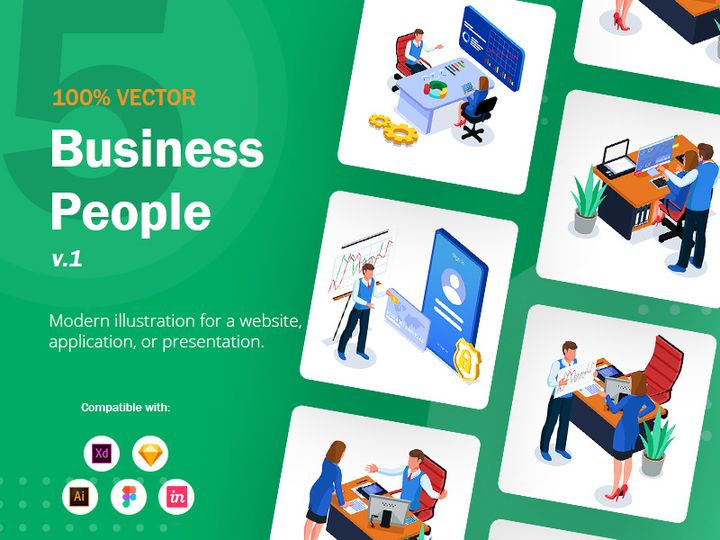
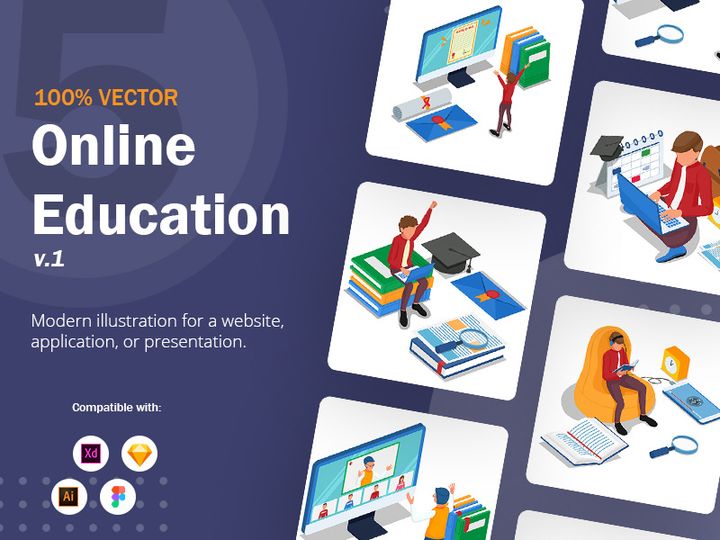

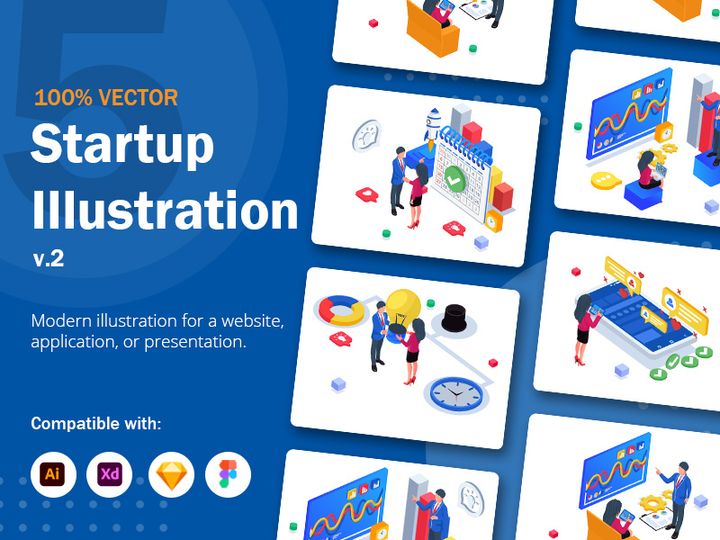
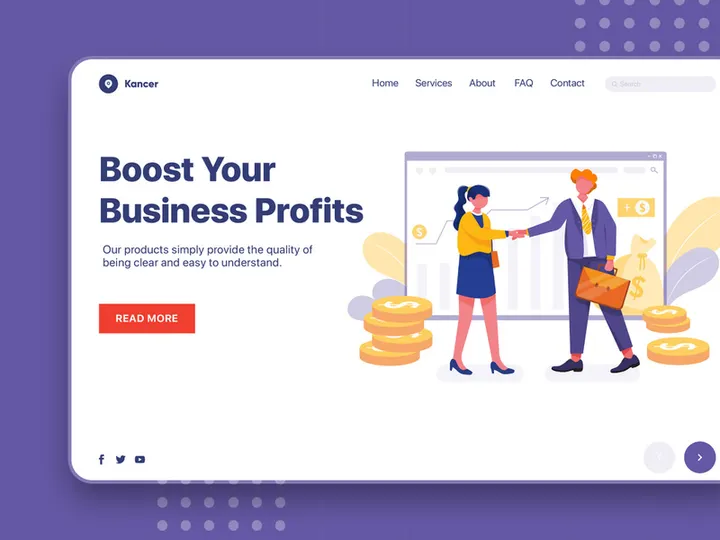

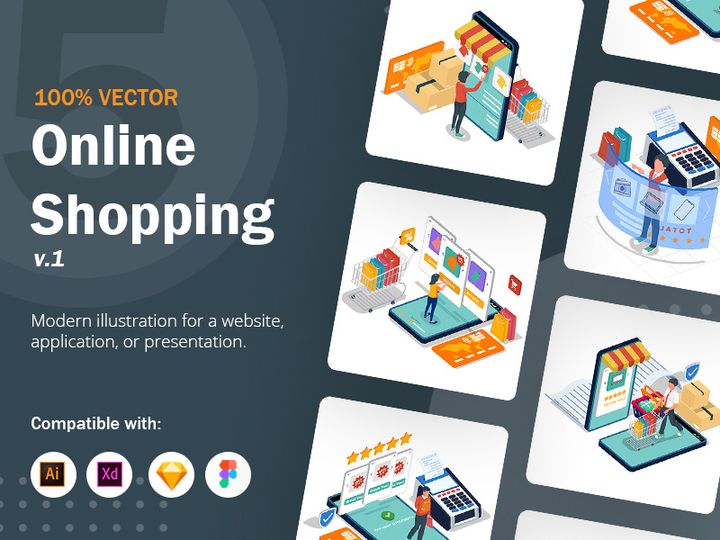


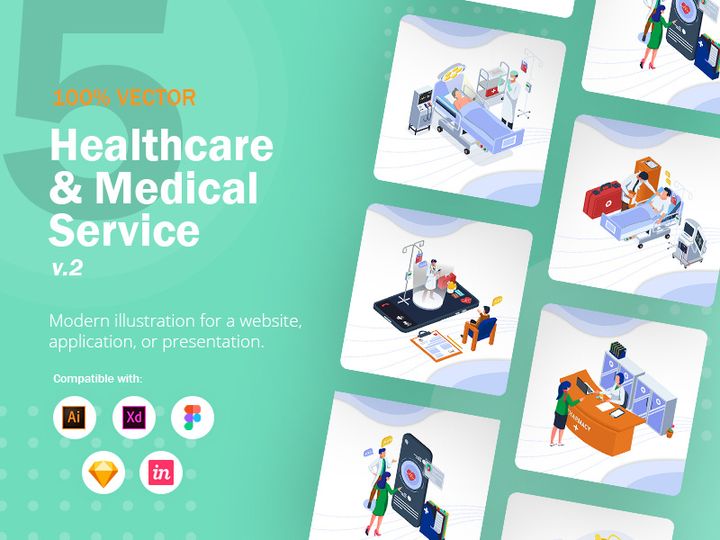
Try Our Free Resources
Download any of these for free - no account required
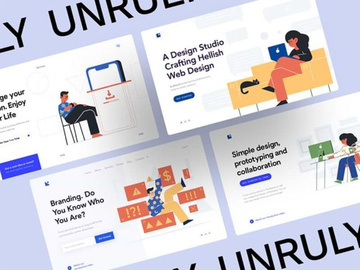
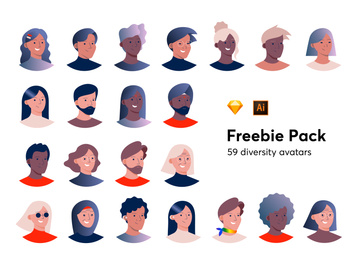
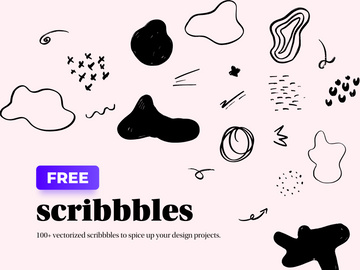


Why Sketch for Illustrations?
Sketch has become a cornerstone for digital designers, especially when it comes to integrating and managing illustrations in user interface and web design projects. Its vector-based foundation makes it an ideal environment for creating, editing, and scaling illustrations without compromising quality. Designers appreciate how Sketch streamlines the illustration workflow by offering intuitive tools for manipulating vector paths, applying gradients, and managing layers with precision. These capabilities are essential for crafting visually engaging illustrations that align with modern design standards.
One of Sketch’s standout features is its symbol system, which allows designers to reuse and update illustration components across artboards effortlessly. This is particularly useful when working with illustration sets that include variations in color, posture, or context. With Sketch’s powerful layer styles, shared text styles, and nested symbols, maintaining consistency across illustration assets becomes efficient and scalable. Additionally, Sketch supports non-destructive editing, meaning changes to stroke width, fill types, or opacity do not permanently alter the original vector data—critical when iterating on illustration designs.
The Sketch ecosystem also excels in plugin integration, enabling designers to enhance their illustration workflows with tools for auto-naming layers, exporting multiple formats, or even generating illustration variants on the fly. This extensibility makes Sketch a flexible platform whether you’re sketching initial concepts or refining final artwork.
At EpicPxls, we recognize the value Sketch brings to illustrative design. That’s why we’ve curated over 59+ illustration resources specifically optimized for Sketch compatibility. Each resource undergoes rigorous testing to ensure seamless import, intuitive organization, and full editability within the Sketch environment. From hand-drawn doodles to sleek vector scenes, our collection empowers designers to find the perfect visual elements that enhance creativity and productivity—all within a tool they already trust.
Top Illustrations Picks for Sketch
With a growing library of over 59+ resources, EpicPxls offers a diverse range of illustration styles tailored for Sketch users. Whether you’re just starting out or leading a professional design team, there’s something in our collection to elevate your projects. Our curation process focuses on usability, visual appeal, and technical compatibility, ensuring every download integrates smoothly into your Sketch workflow. Below, we highlight top picks based on skill level and budget, helping you quickly find the right illustrations for your needs.
Best for Beginners
If you're new to Sketch or illustration design, start with resources that are easy to navigate and well-documented. Look for kits with clearly labeled layers, organized groups, and intuitive naming conventions. Many beginner-friendly illustration packs include step-by-step guides or video tutorials that walk you through customization options. At EpicPxls, several of our top-rated beginner sets feature playful characters, simple icons, and modular scenes that can be mixed and matched with minimal effort. These kits often come with pre-built color palettes and ready-to-use artboards, reducing the learning curve and letting you focus on creative expression.
Best for Professionals
Experienced designers will appreciate advanced illustration resources that offer depth, flexibility, and production-ready quality. These kits typically include hundreds of components, alternate poses, and context-specific variations—perfect for building rich, narrative-driven interfaces. Professional-grade illustrations from EpicPxls often support dynamic symbol overrides, allowing teams to swap expressions, adjust clothing, or change backgrounds without redrawing assets. Some collections also integrate with design systems, making them ideal for enterprise-level applications where consistency and scalability are critical. With over 59+ resources available, professionals can find sophisticated illustration styles ranging from isometric tech scenes to editorial-style graphics.
Best Free Options
High-quality illustrations don’t have to come with a price tag. EpicPxls offers a selection of free Sketch-compatible illustration packs that maintain the same standards as our premium offerings. These free resources are perfect for startups, side projects, or designers testing new visual directions. While they may include fewer variations, they still deliver strong artistic value and full editability in Sketch. From minimalist line art to vibrant scene compositions, these free downloads are regularly updated and vetted to ensure compatibility with the latest Sketch versions. They also serve as excellent entry points into our broader library of 59+ resources, showcasing the quality and attention to detail we prioritize across all collections.
Sketch vs Other Tools for Illustrations
When it comes to working with illustrations, Sketch stands out due to its focused design environment tailored specifically for digital product creators. Unlike broader vector tools that cater to print, animation, or complex illustration workflows, Sketch is optimized for screen-based design, making it a natural fit for UI/UX projects that incorporate illustrative elements. This focused scope ensures faster performance, cleaner interfaces, and a more intuitive experience when placing and adjusting illustrations within layouts.
One of Sketch’s unique advantages is its seamless integration with design systems. Illustrations can be stored as reusable symbols, linked to shared libraries, and synced across team members—features that enhance collaboration and maintain brand consistency. This ecosystem is particularly beneficial when managing large illustration sets across multiple projects. Additionally, Sketch’s native support for vector editing allows designers to tweak strokes, adjust anchor points, and recolor artwork directly within the app, eliminating the need to switch tools for minor refinements.
Format compatibility is another strength. Sketch files (.sketch) preserve layer hierarchy, vector paths, and grouping structures, ensuring that illustrations imported from trusted sources like EpicPxls retain full editability. While other tools may flatten layers or convert vectors to shapes, Sketch maintains the integrity of your assets, making it easier to customize and scale illustrations over time. With over 59+ resources now available in Sketch format through curated platforms, designers have access to a growing ecosystem of ready-to-use, production-friendly artwork that fits naturally into their existing workflows.
Setting Up Illustrations in Sketch
Integrating illustrations into your Sketch projects is a straightforward process when you follow a structured approach. Whether you’re using a single asset or managing a library of 59+ resources, these steps will help you import, organize, and optimize your illustrations for immediate use.
- Download and Unzip: Start by downloading your chosen illustration pack from a trusted source like EpicPxls. Most resources come as .zip files, so extract the contents to a designated folder on your computer.
- Open the .sketch File: Locate the .sketch file within the extracted folder and open it directly in Sketch. This file typically contains all assets, artboards, and symbols in a well-organized structure.
- Inspect Layer Organization: Review the layer list to understand how the illustration is structured. Look for named groups, symbols, and color variables—these elements make customization easier.
- Copy to Your Project: Open your working Sketch file, then switch back to the illustration file. Select the desired artboard or symbol, copy it (⌘+C), and paste it (⌘+V) into your project. Sketch preserves vectors and editability during this transfer.
- Organize with Pages and Symbols: Once imported, move the illustration to an “Illustrations” page or convert it into a symbol for reuse. Use consistent naming conventions such as “Illu - Dashboard Hero” to maintain clarity.
- Customize and Scale: Adjust colors using the fill tool, resize with the vector handle, or modify individual elements by ungrouping (if needed). Take advantage of Sketch’s responsive resizing features to ensure illustrations adapt well across different screen sizes.
For teams managing large illustration collections, consider creating a master library file that consolidates all approved assets. This central file can be linked to multiple projects via Sketch’s “Libraries” feature, ensuring everyone uses up-to-date versions. With 59+ resources now available, organizing them systematically from the start will save time and reduce duplication across your design system.
Sketch Workflow Tips
Maximizing Sketch’s potential for illustration work requires more than just importing assets—it demands smart organization, efficient operations, and collaborative clarity. By refining your workflow, you can streamline design processes, reduce redundancy, and maintain high-quality outputs across projects.
Organizing Illustrations Libraries
A well-structured library is essential when working with 59+ resources. Create dedicated pages in your Sketch file for different illustration categories—such as “Characters,” “Scenes,” “Icons,” and “Backgrounds.” Use clear naming conventions and leverage Sketch’s symbol system to group related items. For team environments, publish your illustration library as a shared .sketch file and link it via Sketch’s Libraries panel. This ensures all team members access the same assets and updates automatically when changes are made. At EpicPxls, we recommend starting with a minimal set of core illustrations and expanding your library as project needs evolve.
Batch Operations
When handling multiple illustrations, batch operations can significantly speed up your workflow. Use Sketch plugins to rename layers in bulk, apply global color swaps, or export multiple artboards at once. For example, if you need to update all illustrations to a new brand color, define the color in your document’s color variables and use a “Find and Replace” plugin to apply it across all fills. Similarly, set up export presets for common formats (PNG, SVG, PDF) to streamline handoff to developers. These time-saving techniques are especially valuable when working with extensive collections from sources like EpicPxls.
Collaboration Best Practices
Effective collaboration starts with consistency. Ensure all team members use the same version of Sketch and have access to linked libraries. Establish guidelines for how illustrations should be used—such as maximum scale limits, approved color overrides, or spacing rules around artwork. Use Sketch’s commenting feature to provide feedback directly on illustration placements, and maintain a changelog when updating shared assets. By treating illustrations as part of your living design system, you ensure they remain cohesive, accessible, and scalable. With 59+ resources now available through curated platforms like EpicPxls, teams can build richer, more expressive interfaces while maintaining control and efficiency.
Why Download from EpicPxls?
Commercial License
Use in personal and commercial projects
No Account Required
Download free resources instantly
Quality Curated
Every resource is reviewed for quality
Preview Files
See Figma and Photoshop files before downloading
Who Uses These Illustrations?
Professionals and teams who benefit most from our collection
UI/UX Designers
Speed up your workflow with ready-to-use illustrations for Sketch. Perfect for prototyping and client presentations.
Developers
Get production-ready assets without design skills. Export in any format for web and mobile apps.
Startups & Agencies
Save design budget with affordable premium illustrations. Commercial license included for client work.
Marketing Teams
Create professional campaigns faster. All illustrations are optimized for social media and ads.
Illustrations for Sketch FAQCommon questions about these resources
Simple, Transparent Pricing
Get unlimited access to all premium resources
Yearly
- 20 downloads per month
- All file formats
- Commercial license
Lifetime
- Unlimited downloads forever
- All file formats
- Commercial license
Ready to Get Started?
Access 4,441+ free design resources today.
Browse Free ResourcesView Premium PlansEarn 85% and
more on all sales
Upload your products and put them up
for sale at whatever price you want.


