Graphics for Figma: 20+ Resources
EpicPxls offers 20+ curated graphics for Figma, all with a commercial license and editable source files (Figma, Sketch, PSD). We have 20+ graphics compatible with Figma, tested and verified for seamless integration.
Last updated February 12, 2026
Discover 20+ handpicked graphics for Figma.
Trusted by designers at leading companies
Top Graphics for Figma
Handpicked resources from our curated collection
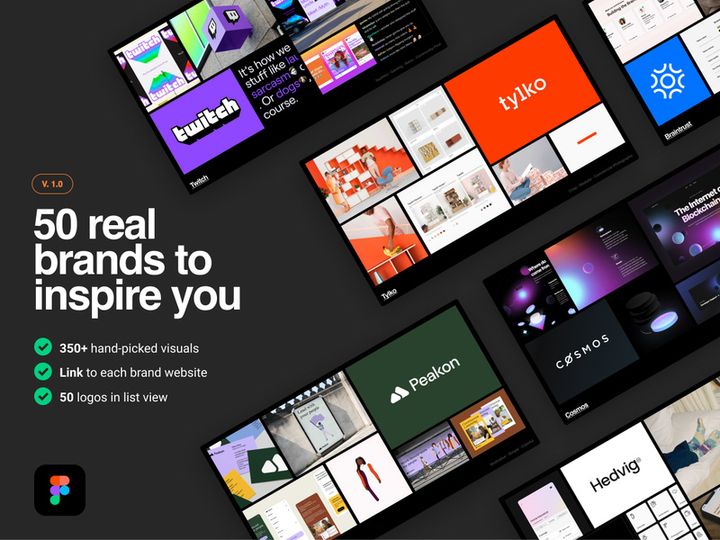
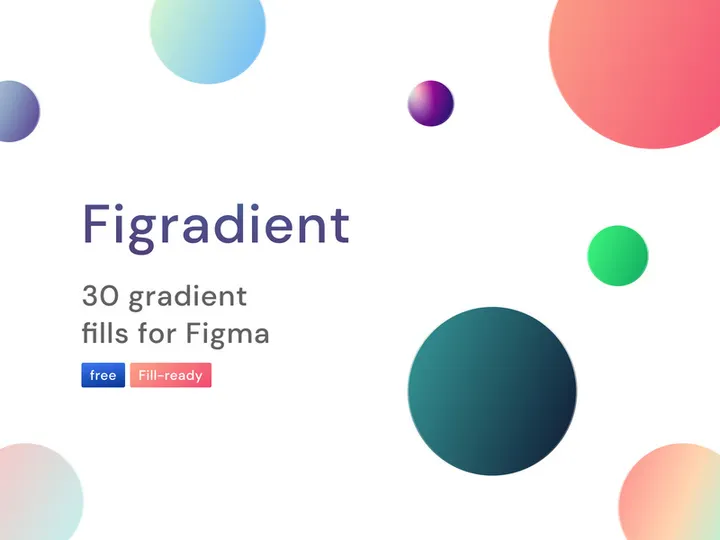
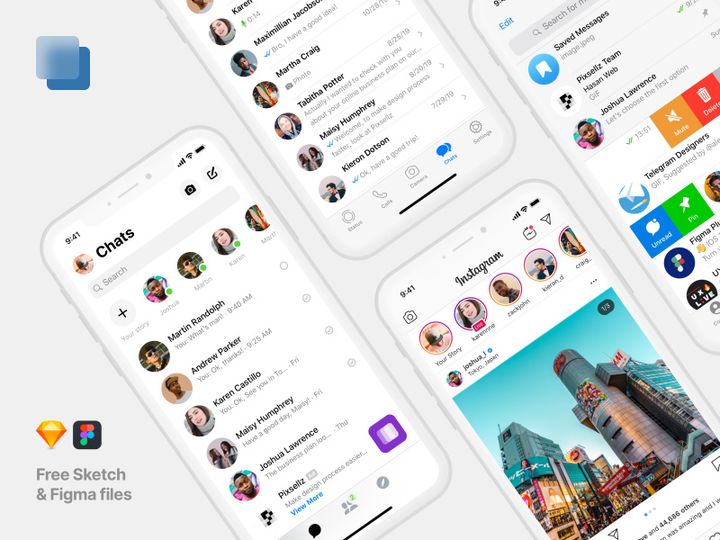
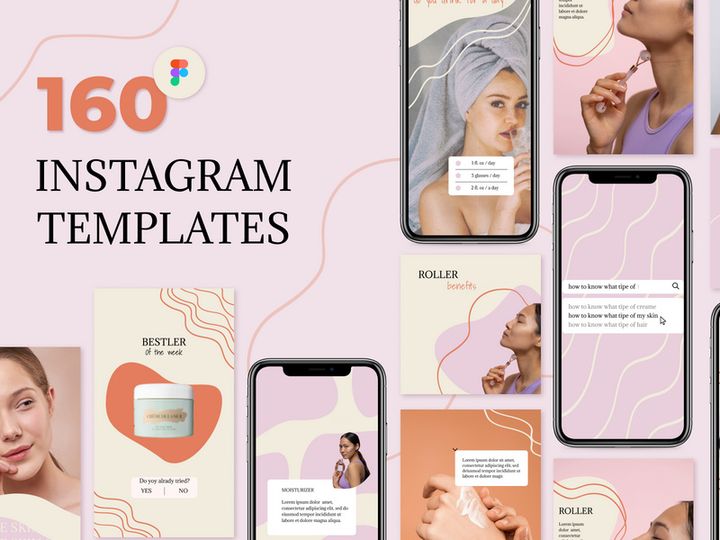
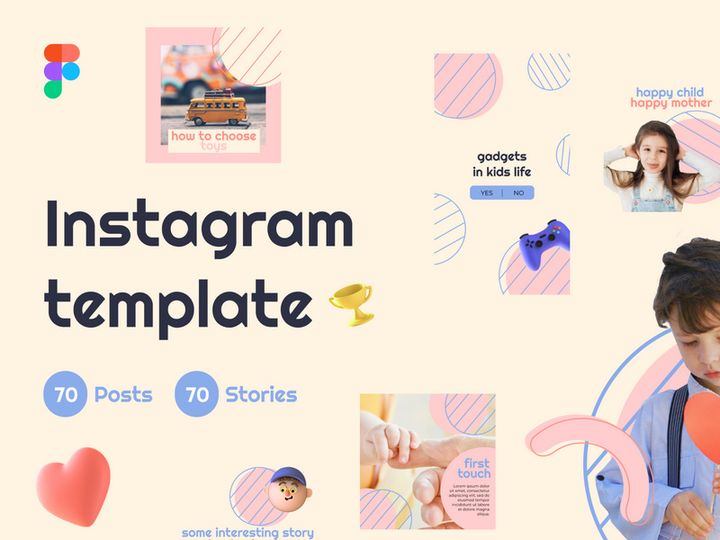
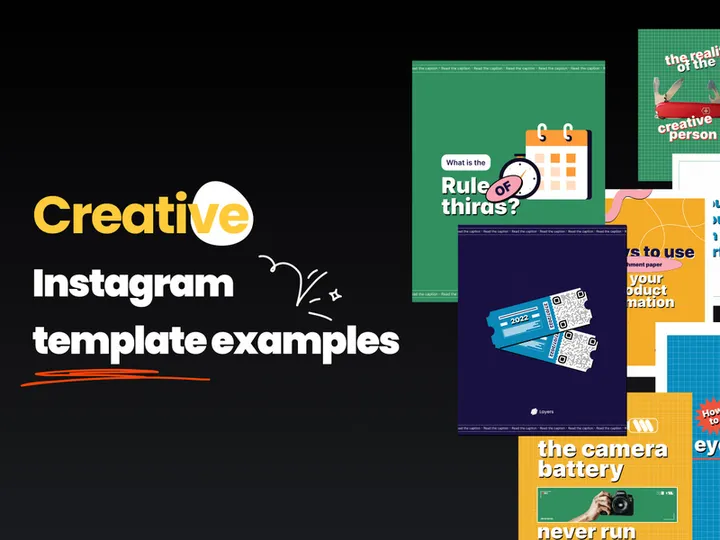
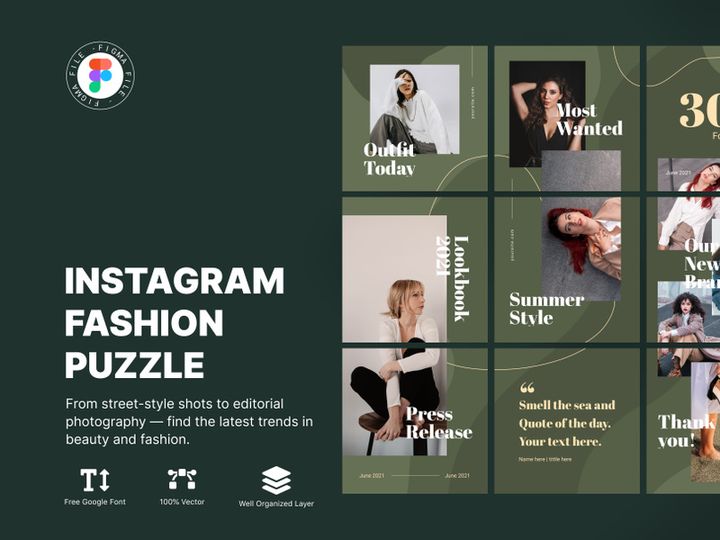
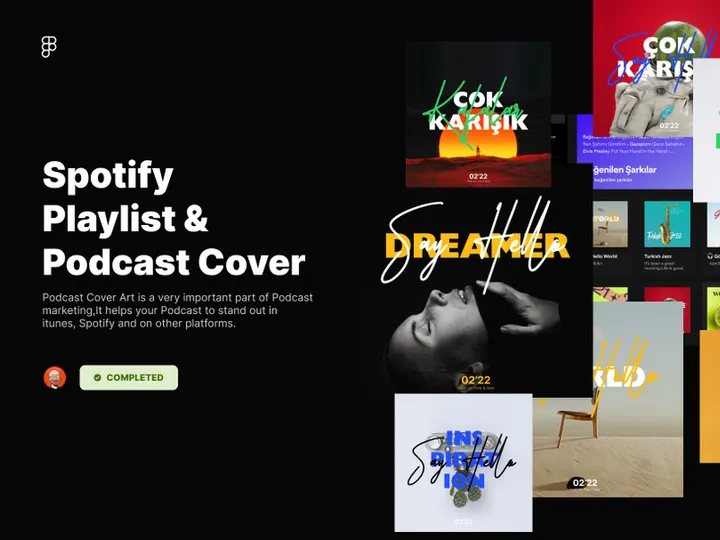





Try Our Free Resources
Download any of these for free - no account required
Why Figma for Graphics?
Figma has rapidly become one of the most trusted platforms for digital design, especially when it comes to working with graphics. Its browser-based interface enables seamless access from any device, making it a favorite among solo creators and collaborative teams alike. Designers appreciate Figma’s real-time collaboration features, which allow multiple users to work on the same project simultaneously—ideal for agencies, startups, and remote teams managing complex graphic workflows.
One of Figma’s standout strengths is its vector-based engine, which provides pixel-perfect precision for illustrations, icons, and UI elements. With tools like Boolean operations, constraints, and responsive resizing, Figma simplifies the creation and manipulation of scalable graphics. Its component system allows users to build reusable graphic elements, ensuring consistency across projects and speeding up design iterations. Additionally, Figma supports plugins and integrations that extend its native capabilities, making it easy to import, export, and optimize graphics for web, mobile, and print.
For those curating high-quality design assets, Figma’s open file structure makes it simple to inspect, modify, and adapt graphics. This transparency fosters a vibrant community of creators sharing templates, icon sets, illustrations, and more. At EpicPxls, we recognize the value of this ecosystem and carefully evaluate each asset to ensure compatibility, quality, and ease of use. Our team curates over 20+ resources that seamlessly integrate into Figma projects, from minimalist icon packs to full illustration suites. Whether you're designing landing pages, social media content, or app interfaces, Figma empowers you with flexible, scalable, and collaborative tools to bring your visual ideas to life. Thanks to community-driven innovation and continuous updates, Figma remains at the forefront of modern graphic design platforms.
Top Graphics Picks for Figma
Finding the right graphics for your Figma projects can significantly accelerate your workflow and elevate the visual quality of your designs. With dozens of options available, selecting the most effective resources depends on your skill level, project scope, and budget. To help you navigate this landscape, we’ve compiled a selection of the best Figma-compatible graphics, hand-curated by EpicPxls to ensure performance, usability, and design integrity. From intuitive starter kits to advanced design systems, these 20+ resources cater to a wide range of creative needs.
Best for Beginners
If you're new to Figma or digital design in general, starting with beginner-friendly graphics can make a big difference. Look for resources that include clear documentation, organized layers, and drag-and-drop usability. Icon sets with labeled categories, pre-made illustration scenes, and onboarding UI kits are excellent starting points. Many of these beginner tools feature auto-layout and component variants, helping you learn Figma’s core functionality while building professional-looking designs. EpicPxls highlights beginner packs that include tutorial guides and video walkthroughs, ensuring a smooth learning curve.
Best for Professionals
Experienced designers benefit from advanced graphics that support complex workflows and high-fidelity prototyping. Premium illustration libraries, data visualization toolkits, and modular design systems offer deep customization and scalability. These resources often include nested components, variant states, and plugin integrations that streamline repetitive tasks. For agencies and enterprise teams, professional-grade assets save hours in development and maintain strict brand consistency. The 20+ resources curated by EpicPxls for professionals emphasize performance, clean code structure, and cross-platform adaptability.
Best Free Options
High-quality doesn’t have to mean high cost. There’s a growing number of free graphics for Figma that rival premium offerings in design and functionality. Look for free icon libraries, open-source illustration sets, and community-driven UI components. Many of these are released under permissive licenses, allowing personal and commercial use. EpicPxls regularly audits free resources for file integrity, layer organization, and update frequency to ensure they remain reliable over time. These free picks are perfect for startups, freelancers, and students who want professional results on a budget.
Figma vs Other Tools for Graphics
When it comes to creating and managing graphics, Figma stands out due to its unique combination of accessibility, collaboration, and flexibility. Unlike traditional desktop-based design software, Figma operates entirely in the browser, eliminating installation hurdles and enabling instant access from any device with an internet connection. This cloud-first approach streamlines team workflows and reduces versioning conflicts—a common pain point in graphic-heavy projects.
One of Figma’s most powerful differentiators is its collaborative real-time editing. Multiple team members can work on the same graphic or design file simultaneously, with changes reflected instantly. This is particularly advantageous for agencies, product teams, and remote designers who need to iterate quickly and gather feedback in context. While other tools may offer similar vector editing capabilities, few match Figma’s seamless integration of design, prototyping, and developer handoff—all within a single environment.
Another key advantage lies in Figma’s plugin ecosystem and open file structure. Designers can import and customize third-party graphics with ease, and many assets are built specifically to leverage Figma’s component and variant features. This ensures that graphics remain scalable and maintainable across projects. Additionally, Figma supports common export formats like SVG, PNG, and PDF, making it compatible with external tools and production pipelines. At EpicPxls, we prioritize resources that maximize these native capabilities, ensuring that every graphic in our 20+ resources collection is optimized for performance and ease of integration within the Figma ecosystem.
Setting Up Graphics in Figma
Integrating new graphics into your Figma projects is a straightforward process when you follow a structured approach. Whether you're adding icons, illustrations, or full design systems, proper setup ensures your assets remain organized, reusable, and efficient. Here’s a step-by-step guide to help you get started:
- Download or Access the Resource: Begin by downloading the Figma-compatible file from a trusted source. If the resource is shared via a Figma link, simply open it in your browser. EpicPxls provides direct Figma file links for instant access to all curated graphics.
- Duplicate the File: Never work directly on the original. Use Figma’s “Duplicate” option to create your own editable copy, preserving the source file for future reference.
- Review Layers and Structure: Open the Layers panel to understand how the graphics are organized. Look for named groups, components, and frames. Well-structured files will have logical naming conventions and grouped elements.
- Import into Your Project: Use the “File > Import” option or simply copy and paste graphics from the resource file into your main project. For frequent use, consider linking via Figma’s Library system.
- Organize with Pages and Frames: Create dedicated pages or frames for asset libraries, such as “Icons,” “Illustrations,” or “UI Elements.” This keeps your workspace clean and improves navigation.
- Test and Customize: Insert a few graphics into your design to ensure scaling, color, and alignment behave as expected. Adjust styles or create variants to match your brand guidelines.
For teams managing large collections, using Figma’s team libraries is essential. This centralizes access to approved graphics and ensures consistency across projects. When sourcing from EpicPxls, you'll find that each of the 20+ resources is pre-organized and optimized for easy integration, saving you time and reducing setup friction.
Figma Workflow Tips
Maximizing your efficiency in Figma goes beyond just importing graphics—it’s about building a sustainable, scalable workflow. By adopting smart organizational habits and leveraging Figma’s collaborative tools, you can turn a growing collection of assets into a powerful design system.
Organizing Graphics Libraries
Create a dedicated “Design System” or “Asset Library” file where all approved graphics live. Use clear page names like “Icons,” “Logos,” “Illustrations,” and “Patterns.” Within each page, group similar items and use Figma’s component system to turn frequently used graphics into reusable elements. Naming components consistently (e.g., “Icon / Arrow / Right”) makes them easier to search and use. Enable Library sharing within your team so everyone accesses the latest versions. EpicPxls recommends starting with modular kits that already follow these best practices, reducing setup time.
Batch Operations
When working with large sets of graphics, batch editing can save significant time. Use plugins like “Batch Styler” or “Rename It” to update colors, rename layers, or resize multiple components at once. For example, if you need to change the stroke color across 50 icons, select them all and apply the change in one action. Similarly, use auto-layout and constraints to ensure graphics respond predictably across different screen sizes. Many of the 20+ resources curated by EpicPxls are built with batch processing in mind, featuring consistent layer structures and scalable vectors.
Collaboration Best Practices
Figma shines in team environments, but effective collaboration requires clear protocols. Use comments to give feedback directly on graphics, and pin important components in the file description for quick reference. Set up version history checkpoints before major edits, and use branching when experimenting with new designs. Encourage team members to check the library before creating new graphics to avoid duplication. By centralizing your assets and establishing shared workflows, you ensure that every team member works efficiently and consistently. With well-curated resources from EpicPxls, teams can focus on creativity rather than asset management.
Why Download from EpicPxls?
Commercial License
Use in personal and commercial projects
No Account Required
Download free resources instantly
Quality Curated
Every resource is reviewed for quality
Preview Files
See Figma and Photoshop files before downloading
Who Uses These Graphics?
Professionals and teams who benefit most from our collection
UI/UX Designers
Speed up your workflow with ready-to-use graphics for Figma. Perfect for prototyping and client presentations.
Developers
Get production-ready assets without design skills. Export in any format for web and mobile apps.
Startups & Agencies
Save design budget with affordable premium graphics. Commercial license included for client work.
Marketing Teams
Create professional campaigns faster. All graphics are optimized for social media and ads.
Graphics for Figma FAQCommon questions about these resources
Simple, Transparent Pricing
Get unlimited access to all premium resources
Yearly
- 20 downloads per month
- All file formats
- Commercial license
Lifetime
- Unlimited downloads forever
- All file formats
- Commercial license
Ready to Get Started?
Access 4,441+ free design resources today.
Browse Free ResourcesView Premium PlansEarn 85% and
more on all sales
Upload your products and put them up
for sale at whatever price you want.


