Mockups for Adobe XD: 25+ Resources
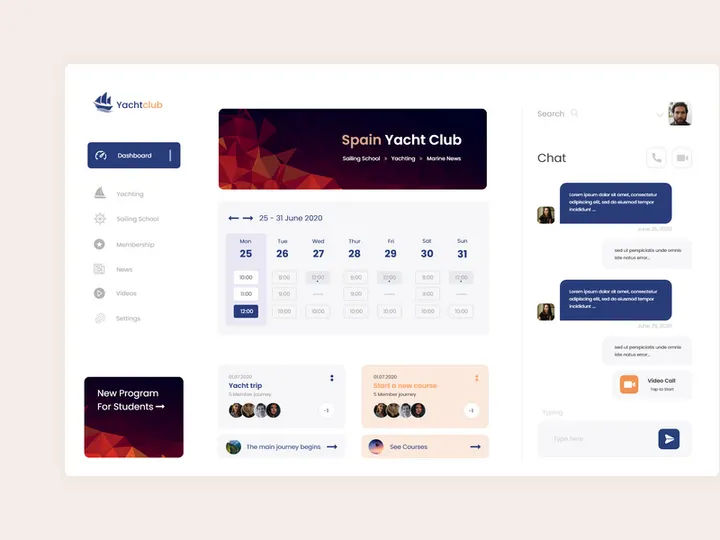
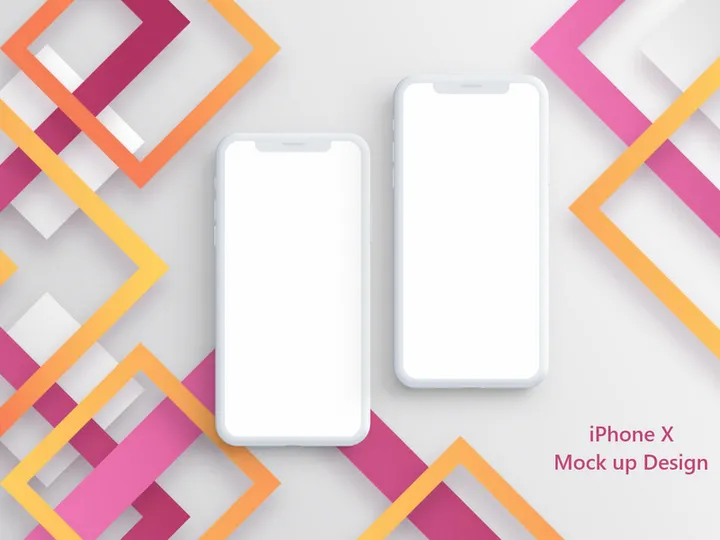
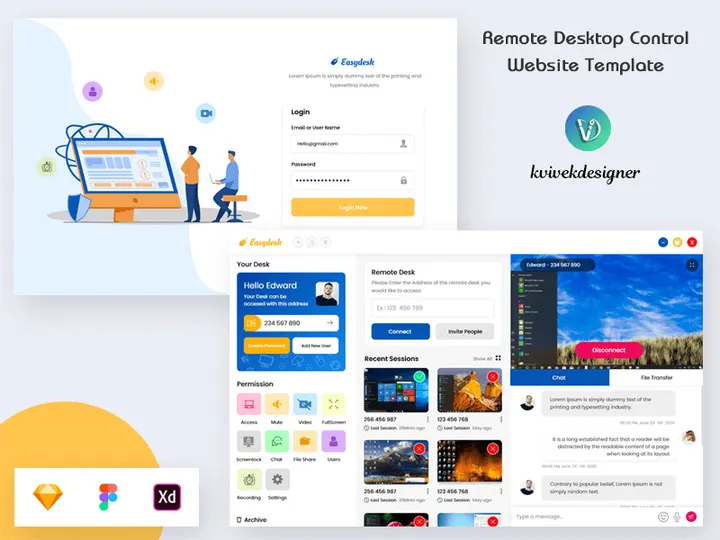
EpicPxls offers 25+ curated mockups for Adobe XD, all with a commercial license and editable source files (Figma, Sketch, PSD). We have 25+ mockups compatible with Adobe XD, tested and verified for seamless integration.
Last updated February 12, 2026
Discover 25+ handpicked mockups for Adobe XD.
Trusted by designers at leading companies
Top Mockups for Adobe XD
Handpicked resources from our curated collection

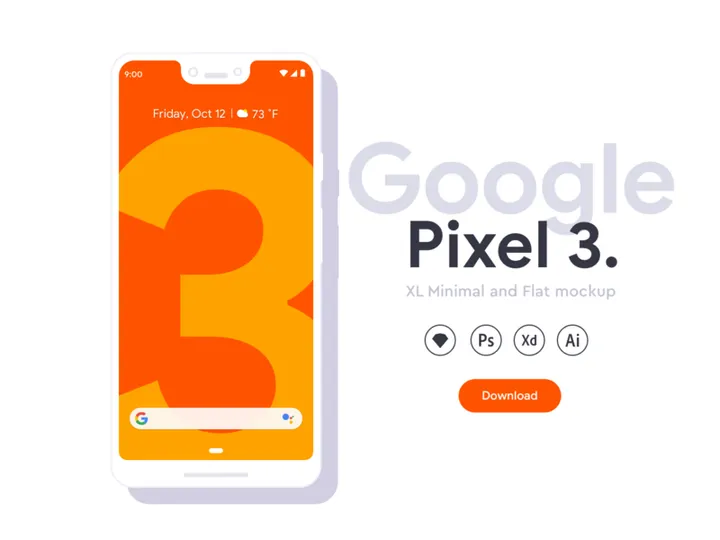
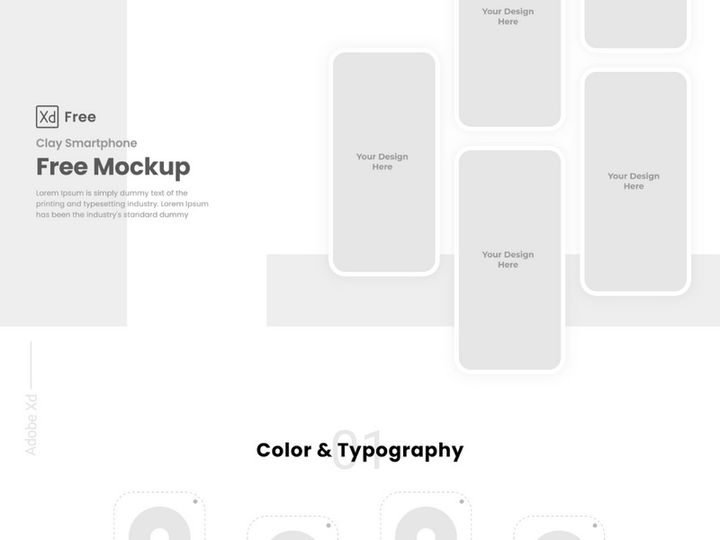
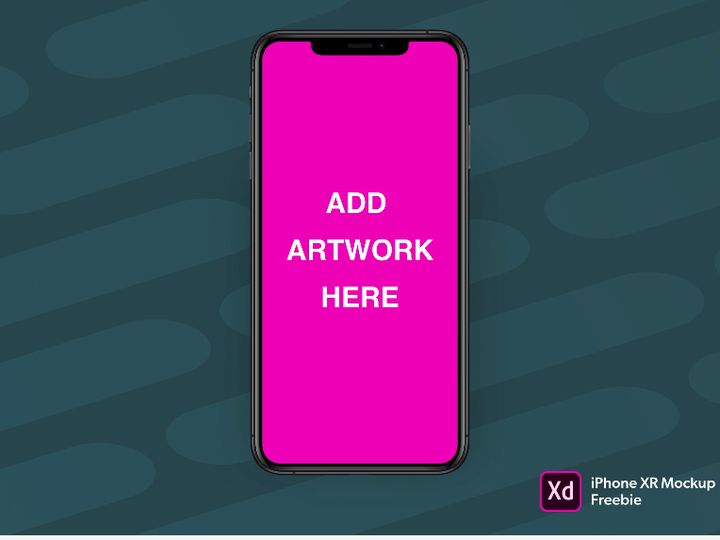
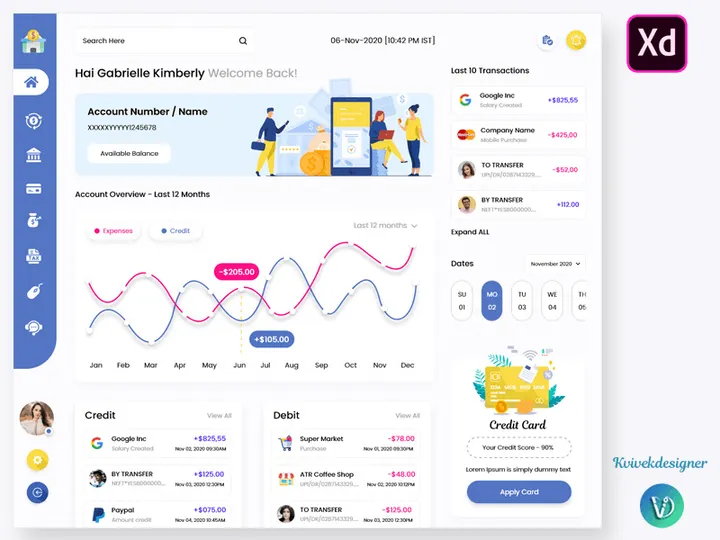
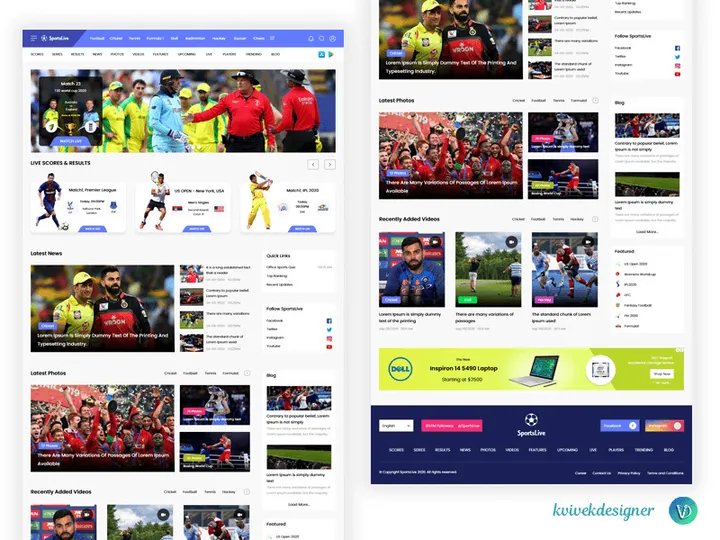
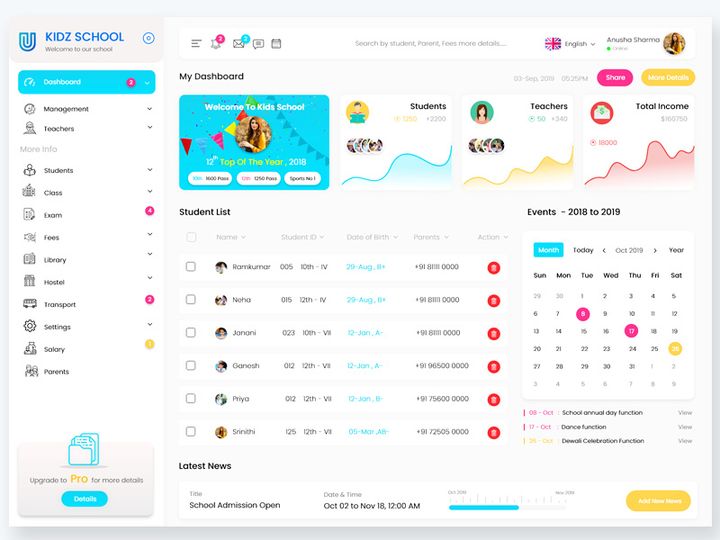
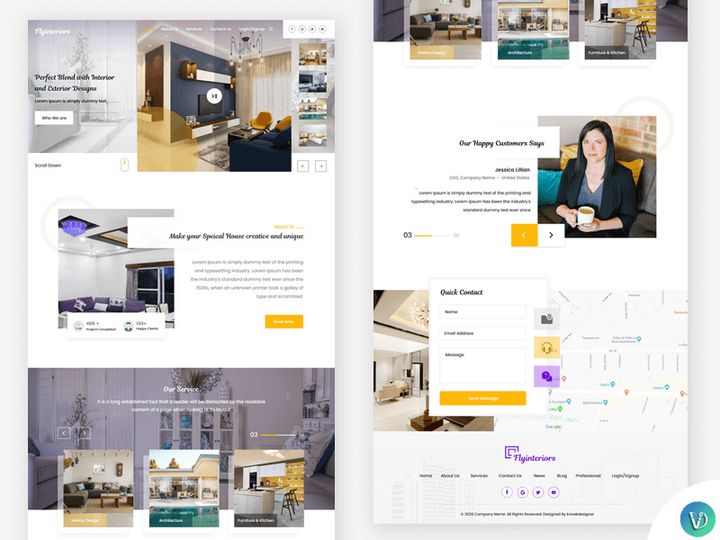
Try Our Free Resources
Download any of these for free - no account required
Why Adobe XD for Mockups?
Adobe XD has emerged as a leading design tool for UI/UX professionals, especially when it comes to creating and presenting mockups. Its streamlined interface, real-time collaboration capabilities, and seamless integration within the Adobe Creative Cloud ecosystem make it a top choice for designers who value efficiency and precision. When working with mockups, Adobe XD offers a dynamic environment where static designs can be transformed into interactive prototypes with minimal effort, allowing stakeholders to visualize the final product before development begins.
One of the standout features of Adobe XD is its Repeat Grid functionality, which enables designers to rapidly populate lists, galleries, and product displays—ideal for website or app mockups. Additionally, the auto-animate feature allows for smooth transitions between screens, adding a layer of realism to presentations. With built-in prototyping tools, designers can simulate user interactions directly within their mockups, improving client communication and feedback cycles.
Adobe XD also supports responsive resizing, ensuring that mockups adapt gracefully across different device dimensions. This flexibility is essential when showcasing designs on multiple screen sizes, from smartphones to desktop monitors. The ability to export assets in various formats (PNG, SVG, JPG) further enhances its utility in a mockup-focused workflow.
At EpicPxls, we recognize the importance of compatibility and ease of use. That’s why our curation of 25+ resources focuses exclusively on high-quality, Adobe XD-compatible mockups that are optimized for performance and realism. Whether you're designing for web, mobile, or desktop applications, these resources integrate seamlessly into Adobe XD projects, saving time and elevating presentation quality. Our team evaluates each mockup for scalability, layer organization, and design fidelity to ensure that every resource meets the standards expected by modern designers.
Top Mockups Picks for Adobe XD
Selecting the right mockups can significantly impact the speed and professionalism of your design workflow. The 25+ resources curated by EpicPxls cater to a wide range of skill levels and project types, ensuring that every designer finds the tools they need to bring their ideas to life. From sleek device frames to immersive lifestyle scenes, these mockups enhance presentations and help stakeholders envision the final product with clarity and confidence.
Best for Beginners
If you're just starting out with Adobe XD, simplicity and clarity are key. Our beginner-friendly picks include well-structured mockups with intuitive layer naming, clear instructions, and pre-linked smart objects. These resources allow new users to insert their designs with a few clicks, minimizing the learning curve. Look for options like single-device screen mockups, clean browser frames, and minimalistic presentation templates. These are perfect for portfolio work, class projects, or early-stage client pitches where professionalism matters but complexity should be avoided.
Best for Professionals
For seasoned designers, advanced mockups offer greater flexibility and realism. The professional-grade resources in our collection feature layered shadows, realistic lighting effects, and multiple viewing angles. Many include customizable environments—such as office desks, hands holding devices, or urban settings—that add context and narrative to your designs. These mockups often support multiple screen resolutions and come with organized layer groups, making them ideal for high-stakes presentations, agency portfolios, or client deliverables requiring a polished finish.
Best Free Options
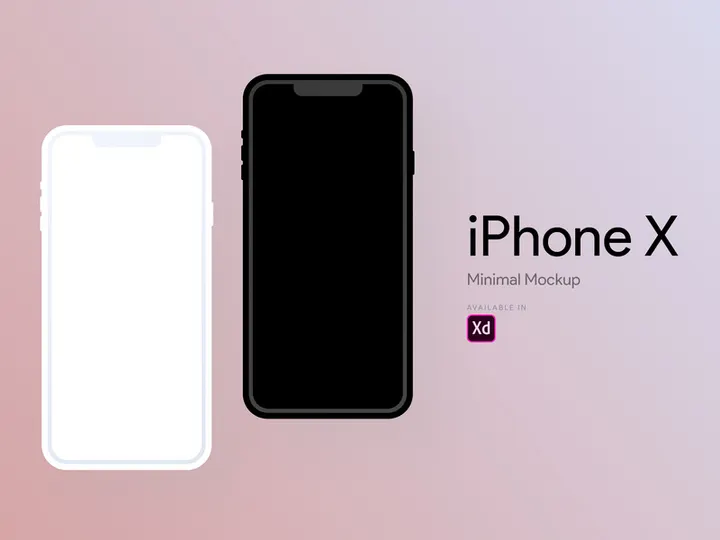
High-quality doesn’t always mean high cost. EpicPxls highlights several free Adobe XD mockups that don’t compromise on design integrity. These include minimalist device frames, tablet and smartphone templates, and basic desktop mockups suitable for rapid prototyping. While they may have fewer customization options than premium versions, they are fully functional and perfect for startups, freelancers on a budget, or designers testing a concept. We carefully vet each free resource to ensure compatibility, clean layer structure, and visual appeal—proving that excellent mockups are accessible to everyone.
Adobe XD vs Other Tools for Mockups
While several design platforms support mockup creation, Adobe XD stands out for its specialized focus on UI/UX workflows. Unlike general-purpose design tools, Adobe XD is built from the ground up to support screen-based design, making it inherently more intuitive for creating app and web mockups. Its vector-based engine ensures crisp visuals at any scale, and its optimized file structure keeps performance smooth even with complex compositions.
A major advantage of Adobe XD lies in its ecosystem. Being part of Adobe Creative Cloud means seamless integration with tools like Photoshop and Illustrator, allowing designers to enhance mockups with custom graphics or textures effortlessly. Assets can be synced across applications via Creative Cloud Libraries, streamlining the design process. This interconnected environment enhances productivity, especially when working with layered mockup files that require external assets.
When it comes to format compatibility, Adobe XD uses its native .xd file format, which is lightweight and fast to load. However, it also supports importing and exporting in common formats such as PNG, SVG, and JPG—ensuring that mockups can be shared and presented widely. The curated 25+ resources from EpicPxls are all delivered in XD format, guaranteeing immediate usability without conversion hassles. This focus on native compatibility eliminates workflow disruptions and ensures that designers can focus on creativity, not technical troubleshooting.
Setting Up Mockups in Adobe XD
Integrating mockups into your Adobe XD projects is a straightforward process when you follow best practices. Whether you're using resources from EpicPxls or other trusted sources, proper setup ensures that your designs look professional and are easy to manage. Follow these six steps to import, organize, and use mockups effectively in Adobe XD:
- Download and Extract Files: After acquiring your mockup resources, ensure they are in .xd format. Extract the ZIP file if necessary and locate the main XD project file.
- Open Adobe XD and Import: Launch Adobe XD and open the mockup file directly. Alternatively, copy and paste artboards from the mockup file into your existing project for seamless integration.
- Locate Smart Objects or Placeholders: Most high-quality mockups include smart object layers or clearly labeled image placeholders. These are typically found in the Layers panel and are often named “Screen,” “Insert Design Here,” or similar.
- Insert Your Design: Replace the placeholder by copying your UI design and pasting it into the designated layer. Use the Transform tool to align and scale your design as needed. For mockups with clipping masks, ensure your design fits within the visible area.
- Adjust Lighting and Shadows (if needed): Some mockups allow customization of shadows, reflections, or screen brightness. Use overlay layers or adjustment groups to fine-tune the appearance and match your brand’s aesthetic.
- Organize and Save: Rename your artboard to reflect the device or scene (e.g., “iPhone – Home Screen”) and save your project. Consider duplicating artboards for different screen states or variations to maintain consistency.
When managing large collections of mockups, consider creating a master library file where you store frequently used devices or scenes. This reduces redundancy and makes it easier to update designs across multiple presentations. The 25+ resources available through EpicPxls are structured with these workflows in mind, featuring consistent naming conventions and modular designs that simplify setup and reuse.
Adobe XD Workflow Tips
Maximizing your efficiency in Adobe XD involves more than just knowing how to insert a mockup—it’s about building a scalable, organized system that grows with your design needs. By refining your workflow, you can save time, reduce errors, and deliver higher-quality presentations consistently.
Organizing Mockups Libraries
Create a dedicated project file or folder structure within Adobe XD to house your most-used mockups. Group them by category—such as mobile, desktop, tablet, or lifestyle scenes—for quick access. Use clear artboard names and consider adding a reference grid or index artboard to serve as a visual menu. This library can be reused across projects, minimizing repetitive downloads and imports. The EpicPxls collection is designed with organization in mind, making it easy to integrate into your personal library system.
Batch Operations
When updating multiple screens or presenting a series of designs, use XD’s ability to duplicate and modify artboards efficiently. Apply the same design update across several mockup instances by copying and pasting elements or using symbols (via linked components). This approach is especially useful when showcasing app flows or website navigation across different devices. With well-structured mockups from the curated 25+ resources, batch editing becomes faster and more reliable.
Collaboration Best Practices
Adobe XD excels in team environments thanks to its cloud-based sharing and commenting features. When sharing mockups with clients or developers, use the Share for Review function to generate a link with interactive capabilities. Ensure that all mockups are clearly labeled and that feedback is tied to specific artboards. For team collaboration, maintain a shared library in Creative Cloud so everyone uses the same up-to-date mockup assets. This consistency avoids version confusion and enhances productivity across the board.
Why Download from EpicPxls?
Commercial License
Use in personal and commercial projects
No Account Required
Download free resources instantly
Quality Curated
Every resource is reviewed for quality
Preview Files
See Figma and Photoshop files before downloading
Who Uses These Mockups?
Professionals and teams who benefit most from our collection
UI/UX Designers
Speed up your workflow with ready-to-use mockups for Adobe XD. Perfect for prototyping and client presentations.
Developers
Get production-ready assets without design skills. Export in any format for web and mobile apps.
Startups & Agencies
Save design budget with affordable premium mockups. Commercial license included.
Marketing Teams
Create professional campaigns faster. All mockups are optimized for social media and ads.
Mockups for Adobe XD FAQCommon questions about these resources
Simple, Transparent Pricing
Get unlimited access to all premium resources
Yearly
- 20 downloads per month
- All file formats
- Commercial license
Lifetime
- Unlimited downloads forever
- All file formats
- Commercial license
Ready to Get Started?
Access 4,442+ free design resources today.
Browse Free ResourcesView Premium PlansEarn 85% and
more on all sales
Upload your products and put them up
for sale at whatever price you want.


