Icons vs Illustrations: When to Use Each
EpicPxls offers 200+ curated design resources, all with a commercial license and editable source files (Figma, Sketch, PSD). Both have unique strengths. Icons and Illustrations serve different needs — read our comparison above to find the best fit for your workflow.
Last updated February 12, 2026
Icons or Illustrations? We compare both so you can pick the right resources.
Trusted by designers at leading companies
Featured Resources
Handpicked resources from our curated collection
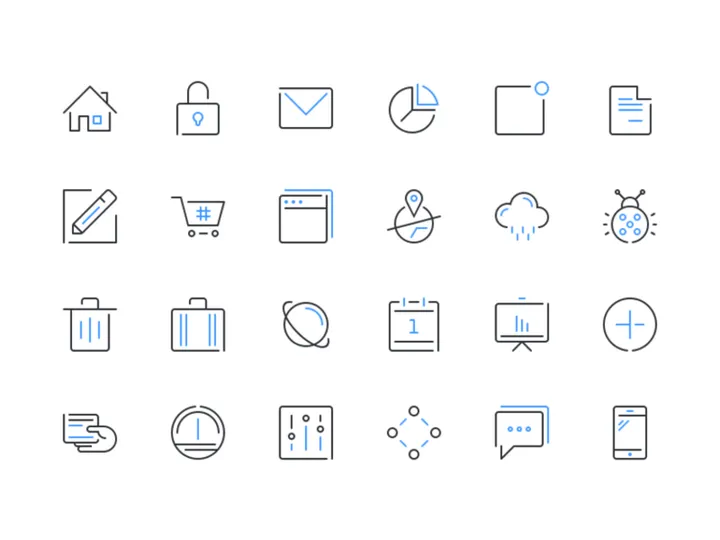
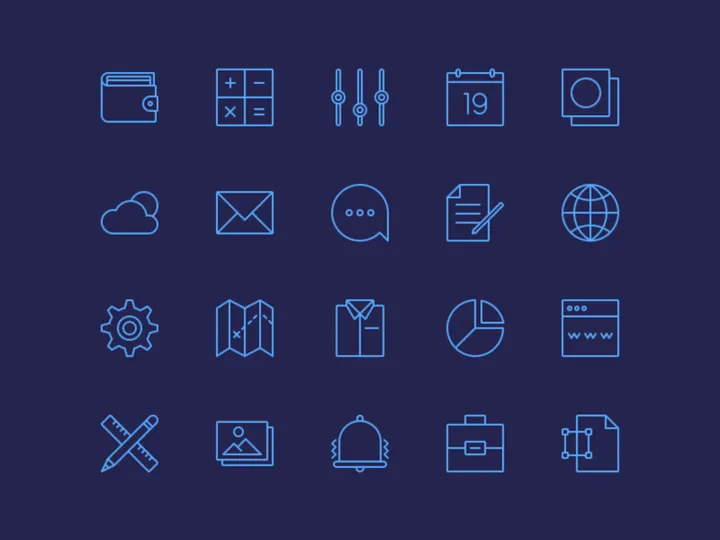
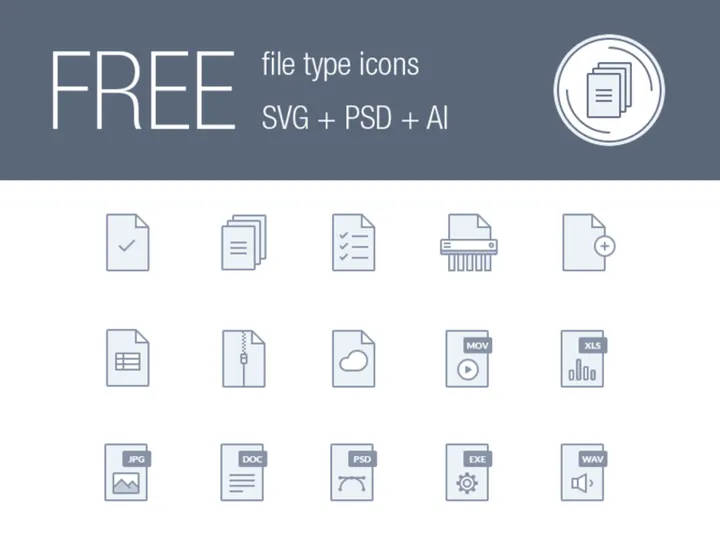
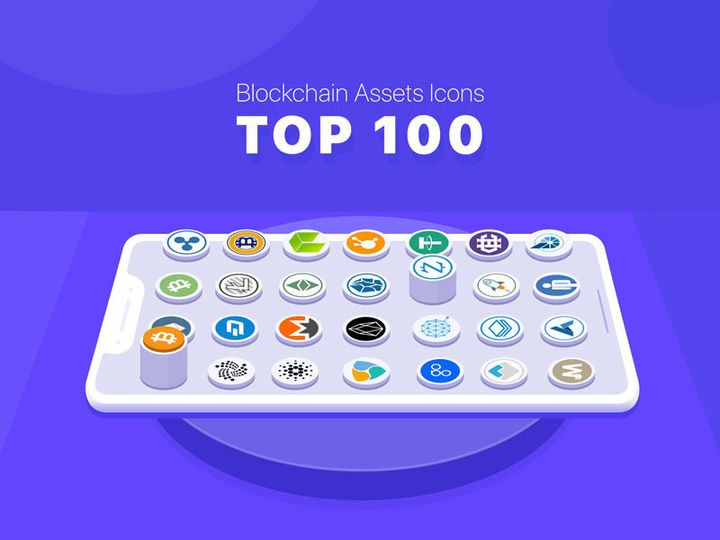
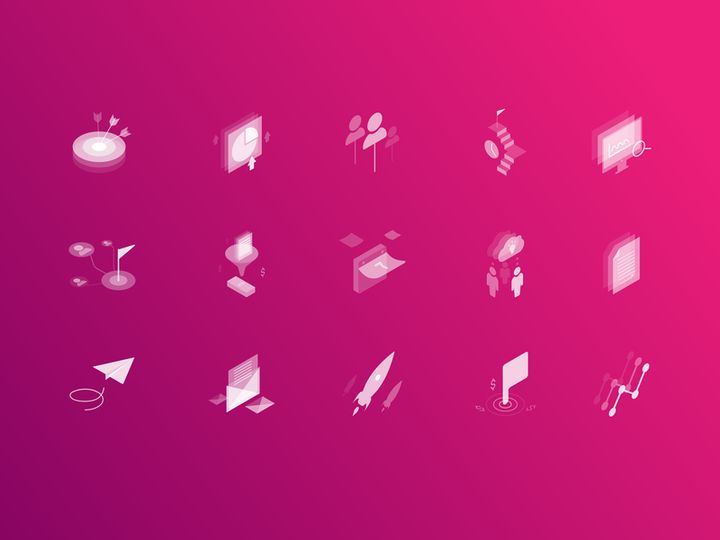
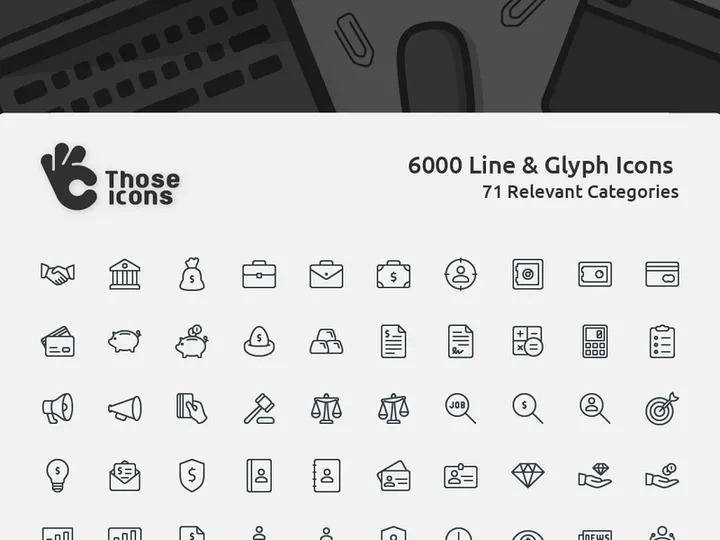
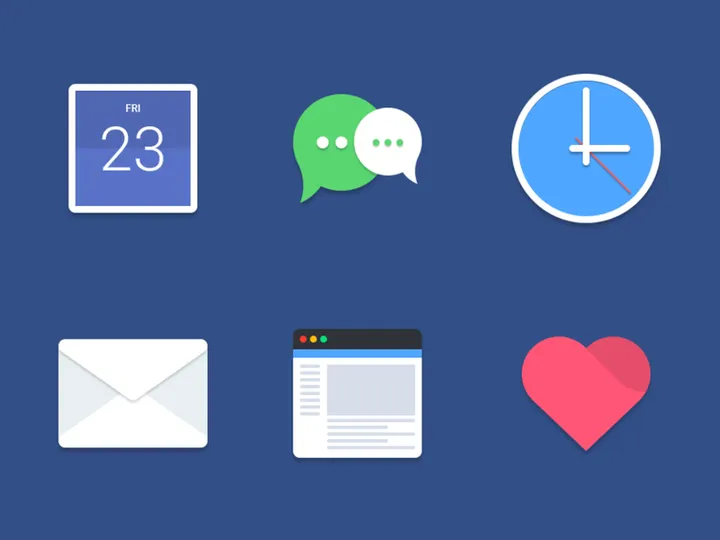


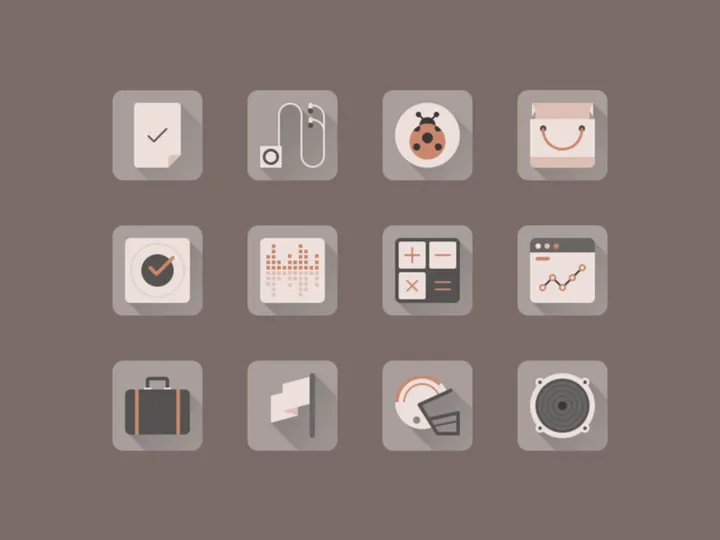
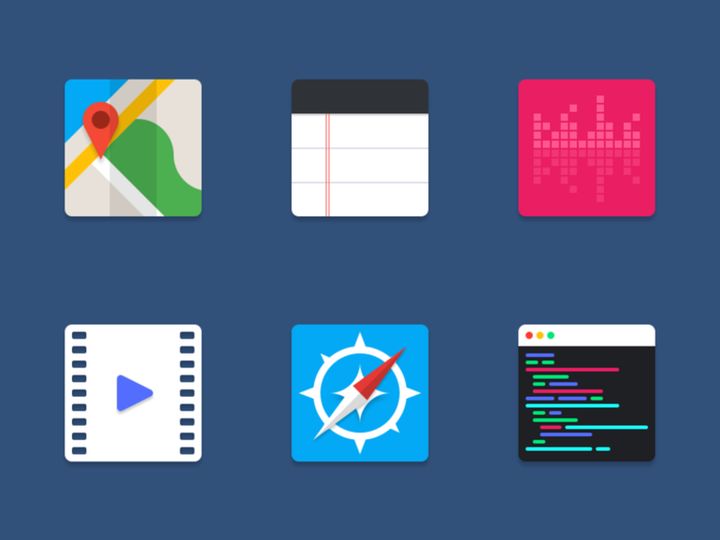
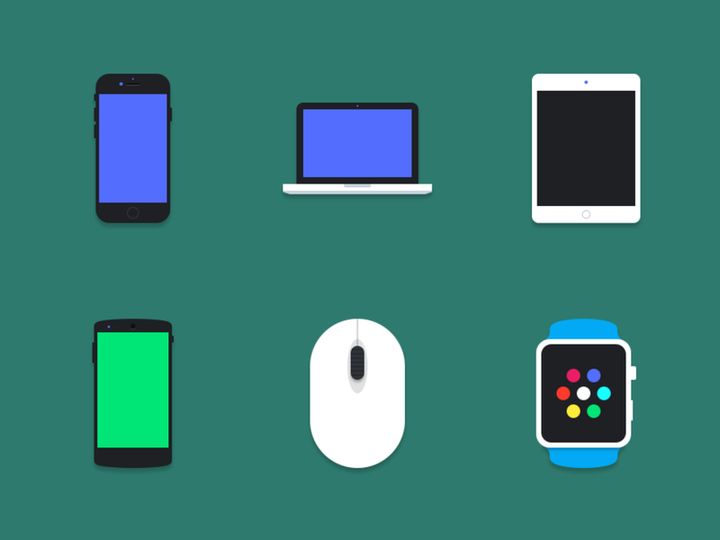
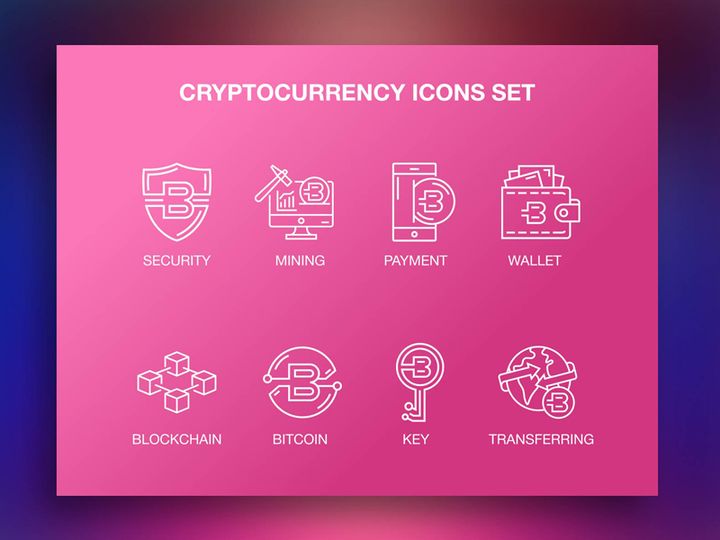

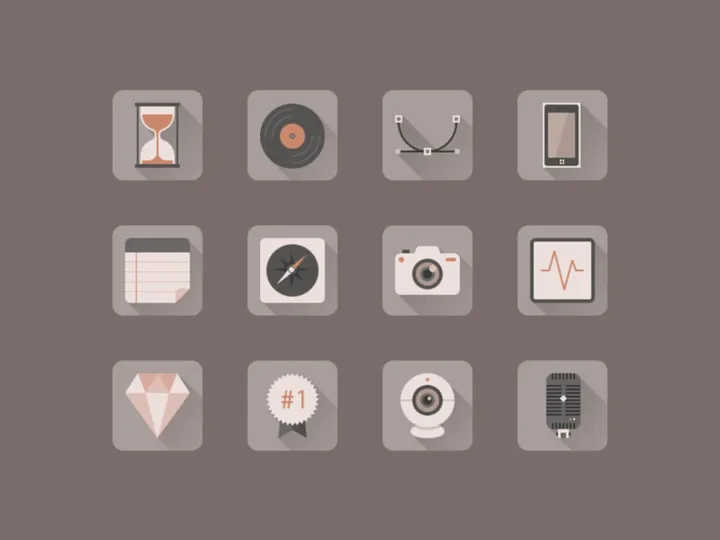
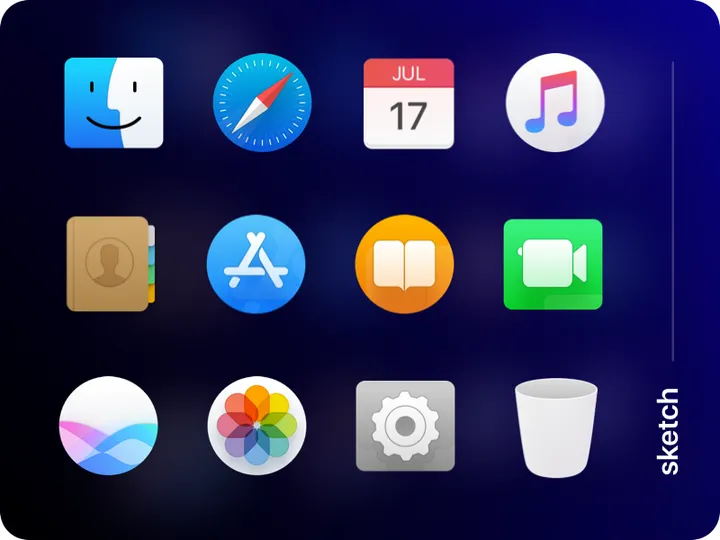


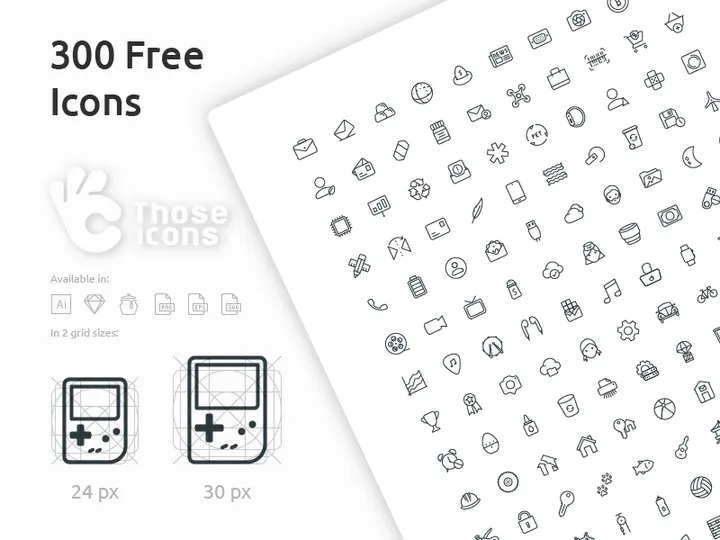
Try Our Free Resources
Download any of these for free - no account required
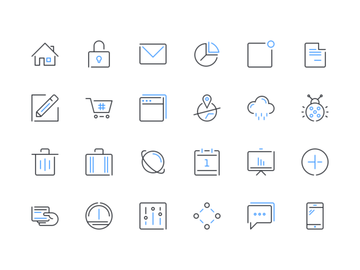
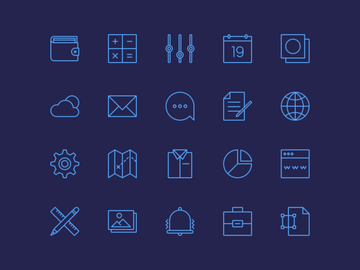
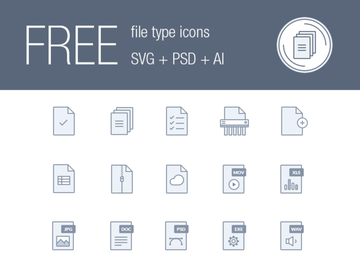
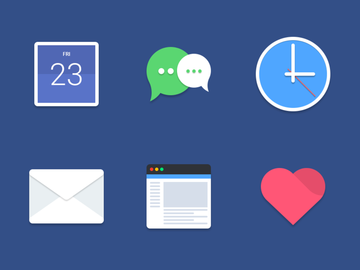

Icons vs Illustrations: Quick Overview
For modern designers, choosing the right visual element can make or break a user experience. Two of the most powerful tools in a designer’s toolkit are icons and illustrations. While both serve visual communication purposes, they differ significantly in form, function, and application. Understanding when to use icons versus illustrations is essential for creating intuitive, engaging, and aesthetically consistent designs.
Icons are simplified, symbolic representations of actions, objects, or concepts. They are compact, highly recognizable, and designed to convey meaning quickly—think of a magnifying glass for search or a trash can for deletion. Illustrations, on the other hand, are more elaborate visual narratives. They can depict scenes, emotions, and stories, often with rich detail, color, and character. While icons aim for clarity and speed, illustrations aim for engagement and storytelling.
The key differences lie in complexity, purpose, and context. Icons are ideal for functional UI elements, while illustrations shine in branding, onboarding, and emotional connection. Designers, UX professionals, product teams, and content creators should all care about this distinction—because the right choice enhances usability and strengthens brand identity.
With over 10320+ resources available on platforms like EpicPxls, designers have unprecedented access to high-quality icons and illustrations. But access alone isn’t enough—knowing when and how to use each is what separates good design from great design.
Icons: Strengths & Resources
Key Advantages
Icons excel in delivering information quickly and efficiently. Their primary strength lies in visual shorthand—communicating complex ideas in a small space. Because they are minimalist by nature, icons reduce cognitive load and help users navigate interfaces with ease. They are highly scalable, maintaining clarity at various sizes, from mobile app buttons to desktop toolbars.
Another major advantage is consistency. A well-designed icon set follows a unified style, ensuring visual harmony across an entire product. This consistency fosters a professional, polished look that strengthens brand credibility. Icons are also language-agnostic, making them perfect for global applications where text-based cues may fail.
Best Use Cases
Icons are best used in user interface (UI) design where clarity and speed are paramount. Common use cases include navigation menus, toolbars, mobile apps, dashboards, and form elements. For example, a gear icon universally represents settings, while a heart symbolizes favorites or likes.
They are also effective in infographics and data visualization, where they can represent categories or metrics without cluttering the layout. Additionally, icons work well in signage and wayfinding systems, helping users quickly identify restrooms, exits, or services in public spaces.
Available Resources
Designers looking for high-quality, ready-to-use icons can explore the extensive collection on EpicPxls. With thousands of vector-based, professionally crafted icons available in multiple styles—such as line, filled, flat, and duotone—EpicPxls supports diverse design needs. These icons are optimized for web and mobile, available in SVG, PNG, and AI formats, and designed for easy integration into Figma, Sketch, and Adobe XD.
The platform offers curated icon sets that maintain stylistic consistency, making it simple to build cohesive interfaces. Whether you need social media icons, e-commerce symbols, or accessibility indicators, EpicPxls provides reliable, scalable solutions. With over 10320+ resources to choose from, designers can find the perfect icon for any project without sacrificing quality or time.
Illustrations: Strengths & Resources
Key Advantages
Illustrations stand out for their ability to convey emotion, tell stories, and create memorable brand experiences. Unlike icons, which are functional and symbolic, illustrations are expressive and narrative-driven. They can evoke warmth, humor, curiosity, or excitement—qualities that help brands connect with users on a deeper level.
One of the greatest strengths of illustrations is their uniqueness. A custom illustration can become a signature element of a brand’s visual identity, distinguishing it from competitors. Illustrations also allow for greater creativity in style, color, and composition, enabling designers to tailor visuals to specific audiences, themes, or campaigns.
Best Use Cases
Illustrations are ideal for branding, marketing, and onboarding experiences. They are commonly used in landing pages, email campaigns, mobile app onboarding screens, and educational content. For example, a playful illustration can make a signup process feel welcoming, while a detailed scene can explain a complex product feature in an engaging way.
They are also highly effective in error states and empty screens, where a well-placed illustration can soften frustration and guide users toward solutions. In editorial design and digital publications, illustrations enhance storytelling by visually interpreting content in creative ways.
Additionally, illustrations support diversity and inclusion by representing a wide range of people, cultures, and experiences—something that stock photography often struggles to do authentically.
Available Resources
For designers seeking high-quality, versatile illustrations, EpicPxls offers an expansive library that caters to modern design trends. From flat vector art to isometric scenes and hand-drawn sketches, the platform hosts a wide variety of styles suitable for tech, healthcare, education, e-commerce, and more.
These illustrations are available in SVG, PNG, and EPS formats, ensuring compatibility with most design and development workflows. Many are fully customizable, allowing designers to adjust colors, elements, and compositions to match brand guidelines. With meticulous attention to detail and artistic integrity, the illustrations on EpicPxls help creators build visually rich, emotionally resonant experiences.
With access to over 10320+ resources, including both standalone illustrations and themed sets, designers can quickly find or assemble visuals that elevate their projects without starting from scratch.
Side-by-Side Comparison
| Criteria | Icons | Illustrations |
|---|---|---|
| File format support | Widely available in SVG, PNG, AI, and icon font formats. SVG is preferred for scalability and responsiveness in web design. | Commonly offered in SVG, PNG, EPS, and sometimes PSD. SVG supports scalability, while PNG ensures high quality for raster-based use. |
| Ease of customization | Highly customizable in color, stroke weight, and size. Vector-based icons can be easily modified in design tools like Figma and Illustrator. | Customizable but often more complex due to layered artwork. Color and element changes are possible, but require more design expertise. |
| Community and ecosystem | Mature ecosystem with strong developer and designer support. Icons are widely shared, discussed, and integrated into design systems and frameworks. | Growing community, especially around illustration-driven branding and storytelling. Popular on design platforms and social media for creative expression. |
| Pricing and licensing | Often available in free and premium tiers. Licensing is typically clear and permissive for commercial use, especially on platforms like EpicPxls. | May be more expensive due to higher creative effort. Licensing varies, but many platforms offer royalty-free, commercial-use options. |
| Best for (use cases) | UI navigation, mobile apps, dashboards, infographics, toolbars, and functional design elements where clarity and speed are key. | Brand storytelling, onboarding flows, marketing campaigns, error pages, editorial content, and emotional engagement. |
Our Verdict: Which Should You Choose?
The choice between icons and illustrations ultimately depends on your design goals, context, and audience. If your priority is functionality, speed, and clarity—especially in digital interfaces—then icons are the better choice. They streamline navigation, save space, and support universal understanding across languages and cultures. For dashboards, apps, and tools where efficiency matters, icons deliver unmatched value.
However, if you're aiming to build emotional connections, explain complex ideas, or differentiate your brand with a unique visual voice, then illustrations are the superior option. They transform mundane interactions into memorable experiences, making them ideal for marketing, onboarding, and storytelling. Illustrations humanize technology and make abstract concepts tangible.
In practice, most successful design systems use both icons and illustrations in harmony. Icons handle the functional backbone of an interface, while illustrations enrich the user journey with personality and context. Platforms like EpicPxls make it easy to access high-quality assets for both categories, with over 10320+ resources that support cohesive, professional design.
Ultimately, the best designs don’t choose one over the other—they leverage the strengths of each at the right moment. By understanding when to use icons versus illustrations, designers can create experiences that are not only usable but also meaningful and engaging.
Why Download from EpicPxls?
Commercial License
Use in personal and commercial projects
No Account Required
Download free resources instantly
Quality Curated
Every resource is reviewed for quality
Preview Files
See Figma and Photoshop files before downloading
Who Uses These Resources?
Professionals and teams who benefit most from our collection
UI/UX Designers
Speed up your workflow with ready-to-use resources for design tools. Perfect for prototyping and client presentations.
Developers
Get production-ready assets without design skills. Export in any format for web and mobile apps.
Startups & Agencies
Save design budget with affordable premium resources. Commercial license included.
Marketing Teams
Create professional campaigns faster. All resources are optimized for social media and ads.
Frequently Asked QuestionsCommon questions about these resources
Simple, Transparent Pricing
Get unlimited access to all premium resources
Yearly
- 20 downloads per month
- All file formats
- Commercial license
Lifetime
- Unlimited downloads forever
- All file formats
- Commercial license
Ready to Get Started?
Access 4,442+ free design resources today.
Browse Free ResourcesView Premium PlansEarn 85% and
more on all sales
Upload your products and put them up
for sale at whatever price you want.


