Figma vs Sketch: Design Resources Compared
EpicPxls offers 200+ curated design resources, all with a commercial license and editable source files (Figma, Sketch, PSD). Both have unique strengths. Figma and Sketch serve different needs — read our comparison above to find the best fit for your workflow.
Last updated February 12, 2026
Figma or Sketch? We compare both so you can pick the right resources.
Trusted by designers at leading companies
Featured Resources
Handpicked resources from our curated collection
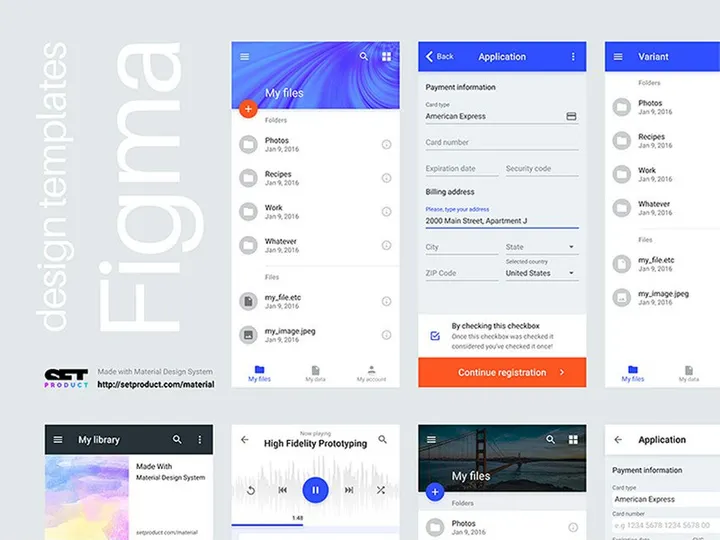
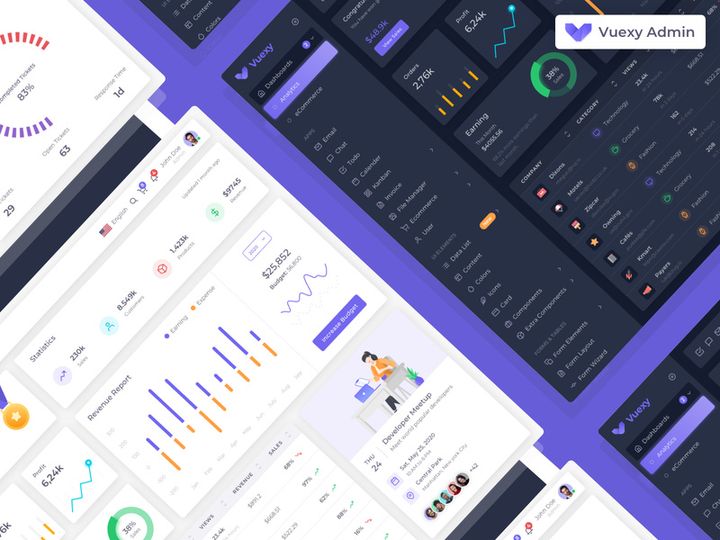
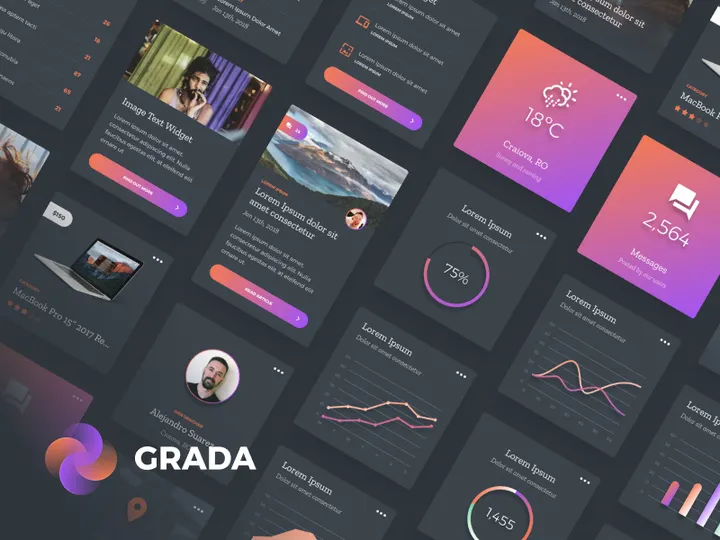



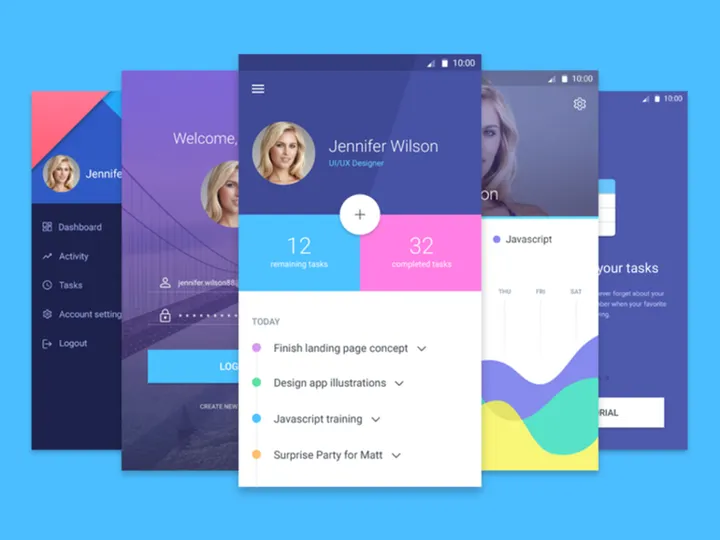

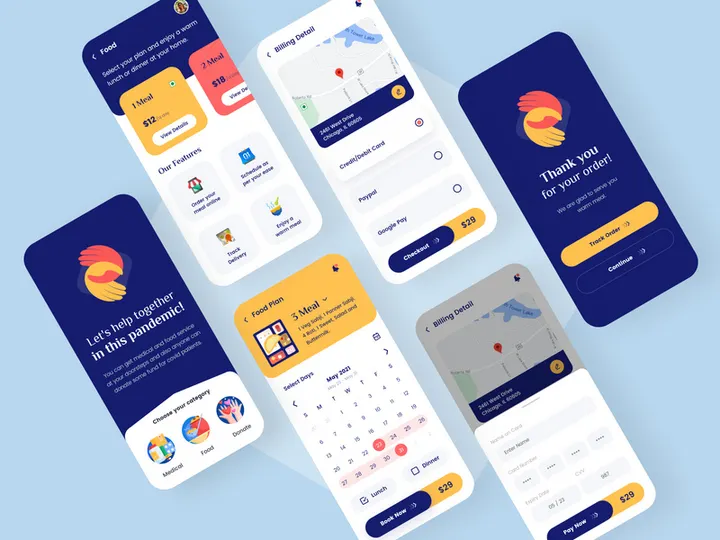
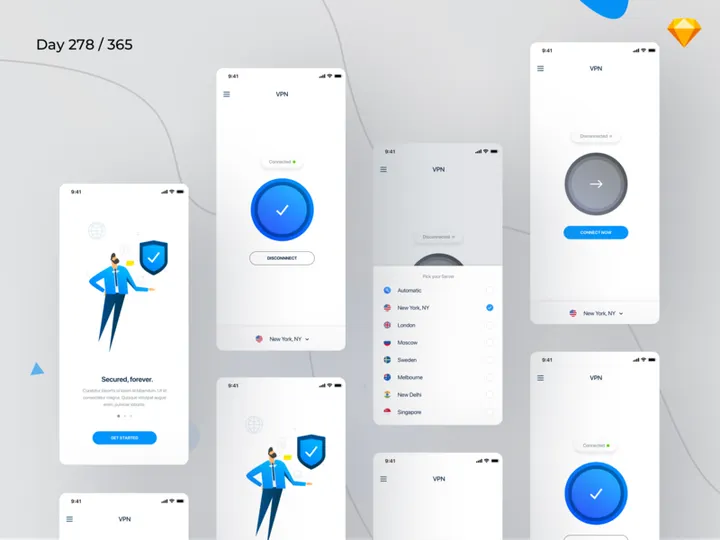
![Material Design Kit [Sketch] preview picture](https://imgproxy.epicpxls.com/25NgiEuwqlJOHx6Nz4RS2GU6a38NeEJY6Ac4cSa1E2M/rs:fill:720:540:0/g:no/aHR0cHM6Ly9pdGVt/cy5lcGljcHhscy5j/b20vdXBsb2Fkcy9w/aG90by9jNGU3MjZi/M2VhY2FmMTNlNjdi/MDFmZmY5OWExZjcz/OS5wbmc.jpg)
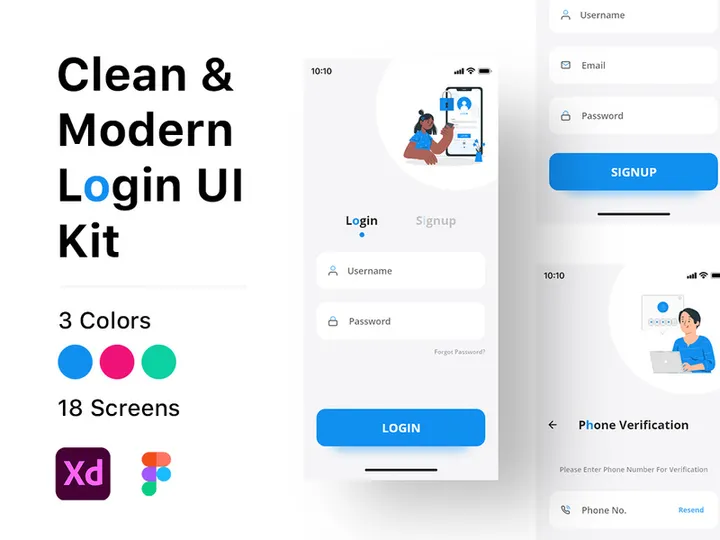

Try Our Free Resources
Download any of these for free - no account required
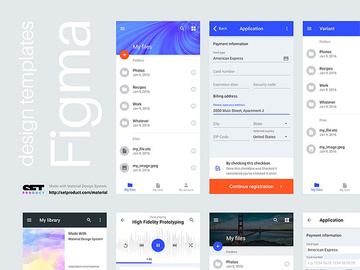
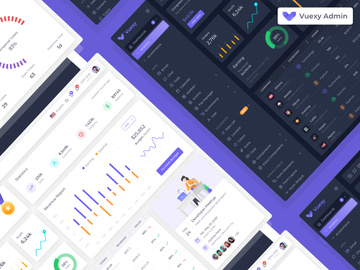
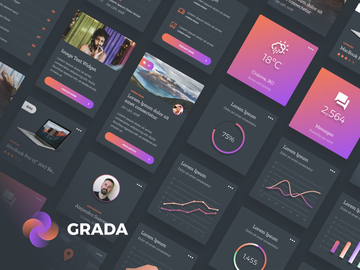
Figma vs Sketch: Quick Overview
Figma and Sketch are two of the most influential design tools in the digital product design space, each having shaped the way modern designers create user interfaces, prototypes, and design systems. While both platforms empower UI/UX professionals with powerful vector editing and prototyping capabilities, they differ significantly in architecture, collaboration features, and ecosystem reach. Understanding these differences is crucial for design teams, freelancers, and product companies aiming to streamline workflows and boost productivity.
Figma is a browser-based design platform that emphasizes real-time collaboration, cloud storage, and cross-platform accessibility. It allows multiple users to work on the same file simultaneously—similar to Google Docs for design—making it ideal for distributed teams. Sketch, on the other hand, is a macOS-native application known for its precision, stability, and deep integration with the Apple ecosystem. It operates primarily as a desktop tool with cloud-based collaboration features available via Sketch Cloud.
Key differences between Figma and Sketch include platform availability (Figma runs in browsers across operating systems, while Sketch is macOS-only), file-sharing mechanisms, plugin ecosystems, and pricing models. Figma excels in team collaboration and remote workflows, while Sketch offers a more traditional, polished desktop experience favored by many long-time interface designers.
This comparison is especially valuable for UI/UX designers, design leads, and product managers evaluating tools for their teams. Whether you're building a scalable design system, working on a startup MVP, or managing a large design team, the choice between Figma and Sketch can significantly affect efficiency and output quality. With over 5225+ design resources available across both platforms on EpicPxls, choosing the right tool also impacts access to templates, UI kits, and design assets that accelerate your workflow.
Figma: Strengths & Resources
Key Advantages
Figma stands out for its cloud-first, collaborative design environment. Its real-time co-editing feature allows designers, developers, and stakeholders to work together in the same file, reducing bottlenecks and feedback loops. Because Figma runs directly in the browser, it eliminates the need for software installation and ensures consistent performance across Windows, macOS, Linux, and even Chromebooks. This cross-platform support makes Figma a top choice for remote and globally distributed teams.
Another major strength is Figma’s robust design system management. Features like shared libraries, version history, and component syncing enable teams to maintain consistency at scale. The platform’s prototyping tools are tightly integrated, allowing for seamless transitions from static design to interactive flows. Additionally, Figma's developer handoff tools simplify collaboration with engineering teams by providing accurate CSS, Swift, and Android code snippets, asset exports, and design specifications.
Best Use Cases
Figma is ideal for collaborative design projects, especially in agile environments where rapid iteration and stakeholder feedback are essential. It’s widely used by product design teams in tech companies, startups, and agencies that need a centralized source of truth for UI design. Its cloud-based nature also makes it perfect for design educators, freelancers managing multiple clients, and distributed teams working across time zones.
Because of its strong prototyping and design system capabilities, Figma is also a leading choice for creating enterprise-level design systems that need to be shared across departments and maintained over time. Teams looking to reduce dependency on local hardware and streamline workflows will find Figma’s all-in-one platform highly advantageous.
Available Resources
On EpicPxls, Figma users have access to a vast library of over 5225+ resources, including customizable UI kits, wireframe templates, icon sets, and design system foundations. These resources are optimized for Figma’s component and auto-layout features, enabling quick onboarding and rapid prototyping. Whether you’re designing a mobile app, dashboard, or e-commerce site, EpicPxls offers professionally crafted Figma resources that integrate smoothly into any project, helping designers save hours of setup time.
Sketch: Strengths & Resources
Key Advantages
Sketch has long been a favorite among UI designers for its clean, intuitive interface and precision-focused toolset. Built exclusively for macOS, Sketch delivers a highly optimized and responsive experience that leverages the full power of Apple hardware. Designers appreciate its stability, minimal lag during complex operations, and fine-tuned vector editing tools that offer pixel-perfect control.
One of Sketch’s standout features is its symbol system, which enables powerful reusable components and nested overrides—ideal for creating consistent, scalable interfaces. While not as inherently collaborative as Figma, Sketch has evolved with Sketch Cloud, allowing teams to share designs, gather feedback, and manage versioning. The platform also supports robust plugin integrations, giving advanced users the ability to extend functionality and automate repetitive tasks.
Best Use Cases
Sketch is best suited for individual designers or small in-house teams operating primarily on macOS. It’s a strong choice for designers who prioritize control, performance, and a distraction-free workspace. Many branding agencies, boutique design studios, and freelance UI experts prefer Sketch for its focused toolset and refined user experience.
It’s particularly effective for projects that require meticulous attention to layout, typography, and visual detail—such as high-fidelity app interfaces, marketing landing pages, or brand identity systems. Designers who work offline or in environments with limited internet connectivity also benefit from Sketch’s local-first approach, where files are stored directly on the device unless explicitly shared.
Available Resources
EpicPxls hosts a rich collection of Sketch-compatible resources, contributing to the platform’s extensive ecosystem. With over 5225+ design resources available, Sketch users can find professionally designed templates, UI kits, icon packs, and wireframe libraries tailored for macOS workflows. These Sketch resources are meticulously crafted to work with symbols and shared styles, making it easy to maintain consistency across projects. Whether you're designing a SaaS dashboard or a mobile app interface, EpicPxls offers time-saving tools that enhance Sketch’s native capabilities.
Side-by-Side Comparison
| Criteria | Figma | Sketch |
|---|---|---|
| File format support | Native cloud-based files (.fig) with export support for SVG, PNG, JPG, PDF, and CSS. Imports from Sketch, Adobe XD, and others. | Native .sketch files stored locally; supports import/export of SVG, PNG, PDF. Can import Figma files via plugins or conversion tools. |
| Ease of customization | Highly customizable with auto-layout, variants, and interactive components. Easy to adapt for design systems and dynamic content. | Customizable through symbols, overrides, and nested components. Requires manual setup but offers fine-grained control. |
| Community and ecosystem | Large, global community with extensive plugin library, third-party templates, and active forums. Strong presence on design sharing platforms. | Mature ecosystem with dedicated plugin developers and design communities. Slightly smaller user base than Figma but deeply loyal. |
| Pricing and licensing | Free tier with limited projects; paid plans start at $12/editor/month. Team and organization plans available. No hardware restrictions. | $9/month per editor with annual billing. Free viewer tier available. Requires macOS device. Licenses tied to individual users. |
| Best for (use cases) | Remote teams, collaborative design, real-time feedback, enterprise design systems, cross-platform workflows. | Mac-based designers, solo professionals, small studios, high-fidelity UI design, offline workflows. |
The table highlights how Figma and Sketch cater to different workflows and team structures. Figma’s cloud-native design makes it highly accessible and collaborative, ideal for modern, fast-moving teams. Sketch, with its macOS-exclusive model, offers a more traditional but powerful experience for designers invested in Apple’s ecosystem. Both platforms benefit from a wealth of community-driven tools and templates, with thousands of ready-to-use assets available through platforms like EpicPxls.
Our Verdict: Which Should You Choose?
The choice between Figma and Sketch ultimately depends on your workflow, team structure, and technical environment. For teams that value collaboration, real-time editing, and cross-platform accessibility, Figma is the clear winner. Its cloud-based architecture removes friction in feedback cycles, supports scalable design systems, and integrates seamlessly with developer workflows. Whether you're a startup scaling rapidly or a global design team, Figma’s all-in-one platform streamlines the entire design process—from ideation to handoff.
On the other hand, Sketch remains a strong choice for macOS users who prioritize performance, precision, and a focused design experience. Individual designers, freelancers, and small studios that operate primarily on Apple devices will appreciate Sketch’s stability, clean interface, and deep customization options. If your workflow involves heavy symbol usage, offline design, or integration with macOS-specific tools, Sketch continues to deliver a polished, reliable experience.
Interestingly, many professional designers use both tools depending on the project. They might leverage Figma for team collaboration and client presentations while using Sketch for detailed, high-fidelity mockups or branding projects. With over 5225+ resources available on EpicPxls for both platforms, switching between or maintaining dual workflows has never been easier. Ultimately, the best tool is the one that aligns with your team’s needs, workflow preferences, and long-term design goals. Explore the extensive library at EpicPxls to find the perfect templates and UI kits that enhance your chosen platform’s strengths.
Why Download from EpicPxls?
Commercial License
Use in personal and commercial projects
No Account Required
Download free resources instantly
Quality Curated
Every resource is reviewed for quality
Preview Files
See Figma and Photoshop files before downloading
Who Uses These Resources?
Professionals and teams who benefit most from our collection
UI/UX Designers
Speed up your workflow with ready-to-use resources for design tools. Perfect for prototyping and client presentations.
Developers
Get production-ready assets without design skills. Export in any format for web and mobile apps.
Startups & Agencies
Save design budget with affordable premium resources. Commercial license included for client work.
Marketing Teams
Create professional campaigns faster. All resources are optimized for social media and ads.
Frequently Asked QuestionsCommon questions about these resources
Simple, Transparent Pricing
Get unlimited access to all premium resources
Yearly
- 20 downloads per month
- All file formats
- Commercial license
Lifetime
- Unlimited downloads forever
- All file formats
- Commercial license
Ready to Get Started?
Access 4,442+ free design resources today.
Browse Free ResourcesView Premium PlansEarn 85% and
more on all sales
Upload your products and put them up
for sale at whatever price you want.


