Mockups vs Templates: A Designer's Guide
EpicPxls offers 200+ curated design resources, all with a commercial license and editable source files (Figma, Sketch, PSD). Both have unique strengths. Mockups and Templates serve different needs — read our comparison above to find the best fit for your workflow.
Last updated February 12, 2026
Mockups or Templates? We compare both so you can pick the right resources.
Trusted by designers at leading companies
Featured Resources
Handpicked resources from our curated collection

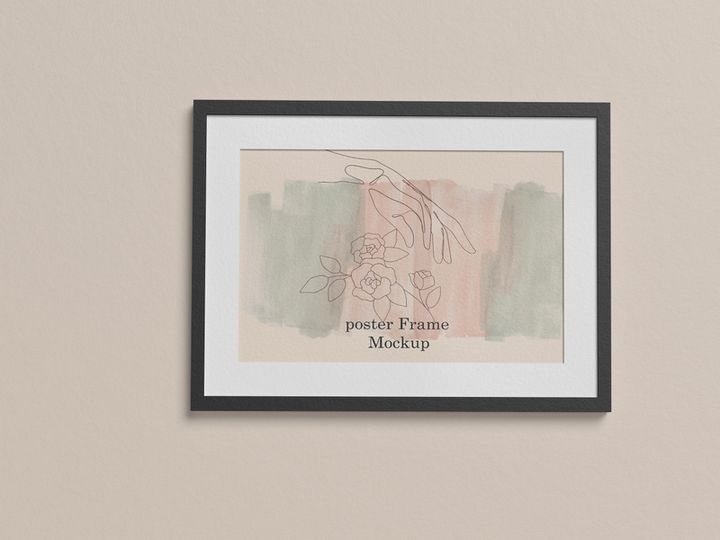
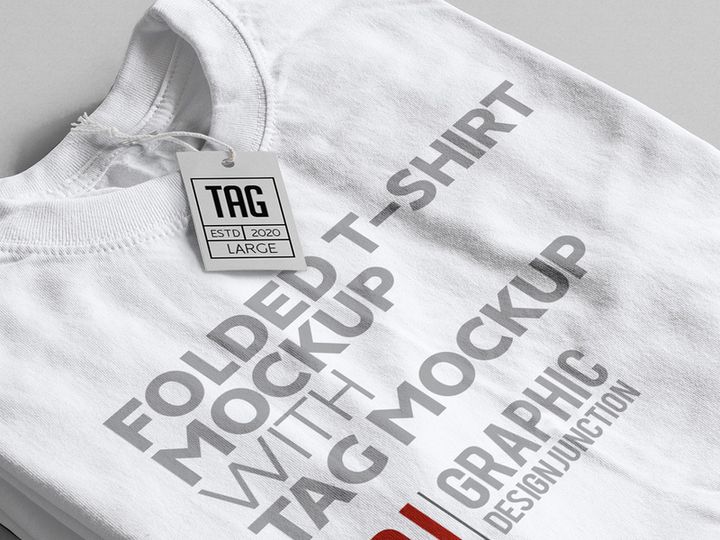
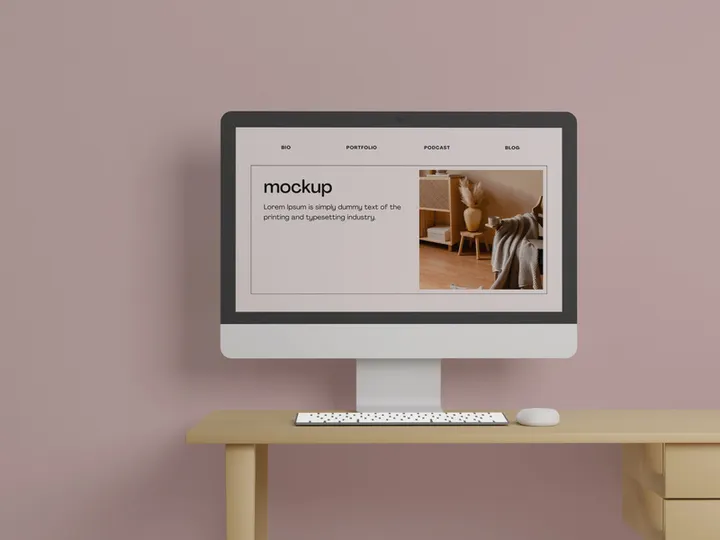
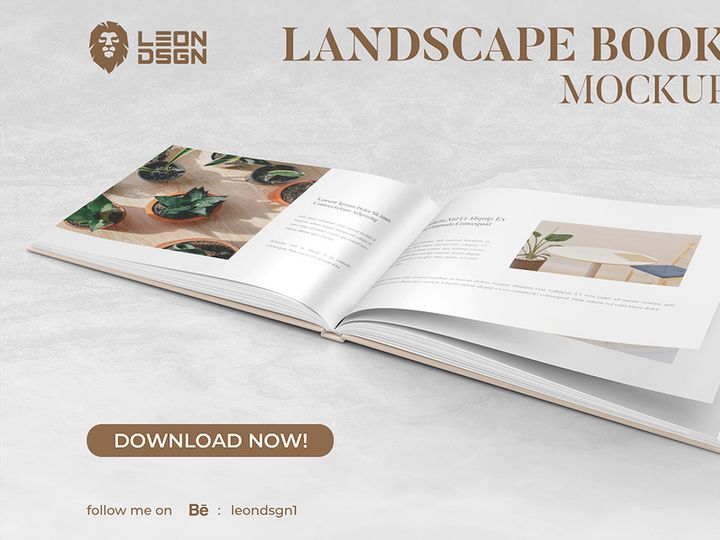
![Sketches Mockup [Free Download] preview picture](https://imgproxy.epicpxls.com/3YnS1ECZMyWI6AV8ADJKhn4OtJpo3UiZFNA4jkSYdys/rs:fill:720:540:0/g:no/aHR0cHM6Ly9pdGVt/cy5lcGljcHhscy5j/b20vdXBsb2Fkcy9w/aG90by9kNjRiNzA5/MGQ1Nzg2NDhmYjgz/ZjQ4MDU0MzNjOTY0/NA.jpg)



![[FREE] Mockup Sticker preview picture](https://imgproxy.epicpxls.com/dcLt4fkjZ_E5oBbsisXijbJ79nOv7aegmTQw2BSlwuM/rs:fill:720:540:0/g:no/aHR0cHM6Ly9pdGVt/cy5lcGljcHhscy5j/b20vdXBsb2Fkcy9w/aG90by9kYWEwYWVj/NTlkOWE2OTk5MjI2/NjBjZDUwYTkxMGQ1/Yw.jpg)


Try Our Free Resources
Download any of these for free - no account required
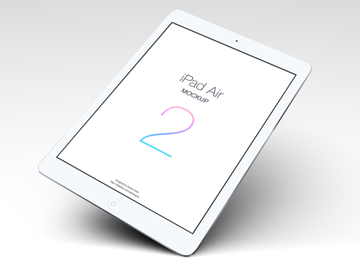
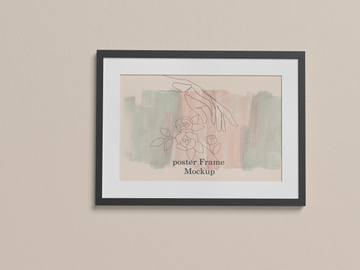
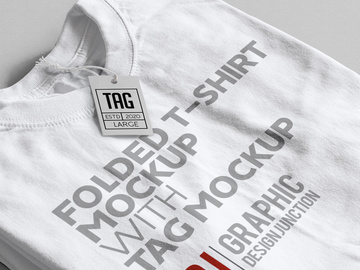
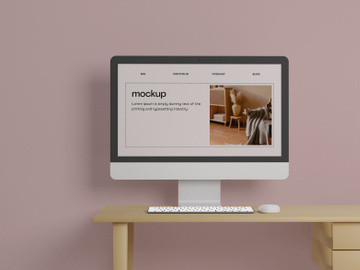
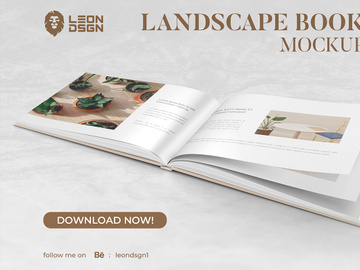
![Sketches Mockup [Free Download]](https://items.epicpxls.com/uploads/photo/c7793e256142b640d51d2010dce769f8)
Mockups vs Templates: Quick Overview
For designers navigating the fast-paced world of digital creation, understanding the tools at your disposal is essential. Two of the most widely used resources are mockups and templates. While they may appear similar at first glance—both aim to streamline design workflows—they serve fundamentally different purposes. Knowing when and how to use each can dramatically improve your efficiency, presentation quality, and client satisfaction.
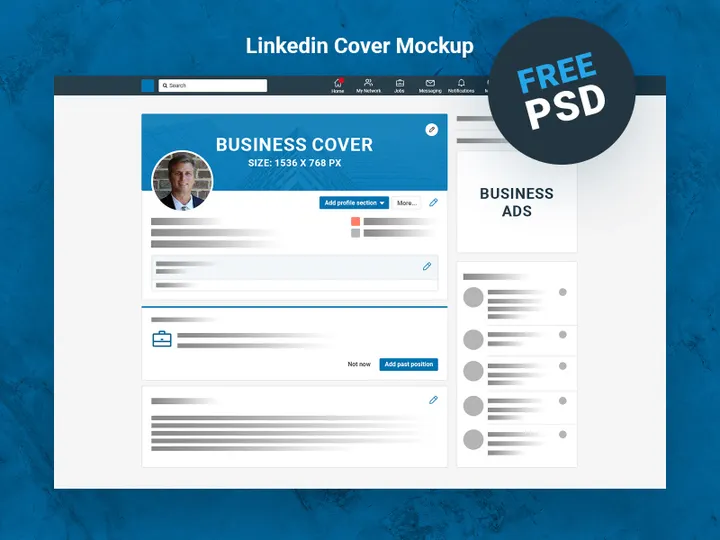
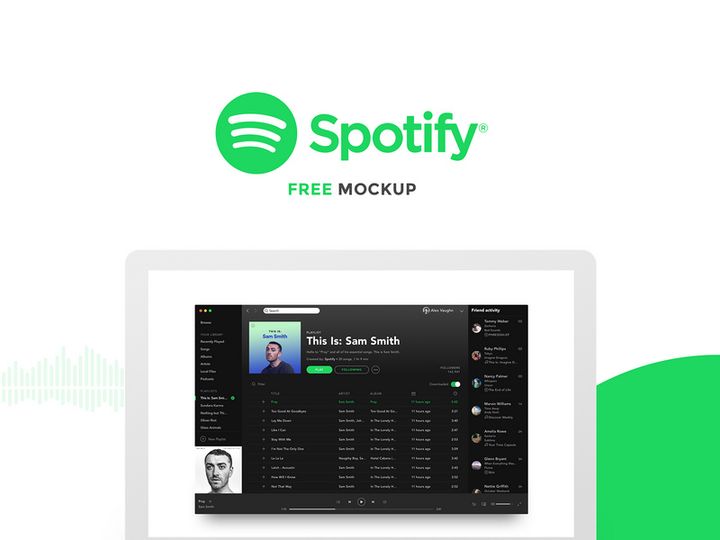
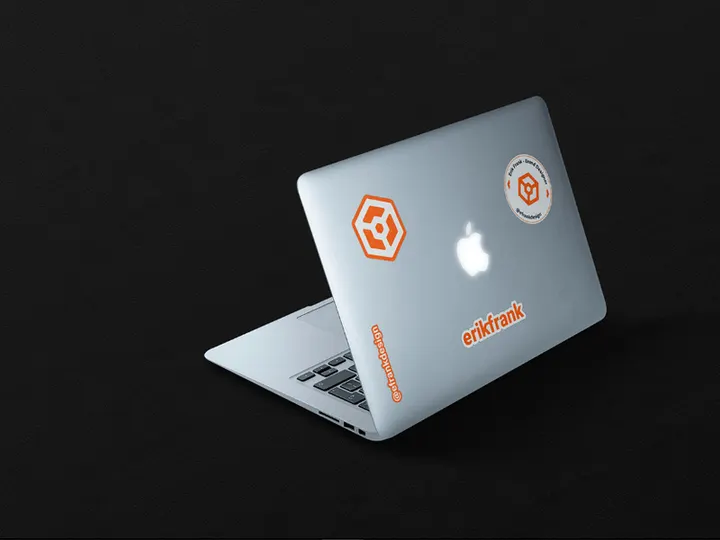
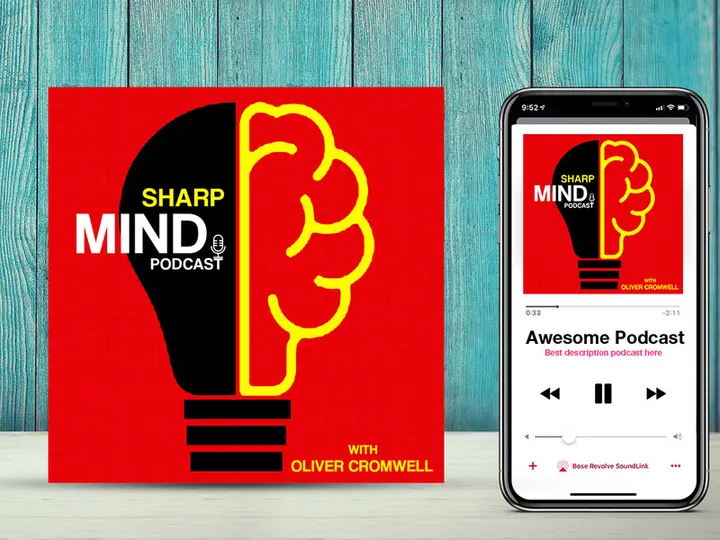
Mockups are visual representations of how a design will look in a real-world context. They allow designers to showcase logos on business cards, apps on smartphones, or packaging on retail shelves—all without physical production. These are ideal for presentations, client approvals, and portfolio displays. On the other hand, templates are pre-designed layouts or frameworks that provide a starting point for creating new projects. Whether it’s a website, social media post, or presentation deck, templates include structured elements like typography, color schemes, and content blocks that can be easily modified.
The key difference lies in function: mockups visualize, while templates accelerate production. Mockups focus on realism and presentation; templates focus on structure and repeatability. Designers, marketers, agencies, and freelancers should care about this distinction because choosing the wrong tool can lead to wasted time or subpar results. With access to platforms like EpicPxls, which offers more than 8969+ design resources, professionals can find high-quality mockups and templates tailored to their specific needs. This guide will break down the strengths, use cases, and available assets to help you make informed decisions in your design workflow.
Mockups: Strengths & Resources
Key Advantages
Mockups excel in bringing designs to life in realistic environments. One of their biggest strengths is their ability to communicate a design concept effectively—especially to non-designers. When a client sees their logo on a coffee cup or their website on a desktop screen, the impact is immediate and tangible. This realism builds confidence and speeds up approval processes.
Another advantage is versatility across design disciplines. Whether you're in branding, UI/UX, packaging, or print design, mockups provide a powerful way to present your work professionally. Many modern mockups are created with smart layers in design software like Photoshop and Figma, allowing designers to insert their artwork with just a few clicks. This non-destructive editing ensures fast updates without compromising quality. Additionally, mockups enhance portfolio presentation by showcasing work in context, making your designs stand out to potential employers or clients.
Best Use Cases
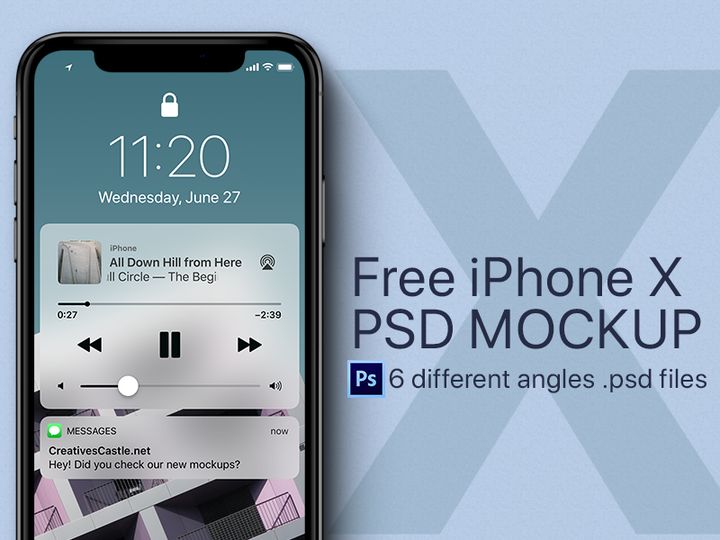
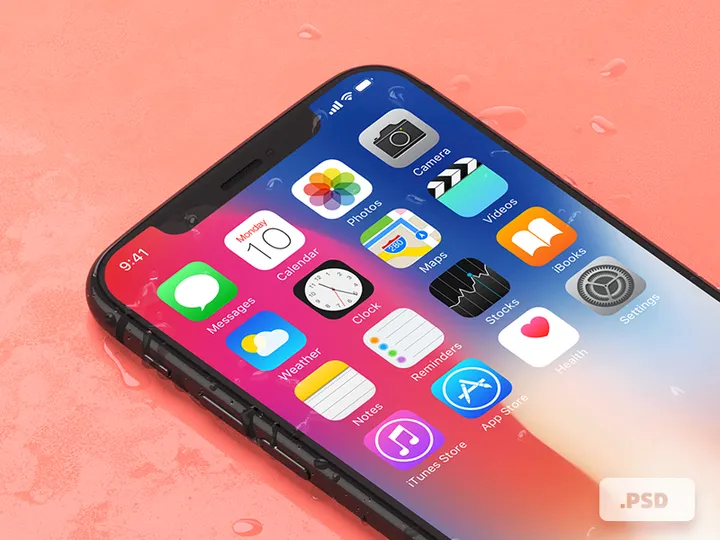
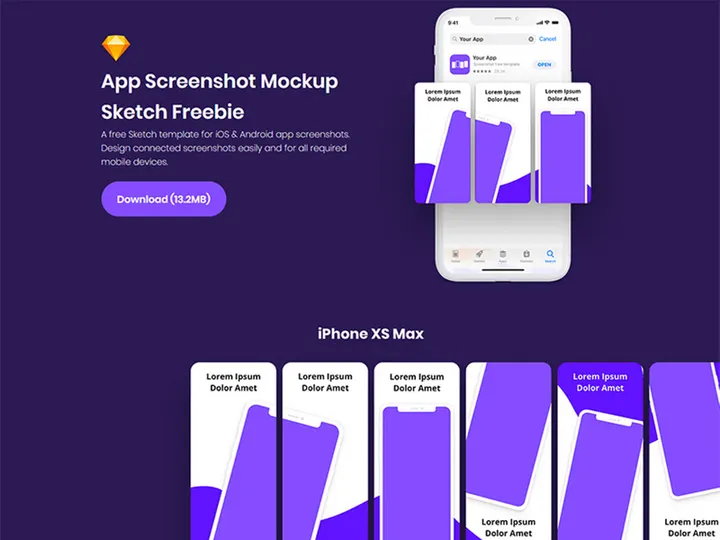
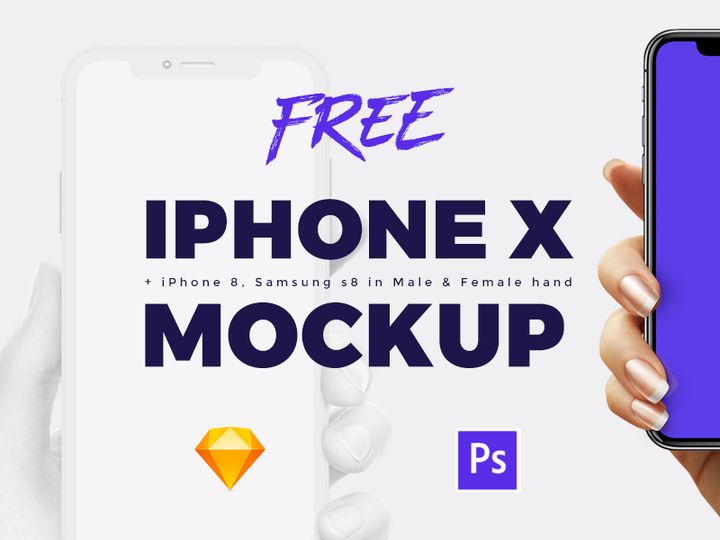
Mockups are best used during the presentation and review stages of a project. For example, after designing a mobile app interface, placing it on a smartphone mockup helps stakeholders visualize the final product. They are also essential for branding projects—presenting a new logo on business cards, letterheads, or storefront signage adds credibility.
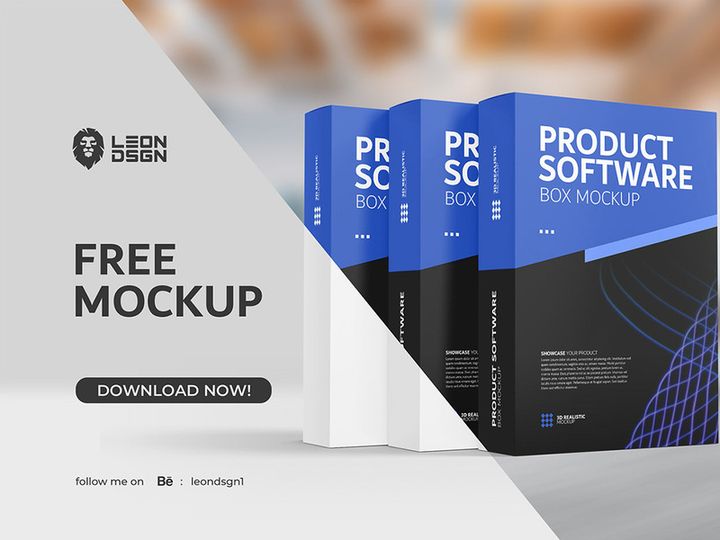
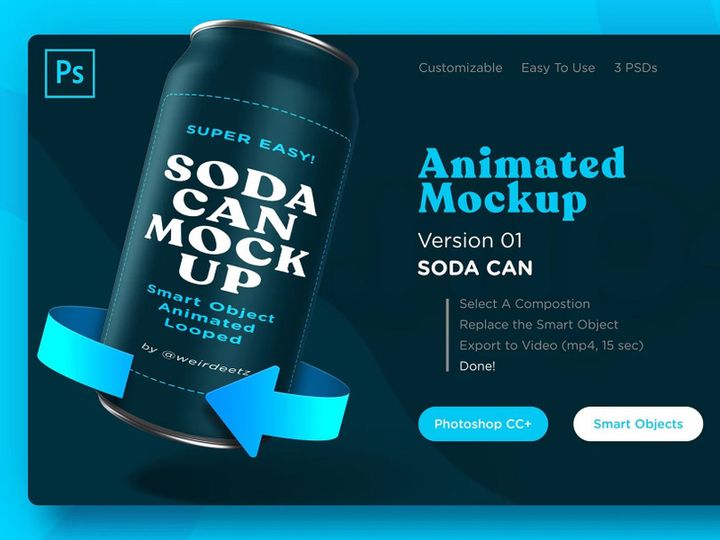
E-commerce designers benefit from product packaging mockups, while social media creators use device and lifestyle mockups to display ad campaigns. Pitch decks, client proposals, and design competitions also rely on mockups to make concepts more persuasive. In short, whenever you need to show how a design will look in the real world, a mockup is your go-to tool.
Available Resources
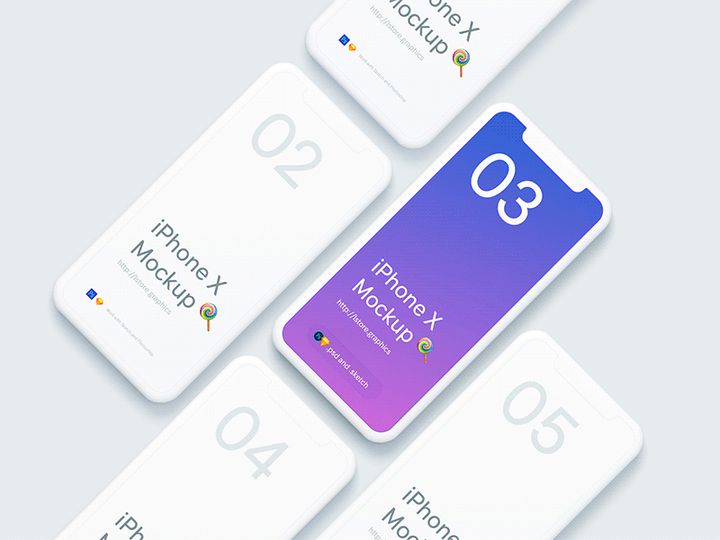
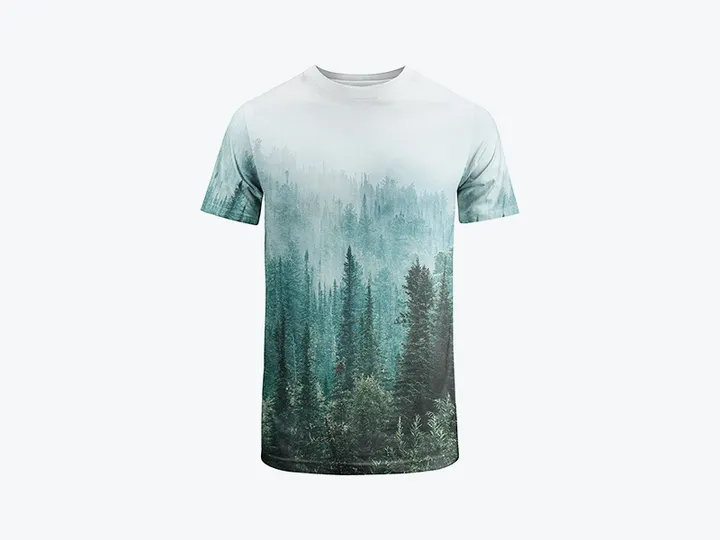
At EpicPxls, designers have access to an extensive library of high-resolution, customizable mockups. From minimalist stationery displays to dynamic 3D device renders, the platform hosts over 8969+ resources that cater to diverse design needs. You’ll find industry-specific mockup bundles, including fashion labels, tech gadgets, and office environments—all optimized for quick integration into your workflow. Many of these assets include layered PSD files, drag-and-drop functionality, and scene variations, making customization effortless. With new mockups added regularly, EpicPxls ensures that designers always have fresh, professional-grade tools at their fingertips.
Templates: Strengths & Resources
Key Advantages
Templates are the backbone of efficient design production. Their primary strength lies in consistency and speed. By offering pre-built layouts with established grids, typography, and color schemes, templates eliminate the need to start from scratch. This not only saves time but also ensures brand alignment across multiple deliverables.
Another major advantage is scalability. Designers working on recurring projects—such as weekly newsletters, social media calendars, or presentation decks—can reuse templates to maintain a cohesive visual identity. Most templates are built with popular design tools like Adobe Illustrator, Canva, Figma, and Sketch, supporting both beginner and advanced users. Many also include editable components, reusable symbols, and responsive design features, making them adaptable to various formats and screen sizes.
Best Use Cases
Templates shine in repetitive or structured design tasks. For instance, marketing teams use email templates to maintain a consistent brand voice across campaigns. UI/UX designers rely on wireframe and dashboard templates to prototype applications quickly. Content creators use social media post templates to schedule visually aligned content across platforms.
Startups and agencies benefit from presentation templates for client pitches, while educators and trainers use slide decks for workshops. Templates are also invaluable for branding kits, where logos, business cards, and letterheads follow a unified design language. If your work involves frequent content creation with consistent styling, templates dramatically reduce production time and cognitive load.
Available Resources
EpicPxls offers a robust collection of professionally designed templates tailored to modern design challenges. With over 8969+ resources, the platform features everything from minimalist resume templates to comprehensive Figma UI kits for web and app development. Designers can easily filter by category, file type, or industry to find exactly what they need.
Each template is crafted with usability in mind—featuring organized layers, clear labeling, and intuitive customization options. Whether you're building a landing page, designing a product catalog, or launching a brand campaign, EpicPxls provides reliable, high-quality templates that integrate smoothly into any workflow. Regular updates ensure compatibility with the latest design trends and software versions, keeping your projects current and professional.
Side-by-Side Comparison
| Criteria | Mockups | Templates |
|---|---|---|
| File format support | Primarily PSD, Figma, Sketch, and AI with smart object integration. Some include PNG previews and 3D renders. | Wide range: Figma, Adobe XD, Illustrator, InDesign, Canva, PowerPoint, and HTML/CSS for web templates. |
| Ease of customization | Easy drag-and-drop via smart layers; ideal for inserting artwork into predefined scenes. Limited structural changes. | Highly customizable layout, typography, and content. Designed for flexible editing and reuse across projects. |
| Community and ecosystem | Strong presence in design communities focused on presentation and branding. Tutorials and mockup challenges are common. | Broad ecosystem with user-generated content, template marketplaces, and integration with collaboration tools. |
| Pricing and licensing | Often available as free downloads or affordable one-time purchases. Commercial licensing is standard on platforms like EpicPxls. | Range from free to premium subscriptions. Licensing varies, but most include commercial use with attribution requirements waived. |
| Best for (use cases) | Client presentations, portfolio showcases, design reviews, social media visuals, and packaging previews. | Repetitive content creation, branding systems, rapid prototyping, marketing campaigns, and multi-platform publishing. |
Our Verdict: Which Should You Choose?
The choice between mockups and templates ultimately depends on your current design objective. If your goal is to present a finished or in-progress design in a realistic, visually compelling way, mockups are the superior option. They help bridge the gap between concept and reality, making them indispensable for client pitches, portfolio work, and stakeholder approvals. Their strength lies in storytelling—showing not just what a design looks like, but how it lives in the real world.
On the other hand, if you're focused on production—building consistent, repeatable design assets quickly—then templates are the clear winner. They streamline workflow, reduce errors, and maintain brand integrity across multiple outputs. From email newsletters to app interfaces, templates provide the foundation for scalable design systems.
In practice, most professional designers don’t choose one over the other—they use both. A typical project might begin with a template to establish layout and branding, evolve through iterations, and culminate in a mockup for final presentation. Platforms like EpicPxls, with over 8969+ resources, make it easy to access high-quality assets for both purposes, ensuring you have the right tool at every stage of the design journey. By understanding the unique strengths of mockups and templates, you can work smarter, present better, and deliver more impactful results.
Why Download from EpicPxls?
Commercial License
Use in personal and commercial projects
No Account Required
Download free resources instantly
Quality Curated
Every resource is reviewed for quality
Preview Files
See Figma and Photoshop files before downloading
Who Uses These Resources?
Professionals and teams who benefit most from our collection
UI/UX Designers
Speed up your workflow with ready-to-use resources for design tools. Perfect for prototyping and client presentations.
Developers
Get production-ready assets without design skills. Export in any format for web and mobile apps.
Startups & Agencies
Save design budget with affordable premium resources. Commercial license included for client work.
Marketing Teams
Create professional campaigns faster. All resources are optimized for social media and ads.
Frequently Asked QuestionsCommon questions about these resources
Simple, Transparent Pricing
Get unlimited access to all premium resources
Yearly
- 20 downloads per month
- All file formats
- Commercial license
Lifetime
- Unlimited downloads forever
- All file formats
- Commercial license
Ready to Get Started?
Access 4,441+ free design resources today.
Browse Free ResourcesView Premium PlansEarn 85% and
more on all sales
Upload your products and put them up
for sale at whatever price you want.


