Sketch vs Adobe XD: Design Resources Compared
EpicPxls offers 200+ curated design resources, all with a commercial license and editable source files (Figma, Sketch, PSD). Both have unique strengths. Sketch and Adobe XD serve different needs — read our comparison above to find the best fit for your workflow.
Last updated February 12, 2026
Sketch or Adobe XD? We compare both so you can pick the right resources.
Trusted by designers at leading companies
Featured Resources
Handpicked resources from our curated collection
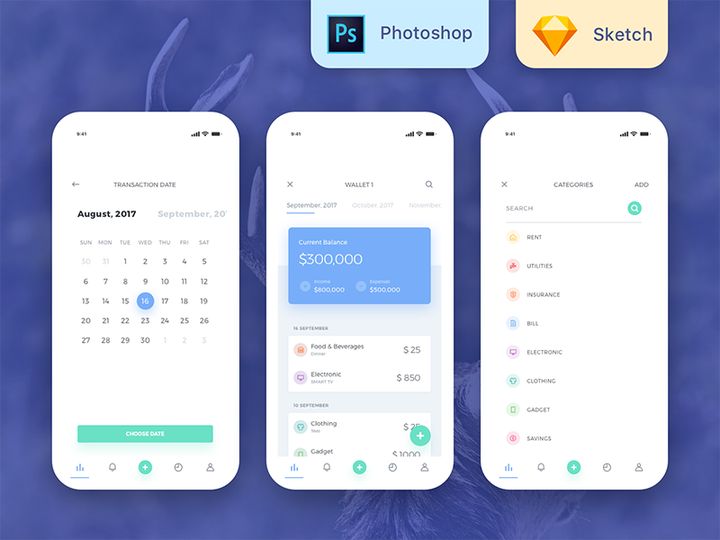
![Material Design Kit [Sketch] preview picture](https://imgproxy.epicpxls.com/25NgiEuwqlJOHx6Nz4RS2GU6a38NeEJY6Ac4cSa1E2M/rs:fill:720:540:0/g:no/aHR0cHM6Ly9pdGVt/cy5lcGljcHhscy5j/b20vdXBsb2Fkcy9w/aG90by9jNGU3MjZi/M2VhY2FmMTNlNjdi/MDFmZmY5OWExZjcz/OS5wbmc.jpg)
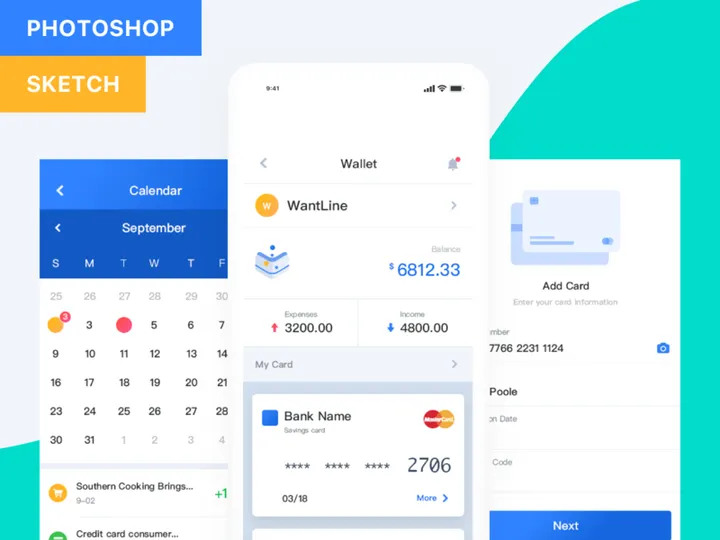
![Sketches Mockup [Free Download] preview picture](https://imgproxy.epicpxls.com/3YnS1ECZMyWI6AV8ADJKhn4OtJpo3UiZFNA4jkSYdys/rs:fill:720:540:0/g:no/aHR0cHM6Ly9pdGVt/cy5lcGljcHhscy5j/b20vdXBsb2Fkcy9w/aG90by9kNjRiNzA5/MGQ1Nzg2NDhmYjgz/ZjQ4MDU0MzNjOTY0/NA.jpg)
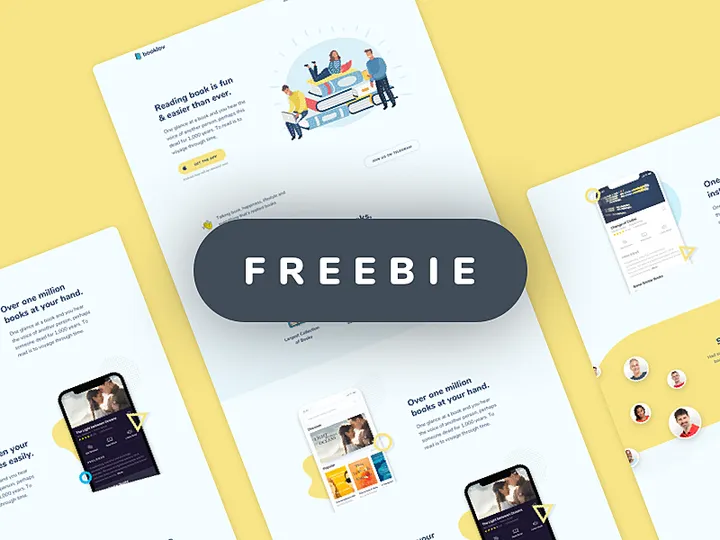
![Google Pixel Mockup [PSD, Sketch] preview picture](https://imgproxy.epicpxls.com/0S9OGY_9_ODKLxjds_PmC53SgImFi3raoTcTGolkJec/rs:fill:720:540:0/g:no/aHR0cHM6Ly9pdGVt/cy5lcGljcHhscy5j/b20vdXBsb2Fkcy9w/aG90by9jNjY0OGE4/ZGZiMTU5Zjk4NjJh/ZGJiYzcwZmNkODUx/NC5qcGc.jpg)


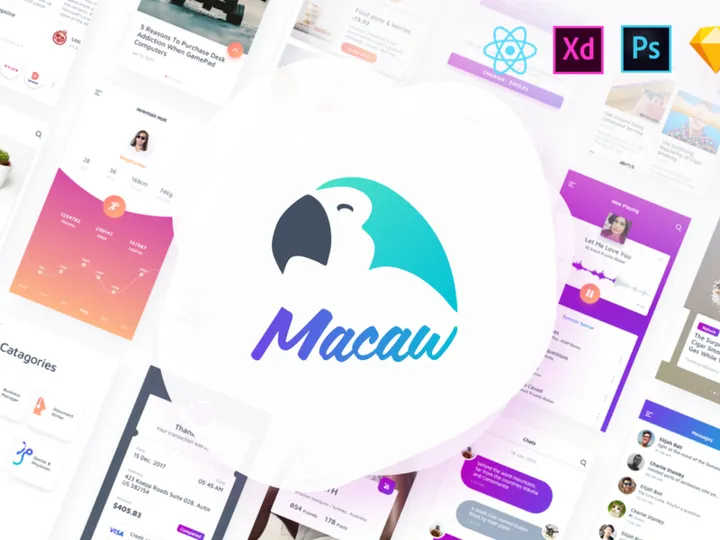
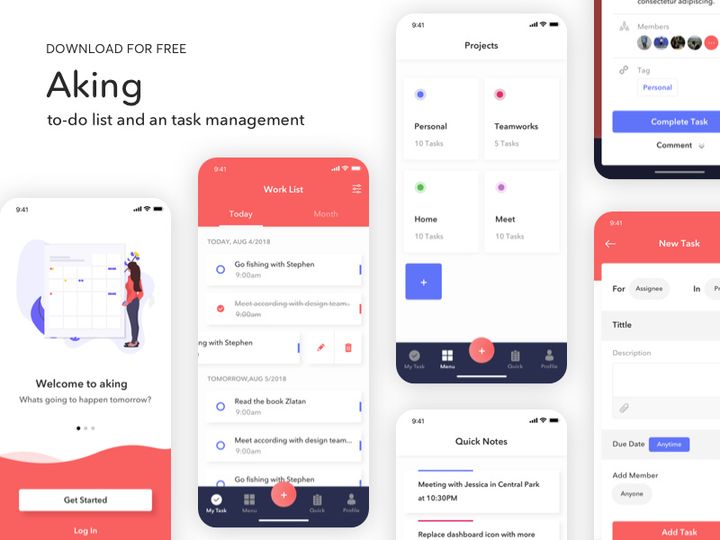
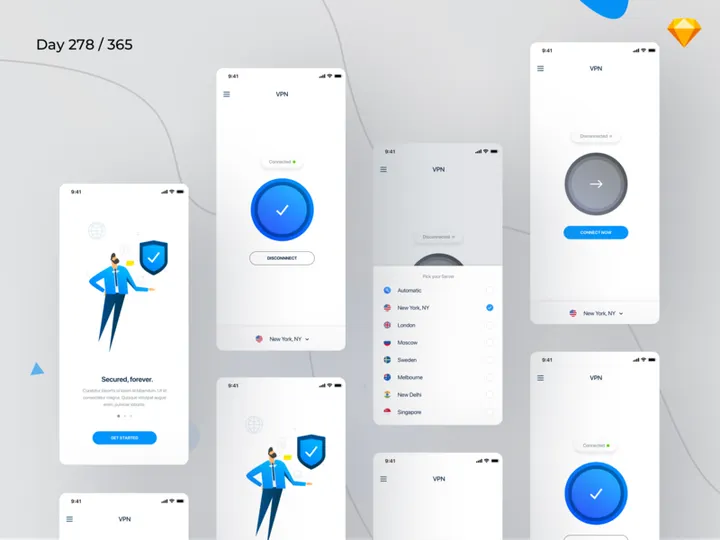
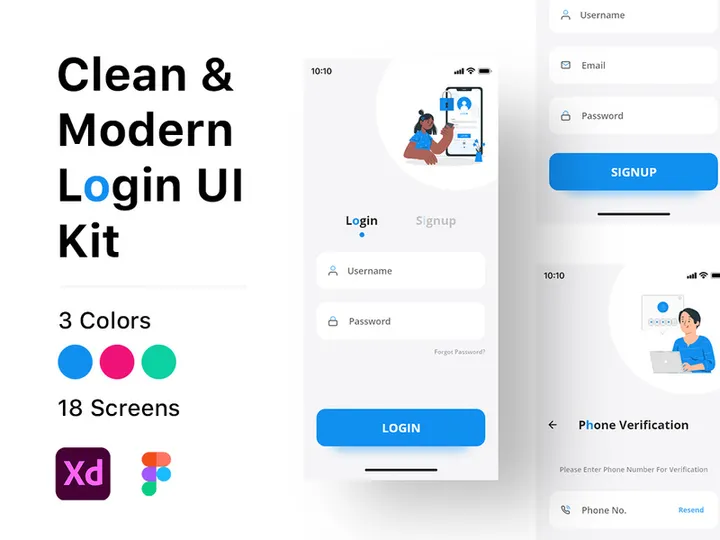



Try Our Free Resources
Download any of these for free - no account required
![Material Design Kit [Sketch]](https://items.epicpxls.com/uploads/photo/bcd8256bde09f6206ef3b6315895f55f.png)
![Sketches Mockup [Free Download]](https://items.epicpxls.com/uploads/photo/c7793e256142b640d51d2010dce769f8)
![Google Pixel Mockup [PSD, Sketch]](https://items.epicpxls.com/uploads/photo/32214a74cd700a539bfccf0de073e6ff.jpg)
Sketch vs Adobe XD: Quick Overview
When it comes to modern digital design tools, Sketch and Adobe XD stand out as two of the most widely used platforms among UI/UX designers. Both tools are built specifically for designing digital experiences, from mobile apps to responsive websites, and have evolved significantly over the years to meet the growing demands of the design community. However, despite their similar goals, they differ in architecture, workflow integration, and ecosystem support—making the choice between them crucial for design efficiency.
Sketch, launched in 2010, was one of the first vector-based design tools tailored exclusively for macOS, pioneering the shift from general-purpose software to purpose-built design environments. It quickly became a favorite among interface designers for its simplicity, robust plugin ecosystem, and strong focus on collaboration through design systems. Adobe XD, introduced in 2016, leverages Adobe’s long-standing dominance in creative software and integrates seamlessly with other Creative Cloud applications. It offers cross-platform availability (macOS and Windows), built-in prototyping tools, and cloud-based sharing features designed for real-time feedback.
Key differences include platform availability, integration with other tools, collaboration capabilities, and plugin extensibility. While Sketch remains macOS-only, Adobe XD supports both major operating systems. Sketch excels in design system scalability and third-party integrations, whereas Adobe XD shines in rapid prototyping and ease of handoff for teams already embedded in the Adobe ecosystem.
This comparison matters most to professional UI/UX designers, product teams, freelancers, and agencies who want to optimize their design workflows. Whether you're building complex design systems or iterating quickly on prototypes, understanding the strengths of each tool—and the 4658+ design resources available across platforms like EpicPxls—can significantly impact your productivity and output quality.
Sketch: Strengths & Resources
Key Advantages
Sketch has built a reputation as a powerful, streamlined design tool optimized for creating digital interfaces. One of its greatest strengths is its clean, intuitive interface that focuses on core design tasks without unnecessary clutter. As a vector-based editor, Sketch provides precise control over shapes, typography, and layout, making it ideal for pixel-perfect UI work.
Another major advantage is its robust support for design systems. With features like Symbols (now enhanced with Overrides and Nested Symbols) and Shared Styles, teams can maintain consistency across large-scale projects. Sketch also offers a rich plugin ecosystem—over 1000 community-built plugins extend functionality for prototyping, asset export, and developer handoff. Integration with tools like Zeplin, InVision, and EpicPxls further enhances workflow efficiency.
Best Use Cases
Sketch is best suited for UI/UX designers working on complex web and mobile applications, especially in team environments where design system governance is critical. It’s widely used by product design teams in tech companies, design agencies, and startups that prioritize scalable, maintainable design workflows. Its strength in component-based design makes it ideal for creating reusable interface elements, design libraries, and high-fidelity mockups.
Because Sketch is deeply integrated into the macOS environment, it performs exceptionally well on Apple hardware, offering smooth performance even with large artboards and intricate layers. Designers who value stability, precision, and ecosystem maturity will find Sketch particularly appealing.
Available Resources
On EpicPxls, designers can access a vast collection of Sketch-compatible resources, including UI kits, wireframe templates, icon sets, and design system components. With over 4658+ resources available, many of which are optimized specifically for Sketch’s Symbol and Style system, users can accelerate their design process significantly. These downloadable assets help streamline repetitive tasks, ensure visual consistency, and provide inspiration for new projects. From mobile app templates to dashboard layouts, the Sketch resources on EpicPxls cater to a wide range of industries and design needs.
Adobe XD: Strengths & Resources
Key Advantages
Adobe XD stands out for its seamless integration within the Adobe Creative Cloud suite, making it a natural choice for designers already using Photoshop, Illustrator, or After Effects. Built with speed and collaboration in mind, XD offers a unified workspace for designing, prototyping, and sharing—all within a single application. Its vector engine is responsive and lightweight, allowing for quick edits and real-time previews.
One of XD’s defining features is its advanced prototyping capabilities. With Auto-Animate, voice prototyping, and micro-interactions, designers can create highly interactive prototypes without writing code. The Repeat Grid function simplifies the creation of lists and galleries, saving time during layout design. Additionally, Adobe XD supports co-editing in real time via Creative Cloud, enabling teams to collaborate efficiently—especially useful for remote or distributed teams.
Best Use Cases
Adobe XD is ideal for designers who need to move quickly from concept to clickable prototype. It’s particularly effective for early-stage ideation, user testing, and client presentations where interactivity and visual fidelity are essential. Solo designers, small teams, and agencies that work across multiple platforms will appreciate XD’s cross-compatibility with both macOS and Windows.
Teams already invested in Adobe’s ecosystem benefit the most, as assets can be easily imported from Illustrator or edited in Photoshop with round-trip editing. XD also integrates well with third-party tools like Jira, Trello, and EpicPxls, enhancing its utility in agile development environments. Its cloud-based sharing links allow stakeholders to view, comment, and test prototypes directly in the browser, reducing friction in feedback cycles.
Available Resources
EpicPxls hosts a growing library of Adobe XD resources, including responsive templates, UI component libraries, and interactive design kits tailored for rapid prototyping. With more than 4658+ resources available, designers can find ready-to-use solutions for e-commerce platforms, SaaS dashboards, mobile apps, and more. These XD-compatible files are often structured with reusable components and smart layouts, enabling quick customization and consistent styling.
Whether you’re looking for dark mode interfaces, onboarding flows, or accessibility-compliant forms, the Adobe XD resources on EpicPxls offer practical starting points that reduce design time and improve project consistency. Many of these assets are updated regularly to reflect current design trends and platform guidelines, ensuring modern, professional outputs.
Side-by-Side Comparison
| Criteria | Sketch | Adobe XD |
|---|---|---|
| File Format Support | Native .sketch format; supports import/export of SVG, PDF, PNG, JPG. Limited direct support for Adobe formats without plugins. | Native .xd format; deep integration with Adobe Creative Cloud allows seamless import from Illustrator (.ai), Photoshop (.psd), and other CC apps. |
| Ease of Customization | Highly customizable via plugins and scripts. Strong support for third-party tools and automation. Symbols and Overrides enable dynamic components. | Customizable through plugins and built-in features like Components and States. Auto-Animate and voice triggers allow advanced interaction design with minimal setup. |
| Community and Ecosystem | Large, mature community with thousands of plugins, tutorials, and open-source design systems. Strong presence in tech and startup circles. | Growing community supported by Adobe’s global reach. Access to Adobe Fonts, Adobe Stock, and integration with Behance for showcasing work. |
| Pricing and Licensing | Subscription-based: $9/month per editor (billed annually). Free viewer mode available. No Windows support. | Free starter plan available; paid plans start at $9.99/month as part of Creative Cloud. Available on both macOS and Windows. |
| Best For | Design systems, high-fidelity UI design, macOS-based teams, agencies focused on scalable, maintainable workflows. | Rapid prototyping, cross-platform teams, interactive presentations, and designers embedded in the Adobe ecosystem. |
Our Verdict: Which Should You Choose?
Choosing between Sketch and Adobe XD ultimately depends on your workflow, team structure, and design priorities. Both tools are powerful in their own right, offering professional-grade features that cater to modern UI/UX challenges. However, certain scenarios make one a more logical fit than the other.
Sketch is the better choice for teams that prioritize design system scalability, macOS integration, and a mature plugin ecosystem. If you’re working on large-scale applications, maintaining brand consistency across products, or collaborating in a tech-driven environment, Sketch’s structured approach to symbols, shared styles, and third-party integrations gives it a clear edge. Its deep compatibility with resources from platforms like EpicPxls ensures you can hit the ground running with professionally designed, reusable components.
Adobe XD wins when speed, prototyping, and cross-platform access are top priorities. Its built-in animation tools, real-time collaboration, and seamless Adobe integration make it ideal for designers who need to create interactive prototypes quickly and share them widely. For freelancers, educators, or teams split between macOS and Windows, XD’s flexibility and free starter tier offer significant value.
In practice, many designers use both tools depending on the project phase—leveraging Sketch for detailed interface design and XD for dynamic prototyping and stakeholder demos. With over 4658+ resources available on EpicPxls supporting both platforms, switching between them has never been easier. Ultimately, the best tool is the one that aligns with your goals, team dynamics, and design process—empowering you to create exceptional user experiences efficiently.
Why Download from EpicPxls?
Commercial License
Use in personal and commercial projects
No Account Required
Download free resources instantly
Quality Curated
Every resource is reviewed for quality
Preview Files
See Figma and Photoshop files before downloading
Who Uses These Resources?
Professionals and teams who benefit most from our collection
UI/UX Designers
Speed up your workflow with ready-to-use resources for design tools. Perfect for prototyping and client presentations.
Developers
Get production-ready assets without design skills. Export in any format for web and mobile apps.
Startups & Agencies
Save design budget with affordable premium resources. Commercial license included for client work.
Marketing Teams
Create professional campaigns faster. All resources are optimized for social media and ads.
Frequently Asked QuestionsCommon questions about these resources
Simple, Transparent Pricing
Get unlimited access to all premium resources
Yearly
- 20 downloads per month
- All file formats
- Commercial license
Lifetime
- Unlimited downloads forever
- All file formats
- Commercial license
Ready to Get Started?
Access 4,441+ free design resources today.
Browse Free ResourcesView Premium PlansEarn 85% and
more on all sales
Upload your products and put them up
for sale at whatever price you want.


