Figma vs Photoshop: Design Resources Compared
EpicPxls offers 200+ curated design resources, all with a commercial license and editable source files (Figma, Sketch, PSD). Both have unique strengths. Figma and Photoshop serve different needs — read our comparison above to find the best fit for your workflow.
Last updated February 12, 2026
Figma or Photoshop? We compare both so you can pick the right resources.
Trusted by designers at leading companies
Featured Resources
Handpicked resources from our curated collection
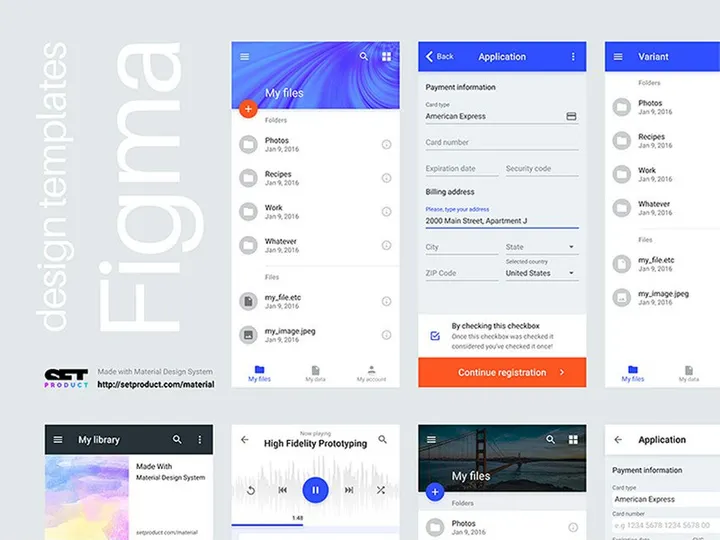
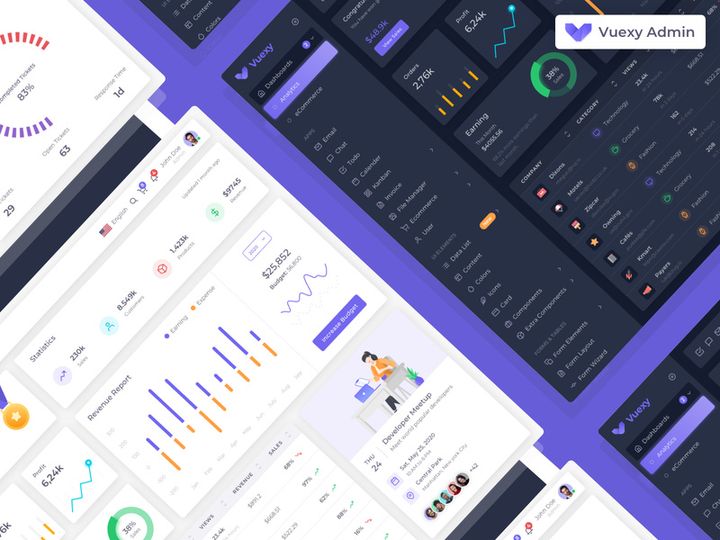
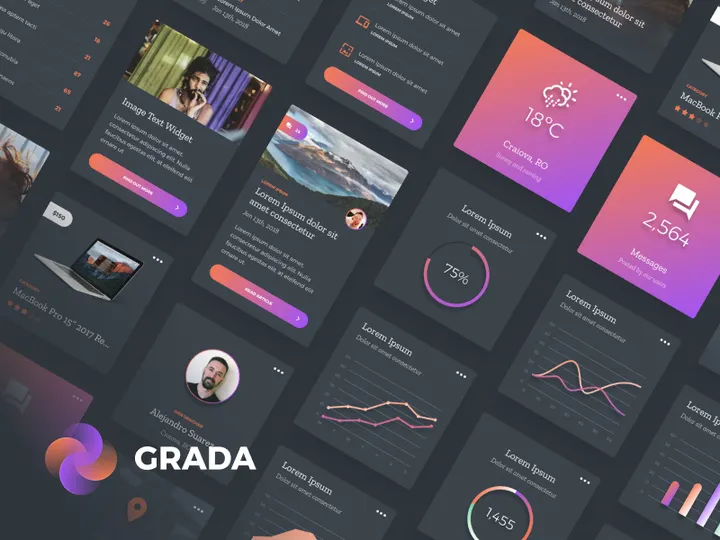

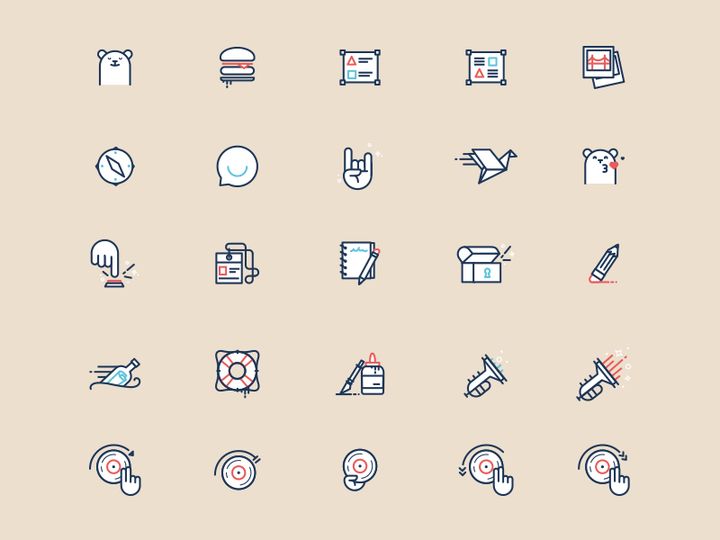
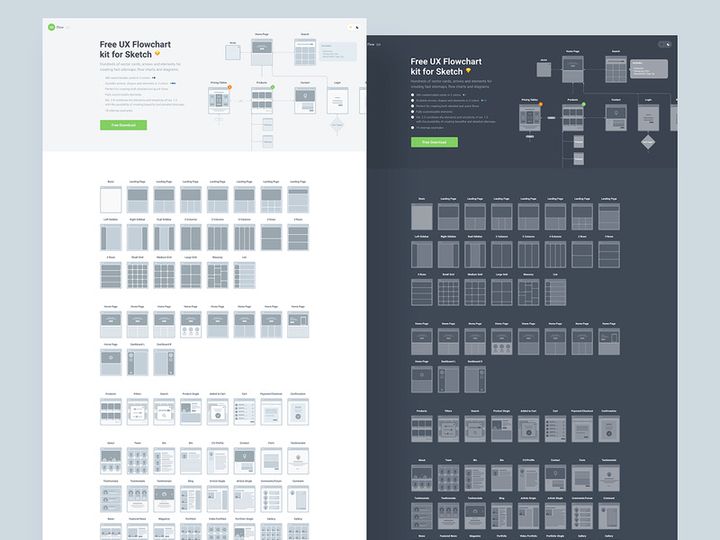
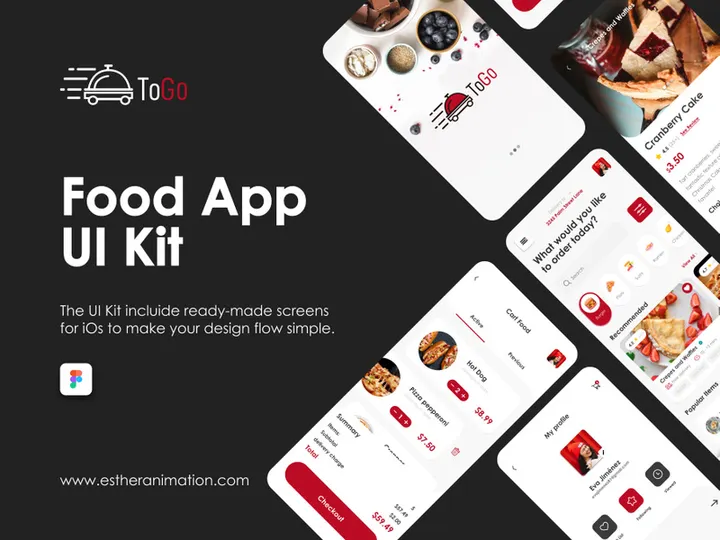
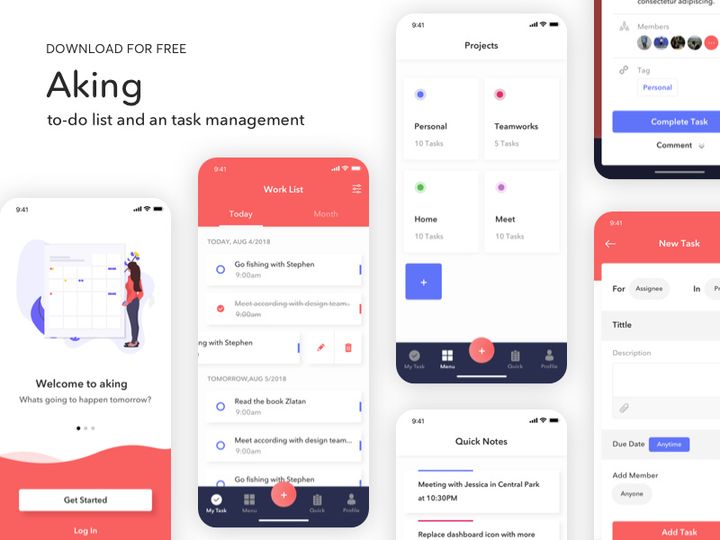


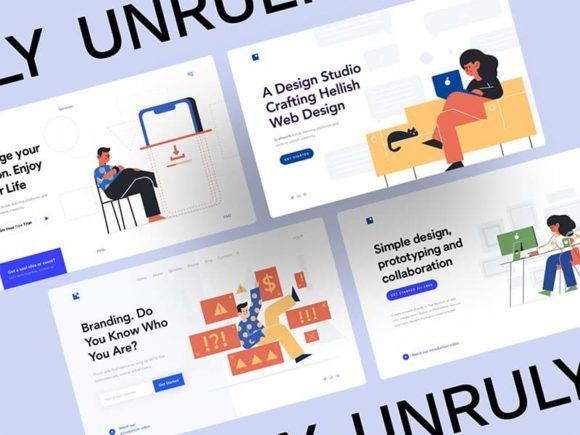

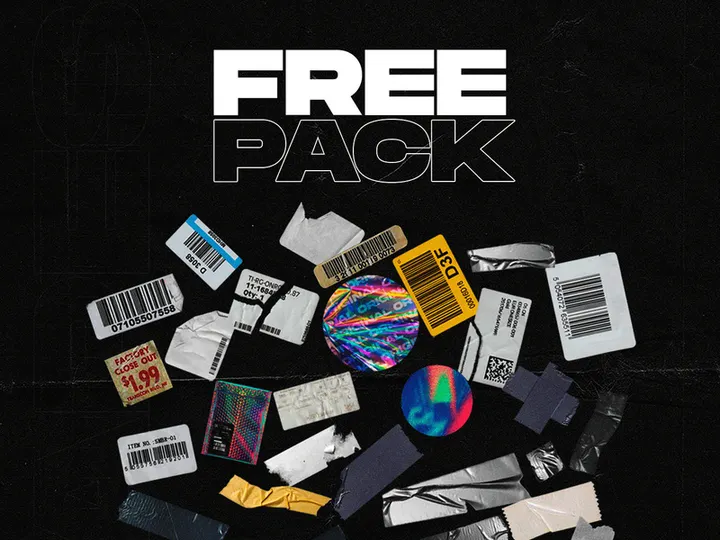
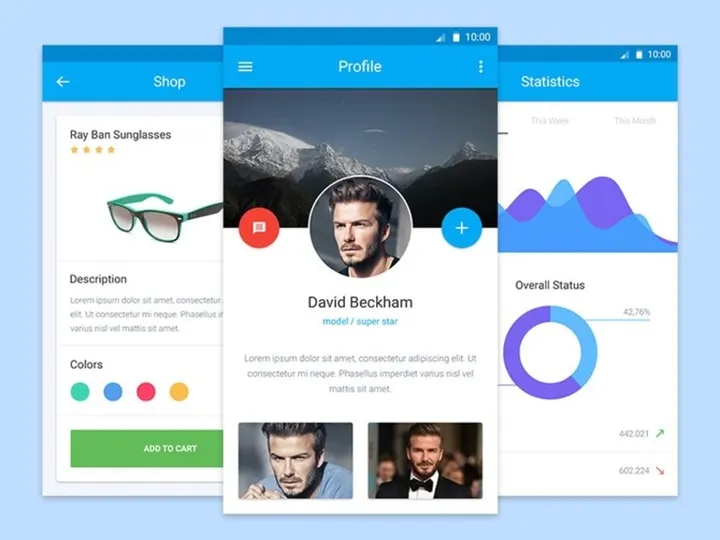
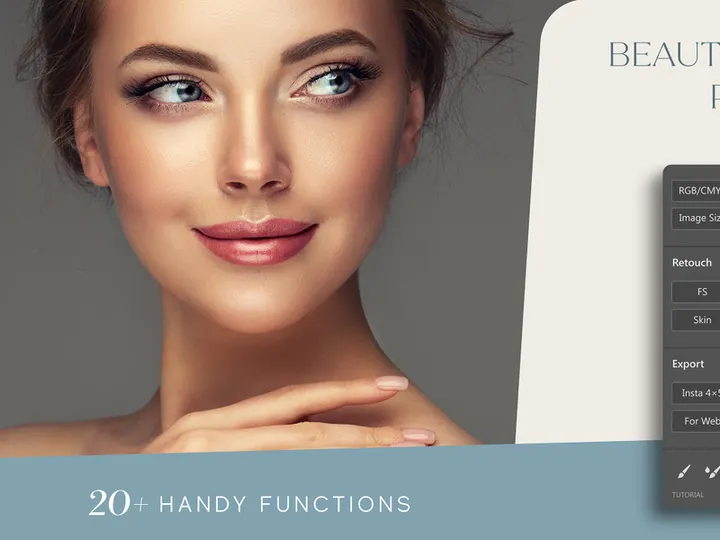
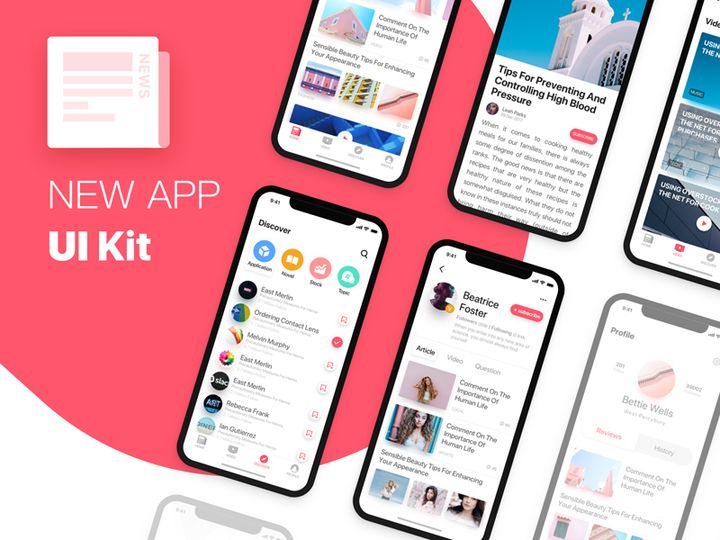
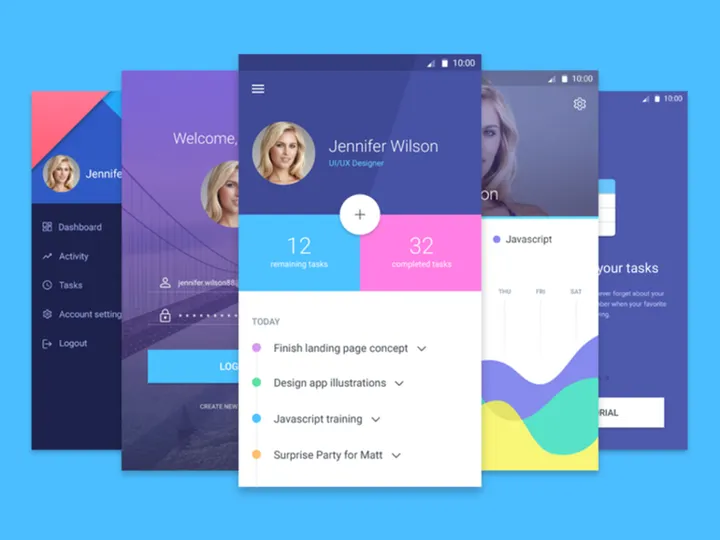
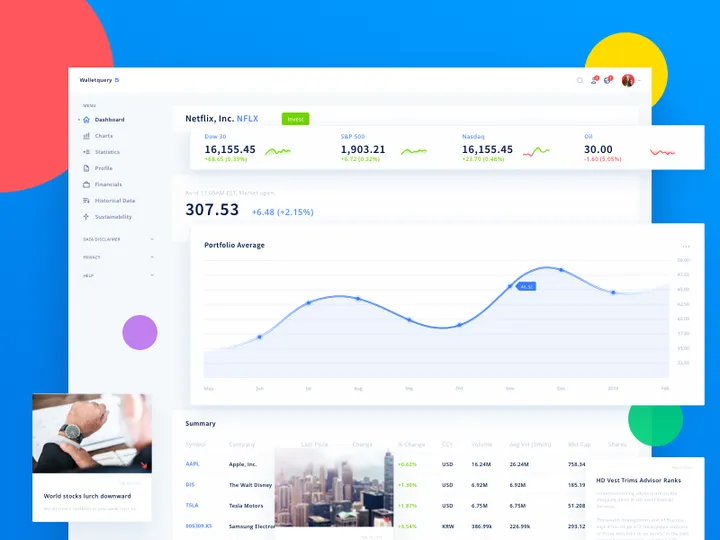

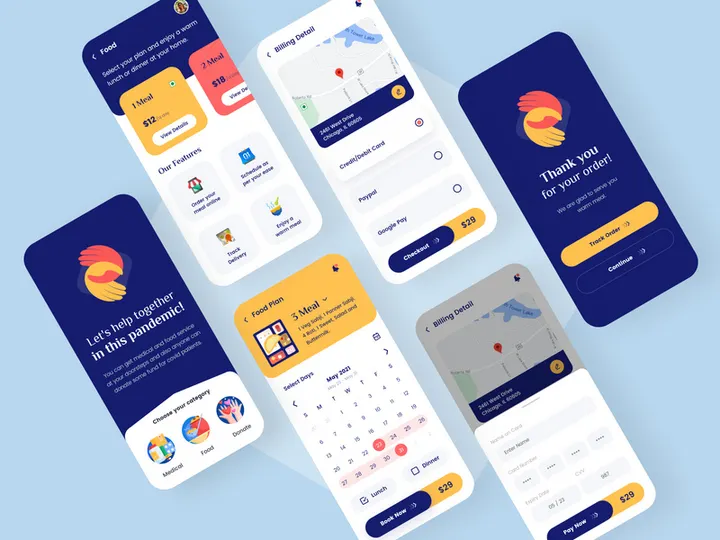
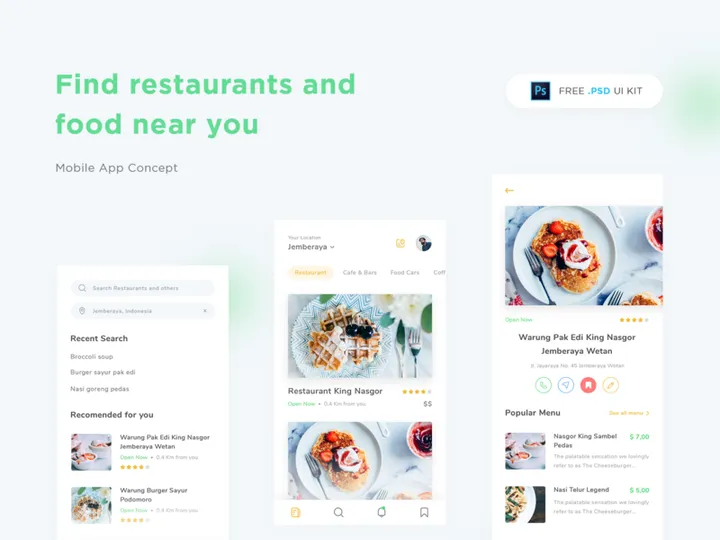
Try Our Free Resources
Download any of these for free - no account required
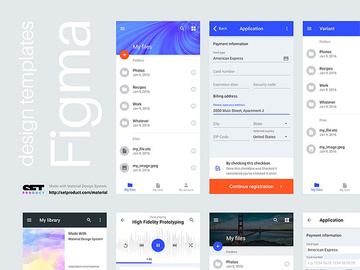
Figma vs Photoshop: Quick Overview
Figma and Photoshop are two of the most widely used design tools in the creative industry, each serving distinct yet sometimes overlapping roles. Figma, a cloud-based interface design tool, has rapidly gained popularity for its collaborative capabilities, real-time editing, and responsive design features. It was built from the ground up for modern design workflows, especially those involving teams working remotely or across time zones. On the other hand, Adobe Photoshop remains a powerhouse in the world of raster graphics editing. With decades of development behind it, Photoshop excels in photo manipulation, digital painting, and detailed pixel-level editing, making it a staple for graphic designers, photographers, and illustrators.
The key differences lie in their core functionalities and environments. Figma operates entirely in the browser (with a desktop app available), enabling seamless collaboration and instant sharing. Photoshop, traditionally a desktop application, offers deep, granular control over images and supports a vast library of plugins and effects. While Figma shines in UI/UX and product design, Photoshop dominates in visual content creation that requires high-resolution image handling.
This comparison matters most to designers navigating today’s fast-paced creative landscape—from freelance UI designers to in-house creative teams. Whether you're crafting digital product interfaces or editing complex visual assets, choosing the right tool impacts workflow efficiency, team collaboration, and final output quality. With over 13413+ design resources available across platforms like EpicPxls, understanding which tool aligns with your goals ensures you can leverage the best assets and templates to boost productivity.
Figma: Strengths & Resources
Key Advantages
Figma is renowned for its real-time collaboration, allowing multiple designers to work on the same file simultaneously—similar to Google Docs for design. Because it's browser-based, there’s no need for software installations or version conflicts. Designers can instantly share prototypes with stakeholders via a simple link, gather feedback in-context, and iterate quickly. Its vector editing capabilities are powerful and intuitive, especially for creating responsive layouts, icons, and interface elements. Auto Layout, constraints, and component-based design make it easy to build scalable, consistent UI systems. Figma also supports interactive prototyping, enabling designers to create high-fidelity user flows without switching tools.
Another major strength is its plugin ecosystem. Thousands of community-built plugins extend Figma’s functionality—from content generation and accessibility checks to design handoff and animation tools. This flexibility makes Figma highly adaptable to different workflows and industries.
Best Use Cases
Figma is ideal for UI/UX design, wireframing, prototyping, and collaborative product design. Teams building web and mobile applications benefit from Figma’s shared design systems, version history, and developer handoff features. It’s also excellent for design education and remote team collaboration due to its accessibility and low barrier to entry. Startups and agencies often choose Figma to streamline their design-to-development pipeline.
Available Resources
Designers using Figma can access a wealth of high-quality assets on EpicPxls, including UI kits, icon sets, dashboard templates, and mobile app designs. With over 13413+ resources available, EpicPxls offers meticulously crafted Figma files that accelerate project timelines and maintain design consistency. These resources are often fully customizable, well-organized, and compatible with the latest Figma features like variables and components, making them invaluable for both beginners and experienced professionals.
Photoshop: Strengths & Resources
Key Advantages
Adobe Photoshop remains the industry standard for raster-based image editing. Its powerful suite of tools allows for detailed photo retouching, color correction, compositing, and digital painting. With support for layers, masks, smart objects, and advanced blending modes, Photoshop provides unparalleled control over visual content. Features like Content-Aware Fill, Neural Filters, and Select Subject leverage AI to speed up complex tasks, while brush customization and pen tool precision make it a favorite among illustrators and concept artists.
Photoshop’s long-standing presence means it integrates seamlessly with other Adobe Creative Cloud applications like Illustrator, After Effects, and InDesign. This interoperability is essential for professionals managing multi-platform creative projects. Additionally, its support for high-resolution files and print-ready formats ensures it remains relevant in both digital and physical media production.
Best Use Cases
Photoshop is best suited for photo editing, digital art, branding materials, web graphics, and any project requiring precise pixel manipulation. It’s widely used in advertising, fashion, publishing, and entertainment industries. Designers creating social media visuals, marketing banners, or complex image compositions will find Photoshop indispensable. While it can be used for UI design, it lacks the collaborative and responsive layout tools that modern interface workflows demand.
Available Resources
For Photoshop users, EpicPxls offers a vast collection of professionally designed templates, actions, brushes, mockups, and PSD files. These 13413+ resources are tailored for efficiency, enabling designers to apply effects, generate concepts, or present work in realistic contexts with minimal effort. From one-click photo effects to fully layered branding kits, the resources on EpicPxls enhance Photoshop’s capabilities and help designers deliver polished results faster.
Side-by-Side Comparison
| Criteria | Figma | Photoshop |
|---|---|---|
| File format support | Native .fig files; exports to PNG, JPG, SVG, PDF, and more. Imports SVG, PNG, JPG, PDF. | Native .PSD; supports TIFF, JPEG, PNG, GIF, PDF, RAW, and over 20+ formats. Extensive import/export options. |
| Ease of customization | High—components, variants, and Auto Layout allow scalable, reusable designs. Easy to modify and update across files. | Moderate to high—layer-based editing offers deep control, but changes can be time-consuming in complex files. |
| Community and ecosystem | Thriving community with thousands of free plugins, templates, and design systems. Strong third-party support. | Massive, mature ecosystem with decades of tutorials, forums, plugins, and assets. Adobe’s official community is extensive. |
| Pricing and licensing | Free tier available; paid plans start at $12/editor/month. No upfront cost, subscription-based. | Only available via Adobe Creative Cloud subscription, starting at $22.99/month. No free full-featured version. |
| Best for (use cases) | UI/UX design, prototyping, collaborative workflows, design systems, web and app interfaces. | Photo editing, digital painting, illustration, print design, social media graphics, visual effects. |
Our Verdict: Which Should You Choose?
The choice between Figma and Photoshop ultimately comes down to your specific design needs and workflow. If you're primarily focused on digital product design—such as mobile apps, websites, or SaaS platforms—Figma is almost certainly the better option. Its collaborative features, real-time editing, and robust prototyping tools make it the go-to choice for modern design teams. The ability to share work instantly, gather feedback, and maintain design consistency through components gives Figma a clear edge in agile, team-based environments.
On the other hand, if your work involves heavy image manipulation, photo retouching, or detailed digital artwork, Photoshop remains unmatched. Its depth of tools, precision editing, and integration with the Adobe ecosystem ensure it stays relevant across industries. Photographers, illustrators, and visual artists will continue to rely on Photoshop for its unrivaled raster editing capabilities.
Interestingly, many professional designers don’t see this as an either/or decision—they use both. Figma handles the interface and user experience side, while Photoshop takes care of asset creation and visual refinement. With over 13413+ resources available on platforms like EpicPxls, designers can easily find templates, kits, and tools tailored to each software, maximizing efficiency in both environments. Ultimately, the best tool is the one that aligns with your goals—and sometimes, that means using both.
Why Download from EpicPxls?
Commercial License
Use in personal and commercial projects
No Account Required
Download free resources instantly
Quality Curated
Every resource is reviewed for quality
Preview Files
See Figma and Photoshop files before downloading
Who Uses These Resources?
Professionals and teams who benefit most from our collection
UI/UX Designers
Speed up your workflow with ready-to-use resources for design tools. Perfect for prototyping and client presentations.
Developers
Get production-ready assets without design skills. Export in any format for web and mobile apps.
Startups & Agencies
Save design budget with affordable premium resources. Commercial license included for client work.
Marketing Teams
Create professional campaigns faster. All resources are optimized for social media and ads.
Frequently Asked QuestionsCommon questions about these resources
Simple, Transparent Pricing
Get unlimited access to all premium resources
Yearly
- 20 downloads per month
- All file formats
- Commercial license
Lifetime
- Unlimited downloads forever
- All file formats
- Commercial license
Ready to Get Started?
Access 4,441+ free design resources today.
Browse Free ResourcesView Premium PlansEarn 85% and
more on all sales
Upload your products and put them up
for sale at whatever price you want.


