Icons for Adobe XD: 46+ Resources
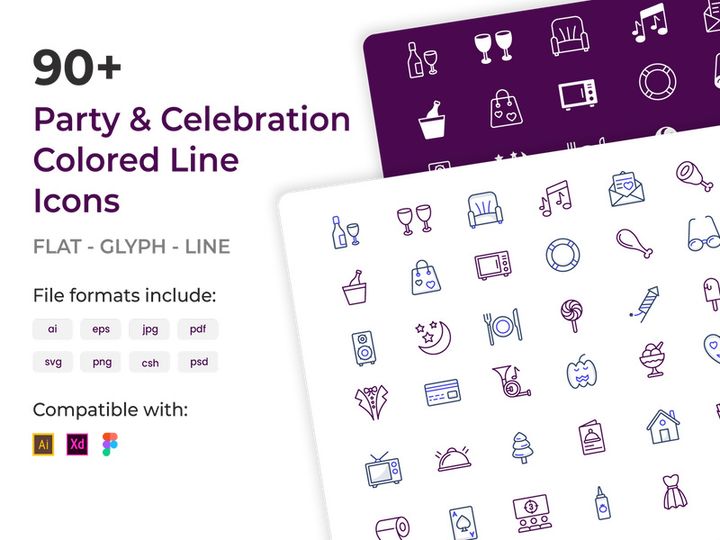
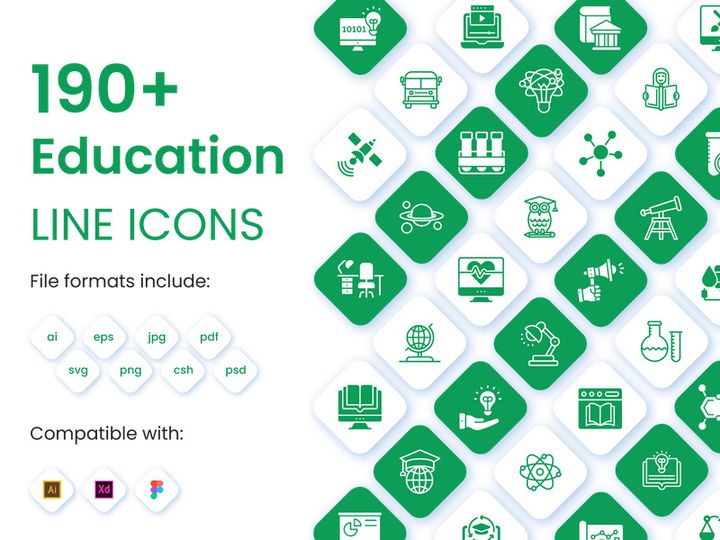
EpicPxls offers 45+ curated icons for Adobe XD, all with a commercial license and editable source files (Figma, Sketch, PSD). We have 45+ icons compatible with Adobe XD, tested and verified for seamless integration.
Last updated February 12, 2026
Discover 46+ handpicked icons for Adobe XD.
Trusted by designers at leading companies
Top Icons for Adobe XD
Handpicked resources from our curated collection


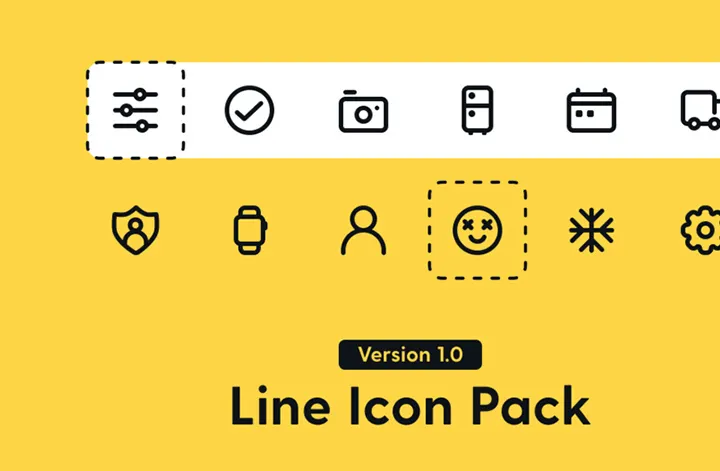
![[Free] Icon Set Categories preview picture](https://imgproxy.epicpxls.com/UBqWarHeI2FH-PmupKopUZoKjKTiA6tE9TQJi8nPuSc/rs:fill:720:540:0/g:no/aHR0cHM6Ly9pdGVt/cy5lcGljcHhscy5j/b20vdXBsb2Fkcy9w/aG90by9kYmNmZWJm/OTE3MmI5YWE1ZWM4/MmU4MDI5M2I4ODZm/YQ.jpg)
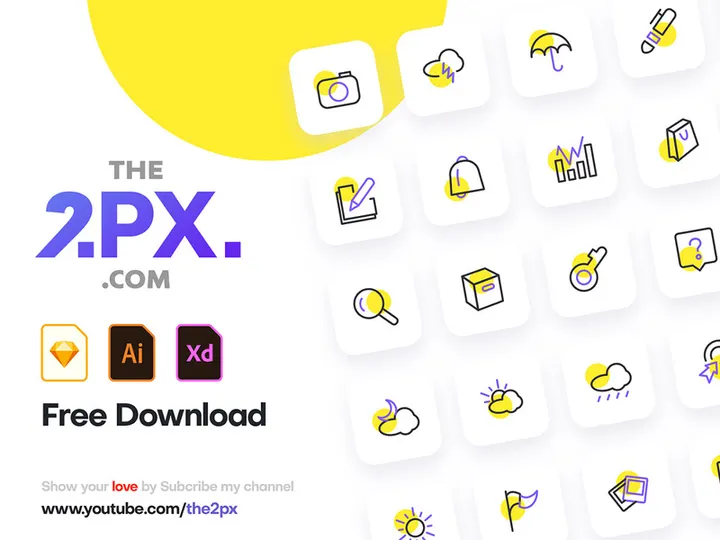

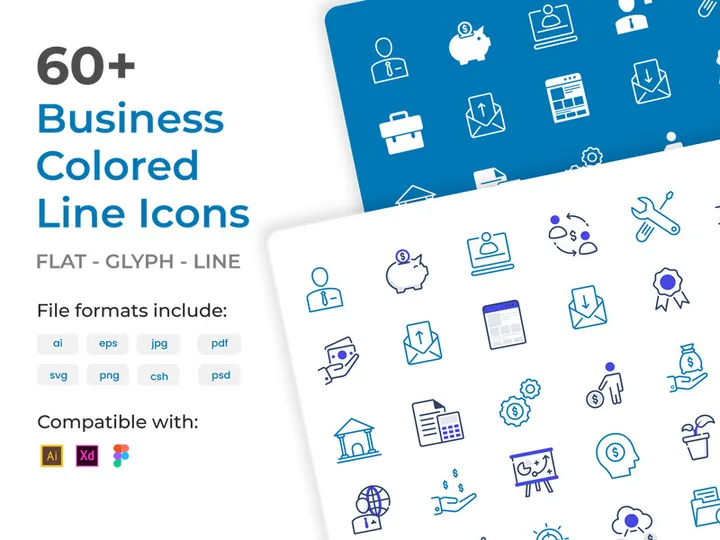
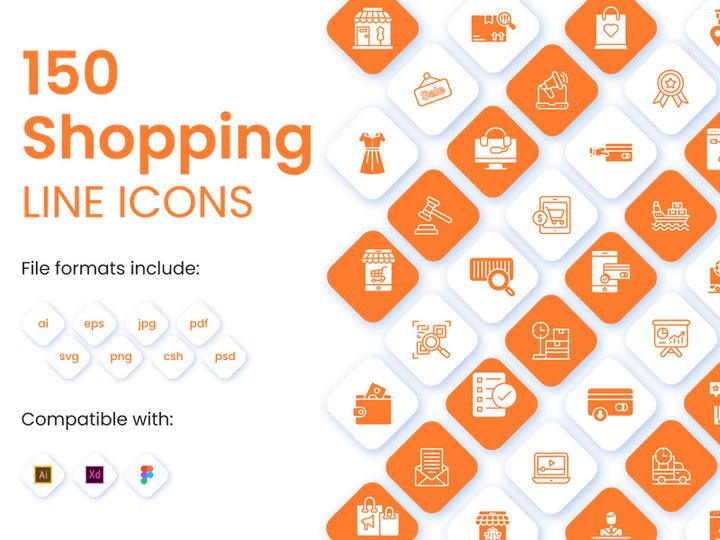
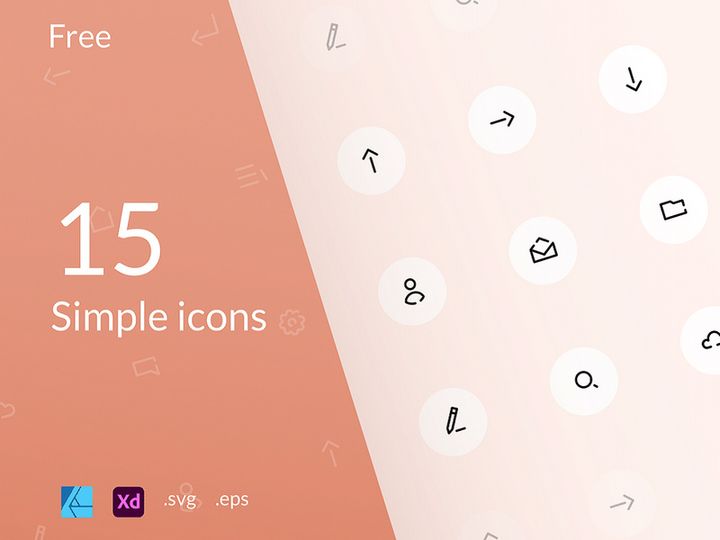

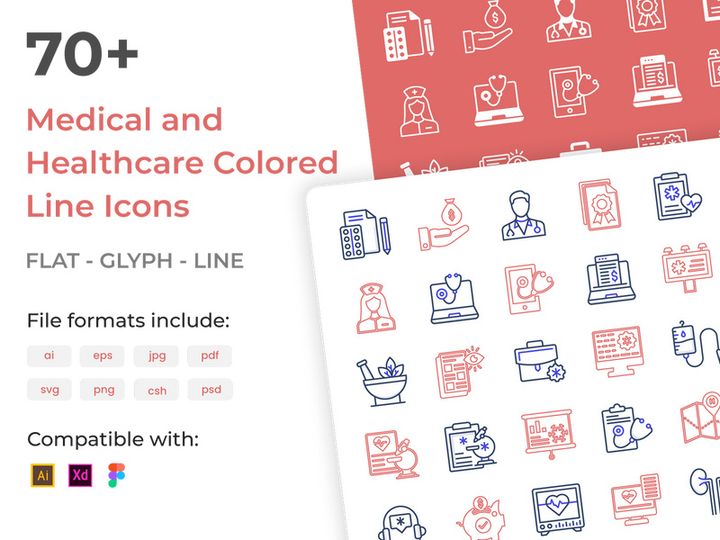
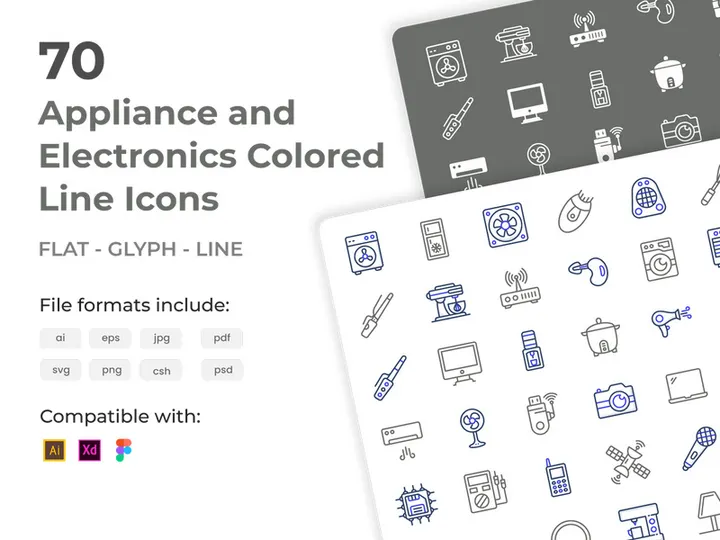

Try Our Free Resources
Download any of these for free - no account required
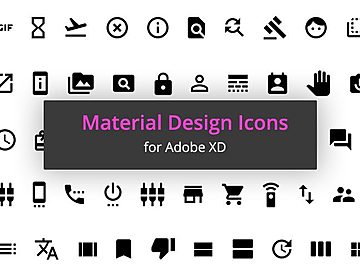
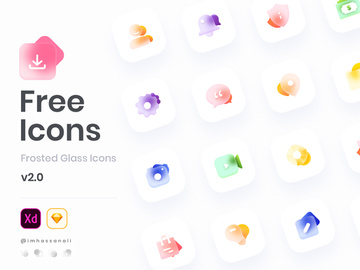
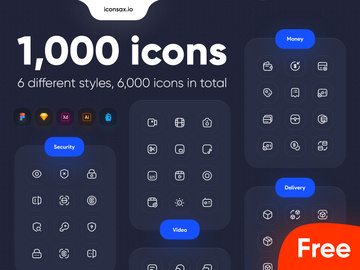
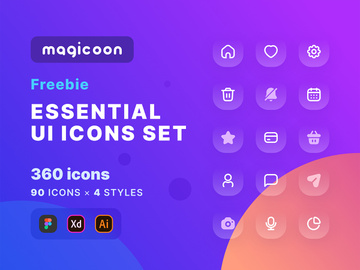
Why Adobe XD for Icons?
Adobe XD has emerged as a leading design tool for UI/UX professionals, especially when it comes to crafting and managing icon systems. Its vector-based interface, real-time collaboration features, and seamless integration within the Adobe Creative Cloud ecosystem make it a top choice for designers working with icons. Whether you're creating a mobile app, a web dashboard, or a design system, icons play a critical role in enhancing usability and visual appeal—and Adobe XD streamlines the entire workflow.
One of the standout features of Adobe XD is its symbol and component system, which allows designers to reuse icons across artboards with consistent styling. When you update a master component, all instances automatically reflect the changes—this is invaluable when managing large icon sets or making global design updates. Additionally, Adobe XD supports responsive resize and auto-animation, enabling dynamic interactions that bring icons to life in prototypes. These capabilities make it easier than ever to design, test, and refine icon behaviors before handing off to developers.
Another advantage is the robust plugin ecosystem. Plugins can automate repetitive tasks like naming, organizing, or exporting icons, significantly speeding up the design process. With built-in grid and alignment tools, designers can ensure pixel-perfect consistency across icon sets, which is essential for professional-grade outputs. Furthermore, Adobe XD’s cloud document sharing allows teams to access and collaborate on icon libraries in real time, reducing version conflicts and improving workflow efficiency.
At EpicPxls, we understand how crucial it is to have reliable, high-quality assets at your fingertips. That’s why we’ve curated over 46+ premium and free icon resources specifically optimized for Adobe XD. Our collection spans various styles, use cases, and complexity levels, ensuring that whether you’re a beginner or a seasoned pro, you’ll find tools that integrate effortlessly into your XD projects. By focusing exclusively on compatibility and usability, EpicPxls helps designers elevate their icon workflows with confidence.
Top Icons Picks for Adobe XD
With so many icon resources available, choosing the right ones for Adobe XD can be overwhelming. To simplify your search, we’ve highlighted top-tier options from our curated collection of 46+ resources, categorized by skill level and budget. These picks combine functionality, design quality, and seamless integration with Adobe XD’s environment, making them ideal for modern design workflows.
Best for Beginners
If you're new to Adobe XD or icon design, starting with intuitive, well-documented resources is key. Look for icon packs that come with organized artboards, clear naming conventions, and beginner-friendly tutorials. Many of the beginner-focused kits in our 46+ resources collection include ready-to-use UI components, color-coded layers, and drag-and-drop functionality—perfect for learning the basics without getting lost in complexity. These resources often feature simple line or filled styles with consistent stroke weights, helping newcomers understand visual harmony and scalability.
Best for Professionals
Experienced designers benefit from advanced icon sets that support complex projects like enterprise applications or comprehensive design systems. Professional-grade resources often include multiple variants (light, regular, bold), RTL support, and accessibility-ready designs. Many also come with Sketch and Figma versions, but the Adobe XD files are meticulously structured with nested components, states, and interactive hotspots. These are ideal for teams needing scalable, maintainable icon libraries. At EpicPxls, we prioritize professionally crafted assets that adhere to industry standards, ensuring your projects remain consistent and production-ready.
Best Free Options
High-quality doesn’t always mean expensive. Our selection includes numerous free icon resources that rival premium sets in design and functionality. These free packs are perfect for startups, freelancers, or side projects where budget is a concern. Many include 50+ icons in multiple sizes and formats, with full Adobe XD compatibility. They’re often open-source or released under permissive licenses, allowing both personal and commercial use. EpicPxls carefully vets each free resource for clarity, consistency, and usability, so you never have to compromise on quality—even when going free.
Adobe XD vs Other Tools for Icons
While several design tools support icon creation, Adobe XD offers a uniquely integrated experience tailored to modern UI design. Unlike general vector editors, Adobe XD is purpose-built for digital interfaces, giving it an edge when handling icon systems within larger projects. Its native support for components, states, and interactive prototyping allows designers to treat icons not just as static elements, but as functional parts of a living interface.
The Adobe XD ecosystem enhances productivity through seamless integration with other Adobe apps like Photoshop and Illustrator. This means you can import or export icons with full layer fidelity, preserving effects and vector paths. Plus, cloud-based sharing and commenting tools streamline feedback loops, making it easier to align stakeholders on icon usage and style guides. These collaborative advantages are harder to replicate in tools that lack deep ecosystem integration.
From a format perspective, Adobe XD handles SVG, PNG, and native XD components with ease, ensuring icons remain scalable and editable. When sourcing from our 46+ resources collection, you’ll find that all icon packs are optimized for these formats, minimizing setup time. Unlike some platforms that require third-party converters or plugins to manage assets, Adobe XD natively supports organized libraries, making it easier to maintain consistency across projects. This combination of precision, compatibility, and collaboration makes Adobe XD a superior environment for designing and deploying icons effectively.
Setting Up Icons in Adobe XD
Integrating icons into Adobe XD is a straightforward process when you follow a structured approach. Whether you're working with a single icon or managing a library of hundreds, these steps will help you import, organize, and begin using your assets efficiently.
- Download the icon resource: Start by downloading your chosen icon pack from a trusted source like EpicPxls. Ensure it includes native Adobe XD files (.xd) for optimal compatibility.
- Open the XD file: Launch Adobe XD and open the downloaded .xd file. Most well-designed packs will display icons on clearly labeled artboards, grouped by category (e.g., navigation, media, social).
- Copy icons to your project: Open your target project file, then switch back to the icon file. Select the icons you need and copy them (Ctrl+C / Cmd+C), then paste directly into your artboard.
- Convert to components: Once pasted, select each icon and convert it into a component via the right-click menu or the Assets panel. This allows for easy reuse and global updates.
- Organize in the Assets panel: Rename components clearly (e.g., “icon-home-filled”) and group related icons under folders in the Assets panel for quick access.
- Test and scale: Place icons in various contexts to ensure they scale properly and maintain clarity across different screen sizes. Use responsive resize to adapt icons dynamically within buttons or navigation bars.
Tips for managing large collections: Use naming conventions consistently, leverage color styles for tinting, and consider using plugin managers to auto-categorize or search through icons. EpicPxls recommends starting with modular sets and expanding only as needed to avoid clutter. With over 46+ resources available, you can gradually adopt new icon packs as your project evolves, ensuring long-term maintainability.
Adobe XD Workflow Tips
Maximizing efficiency in Adobe XD goes beyond just placing icons—it’s about building a sustainable, scalable workflow. The following best practices help designers maintain consistency, reduce redundancy, and enhance team collaboration when working with icon libraries.
Organizing Icons Libraries
A well-structured icon library saves hours in the long run. Use the Assets panel to create named categories such as “Navigation,” “Social,” “Settings,” and “Alerts.” Within each, store icons as components with descriptive names (e.g., “icon-close-thin”). Avoid duplicating symbols—instead, rely on component overrides for color and size variations. Consider maintaining a master library file that syncs across projects via Creative Cloud Libraries, ensuring all team members use the same updated versions. EpicPxls-curated resources often come with pre-organized libraries, giving you a strong foundation to build upon.
Batch Operations
When dealing with dozens or even hundreds of icons, manual edits aren’t practical. Leverage Adobe XD plugins that support batch renaming, recoloring, or exporting. For example, you can apply a global color style to all icon instances and update them simultaneously by changing the style swatch. Use the “Export” panel to generate multiple icon sizes (16px, 24px, 32px) at once in PNG or SVG formats, ideal for developer handoff. Automating these operations reduces errors and accelerates delivery—especially when working with large sets from the 46+ resources collection.
Collaboration Best Practices
Effective collaboration starts with clear communication and shared resources. Publish your icon library as a cloud document so team members can access the latest versions without downloading updates manually. Use version history to track changes and revert if needed. Leave comments directly on icon components to clarify usage rules or flag issues. When integrating third-party packs from EpicPxls, include a README artboard with licensing details, naming conventions, and design guidelines. This ensures everyone—from designers to developers—stays aligned on icon standards throughout the project lifecycle.
Why Download from EpicPxls?
Commercial License
Use in personal and commercial projects
No Account Required
Download free resources instantly
Quality Curated
Every resource is reviewed for quality
Preview Files
See Figma and Photoshop files before downloading
Who Uses These Icons?
Professionals and teams who benefit most from our collection
UI/UX Designers
Speed up your workflow with ready-to-use icons for Adobe XD. Perfect for prototyping and client presentations.
Developers
Get production-ready assets without design skills. Export in any format for web and mobile apps.
Startups & Agencies
Save design budget with affordable premium icons. Commercial license included.
Marketing Teams
Create professional campaigns faster. All icons are optimized for social media and ads.
Icons for Adobe XD FAQCommon questions about these resources
Simple, Transparent Pricing
Get unlimited access to all premium resources
Yearly
- 20 downloads per month
- All file formats
- Commercial license
Lifetime
- Unlimited downloads forever
- All file formats
- Commercial license
Ready to Get Started?
Access 4,440+ free design resources today.
Browse Free ResourcesView Premium PlansEarn 85% and
more on all sales
Upload your products and put them up
for sale at whatever price you want.


