Design Resources for Product Managers: 2001+ Resources
EpicPxls offers 200+ curated design resources, all with a commercial license and editable source files (Figma, Sketch, PSD). This collection includes 200+ resources across UI kits, icons, fonts, templates, mockups, and illustrations - all curated for your specific needs.
Last updated February 13, 2026
Communicate product vision clearly with professional wireframes and prototypes.
Trusted by designers at leading companies
Featured Resources
Handpicked resources from our curated collection

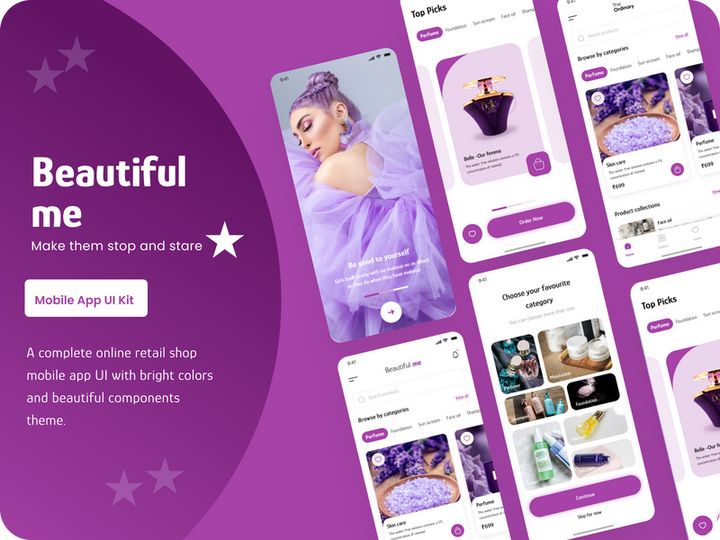
![Snacks Product Bag Mockup [PSD] preview picture](https://imgproxy.epicpxls.com/Wz107eVWKu5HMwJTmUJ8LCbJArjfbSj79cfFdLHFhds/rs:fill:720:540:0/g:no/aHR0cHM6Ly9pdGVt/cy5lcGljcHhscy5j/b20vdXBsb2Fkcy9w/aG90by9mMGJiMzI1/ZDkzMGI1ZjQxNjNl/MmRmM2ZmN2E1YmI1/Ny5wbmc.jpg)


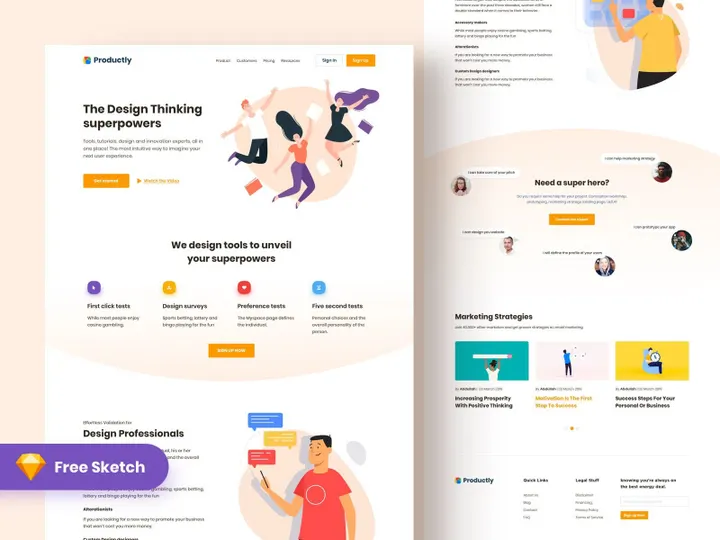
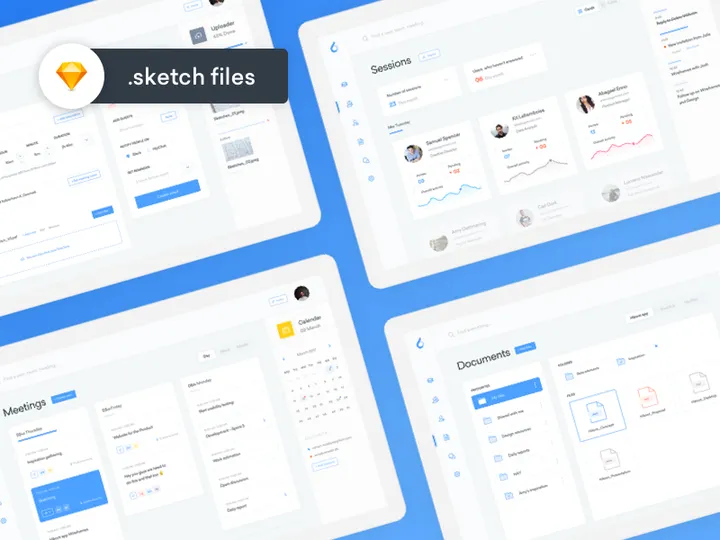
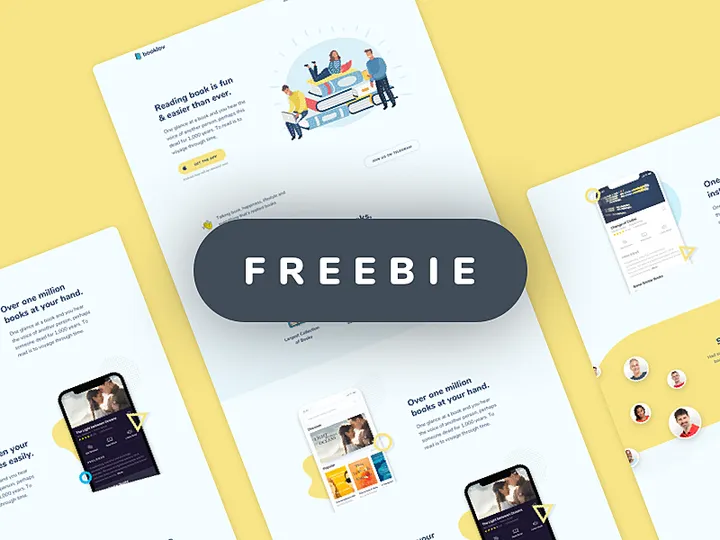
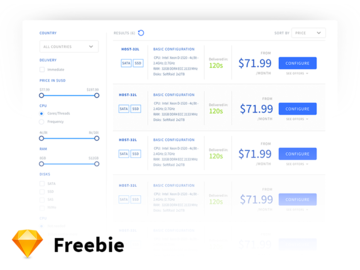
![Tech Product Home Page [Free Download] preview picture](https://imgproxy.epicpxls.com/beuJcj68eV0ckTsM2_-wQgw3YVE0sRP-ZUiO-i1InwM/rs:fill:720:540:0/g:no/aHR0cHM6Ly9pdGVt/cy5lcGljcHhscy5j/b20vdXBsb2Fkcy9w/aG90by9mNTRkNjI0/NTdlYWVkOGMyNzUy/YjYzOTM0Nzg3NDFi/Mi5qcGc.jpg)
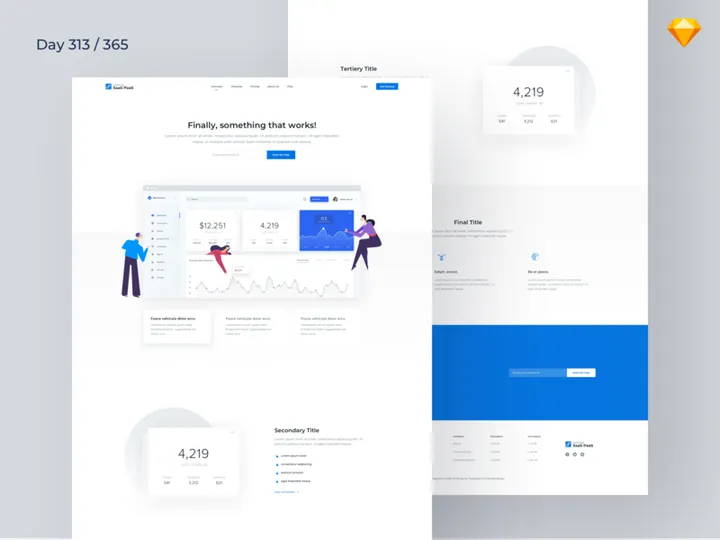
![Tech Product Home Page [Free Download] preview picture](https://imgproxy.epicpxls.com/ZxdZROv4RURX22kYrSyyoGeaAc5NMX1IN5--bKwWYQA/rs:fill:720:540:0/g:no/aHR0cHM6Ly9pdGVt/cy5lcGljcHhscy5j/b20vdXBsb2Fkcy9w/aG90by81YmMyNWU5/YWZjNzllYjcwZTdm/MjVhNGQ0OGEwOTgy/NA.jpg)
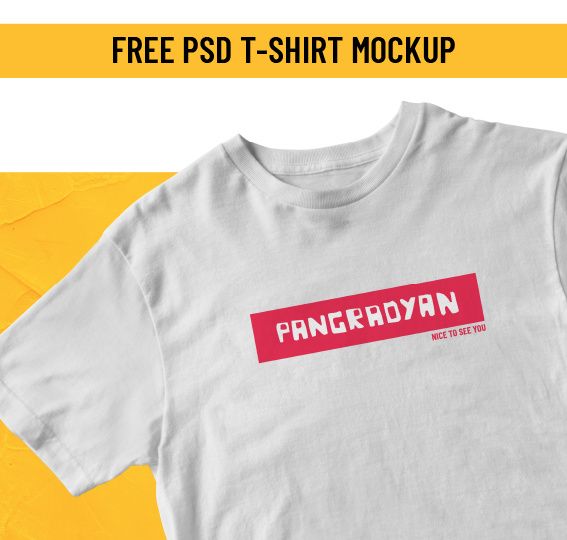
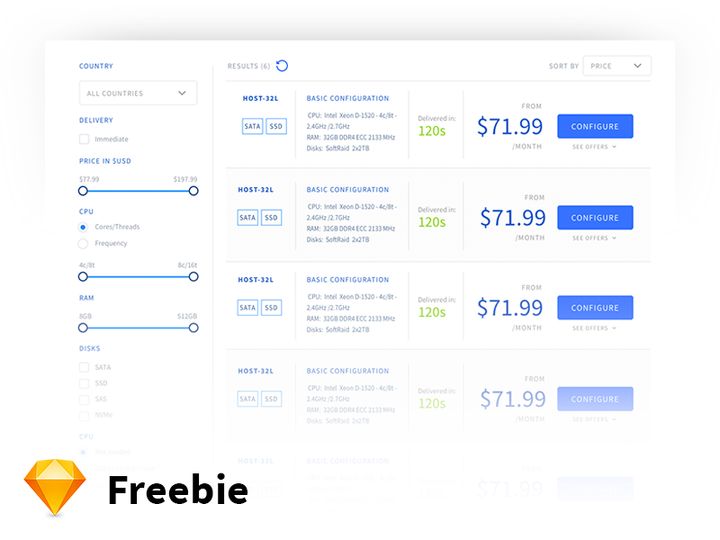
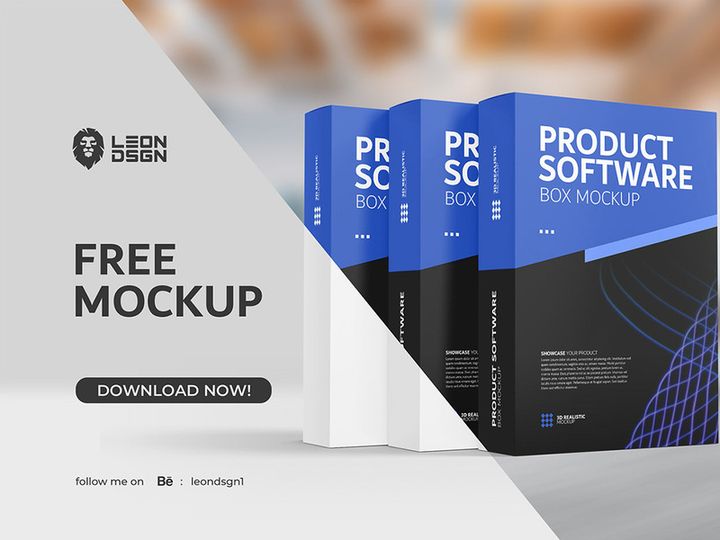
![Hang Tag Template Set [Free Download] preview picture](https://imgproxy.epicpxls.com/aAweHrJ1cfiiBNiWURsvMQyTQyNPSMQRqWTGfNhuNBQ/rs:fill:720:540:0/g:no/aHR0cHM6Ly9pdGVt/cy5lcGljcHhscy5j/b20vdXBsb2Fkcy9w/aG90by8zMDlkNmQy/NjhiMWE3YTdkY2Vj/YWY4MmJlYmEyNTM1/Mg.jpg)

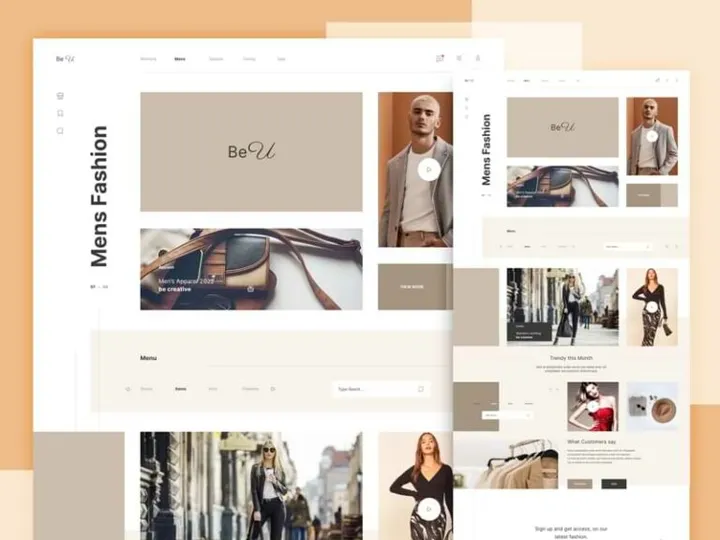

Try Our Free Resources
Download any of these for free - no account required

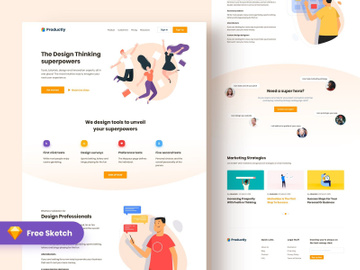
![Snacks Product Bag Mockup [PSD]](https://items.epicpxls.com/uploads/photo/c0089bf61041dd31425e968faa077abb.png)
Design Challenges for Product Managers
Product managers are often at the intersection of business, technology, and user experience—but rarely do they come from a formal design background. This creates a unique set of challenges when it comes to visual communication, prototyping, and collaborating with design teams. One of the most common pain points is bridging the gap between product vision and tangible user interface mockups. Without design expertise, PMs may struggle to convey their ideas effectively in stakeholder meetings or during early-stage product validation.
Time and budget constraints only amplify these difficulties. Many product teams operate with lean resources, leaving little room for dedicated design support during discovery phases or rapid experimentation. PMs frequently find themselves needing to create quick pitch decks, user journey maps, or clickable prototypes—often with tight deadlines and limited tools. Starting every visual asset from scratch is not only inefficient but also increases the risk of inconsistent branding and poor usability.
This is where pre-made design resources become a game-changer. Ready-to-use templates, UI kits, icons, and wireframe components allow product managers to communicate ideas quickly and professionally. Instead of spending hours learning design software or negotiating for design bandwidth, PMs can focus on strategy, user research, and feature prioritization. With access to high-quality, customizable assets, even non-designers can create compelling visuals that align with user needs and business goals. Platforms like EpicPxls offer 200+ resources that are purpose-built for real-world product workflows, making it easier than ever to maintain momentum without sacrificing quality.
How EpicPxls Helps Product Managers
Navigating the design landscape doesn’t have to be overwhelming. EpicPxls is built with product managers in mind, offering a streamlined way to access, use, and scale design assets across projects. Whether you're preparing for a sprint review, building a product roadmap visualization, or validating a new feature concept, the platform provides the tools you need to move faster and communicate more clearly.
Curated Collections
EpicPxls doesn’t just offer a massive library—it curates its 200+ resources to match the real-world needs of product managers. From pitch deck templates and customer journey canvases to usability testing checklists and roadmap timelines, every asset is selected for relevance and usability. You won’t waste time sifting through irrelevant illustrations or developer-focused icons. Instead, you’ll find resources that directly support product planning, stakeholder alignment, and user-centered design thinking.
Time Savings
Time is one of the most valuable resources for product managers, and EpicPxls helps protect it. With 200+ ready-to-use assets, you can skip the blank canvas syndrome and jump straight into execution. Need a wireframe for a new onboarding flow? There’s a template for that. Want to visualize your product vision with a polished one-pager? It’s already designed. These assets reduce iteration cycles, accelerate feedback, and let you focus on what matters—driving product outcomes.
Commercial Licensing
Many free design resources come with restrictive usage rights, making them risky for client-facing deliverables or commercial products. EpicPxls removes that concern with clear commercial licensing across all its assets. Whether you're working in-house, at a startup, or as a consultant, you can confidently use these resources in client presentations, SaaS products, investor decks, and internal tools. This peace of mind ensures your work stays compliant while maintaining a professional edge.
Getting Started: A Guide for Product Managers
Using design resources effectively doesn’t require a background in Figma or Adobe Creative Suite. With a simple, structured approach, product managers can begin leveraging design assets in under an hour. Here’s a step-by-step guide to help you get started and integrate these tools into your workflow.
- Define your immediate need: Start by identifying the type of asset you need—whether it’s a user persona template, a product roadmap layout, or a clickable prototype component. Knowing your goal helps you search more effectively.
- Browse curated collections on EpicPxls: Use category filters to explore resources tailored to product management tasks. Look for assets labeled for “product strategy,” “user research,” or “prototyping” to find the most relevant matches.
- Preview and evaluate: Before downloading, review the preview images, file formats (e.g., Figma, Sketch, PDF), and customization options. Ensure the resource is easy to adapt to your brand or product context.
- Download and import: Once you’ve selected an asset, download it and import it into your preferred tool—be it Figma, PowerPoint, Miro, or Notion. Most EpicPxls resources are compatible with widely used platforms, minimizing friction.
- Customize for your project: Replace placeholder text, adjust colors to match your brand, and add your data or user insights. Focus on clarity and alignment with your product goals rather than pixel-perfect design.
- Use and share: Incorporate the asset into your deliverables—whether it’s a stakeholder presentation, sprint planning doc, or user testing session. Share it with your team and gather feedback to iterate quickly.
Tips for success: Bookmark your most-used templates, create a shared drive folder for your team, and revisit the library monthly to discover new additions. Over time, this process becomes second nature, helping you maintain consistency and efficiency across product cycles.
Recommended Resource Types for Product Managers
Not all design resources are equally valuable to product managers. While flashy illustrations and animations might appeal to designers, PMs benefit most from functional, outcome-driven assets. Knowing which types to prioritize can help you make smarter use of your time and budget.
Must-Have Categories
Certain resource types are essential for day-to-day product work. Wireframe kits allow you to sketch app flows without design help. User journey templates help map pain points and opportunities. Product roadmap timelines bring strategic plans to life. Persona canvases support user-centered decision-making. Pitch deck layouts ensure your ideas land with executives and investors. These are the backbone of effective product communication—and EpicPxls includes multiple variations of each, designed for real-world usability.
Hidden Gems
Beyond the obvious, there are underused resources that can significantly boost your impact. Accessibility checklists help ensure inclusivity from the start. Usability testing scorecards standardize feedback across sessions. Feature prioritization matrices (like RICE or MoSCoW templates) bring structure to roadmap decisions. Even simple assets like annotated screenshot overlays or feedback collection forms can streamline collaboration with design and engineering teams. These “hidden gems” often go unnoticed but deliver outsized value when integrated into regular workflows.
Free vs Premium
While free resources abound, they often come with limitations—lower quality, outdated designs, or unclear licensing. Premium resources, like those in the EpicPxls library, offer consistency, support, and commercial safety. For product managers, the smart strategy is to invest in a few high-quality, reusable assets rather than collecting dozens of free but unreliable ones. Think of it as a long-term efficiency play: spending a little upfront saves hours of rework and avoids legal risks down the line. With 200+ premium resources available, EpicPxls offers exceptional value for PMs who need reliable, professional-grade tools.
Success Tips for Product Managers
To truly benefit from design resources, product managers should adopt a proactive and organized approach. The goal isn’t just to use an asset once, but to build a repeatable advantage across projects. Start by identifying the top three to five templates you use most frequently—such as roadmap layouts, user interview guides, or feature specification sheets—and save them in an easily accessible library. Organize them by use case (e.g., discovery, validation, planning) so you can find what you need in minutes.
Collaboration is another key to success. Share your favorite resources with your team to create consistency in documentation and presentations. When everyone uses the same templates, communication becomes clearer and onboarding new members becomes faster. Consider hosting a brief workshop to introduce your team to the EpicPxls library and demonstrate how specific assets can improve common workflows.
Finally, make staying current part of your routine. Platforms like EpicPxls regularly add new resources based on emerging product trends—such as AI feature canvases, dark mode wireframes, or privacy-focused consent flows. Set a monthly reminder to browse new additions and evaluate how they might improve your next project. Over time, this habit transforms your access to 200+ resources into a dynamic, evolving toolkit that grows with your product career. With the right mindset and tools, product managers can close the design gap and lead with confidence.
Why Download from EpicPxls?
Commercial License
Use in personal and commercial projects
No Account Required
Download free resources instantly
Quality Curated
Every resource is reviewed for quality
Preview Files
See Figma and Photoshop files before downloading
Who Uses These Resources?
Professionals and teams who benefit most from our collection
UI/UX Designers
Speed up your workflow with ready-to-use resources for design tools. Perfect for prototyping and client presentations.
Developers
Get production-ready assets without design skills. Export in any format for web and mobile apps.
Startups & Agencies
Save design budget with affordable premium resources. Commercial license included.
Marketing Teams
Create professional campaigns faster. All resources are optimized for social media and ads.
Frequently Asked QuestionsCommon questions about these resources
Simple, Transparent Pricing
Get unlimited access to all premium resources
Yearly
- 20 downloads per month
- All file formats
- Commercial license
Lifetime
- Unlimited downloads forever
- All file formats
- Commercial license
Ready to Get Started?
Access 4,442+ free design resources today.
Browse Free ResourcesView Premium PlansEarn 85% and
more on all sales
Upload your products and put them up
for sale at whatever price you want.


