UI Kits for Brandings: 96+ Resources
EpicPxls offers 100+ curated ui kits, all with a commercial license and editable source files (Figma, Sketch, PSD). Purpose-built ui kits for branding projects save time and ensure professional results with design elements tailored to branding requirements.
Last updated February 12, 2026
Discover 96+ ui kits ideal for branding design projects.
Trusted by designers at leading companies
Top UI Kits
Handpicked resources from our curated collection
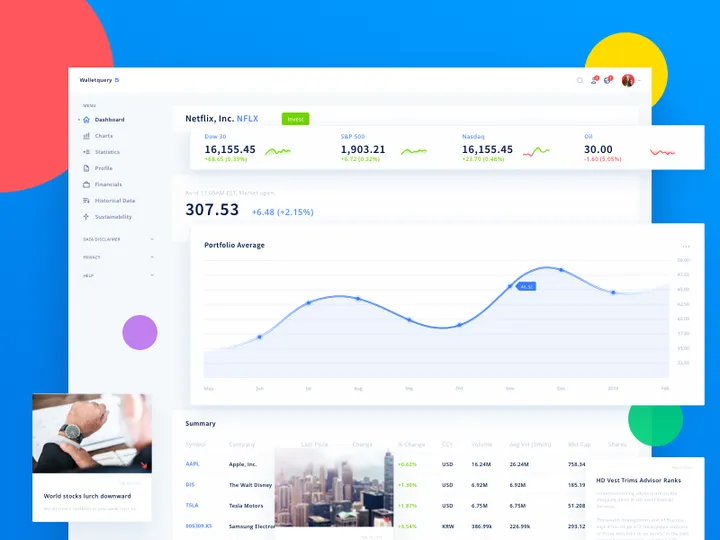
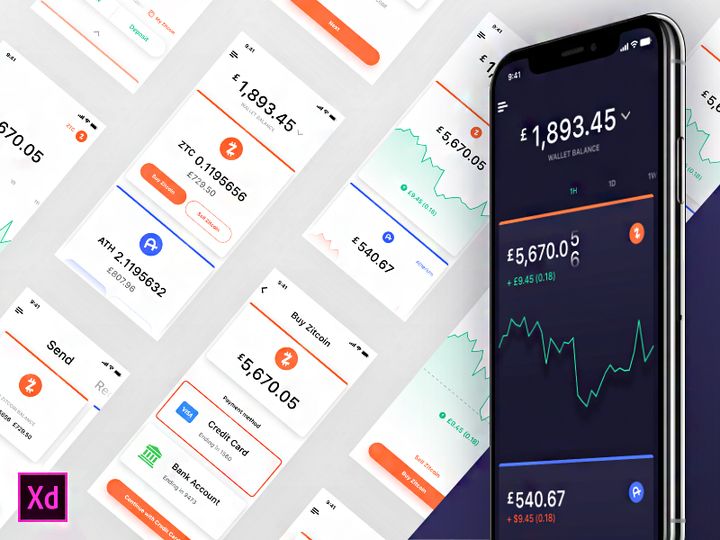


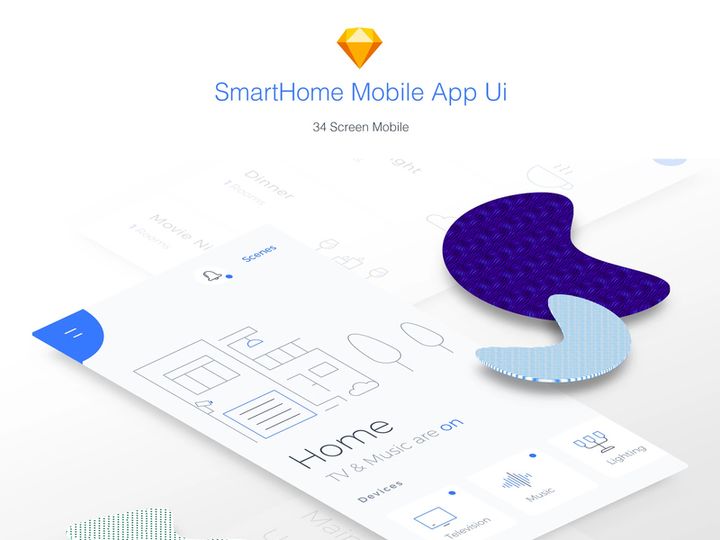


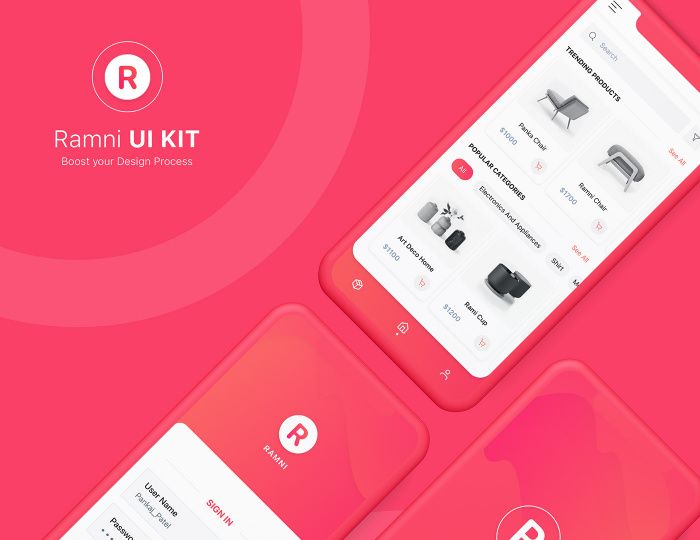


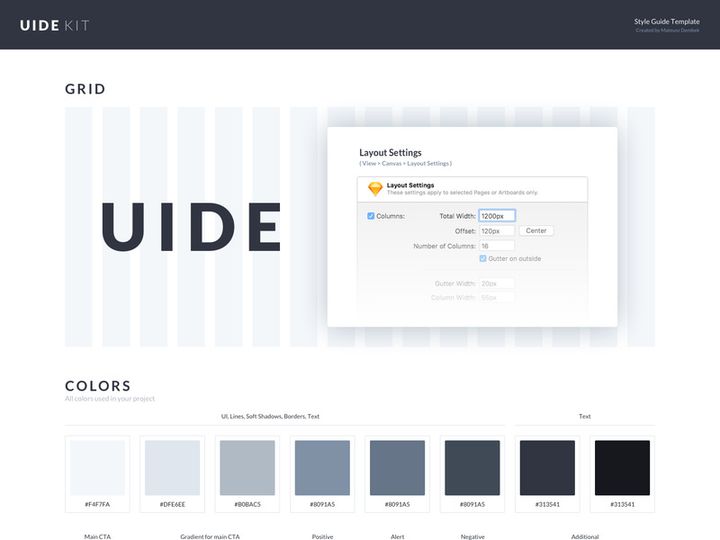
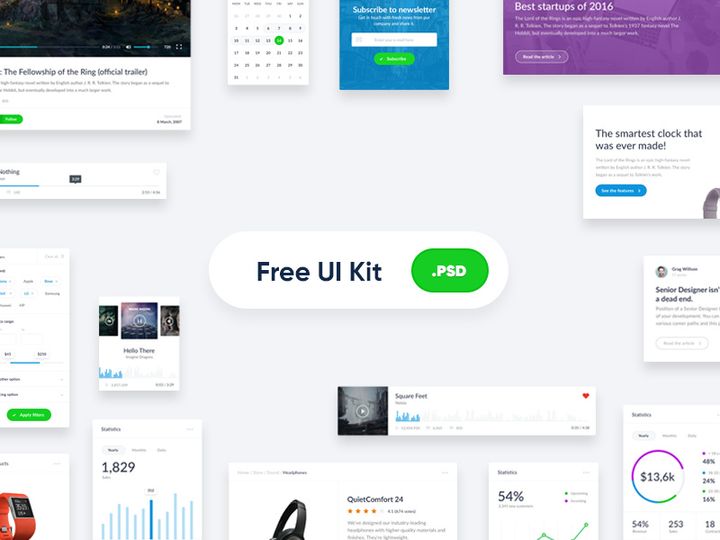
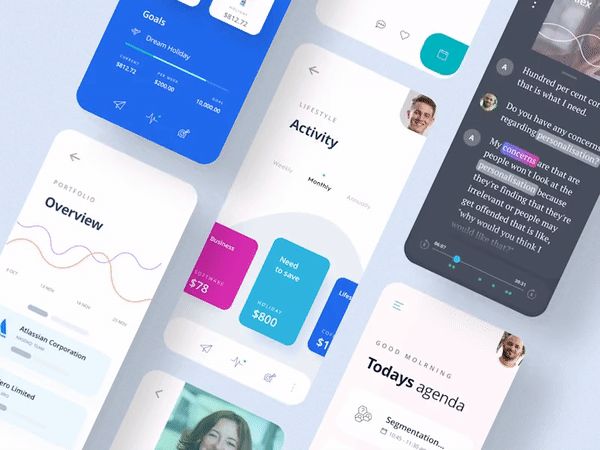

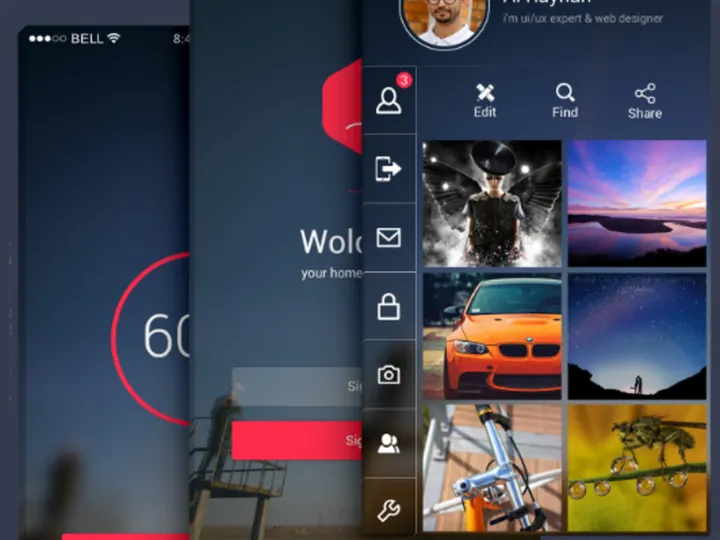


Try Our Free Resources
Download any of these for free - no account required
Why UI Kits for Branding Projects?
Branding design projects demand a seamless blend of creativity, consistency, and efficiency. In fast-paced design environments, where timelines are tight and client expectations are high, using pre-made UI kits can significantly accelerate the entire process. A well-crafted UI kit provides designers with ready-to-use components—buttons, icons, typography styles, color palettes, and layout frameworks—that align perfectly with modern branding needs. This eliminates the need to build every element from scratch, allowing designers to focus more on strategy, storytelling, and brand identity rather than repetitive design tasks.
Common branding design requirements include cohesive visual language, responsive web interfaces, mobile app screens, presentation decks, and brand guidelines documentation. Whether you're designing a startup's digital presence or refreshing an established brand’s look, having access to structured, modular design systems saves time and ensures professional output. This is where curated UI kits become indispensable. They offer a foundation that supports scalability and consistency across platforms and touchpoints.
At EpicPxls, we understand the unique demands of branding workflows. That’s why our platform curates over 96+ resources specifically tailored for branding design projects. Each UI kit is hand-selected based on design quality, adaptability, and relevance to real-world branding scenarios. From minimalist startup kits to bold, expressive brand systems, our collection empowers designers to jumpstart their projects with confidence. With EpicPxls, you’re not just downloading assets—you’re gaining access to a library of proven design solutions that streamline branding execution without sacrificing originality.
What Branding Designers Need
Essential UI Kits Types
Not all UI kits are created equal—especially when it comes to branding projects. Designers require specialized types that support comprehensive brand expression. Key categories include brand style guide kits, which offer editable templates for typography, logo placement, and color swatches. Web and app UI kits are crucial for showcasing how a brand translates across digital platforms, featuring dashboards, landing pages, and onboarding flows. Presentation kits in formats like Figma or PowerPoint help designers pitch brand concepts effectively. Additionally, icon and illustration kits with customizable vectors allow for unique brand expression while maintaining visual harmony. At EpicPxls, our 96+ resources encompass all these types, ensuring you’ll find the right kit for every phase of your branding journey.
Format Requirements
The usability of a UI kit in a branding project heavily depends on its file format. Designers today work across various tools, so compatibility is essential. Figma remains the top choice for collaborative branding workflows, offering real-time editing and component libraries. Adobe XD and Sketch are also widely used, especially in agencies with established design systems. For maximum flexibility, look for UI kits that include multiple export formats—particularly vector-based options like SVG and AI for logo assets, and high-resolution PNGs for mockups. Kits that support design tokens or style guides within the file (such as auto-layout components or named color styles) are especially valuable. EpicPxls ensures that every UI kit in its library is delivered in professionally structured, easily editable formats, enabling smooth integration into any branding pipeline.
Quality Standards
When selecting UI kits for branding, quality cannot be compromised. A high-standard kit should feature pixel-perfect alignment, consistent spacing, and a well-organized layer structure. It should include a complete set of components—navigation bars, form elements, cards, and modals—styled according to a unified design language. Typography should be thoughtfully paired, and color schemes should be accessible and brand-appropriate. Look for kits that offer dark mode variants, responsive grids, and device mockups to demonstrate real-world application. Above all, the kit should feel cohesive, not like a random collection of elements. That’s the level of quality EpicPxls upholds across its 96+ resources, ensuring every download enhances your branding work rather than requiring extensive rework.
Branding Design Project Walkthrough
- Define the Brand Identity: Begin by understanding the client’s values, audience, and market position. Use mood boards and brand briefs to outline visual direction. This foundational step guides your choice of UI kit—whether minimalist, bold, or illustrative.
- Select the Right UI Kit(s): Browse curated libraries like EpicPxls to find kits that match the brand’s tone. Look for kits with flexible color systems and typography hierarchies. Don’t hesitate to combine kits—for example, using one for web components and another for iconography.
- Customize Design Elements: Import the UI kit into your preferred design tool. Replace placeholder content with brand-specific assets—logos, brand colors, and custom copy. Adjust spacing, shadows, and corner radii to reflect the brand’s personality.
- Build Key Screens: Use the kit’s components to assemble core brand touchpoints: homepage, product pages, mobile app screens, and dashboard interfaces. Leverage master components and auto-layout features to maintain consistency and speed up assembly.
- Create a Brand Style Guide: Extract key elements—color codes, font pairings, button styles, and icon usage—from your design to compile a living style guide. Many UI kits include ready-made templates for this, making documentation faster and more professional.
- Present and Iterate: Share interactive prototypes with stakeholders using built-in presentation modes. Gather feedback, make refinements, and ensure every element aligns with the brand vision. Export assets in required formats for handoff to developers or marketing teams.
By following this workflow and leveraging multiple UI kits strategically, designers can create comprehensive, scalable branding systems in a fraction of the time. Combining kits allows you to cherry-pick the strongest components—say, a sleek navigation from one kit and expressive illustrations from another—while maintaining visual harmony through consistent color, typography, and spacing rules. With thoughtful integration, even diverse kits can form a unified brand experience.
Branding Design Workflow Tips
Speed Up Your Process
Time is a critical factor in branding projects, and pre-made UI kits are one of the most effective ways to accelerate your workflow. Instead of designing every button or form field from scratch, use ready-made components that are already aligned, styled, and layered correctly. Create reusable symbols or components early in the project to maintain efficiency. Use global styles for colors and text to enable one-click updates across all screens. Many UI kits from EpicPxls include auto-layout and constraints, making responsive design faster and more predictable. By starting with a solid foundation, you can deliver client-ready mockups in days, not weeks.
Maintain Consistency
Consistency is the hallmark of strong branding. When using multiple UI kits, it’s essential to unify their visual language. Standardize corner radii, stroke weights, shadow depths, and icon styles across all assets. Create a master file where you convert all imported elements into a single design system. Use consistent naming conventions for layers and components so your files remain organized and easy to navigate. If one kit uses rounded buttons and another uses sharp corners, choose one style and apply it universally. This ensures that even if your design pulls from several sources, the final output feels cohesive and intentionally crafted.
Client Presentation
How you present your branding design can be just as important as the design itself. Use high-fidelity mockups, device frames, and interactive prototypes to bring the brand to life. Many UI kits include built-in presentation templates—slide decks, case study layouts, and animated transitions—that help convey the brand story effectively. Export clickable prototypes to demonstrate user flows and brand interactions. When delivering final assets, include organized files, style guides, and usage notes to position yourself as a professional. With EpicPxls’s collection of presentation-ready kits, you can impress clients with polished, client-facing deliverables that reflect both creativity and attention to detail.
Branding Design Inspiration
Staying inspired is key to creating standout branding work. Current trends in branding design emphasize authenticity, minimalism, and bold typography. Many top brands are moving away from overly polished aesthetics in favor of hand-drawn elements, expressive color gradients, and dynamic micro-interactions. Dark mode designs are now standard, and inclusive color palettes that consider accessibility are non-negotiable. Motion design is also playing a bigger role, with subtle animations enhancing brand recall and user engagement. Designers are increasingly focusing on storytelling—using visuals, tone, and layout to communicate brand values at a glance.
Top designers approach branding projects holistically, treating every touchpoint as an extension of the brand narrative. They begin with research, conduct competitor analysis, and build mood boards before touching a design tool. They use UI kits not as crutches, but as launchpads—adapting and personalizing components to reflect the brand’s unique voice. Platforms like EpicPxls support this creative process by offering 96+ resources that blend current trends with timeless design principles. Whether you’re inspired by neumorphism, glassmorphism, or retro-futurism, you’ll find kits that align with your vision and elevate your work.
To keep your skills sharp and your ideas fresh, regularly explore curated design libraries, follow design blogs, and analyze award-winning branding projects. Study how leading agencies structure their design systems and how startups communicate innovation through design. Use UI kits to experiment—try combining unexpected styles or re-coloring kits to see how they transform. With access to diverse, high-quality resources, you can push creative boundaries while maintaining professional standards. Let EpicPxls be your go-to source for inspiration and execution, turning every branding project into an opportunity for excellence.
Why Download from EpicPxls?
Commercial License
Use in personal and commercial projects
No Account Required
Download free resources instantly
Quality Curated
Every resource is reviewed for quality
Preview Files
See Figma and Photoshop files before downloading
Who Uses These Ui Kits?
Professionals and teams who benefit most from our collection
UI/UX Designers
Speed up your workflow with ready-to-use ui kits for design tools. Perfect for prototyping and client presentations.
Developers
Get production-ready assets without design skills. Export in any format for web and mobile apps.
Startups & Agencies
Save design budget with affordable premium ui kits. Commercial license included for client work.
Marketing Teams
Create professional campaigns faster. All ui kits are optimized for social media and ads.
UI Kits FAQCommon questions about these resources
Simple, Transparent Pricing
Get unlimited access to all premium resources
Yearly
- 20 downloads per month
- All file formats
- Commercial license
Lifetime
- Unlimited downloads forever
- All file formats
- Commercial license
Ready to Get Started?
Access 4,441+ free design resources today.
Browse Free ResourcesView Premium PlansEarn 85% and
more on all sales
Upload your products and put them up
for sale at whatever price you want.


