Graphics for Webs: 524+ Resources
EpicPxls offers 68+ curated graphics, all with a commercial license and editable source files (Figma, Sketch, PSD). Purpose-built graphics for web projects save time and ensure professional results with design elements tailored to web requirements.
Last updated February 12, 2026
Discover 524+ graphics ideal for web design projects.
Trusted by designers at leading companies
Top Graphics
Handpicked resources from our curated collection
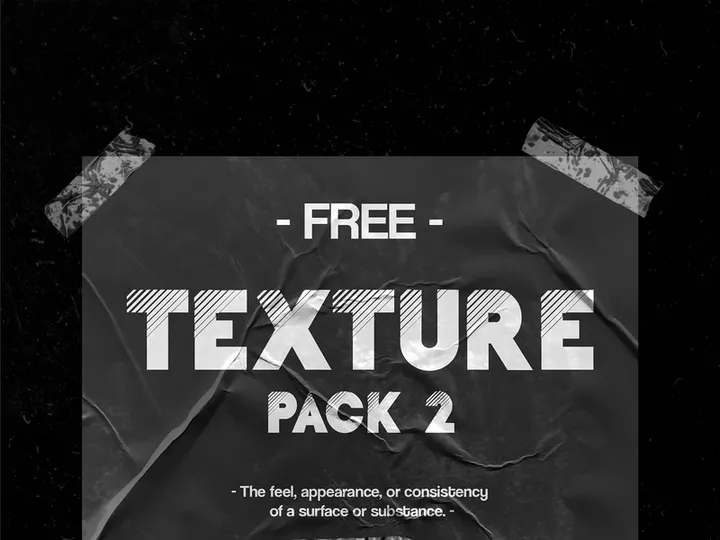
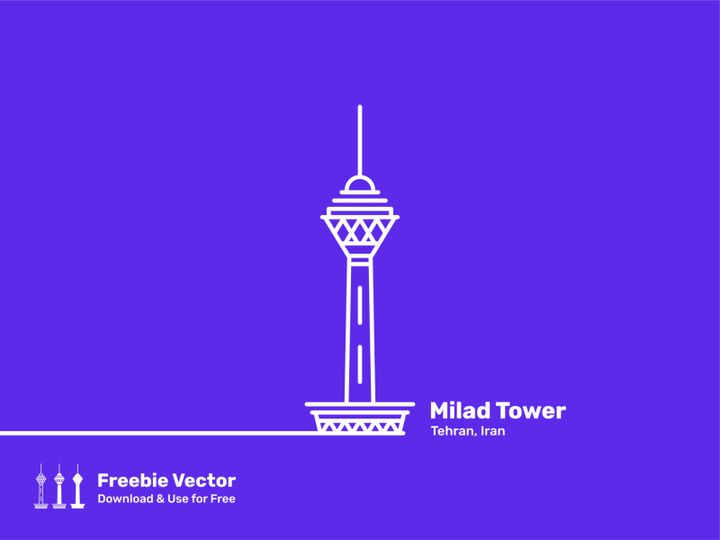
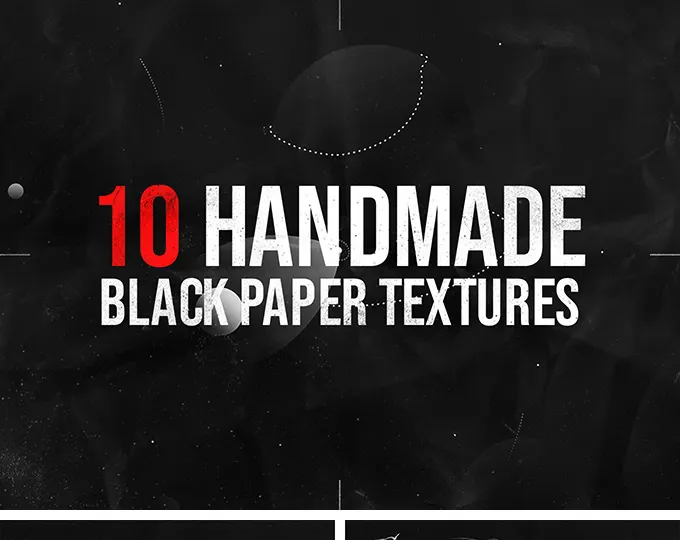
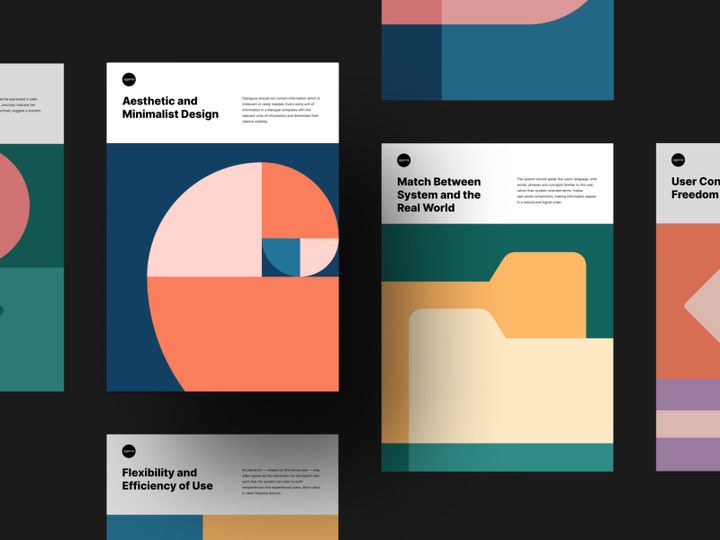
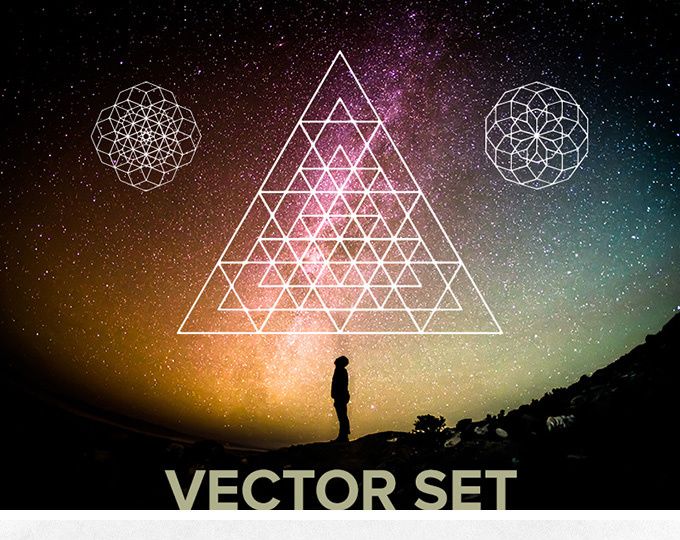

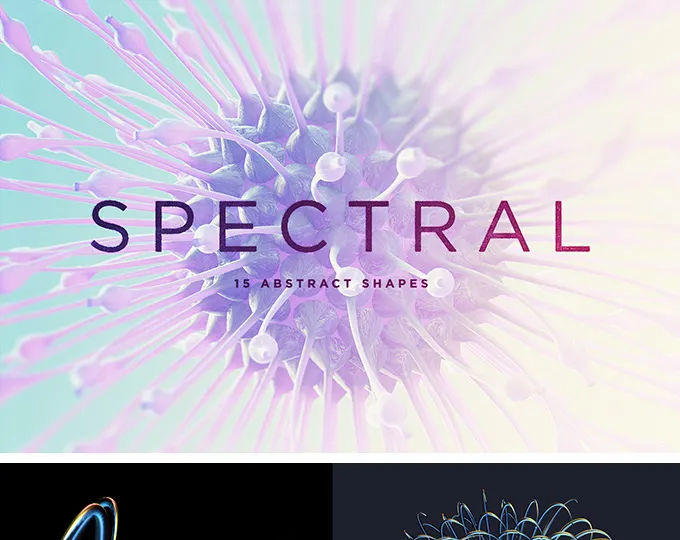
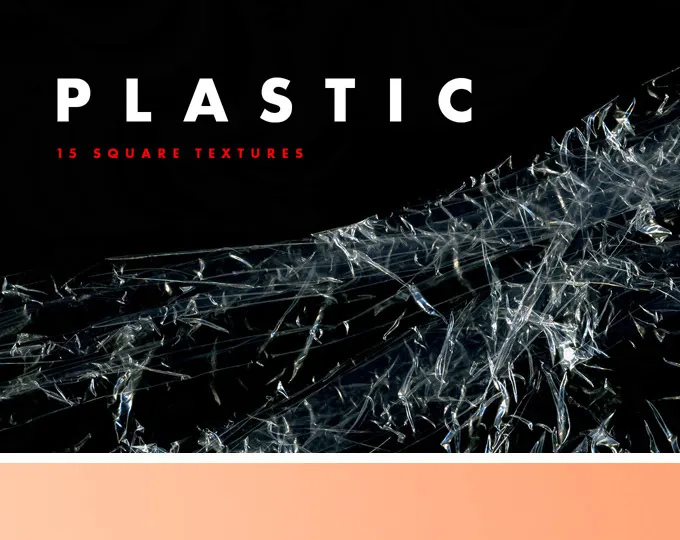
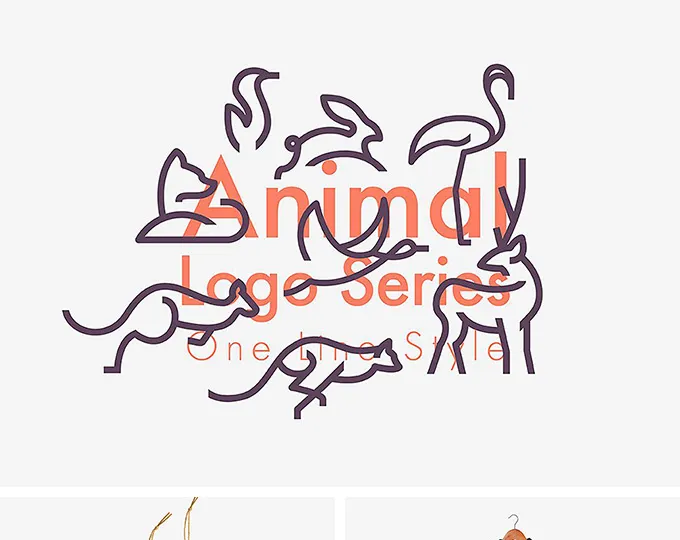

![[Free] E-Commerce Logo Kit & Icon Set preview picture](https://imgproxy.epicpxls.com/-zLkC083zXvrEA4IAhX2L2xFiRZ4FBRtWr1XQr3q3YI/rs:fill:720:540:0/g:no/aHR0cHM6Ly9pdGVt/cy5lcGljcHhscy5j/b20vdXBsb2Fkcy9w/aG90by82NGFiZGU3/ZGZiNWQ4ZGIwZTcy/YTMyYTNkODU5NzFh/NA.jpg)
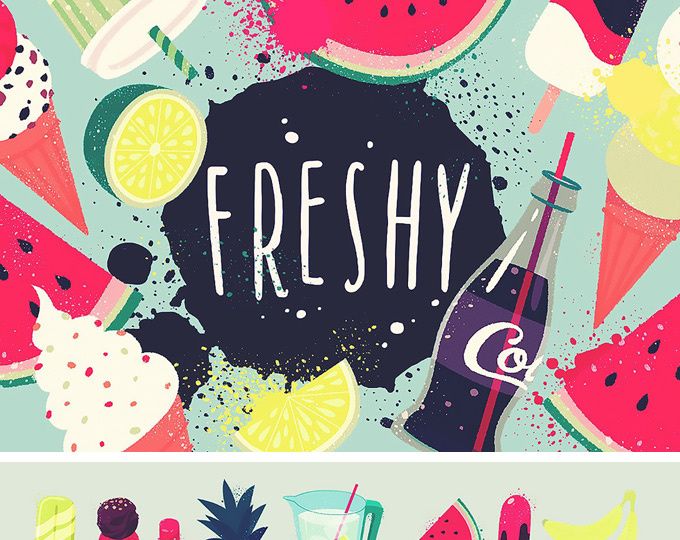


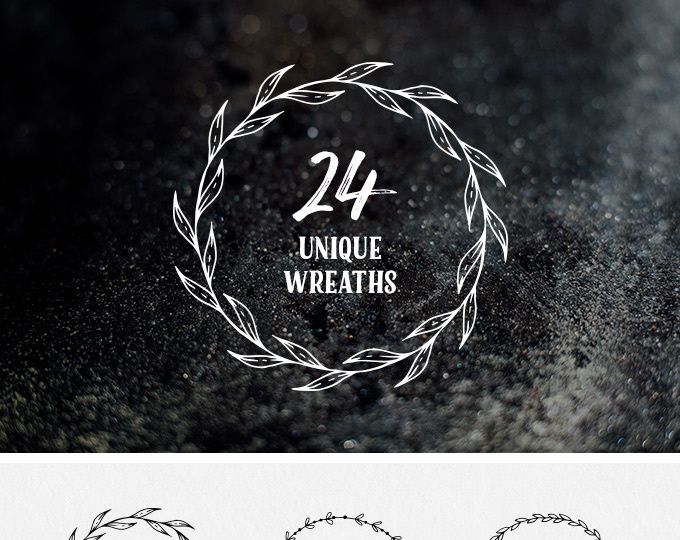

![[Free] Foil Balloon Text Effect PSD File preview picture](https://imgproxy.epicpxls.com/pCnvq8SvHVpPXz0Y4eWFTkFoIdyBCcZiess4_hipdf4/rs:fill:720:540:0/g:no/aHR0cHM6Ly9pdGVt/cy5lcGljcHhscy5j/b20vdXBsb2Fkcy9w/aG90by84NDljZDFi/YTM5NjAyMjFjZTky/NzZkMDQwMTViZTUy/MQ.jpg)

Try Our Free Resources
Download any of these for free - no account required
Why Graphics for Web Projects?
Graphics play a pivotal role in shaping the user experience of any web design project. From establishing visual hierarchy to reinforcing brand identity, high-quality graphics are essential for creating websites that are not only functional but also engaging and memorable. For web designers, the challenge often lies in balancing creativity with efficiency—especially under tight deadlines. This is where pre-made graphics become an invaluable asset. By leveraging professionally designed, web-ready visual elements, designers can significantly accelerate their workflow while maintaining a high standard of quality.
Common web design requirements include hero banners, icons, buttons, illustrations, backgrounds, and UI components—all of which benefit from polished, scalable graphics. Whether you're building a corporate website, an e-commerce platform, or a creative portfolio, having access to a diverse library of visual assets ensures you can respond quickly to evolving project needs. With the right collection at your fingertips, you reduce time spent on custom creation from scratch and focus more on layout, interaction, and overall design coherence.
This is where EpicPxls stands out. Curated specifically for web professionals, the platform offers a meticulously organized library of 524+ web-ready resources that cater to a wide range of design styles and use cases. Every graphic is optimized for digital display, ensuring fast load times, responsive compatibility, and pixel-perfect rendering across devices. By selecting only the most versatile and technically sound assets, EpicPxls empowers designers to build modern, visually compelling websites without compromising on speed or quality.
What Web Designers Need
Essential Graphics Types
Successful web design hinges on using the right types of graphics for the right purposes. Commonly used graphic elements include vector icons, UI kits, infographics, banners, illustrations, background textures, and logo templates. Icons help simplify navigation and improve usability, especially on mobile interfaces. UI kits provide ready-made components like buttons, forms, and navigation bars, enabling rapid prototyping and consistent design language.
Illustrations add personality and storytelling depth to websites, making them ideal for landing pages and marketing sites. Backgrounds—whether abstract gradients, geometric patterns, or photo overlays—set the tone and enhance visual interest without distracting from content. For e-commerce or SaaS platforms, data visualization graphics such as charts and progress indicators improve user comprehension. Each of these graphic types serves a functional and aesthetic purpose, and having access to all of them in one place streamlines the design process significantly.
Format Requirements
Choosing the correct file format is critical for performance and compatibility in web design. Raster formats like JPG and PNG are widely used: JPG for photographs due to its small file size and efficient compression, and PNG for graphics requiring transparency, such as logos and icons. SVG (Scalable Vector Graphics) has become the gold standard for icons, logos, and illustrations on the web because it scales seamlessly to any screen size without pixelation and supports animation and interactivity.
Designers also benefit from layered source files such as PSD (Photoshop) or AI (Illustrator), which allow for easy customization and editing. When assets include multiple formats—especially SVG, PNG, and source files—they offer maximum flexibility across different stages of the design and development pipeline. At EpicPxls, every graphic in the 524+ resources collection is delivered in multiple web-optimized formats, ensuring that designers can integrate them smoothly into any workflow.
Quality Standards
Web-ready graphics must meet strict quality benchmarks to ensure they enhance, rather than detract from, a website’s performance and appearance. First and foremost, graphics should be resolution-independent where possible—especially vectors that scale cleanly across retina and standard displays. Clean lines, balanced composition, and consistent styling are signs of professional-grade assets.
Another key standard is optimized file size. Bulky images slow down page load times, negatively impacting SEO and user retention. High-quality web graphics are compressed without visible loss of detail. Additionally, consistent color palettes, adherence to modern design trends (like minimalism or neumorphism), and thoughtful use of whitespace contribute to a polished look. Finally, accessibility should not be overlooked—graphics should support readability and contrast, especially when used in text-heavy sections. The 524+ resources available through EpicPxls are vetted for all these criteria, ensuring that every download meets the demands of professional web design.
Web Design Project Walkthrough
- Define the Project Scope and Style: Begin by understanding the client’s goals, brand identity, and target audience. Decide on a visual direction—minimalist, bold, illustrative, or corporate. This guides your selection of graphics from the 524+ resources available, ensuring aesthetic alignment from the start.
- Select Core Design Elements: Browse the EpicPxls library to identify essential assets such as header banners, icons, and UI components. Choose a cohesive set of graphics that share a common style—whether flat design, line art, or 3D illustration—to maintain visual harmony.
- Build the Layout Framework: Using your selected graphics, start constructing the website structure in your design tool (e.g., Figma, Adobe XD, or Sketch). Place hero images at the top, integrate icons into navigation, and apply background textures to section dividers to create depth and flow.
- Customize and Adapt Assets: While pre-made graphics save time, they often need tweaking. Adjust colors to match the brand palette, resize illustrations for responsiveness, and modify button styles to suit the interface. Source files included with many of the 524+ resources make this process fast and precise.
- Combine Graphics for Maximum Impact: Layer multiple elements strategically. For example, overlay a semi-transparent gradient on a background image to improve text readability, or pair a 3D icon set with animated SVGs to create a dynamic user experience. Use contrast and spacing to guide the user’s eye through key content areas.
- Export and Handoff: Once the design is finalized, export all graphics in the appropriate web formats—SVG for vectors, optimized PNGs for transparency, and compressed JPGs for imagery. Organize assets clearly and include documentation if needed for developers. With everything in place, your web design is ready for development and deployment.
Web Design Workflow Tips
Speed Up Your Process
Time is a precious commodity in web design, and pre-made graphics are one of the most effective ways to accelerate your workflow. Instead of creating every icon, button, or illustration from scratch, start with high-quality, customizable assets. This allows you to focus on layout, user experience, and interaction design—areas where your creative input adds the most value. EpicPxls streamlines this process by offering instant access to 524+ professionally designed graphics, all categorized and searchable by style, format, and use case. With drag-and-drop compatibility in most design tools, you can rapidly prototype and iterate, reducing project turnaround times by days or even weeks.
Maintain Consistency
One of the biggest challenges in using third-party assets is maintaining a unified visual language. To avoid a disjointed look, establish a core design system early—select a primary color palette, typography, and graphic style, then stick to it. When choosing graphics from the 524+ resources, filter by consistent attributes such as stroke weight, corner radius, or shading technique. For instance, if you’re using thin-line icons, avoid mixing them with bold, filled variants. Group similar assets together and create reusable components in your design software. This ensures that buttons, cards, and navigation elements look like they belong to the same family, even if they were created separately.
Client Presentation
Presenting your web design work professionally is key to gaining client approval and trust. Use pre-made graphics to create polished mockups that showcase real-world application—show the website on desktop, tablet, and mobile screens with contextually relevant imagery. Highlight how the chosen graphics enhance usability, brand identity, and visual appeal. Tools like Figma or Adobe XD allow you to create interactive prototypes, and when powered by high-quality assets from EpicPxls, your presentations feel more complete and convincing. Include a brief rationale for your graphic choices, explaining how each element supports the project’s goals, whether it’s improving navigation with intuitive icons or increasing engagement with custom illustrations.
Web Design Inspiration
Staying current with design trends is essential for creating websites that feel fresh, modern, and user-friendly. In 2024, key trends include glassmorphism (frosted glass effects), micro-interactions, asymmetrical layouts, and the strategic use of bold typography paired with minimalist graphics. Dark mode designs are also gaining traction, demanding graphics that adapt seamlessly to light and dark backgrounds. Illustrations with a hand-drawn or isometric style are increasingly popular for storytelling and brand differentiation, especially in SaaS and startup websites.
Top designers approach web projects with a user-first mindset, using graphics not just for decoration but as functional tools that guide interaction and enhance clarity. They prioritize performance by choosing lightweight, optimized assets and embrace modular design systems that allow for scalability. Many also blend custom elements with curated resources to achieve a unique yet efficient workflow.
To elevate your own web design work, explore curated collections like the 524+ resources from EpicPxls, which are updated regularly to reflect emerging styles and technical standards. Whether you're looking for sleek UI kits, expressive illustrations, or responsive icons, these resources provide both inspiration and practical solutions. By combining trend awareness with high-quality, web-ready graphics, you position yourself to deliver designs that are not only beautiful but also effective and future-ready.
Why Download from EpicPxls?
Commercial License
Use in personal and commercial projects
No Account Required
Download free resources instantly
Quality Curated
Every resource is reviewed for quality
Preview Files
See Figma and Photoshop files before downloading
Who Uses These Graphics?
Professionals and teams who benefit most from our collection
UI/UX Designers
Speed up your workflow with ready-to-use graphics for design tools. Perfect for prototyping and client presentations.
Developers
Get production-ready assets without design skills. Export in any format for web and mobile apps.
Startups & Agencies
Save design budget with affordable premium graphics. Commercial license included for client work.
Marketing Teams
Create professional campaigns faster. All graphics are optimized for social media and ads.
Graphics FAQCommon questions about these resources
Simple, Transparent Pricing
Get unlimited access to all premium resources
Yearly
- 20 downloads per month
- All file formats
- Commercial license
Lifetime
- Unlimited downloads forever
- All file formats
- Commercial license
Ready to Get Started?
Access 4,441+ free design resources today.
Browse Free ResourcesView Premium PlansEarn 85% and
more on all sales
Upload your products and put them up
for sale at whatever price you want.


