Mockups for Webs: 85+ Resources
EpicPxls offers 85+ curated mockups, all with a commercial license and editable source files (Figma, Sketch, PSD). Purpose-built mockups for web projects save time and ensure professional results with design elements tailored to web requirements.
Last updated February 12, 2026
Discover 85+ mockups ideal for web design projects.
Trusted by designers at leading companies
Top Mockups
Handpicked resources from our curated collection
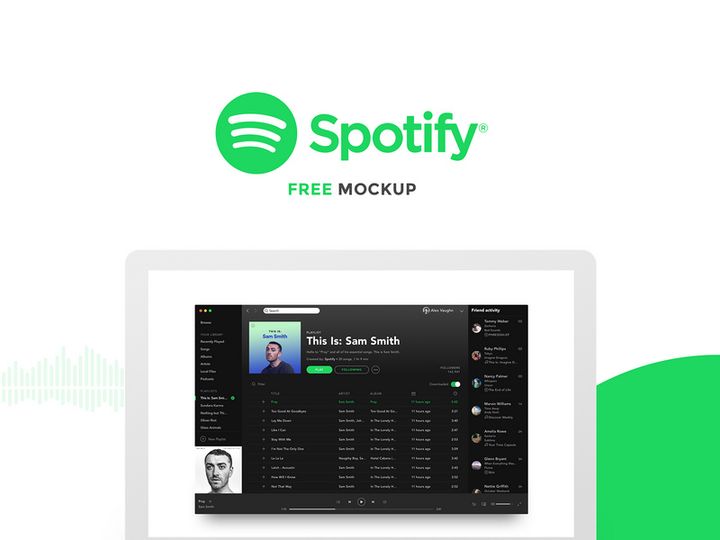
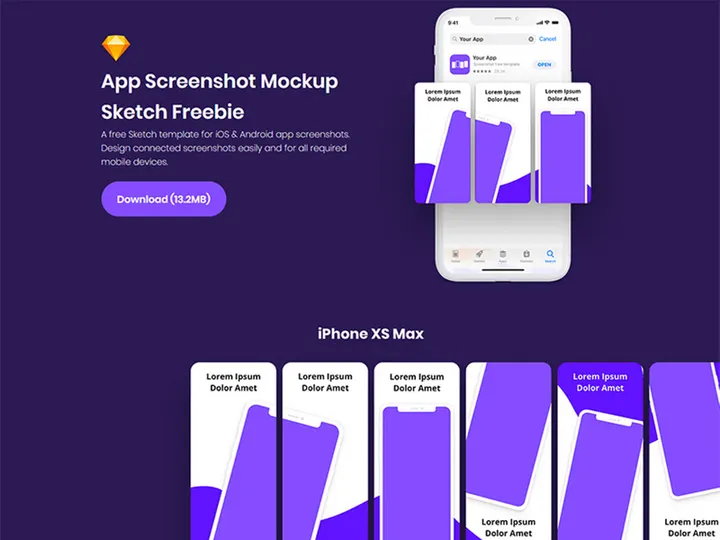
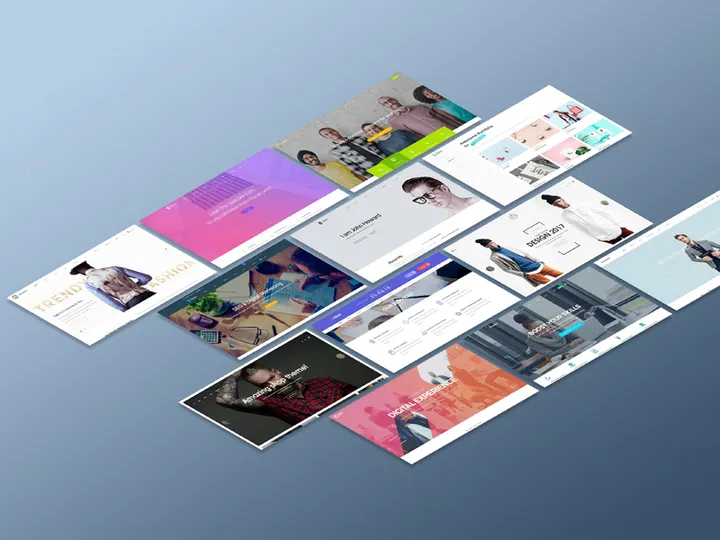

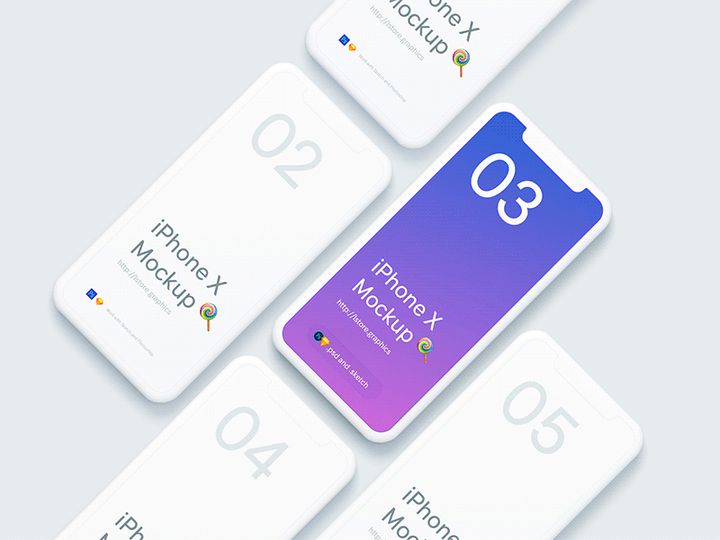
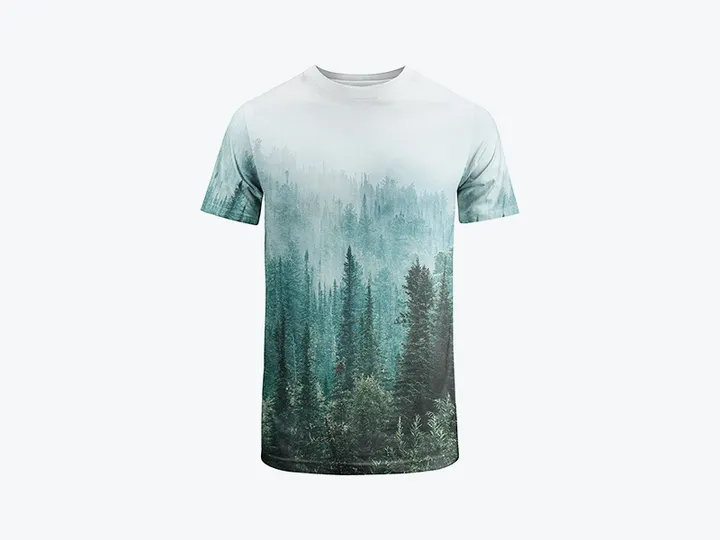
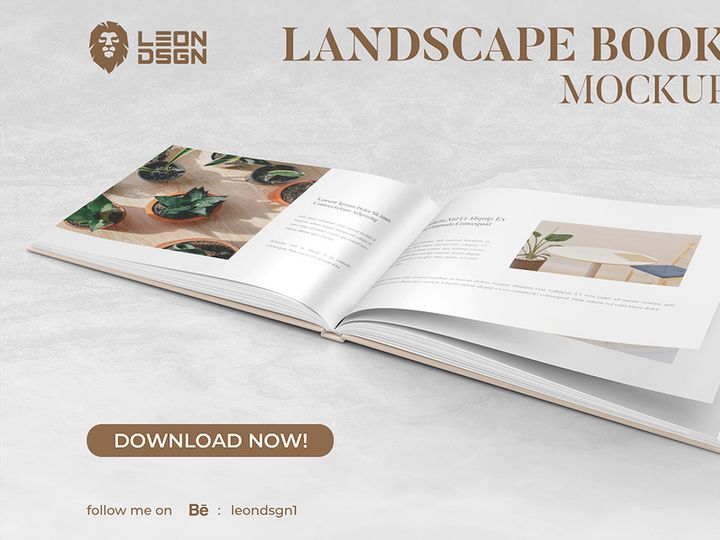
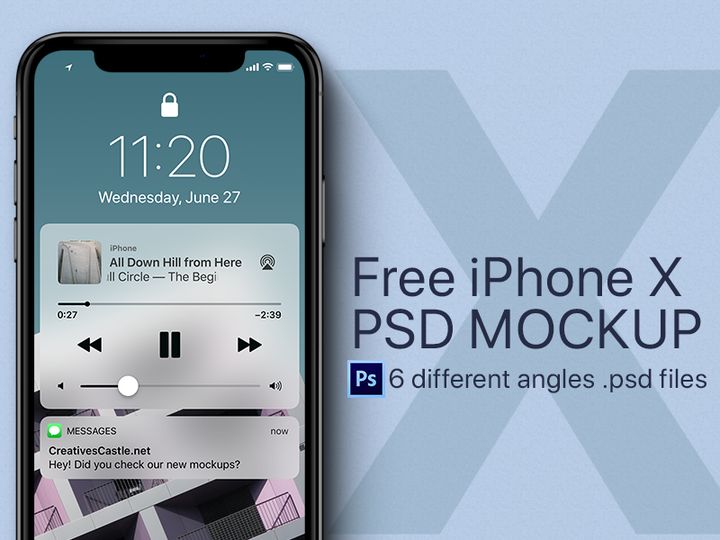
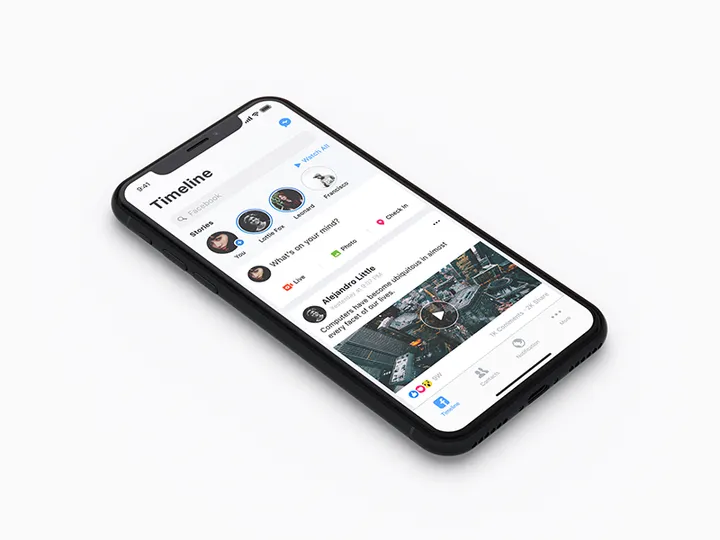

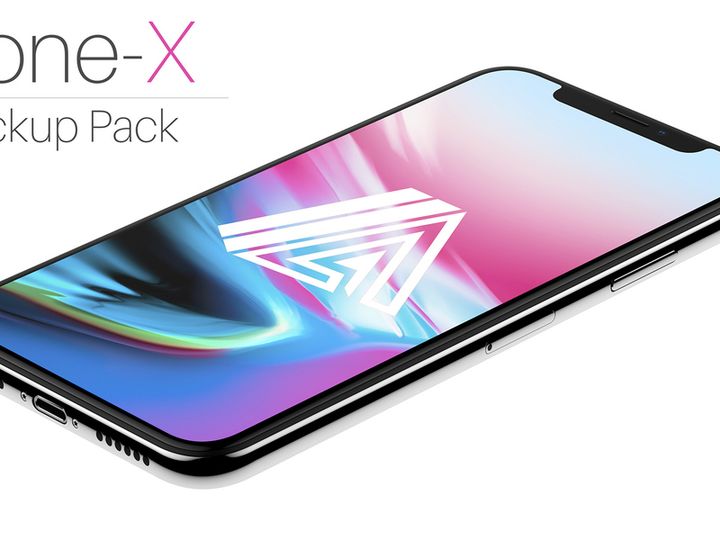


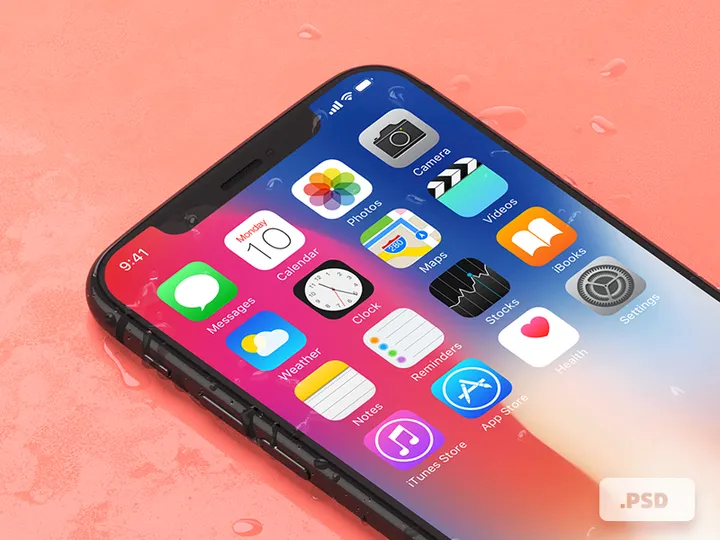
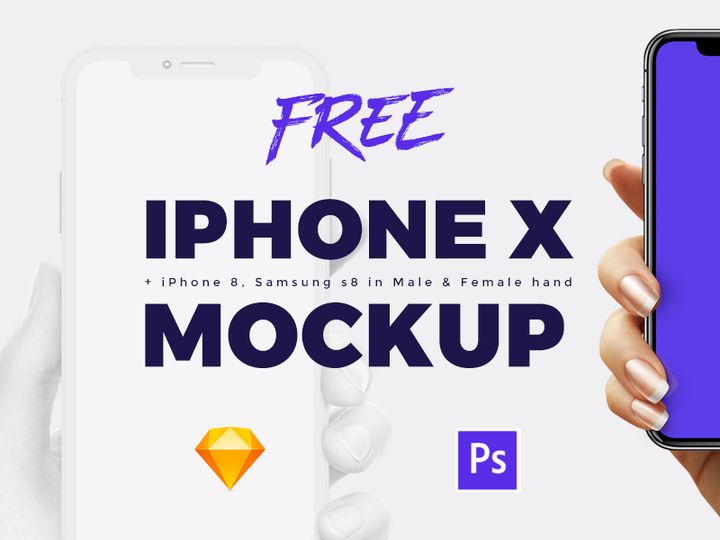

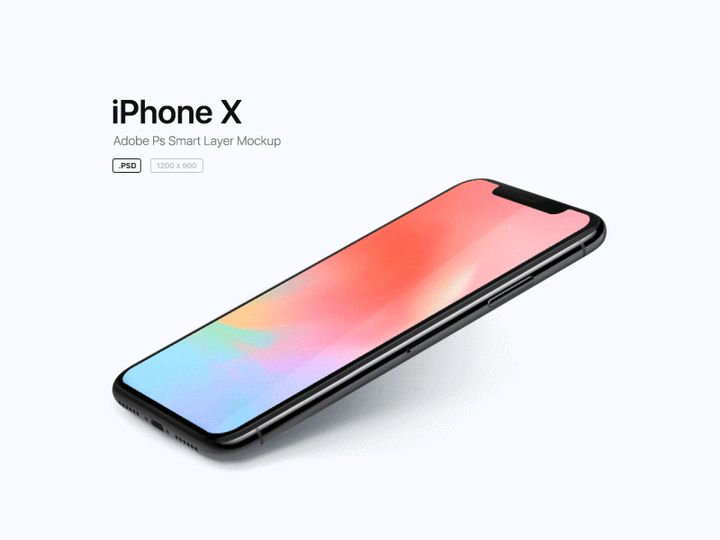
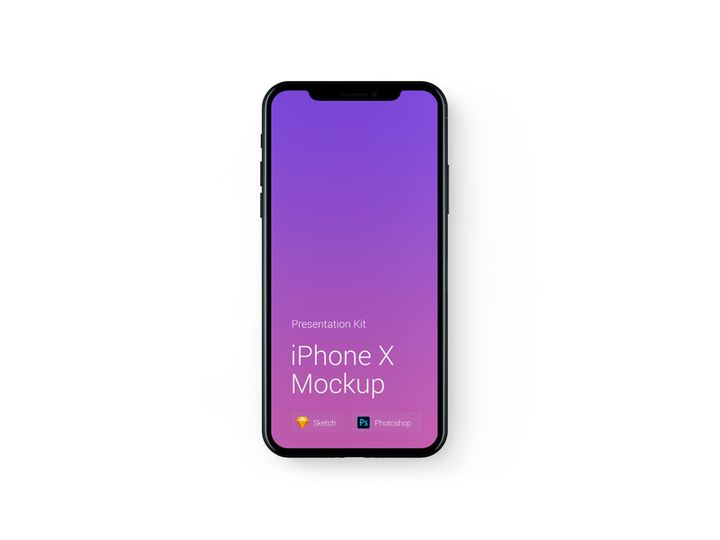
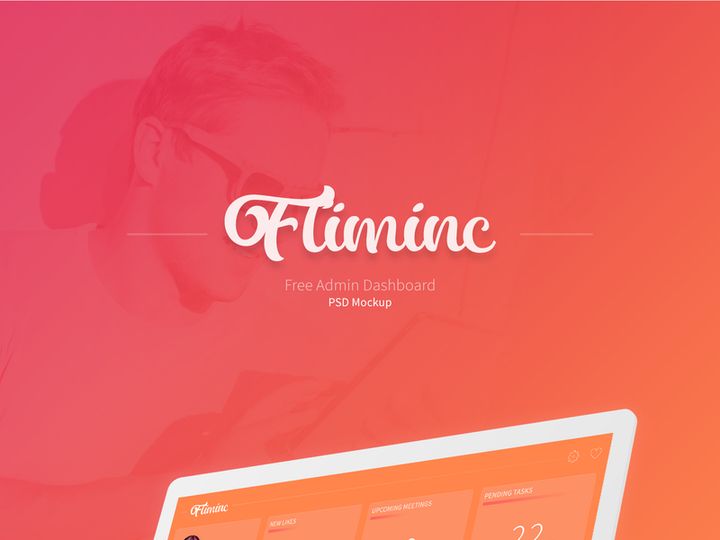
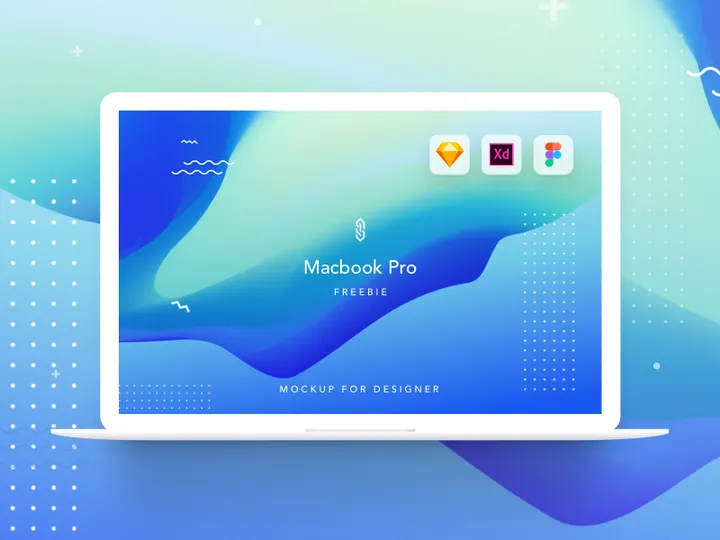
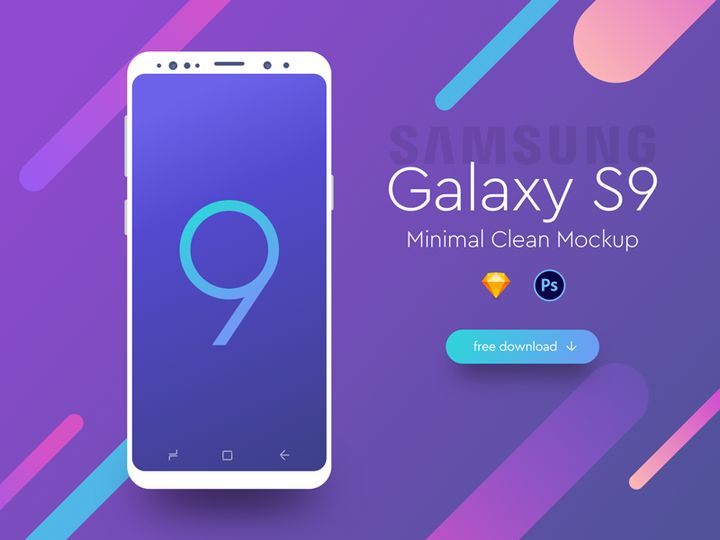
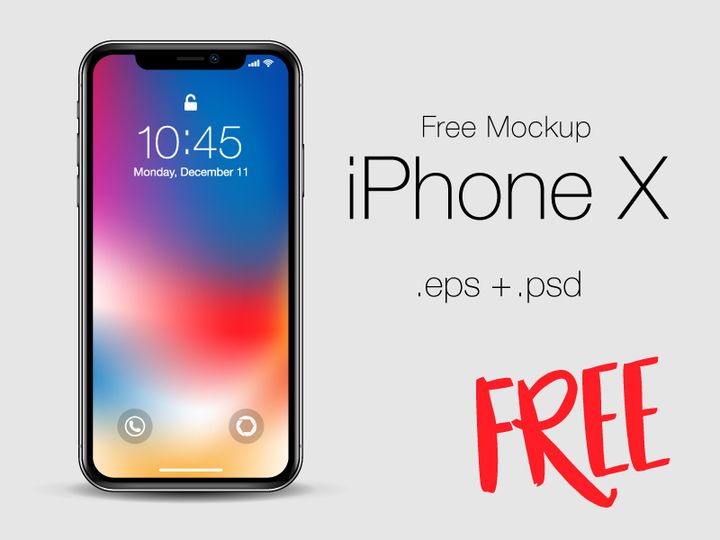
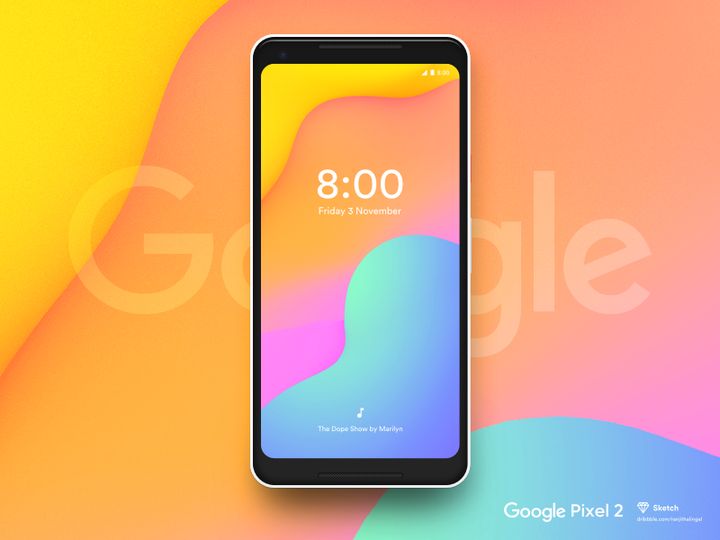

Try Our Free Resources
Download any of these for free - no account required
Why Mockups for Web Projects?
Mockups play a crucial role in modern web design, acting as the bridge between concept and execution. They allow designers to visualize a website’s layout, structure, and user interface before any code is written. For teams and freelancers alike, using pre-made mockups significantly accelerates the web design process. Instead of building every element from scratch, designers can leverage professionally crafted templates to focus on creativity, functionality, and user experience.
Web projects often involve tight deadlines, client revisions, and complex requirements like responsive layouts, interactive elements, and brand alignment. Mockups help streamline these challenges by offering structured starting points. Whether it's a homepage layout, a mobile app interface, or a full e-commerce site, mockups provide the scaffolding needed to build polished, functional designs quickly and efficiently.
At EpicPxls, we understand that web designers need reliable, high-quality assets to bring their visions to life. That's why we’ve curated a collection of 85+ web-ready resources, each designed with real-world projects in mind. These mockups are selected not only for their visual appeal but also for their adaptability across different devices, screen sizes, and design tools. From minimalist wireframes to fully detailed UI kits, our library supports every stage of the web design lifecycle.
By offering a diverse range of mockups tailored for web use, EpicPxls empowers designers to skip the tedious setup phase and dive straight into innovation. Whether you're designing for startups, agencies, or enterprise clients, having access to ready-to-use, professionally designed mockups means faster iterations, clearer client communication, and higher-quality final products. The right mockup can transform an abstract idea into a tangible, interactive experience—making it an indispensable tool in any web designer’s toolkit.
What Web Designers Need
Essential Mockup Types
Successful web design requires a variety of mockup types to cover different stages and aspects of a project. Commonly used types include wireframe mockups for initial layout planning, high-fidelity UI mockups for detailed interface design, and device-specific mockups for previewing how a site looks on desktops, tablets, and smartphones. Landing page mockups are essential for marketing-focused sites, while dashboard templates are critical for SaaS platforms and data-heavy applications.
Additionally, responsive grid mockups help ensure consistency across breakpoints, and component-based mockups—like navigation bars, forms, and card layouts—allow for modular design. For client presentations, realistic screen mockups in device frames (such as laptops, mobile phones, or tablets) help convey the final product in context. At EpicPxls, our 85+ resources include all these types, ensuring you have the right tools for every web design scenario.
Format Requirements
File format compatibility is vital for seamless integration into existing workflows. The most useful formats for web designers include Figma, Adobe XD, Sketch, and Photoshop (PSD). Figma files are particularly popular due to their collaborative features and vector scalability. XD and Sketch files offer similar advantages for UI/UX teams using those ecosystems. PSDs remain valuable for designers who rely on Photoshop for detailed editing or visual effects.
Vector-based formats ensure that mockups can be resized without quality loss, which is essential when designing for multiple screen resolutions. Layered files with organized groups and named elements save time during customization. EpicPxls ensures that all downloadable resources come in widely supported, editable formats, making them immediately usable regardless of your preferred design software.
Quality Standards
Web-ready mockups should meet high standards of design and technical execution. This includes pixel-perfect alignment, consistent spacing, and adherence to modern UI principles such as material design or flat aesthetics. Typography should be legible and appropriately scaled, with font styles that reflect current best practices. Color schemes must be balanced and accessible, supporting readability and brand alignment.
Top-tier mockups also feature smart objects or components that allow for easy image and text replacement. Grid systems should follow responsive design principles, and breakpoints should be clearly defined. At EpicPxls, each of the 85+ resources undergoes a rigorous review process to ensure clarity, usability, and professional-grade quality—so you can trust that every download enhances your project without requiring extensive cleanup or rework.
Web Design Project Walkthrough
- Define Project Goals: Begin by identifying the website’s purpose, target audience, and key features. Whether it’s a portfolio, e-commerce store, or corporate site, clarity at this stage ensures your mockup choices align with objectives.
- Select Suitable Mockups: Browse through your resource library—like the 85+ curated options at EpicPxls—and choose foundational templates. Start with wireframes for structure, then move to high-fidelity UI mockups for detailed design.
- Customize Layouts: Adapt the selected mockups to your brand requirements. Replace placeholder text, update colors, and modify typography. Use smart layers and components to speed up edits while maintaining consistency.
- Ensure Responsiveness: Test your design across device-specific mockups to verify how it scales on mobile, tablet, and desktop. Adjust grid structures and element positioning as needed to preserve usability.
- Integrate Interactive Elements: Add hover states, buttons, forms, and navigation menus using modular components from your mockup kit. This step brings functionality into focus before development begins.
- Prepare for Presentation: Assemble your final screens into a cohesive mockup presentation. Use realistic device frames to showcase the website in context, making it easier for clients to visualize the end product.
Combining multiple mockups effectively requires attention to visual harmony. Stick to a consistent color palette, typography scale, and spacing system across all assets. When you pull from a unified library—such as the 85+ resources available at EpicPxls—you benefit from cohesive design language, making integration smoother and more professional. This structured workflow not only enhances efficiency but also ensures that your final web design is both functional and visually compelling.
Web Design Workflow Tips
Speed Up Your Process
One of the biggest advantages of using pre-made mockups is the dramatic reduction in setup time. Instead of redrawing buttons, headers, or grids from scratch, you can drop in ready-made components and focus on customizing content and flow. Use keyboard shortcuts, design system libraries, and global styles within your editing tool to maintain momentum. By leveraging well-organized mockups—like those in the EpicPxls collection—you can cut design time by up to 50%, allowing faster client turnarounds and more room for creative refinement.
Maintain Consistency
Consistency is key to professional web design. When combining multiple mockups, ensure that all elements follow the same design language. Use shared color swatches, consistent icon styles, and uniform spacing (such as 8px or 10px grids). Adopt a modular approach: design reusable components like cards, modals, and footers once, then replicate them across pages. This not only improves efficiency but also ensures a seamless user experience. The 85+ resources at EpicPxls are designed with consistency in mind, featuring harmonized styles that integrate smoothly into unified projects.
Client Presentation
How you present your web design can be just as important as the design itself. Use high-resolution mockups embedded in realistic device frames to create immersive presentations. Tools like Figma or Adobe XD allow interactive prototyping, so clients can click through pages and experience navigation flow. Annotate key features and include responsive views to demonstrate adaptability. With polished mockups from trusted sources like EpicPxls, you project professionalism and attention to detail—helping build client confidence and accelerate approval cycles.
Web Design Inspiration
Staying current with web design trends is essential for creating modern, engaging websites. Today’s leading designs emphasize minimalism, bold typography, micro-interactions, and dark mode compatibility. Asymmetrical layouts, glassmorphism, and neumorphism continue to influence visual styles, while inclusive design and accessibility are becoming non-negotiable standards. Motion design and scroll-triggered animations add depth, but only when used purposefully to enhance rather than distract.
Top designers approach web projects with a user-first mindset, starting with research, wireframing, and usability testing before diving into visuals. They treat mockups not as final products but as iterative tools for exploration and feedback. Many rely on curated asset libraries to maintain speed without sacrificing quality. By studying award-winning sites on platforms like Awwwards or Behance, you can identify emerging patterns and apply them to your own work.
To elevate your web design practice, invest in high-quality, versatile resources. The 85+ web-ready mockups at EpicPxls offer inspiration and practical value, combining trend-aware aesthetics with functional design systems. Whether you're refining your personal style or delivering client work under pressure, these resources provide the foundation for standout results. Explore, experiment, and let well-crafted mockups fuel your next breakthrough in web design.
Why Download from EpicPxls?
Commercial License
Use in personal and commercial projects
No Account Required
Download free resources instantly
Quality Curated
Every resource is reviewed for quality
Preview Files
See Figma and Photoshop files before downloading
Who Uses These Mockups?
Professionals and teams who benefit most from our collection
UI/UX Designers
Speed up your workflow with ready-to-use mockups for design tools. Perfect for prototyping and client presentations.
Developers
Get production-ready assets without design skills. Export in any format for web and mobile apps.
Startups & Agencies
Save design budget with affordable premium mockups. Commercial license included.
Marketing Teams
Create professional campaigns faster. All mockups are optimized for social media and ads.
Mockups FAQCommon questions about these resources
Simple, Transparent Pricing
Get unlimited access to all premium resources
Yearly
- 20 downloads per month
- All file formats
- Commercial license
Lifetime
- Unlimited downloads forever
- All file formats
- Commercial license
Ready to Get Started?
Access 4,442+ free design resources today.
Browse Free ResourcesView Premium PlansEarn 85% and
more on all sales
Upload your products and put them up
for sale at whatever price you want.


