Mockups for HTML: 25+ Resources
EpicPxls offers 25+ curated mockups for HTML, all with a commercial license and editable source files (Figma, Sketch, PSD). We have 25+ mockups compatible with HTML, tested and verified for seamless integration.
Last updated February 12, 2026
Discover 25+ handpicked mockups for HTML.
Trusted by designers at leading companies
Top Mockups for HTML
Handpicked resources from our curated collection

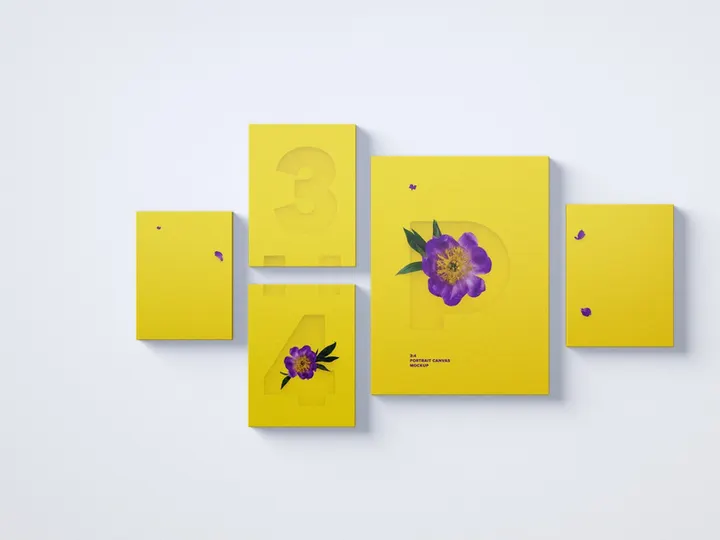

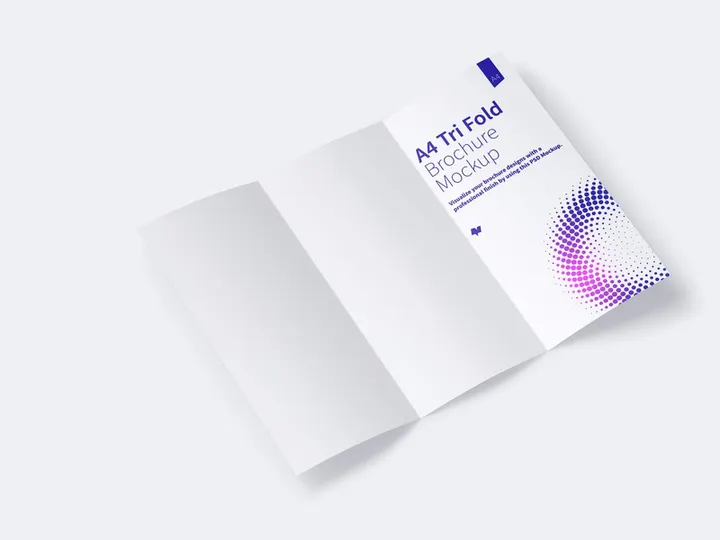
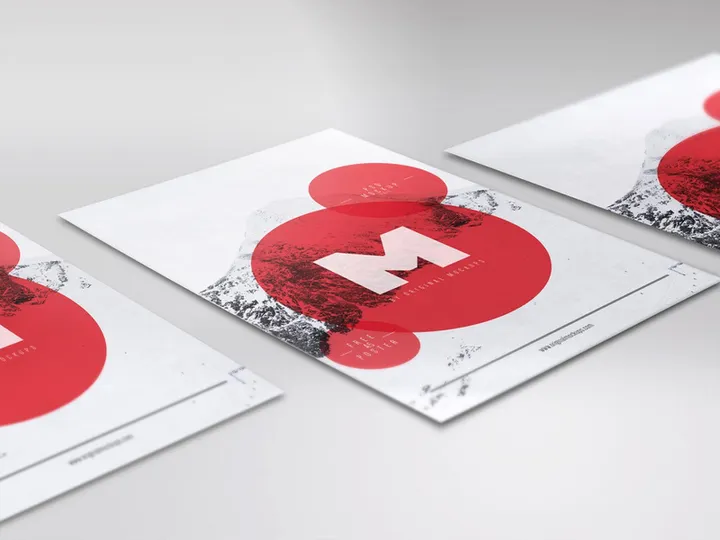
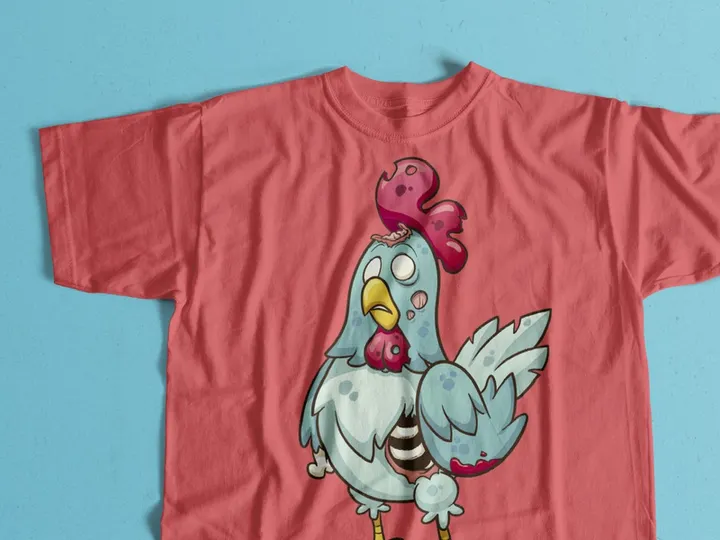
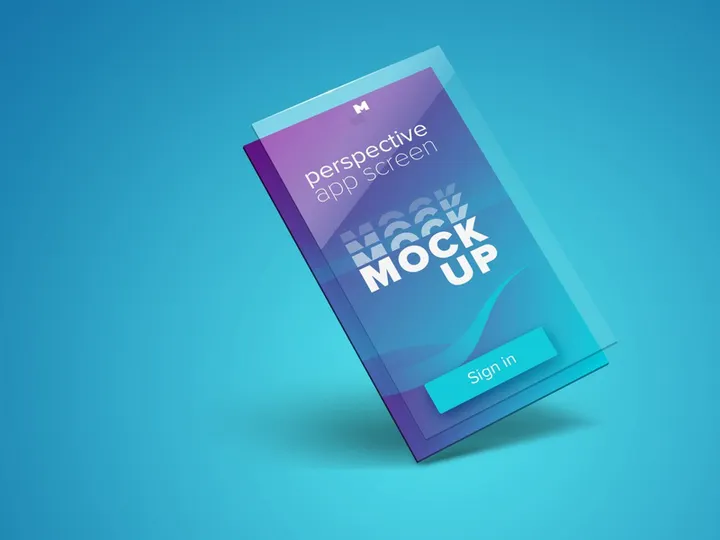
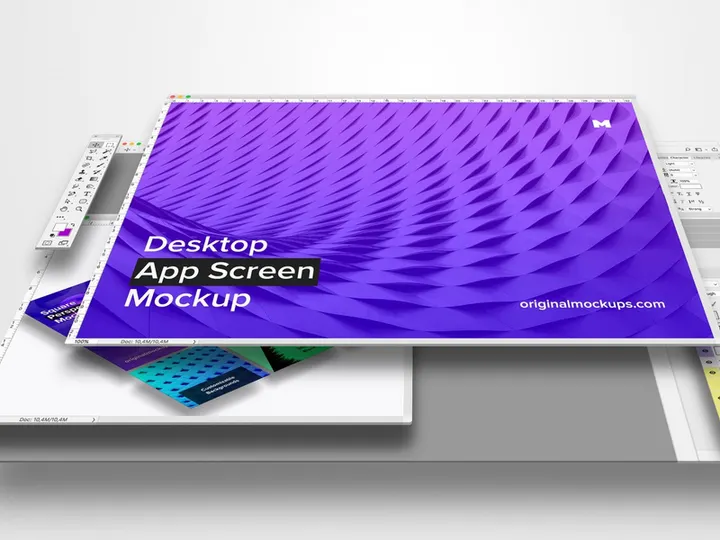

![Premium T-shirt Mockup PSD [Free] preview picture](https://imgproxy.epicpxls.com/xBC8LPAnLB4gw2e8hiAs3puvPusFtqRtUfnnaFw6zcY/rs:fill:720:540:0/g:no/aHR0cHM6Ly9pdGVt/cy5lcGljcHhscy5j/b20vdXBsb2Fkcy9w/aG90by8wNjk0ODdm/MGMwNzJkY2MwN2Rk/N2IwMmFlYWQ3ZDZh/MA.jpg)
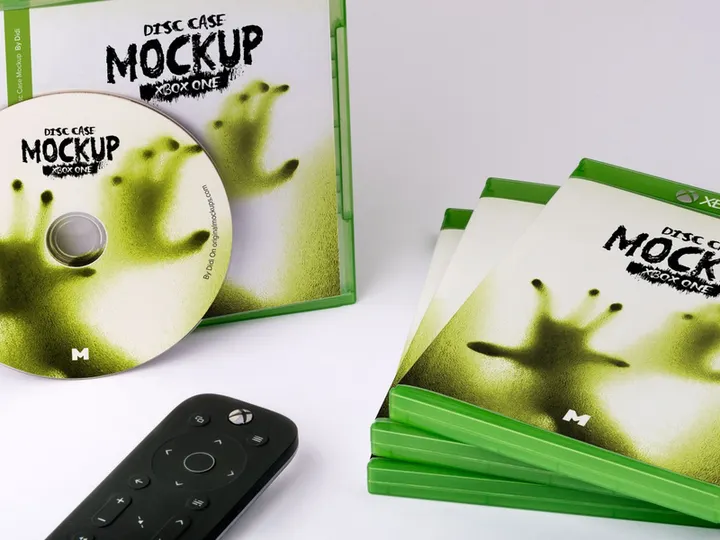
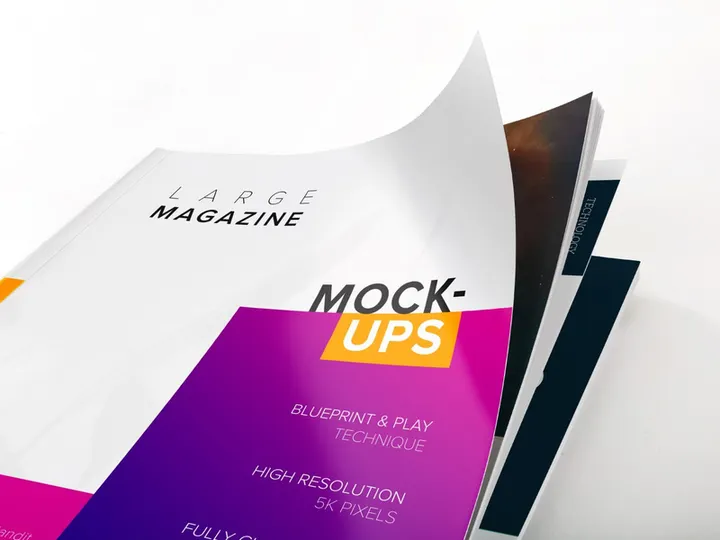
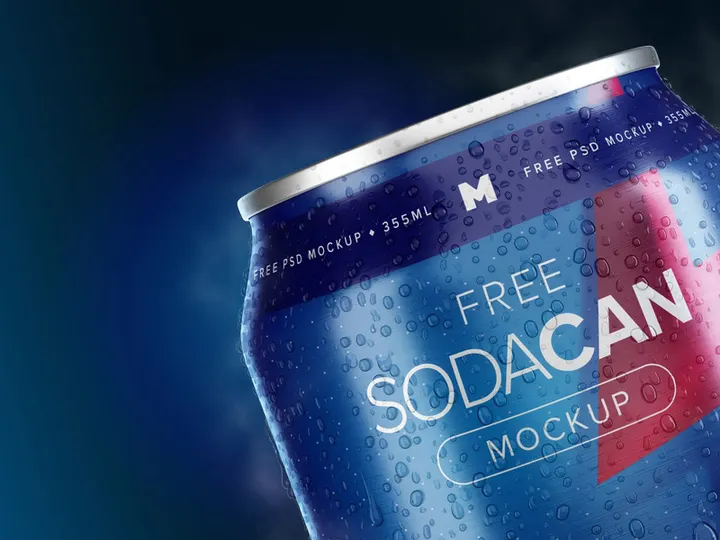
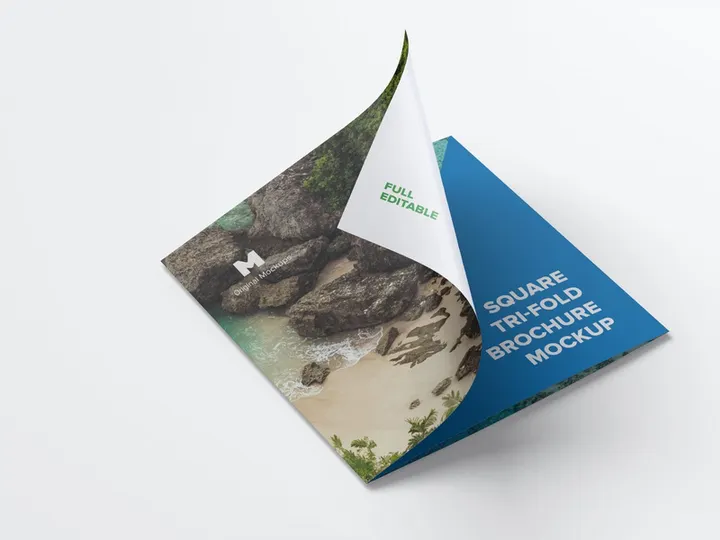
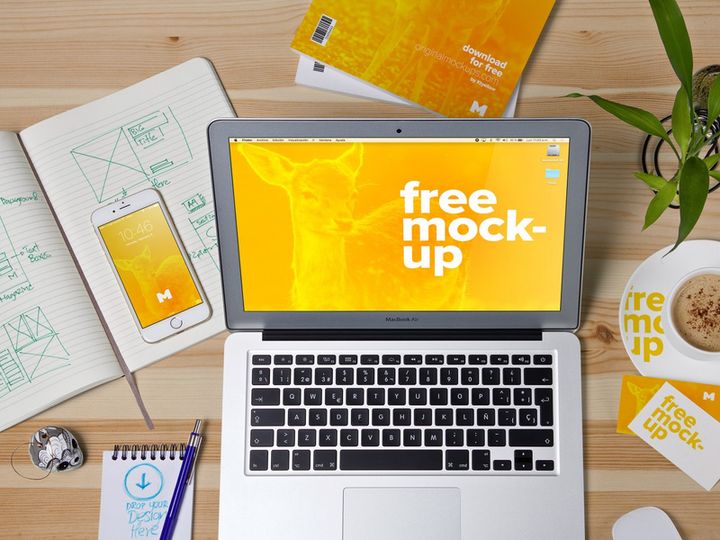
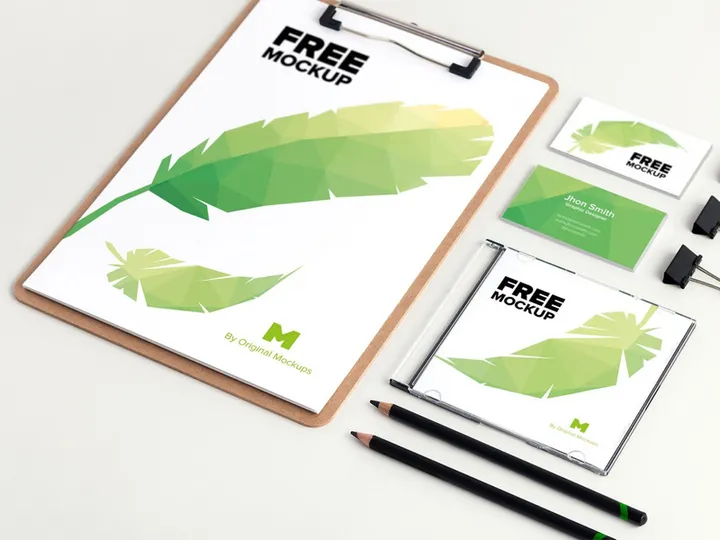
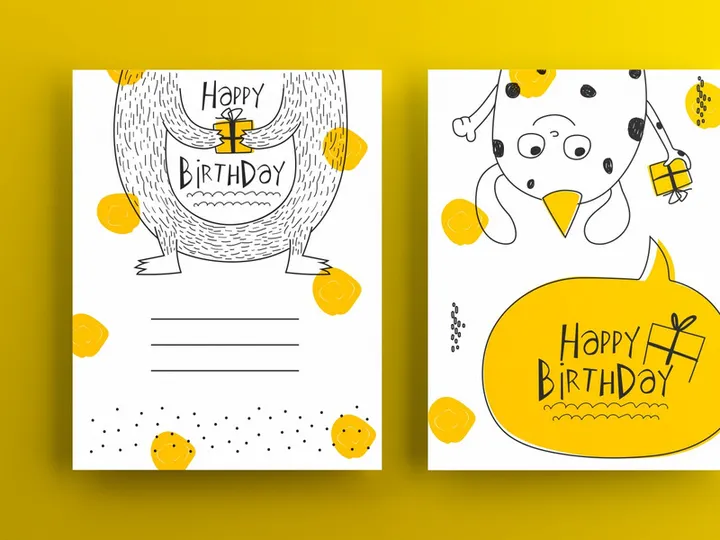
![Guy in a Face Mask Mockup [Free PSD Download] preview picture](https://imgproxy.epicpxls.com/RjSXrMmDbxOkT46vKP2icFylWDJqUEwhjQxC4RilYeI/rs:fill:720:540:0/g:no/aHR0cHM6Ly9pdGVt/cy5lcGljcHhscy5j/b20vdXBsb2Fkcy9w/aG90by9mMzE5NjBl/MzAzMGUxY2FjY2Qx/ZmUwYTY3MTI4ZTA5/Mw.jpg)
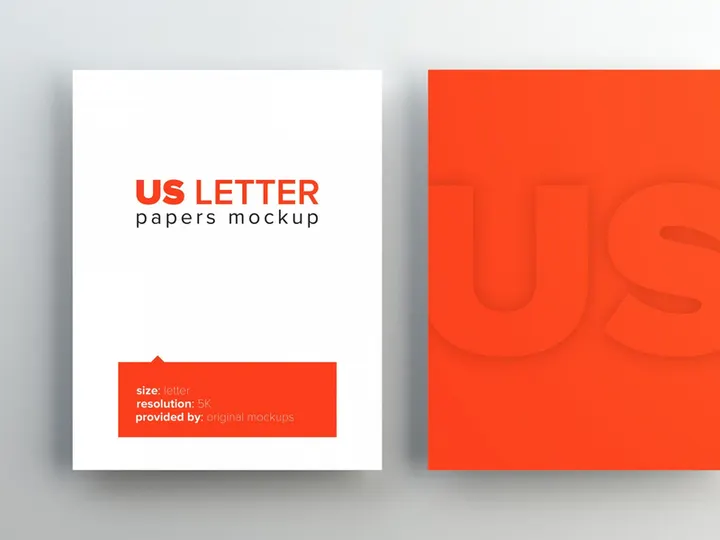
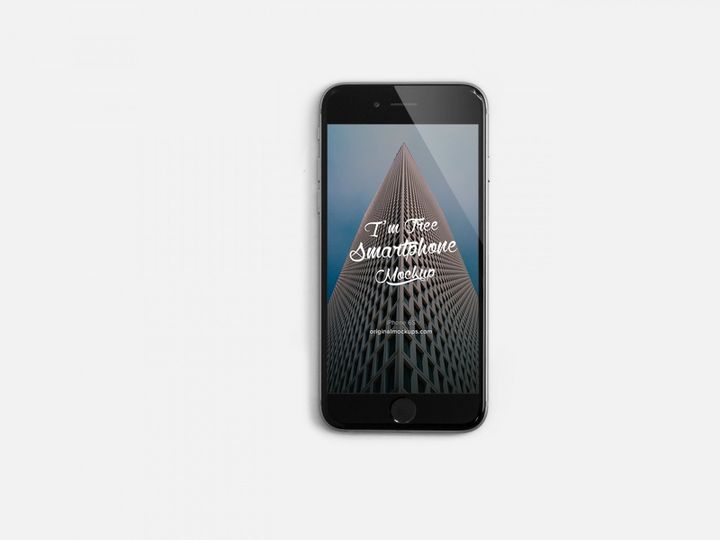
Try Our Free Resources
Download any of these for free - no account required
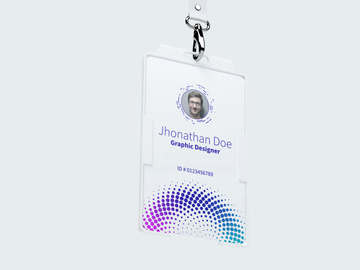
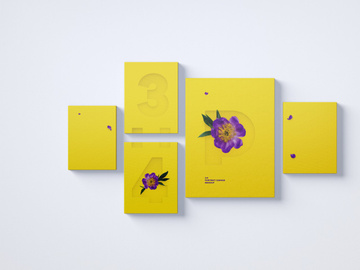
Why HTML for Mockups?
HTML has become a cornerstone in modern design and development workflows, especially when it comes to creating and presenting mockups. Its widespread adoption, flexibility, and compatibility across platforms make it an ideal choice for designers and developers alike. Unlike static image-based mockups, HTML allows for dynamic, interactive prototypes that simulate real user experiences with precision. This interactivity is invaluable during the design phase, enabling stakeholders to click through pages, test navigation flows, and get a true feel for the final product before any backend logic is implemented.
One of the standout features of HTML for mockups is its seamless integration with CSS and JavaScript. This trio empowers creators to build responsive, mobile-ready designs that adapt to various screen sizes and devices. With media queries and flexbox layouts, HTML mockups can accurately reflect how a website will behave in the real world. Additionally, because HTML is text-based and structured, it's easy to version control using tools like Git, making collaboration and iteration more efficient. Designers can quickly update layouts, tweak styles, or add new elements without relying on heavy design software.
At EpicPxls, we recognize the growing demand for high-quality, HTML-compatible mockup resources. That’s why we’ve curated a collection of over 25+ expertly designed mockups that are fully compatible with HTML workflows. These resources range from device frames and wireframe templates to fully interactive UI kits, all structured to plug directly into your development environment. Whether you're building a landing page, a SaaS dashboard, or a mobile app interface, our 25+ resources are vetted for clean code, responsiveness, and ease of integration. By focusing on HTML-first design assets, EpicPxls ensures that your mockup phase is not just about visuals—it's about creating functional, testable prototypes that accelerate your path from concept to launch.
Top Mockups Picks for HTML
With so many mockup resources available, it's essential to choose the right ones that match your skill level, project scope, and budget. To help streamline your selection process, we’ve highlighted standout categories from our curated collection of 25+ HTML-compatible mockups at EpicPxls. These picks are designed to serve a wide range of users—from those just starting out to seasoned professionals looking for advanced functionality—all while maintaining high standards of quality and usability.
Best for Beginners
If you're new to HTML or transitioning from static design tools, starter-friendly mockups can ease your learning curve. Look for resources that include clear documentation, commented code, and modular components. Our beginner category features templates with drag-and-drop structures, pre-built sections like headers and footers, and responsive grids that require minimal customization. These mockups often come with visual guides and compatibility notes, making them perfect for learning best practices while building functional prototypes.
Best for Professionals
For experienced developers and design teams, advanced mockups offer deep customization, integration-ready components, and support for modern frameworks like Bootstrap or Tailwind CSS. These resources often include interactive elements such as dropdowns, modals, sliders, and form validations—all coded in semantic HTML for accessibility and SEO. Many of our professional-grade mockups are optimized for rapid prototyping and come with design tokens, reusable classes, and dark mode support, enabling consistent branding across projects.
Best Free Options
High-quality doesn’t have to mean high cost. EpicPxls offers a selection of free HTML mockups that don’t compromise on functionality or design. These include minimalist wireframes, device mockup templates, and component libraries that are perfect for personal projects, portfolio pieces, or client pitches. While free, each resource is thoroughly reviewed to ensure clean, standards-compliant code and cross-browser compatibility. With over 25+ resources available, including both premium and free options, you’re sure to find the perfect fit for your next design phase.
HTML vs Other Tools for Mockups
When it comes to creating mockups, designers often choose between dedicated design tools like Figma, Sketch, or Adobe XD and code-based approaches using HTML. While visual tools offer intuitive drag-and-drop interfaces and real-time collaboration, HTML provides a more accurate, production-ready representation of the final product. Unlike static designs, HTML mockups reflect actual browser behavior, including responsive breakpoints, typography rendering, and layout flow—critical factors that can be missed in image-based previews.
The HTML ecosystem brings unique advantages, especially for teams working in agile environments. Since HTML mockups are built with the same technologies used in the final website, there's less translation required between design and development. This reduces handoff friction and minimizes discrepancies between prototype and live site. Moreover, HTML supports real interactivity—clickable buttons, hover states, and form behaviors—giving stakeholders a more authentic preview of user experience.
Another key consideration is format compatibility. HTML mockups can be easily shared via a URL, embedded into documentation, or integrated into design systems. They also work seamlessly with version control, allowing teams to track changes, revert to previous versions, and collaborate efficiently. While other tools may export to HTML, native HTML mockups offer greater control and flexibility. At EpicPxls, our 25+ resources are designed to leverage these benefits, ensuring that every mockup is not just visually accurate but functionally robust and ready for real-world testing.
Setting Up Mockups in HTML
Integrating HTML mockups into your workflow is straightforward when you follow a structured approach. Whether you're using a single template or managing a library of components, these six steps will help you import, organize, and begin using your mockup resources effectively.
- Download your chosen mockup from a trusted source like EpicPxls. Ensure the package includes HTML, CSS, and any required assets such as images or fonts.
- Extract the files to a dedicated project folder. Maintain the original directory structure to preserve relative paths and ensure all assets load correctly.
- Review the documentation, if provided. Many of the 25+ resources on EpicPxls include setup guides, dependency lists, and customization tips to help you get started quickly.
- Open the main HTML file in your browser to preview the mockup. Check for any broken links or missing styles, and adjust file paths if necessary.
- Customize the content by editing text, replacing placeholder images, and updating colors or fonts to match your brand. Use semantic HTML tags to maintain accessibility and SEO best practices.
- Integrate into your workflow by linking the mockup to your version control system, sharing it with team members, or embedding it into project documentation for client reviews.
For teams managing large collections, consider creating a naming convention and folder hierarchy based on project type, device, or component category. This makes it easier to locate and reuse mockups later. With proper organization, the 25+ resources available through EpicPxls can become a scalable, long-term asset for your design and development pipeline.
HTML Workflow Tips
Maximizing the value of your HTML mockups requires more than just technical setup—it also involves smart workflow practices. By optimizing how you organize, process, and collaborate around your mockup library, you can dramatically improve efficiency and consistency across projects.
Organizing Mockups Libraries
Keep your mockup resources structured and searchable by categorizing them by use case—such as landing pages, dashboards, or mobile app screens. Use consistent naming conventions (e.g., mockup-ecommerce-home-v2.html) and maintain a master index or README file that describes each mockup’s features and dependencies. Storing your library in a cloud-synced or version-controlled repository ensures backups and easy access for remote teams. EpicPxls recommends tagging resources by responsiveness, framework compatibility, and interactivity level to speed up future selection.
Batch Operations
When working with multiple mockups, batch processing can save significant time. Use tools like Gulp, Webpack, or simple shell scripts to automate repetitive tasks such as image optimization, CSS minification, or HTML validation across your entire library. For example, you can write a script to update the favicon or analytics snippet across all mockup files simultaneously. This approach ensures consistency and reduces manual errors, especially when managing large sets of the 25+ resources available.
Collaboration Best Practices
Effective collaboration starts with clear communication and shared access. Host your HTML mockups on a secure, shared server or use a static site generator to create a live preview gallery for stakeholders. Encourage team members to leave feedback directly in code comments or via integrated tools like GitHub Issues. When using resources from EpicPxls, take advantage of the clean, well-documented structure to onboard new team members quickly. Establish a review process where mockups are tested across browsers and devices before approval, ensuring they meet both design and functional standards.
Why Download from EpicPxls?
Commercial License
Use in personal and commercial projects
No Account Required
Download free resources instantly
Quality Curated
Every resource is reviewed for quality
Preview Files
See Figma and Photoshop files before downloading
Who Uses These Mockups?
Professionals and teams who benefit most from our collection
UI/UX Designers
Speed up your workflow with ready-to-use mockups for HTML. Perfect for prototyping and client presentations.
Developers
Get production-ready assets without design skills. Export in any format for web and mobile apps.
Startups & Agencies
Save design budget with affordable premium mockups. Commercial license included for client work.
Marketing Teams
Create professional campaigns faster. All mockups are optimized for social media and ads.
Mockups for HTML FAQCommon questions about these resources
Simple, Transparent Pricing
Get unlimited access to all premium resources
Yearly
- 20 downloads per month
- All file formats
- Commercial license
Lifetime
- Unlimited downloads forever
- All file formats
- Commercial license
Ready to Get Started?
Access 4,441+ free design resources today.
Browse Free ResourcesView Premium PlansEarn 85% and
more on all sales
Upload your products and put them up
for sale at whatever price you want.


