Mockups for Socials: 40+ Resources
EpicPxls offers 40+ curated mockups, all with a commercial license and editable source files (Figma, Sketch, PSD). Purpose-built mockups for social projects save time and ensure professional results with design elements tailored to social requirements.
Last updated February 13, 2026
Discover 40+ mockups ideal for social design projects.
Trusted by designers at leading companies
Top Mockups
Handpicked resources from our curated collection
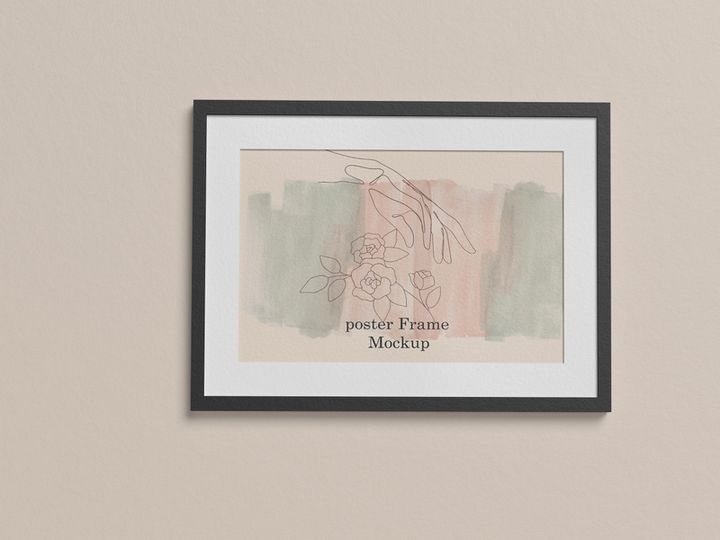
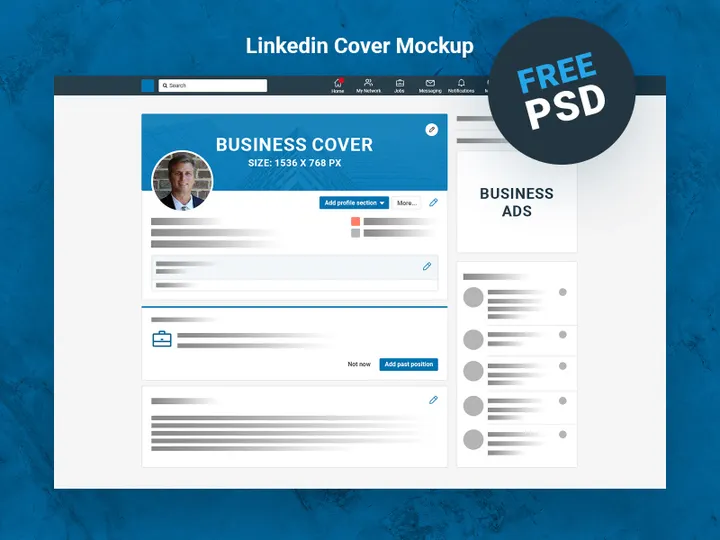
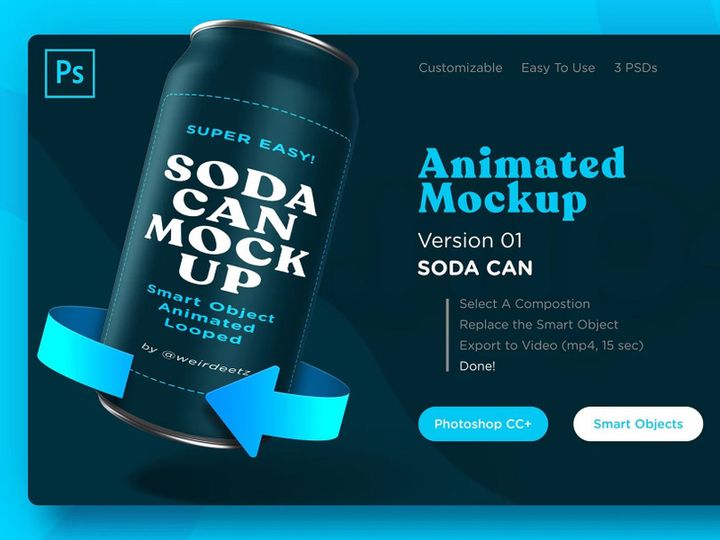
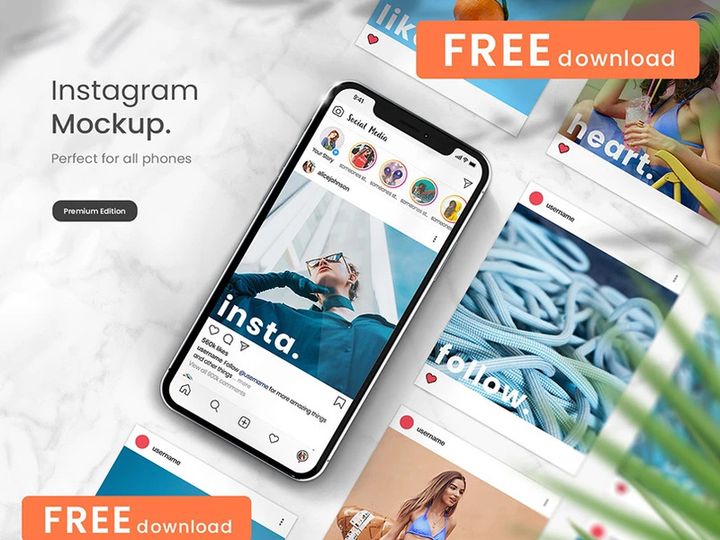








Try Our Free Resources
Download any of these for free - no account required
Why Mockups for Social Projects?
Creating compelling visual content for social media is no longer optional—it's essential for brands, entrepreneurs, and creatives aiming to stand out in crowded digital spaces. The use of mockups in social design projects has become a game-changer, streamlining the process of turning concepts into polished, professional visuals. Pre-made mockups significantly accelerate the design workflow by offering ready-to-use, high-quality frames that simulate real-world applications of digital content. Instead of building scenes from scratch, designers can insert their graphics into realistic contexts like smartphones, tablets, laptops, or lifestyle environments, instantly enhancing the presentation of their work.
Social design projects come with unique requirements: fast turnaround times, platform-specific dimensions, and a need for high engagement. Whether designing for Instagram carousels, TikTok thumbnails, Facebook banners, or Pinterest pins, consistency and visual appeal are crucial. Mockups help meet these demands by providing a professional scaffold for content, ensuring designs look authentic and contextually appropriate. They allow designers to showcase their work in relatable scenarios—like someone scrolling through a phone on a park bench or viewing a post on a glowing laptop screen—making the content more persuasive and impactful.
At EpicPxls, we understand the importance of efficiency and quality in social media design. That’s why we’ve curated a collection of over 40 meticulously crafted mockups specifically tailored for social projects. Each resource is selected for its realism, adaptability, and ease of use, ensuring designers can focus on creativity rather than technical setup. From device frames to lifestyle scenes, our 40+ resources empower social designers to deliver stunning visuals quickly and consistently. With intuitive smart layers, customizable lighting, and diverse settings, EpicPxls makes it simple to produce content that resonates with audiences and reflects brand identity with precision.
What Social Designers Need
Essential Mockups Types
Social media designers rely on a variety of mockup types to bring their content to life. The most common include smartphone screen mockups, which are vital for showcasing Instagram posts, Stories, and Reels. Tablet and laptop mockups are ideal for previewing longer-form content or desktop-based social campaigns. Beyond screens, lifestyle mockups—featuring people using devices in natural settings—add authenticity and emotional appeal. Other essential types include social media template mockups (for ads or promotional graphics), flat lay compositions, and 3D device renders that offer dynamic angles and depth. These varied mockup types ensure that every social design element can be presented in the most engaging way possible.
Format Requirements
For seamless integration into social design workflows, mockups should come in editable formats that support quick customization. PSD (Photoshop) files are the gold standard, especially when they include smart object layers that allow designers to insert their artwork with a simple double-click. This non-destructive editing method saves time and preserves quality. Additionally, mockups available in layered PNG or AI (Illustrator) formats can be useful for vector-based designs or when working across different software. High-resolution JPEG or PNG previews are also valuable for quick client presentations or portfolio use. Compatibility with widely used design tools ensures that the 40+ resources on EpicPxls can be used by a broad range of creatives, regardless of their preferred platform.
Quality Standards
Not all mockups deliver the same level of professionalism. Social-ready mockups should meet high quality standards to ensure the final design looks polished and credible. First, resolution is key—mockups should be at least 300 DPI to maintain sharpness across digital and potential print uses. Realistic lighting and shadows are equally important; they help integrate the inserted design seamlessly into the scene. Attention to detail, such as accurate screen reflections, realistic device textures, and natural environmental context, enhances believability. Additionally, well-organized layers and clear instructions make a mockup more user-friendly. At EpicPxls, each of the 40+ resources undergoes strict quality checks to ensure they meet these standards, giving designers confidence in every project they create.
Social Design Project Walkthrough
- Define Your Social Campaign Goals: Begin by identifying the platform, target audience, and key message of your social design project. Whether it’s a product launch on Instagram or a LinkedIn awareness campaign, clarity at this stage guides your design choices and mockup selection.
- Select Appropriate Mockups from Your Library: Browse through curated collections like the 40+ resources available at EpicPxls to find mockups that match your campaign’s tone. For mobile-first content, prioritize smartphone or Stories mockups. For brand storytelling, choose lifestyle or flat lay scenes that reflect your audience’s environment.
- Customize the Mockup Using Smart Objects: Open your chosen PSD file in Photoshop and locate the smart object layer. Double-click it, insert your design (such as a post image or video thumbnail), save, and watch it automatically render into the mockup with correct perspective and lighting.
- Adjust Lighting and Color to Match Branding: Fine-tune shadows, brightness, and color balance to ensure your inserted design blends naturally with the mockup environment. This step is crucial for maintaining visual consistency, especially when combining multiple assets.
- Combine Multiple Mockups for a Cohesive Series: Use a mix of device angles and settings—such as a close-up phone shot alongside a person using a tablet—to create visual variety while maintaining a unified style. Align fonts, color schemes, and composition across all images to strengthen brand recognition.
- Export and Optimize for Social Platforms: Once your designs are finalized, export them in the correct formats and dimensions for each platform. Use JPEG or PNG for static posts and ensure file sizes are optimized for quick loading without sacrificing quality. Save layered files for future edits and deliver client-ready visuals with confidence.
By following this six-step workflow, designers can efficiently produce professional-grade social content. Using high-quality mockups allows for rapid iteration and experimentation, making it easier to test different concepts before final delivery. Combining multiple mockups from a consistent library—such as the 40+ resources at EpicPxls—ensures a dynamic yet unified visual narrative across all social touchpoints.
Social Design Workflow Tips
Speed Up Your Process
Time is a precious commodity in social media design, where trends shift rapidly and content calendars demand constant output. One of the most effective ways to speed up your workflow is by leveraging pre-made mockups. Instead of spending hours setting up scenes, adjusting perspectives, or rendering 3D models, you can insert your designs into ready-to-use templates in minutes. Smart object functionality in PSD files allows for instant updates across multiple mockups—ideal when iterating on campaign visuals. Organizing your most-used mockups into a dedicated folder or design system further reduces search time. With the 40+ resources available at EpicPxls, you can build a fast, repeatable workflow that keeps pace with the demands of modern social media.
Maintain Consistency
Consistency is the backbone of strong brand identity on social media. When using multiple mockups across a campaign, it’s important to maintain a cohesive look and feel. Start by selecting mockups from the same style family—such as those with similar lighting, color temperature, or background themes. Stick to a defined color palette and typography system across all inserted designs. Use the same filters or adjustment layers across different scenes to unify the visual tone. When combining device mockups with lifestyle shots, ensure the devices appear consistent in size, angle, and screen content style. By curating your mockup selections from a single reliable source like EpicPxls, you naturally benefit from stylistic harmony across the 40+ resources, making brand consistency easier to achieve.
Client Presentation
How you present your social designs can be just as important as the designs themselves. Clients often lack the technical background to visualize how a flat image will appear in real-world use. Mockups bridge this gap by showing designs in context—on a phone screen in someone’s hand, or glowing on a laptop during a coffee break. This realism builds confidence and helps clients understand the impact of the design. When presenting, compile your mockups into a clean, branded presentation or PDF. Include captions that explain the platform, purpose, and target audience for each image. High-resolution renders from professional mockups make your work look polished and credible, reinforcing your expertise. With the high-quality, presentation-ready assets from EpicPxls, you’re equipped to impress clients and secure approvals with minimal revision cycles.
Social Design Inspiration
Staying inspired is crucial for producing fresh, engaging social content. Currently, top trends in social design include minimalist layouts with bold typography, authentic lifestyle imagery, and motion-infused static designs that suggest video or animation. Brands are favoring natural, unposed settings that reflect real user behavior—like someone laughing while viewing a meme on their phone or a remote worker checking notifications on a tablet. These human-centered visuals create emotional connections and drive higher engagement. Another growing trend is the use of cohesive visual series, where multiple posts form a narrative or visual pattern across a feed, often enhanced by consistent mockup styles.
Leading designers approach social projects with a strategic mindset, treating each post as part of a larger brand story. They use mockups not just for presentation, but as creative tools to test compositions, evaluate color contrast, and simulate user experience. By placing designs in real-world contexts early in the process, they gain valuable insights that inform iterations. Inspiration can come from curated design galleries, social media itself, or platforms like EpicPxls, where the 40+ resources are not only practical tools but also sources of visual ideas. Exploring diverse mockup styles—such as neon-lit screens, outdoor scenes, or studio setups—can spark new directions for your own projects.
To elevate your social design work, invest in resources that combine functionality with aesthetic appeal. The mockups available at EpicPxls are designed with both utility and inspiration in mind, helping you stay ahead of trends while maintaining professional standards. Whether you’re crafting a single hero post or an entire campaign, these 40+ resources provide the foundation for stunning, impactful social media visuals that resonate with audiences and reflect your creative vision.
Why Download from EpicPxls?
Commercial License
Use in personal and commercial projects
No Account Required
Download free resources instantly
Quality Curated
Every resource is reviewed for quality
Preview Files
See Figma and Photoshop files before downloading
Who Uses These Mockups?
Professionals and teams who benefit most from our collection
UI/UX Designers
Speed up your workflow with ready-to-use mockups for design tools. Perfect for prototyping and client presentations.
Developers
Get production-ready assets without design skills. Export in any format for web and mobile apps.
Startups & Agencies
Save design budget with affordable premium mockups. Commercial license included for client work.
Marketing Teams
Create professional campaigns faster. All mockups are optimized for social media and ads.
Mockups FAQCommon questions about these resources
Simple, Transparent Pricing
Get unlimited access to all premium resources
Yearly
- 20 downloads per month
- All file formats
- Commercial license
Lifetime
- Unlimited downloads forever
- All file formats
- Commercial license
Ready to Get Started?
Access 4,441+ free design resources today.
Browse Free ResourcesView Premium PlansEarn 85% and
more on all sales
Upload your products and put them up
for sale at whatever price you want.


