Apps for Adobe XD: 281+ Resources
EpicPxls offers 200+ curated apps for Adobe XD, all with a commercial license and editable source files (Figma, Sketch, PSD). We have 200+ apps compatible with Adobe XD, tested and verified for seamless integration.
Last updated February 12, 2026
Discover 281+ handpicked apps for Adobe XD.
Trusted by designers at leading companies
Top Apps for Adobe XD
Handpicked resources from our curated collection

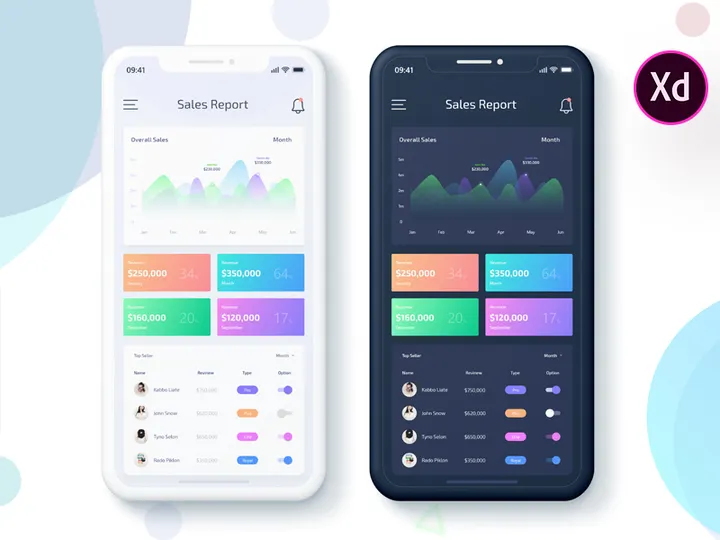
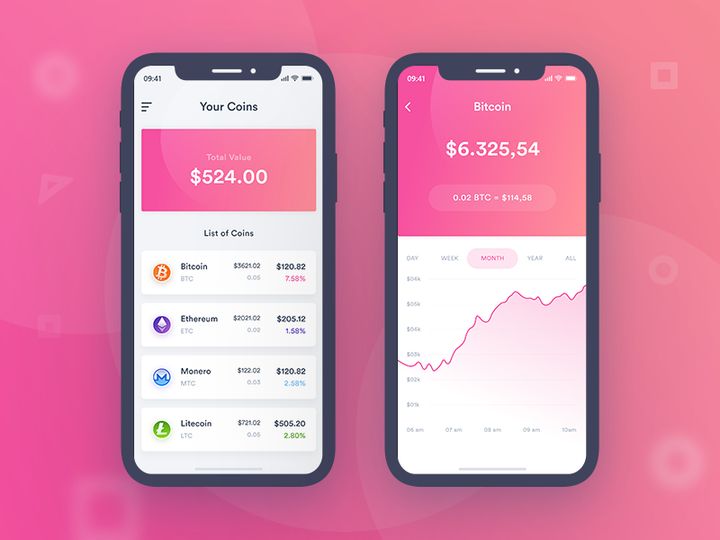

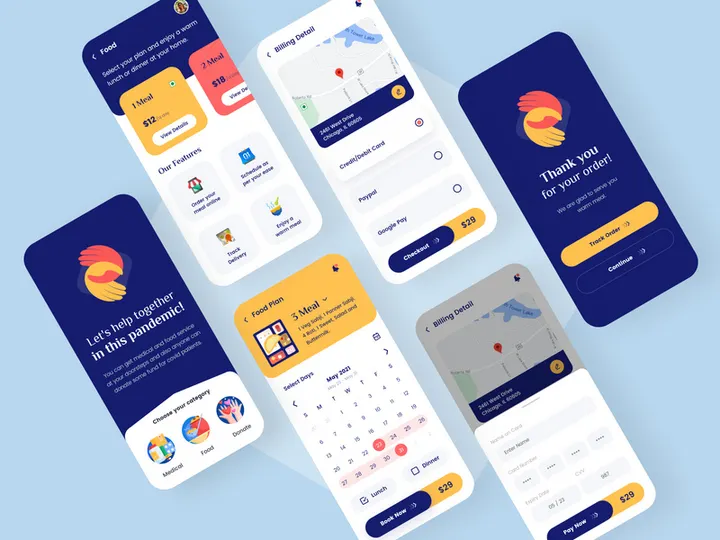

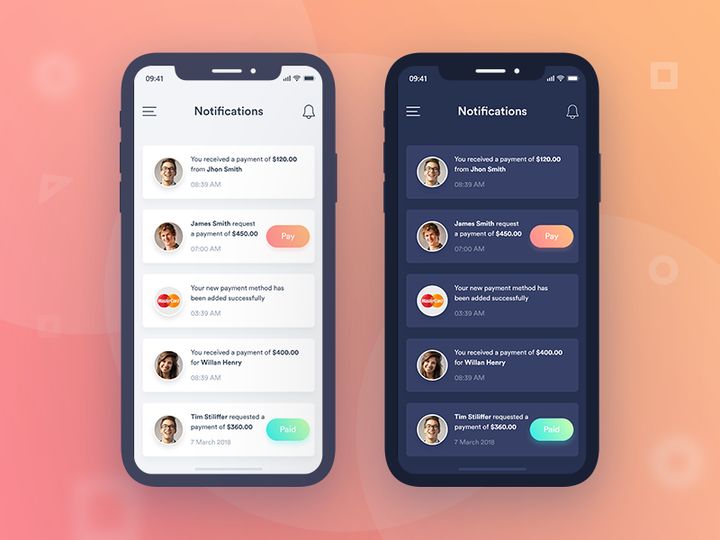



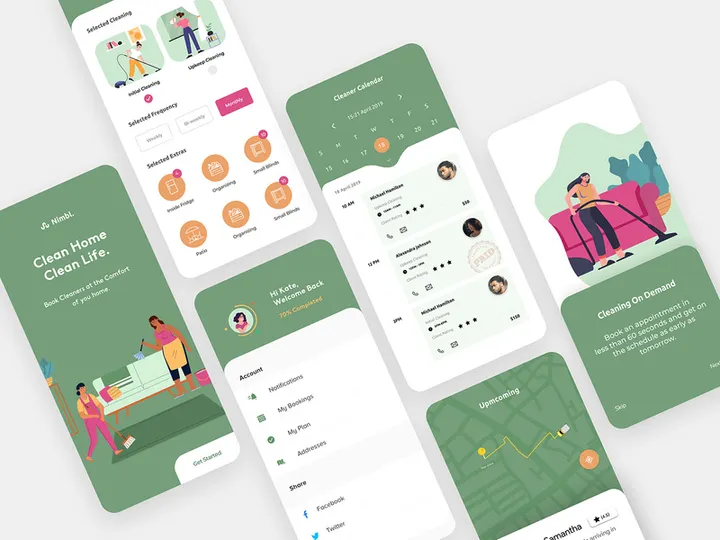
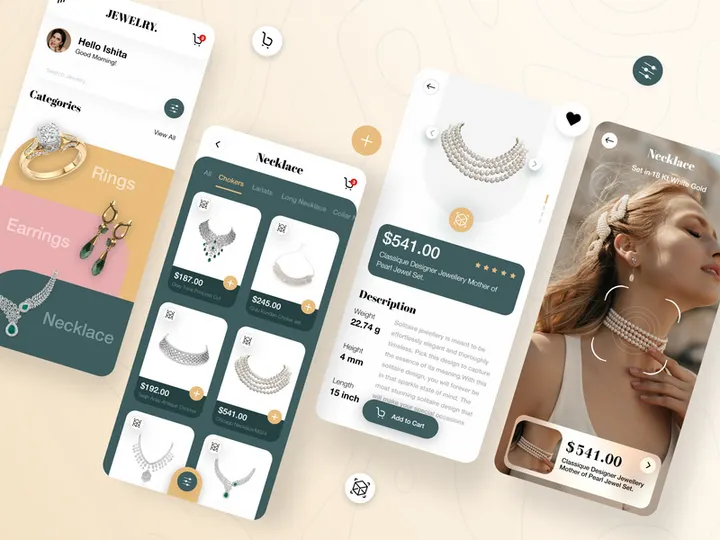
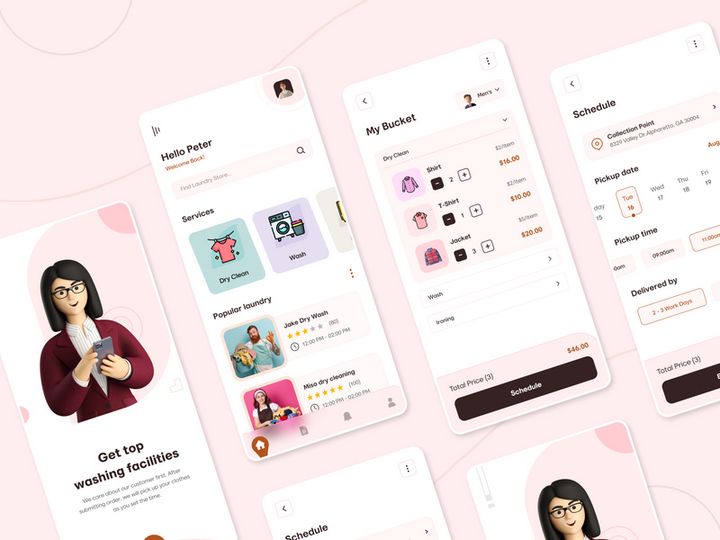
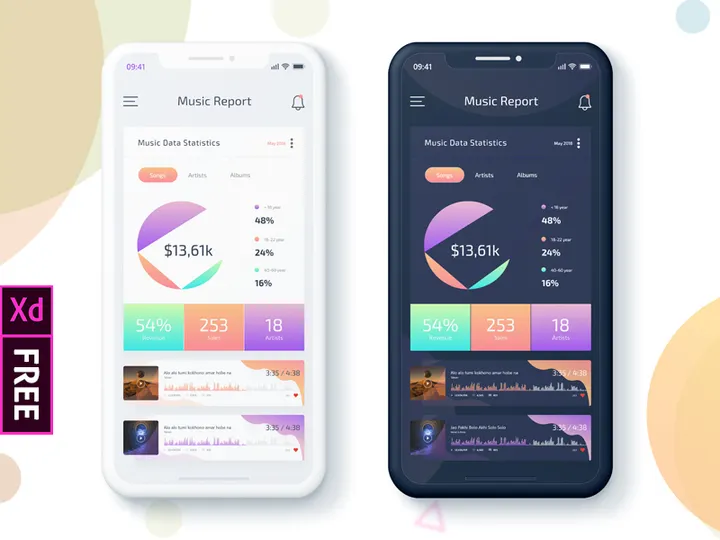
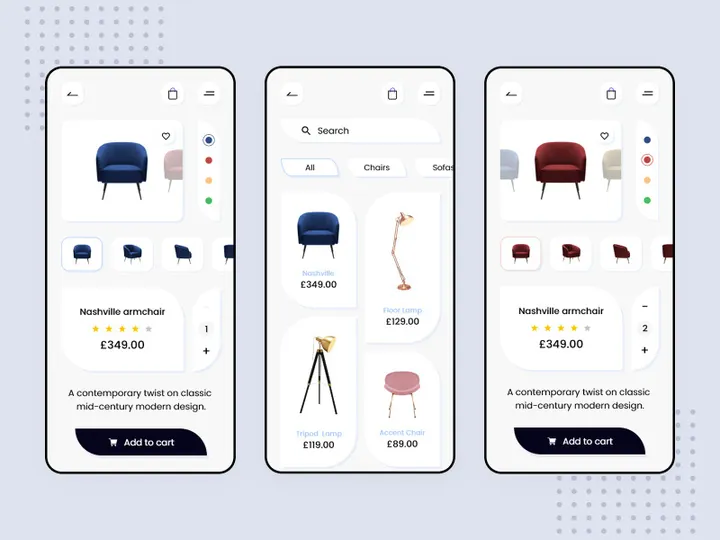
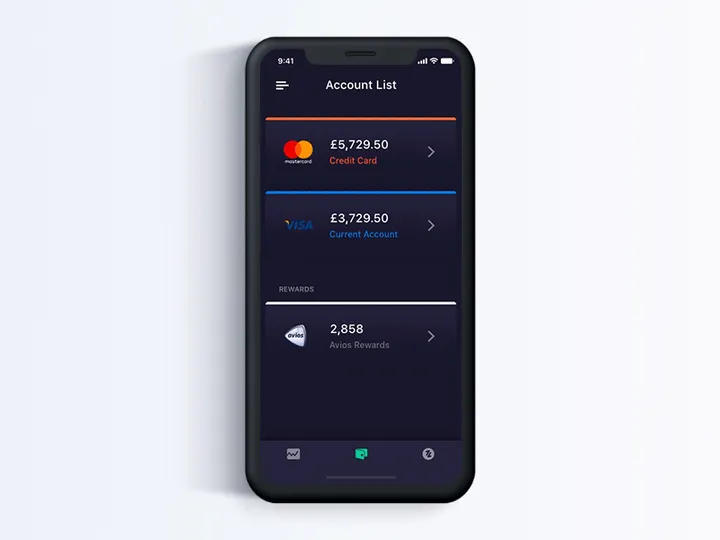
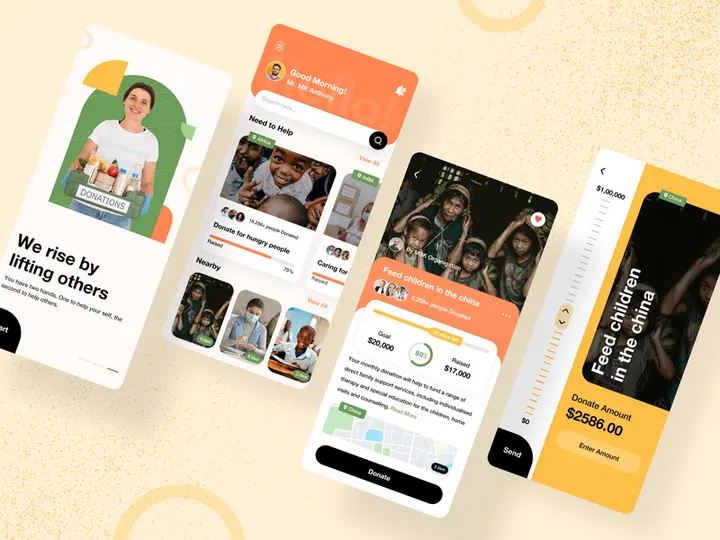

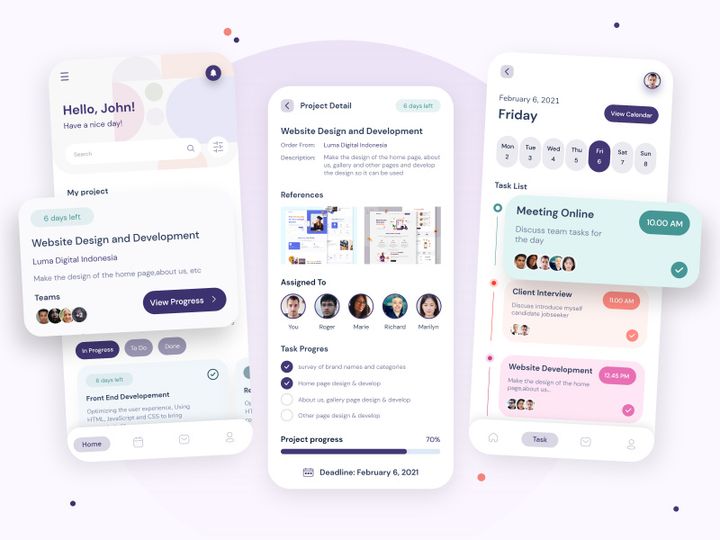
Try Our Free Resources
Download any of these for free - no account required
Why Adobe XD for Apps?
Adobe XD has rapidly become a go-to platform for app designers seeking a streamlined, powerful, and intuitive environment for creating digital experiences. Its vector-based design capabilities, responsive resizing, and robust prototyping tools make it an ideal choice for crafting mobile and web applications from concept to high-fidelity prototype. With built-in features like auto-animate, voice prototyping, and repeat grids, Adobe XD simplifies the process of turning static designs into interactive user experiences that accurately reflect how an app will behave in real-world use.
One of the standout benefits of using Adobe XD for apps is its seamless integration within the Adobe Creative Cloud ecosystem. Designers can easily import assets from Photoshop and Illustrator, maintain consistent typography and color themes, and sync design systems across teams using Creative Cloud Libraries. This interconnected workflow reduces friction and ensures design consistency—critical factors when developing complex app interfaces. Additionally, XD supports both iOS and Android design guidelines, allowing teams to create platform-specific UIs while maintaining a single source of truth.
Another reason Adobe XD stands out is its growing community and plugin ecosystem. Thousands of developers and designers contribute resources that extend XD’s native capabilities, from UI kits and icon sets to design systems and data-population tools. At EpicPxls, we recognize the importance of curated, high-quality content in accelerating design workflows. That’s why our collection includes 281+ resources specifically tailored for Adobe XD app development. Each resource is tested for compatibility, usability, and design integrity, ensuring that users can rely on them to enhance their projects without sacrificing quality or performance. Whether you're designing a fitness tracker, a social media app, or an enterprise dashboard, Adobe XD provides the tools—and EpicPxls delivers the assets—you need to bring your vision to life efficiently and beautifully.
Top Apps Picks for Adobe XD
With a vast ecosystem of plugins, UI kits, and design assets, navigating the best resources for Adobe XD can be overwhelming. To help streamline your search, we’ve curated a selection of top-tier apps and tools that cater to different experience levels and project needs. From beginner-friendly templates to professional-grade systems, these picks are drawn from our extensive library of 281+ resources to ensure relevance, functionality, and design excellence.
Best for Beginners
If you're just starting out with Adobe XD, simplicity and clarity are key. Look for well-documented UI kits with intuitive layer structures and comprehensive guides. Resources like mobile app templates for e-commerce, wellness, or productivity apps offer a solid foundation. Many beginner-friendly options include pre-built screens, reusable components, and interactive prototypes that demonstrate navigation flows. These kits help new users understand layout principles, spacing, and component usage without starting from scratch. At EpicPxls, we prioritize beginner-accessible tools that include tooltips, naming conventions, and step-by-step setup instructions to reduce the learning curve.
Best for Professionals
Experienced designers benefit from advanced, scalable resources that support complex workflows. Premium design systems, modular component libraries, and dark mode UI kits are ideal for enterprise-level projects. These tools often feature variant components, responsive breakpoints, and integrated design tokens for typography and color. Professional-grade plugins also allow for dynamic data population, design versioning, and developer handoff optimization. Resources in this category are meticulously organized, follow atomic design principles, and are compatible with team-based collaboration features in Adobe XD. The EpicPxls collection includes numerous professional tools that integrate seamlessly into agile design pipelines.
Best Free Options
High-quality free resources are abundant in the Adobe XD community, and they're perfect for testing ideas, building portfolios, or launching MVPs on a budget. Many free UI kits cover popular app categories like finance, travel, and social networking. While they may have fewer screens than premium versions, they still maintain strong visual design and usability standards. Look for free offerings that include symbol libraries, icon sets, and basic interactions. EpicPxls carefully vets its free resources to ensure they meet performance and aesthetic benchmarks, making them reliable choices even for commercial projects. With over 281+ resources available, including a robust selection of no-cost tools, designers can access professional-grade assets without financial commitment.
Adobe XD vs Other Tools for Apps
When designing apps, choosing the right tool can significantly impact efficiency, collaboration, and output quality. Adobe XD is uniquely positioned as a purpose-built solution for end-to-end app design, combining vector editing, prototyping, and collaboration in a single platform. Unlike general-purpose design tools, XD is optimized for user experience workflows, enabling designers to create interactive prototypes with transitions, gestures, and micro-interactions that closely mimic real app behavior.
One of Adobe XD’s greatest strengths lies in its ecosystem integration. With direct access to Creative Cloud Libraries, designers can maintain consistent branding elements—such as colors, character styles, and components—across multiple projects. This tight integration streamlines the design-to-development pipeline and reduces inconsistencies. Additionally, XD’s plugin architecture allows for deep customization, enabling teams to automate repetitive tasks and extend functionality based on project needs.
Another critical advantage is format compatibility. Adobe XD files (.xd) support high-fidelity exports in multiple formats (PNG, SVG, PDF, etc.), making it easy to share assets with developers and stakeholders. The tool also supports design specs that can be viewed directly in the browser, facilitating smoother handoffs. Compared to other platforms, Adobe XD offers a balanced blend of creative freedom and technical precision, especially when working with curated resources. With 281+ resources available through trusted providers like EpicPxls, designers gain access to pre-optimized assets that are tested for compatibility, performance, and scalability—ensuring a frictionless experience from concept to delivery.
Setting Up Apps in Adobe XD
Getting started with app design resources in Adobe XD is straightforward, especially when leveraging curated collections like those offered by EpicPxls. Whether you're installing a plugin, importing a UI kit, or integrating a design system, following a structured setup process ensures your workspace remains organized and efficient. Here’s a step-by-step guide to help you import, organize, and begin using your Adobe XD app resources effectively.
- Download the Resource: Begin by downloading your chosen app resource from a trusted source. If it’s a plugin, install it directly from the Adobe XD Plugin Manager. For UI kits or templates, download the .xd file or zip archive from the provider’s site.
- Import into Adobe XD: Open Adobe XD and go to File > Open to import .xd files. For zip files containing assets, extract them first, then drag and drop the .xd file into XD or use the Open dialog.
- Explore the Structure: Once imported, review the artboard organization, layer naming, and component hierarchy. Well-structured resources will group related screens (e.g., Onboarding, Dashboard, Settings) and use consistent naming conventions.
- Save to Creative Cloud Library: If the resource includes reusable components, colors, or character styles, add them to your Creative Cloud Library for easy access across projects. Right-click on assets and select "Add to Creative Cloud Library."
- Customize for Your Project: Duplicate artboards and begin modifying text, images, and colors to suit your app’s brand and functionality. Use XD’s responsive resize and constraints to adapt layouts for different screen sizes.
- Organize for Scalability: Create folders in your document or library to categorize components (e.g., Buttons, Cards, Navigation). This makes it easier to manage large collections, especially when working with 281+ resources across multiple projects.
Tips for managing large collections include using clear naming schemes, versioning your files, and periodically auditing unused assets to keep your workspace lean. With proper setup, even the most extensive resource libraries remain intuitive and productive.
Adobe XD Workflow Tips
Maximizing your efficiency in Adobe XD involves more than just knowing where tools are—it’s about building smart, repeatable workflows that scale with your projects. Whether you're working solo or with a team, applying these best practices will help you maintain consistency, reduce redundancy, and accelerate delivery times. These tips are especially valuable when leveraging expansive libraries like the 281+ resources curated by EpicPxls.
Organizing Apps Libraries
Effective library management is the backbone of a smooth design workflow. Create dedicated Creative Cloud Libraries for each project or app category (e.g., Finance App, Health Tracker). Populate these with branded colors, typography styles, icons, and component variants. Use clear, descriptive names—like "Btn/Primary/Disabled"—to make assets easy to find. When using third-party resources from EpicPxls, consider importing only the components you need to avoid clutter. Regularly sync and back up your libraries to ensure consistency across devices and team members.
Batch Operations
When working with multiple screens or components, batch editing saves significant time. Use XD’s "Rename Multiple" feature to standardize layer names across artboards. Leverage component overrides to update text or images across several instances simultaneously. For repetitive tasks like resizing or aligning elements, consider using plugins that support batch processing. If you're applying a design update across dozens of screens from a UI kit, master components allow you to make a single change that propagates everywhere. This is particularly useful when adapting large collections of 281+ resources to match new branding or functionality.
Collaboration Best Practices
Adobe XD supports real-time co-editing and commenting, making it ideal for team-based app development. Share your design files via the cloud link and set permissions appropriately. Encourage team members to use pinned comments for actionable feedback and resolve threads once addressed. When integrating external resources—such as those from EpicPxls—ensure all team members have access to the same libraries and plugins. Maintain a shared documentation file (linked in the XD comment section) that explains component usage, design tokens, and project goals. This ensures alignment and reduces miscommunication, especially in distributed teams.
Why Download from EpicPxls?
Commercial License
Use in personal and commercial projects
No Account Required
Download free resources instantly
Quality Curated
Every resource is reviewed for quality
Preview Files
See Figma and Photoshop files before downloading
Who Uses These Apps?
Professionals and teams who benefit most from our collection
UI/UX Designers
Speed up your workflow with ready-to-use apps for Adobe XD. Perfect for prototyping and client presentations.
Developers
Get production-ready assets without design skills. Export in any format for web and mobile apps.
Startups & Agencies
Save design budget with affordable premium apps. Commercial license included for client work.
Marketing Teams
Create professional campaigns faster. All apps are optimized for social media and ads.
Apps for Adobe XD FAQCommon questions about these resources
Simple, Transparent Pricing
Get unlimited access to all premium resources
Yearly
- 20 downloads per month
- All file formats
- Commercial license
Lifetime
- Unlimited downloads forever
- All file formats
- Commercial license
Ready to Get Started?
Access 4,441+ free design resources today.
Browse Free ResourcesView Premium PlansEarn 85% and
more on all sales
Upload your products and put them up
for sale at whatever price you want.


