Animation: 86+ Design Resources
EpicPxls offers 86+ curated animation, all with a commercial license and editable source files (Figma, Sketch, PSD). We have 86+ animation available, with new additions added regularly by our community of designers.
Last updated February 12, 2026
Discover 86+ handpicked animation from top designers.
Trusted by designers at leading companies
Top Animation
Handpicked resources from our curated collection




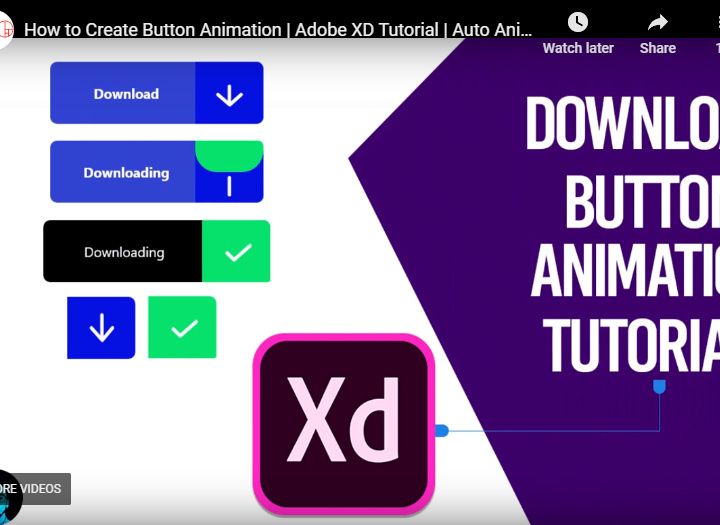
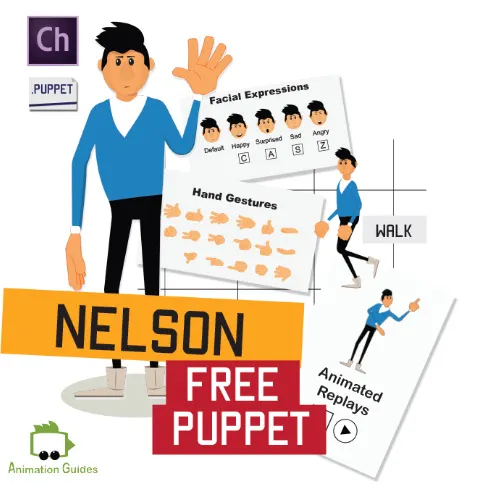





Try Our Free Resources
Download any of these for free - no account required


Browse Animation
At EpicPxls, our Animation category brings together a dynamic collection of over 86 high-quality design resources tailored for creatives across industries. From sleek motion graphics and animated icons to full UI animation kits and explainer video templates, this directory offers a versatile toolkit for designers, developers, and digital storytellers. Whether you're crafting an engaging website, building an interactive mobile app, or producing compelling marketing content, our curated selection ensures you’ll find the perfect animated element to elevate your project.
All resources in the Animation collection are created by skilled designers and animation specialists who adhere to strict quality standards. Each asset undergoes a thorough review process to ensure it meets technical precision, visual consistency, and usability benchmarks. Files are optimized for performance, come with clear layer structures, and are compatible with popular design tools. We prioritize resources that are not only visually compelling but also practical for real-world design workflows.
The collection of 86+ items is continuously curated based on user demand, emerging design trends, and technological advancements in animation software. We focus on diversity—offering a range of styles, formats, and complexity levels—so both beginners and professionals can benefit. At EpicPxls, we believe that great animation should be accessible, which is why we regularly update the directory with fresh, innovative assets that reflect the evolving needs of the creative community. With intuitive categorization and detailed previews, discovering the right animation resource has never been easier.
What's Trending in Animation
Popular Styles in 2026
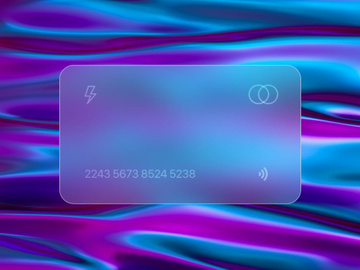
In 2026, animation design continues to embrace minimalism with a focus on micro-interactions and fluid transitions. Designers are gravitating toward soft, organic motion with natural easing curves that enhance user experience without overwhelming the interface. Glassmorphism, combined with subtle parallax effects, remains a favorite for modern web and app design, while kinetic typography brings headlines and call-to-actions to life with expressive movement. Additionally, isometric animations and 3D-inspired 2D illustrations are gaining momentum, especially in dashboard interfaces and educational content. These styles reflect a broader shift toward functional beauty—animation that’s not just eye-catching, but also intuitive and purposeful.
Most Downloaded Categories
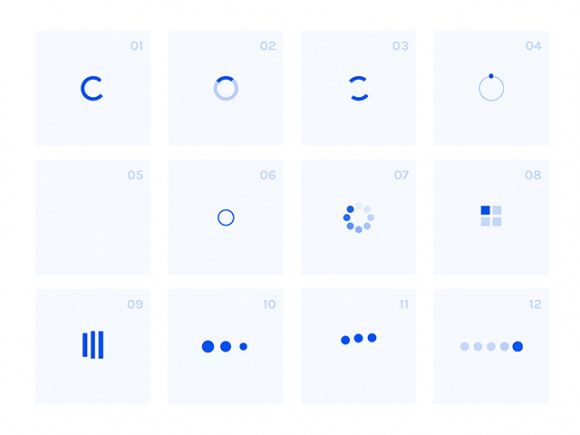
The most popular downloads in the Animation category include animated UI kits, loading spinners, hover effects, and social media story animations. Designers frequently seek ready-to-use components that integrate seamlessly into prototyping tools like Figma and Sketch. Lottie-compatible JSON files are especially in demand due to their lightweight nature and smooth playback across devices. Explainer video templates and animated infographics also rank high, as brands increasingly rely on visual storytelling to communicate complex ideas quickly. These top-performing categories highlight a strong preference for modular, production-ready assets that save time and maintain design consistency.
Emerging Themes
New thematic directions in animation are emerging with a focus on inclusivity, sustainability, and immersive experiences. Designers are incorporating culturally diverse characters, adaptive color schemes for accessibility, and nature-inspired motion patterns that reflect environmental awareness. Augmented reality (AR)-ready animations and spatial UI elements are also on the rise, particularly for mobile applications and interactive installations. Another growing trend is “emotional animation”—subtle facial expressions and gestures in character-driven content that foster deeper user connections. As technology evolves, so does the storytelling potential of animation, and EpicPxls is committed to supporting these innovative themes with forward-thinking resources across its 86+ animation collection.
How to Download Animation
- Browse the Animation category: Start by navigating to the Animation section on EpicPxls. Use filters to sort by format, license type, or complexity to narrow down the 86+ resources to what fits your project needs.
- Preview assets in detail: Click on any resource to open its dedicated page. Here, you can view high-resolution previews, watch animation demos, and inspect file contents, layers, and compatibility details before downloading.
- Choose your download option: Each listing clearly indicates whether the asset is free or premium. Free resources can be downloaded instantly with no sign-in required. Premium files require a simple account login and are unlocked via a secure download link.
- Review licensing and usage rights: Before finalizing your download, check the license type—personal or commercial—to ensure compliance with your intended use. All resources include a clear license summary on the product page.
- Download and integrate: Once confirmed, click the download button to receive a compressed file containing all assets. Extract the contents and import them directly into your preferred design or development environment for immediate use.
Whether you're a solo designer or part of a large creative team, the process is designed to be fast, transparent, and hassle-free. With EpicPxls, accessing professional-grade animation resources is both convenient and secure, allowing you to focus on what matters most—bringing your creative vision to life.
Animation Category Breakdown
By File Format
The 86+ animation resources on EpicPxls are available in a variety of file formats to suit different workflows and design needs. Figma files are ideal for UI/UX designers who want to edit vector layers and collaborate in real time. PSD (Photoshop) files offer deep layer control and are perfect for motion designers preparing assets for After Effects. AI (Adobe Illustrator) files provide scalable vector graphics, making them excellent for logo animations and print-related motion projects. Sketch users will appreciate native compatibility and organized artboards for rapid prototyping. For web developers, SVG animations offer lightweight, resolution-independent graphics that integrate smoothly into code. PNG sequences are widely used for frame-by-frame animations, especially in social media content and email marketing. Each format is thoughtfully prepared to maintain quality and usability, ensuring designers can work efficiently regardless of their preferred platform.
By License Type
Understanding licensing is essential when using animation resources, and EpicPxls makes it easy to choose the right option. Personal licenses allow you to use the assets in non-commercial projects, such as student work, personal websites, or hobby-based content. These are perfect for learning, experimentation, or portfolio building. Commercial licenses grant permission to use the animations in client work, product launches, marketing campaigns, and monetized applications. Most premium resources come with a commercial license by default, enabling broad usage rights while protecting creators’ intellectual property. All licensing details are clearly outlined on each product page, so you can download with confidence, knowing your project is compliant and professionally supported.
By Complexity
The Animation collection spans a wide spectrum of complexity to accommodate all skill levels and project scopes. Simple assets include individual animated icons, buttons, and stickers—ideal for designers looking to add quick visual flair without extensive customization. These are often plug-and-play and require minimal setup. At the other end of the spectrum, complete kits offer comprehensive solutions such as full app interface animations, interactive dashboards, or multi-scene explainer templates. These kits typically include multiple file formats, detailed documentation, and organized layers for easy editing. Whether you're a beginner exploring animation for the first time or a seasoned pro building a complex digital product, the 86+ resources on EpicPxls are structured to support your journey—from basic enhancements to full-scale animated experiences.
Making the Most of Animation
Organizing Your Library
To maximize efficiency, maintain a well-structured animation library on your local drive or cloud storage. Group files by category (e.g., UI animations, loading states, character animations) and tag them by format and project type. Use consistent naming conventions such as “Animation-Type_Tool-Format_Version” to quickly identify assets. Consider creating a master spreadsheet with links to download sources, license details, and usage history. This organized approach saves time during team collaborations and ensures compliance during client audits. EpicPxls also offers curated collections and category tags to help you replicate this structure digitally when browsing new resources.
Customization Tips
Most animation resources are designed to be customizable, allowing you to match brand colors, adjust timing, or modify motion paths. In tools like Figma or After Effects, use named layers and color styles to streamline edits. For Lottie animations, leverage tools like Bodymovin to tweak JSON files without coding. When resizing SVGs, ensure anchor points and stroke widths remain consistent to preserve visual quality. Always test animations across devices and screen sizes to confirm smooth playback. Small adjustments—like easing curves or delay intervals—can significantly enhance the feel of an animation, making it appear more natural and polished.
Common Mistakes to Avoid
- Overloading interfaces with excessive motion: Too many animations can distract users and slow down performance. Prioritize purposeful animation that guides attention and improves usability.
- Ignoring file size and performance: Large animation files can impact load times, especially on mobile devices. Optimize SVGs and JSON files, and avoid high-frame-rate PNG sequences when possible.
- Skipping license verification: Using a personal-licensed asset in a commercial project can lead to legal issues. Always confirm the license type before implementation.
- Not testing across platforms: An animation that works in Figma may not render correctly in a browser or app. Preview exports in real environments to catch discrepancies early.
- Forgetting accessibility: Ensure animations can be paused or reduced for users with motion sensitivity. Follow WCAG guidelines to make inclusive design choices.
By avoiding these common pitfalls and leveraging the 86+ expertly crafted resources available on EpicPxls, you can create animations that are not only visually stunning but also functional, accessible, and professional.
Why Download from EpicPxls?
Commercial License
Use in personal and commercial projects
No Account Required
Download free resources instantly
Quality Curated
Every resource is reviewed for quality
Preview Files
See Figma and Photoshop files before downloading
Who Uses These Animation?
Professionals and teams who benefit most from our collection
UI/UX Designers
Speed up your workflow with ready-to-use animation for design tools. Perfect for prototyping and client presentations.
Developers
Get production-ready assets without design skills. Export in any format for web and mobile apps.
Startups & Agencies
Save design budget with affordable premium animation. Commercial license included for client work.
Marketing Teams
Create professional campaigns faster. All animation are optimized for social media and ads.
Animation FAQCommon questions about these resources
Simple, Transparent Pricing
Get unlimited access to all premium resources
Yearly
- 20 downloads per month
- All file formats
- Commercial license
Lifetime
- Unlimited downloads forever
- All file formats
- Commercial license
Ready to Get Started?
Access 4,441+ free design resources today.
Browse Free ResourcesView Premium PlansEarn 85% and
more on all sales
Upload your products and put them up
for sale at whatever price you want.


