Wireframes for Sketch: 11+ Resources
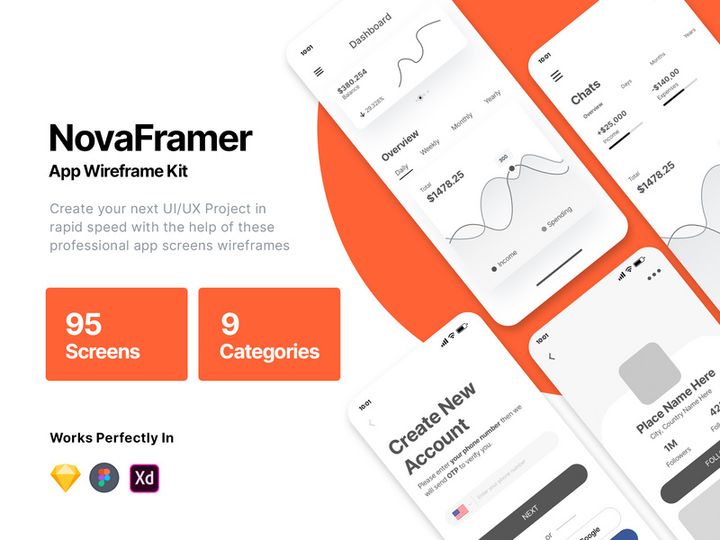
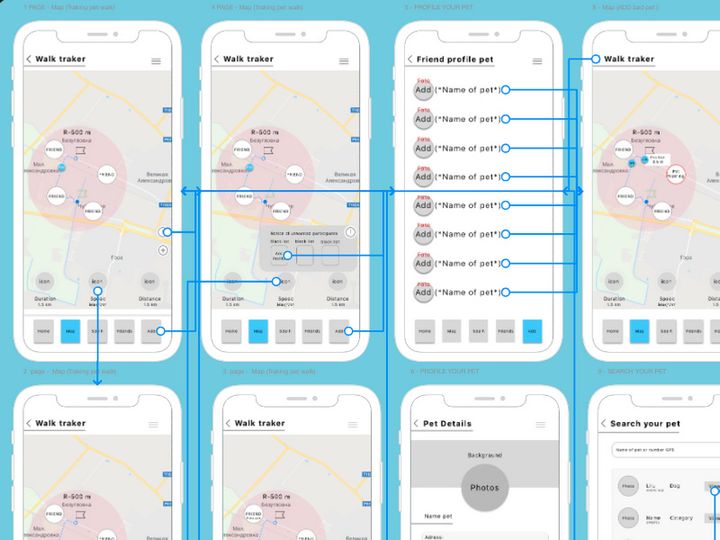
EpicPxls offers 11+ curated wireframes for Sketch, all with a commercial license and editable source files (Figma, Sketch, PSD). We have 11+ wireframes compatible with Sketch, tested and verified for seamless integration.
Last updated February 12, 2026
Discover 11+ handpicked wireframes for Sketch.
Trusted by designers at leading companies
Top Wireframes for Sketch
Handpicked resources from our curated collection
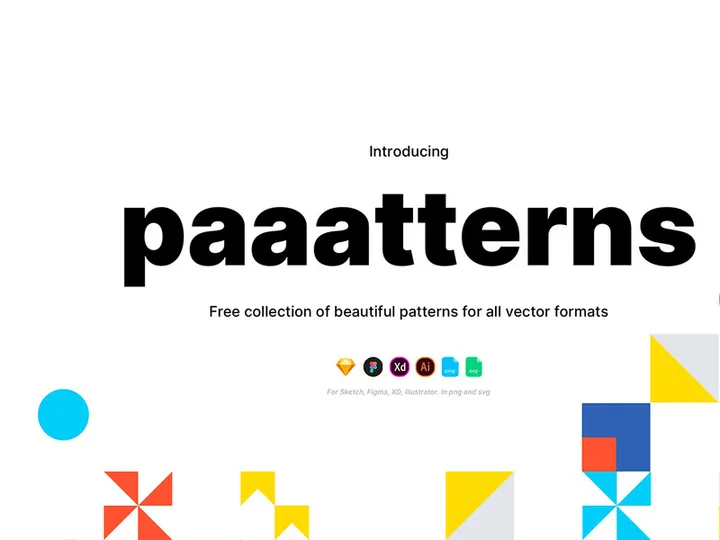
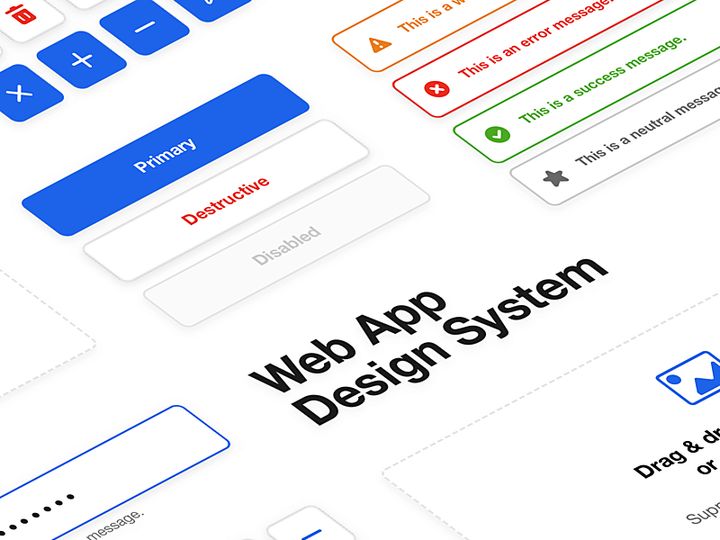
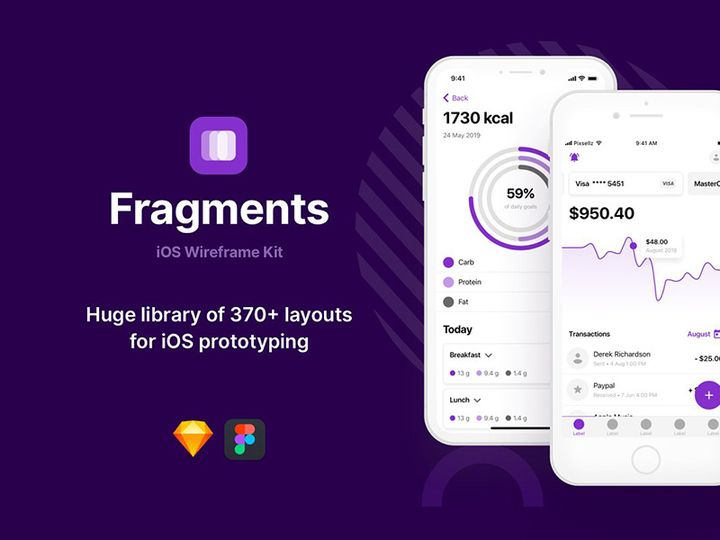

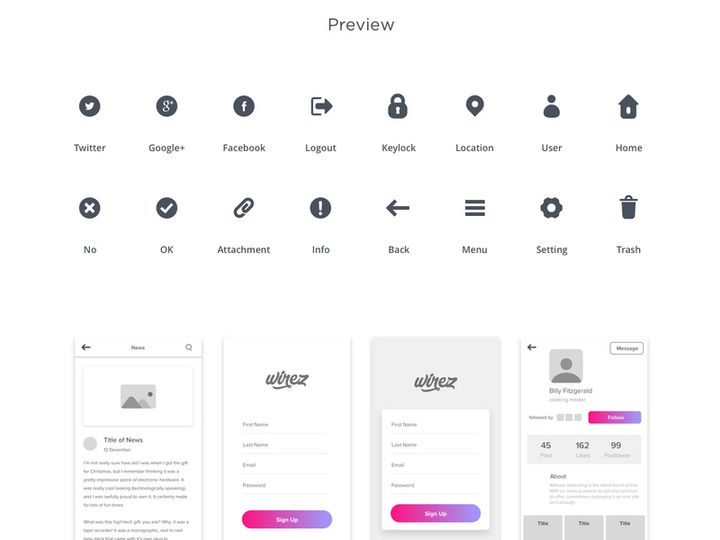
Try Our Free Resources
Download any of these for free - no account required
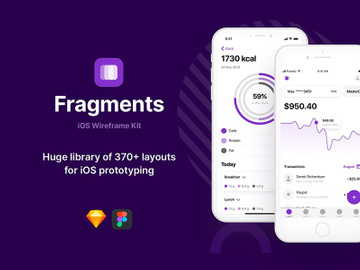
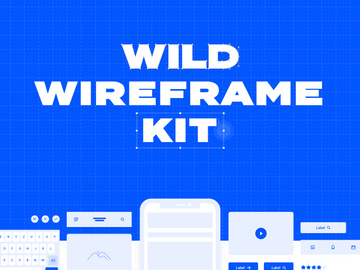
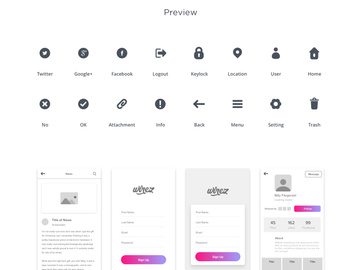
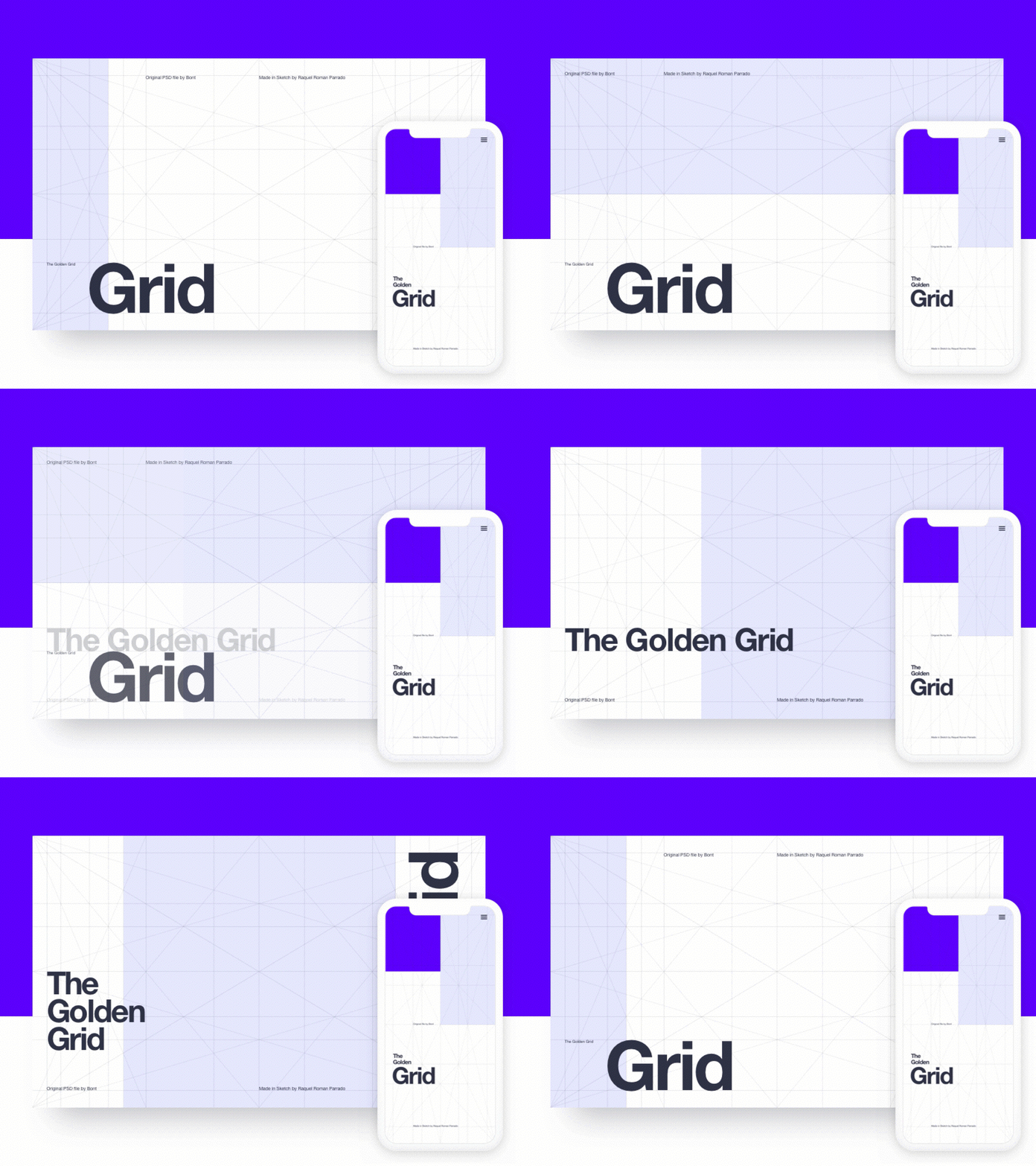
Why Sketch for Wireframes?
Sketch has firmly established itself as a preferred design tool for UI/UX professionals, especially when it comes to creating and refining wireframes. Its vector-based interface, combined with a minimalist and intuitive layout, makes it ideal for turning early-stage concepts into structured, navigable blueprints. Designers choose Sketch for wireframing because it strikes the perfect balance between simplicity and functionality—offering just enough tools to build detailed layouts without overwhelming users with unnecessary complexity.
One of Sketch’s standout features for wireframing is its robust symbol and shared style system. Symbols allow designers to create reusable components such as buttons, headers, and input fields, which can be instantly updated across multiple artboards. This ensures consistency throughout the wireframe and drastically reduces repetitive work. Additionally, Sketch’s artboard organization supports multiple screen sizes and user flows, making it easy to map out entire user journeys in a single file. The ability to export assets and generate shareable previews also streamlines feedback loops with stakeholders and developers.
Another reason Sketch remains popular is its vibrant plugin and resource ecosystem. The community continually develops high-quality wireframe kits, UI libraries, and templates that integrate seamlessly into Sketch projects. Platforms like EpicPxls curate these tools, ensuring designers have access to only the most reliable, well-structured, and up-to-date resources. Whether you're building low-fidelity drafts or high-fidelity interactive mockups, Sketch provides the flexibility and precision needed. With EpicPxls vetting over 11+ resources for compatibility, usability, and design quality, finding the right wireframe kit has never been easier. This careful curation helps designers save time and focus on what matters most—the user experience.
Top Wireframes Picks for Sketch
With so many wireframe resources available for Sketch, choosing the right one can be overwhelming. That’s why platforms like EpicPxls evaluate and handpick the best options based on usability, structure, and real-world application. Whether you're just starting out or you're a seasoned designer, there’s a wireframe resource tailored to your needs. Here’s a breakdown of the top categories to help you find the perfect fit from the 11+ resources available.
Best for Beginners
If you're new to wireframing or Sketch itself, starting with a beginner-friendly kit is essential. Look for resources that include clear documentation, pre-built layouts, and intuitive layer naming. Kits like the “Minimal Wireframe UI Kit” and “Starter Wireframe Pack” are excellent choices—they offer drag-and-drop components, organized pages, and visual guides that help you learn Sketch’s workflow while building functional wireframes. These kits are also lightweight, so they won’t slow down your system, and they often come with tutorial videos or tooltips embedded directly in the file. EpicPxls highlights these beginner-focused tools to help new users transition smoothly into professional design workflows.
Best for Professionals
For experienced designers, efficiency and scalability are critical. The best professional-grade wireframe kits come with extensive component libraries, responsive grid systems, and advanced symbol nesting. Resources like “ProWireframe Suite” and “Enterprise UX Kit” offer comprehensive UI sets covering forms, navigation patterns, dashboards, and mobile interfaces—all optimized for rapid prototyping. These kits support design systems and are often compatible with plugins for auto-layout and content population. They’re structured with developer handoff in mind, making it easier to annotate and export specs. EpicPxls ensures these advanced resources meet strict quality benchmarks, so professionals can trust they’re using tools built for real-world projects.
Best Free Options
High-quality doesn’t always mean high cost. Several free wireframe resources for Sketch deliver exceptional value without compromising on structure or design. The “Free Mobile Wireframe Kit” and “Basic Web Wireframes” are standout examples—offering clean, scalable components for common interface elements. These kits are ideal for quick mockups, client pitches, or educational purposes. While they may have fewer components than premium versions, they’re still thoughtfully designed and well-organized. EpicPxls includes these free resources in its 11+ resources roundup because they prove that affordability and quality can go hand in hand.
Sketch vs Other Tools for Wireframes
When evaluating design tools for wireframing, Sketch consistently stands out due to its focused feature set and ecosystem. Unlike broader design platforms, Sketch is built specifically for digital interface design, which means every tool and function supports the wireframing process—from initial sketching to final handoff. Its vector editing capabilities, combined with non-destructive boolean operations and flexible resizing, make it easy to adjust layouts on the fly, a crucial advantage during the exploratory phase of wireframing.
One of Sketch’s most compelling advantages is its plugin architecture. Designers can extend functionality with tools that automate repetitive tasks, such as generating placeholder text, resizing artboards, or exporting assets. This level of customization enhances productivity and keeps the wireframing process agile. Additionally, Sketch’s native file format (.sketch) is lightweight and stable, ensuring fast performance even with large, complex files containing dozens of artboards and symbols.
Another key benefit is the strong community and marketplace support. Unlike tools with closed ecosystems, Sketch encourages open sharing of resources, which has led to a vast library of wireframe kits, UI templates, and design systems. Platforms like EpicPxls leverage this openness to curate and test 11+ resources that are guaranteed to work seamlessly within Sketch. While other tools may offer similar features, Sketch’s combination of speed, precision, and community-driven innovation makes it a top choice for designers who prioritize efficiency and consistency in their wireframe workflows.
Setting Up Wireframes in Sketch
Getting started with wireframe resources in Sketch is a straightforward process, but proper setup ensures long-term efficiency and scalability. Whether you’re using a free kit or a premium library, following a consistent workflow will help you make the most of your tools. Here’s a step-by-step guide to importing, organizing, and using wireframe resources effectively:
- Download and unzip the resource file. Most wireframe kits come as a .zip file containing the .sketch document and sometimes additional assets like icons or fonts.
- Open the .sketch file in Sketch. Launch Sketch and open the downloaded file to explore its structure. Look for organized pages, symbols, and layer naming conventions.
- Review the documentation. Many high-quality kits include a “Read Me” or “Getting Started” page. Take a few minutes to understand how components are structured and how to use symbols effectively.
- Copy symbols to your main project. If you’re integrating the kit into an existing file, use Sketch’s “Insert” menu to copy symbols or drag entire artboards into your workspace.
- Customize components as needed. Use overrides to adjust text, visibility, and nested symbols. Avoid breaking symbols unless absolutely necessary to maintain consistency.
- Save as a reusable template or library. Once set up, consider saving your customized wireframe file as a template or publishing it as a shared library for team access.
For designers managing large collections of wireframe resources, it’s helpful to create a central folder on your system and use consistent naming conventions. EpicPxls recommends tagging files by project type (e.g., “mobile,” “dashboard,” “onboarding”) to simplify searches later. With the right organization, even the most extensive set of 11+ resources can be managed efficiently, saving hours over the course of a project.
Sketch Workflow Tips
Maximizing your productivity in Sketch goes beyond just using great wireframe resources—it’s about building a smart, repeatable workflow. By adopting best practices for organization, automation, and collaboration, you can significantly reduce design time and improve output quality. Here are three essential tips to elevate your wireframing process.
Organizing Wireframes Libraries
Keep your wireframe components easy to access by organizing them into clearly labeled pages and groups. Use a consistent naming system—for example, “Button / Primary / Default” or “Form / Input / Text.” Consider creating a master library file that aggregates components from multiple kits, allowing you to insert elements from a single source. You can also use Sketch’s “Page” feature to separate low-fi, mid-fi, and hi-fi wireframes, making it easier to track progress. EpicPxls emphasizes library organization as a key factor in design efficiency, especially when working across multiple projects.
Batch Operations
When working with large wireframes, batch editing can save you significant time. Use plugins like “Rename It” or “Symbols Organizer” to update multiple layers or symbols at once. For example, if you need to change the color of all primary buttons, apply a shared style and update it globally. Similarly, use “Automate” or “Craft” to populate artboards with real content in bulk. These operations ensure consistency and reduce manual effort, making it easier to iterate quickly during the wireframing phase.
Collaboration Best Practices
Sketch supports seamless collaboration when used with cloud-based sharing platforms. Always share a simplified version of your file with stakeholders—hide unused layers, remove unused symbols, and export specific artboards as PDFs or interactive prototypes. Use comments and annotations to clarify interactions and gather targeted feedback. For team projects, consider using shared libraries so everyone works from the same component set. This prevents version conflicts and ensures design consistency. By following these practices, your wireframe process becomes not only faster but also more aligned with stakeholder expectations and development requirements.
Why Download from EpicPxls?
Commercial License
Use in personal and commercial projects
No Account Required
Download free resources instantly
Quality Curated
Every resource is reviewed for quality
Preview Files
See Figma and Photoshop files before downloading
Who Uses These Wireframes?
Professionals and teams who benefit most from our collection
UI/UX Designers
Speed up your workflow with ready-to-use wireframes for Sketch. Perfect for prototyping and client presentations.
Developers
Get production-ready assets without design skills. Export in any format for web and mobile apps.
Startups & Agencies
Save design budget with affordable premium wireframes. Commercial license included for client work.
Marketing Teams
Create professional campaigns faster. All wireframes are optimized for social media and ads.
Wireframes for Sketch FAQCommon questions about these resources
Simple, Transparent Pricing
Get unlimited access to all premium resources
Yearly
- 20 downloads per month
- All file formats
- Commercial license
Lifetime
- Unlimited downloads forever
- All file formats
- Commercial license
Ready to Get Started?
Access 4,441+ free design resources today.
Browse Free ResourcesView Premium PlansEarn 85% and
more on all sales
Upload your products and put them up
for sale at whatever price you want.


