Wireframes: 37+ Design Resources
EpicPxls offers 38+ curated wireframes, all with a commercial license and editable source files (Figma, Sketch, PSD). We have 38+ wireframes available, with new additions added regularly by our community of designers.
Last updated February 12, 2026
Discover 37+ handpicked wireframes from top designers.
Trusted by designers at leading companies
Top Wireframes
Handpicked resources from our curated collection


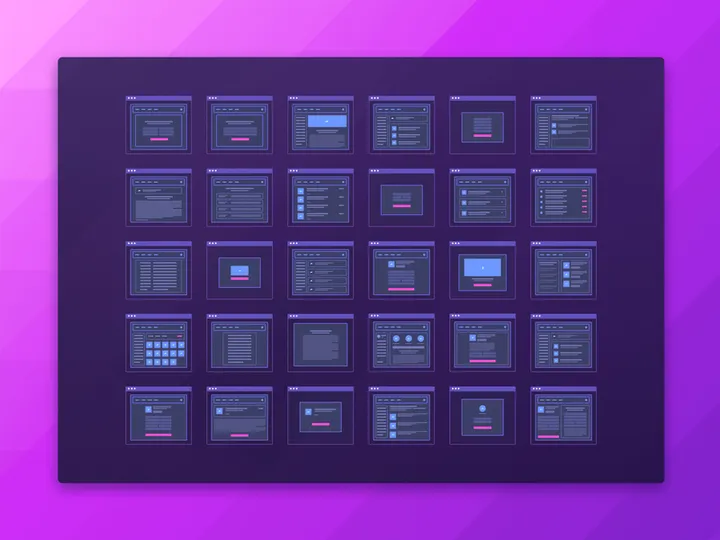
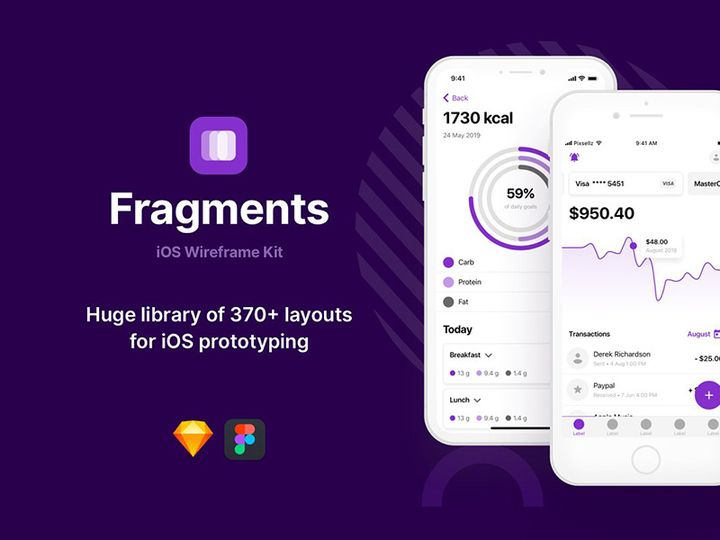
![[Free] Wireframe UI Kit - Adobe XD preview picture](https://imgproxy.epicpxls.com/nH08bGUd61RsJWXFVkTLZ-U3O6zliN5D55HAJlVaceQ/rs:fill:720:540:0/g:no/aHR0cHM6Ly9pdGVt/cy5lcGljcHhscy5j/b20vdXBsb2Fkcy9w/aG90by9mODViNTMw/ZWE1OGMxMzRjNWEy/YWU4OTY5NzY5MDc4/Zg.jpg)
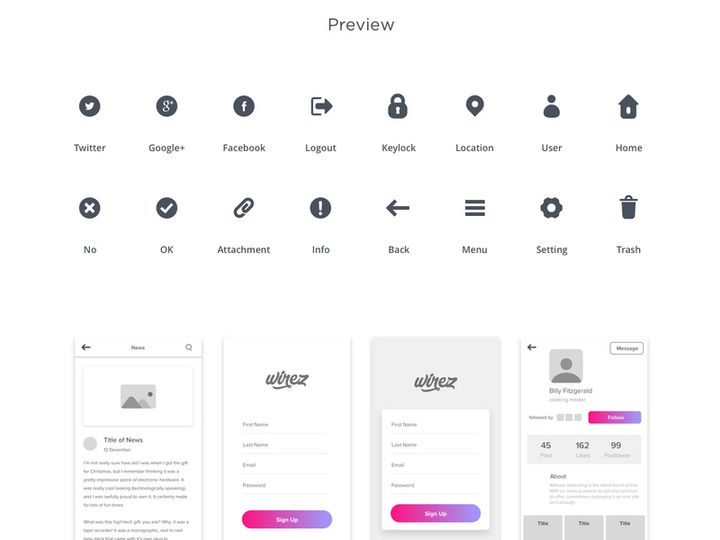
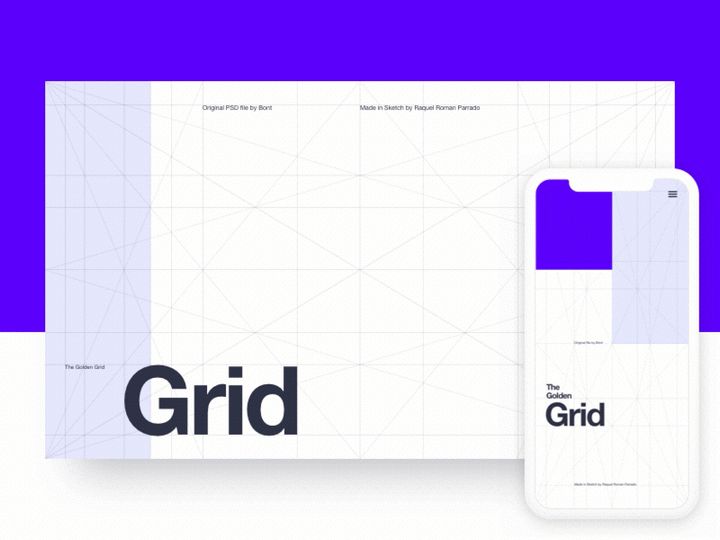
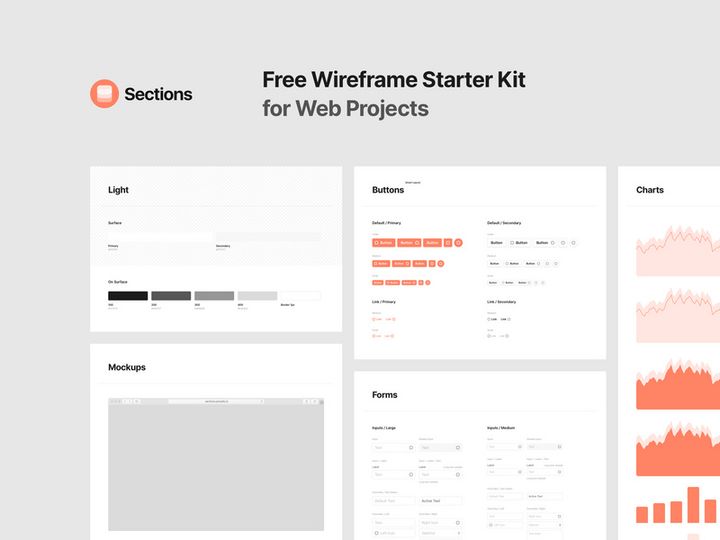
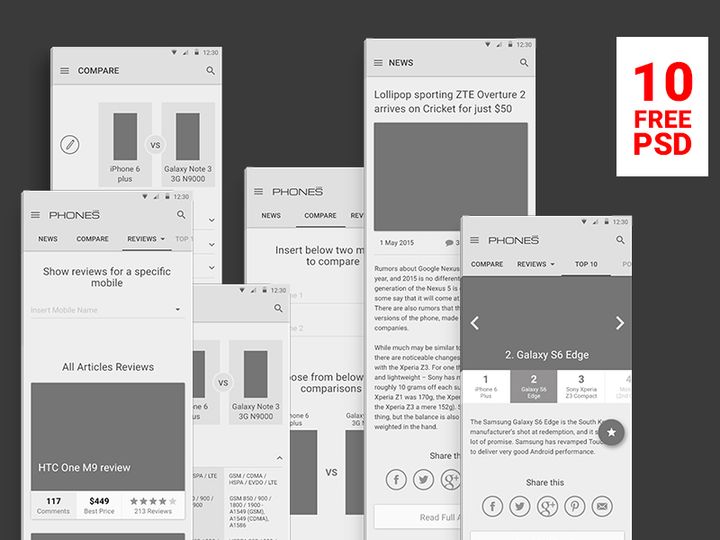

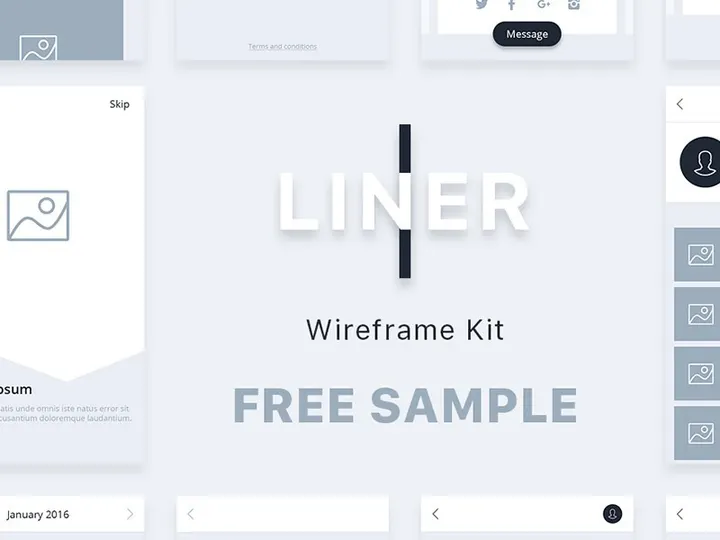
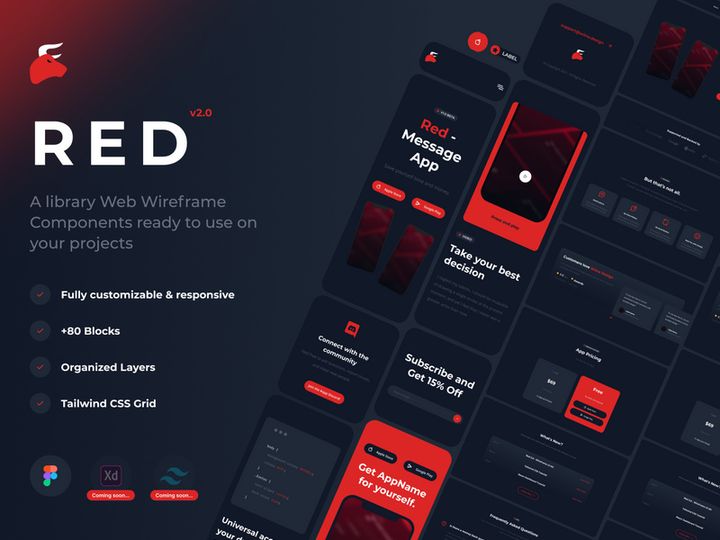
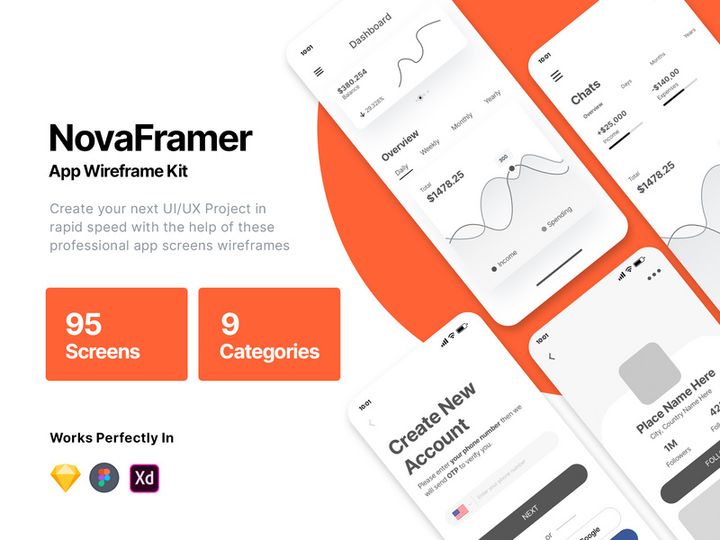
Try Our Free Resources
Download any of these for free - no account required
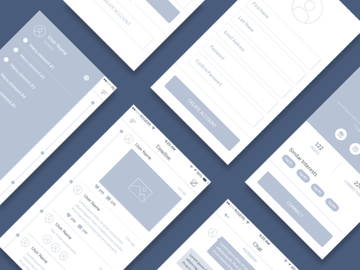
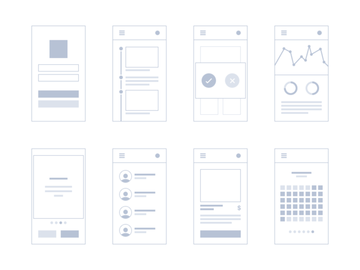
Browse Wireframes
At EpicPxls, our wireframes collection offers over 37+ meticulously crafted design resources tailored for UX/UI professionals, product managers, and developers. These wireframes serve as essential blueprints in the early stages of digital product development, helping teams visualize structure, layout, and user flow before committing to high-fidelity designs. Each resource in our library is thoughtfully created by experienced designers who specialize in user-centered design principles, ensuring clarity, functionality, and adaptability across projects.
Quality is at the heart of the EpicPxls experience. Every wireframe undergoes a rigorous review process to meet high standards for consistency, usability, and technical accuracy. Whether you're designing a mobile app, responsive website, or SaaS dashboard, our collection includes scalable templates that adhere to modern design systems and accessibility guidelines. We focus on delivering clean, well-organized files that are easy to modify and integrate into your workflow.
The 37+ wireframe resources available are carefully curated to reflect current industry demands and emerging design trends. Our team continuously updates the collection based on user feedback, download performance, and advancements in design tools and methodologies. This ensures that you always have access to relevant, up-to-date assets that streamline your prototyping process. From single-page mockups to full project kits, EpicPxls provides a comprehensive range of wireframes designed to jumpstart your next project with precision and speed.
What's Trending in Wireframes
Popular Styles in 2026
In 2026, wireframe design continues to evolve toward cleaner, more functional aesthetics that prioritize usability over decoration. Minimalist layouts dominate, with an emphasis on clear content hierarchy, intuitive navigation, and responsive grid systems. Designers are increasingly adopting low-fidelity wireframes with just enough detail to communicate structure without distracting stakeholders with visual design elements. There's also a growing preference for interactive wireframes—especially those built in Figma—that allow teams to simulate user journeys and gather feedback early in the design cycle.
Another notable trend is the integration of dark mode wireframe templates, reflecting the broader industry shift toward night-friendly interfaces. Additionally, modular and component-based wireframing is gaining traction, enabling designers to reuse elements across multiple screens for consistency and efficiency. These styles not only enhance collaboration between designers and developers but also align closely with design system practices used in agile environments.
Most Downloaded Categories
The most popular wireframe downloads on EpicPxls include mobile app templates, SaaS dashboards, e-commerce product pages, and admin panels. Mobile app wireframes remain in high demand due to the continued growth of smartphone usage and app-based services. SaaS and dashboard wireframes are especially sought after by B2B product teams who need to present data clearly and efficiently. E-commerce wireframes help designers map out shopping flows, from product listings to checkout processes, while admin interface kits support backend usability improvements.
Emerging Themes
New directions in wireframe design include voice interface layouts, AI-powered assistant dashboards, and cross-platform journey maps that visualize user experiences across devices. There's also increased interest in accessibility-focused wireframes, which incorporate ARIA labels, screen reader cues, and keyboard navigation planning from the outset. As remote collaboration tools evolve, wireframes that support real-time feedback and stakeholder annotation are becoming standard. These emerging themes reflect a shift toward inclusive, intelligent, and interconnected design systems—trends that EpicPxls actively supports through its expanding 37+ resource library.
How to Download Wireframes
- Visit the Wireframes category on EpicPxls and browse through the 37+ available resources using filters such as file format, complexity, or license type.
- Click on any wireframe to open its detailed preview page, where you can view sample images, file contents, and compatibility information.
- Check the download options: free resources can be downloaded instantly, while premium wireframes may require account creation or a subscription to access.
- Log in to your EpicPxls account (if required) to unlock premium downloads and ensure your usage rights are properly tracked under the appropriate license.
- Click the “Download” button to save the wireframe files directly to your device, then import them into your preferred design tool for immediate use.
Whether you're looking for a quick sketch-style layout or a fully layered Figma kit, the download process on EpicPxls is straightforward and user-friendly. Free wireframes are ideal for personal projects or learning, while premium options offer enhanced features like organized layers, responsive breakpoints, and extended commercial licensing. All downloads come with clear documentation to help you get started quickly. With consistent updates and new additions, the EpicPxls platform ensures that your design toolkit stays current and effective.
Wireframes Category Breakdown
By File Format
The wireframes available on EpicPxls come in a variety of file formats to suit different design workflows and tool preferences. Figma is the most widely used format due to its collaborative features, real-time editing, and cloud-based sharing—making it ideal for team-based projects. PSD (Photoshop) files are perfect for designers who prefer pixel-level control and advanced image editing capabilities, though they’re less dynamic for prototyping. AI (Adobe Illustrator) files offer vector scalability, making them excellent for creating crisp, resolution-independent wireframes for print or presentation.
Sketch remains a favorite among macOS users for its streamlined interface and robust plugin ecosystem, especially for UI design. SVG files provide lightweight, scalable graphics that are useful for embedding wireframe elements directly into web prototypes or documentation. Finally, PNG previews offer static, high-resolution images ideal for sharing with stakeholders who don’t need to edit the files. Each format has its strengths, and choosing the right one depends on your tools, team setup, and project goals.
By License Type
EpicPxls offers wireframes under two primary license types: personal and commercial. Personal use licenses allow you to use the wireframes in non-commercial projects, such as academic work, portfolio pieces, or internal learning exercises. These are often available for free and provide a great way to explore design concepts without financial commitment.
Commercial licenses, typically included with premium downloads, grant permission to use the wireframes in client work, product development, and revenue-generating applications. This includes startups building MVPs, agencies delivering designs to clients, and businesses launching digital platforms. Commercial use ensures legal compliance and peace of mind, especially when intellectual property rights are a concern. Always review the specific license terms on each download page to ensure your intended use is covered.
By Complexity
The wireframe collection spans a range of complexity levels to match diverse project needs. Simple assets include individual UI elements like buttons, forms, or navigation bars—perfect for quick mockups or augmenting existing designs. These are lightweight and easy to customize, making them ideal for rapid prototyping.
On the other end of the spectrum, complete wireframe kits offer comprehensive solutions with dozens of pre-built screens, consistent styling, and organized layer structures. These kits often cover entire user flows, such as onboarding sequences, dashboard interactions, or checkout funnels. They're especially valuable for teams launching new products or conducting user testing, as they reduce setup time and ensure design coherence. Whether you need a single component or a full system, the 37+ resources on EpicPxls cater to every stage of the design journey.
Making the Most of Wireframes
Organizing Your Library
To maximize efficiency, maintain a well-structured library of downloaded wireframes. Create folders by project type (e.g., mobile apps, dashboards), file format, or client to make assets easy to locate. Use consistent naming conventions and consider maintaining a master spreadsheet that tracks license types, sources, and usage rights. Tools like Figma’s team libraries or Sketch’s shared symbols can help centralize reusable components pulled from EpicPxls resources, ensuring consistency across your design system.
Customization Tips
Always adapt wireframes to match your project’s specific requirements. Start by adjusting grid systems and breakpoints to align with your target devices. Reorganize content blocks to reflect actual user priorities, and replace placeholder text with meaningful copy early in the process. Leverage layers and grouping features in your design tool to maintain clarity. For team collaboration, add simple annotations or hotspots to explain interactions and navigation logic. Customizing wireframes not only improves accuracy but also enhances stakeholder understanding during reviews.
Common Mistakes to Avoid
- Overloading with detail: Avoid adding colors, fonts, or images too early—wireframes should focus on structure, not visual design.
- Ignoring user flow: Ensure screens are connected logically and reflect real user journeys, not isolated layouts.
- Skipping stakeholder input: Share wireframes early and often to gather feedback before moving to high-fidelity stages.
- Using inconsistent spacing or grids: Maintain alignment and proportion to create professional, believable prototypes.
- Assuming one size fits all: Not every wireframe from the 37+ resources will suit your project—modify or combine templates as needed.
By following best practices and leveraging the high-quality wireframes available on EpicPxls, you can build stronger foundations for your digital products. With thoughtful organization, strategic customization, and awareness of common pitfalls, your wireframing process will become faster, clearer, and more impactful. Whether you're a solo designer or part of a large team, these resources empower you to turn ideas into actionable designs with confidence.
Why Download from EpicPxls?
Commercial License
Use in personal and commercial projects
No Account Required
Download free resources instantly
Quality Curated
Every resource is reviewed for quality
Preview Files
See Figma and Photoshop files before downloading
Who Uses These Wireframes?
Professionals and teams who benefit most from our collection
UI/UX Designers
Speed up your workflow with ready-to-use wireframes for design tools. Perfect for prototyping and client presentations.
Developers
Get production-ready assets without design skills. Export in any format for web and mobile apps.
Startups & Agencies
Save design budget with affordable premium wireframes. Commercial license included.
Marketing Teams
Create professional campaigns faster. All wireframes are optimized for social media and ads.
Wireframes FAQCommon questions about these resources
Simple, Transparent Pricing
Get unlimited access to all premium resources
Yearly
- 20 downloads per month
- All file formats
- Commercial license
Lifetime
- Unlimited downloads forever
- All file formats
- Commercial license
Ready to Get Started?
Access 4,442+ free design resources today.
Browse Free ResourcesView Premium PlansEarn 85% and
more on all sales
Upload your products and put them up
for sale at whatever price you want.


