UI Kits for PDF: 121+ Resources
EpicPxls offers 122+ curated ui kits for PDF, all with a commercial license and editable source files (Figma, Sketch, PSD). We have 122+ ui kits compatible with PDF, tested and verified for seamless integration.
Last updated February 12, 2026
Discover 121+ handpicked ui kits for PDF.
Trusted by designers at leading companies
Top UI Kits for PDF
Handpicked resources from our curated collection



![Lando UI Kit [Sketch] preview picture](https://imgproxy.epicpxls.com/1z_2PFUSd9bZB7_0mno1S2SiGmGuXQHHXN3jebj98b4/rs:fill:720:540:0/g:no/aHR0cHM6Ly9pdGVt/cy5lcGljcHhscy5j/b20vdXBsb2Fkcy9w/aG90by9iNzM2NjYy/NzYwM2Q3ZWMzNDM3/NGRlNzczNTA5MTUz/Ny5qcGc.jpg)


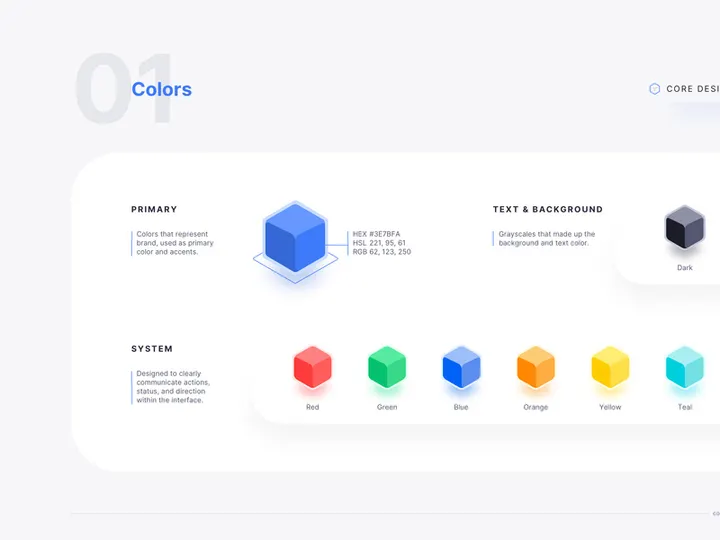
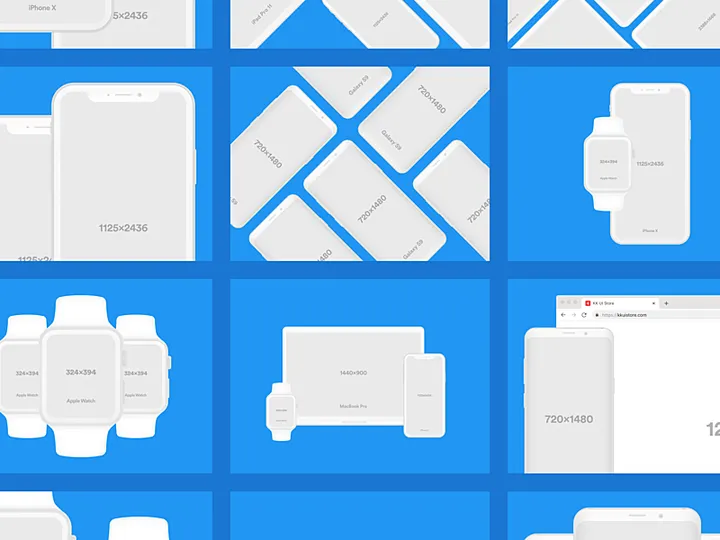
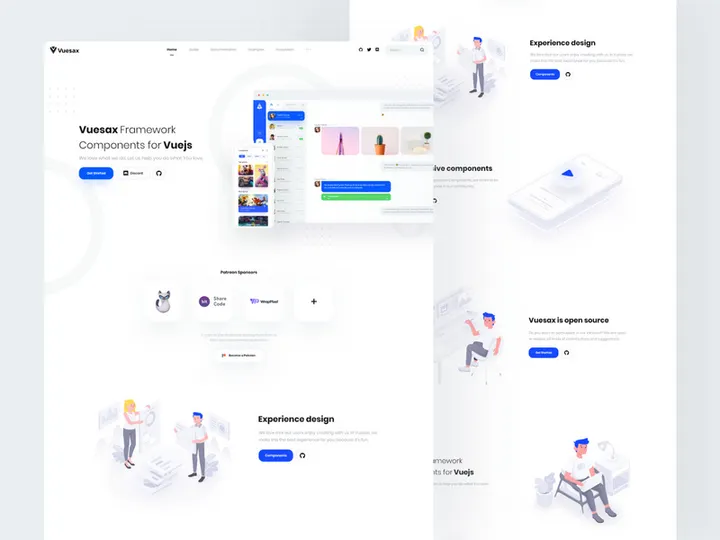


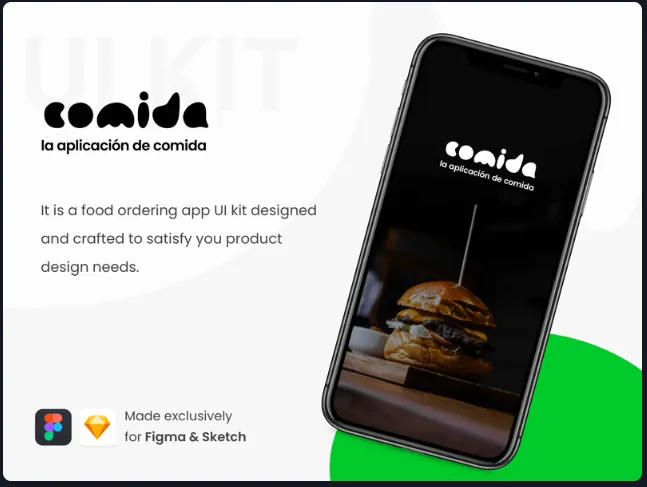

Try Our Free Resources
Download any of these for free - no account required
Why PDF for UI Kits?
PDF has long been a go-to format for designers, developers, and product teams looking to streamline their UI workflows. While vector-based design tools dominate the UI/UX landscape, the PDF format offers unmatched portability, consistency, and accessibility—making it an ideal medium for distributing and using UI kits. Unlike proprietary file types that require specific software, PDFs can be opened on virtually any device, ensuring that UI components remain viewable and usable across platforms without loss of quality or formatting.
One of the key strengths of PDF for UI kits is its visual fidelity. Designers can embed fonts, vectors, and high-resolution assets directly into the document, preserving the exact look and feel of UI elements regardless of the device or operating system. This is especially important when sharing design systems, style guides, or component libraries with stakeholders who may not have access to design software like Figma or Sketch. PDFs also support interactive elements such as hyperlinks, buttons, and layered content, which can be leveraged to create navigable UI component libraries or clickable prototypes.
Another advantage is ease of distribution and documentation. A single PDF can contain not only visual assets but also usage guidelines, color palettes, typography scales, and code snippets—making it a comprehensive resource for both designers and developers. This all-in-one approach reduces friction in team collaboration and onboarding.
At EpicPxls, we recognize the enduring value of PDF in the design ecosystem. That’s why our curation of 121+ resources includes only high-quality, well-structured UI kits that take full advantage of the PDF format. Each resource is evaluated for clarity, completeness, and usability, ensuring that whether you're a solo designer or part of a large team, you can find reliable, production-ready tools. Our goal is to make finding and using UI kits in PDF format simple, efficient, and effective—no matter your project scope.
Top UI Kits Picks for PDF
Navigating the vast selection of UI kits available in PDF format can be overwhelming. To help you make informed decisions, we’ve curated standout options from our collection of 121+ resources based on usability, design quality, and feature depth. Whether you're just starting out or are a seasoned professional, there's a PDF-based UI kit that fits your workflow. Below, we highlight top picks across three key categories to guide your selection.
Best for Beginners
If you're new to UI design or looking for a straightforward way to prototype without complex tools, beginner-friendly UI kits in PDF are ideal. These resources typically feature clean layouts, labeled components, and easy-to-follow documentation. Many include drag-and-drop elements or grid-based templates that can be imported into PDF editors or design tools. Look for kits with intuitive navigation, consistent spacing, and clear visual hierarchies. At EpicPxls, we prioritize kits that include step-by-step guides, making it simple to learn core design principles while building real interfaces.
Best for Professionals
For experienced designers and development teams, advanced UI kits offer comprehensive design systems, modular components, and detailed specifications. These PDFs often mirror enterprise-level design languages, complete with variant states (hover, active, disabled), responsive grids, and accessibility guidelines. Many include version control notes and developer handoff details such as margin values, font weights, and color codes. The best professional-grade kits are scalable, well-organized, and built with collaboration in mind—perfect for aligning cross-functional teams. Within our 121+ resources, these premium-quality kits stand out for their precision and depth.
Best Free Options
High-quality doesn’t have to mean high cost. There are numerous free UI kits in PDF format that deliver exceptional value without compromising on design integrity. These kits often originate from open-source projects, design communities, or educational initiatives. While they may lack some of the advanced features of paid versions, many free options still include full component libraries, icon sets, and typography guides. EpicPxls carefully vets each free resource to ensure it meets baseline standards for usability and visual clarity, so you can trust that even no-cost downloads are production-ready and thoughtfully structured.
PDF vs Other Tools for UI Kits
When it comes to UI design, many professionals turn to specialized tools like Figma, Sketch, or Adobe XD. While these platforms offer real-time collaboration and interactive prototyping, PDF remains a powerful alternative—especially for documentation, distribution, and accessibility. Unlike native design files, PDFs don't require specific software to view, making them ideal for stakeholders, clients, or developers who need quick access to design assets without installing additional tools.
The PDF ecosystem excels in consistency and universal compatibility. A UI kit saved as a PDF will render the same way on a Windows laptop, a macOS device, or a mobile phone. This predictability is crucial when sharing style guides or component references across teams or departments. Additionally, PDFs support searchable text, bookmarks, and layered content, enabling users to jump directly to specific sections or toggle between design states without leaving the document.
While tools like Figma offer live editing and collaboration, PDFs hold their own in scenarios where read-only access, archiving, or print readiness is important. They are also easier to version-control in document management systems and integrate into existing workflows that rely on file sharing and review. For teams that need to distribute finalized design systems or onboard new members with standardized references, PDFs provide a stable, secure format. At EpicPxls, we ensure that all 121+ resources are optimized for this balance—offering both visual richness and functional reliability within the constraints and strengths of the PDF format.
Setting Up UI Kits in PDF
Integrating a UI kit into your PDF workflow is a straightforward process when you follow a structured approach. Whether you’re preparing for a new project or updating an existing design system, these steps will help you import, organize, and leverage PDF-based UI kits efficiently.
- Download and Verify the Resource: Start by downloading your chosen UI kit from a trusted source. Ensure the file is complete and includes all promised components, documentation, and licensing details. At EpicPxls, every resource in our 121+ collection is verified for integrity and usability before being published.
- Open with a Compatible PDF Viewer: Use a full-featured PDF reader such as Adobe Acrobat, Foxit, or Preview (macOS) that supports layers, annotations, and form fields. This ensures you can interact with all embedded elements in the UI kit.
- Explore the Document Structure: Navigate through the PDF using bookmarks or the outline panel. Look for labeled sections such as Components, Colors, Typography, and Usage Examples. Well-organized kits make it easy to locate and understand each element.
- Extract Assets if Needed: Some workflows require exporting individual elements. Use your PDF tool’s export or snapshot feature to save icons, buttons, or layout grids as PNG, SVG, or EPS files for use in other design software.
- Integrate into Your Design Process: Import components into your design tool by copying and pasting, or use the PDF as a reference layer while building interfaces. Maintain consistency by adhering to the spacing, color, and typography guidelines provided.
- Create a Master Reference File: Combine multiple UI kits into a single, annotated PDF for your team. Add notes, links, and custom tabs to build a centralized design library that evolves with your projects.
By following these steps, you can maximize the utility of any PDF-based UI kit and ensure smooth adoption across your workflow. Proper setup not only saves time but also enhances design consistency and team alignment.
PDF Workflow Tips
To get the most out of your UI kits in PDF format, it’s essential to adopt best practices that enhance efficiency, collaboration, and long-term usability. Whether you’re managing a single project or overseeing an entire design system, these tips will help you maintain clarity and scalability in your PDF-based workflows.
Organizing UI Kits Libraries
Create a structured folder system on your local drive or cloud storage to categorize UI kits by project, style, or platform (e.g., mobile, web, dashboard). Use consistent naming conventions such as “UI-Kit-Web-DarkMode-v1.2.pdf” to make files easy to identify. Within each PDF, leverage bookmarks and layers to create a navigable hierarchy. Consider maintaining a master index PDF that links to all your active UI kits, complete with summaries and usage notes. This makes onboarding new team members faster and ensures everyone accesses the correct version.
Batch Operations
When managing 121+ resources, batch processing can save significant time. Use tools like Adobe Acrobat Pro or free alternatives to perform bulk actions such as adding watermarks, compressing files, or merging multiple UI kits into a single reference document. You can also apply metadata, password protection, or digital signatures across multiple files simultaneously. Automating these tasks ensures consistency and security, especially when distributing kits to clients or external partners.
Collaboration Best Practices
While PDFs are primarily static, they can still support effective collaboration. Encourage team members to use commenting and annotation tools to provide feedback directly on the document. Set up shared review cycles where stakeholders mark up the UI kit with suggestions or questions. To avoid confusion, establish a versioning protocol—e.g., “v1.0-Review,” “v1.1-Approved”—and store only the latest approved version in the main repository. When integrating feedback, update the PDF and notify all parties of changes. At EpicPxls, we recommend using PDFs as a bridge between design and development teams, where visual specs and technical notes coexist in a single, accessible format.
Why Download from EpicPxls?
Commercial License
Use in personal and commercial projects
No Account Required
Download free resources instantly
Quality Curated
Every resource is reviewed for quality
Preview Files
See Figma and Photoshop files before downloading
Who Uses These UI Kits?
Professionals and teams who benefit most from our collection
UI/UX Designers
Speed up your workflow with ready-to-use ui kits for PDF. Perfect for prototyping and client presentations.
Developers
Get production-ready assets without design skills. Export in any format for web and mobile apps.
Startups & Agencies
Save design budget with affordable premium ui kits. Commercial license included.
Marketing Teams
Create professional campaigns faster. All ui kits are optimized for social media and ads.
UI Kits for PDF FAQCommon questions about these resources
Simple, Transparent Pricing
Get unlimited access to all premium resources
Yearly
- 20 downloads per month
- All file formats
- Commercial license
Lifetime
- Unlimited downloads forever
- All file formats
- Commercial license
Ready to Get Started?
Access 4,442+ free design resources today.
Browse Free ResourcesView Premium PlansEarn 85% and
more on all sales
Upload your products and put them up
for sale at whatever price you want.


