Mockups for PDF: 83+ Resources
EpicPxls offers 83+ curated mockups for PDF, all with a commercial license and editable source files (Figma, Sketch, PSD). We have 83+ mockups compatible with PDF, tested and verified for seamless integration.
Last updated February 12, 2026
Discover 83+ handpicked mockups for PDF.
Trusted by designers at leading companies
Top Mockups for PDF
Handpicked resources from our curated collection
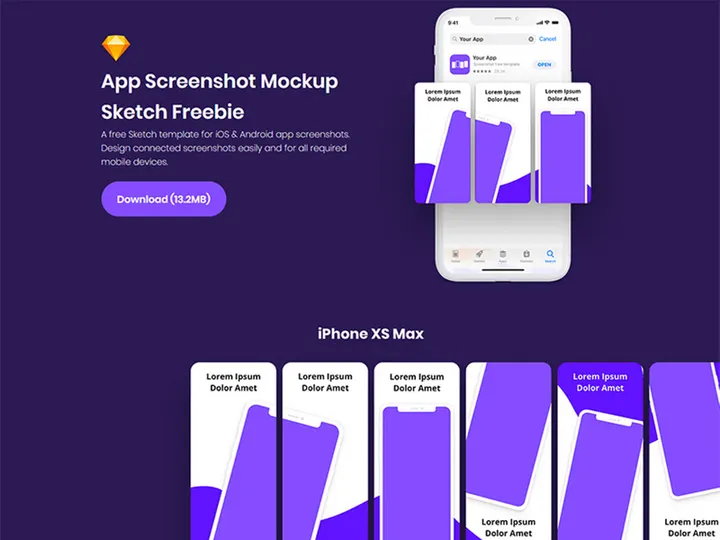
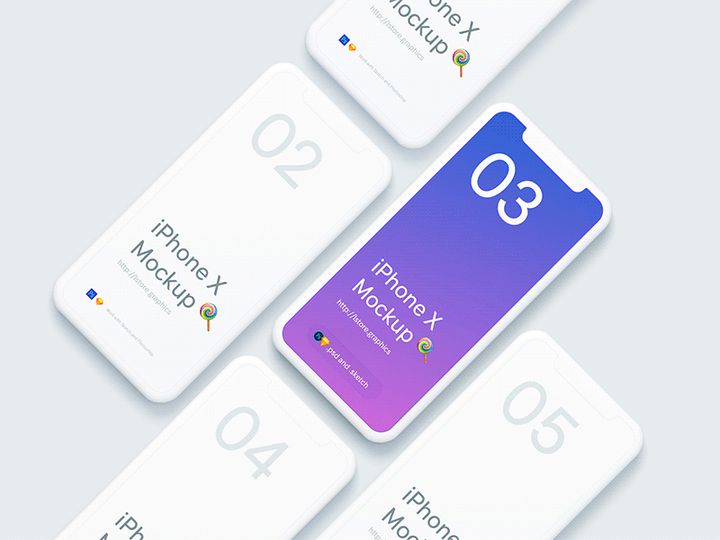
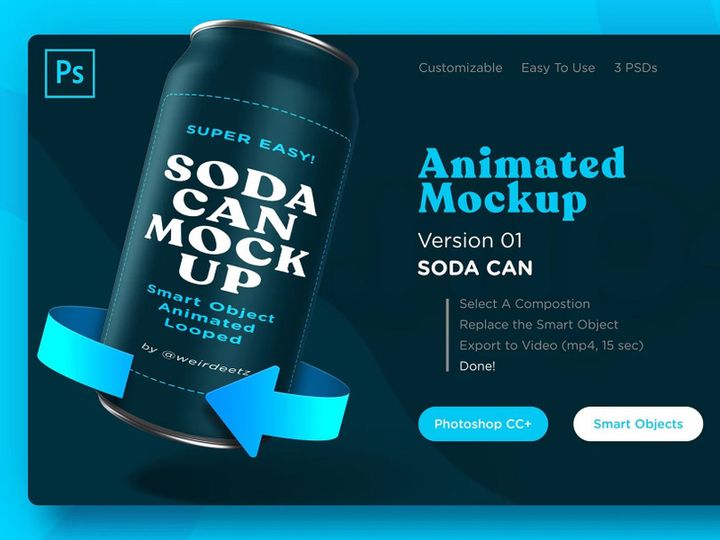
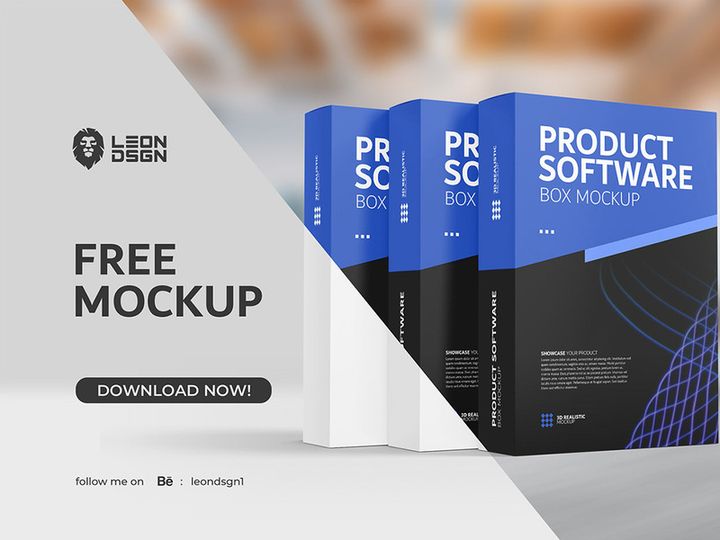
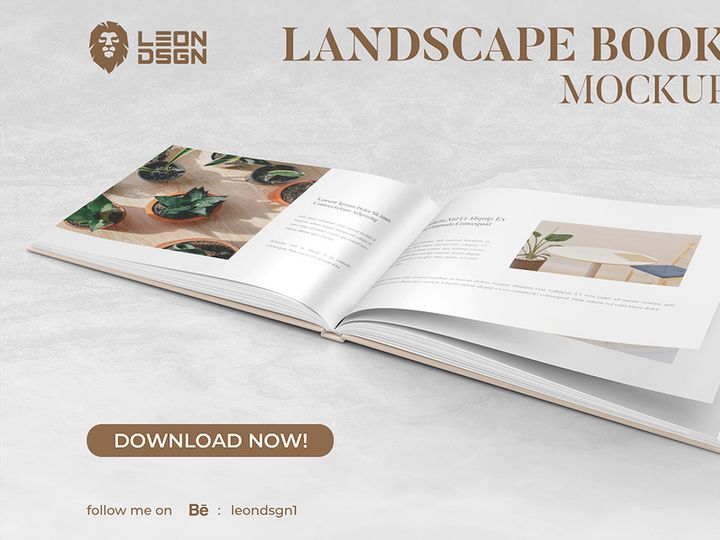
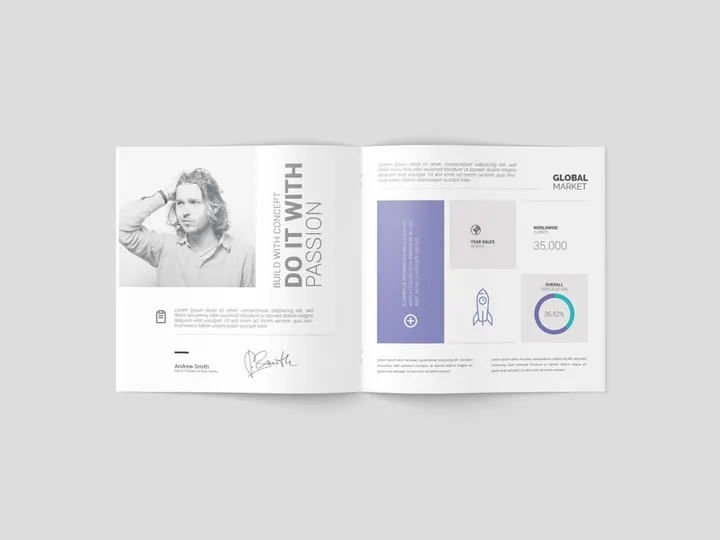
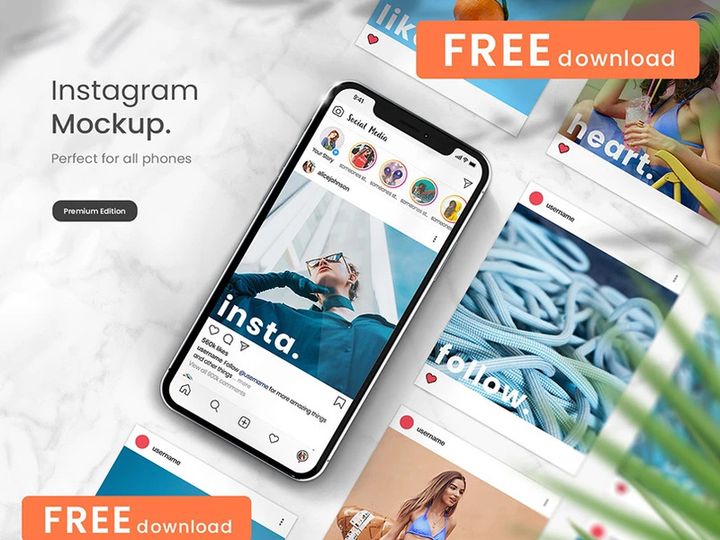

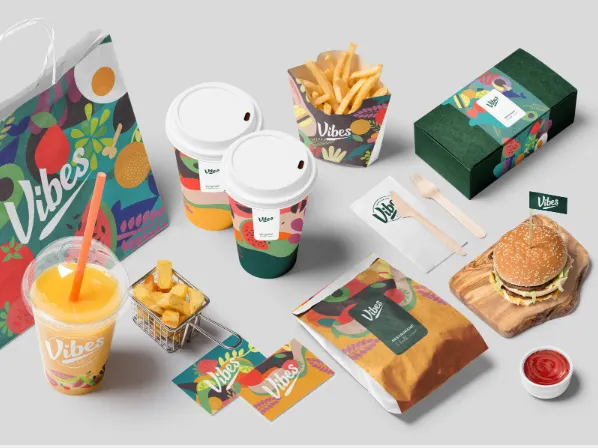

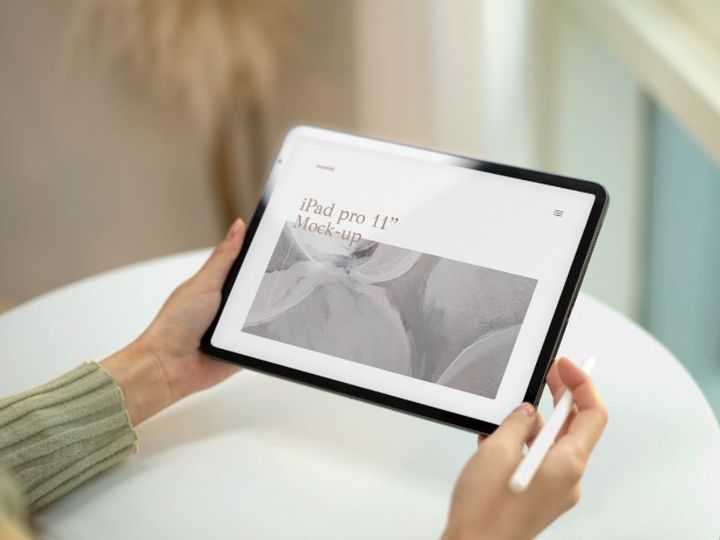
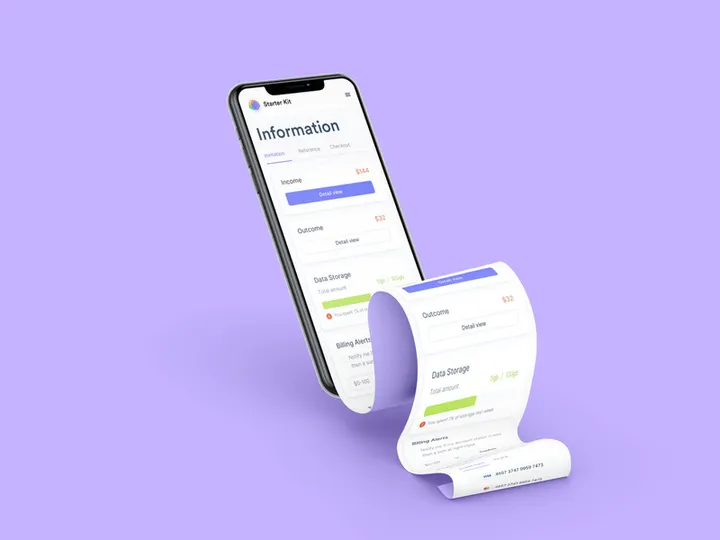
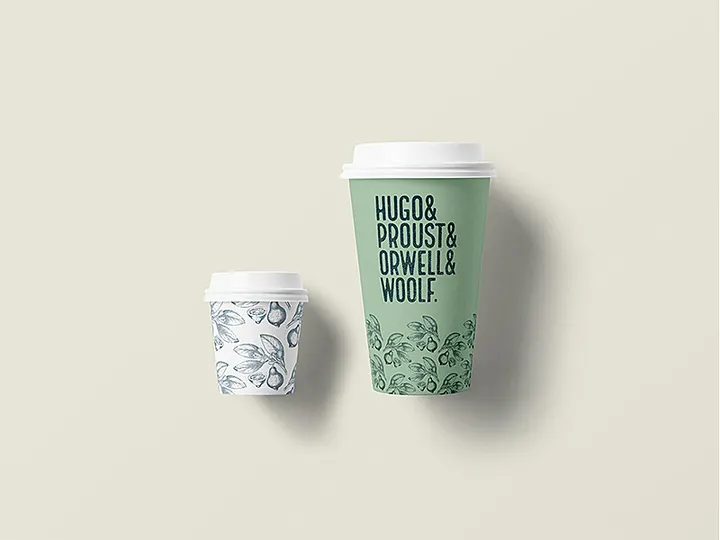
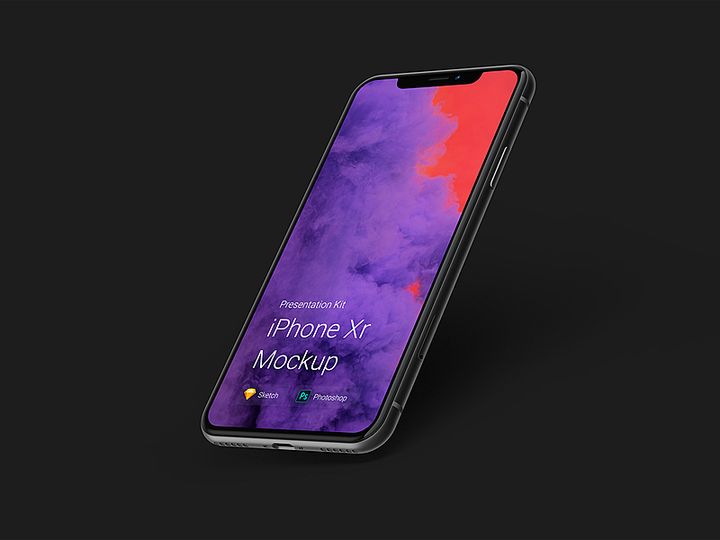
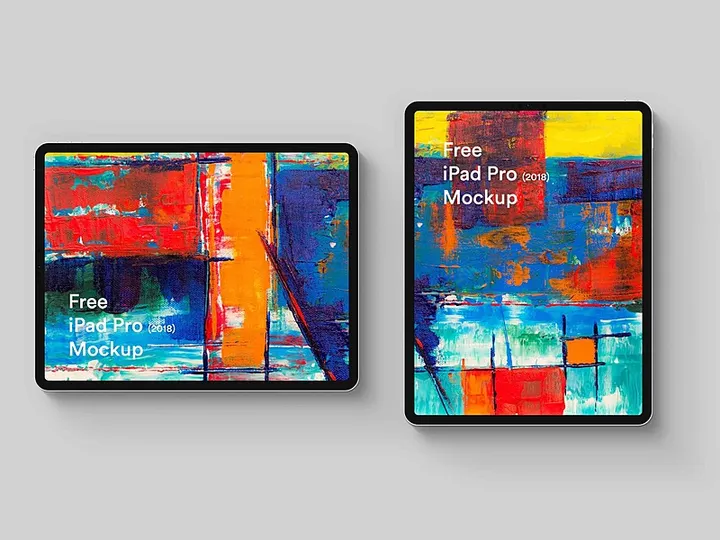



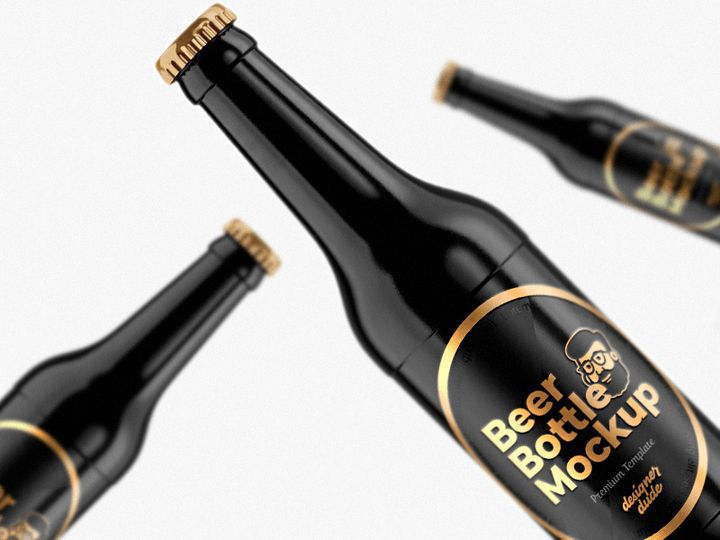

Try Our Free Resources
Download any of these for free - no account required
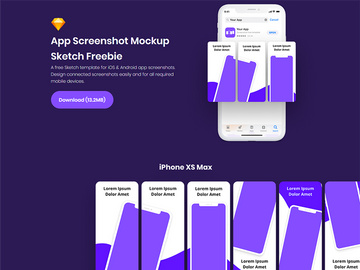
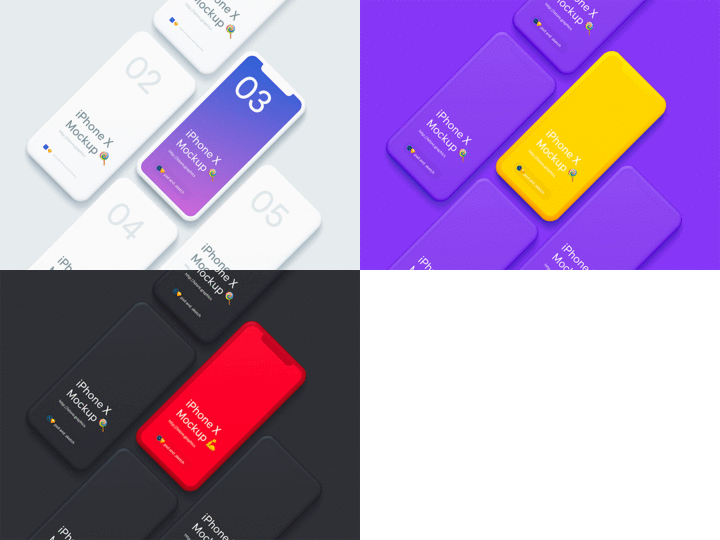
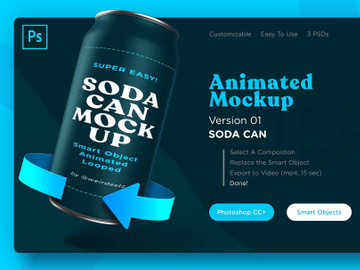
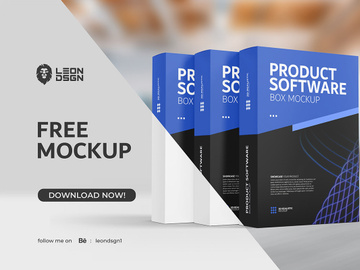
Why PDF for Mockups?
PDF has evolved from a simple document-sharing format into a powerful tool for designers, especially when it comes to presenting and distributing mockups. Its widespread compatibility, consistent rendering across devices, and support for high-quality visuals make PDF a preferred format for showcasing design work in a professional context. When used for mockups, PDF files maintain layout integrity, ensuring that typography, spacing, and imagery appear exactly as intended—regardless of the viewer’s operating system or software.
One of the key strengths of PDF is its ability to embed fonts, images, and vector graphics seamlessly. This is particularly beneficial when sharing mockups with clients or stakeholders who may not have design software installed. With PDF, there’s no risk of missing fonts or distorted layouts—issues that commonly arise with other file types. Additionally, PDF supports layers, annotations, and interactive elements like hyperlinks and form fields, enabling designers to create dynamic, clickable prototypes directly within a single file.
Security features such as password protection and restricted editing rights also make PDF ideal for sharing confidential or pre-release designs. This ensures that mockups remain unaltered and are viewed only by intended recipients. Furthermore, PDFs are lightweight and easily compressed, making them simple to email, upload, or store in cloud environments without sacrificing quality.
At EpicPxls, we recognize the value of PDF in modern design workflows. That’s why our curation of over 83+ resources focuses on high-fidelity, PDF-compatible mockups that are ready to use across industries—from web and app interfaces to print media and packaging. Each resource is tested for clarity, scalability, and ease of integration, ensuring that whether you're a freelancer or part of a design team, you can rely on these tools to deliver polished presentations. By selecting only the most versatile and professionally crafted mockups, EpicPxls empowers designers to work smarter and present better.
Top Mockups Picks for PDF
With an ever-growing library of design assets, finding the right mockups for your PDF workflow can be overwhelming. To simplify the process, we’ve handpicked standout options from our collection of 83+ resources that cater to different skill levels and use cases. Whether you're just starting out or leading a high-stakes design project, these selections offer exceptional quality, usability, and visual impact.
Best for Beginners
If you're new to design or just exploring mockup creation, simplicity and clarity are key. Our beginner-friendly picks feature intuitive layouts, clear labeling, and step-by-step guides built right into the PDF files. These mockups often include drag-and-drop placeholders, making it easy to insert your designs without any technical know-how. Ideal for students, entrepreneurs, or non-designers, these resources let you create professional-looking presentations in minutes. Many also come with embedded color palettes and font suggestions, helping maintain visual consistency even for those unfamiliar with design principles.
Best for Professionals
For experienced designers seeking precision and flexibility, our professional-grade PDF mockups deliver advanced functionality. These resources support layered compositions, smart object integration, and multi-page navigation—perfect for simulating real-world user experiences. From responsive website layouts to mobile app prototypes with interactive buttons, these mockups are engineered for realism. Many include grid systems, measurement guides, and retina-ready assets that align with industry standards. With clean, modular structures, they’re ideal for client presentations, design sprints, or inclusion in comprehensive design systems.
Best Free Options
High-quality doesn’t have to mean high cost. Our curated selection of free PDF mockups proves that exceptional design tools are accessible to everyone. These resources maintain the same attention to detail and visual fidelity as premium options, making them perfect for startups, educators, or designers on a budget. From minimalist device frames to printable brochure templates, these free mockups are fully functional and ready for immediate use. At EpicPxls, we believe in democratizing design—so we ensure our free offerings are regularly updated and vetted for performance and compatibility.
PDF vs Other Tools for Mockups
When choosing a format for mockups, designers often weigh PDF against alternatives like PSD, Figma, Sketch, or XD. While each has its strengths, PDF stands out for its universal accessibility and reliable output. Unlike design-specific file types that require specialized software to open, PDFs can be viewed on nearly any device with free readers like Adobe Acrobat or web browsers. This makes PDF an excellent choice for final presentations, client approvals, and archival purposes.
Another advantage of the PDF ecosystem is its focus on consistency. While vector-based tools allow for deep editing, they can introduce rendering discrepancies when shared across platforms. PDF eliminates this risk by preserving all visual elements exactly as designed. It also supports interactive features such as clickable navigation, embedded videos, and form inputs—making it possible to create rich, functional prototypes without coding.
However, it’s important to note that PDFs are less suited for collaborative editing in real time. They shine best in the presentation and review phase rather than the iterative design process. For this reason, many designers use PDFs as a final export format after building mockups in other tools. That said, modern PDF editors now offer annotation, commenting, and markup tools, bridging the gap between static documents and collaborative workflows. With over 83+ resources optimized for this hybrid approach, EpicPxls ensures you can transition smoothly from design to delivery using PDF as your final medium.
Setting Up Mockups in PDF
Getting started with mockups in PDF is straightforward when you follow a structured approach. Whether you're using templates from EpicPxls or custom designs, these steps will help you import, organize, and deploy your resources efficiently.
- Download and Verify Resources: Begin by downloading your chosen mockup files from a trusted source. Ensure they are labeled as PDF-compatible and include all necessary assets like fonts or image placeholders.
- Open with a Compatible Reader: Use a full-featured PDF editor such as Adobe Acrobat Pro, Foxit, or Preview (macOS) to open the file. Basic viewers may not support editing or layer visibility.
- Explore Layers and Structure: Many professional mockups use layers to separate backgrounds, frames, text, and interactive elements. Open the Layers panel to understand how content is organized and toggle visibility as needed.
- Insert Your Design: Replace placeholder images by importing your artwork. Most templates include marked areas or guides. Use the “Edit Object” or “Replace Image” function to maintain resolution and alignment.
- Customize Text and Colors: Edit embedded text fields or add new ones using the Typewriter or Text Box tools. Update color schemes by modifying fill and stroke properties where applicable.
- Save and Export: Once your mockup is complete, save a working copy and export a final version as a flattened PDF for sharing. Include interactive elements like links or buttons if needed, and apply password protection for sensitive projects.
For teams managing large collections, consider creating a naming convention and folder hierarchy based on project type, client, or device category. This makes it easier to locate specific mockups later. EpicPxls recommends organizing your library by use case—such as web, mobile, or print—to streamline selection and reuse across multiple projects.
PDF Workflow Tips
Maximizing the potential of PDF mockups goes beyond simple file usage. By optimizing your workflow, you can save time, improve consistency, and enhance collaboration across teams.
Organizing Mockups Libraries
As your collection grows, maintaining an organized library becomes essential. Group your 83+ resources into categories such as device type (smartphones, tablets, laptops), industry (e-commerce, healthcare, education), or format (landscape, portrait, printable). Use descriptive file names like “iPhone-15-Pro-Mockup-Landscape.pdf” instead of generic titles. Consider maintaining a master index or using metadata tags if your PDF editor supports them. Cloud storage platforms with tagging and search features can further enhance accessibility, especially for remote teams.
Batch Operations
When handling multiple mockups, leverage batch processing tools to apply changes across several files at once. For example, you can use automated actions in Adobe Acrobat to resize pages, compress images, add watermarks, or apply security settings to an entire folder. This is particularly useful when preparing client decks or updating branding elements across templates. Some advanced editors also support scripting, allowing you to automate repetitive tasks like inserting logos or standard disclaimers. By reducing manual effort, batch operations help maintain consistency and accelerate delivery.
Collaboration Best Practices
While PDFs are traditionally seen as static documents, modern tools enable effective collaboration. When sharing mockups for feedback, enable commenting and annotation features so stakeholders can highlight areas for revision. Use sticky notes, text markup, or drawing tools to clarify suggestions. For version control, adopt a clear naming system—such as “ProjectX_Mockup_v2_Approved.pdf”—to avoid confusion. Always distribute a read-only version unless edits are required. Consider using shared workspaces or project management platforms where PDF mockups can be linked alongside task lists and timelines. At EpicPxls, we encourage teams to treat PDF mockups not just as deliverables, but as interactive communication tools that bridge design and decision-making.
Why Download from EpicPxls?
Commercial License
Use in personal and commercial projects
No Account Required
Download free resources instantly
Quality Curated
Every resource is reviewed for quality
Preview Files
See Figma and Photoshop files before downloading
Who Uses These Mockups?
Professionals and teams who benefit most from our collection
UI/UX Designers
Speed up your workflow with ready-to-use mockups for PDF. Perfect for prototyping and client presentations.
Developers
Get production-ready assets without design skills. Export in any format for web and mobile apps.
Startups & Agencies
Save design budget with affordable premium mockups. Commercial license included for client work.
Marketing Teams
Create professional campaigns faster. All mockups are optimized for social media and ads.
Mockups for PDF FAQCommon questions about these resources
Simple, Transparent Pricing
Get unlimited access to all premium resources
Yearly
- 20 downloads per month
- All file formats
- Commercial license
Lifetime
- Unlimited downloads forever
- All file formats
- Commercial license
Ready to Get Started?
Access 4,441+ free design resources today.
Browse Free ResourcesView Premium PlansEarn 85% and
more on all sales
Upload your products and put them up
for sale at whatever price you want.


