Graphics for PDF: 578+ Resources
EpicPxls offers 90+ curated graphics for PDF, all with a commercial license and editable source files (Figma, Sketch, PSD). We have 90+ graphics compatible with PDF, tested and verified for seamless integration.
Last updated February 12, 2026
Discover 578+ handpicked graphics for PDF.
Trusted by designers at leading companies
Top Graphics for PDF
Handpicked resources from our curated collection
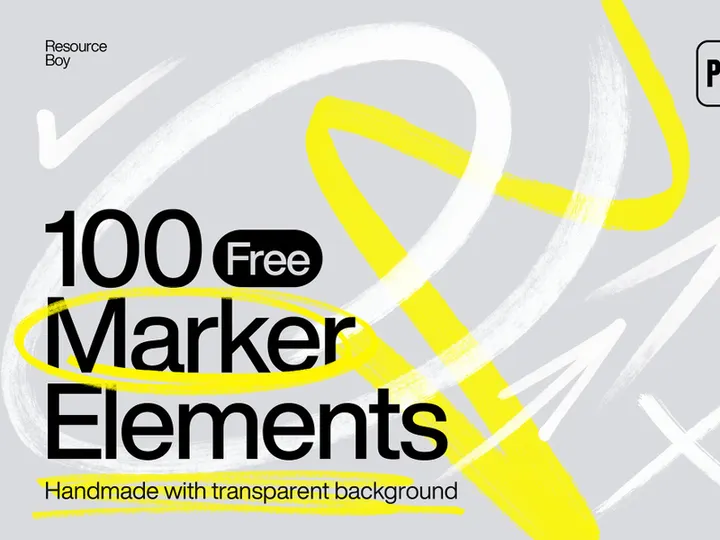


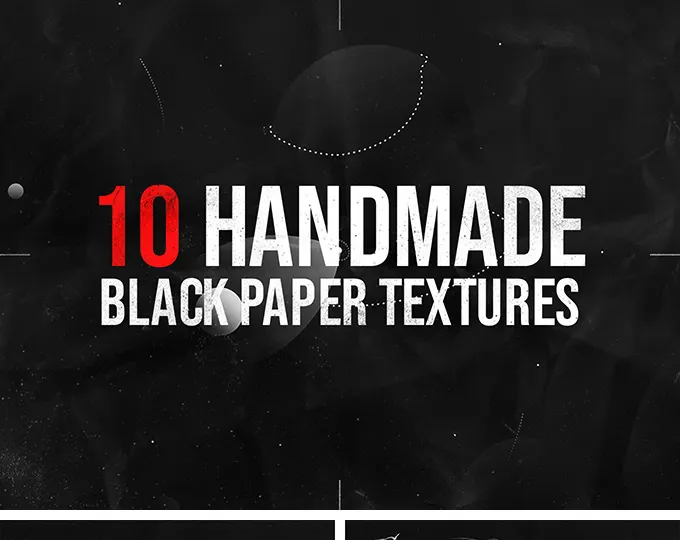
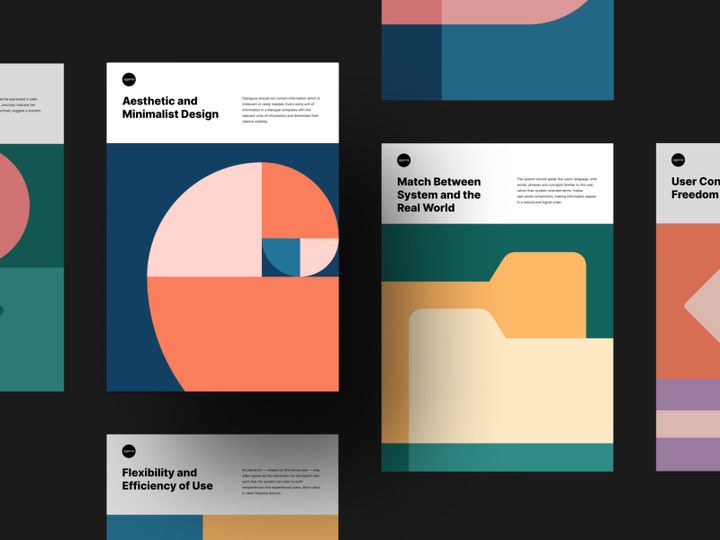









Try Our Free Resources
Download any of these for free - no account required
Why PDF for Graphics?
PDF has evolved far beyond its original purpose as a static document format. Today, it's a powerful medium for storing, sharing, and working with graphics in a consistent, reliable way. One of the main reasons PDF is a popular choice for graphics is its universal compatibility—virtually every device and operating system can open a PDF without distorting layout, fonts, or embedded images. This makes it an ideal container for visual assets, especially when precision and fidelity are crucial.
The PDF format supports high-resolution images, vector graphics, transparency, layers, and embedded color profiles, making it highly suitable for both print and digital workflows. Designers, illustrators, marketers, and educators use PDFs to package graphics efficiently, whether for client presentations, digital portfolios, or asset distribution. Features like compression, annotation tools, and password protection enhance security and usability, further solidifying PDF's role in modern graphics workflows.
At EpicPxls, we recognize the growing need for accessible, well-structured graphics within the PDF ecosystem. That’s why we’ve curated a comprehensive collection of over 578+ high-quality, PDF-compatible graphics resources—from icons and illustrations to templates and infographics. Each item is selected for clarity, scalability, and ease of integration, ensuring that users at every skill level can leverage the full potential of PDFs in their creative projects. Whether you're creating pitch decks, educational materials, or design mockups, our 578+ resources empower you to deliver professional-grade graphics with confidence and consistency.
Top Graphics Picks for PDF
Best for Beginners
If you're just starting out with graphics in PDF, simplicity and clarity are key. The best beginner-friendly resources are those that come with intuitive layouts, clear labeling, and easy-to-follow instructions. Look for PDF graphics packs that include drag-and-drop elements, pre-sized templates, and well-organized layers. These features reduce the learning curve and help new users focus on creativity instead of technical hurdles. At EpicPxls, we prioritize user experience by offering beginner-oriented bundles that include step-by-step guides and sample projects, making it easier than ever to get started with professional-looking designs.
Best for Professionals
For advanced users, the ideal PDF graphics resources offer precision, flexibility, and scalability. Professionals benefit from vector-based assets, CMYK color support, layered compositions, and high-DPI outputs. These features are essential for print production, branding materials, and complex design projects. Our professional-grade selection at EpicPxls includes modular design systems, customizable infographics, and editable vector illustrations—all optimized for seamless integration into PDF workflows. With access to 578+ resources, seasoned designers can find exactly what they need to streamline production and maintain visual consistency across deliverables.
Best Free Options
High-quality graphics don’t always have to come with a price tag. There are numerous free PDF-compatible graphics that deliver excellent value without compromising on design or functionality. These include open-source icon sets, minimalist templates, and public domain illustrations that are perfect for personal projects, startups, or educational use. EpicPxls carefully vets its free offerings to ensure they meet professional standards—providing crisp resolution, clean formatting, and reliable compatibility. With dozens of free options included in our 578+ resources, users can explore, experiment, and enhance their work without financial risk.
PDF vs Other Tools for Graphics
While many graphic design tools focus on interactivity and animation, PDF excels in stability, portability, and cross-platform consistency. Unlike editable design files that may require specific software—like PSD or AI formats—PDFs preserve graphics exactly as intended, regardless of the viewer’s device or application. This makes PDF an excellent choice for final deliverables, client approvals, and archival purposes.
The PDF ecosystem offers unique advantages for graphics, including built-in support for metadata, bookmarks, hyperlinks, and form fields—all of which can enhance the usability of visual content. Additionally, PDFs can embed multiple graphic types (raster, vector, and mixed) within a single file, enabling rich, layered presentations without external dependencies. This versatility is especially valuable for reports, portfolios, and interactive documents.
When comparing format compatibility, PDF stands out for its long-term accessibility. While other formats may become obsolete or require conversion, PDF/A (the archival version) ensures graphics remain viewable for decades. For users seeking reliable, future-proof storage and distribution of visual assets, PDF remains unmatched. With 578+ resources optimized for this format, EpicPxls ensures your graphics maintain their integrity across time and technology.
Setting Up Graphics in PDF
- Choose the Right PDF Viewer or Editor: Begin by selecting a reliable PDF application that supports graphic editing—such as Adobe Acrobat, PDF-XChange, or other advanced readers. Ensure it allows image extraction, layer management, and annotation tools for full control over your graphics.
- Download Your Graphics Resources: Visit a trusted source like EpicPxls to access high-quality, PDF-compatible graphics. Download the file package, which typically includes individual PDFs or combined asset libraries.
- Import Graphics into Your Document: Open your target PDF and use the “Insert Image” or “Place” function to add graphics. For vector assets, ensure they’re embedded as scalable objects to maintain quality at any size.
- Organize with Layers and Bookmarks: Use the Layers panel to group related graphics (e.g., icons, backgrounds, text overlays). Assign descriptive names and use bookmarks for quick navigation, especially in multi-page documents.
- Resize and Position with Precision: Hold the Shift key while resizing to maintain aspect ratio. Use grid overlays and alignment tools to position graphics accurately and create balanced compositions.
- Save and Optimize: Once your graphics are in place, compress images where appropriate to reduce file size without sacrificing quality. Save a final version with embedded fonts and optimized resolution settings for sharing or printing.
Managing a large collection of graphics becomes much easier when you adopt a structured approach. Consider creating a master library PDF where each page contains a categorized asset—icons on one page, illustrations on another, templates in a dedicated section. This method, supported by the 578+ resources available through EpicPxls, allows for rapid access and reuse across multiple projects.
PDF Workflow Tips
Organizing Graphics Libraries
A well-organized graphics library is essential for efficiency. Start by categorizing your assets—such as logos, icons, charts, and backgrounds—into separate folders or sections within a master PDF. Use consistent naming conventions (e.g., “Icon-Chart-Bar-Blue.pdf”) to make searching easier. Within each PDF, leverage metadata, tags, and document properties to enhance discoverability. At EpicPxls, we structure our 578+ resources with clear labeling and logical grouping, so users can quickly locate the right graphic without sifting through unrelated content. Consider creating a thumbnail index page for visual browsing, especially when working with large image sets.
Batch Operations
When handling multiple PDF graphics, batch processing can save significant time. Use tools that allow you to apply actions—such as compression, watermarking, or format conversion—to dozens of files at once. For example, you can resize all graphics to a standard resolution or add copyright notices across an entire collection in a single operation. Many advanced PDF editors support batch sequences via presets or scripts. This is particularly useful when preparing assets from the EpicPxls library for deployment in client work or digital publishing. Automating repetitive tasks ensures consistency and frees up time for more creative aspects of your project.
Collaboration Best Practices
PDFs are inherently collaborative, making them ideal for team-based graphics projects. When sharing PDF graphics, enable comment and annotation features so team members can provide feedback directly on the document. Use version control by appending dates or status labels (e.g., “v2-Approved”) to filenames to avoid confusion. For real-time collaboration, pair your PDF workflow with cloud storage platforms that support syncing and access permissions. Clearly define roles—such as editor, reviewer, and approver—to streamline the feedback loop. Since many of the 578+ resources from EpicPxls are designed with collaboration in mind—featuring modular layouts and editable layers—teams can work together seamlessly, whether they're co-developing marketing materials, academic visuals, or product documentation.
Why Download from EpicPxls?
Commercial License
Use in personal and commercial projects
No Account Required
Download free resources instantly
Quality Curated
Every resource is reviewed for quality
Preview Files
See Figma and Photoshop files before downloading
Who Uses These Graphics?
Professionals and teams who benefit most from our collection
UI/UX Designers
Speed up your workflow with ready-to-use graphics for PDF. Perfect for prototyping and client presentations.
Developers
Get production-ready assets without design skills. Export in any format for web and mobile apps.
Startups & Agencies
Save design budget with affordable premium graphics. Commercial license included.
Marketing Teams
Create professional campaigns faster. All graphics are optimized for social media and ads.
Graphics for PDF FAQCommon questions about these resources
Simple, Transparent Pricing
Get unlimited access to all premium resources
Yearly
- 20 downloads per month
- All file formats
- Commercial license
Lifetime
- Unlimited downloads forever
- All file formats
- Commercial license
Ready to Get Started?
Access 4,442+ free design resources today.
Browse Free ResourcesView Premium PlansEarn 85% and
more on all sales
Upload your products and put them up
for sale at whatever price you want.


