Illustrations for Figma: 283+ Resources
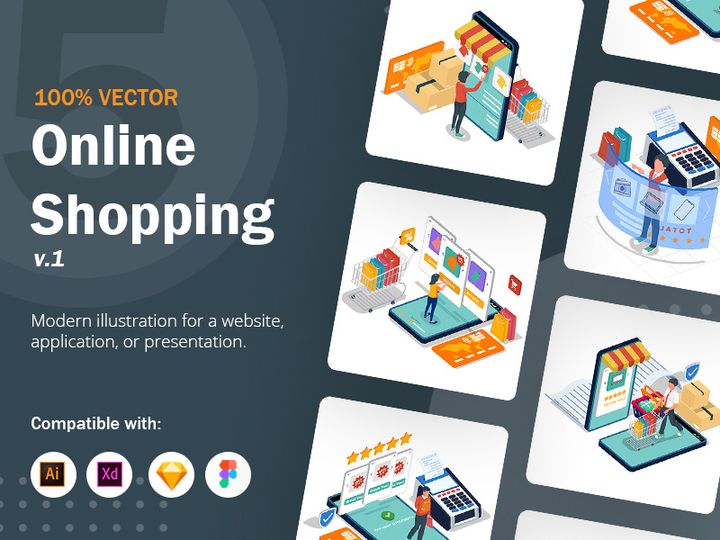
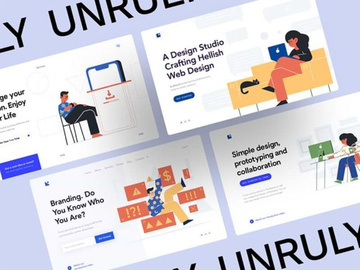
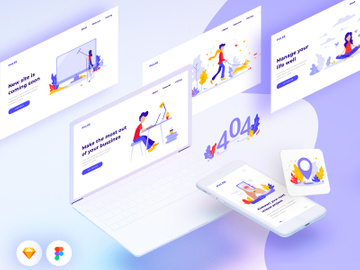
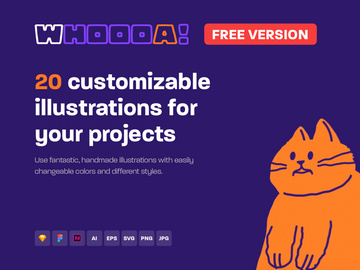
EpicPxls offers 83+ curated illustrations for Figma, all with a commercial license and editable source files (Figma, Sketch, PSD). We have 83+ illustrations compatible with Figma, tested and verified for seamless integration.
Last updated February 12, 2026
Discover 283+ handpicked illustrations for Figma.
Trusted by designers at leading companies
Top Illustrations for Figma
Handpicked resources from our curated collection
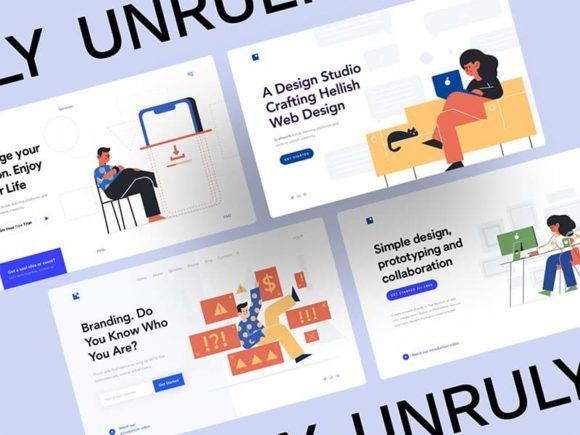
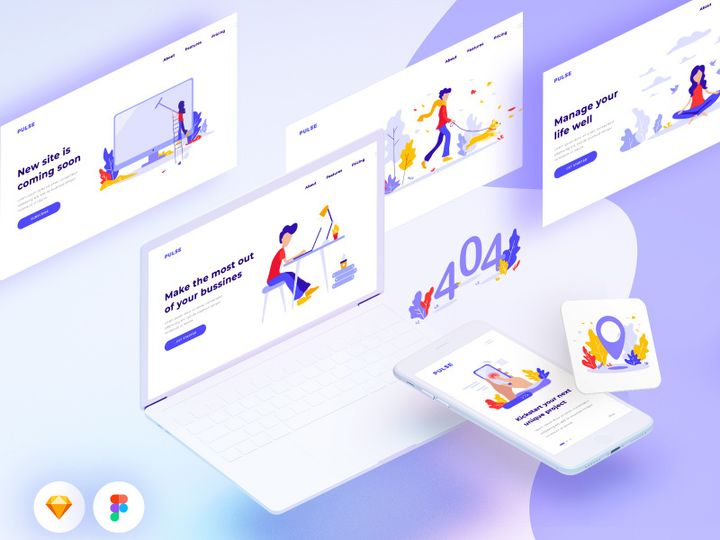

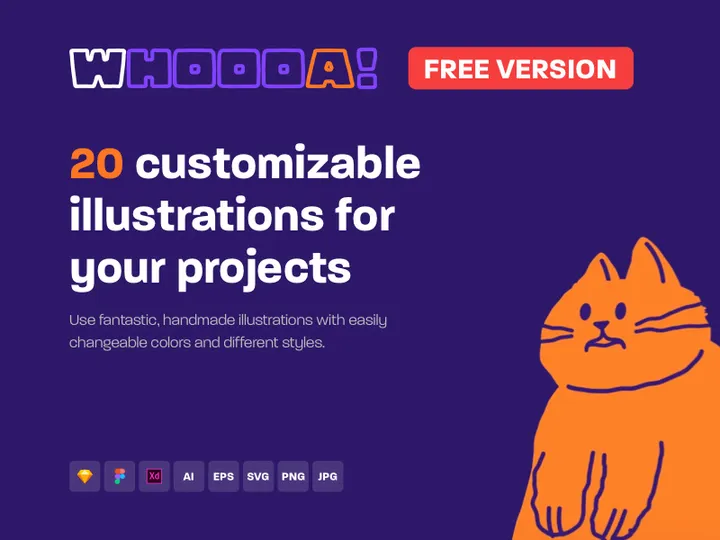

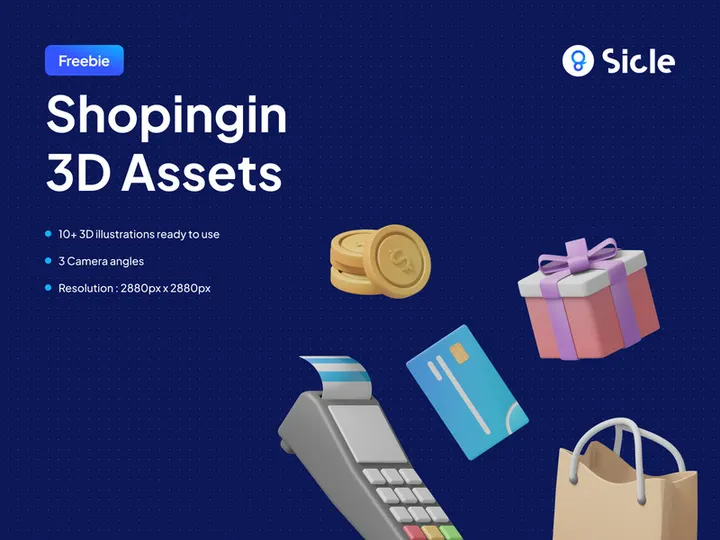

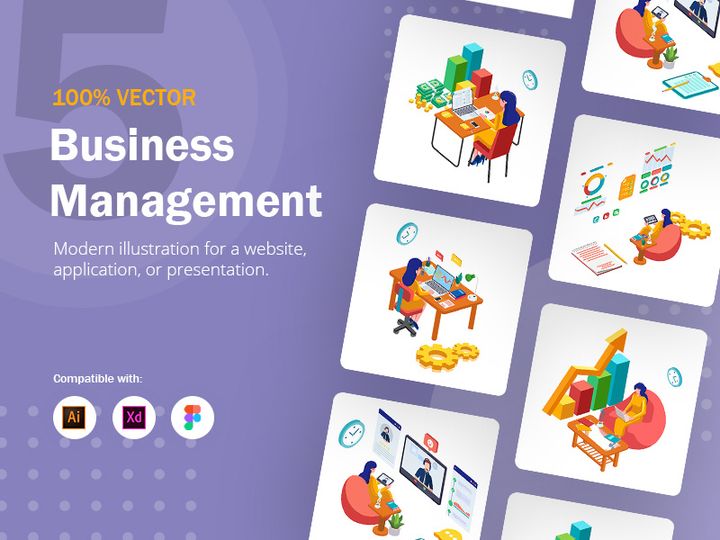

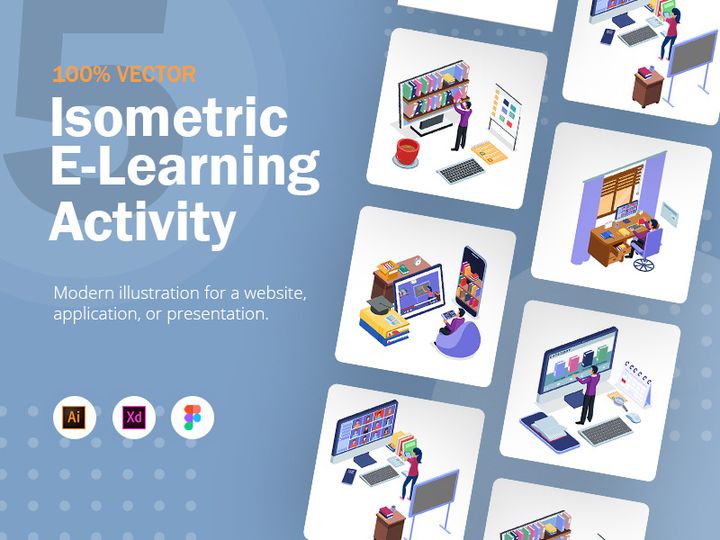
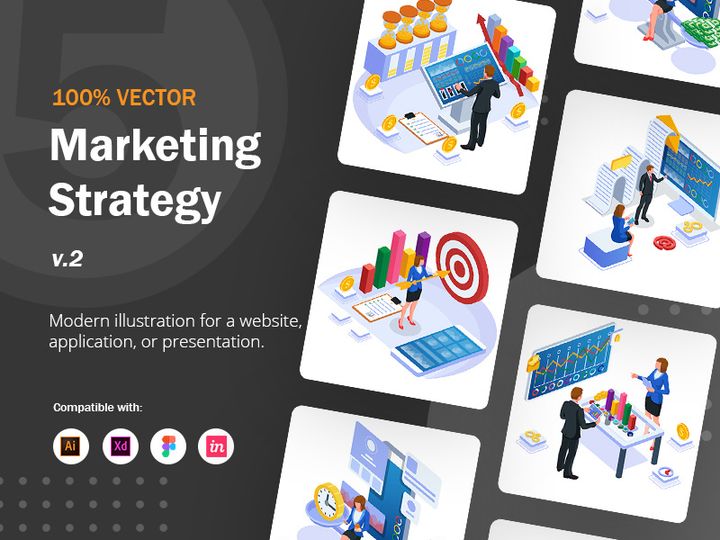
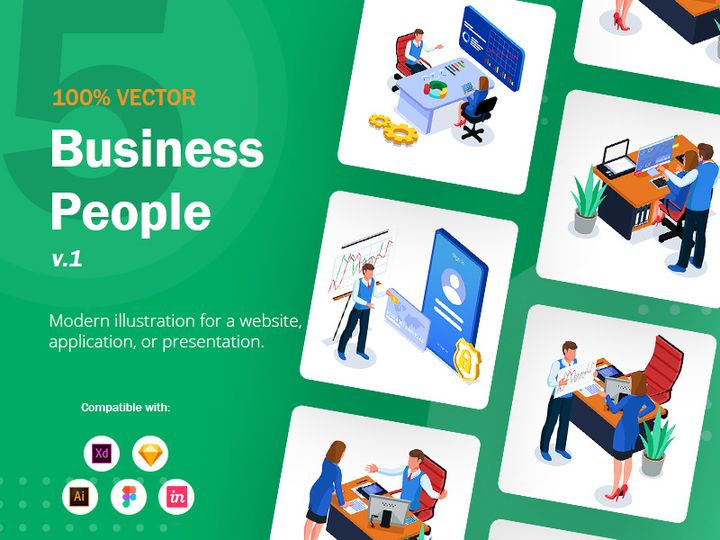
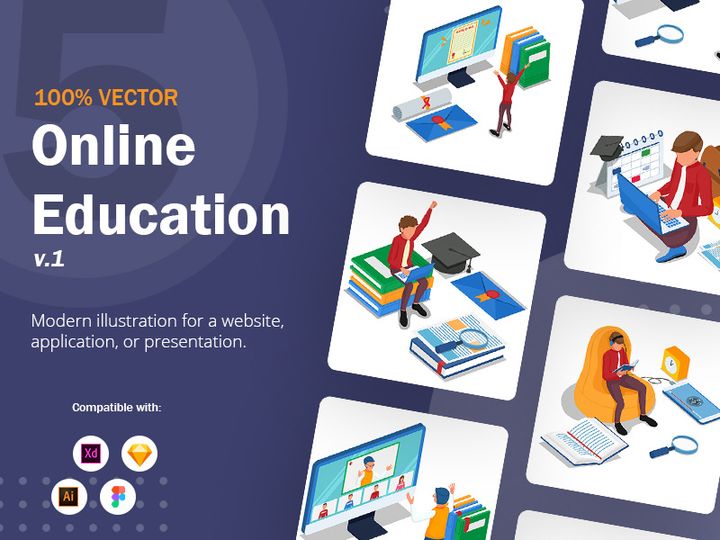
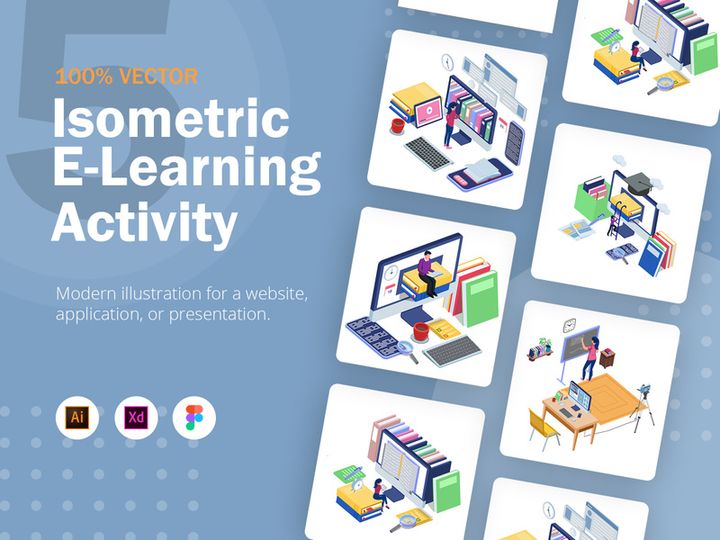
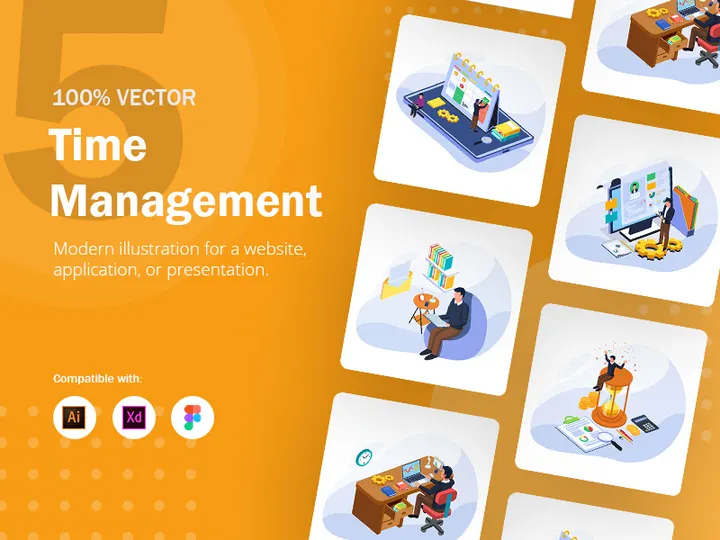

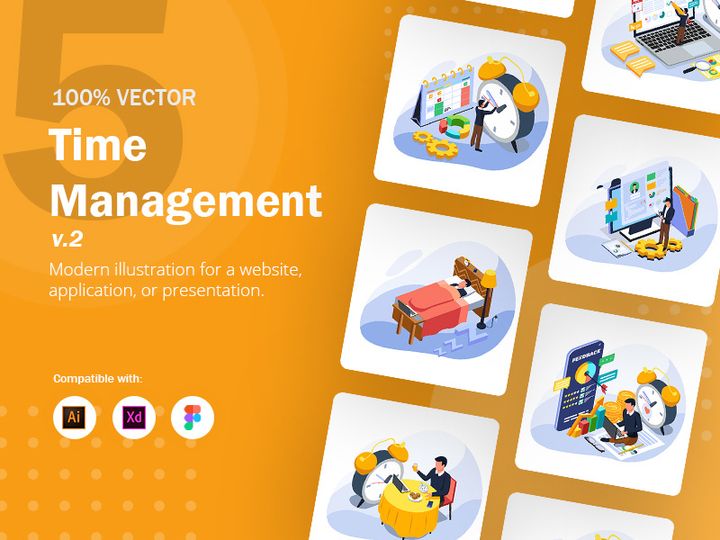
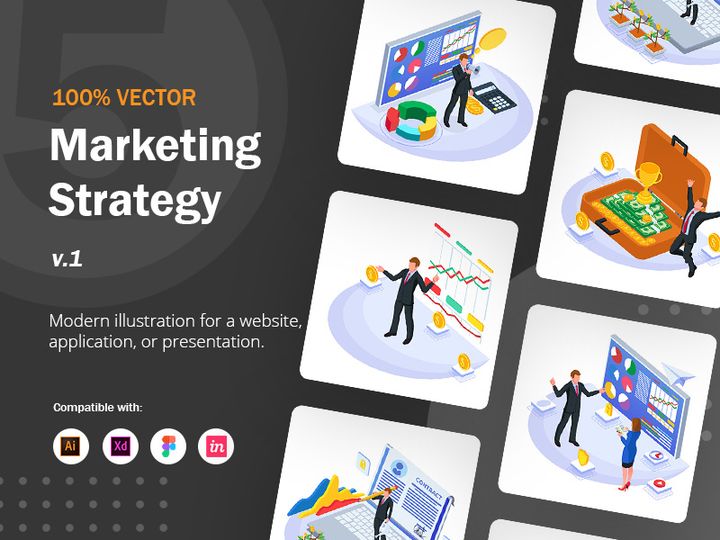
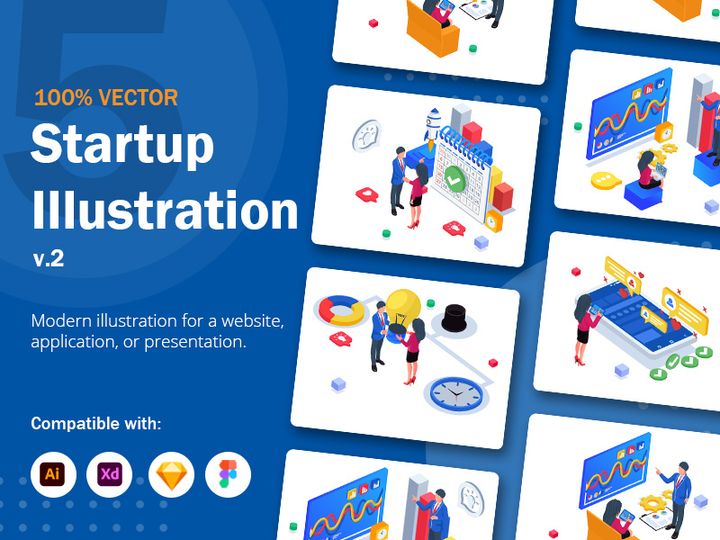
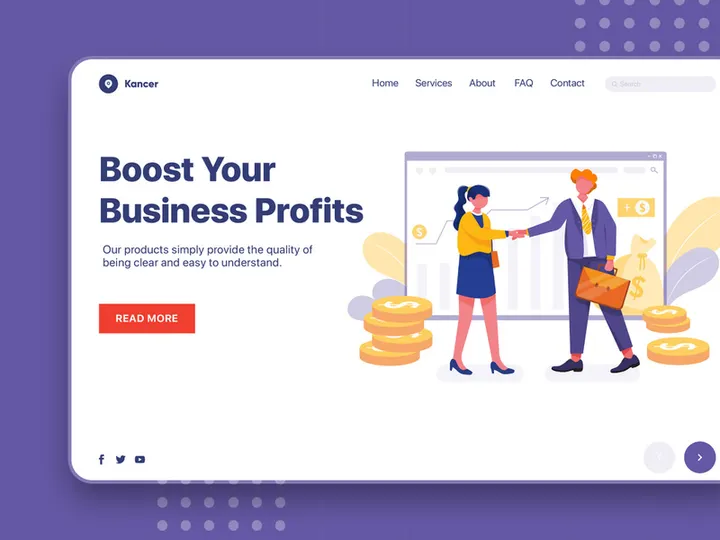


Try Our Free Resources
Download any of these for free - no account required

Why Figma for Illustrations?
Figma has rapidly become one of the most trusted platforms for designers across industries, especially when it comes to working with illustrations. Its browser-based interface, real-time collaboration capabilities, and robust vector editing tools make it an ideal environment for integrating and customizing illustrations in design projects. Whether you're building user interfaces, crafting marketing materials, or developing brand assets, Figma streamlines the workflow from concept to final output.
One of the key reasons Figma stands out is its component-based system. Illustrations can be turned into reusable components, allowing teams to maintain consistency across designs while enabling quick updates. With features like variants and auto-layout, designers can efficiently manage illustration sets that adapt to different states or screen sizes. Additionally, Figma’s vector networks support complex paths and Boolean operations, making it easy to modify and stylize illustrations directly within the canvas.
The platform’s cloud-native architecture ensures that illustrations are always accessible from any device, with version history and branching that support non-linear workflows. This is especially useful when iterating on illustration styles or sharing assets with cross-functional teams. Designers can also leverage Figma’s plugin ecosystem to automate repetitive tasks, such as recoloring illustrations or exporting multiple formats.
At EpicPxls, we recognize the growing demand for high-quality, Figma-compatible illustration resources. That’s why we’ve curated a collection of 283+ resources that are optimized for seamless integration into Figma projects. Each asset is reviewed for scalability, layer organization, and ease of customization, ensuring that whether you're a solo designer or part of a large team, you can find illustrations that enhance your workflow without compromising quality or efficiency.
Top Illustrations Picks for Figma
With over 283+ resources available, choosing the right illustration pack can significantly impact your design velocity and visual coherence. The right set not only aligns with your project’s tone but also integrates smoothly into Figma’s collaborative environment. At EpicPxls, we’ve categorized top-performing illustration assets based on usability, quality, and design flexibility to help you find what fits your needs—whether you're just starting out or leading a professional design team.
Best for Beginners
If you're new to Figma or illustration design, simplicity and clarity are key. Look for packs that offer well-labeled layers, straightforward color palettes, and minimal detail. Resources like flat vector characters, isometric office scenes, and UI-friendly icons are excellent starting points. These illustrations often come with clear documentation and are built using basic shapes and strokes, making them easy to modify. Many beginner-friendly options from EpicPxls include step-by-step guides and Figma file examples to help users understand how to integrate and adapt the assets effectively.
Best for Professionals
Professional designers benefit from advanced illustration sets that support complex workflows. These resources often include layered compositions, multiple style variants (light/dark, animated states), and integration with design systems. Premium packs may offer modular characters, scene builders, or data-driven visualizations that support dynamic prototyping. These are ideal for agencies, product teams, and freelancers who need scalable, brand-aligned visuals. Many of the professional-grade illustrations in our 283+ resources collection are designed with enterprise use in mind—featuring consistent stroke weights, accessible color contrasts, and compatibility with design tokens.
Best Free Options
High-quality doesn’t always mean high cost. There are numerous free illustration resources available that maintain excellent standards of design and usability. These include open-source character sets, abstract backgrounds, and thematic scenes perfect for landing pages or app onboarding flows. The best free packs are carefully organized, use non-destructive editing techniques, and support easy recoloring. EpicPxls highlights several of these no-cost options in its curation, ensuring that even designers on tight budgets can access professional-grade illustrations without compromising on Figma compatibility.
Figma vs Other Tools for Illustrations
When it comes to handling illustrations, Figma offers a distinct advantage over traditional design tools by blending vector precision with collaborative functionality. Unlike desktop-only applications, Figma operates in the cloud, allowing designers to access, share, and edit illustrations in real time—without worrying about file version conflicts or compatibility issues. This is particularly valuable when working with distributed teams or when illustrations need to be reviewed and approved by stakeholders across departments.
Another key differentiator is Figma’s native support for design systems. Illustrations can be embedded as components within libraries, making it easy to maintain brand consistency across multiple projects. When a change is made to a master illustration component, all instances update automatically—something that’s difficult to achieve in non-component-based environments. This systemic approach reduces redundancy and ensures that illustrations evolve alongside the rest of the design language.
From a format perspective, Figma supports SVG and PNG imports seamlessly, but its real power lies in how illustrations are structured once inside the file. Unlike tools that treat imported graphics as flattened images, Figma preserves layers, groups, and vector data (when properly exported), enabling deep customization. This means designers can adjust colors, crop elements, or animate parts directly in the canvas. With EpicPxls’ focus on Figma-optimized resources, the 283+ resources in our collection are pre-structured to take full advantage of these capabilities, minimizing setup time and maximizing creative control.
Setting Up Illustrations in Figma
- Import Your Illustration Files: Begin by importing SVG, PNG, or Figma files into your project. Use the “Insert” menu or drag and drop directly into the canvas. For best results, use vector-based SVGs or native Figma files from trusted sources like EpicPxls.
- Verify Layer Structure: Once imported, open the layers panel to ensure the illustration is properly grouped and labeled. Well-organized resources from the 283+ resources collection make this step faster and more intuitive.
- Convert to Components: Select key illustration elements and convert them into components. This allows for reuse across frames and pages while enabling consistent updates.
- Set Up a Design Library: Move frequently used illustrations into a team library. This centralizes access and ensures all team members use the same, up-to-date versions.
- Customize Colors and Styles: Use style overrides and variables to adapt illustrations to your project’s color scheme. Figma’s color styles make it easy to swap palettes across multiple instances at once.
- Optimize for Export: Before delivering assets, check export settings. Use individual slices for specific illustration parts or export entire frames in multiple formats (SVG, PNG, PDF) depending on the use case.
For teams managing large illustration collections, consider creating folders within the layers panel or using naming conventions like “Illustration/Onboarding/Group” to maintain clarity. When sourcing from EpicPxls, you’ll find that most resources already follow these best practices, reducing onboarding time and improving consistency.
Figma Workflow Tips
Maximizing the potential of illustrations in Figma requires more than just dropping assets onto the canvas. Efficient workflows save time, reduce errors, and ensure your visuals remain aligned with project goals. Whether you're working solo or with a team, applying strategic organization and automation can elevate your design process.
Organizing Illustrations Libraries
Create a dedicated Figma file for your illustration library and break it into pages by category—such as “Characters,” “Scenes,” “Icons,” and “Abstracts.” Use consistent naming and tagging (e.g., “Illus-Onboarding-Happy”) to make searching easier. For large teams, publish the library as a shared team component so updates propagate automatically. Many of the 283+ resources curated by EpicPxls come with built-in categorization, making it simple to import and integrate them directly into your organizational structure.
Batch Operations
Figma supports bulk editing, which is invaluable when managing multiple illustrations. Use the “Find and Replace” feature to update colors across all instances. Select multiple components and adjust properties like opacity, blend mode, or constraints simultaneously. Plugins can further enhance batch capabilities—for example, resizing all illustrations to fit a grid or exporting dozens of assets with predefined settings. This is especially useful when customizing large packs sourced from EpicPxls, where consistency across hundreds of elements is essential.
Collaboration Best Practices
When working with others, leverage Figma’s commenting and version history features to streamline feedback on illustrations. Use pinned comments to highlight specific elements that need revision. Set up a “Review” page where stakeholders can view illustration options side by side. For remote teams, consider creating interactive prototypes that demonstrate how illustrations function in context—such as onboarding flows or error states. Since all EpicPxls resources are Figma-native or optimized for the platform, they support smooth handoff and real-time collaboration without requiring additional conversion or setup.
Why Download from EpicPxls?
Commercial License
Use in personal and commercial projects
No Account Required
Download free resources instantly
Quality Curated
Every resource is reviewed for quality
Preview Files
See Figma and Photoshop files before downloading
Who Uses These Illustrations?
Professionals and teams who benefit most from our collection
UI/UX Designers
Speed up your workflow with ready-to-use illustrations for Figma. Perfect for prototyping and client presentations.
Developers
Get production-ready assets without design skills. Export in any format for web and mobile apps.
Startups & Agencies
Save design budget with affordable premium illustrations. Commercial license included for client work.
Marketing Teams
Create professional campaigns faster. All illustrations are optimized for social media and ads.
Illustrations for Figma FAQCommon questions about these resources
Simple, Transparent Pricing
Get unlimited access to all premium resources
Yearly
- 20 downloads per month
- All file formats
- Commercial license
Lifetime
- Unlimited downloads forever
- All file formats
- Commercial license
Ready to Get Started?
Access 4,441+ free design resources today.
Browse Free ResourcesView Premium PlansEarn 85% and
more on all sales
Upload your products and put them up
for sale at whatever price you want.


