Themes for PHP: 88+ Resources
EpicPxls offers 93+ curated themes for PHP, all with a commercial license and editable source files (Figma, Sketch, PSD). We have 93+ themes compatible with PHP, tested and verified for seamless integration.
Last updated February 12, 2026
Discover 88+ handpicked themes for PHP.
Trusted by designers at leading companies
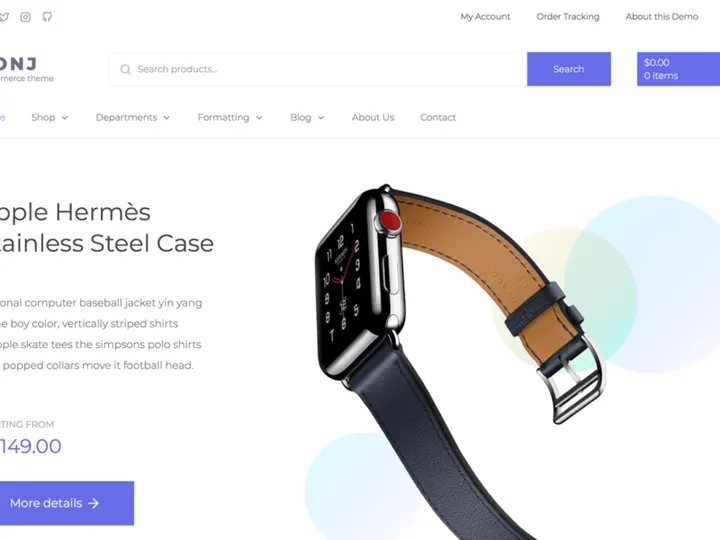
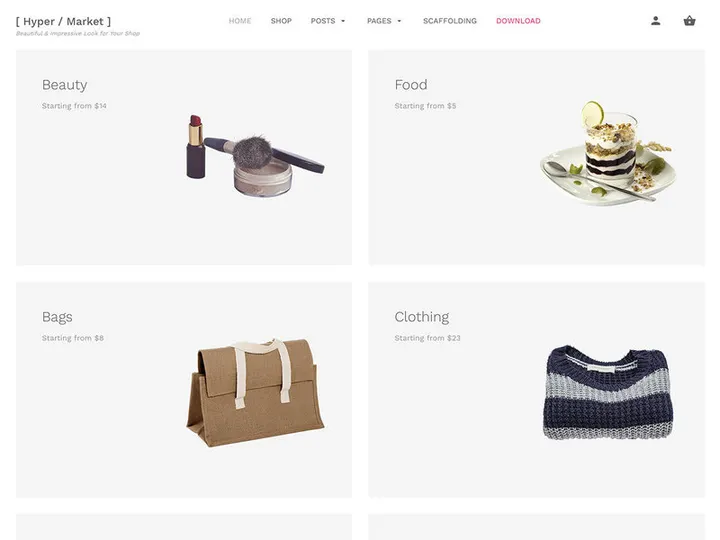
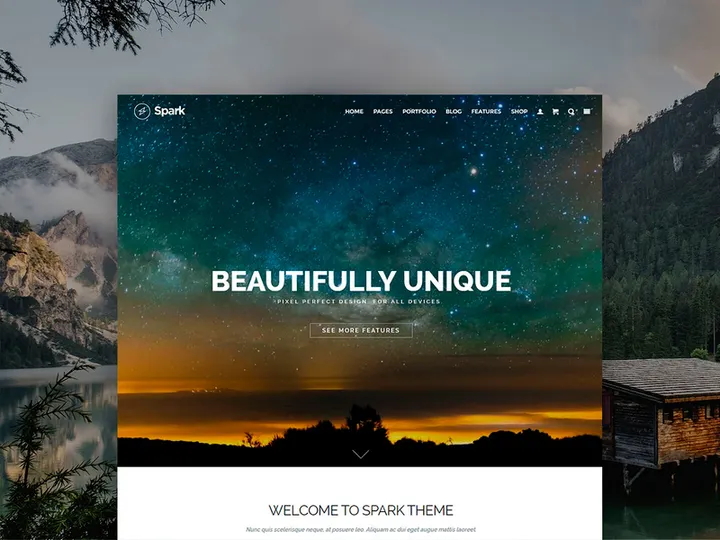
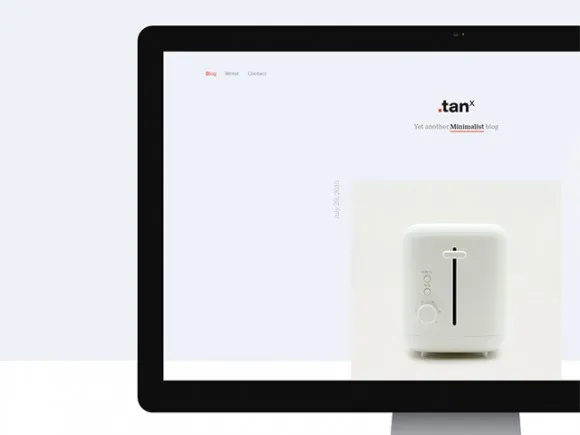
Top Themes for PHP
Handpicked resources from our curated collection
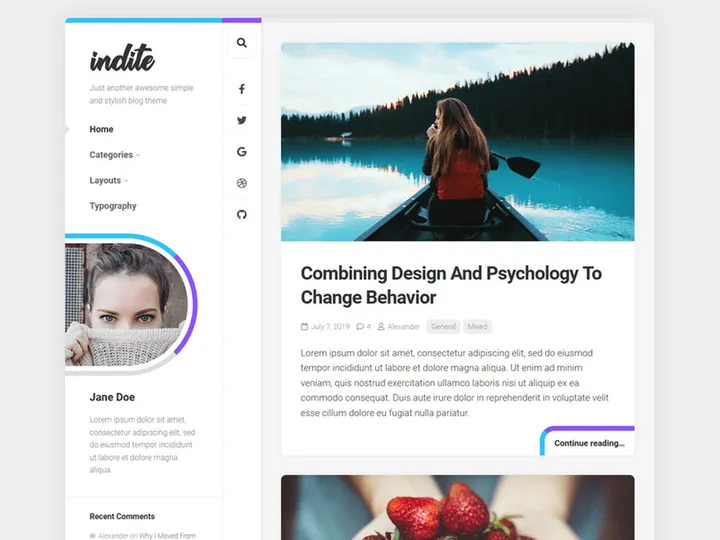
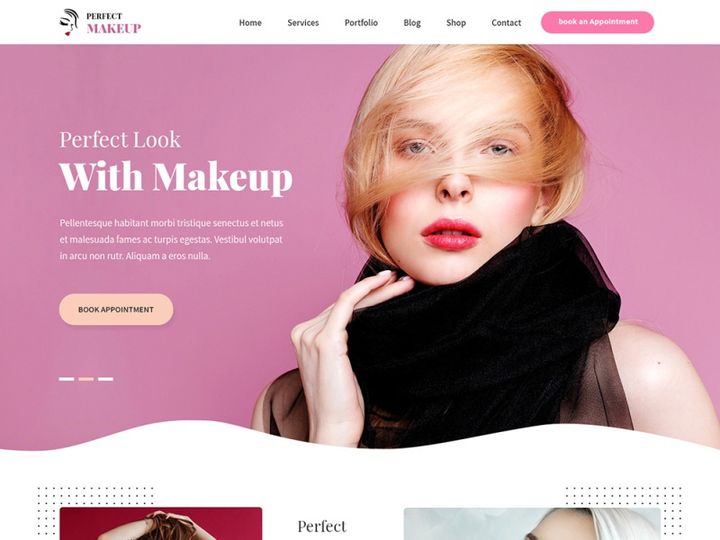

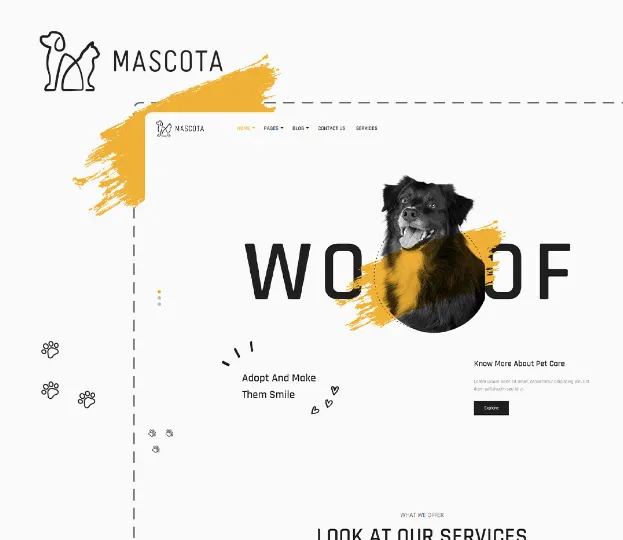
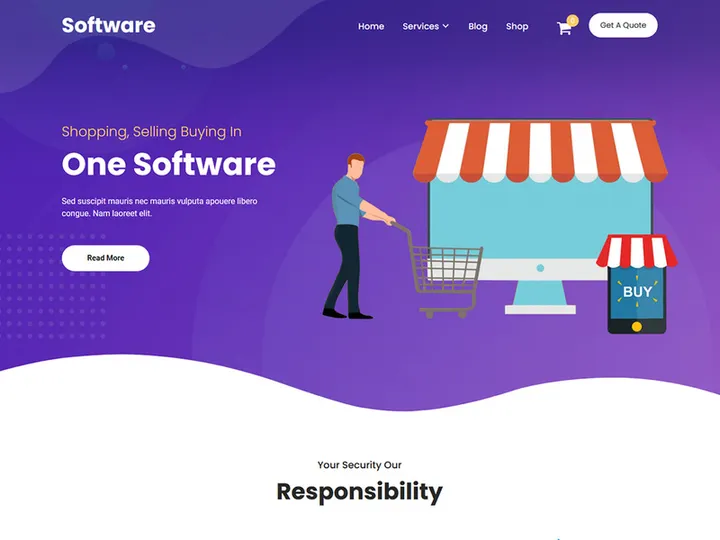
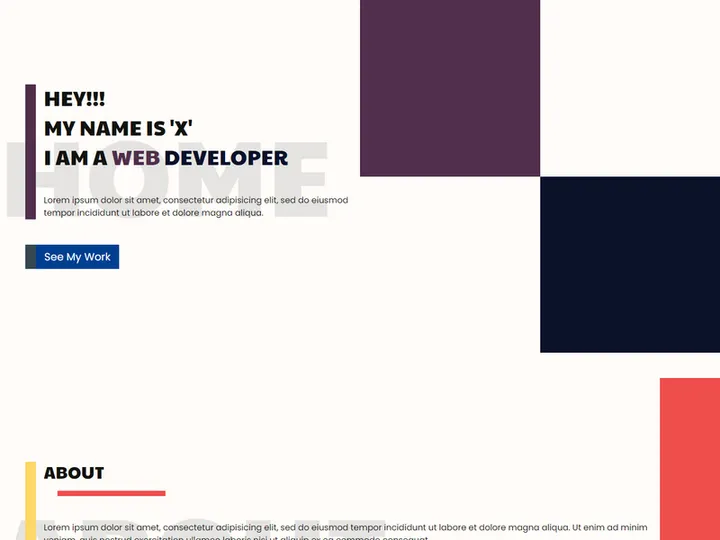
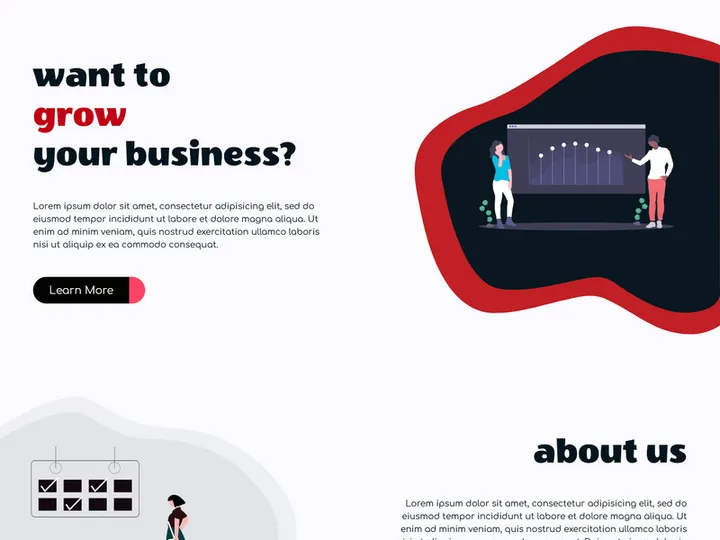
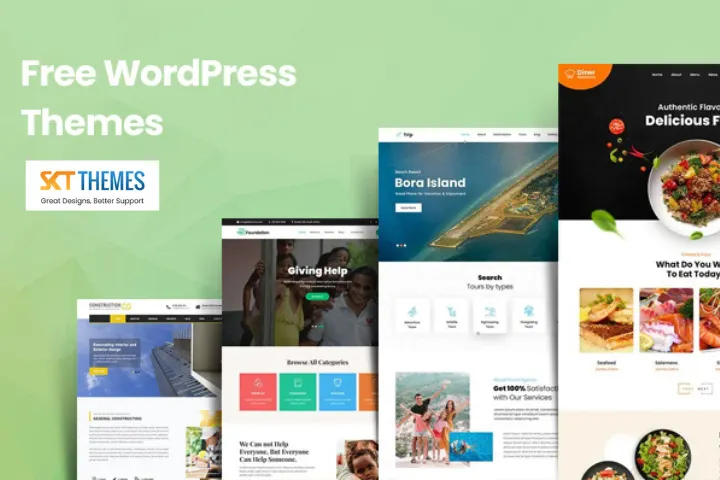



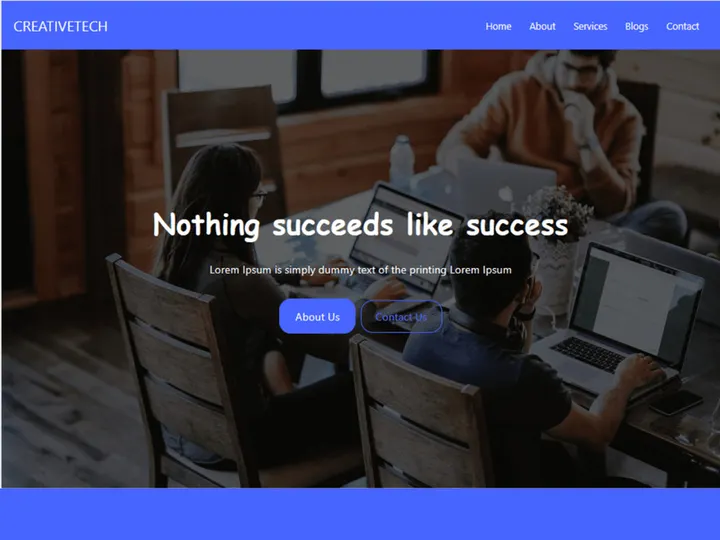
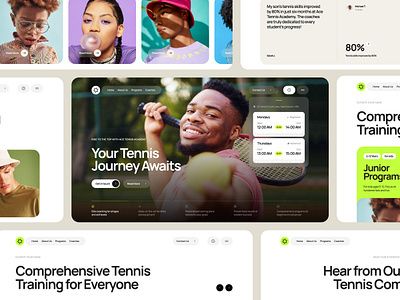
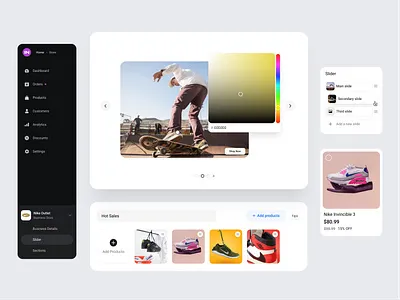
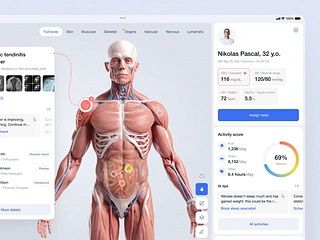
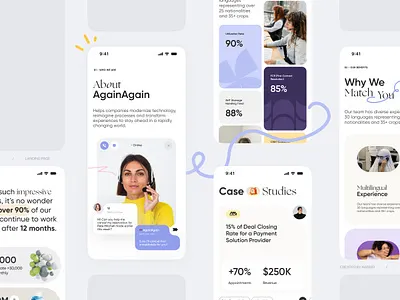
Try Our Free Resources
Download any of these for free - no account required

Why PHP for Themes?
PHP remains one of the most widely used server-side scripting languages in web development, making it an ideal platform for building and managing themes. Its deep integration with content management systems like WordPress, Joomla, and Drupal has cemented PHP as a go-to language for developers creating dynamic, customizable websites. When it comes to themes, PHP offers unmatched flexibility—allowing developers to build templates that dynamically render content based on user input, database queries, and site configurations. This capability is essential for modern web themes that must adapt across devices, languages, and user roles.
One of PHP’s greatest strengths is its vast ecosystem. Thanks to decades of community support, developers have access to a wealth of tools, frameworks, and libraries that streamline theme development. From templating engines like Twig and Smarty to robust autoloading and MVC patterns, PHP supports efficient workflows for building scalable and maintainable themes. Additionally, PHP’s syntax is approachable for beginners while remaining powerful enough for enterprise-level applications, making it accessible across experience levels.
At EpicPxls, we recognize the importance of reliable, well-structured resources for PHP theme development. That’s why our team curates over 88+ high-quality, compatible tools, templates, and frameworks specifically designed for PHP environments. These resources undergo rigorous evaluation to ensure clean code, security best practices, and seamless integration with modern PHP standards. Whether you're building a simple blog theme or a complex multi-site network, the 88+ resources we offer are vetted for performance, usability, and long-term sustainability. By focusing on compatibility and real-world utility, EpicPxls helps developers spend less time searching and more time creating.
Top Themes Picks for PHP
Selecting the right theme resources can dramatically impact both development speed and final product quality. With so many options available, it helps to know which tools stand out in different categories. Below, we’ve highlighted top picks from the 88+ resources curated by EpicPxls, organized by user experience and budget needs.
Best for Beginners
For those new to PHP theme development, accessibility and clear documentation are key. Starter themes like Underscores (_s) and Roots Sage Starter Theme offer minimal, well-commented codebases that help newcomers understand template hierarchy, hooks, and PHP functions within a theme context. These resources often come with CLI tools and build scripts that automate setup, reducing initial complexity. Additionally, many beginner-friendly themes integrate with popular preprocessors like Sass and task runners like Gulp, easing the transition from static to dynamic design.
Best for Professionals
Experienced developers will appreciate advanced frameworks such as Timber with Twig templating, Genesis Framework, and custom MVC-based theme structures. These tools enable separation of logic and presentation, improving code maintainability and team collaboration. Features like dynamic template loading, reusable components, and built-in security measures make these resources ideal for large-scale deployments. Many of the professional-grade options in our 88+ collection support headless architectures and REST API integrations, allowing for greater flexibility in modern web stacks.
Best Free Options
Quality doesn’t have to come with a price tag. Several standout free themes and toolkits deliver exceptional value without compromising functionality. Astra, GeneratePress, and Neve are lightweight, SEO-friendly, and fully compatible with page builders, making them excellent choices for fast, responsive sites. Open-source libraries such as PHP Theme Checker and ThemePunch Tools also provide valuable utilities for validating and optimizing theme code. EpicPxls ensures every free resource in our catalog meets strict standards for licensing, updates, and community support, so you can use them confidently in client or personal projects.
PHP vs Other Tools for Themes
When evaluating platforms for theme development, PHP holds a distinct advantage over alternatives like static site generators, JavaScript frameworks, or proprietary CMS environments. Unlike static tools that generate fixed HTML files, PHP enables real-time content rendering—critical for dynamic websites with user logins, e-commerce functions, or database-driven content. This server-side processing allows themes to respond intelligently to context, such as showing personalized content or adapting layouts based on device type.
The PHP ecosystem also benefits from decades of maturity. With widespread hosting support, backward compatibility, and extensive documentation, PHP reduces friction when deploying themes across different environments. While modern JavaScript frameworks like React or Vue offer rich front-end experiences, they often require additional infrastructure (Node.js, build pipelines, API layers) to manage themes effectively. PHP, by contrast, runs natively on most shared hosting platforms, making it more accessible for developers without DevOps expertise.
Another key advantage is format compatibility. PHP themes can seamlessly integrate with HTML, CSS, JavaScript, JSON, XML, and various database formats, ensuring smooth interoperability across technologies. This flexibility is particularly valuable when migrating legacy sites or integrating third-party services. At EpicPxls, we prioritize resources that leverage PHP’s native strengths while embracing modern standards like PSR coding guidelines, Composer dependency management, and RESTful design patterns. Our curation of 88+ tools reflects this balance—offering solutions that are both forward-thinking and deeply rooted in PHP’s proven capabilities.
Setting Up Themes in PHP
Getting started with PHP themes involves a structured approach to ensure consistency, security, and scalability. Whether you're working with a starter theme or building from scratch, following best practices from the beginning will save time and reduce technical debt. Below are six essential steps to import, organize, and deploy themes effectively using the resources available through EpicPxls.
- Choose a Base Theme or Framework: Start by selecting a well-maintained starter theme or framework from the 88+ resources curated by EpicPxls. Look for options with clear documentation, active updates, and compatibility with your target CMS (e.g., WordPress or Laravel-based systems).
- Set Up Your Development Environment: Install a local server stack (such as XAMPP, MAMP, or Docker) and configure it to match your production environment. Ensure PHP version compatibility and enable error reporting for debugging.
- Import and Structure Your Theme Files: Place your theme folder in the appropriate directory (e.g., wp-content/themes for WordPress). Organize files into logical subdirectories—css, js, images, templates, and inc—to improve maintainability.
- Configure Theme Functions and Hooks: Use functions.php to enqueue styles and scripts, register menus, sidebars, and custom post types. Leverage action and filter hooks to extend functionality without modifying core files.
- Test Responsiveness and Compatibility: Preview your theme across multiple devices and browsers. Validate PHP syntax using tools like PHP_CodeSniffer and check for deprecated functions. Use theme checkers from the EpicPxls collection to identify potential issues early.
- Deploy and Monitor: Once tested, deploy your theme to the production server. Use version control (Git) to track changes and enable updates. Regularly monitor logs and user feedback to refine performance and fix bugs.
Managing large theme libraries becomes easier when you adopt consistent naming conventions, modular design patterns, and automated deployment scripts. EpicPxls recommends using Composer for dependency management and leveraging environment variables to handle configuration differences between staging and live sites.
PHP Workflow Tips
Efficiency in PHP theme development isn’t just about writing clean code—it’s also about maintaining an organized workflow that scales with your projects. As you work with multiple themes or collaborate across teams, adopting smart practices can significantly improve productivity and code quality. Here are key strategies to optimize your daily operations.
Organizing Themes Libraries
Keep your theme collection structured by categorizing resources based on purpose, framework, or project type. Use descriptive folder names and version tags (e.g., “theme-wp-astra-v3”) to avoid confusion. EpicPxls suggests maintaining a central repository with README files that summarize each theme’s features, dependencies, and usage notes. This approach streamlines onboarding and makes audits easier, especially when managing the 88+ resources across different clients or platforms.
Batch Operations
When updating or deploying multiple themes, automate repetitive tasks using CLI scripts or build tools. For example, write a PHP or Bash script to simultaneously minify CSS, update version numbers, or scan for security vulnerabilities across several theme folders. Tools like Grunt, Gulp, or WP-CLI integrate seamlessly into PHP workflows and can be found among the curated 88+ resources. Batch processing not only saves time but also reduces human error during large-scale updates.
Collaboration Best Practices
Team-based theme development thrives on consistency and communication. Enforce coding standards using PHP-CS-Fixer or PHPCS with shared configuration files. Use Git with meaningful commit messages and feature branches to track changes. Host code reviews regularly and document decisions in issue trackers. EpicPxls emphasizes the importance of using well-documented, collaborative-ready resources—many of the 88+ tools we curate include built-in support for team workflows, including internationalization (i18n), accessibility standards, and modular component libraries. By choosing the right tools and setting clear processes, you ensure smoother collaboration and higher-quality outputs across all your PHP theme projects.
Why Download from EpicPxls?
Commercial License
Use in personal and commercial projects
No Account Required
Download free resources instantly
Quality Curated
Every resource is reviewed for quality
Preview Files
See Figma and Photoshop files before downloading
Who Uses These Themes?
Professionals and teams who benefit most from our collection
UI/UX Designers
Speed up your workflow with ready-to-use themes for PHP. Perfect for prototyping and client presentations.
Developers
Get production-ready assets without design skills. Export in any format for web and mobile apps.
Startups & Agencies
Save design budget with affordable premium themes. Commercial license included for client work.
Marketing Teams
Create professional campaigns faster. All themes are optimized for social media and ads.
Themes for PHP FAQCommon questions about these resources
Simple, Transparent Pricing
Get unlimited access to all premium resources
Yearly
- 20 downloads per month
- All file formats
- Commercial license
Lifetime
- Unlimited downloads forever
- All file formats
- Commercial license
Ready to Get Started?
Access 4,441+ free design resources today.
Browse Free ResourcesView Premium PlansEarn 85% and
more on all sales
Upload your products and put them up
for sale at whatever price you want.


