Themes for HTML: 137+ Resources
EpicPxls offers 148+ curated themes for HTML, all with a commercial license and editable source files (Figma, Sketch, PSD). We have 148+ themes compatible with HTML, tested and verified for seamless integration.
Last updated February 12, 2026
Discover 137+ handpicked themes for HTML.
Trusted by designers at leading companies
Top Themes for HTML
Handpicked resources from our curated collection



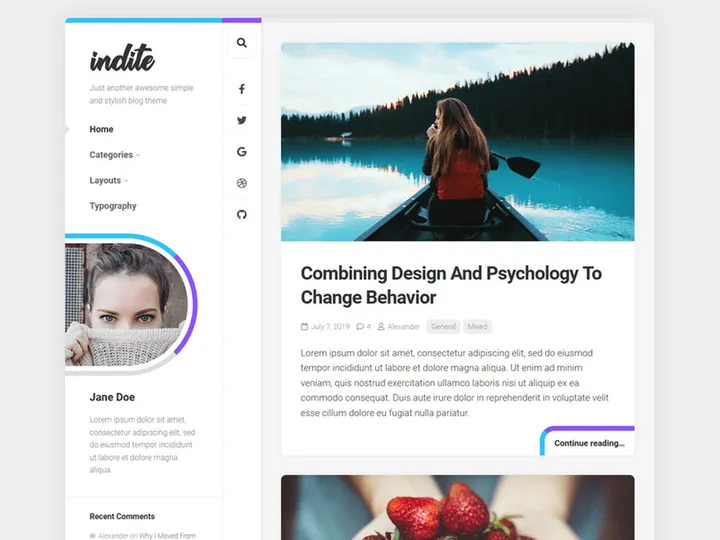
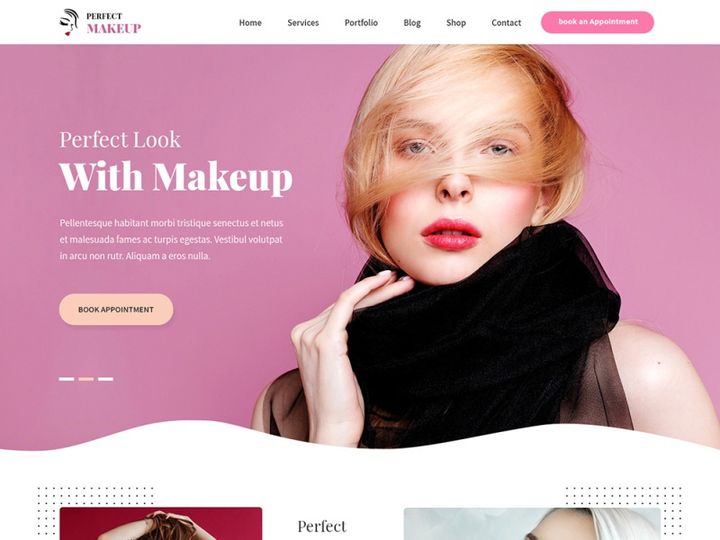
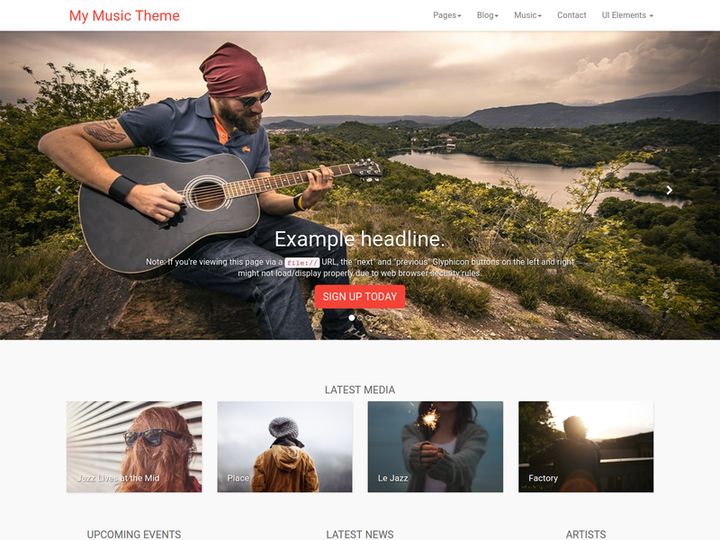


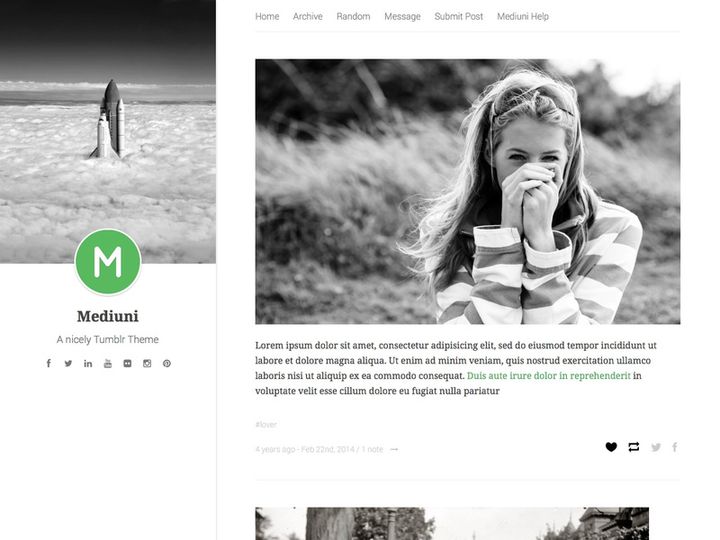
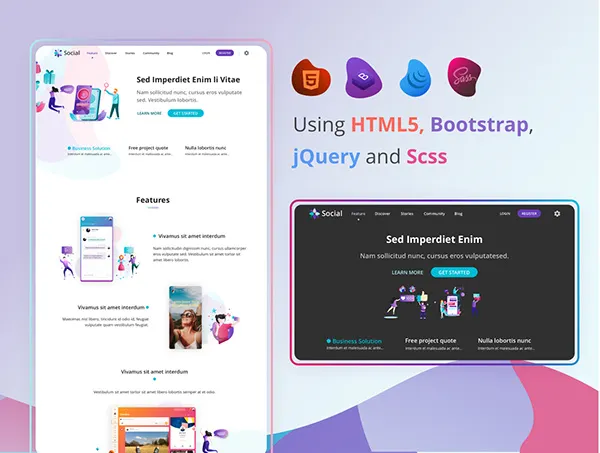
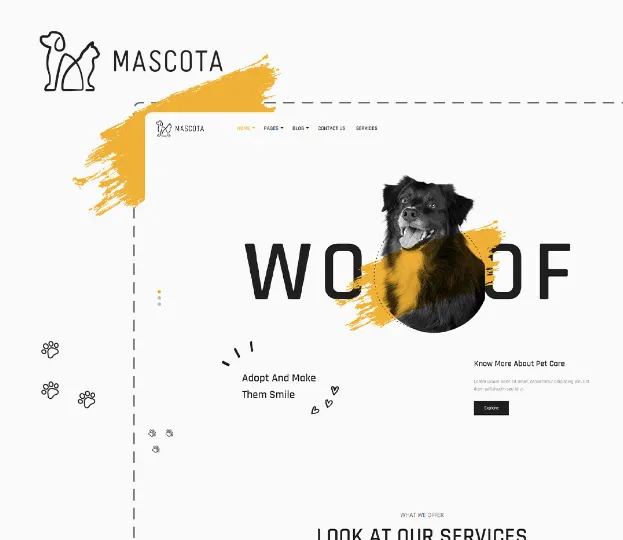
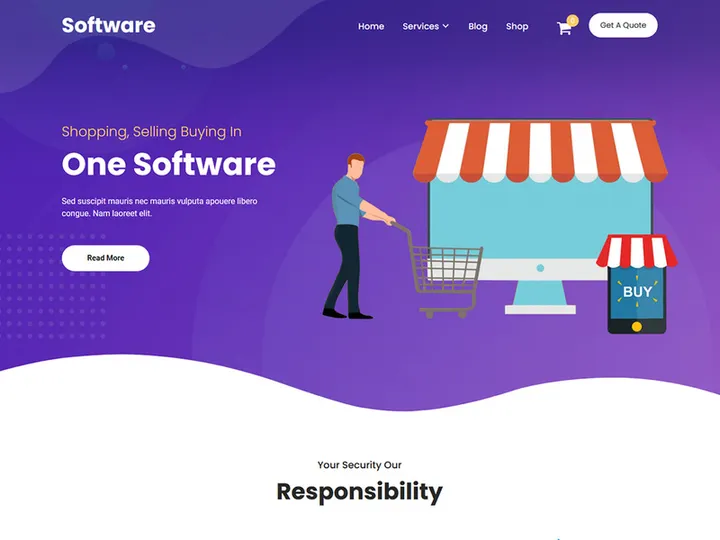
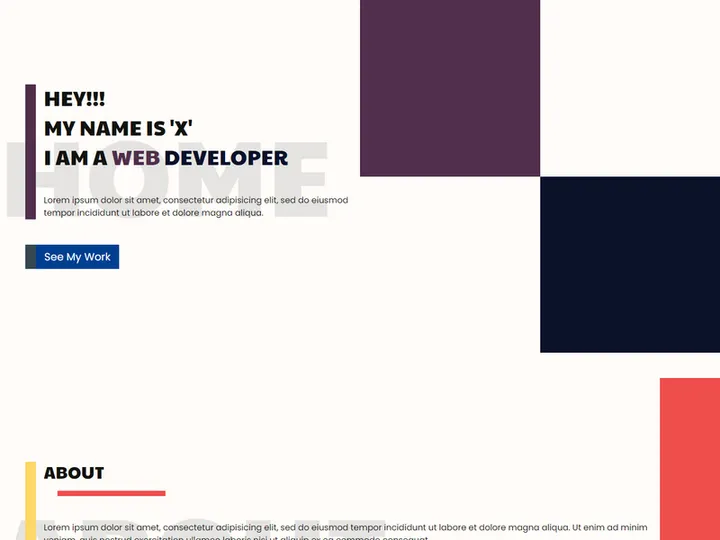
Try Our Free Resources
Download any of these for free - no account required
Why HTML for Themes?
HTML, the foundational language of the web, continues to be a popular choice for developers and designers working with themes. Its simplicity, universality, and seamless integration with CSS and JavaScript make HTML an ideal platform for building, customizing, and deploying themes across websites and web applications. Unlike proprietary systems, HTML offers full control over every aspect of a theme’s structure, enabling precise customization without being locked into a specific framework or ecosystem. This level of accessibility empowers users at all skill levels to create visually engaging and functionally robust themes.
One of the key features of HTML that benefits theme workflows is its hierarchical structure. Using semantic elements such as <header>, <nav>, <section>, and <footer>, developers can create well-organized layouts that improve both readability and accessibility. These elements also enhance SEO performance, ensuring that themes built with HTML are not only beautiful but also optimized for search engines. Additionally, HTML’s compatibility with modern web standards allows themes to be responsive, adaptive, and accessible across devices and screen sizes—critical factors in today’s multi-device world.
At EpicPxls, we understand the importance of quality and variety when it comes to theme development. That’s why we’ve curated over 137+ high-quality HTML-compatible resources designed to streamline your workflow. Each resource is evaluated for clean code structure, responsiveness, and ease of integration, ensuring that users can quickly adopt and customize themes without unnecessary complexity. Whether you're building a personal blog, a business website, or a dynamic web app, our 137+ resources provide a solid foundation to bring your vision to life using the power and flexibility of HTML.
Top Themes Picks for HTML
With a vast ecosystem of tools and templates available, selecting the right themes for HTML can significantly impact your project’s efficiency and design quality. From minimalist starters to fully-featured design systems, the right theme can accelerate development while maintaining aesthetic and functional excellence. Below, we highlight top picks across different user needs, all drawn from our curated collection of 137+ resources at EpicPxls.
Best for Beginners
If you're new to HTML or web development, starting with beginner-friendly themes is essential. Look for options that include clear documentation, commented code, and straightforward folder structures. Themes like "SimpleStart" and "ClearFrame" are excellent choices, offering responsive layouts and modular components that are easy to understand and modify. These templates often come with integrated CSS frameworks such as Bootstrap or Tailwind, reducing the need for deep styling knowledge while still delivering professional results. EpicPxls ensures that every beginner-oriented theme in our 137+ resources is tested for usability and includes helpful guides to get you up and running quickly.
Best for Professionals
For experienced developers and agencies, advanced themes with robust functionality are a must. Professional-grade HTML themes often feature modular architecture, support for dark mode toggles, multi-language readiness, and integration with build tools like Webpack or Gulp. Themes such as "DevSuite Pro" and "NexusLayout" offer SCSS source files, JavaScript interactivity, and API-ready components, making them ideal for scalable projects. These resources are designed for customization at scale and often include design tokens and style guides. EpicPxls hand-selects these premium-grade themes based on code quality, performance benchmarks, and real-world usability, ensuring professionals have access to the most powerful tools in the HTML ecosystem.
Best Free Options
Budget-friendly doesn’t have to mean low quality. Many free HTML themes deliver exceptional value without compromising on design or functionality. Our collection includes standout free resources like "OpenFrame," "LiteBlog," and "MinimalDash," all of which offer responsive designs, semantic markup, and accessibility features. These themes are perfect for personal projects, portfolios, or small business websites where cost is a concern. What sets the free options in our 137+ resources apart is their adherence to modern web standards and clean, maintainable code. EpicPxls verifies each free theme for licensing clarity and compatibility, so you can use them confidently in both personal and commercial projects.
HTML vs Other Tools for Themes
When it comes to building and managing themes, HTML stands out for its openness, compatibility, and long-term viability. Unlike platform-specific tools that lock users into ecosystems or require proprietary software, HTML provides universal access and control. This open nature allows themes to be easily transferred, shared, and modified across different environments without dependency issues. Whether you're working locally, on a content management system, or in a static site generator, HTML themes integrate smoothly thanks to their standard-based structure.
The HTML ecosystem offers unique advantages for theme development, particularly in terms of compatibility and future-proofing. Since HTML is supported by every browser and development tool, themes built with it are inherently portable. Additionally, HTML works seamlessly with CSS preprocessors, JavaScript frameworks, and build tools, enabling advanced customization without sacrificing performance. This flexibility allows developers to adopt modern workflows—such as component-based design or headless CMS integration—while still relying on the stable foundation of HTML.
When comparing format compatibility, HTML themes have a clear edge over closed or binary formats. They can be version-controlled using Git, edited with any text editor, and optimized using automated tools. This interoperability ensures that themes remain usable and updatable for years. At EpicPxls, we prioritize HTML-compatible formats in our 137+ resources because they offer the broadest utility and longest lifespan. Whether you’re migrating platforms or scaling your project, HTML themes provide a reliable, standards-compliant foundation that adapts to your evolving needs.
Setting Up Themes in HTML
Implementing themes in HTML is a straightforward process when you follow a structured approach. Whether you're integrating a single-page template or deploying a full design system, these steps will help you import, organize, and begin using your chosen resources effectively.
- Download Your Theme: Start by selecting a theme from a trusted source. At EpicPxls, all 137+ resources are available for instant download in clean, well-structured ZIP packages containing HTML, CSS, JavaScript, and asset folders.
- Extract and Review Files: Unzip the package and explore the directory structure. Look for the main index.html file, along with css/, js/, and images/ folders. Check documentation for setup requirements.
- Link External Resources: Ensure all CSS and JavaScript files are correctly linked in the HTML using <link> and <script> tags. Use relative paths for local development. <4>Customize Content: Replace placeholder text, images, and navigation items with your own content. Focus on semantic HTML elements to maintain accessibility and SEO quality.
- Test Responsiveness: Open the theme in a browser and test it across different screen sizes. Verify that layouts adjust properly and interactive elements function as expected.
- Deploy or Integrate: Once customized, upload the theme to your web server or integrate it into your build process. For dynamic sites, consider templating engines like Nunjucks or Handlebars to reuse components efficiently.
When managing large theme collections, organization is key. Use consistent naming conventions, maintain version notes, and separate custom modifications from original files. EpicPxls recommends creating a local library of your favorite 137+ resources, categorized by use case—such as portfolios, dashboards, or blogs—to speed up future projects. This systematic approach ensures you can reuse and scale themes with confidence.
HTML Workflow Tips
Efficiency in theme development comes from smart organization, automation, and collaboration. As projects grow in complexity, adopting best practices ensures maintainability and team alignment. Here are key strategies to optimize your HTML theme workflow.
Organizing Themes Libraries
Keep your HTML themes well-structured by categorizing them based on function, style, or project type. Use descriptive folder names like /dashboards/, /landing-pages/, or /dark-mode-themes/ to simplify navigation. Within each folder, maintain a README.md file summarizing the theme’s features and dependencies. At EpicPxls, we recommend tagging resources with keywords—such as “responsive,” “accessible,” or “SCSS-supported”—to enable quick filtering. A well-organized library saves time and reduces duplication, especially when revisiting or repurposing themes from the 137+ resources collection.
Batch Operations
When managing multiple HTML themes, batch processing can dramatically increase productivity. Use command-line tools or scripts to automate repetitive tasks like minifying CSS, optimizing images, or updating metadata across files. For example, tools like Gulp or npm scripts can process dozens of HTML templates simultaneously, ensuring consistency in formatting and performance. You can also use search-and-replace utilities to update tracking codes, theme names, or version numbers across your entire library. These batch operations are especially useful when scaling projects or preparing themes for deployment, making it easier to maintain quality across the 137+ resources you might be working with.
Collaboration Best Practices
Collaborating on HTML themes requires clear communication and standardized workflows. Use version control systems like Git to track changes, manage branches, and resolve conflicts. Establish coding conventions—such as indentation style, class naming (e.g., BEM), and comment standards—to ensure consistency across team members. When sharing themes from EpicPxls’ 137+ resources, include a changelog and usage guidelines to help teammates understand modifications. For remote teams, pair HTML development with collaborative tools that support code reviews and live previews. This approach fosters transparency, reduces errors, and ensures that everyone contributes effectively to the final theme implementation.
Why Download from EpicPxls?
Commercial License
Use in personal and commercial projects
No Account Required
Download free resources instantly
Quality Curated
Every resource is reviewed for quality
Preview Files
See Figma and Photoshop files before downloading
Who Uses These Themes?
Professionals and teams who benefit most from our collection
UI/UX Designers
Speed up your workflow with ready-to-use themes for HTML. Perfect for prototyping and client presentations.
Developers
Get production-ready assets without design skills. Export in any format for web and mobile apps.
Startups & Agencies
Save design budget with affordable premium themes. Commercial license included for client work.
Marketing Teams
Create professional campaigns faster. All themes are optimized for social media and ads.
Themes for HTML FAQCommon questions about these resources
Simple, Transparent Pricing
Get unlimited access to all premium resources
Yearly
- 20 downloads per month
- All file formats
- Commercial license
Lifetime
- Unlimited downloads forever
- All file formats
- Commercial license
Ready to Get Started?
Access 4,441+ free design resources today.
Browse Free ResourcesView Premium PlansEarn 85% and
more on all sales
Upload your products and put them up
for sale at whatever price you want.


