Fonts for HTML: 433+ Resources
EpicPxls offers 200+ curated fonts for HTML, all with a commercial license and editable source files (Figma, Sketch, PSD). We have 200+ fonts compatible with HTML, tested and verified for seamless integration.
Last updated February 12, 2026
Discover 433+ handpicked fonts for HTML.
Trusted by designers at leading companies
Top Fonts for HTML
Handpicked resources from our curated collection


![[Free] Essential Duotone Icon-Font Pack preview picture](https://imgproxy.epicpxls.com/1ImG1LMMPtr9L9_6DSUK1T5M9snESJrA4wRWiHuT1oE/rs:fill:720:540:0/g:no/aHR0cHM6Ly9pdGVt/cy5lcGljcHhscy5j/b20vdXBsb2Fkcy9w/aG90by9jM2I2ODdk/N2Y3MmRlMTNkZDMy/YjM2ZmI2NTk3MjE1/MQ.jpg)






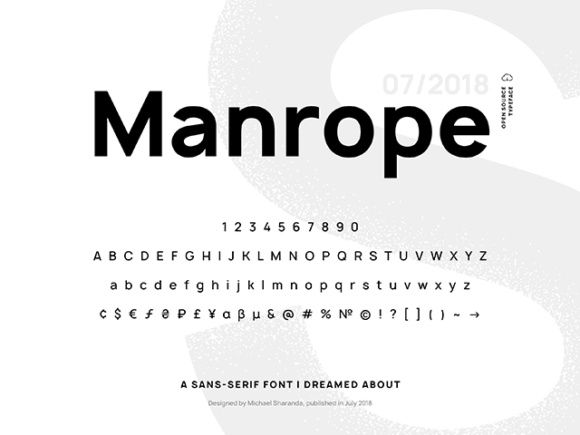
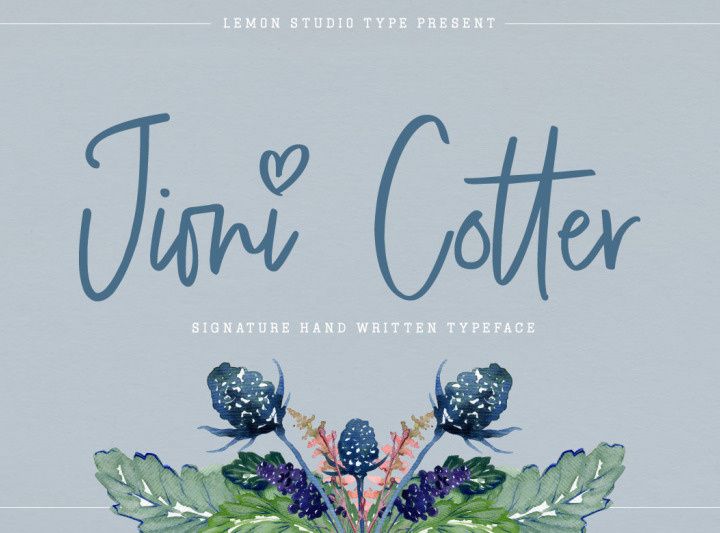
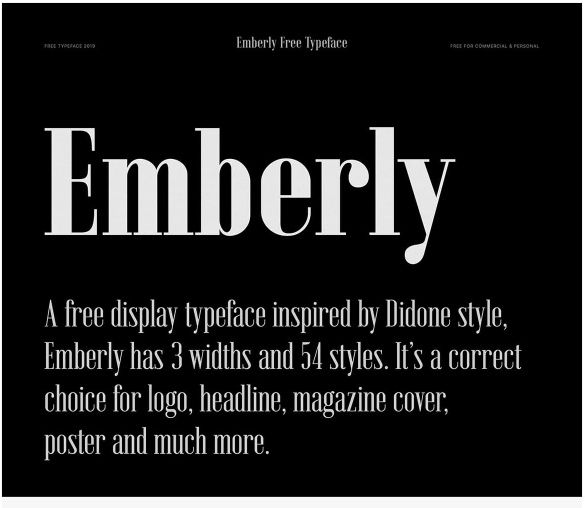
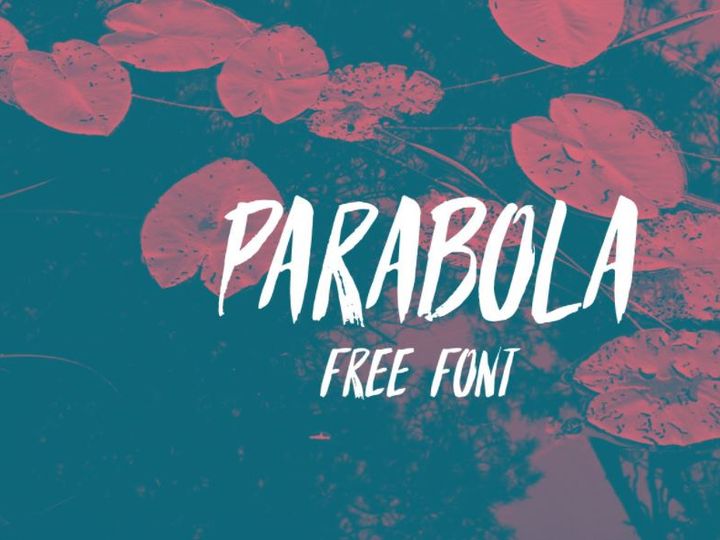

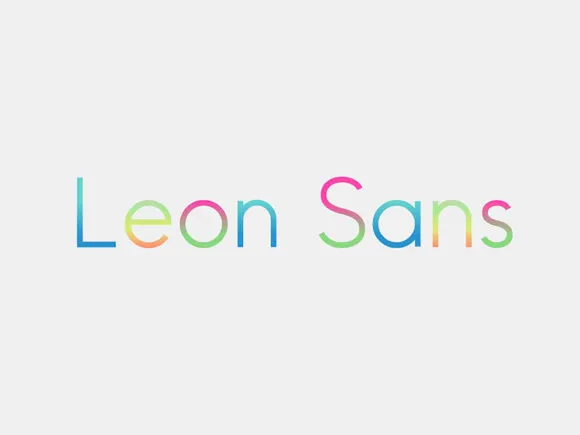
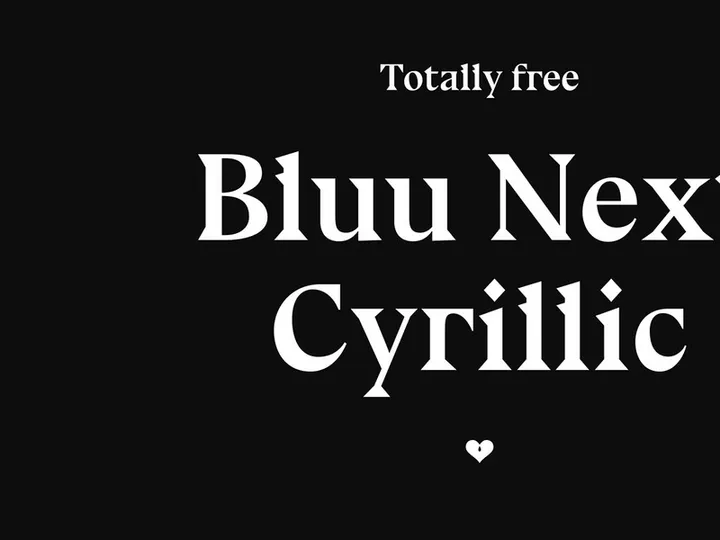

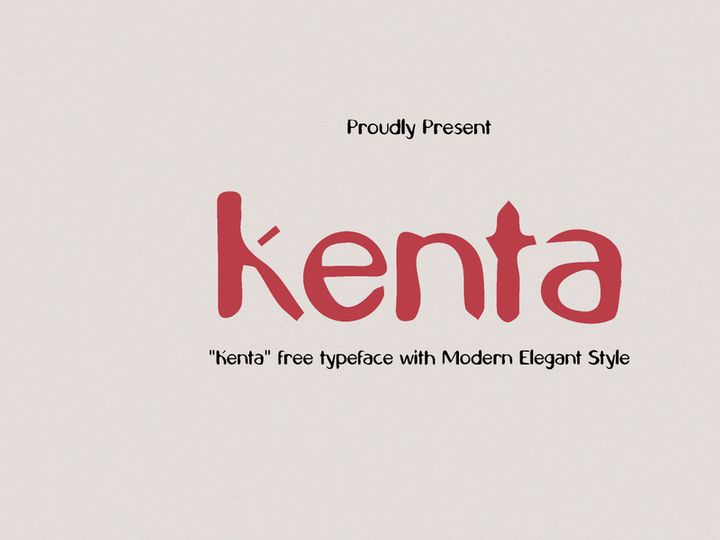
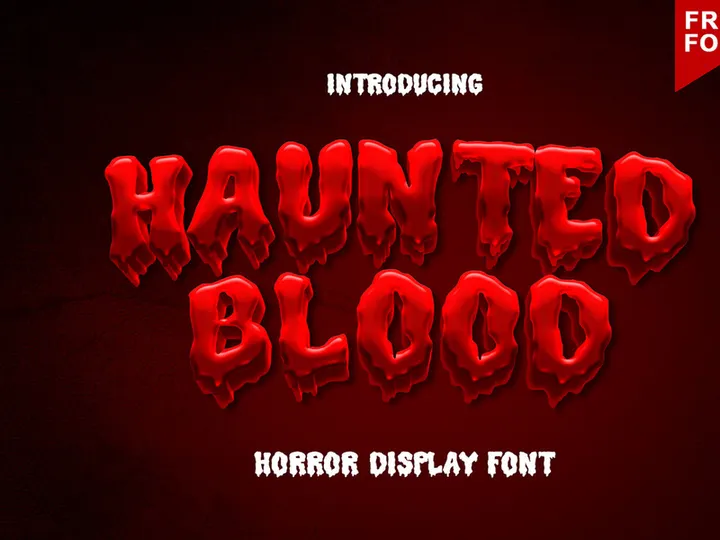
Try Our Free Resources
Download any of these for free - no account required


![[Free] Essential Duotone Icon-Font Pack](https://items.epicpxls.com/uploads/photo/61b60e1b67855ce7a45bf86a786ce58c)
Why HTML for Fonts?
HTML has become a cornerstone of modern web development, and its role in typography is no exception. As websites increasingly prioritize design, readability, and brand consistency, the ability to implement custom fonts directly through HTML and CSS has made it a go-to solution for developers and designers alike. HTML's seamless integration with web fonts allows for dynamic, responsive, and accessible text that enhances user experience across devices and platforms.
One of the key strengths of HTML when working with fonts is its native support for the @font-face rule, which enables developers to load custom fonts from external sources or local files. This flexibility means you’re no longer limited to system-default fonts like Arial or Times New Roman. With HTML, you can embed web fonts in formats like WOFF, WOFF2, TTF, and EOT, ensuring broad browser compatibility and high rendering quality. Additionally, HTML works hand-in-hand with CSS to offer precise control over font size, weight, spacing, and fallbacks, making typography both functional and expressive.
The simplicity and universality of HTML also contribute to its popularity. Since every modern browser supports HTML and CSS, deploying fonts across websites is consistent and predictable. This open ecosystem encourages innovation and collaboration, allowing creators to share and implement font resources with minimal friction. At EpicPxls, we recognize the power of this accessibility, which is why we’ve curated over 433+ high-quality, HTML-compatible font resources. Each font is tested for web readiness, licensing clarity, and cross-browser performance, ensuring that developers and designers can confidently integrate them into their projects. Whether you're building a personal blog or a corporate website, HTML provides the tools to make typography a standout feature.
Top Fonts Picks for HTML
Selecting the right font for an HTML project can significantly impact readability, aesthetics, and user engagement. With over 433+ resources available through EpicPxls, there’s a font for every need, style, and skill level. To help you navigate this extensive collection, we’ve categorized our top picks based on accessibility, functionality, and value. These selections are optimized for web use, ensuring fast loading and crisp rendering across all devices.
Best for Beginners
If you’re new to web development, starting with clean, well-documented fonts is essential. Fonts like Open Sans, Lato, and Roboto are excellent choices because they’re widely supported, easy to implement, and come with comprehensive documentation. These fonts are also hosted on public CDNs, allowing you to include them in your HTML with a simple link tag. Their neutral, modern designs make them versatile for blogs, portfolios, and small business websites. EpicPxls includes detailed usage guides for each beginner-friendly font, helping newcomers get started quickly and confidently.
Best for Professionals
For advanced developers and design teams, professional-grade fonts offer enhanced typographic control and unique visual identities. Premium options like Montserrat, Playfair Display, and Source Sans Pro provide multiple weights, italics, and language support, making them ideal for complex layouts and multilingual sites. These fonts often include OpenType features such as ligatures, small caps, and stylistic alternates, which can be activated through CSS. At EpicPxls, we ensure that every professional font in our 433+ resources collection is optimized for performance and comes with clear licensing for commercial use.
Best Free Options
High-quality typography doesn’t have to come with a price tag. Many free fonts deliver exceptional design and web compatibility. Fonts like Inter, Poppins, and Fira Sans are open-source, actively maintained, and built specifically for digital screens. They offer excellent readability at small sizes and scale beautifully on high-resolution displays. EpicPxls carefully vets each free font to confirm it's licensed for both personal and commercial use, so you can implement them without legal concerns. These free resources are perfect for startups, independent creators, and budget-conscious developers who still want premium results.
HTML vs Other Tools for Fonts
When it comes to implementing fonts, HTML stands out from desktop publishing tools, design software, and native app frameworks due to its universal accessibility and integration with the web. Unlike proprietary tools that limit font usage to specific platforms or require licensing for web export, HTML allows fonts to be embedded directly into websites using open standards. This makes HTML a more flexible and cost-effective solution for digital typography.
One of the unique advantages of the HTML ecosystem is its support for responsive typography. With CSS media queries, fonts can adapt their size, weight, and spacing based on screen size and device orientation—something that’s difficult to achieve in static design tools. Additionally, HTML works seamlessly with JavaScript libraries and web APIs, enabling dynamic font loading, performance optimization, and real-time customization based on user preferences.
Format compatibility is another area where HTML excels. While desktop tools may rely on OTF or TTF files, HTML supports modern web font formats like WOFF and WOFF2, which offer superior compression and faster load times. This ensures smoother user experiences and better SEO performance. Moreover, HTML's integration with font delivery networks and content delivery systems allows for efficient caching and global distribution. At EpicPxls, we focus on curating fonts that are not only visually compelling but also technically optimized for HTML environments. Our 433+ resources are selected for their format readiness, licensing clarity, and cross-browser reliability, making them ideal for modern web projects.
Setting Up Fonts in HTML
Integrating fonts into your HTML project is a straightforward process when you follow the right steps. Whether you're using a free font from a public repository or a custom typeface from the EpicPxls collection, proper setup ensures optimal performance and visual consistency. Here’s a step-by-step guide to help you import, organize, and use fonts effectively.
- Choose Your Font: Start by selecting a font from a reliable source. Ensure it’s licensed for web use and available in web-friendly formats like WOFF or WOFF2. EpicPxls offers a diverse selection of ready-to-use fonts that meet these criteria.
- Download or Link the Font Files: You can either download the font files to host locally or use a CDN link if available. For self-hosting, place the font files in a dedicated fonts folder within your project directory.
- Declare the Font in CSS: Use the @font-face rule in your stylesheet to define the font family and source. Include multiple formats for broader browser support. For example:
@font-face { font-family: 'CustomFont'; src: url('fonts/customfont.woff2') format('woff2'), url('fonts/customfont.woff') format('woff'); font-weight: normal; font-style: normal; } - Apply the Font to HTML Elements: Once declared, assign the font to elements using the font-family property in your CSS. For example: body { font-family: 'CustomFont', sans-serif; }.
- Set Fallback Fonts: Always include system fonts as fallbacks (e.g., Arial, Helvetica) to ensure text remains readable if the custom font fails to load.
- Test Across Browsers and Devices: Verify that the font renders correctly on different browsers (Chrome, Firefox, Safari, Edge) and screen sizes. Check loading performance and accessibility, especially for users with visual impairments.
For teams managing large font libraries, consider using build tools or task runners to automate font imports and optimize file sizes. At EpicPxls, we recommend organizing fonts by category (e.g., display, body, monospace) and version to simplify maintenance and collaboration.
HTML Workflow Tips
Efficient font management is crucial for maintaining clean, scalable, and high-performing websites. As your project grows, so does the complexity of handling multiple fonts and styles. Implementing best practices early can save time, reduce errors, and improve team collaboration.
Organizing Fonts Libraries
Keep your font assets structured by creating a dedicated directory for all font files. Use consistent naming conventions (e.g., fontname-regular.woff2, fontname-bold.woff2) and group fonts by family or purpose. Document each font’s license, source, and intended use case. At EpicPxls, we provide downloadable font packs with organized folders and README files to help users integrate resources smoothly.
Batch Operations
When working with multiple fonts, automate repetitive tasks like format conversion, file renaming, and CSS generation. Tools like Font Squirrel’s generator or command-line utilities can convert TTF files to WOFF2 in bulk. You can also write scripts to generate @font-face declarations automatically, reducing manual errors and speeding up deployment.
Collaboration Best Practices
In team environments, maintain a shared font inventory to prevent duplication and licensing issues. Use version control systems like Git to track changes to font files and CSS rules. Establish naming standards and documentation protocols so all team members understand which fonts are approved for use. EpicPxls supports collaborative workflows by offering clear licensing terms and downloadable font packs that can be easily shared across teams. With over 433+ resources available, our platform makes it simple to standardize typography across projects while ensuring compliance and consistency.
Why Download from EpicPxls?
Commercial License
Use in personal and commercial projects
No Account Required
Download free resources instantly
Quality Curated
Every resource is reviewed for quality
Preview Files
See Figma and Photoshop files before downloading
Who Uses These Fonts?
Professionals and teams who benefit most from our collection
UI/UX Designers
Speed up your workflow with ready-to-use fonts for HTML. Perfect for prototyping and client presentations.
Developers
Get production-ready assets without design skills. Export in any format for web and mobile apps.
Startups & Agencies
Save design budget with affordable premium fonts. Commercial license included for client work.
Marketing Teams
Create professional campaigns faster. All fonts are optimized for social media and ads.
Fonts for HTML FAQCommon questions about these resources
Simple, Transparent Pricing
Get unlimited access to all premium resources
Yearly
- 20 downloads per month
- All file formats
- Commercial license
Lifetime
- Unlimited downloads forever
- All file formats
- Commercial license
Ready to Get Started?
Access 4,441+ free design resources today.
Browse Free ResourcesView Premium PlansEarn 85% and
more on all sales
Upload your products and put them up
for sale at whatever price you want.


