Illustrations for Brandings: 415+ Resources
EpicPxls offers 112+ curated illustrations, all with a commercial license and editable source files (Figma, Sketch, PSD). Purpose-built illustrations for branding projects save time and ensure professional results with design elements tailored to branding requirements.
Last updated February 13, 2026
Discover 415+ illustrations ideal for branding design projects.
Trusted by designers at leading companies
Top Illustrations
Handpicked resources from our curated collection

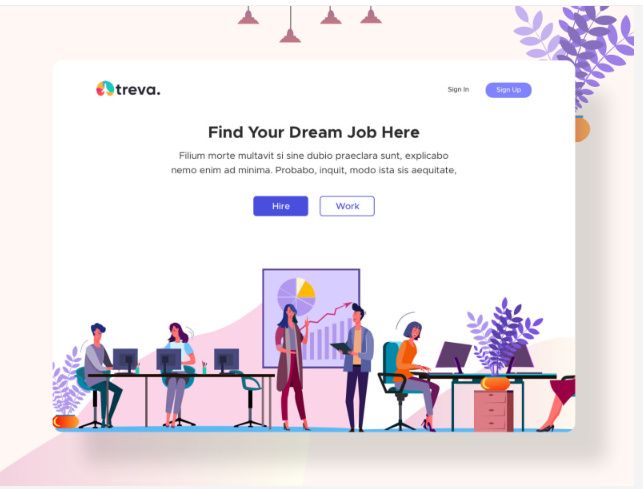
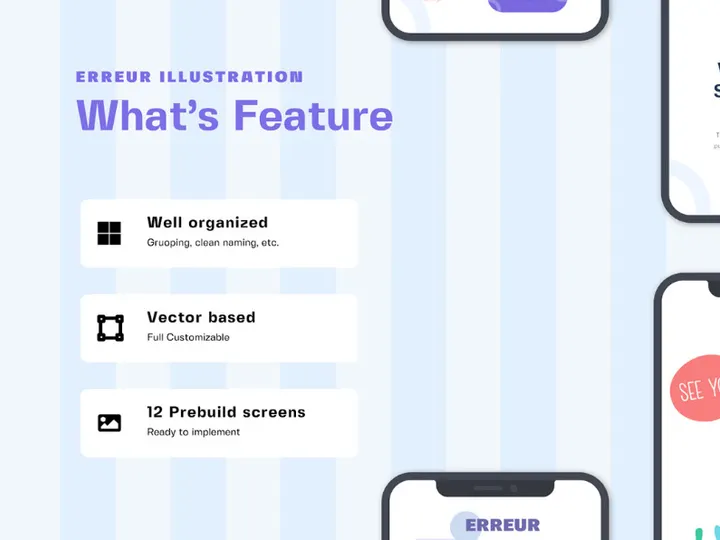

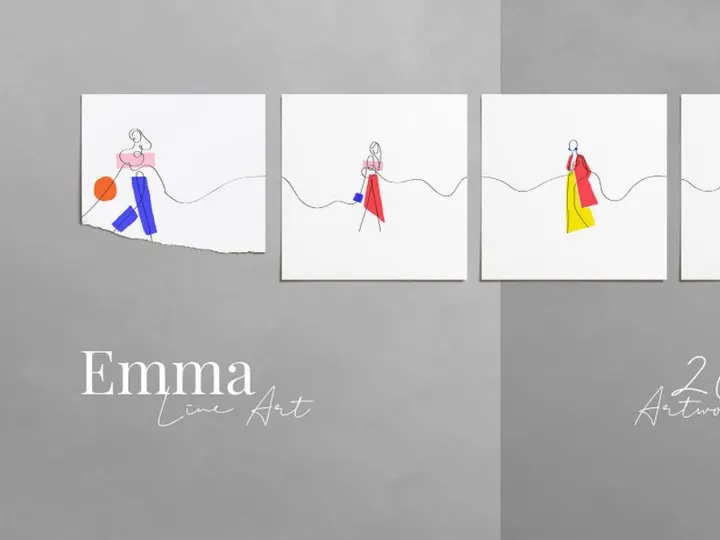

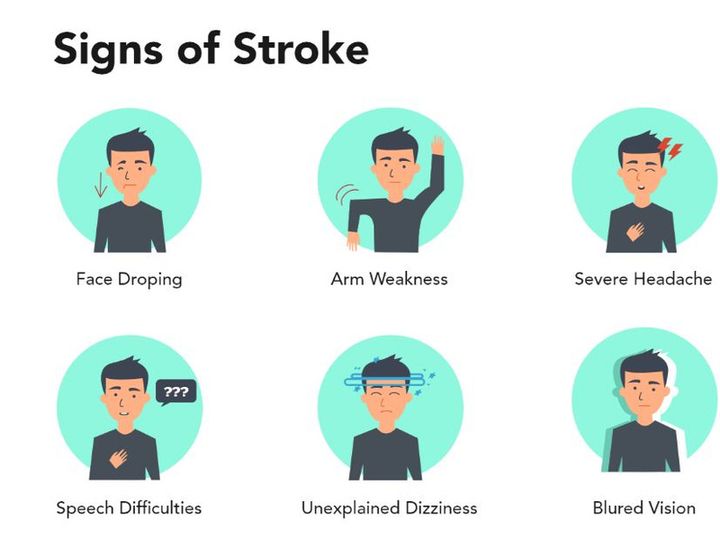
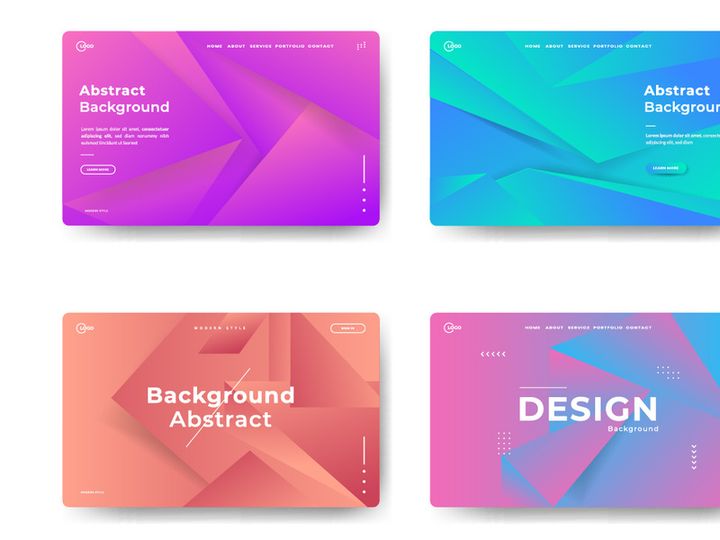
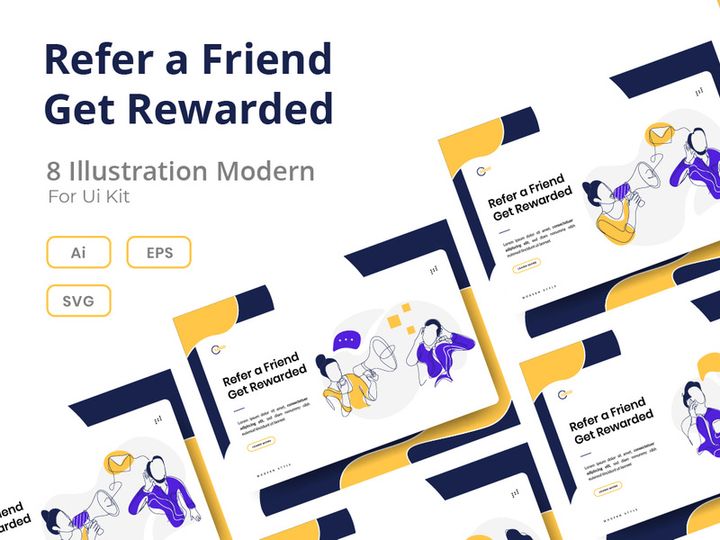

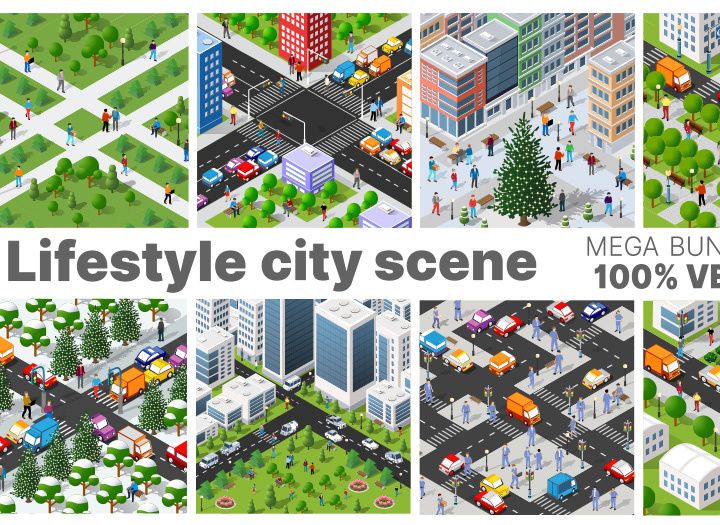
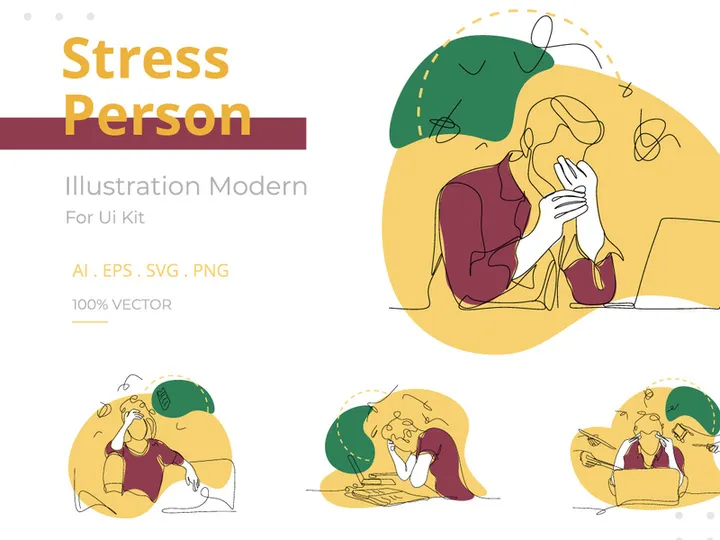

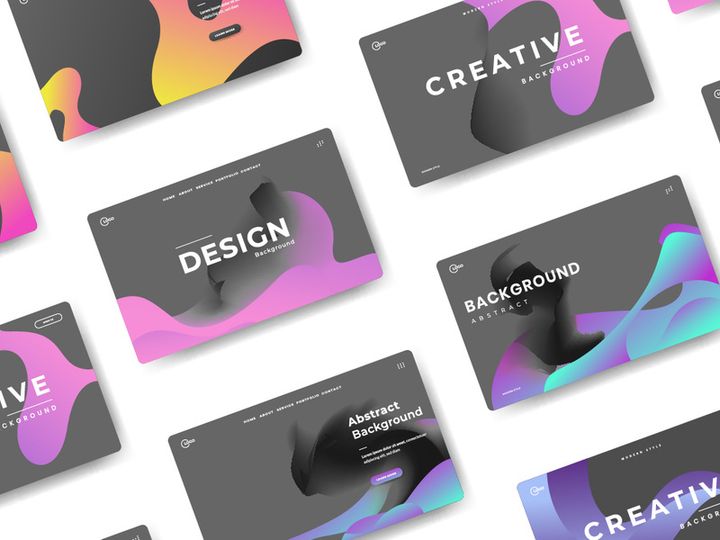
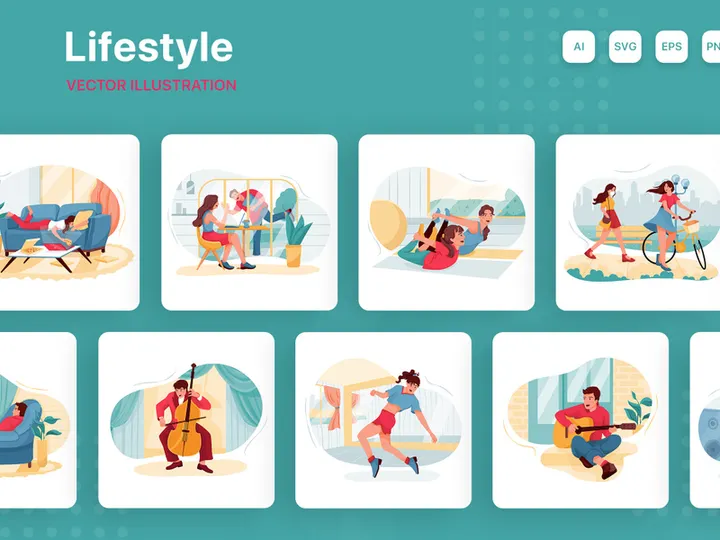
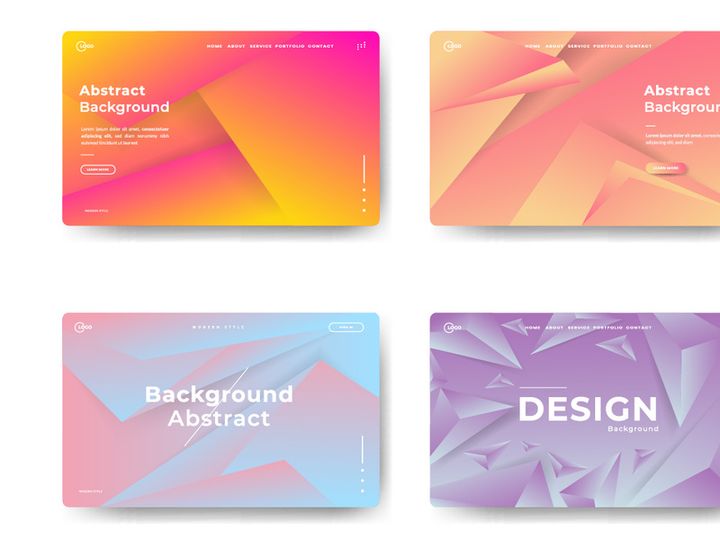

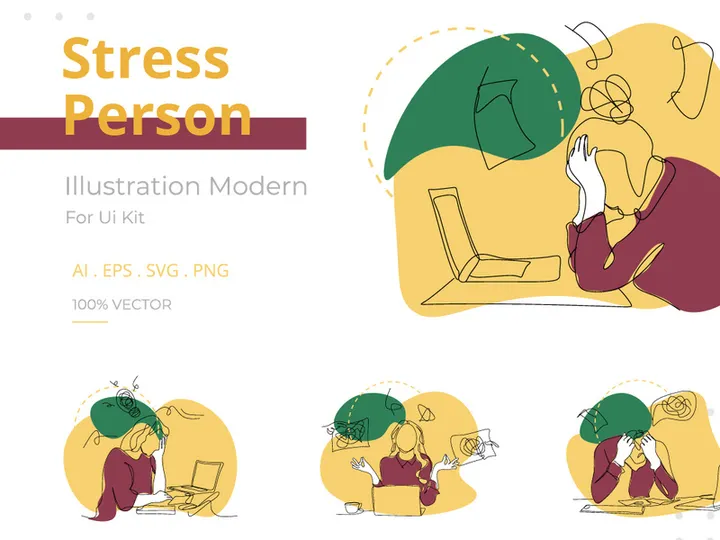
Try Our Free Resources
Download any of these for free - no account required
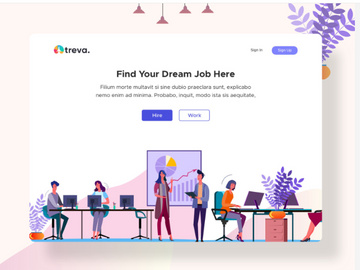
Why Illustrations for Branding Projects?
Illustrations play a pivotal role in shaping how a brand is perceived, remembered, and emotionally connected with its audience. In today’s visual-first digital landscape, pre-made illustrations are no longer just decorative elements—they are strategic tools that accelerate the branding design process. By integrating professionally designed illustrations, branding designers can bypass time-consuming custom artwork creation and focus on aligning visuals with brand messaging, tone, and identity. This efficiency is especially valuable when working under tight deadlines or managing multiple client projects simultaneously.
Branding design projects typically require a consistent visual language across multiple touchpoints—logos, websites, social media, packaging, and print materials. Illustrations help unify these elements by offering a distinct aesthetic that reflects the brand’s personality, whether it’s playful, sophisticated, minimalist, or bold. With hand-curated illustration sets, designers can ensure visual harmony while maintaining scalability and adaptability across platforms.
At EpicPxls, we understand the unique demands of branding workflows. That’s why we’ve assembled a collection of 104+ resources specifically tailored for branding projects. Each illustration is vetted for style consistency, technical quality, and versatility, ensuring they can be seamlessly integrated into real-world branding applications. From isometric office scenes to abstract brand patterns, our library is designed to empower designers with creative freedom and production speed. Whether you’re building a startup identity or rebranding an enterprise, these ready-to-use illustrations reduce design friction and elevate the final output. With 104+ resources at your fingertips, the creative process becomes less about sourcing assets and more about storytelling.
What Branding Designers Need
Essential Illustrations Types
Successful branding relies on a diverse yet cohesive set of visual assets. The right illustration types can communicate complex ideas simply and emotionally. Commonly used types in branding include character illustrations, which humanize a brand by giving it relatable personas; isometric scenes, ideal for tech, SaaS, or corporate environments; abstract shapes and patterns, perfect for backgrounds and textures; and flat vector icons, which support navigation and information hierarchy. Scene-based illustrations—such as remote work setups, urban environments, or lifestyle moments—also help brands connect with their target audience by depicting real-life experiences. At EpicPxls, our 104+ resources include a wide range of these essential types, ensuring designers have what they need to craft compelling brand narratives.
Format Requirements
File format compatibility is critical in professional branding workflows. Vector formats like SVG and AI (Adobe Illustrator) are preferred for their scalability—crucial when applying illustrations across business cards, billboards, and digital platforms without quality loss. PNG files with transparent backgrounds are ideal for web use, especially when overlaying illustrations on dynamic backgrounds. High-resolution JPEGs work well for print materials, while layered PSD files allow for easy editing in Adobe Photoshop. Our collection at EpicPxls delivers all illustrations in multiple formats, ensuring seamless integration into various design pipelines. This multi-format availability means designers can choose the best file type for each project phase—concept, presentation, or production—without conversion delays.
Quality Standards
Not all illustrations are created equal, especially when used in branding. High quality means more than just visual appeal—it encompasses technical precision, stylistic consistency, and thoughtful design. Look for illustrations with clean lines, balanced composition, and a harmonious color palette that can be customized to match brand guidelines. Each asset should be well-organized in layers (where applicable), making edits efficient. Avoid illustrations with pixelation, inconsistent stroke widths, or clashing details. At EpicPxls, every illustration in our 104+ resources is reviewed for adherence to professional standards, ensuring that designers receive polished, production-ready assets. This attention to quality saves time and reduces the need for post-processing, allowing creators to focus on strategy and storytelling.
Branding Design Project Walkthrough
- Define the Brand Identity: Begin by understanding the client’s mission, values, target audience, and competitive landscape. This foundational step informs the visual tone—whether modern, whimsical, or corporate—and guides the selection of appropriate illustration styles.
- Select Illustrations from Curated Libraries: Browse through professional resources like the 104+ illustrations available at EpicPxls. Filter by style, theme, and format to find assets that align with the brand’s personality. Prioritize sets with multiple scenes and characters for future scalability.
- Customize Colors and Elements: Most pre-made illustrations come with editable color palettes. Adjust hues to match the brand’s primary and secondary colors. Modify individual components—such as clothing, backgrounds, or props—to enhance relevance and uniqueness.
- Integrate Across Brand Touchpoints: Apply selected illustrations to key materials like website hero sections, social media templates, email headers, and presentation decks. Ensure the scale and placement reinforce brand messaging without overwhelming the content.
- Combine Multiple Illustrations Cohesively: When using various assets, maintain visual consistency by sticking to a single illustration style family. Avoid mixing flat design with line art or 3D renders unless intentionally contrasted. Use recurring motifs, like a signature character or color accent, to tie diverse visuals together.
- Review and Optimize for Delivery: Test illustrations across devices and print outputs to confirm clarity and resolution. Export final assets in required formats—SVG for web, PDF for print, PNG for presentations. Document usage guidelines for the client to ensure consistent future application.
This structured approach ensures that illustrations enhance, rather than distract from, the brand’s core message. By leveraging high-quality, pre-vetted resources like those from EpicPxls, designers streamline the workflow from concept to delivery, producing polished, professional results with confidence.
Branding Design Workflow Tips
Speed Up Your Process
Time is a designer’s most valuable asset, and pre-made illustrations are one of the most effective ways to reclaim it. Instead of starting from scratch, using ready-to-customize illustrations allows you to jump straight into refinement and integration. Search for illustration packs that offer scene variations, alternate poses, and modular elements—this reduces the need for manual adjustments. EpicPxls’ 104+ resources are designed with efficiency in mind, featuring intuitive file structures and style-consistent sets that enable rapid prototyping. Whether you’re designing a pitch deck or launching a brand website, these assets cut production time without sacrificing originality.
Maintain Consistency
Consistency is the hallmark of strong branding. To achieve it, use illustrations from a single collection or style family. Mixing vastly different artistic approaches can confuse audiences and dilute brand recognition. When selecting from a library like EpicPxls, choose a cohesive set—such as a unified character series or a themed environment pack—and apply it across all materials. Customize elements like color and minor details to fit the brand, but preserve core stylistic traits such as line weight, perspective, and shading. This ensures that even when illustrations appear in different contexts, they feel like part of the same visual universe.
Client Presentation
How you present your work influences client perception and approval. Use high-fidelity mockups to show illustrations in real-world applications—on business cards, apps, or billboards. This helps clients visualize the final product and understand the value of your design choices. When delivering files, include a style guide that outlines proper illustration usage, color codes, spacing rules, and file format recommendations. This not only positions you as a professional but also empowers the client to maintain brand integrity after project completion. Leveraging polished, pre-made illustrations from trusted sources like EpicPxls adds credibility and elevates the overall presentation quality.
Branding Design Inspiration
Staying inspired is essential for creating fresh, impactful branding. Current trends favor minimalism with bold color blocking, hand-drawn textures for authenticity, and inclusive character designs that reflect diverse audiences. Animated illustrations are also gaining traction, especially in digital branding, where micro-interactions enhance user engagement. Another rising trend is the use of abstract, geometric patterns as background elements—these subtly reinforce brand identity without competing with core content. Designers are increasingly combining flat vector art with soft gradients and subtle shadows to add depth while maintaining scalability.
Top designers approach branding as a holistic storytelling experience. They don’t just pick illustrations—they curate visual narratives that evolve across touchpoints. For example, a single character might appear in different scenarios across a website, app tutorial, and email campaign, creating a sense of continuity and familiarity. This narrative thinking transforms static assets into dynamic brand elements. To adopt this mindset, study real-world case studies and analyze how visuals support brand voice and user experience.
To elevate your own work, explore curated collections that offer more than isolated images—look for themed sets, cultural relevance, and adaptability. The 104+ resources available at EpicPxls are designed to inspire and support this level of strategic thinking. From modern office scenes to inclusive lifestyle illustrations, each asset is crafted to fit seamlessly into contemporary branding projects. By combining trend awareness with high-quality, purpose-built illustrations, you can create brands that are not only visually compelling but also emotionally resonant. Whether you're crafting a startup’s first identity or refreshing an established brand, the right illustrations make all the difference.
Why Download from EpicPxls?
Commercial License
Use in personal and commercial projects
No Account Required
Download free resources instantly
Quality Curated
Every resource is reviewed for quality
Preview Files
See Figma and Photoshop files before downloading
Who Uses These Illustrations?
Professionals and teams who benefit most from our collection
UI/UX Designers
Speed up your workflow with ready-to-use illustrations for design tools. Perfect for prototyping and client presentations.
Developers
Get production-ready assets without design skills. Export in any format for web and mobile apps.
Startups & Agencies
Save design budget with affordable premium illustrations. Commercial license included for client work.
Marketing Teams
Create professional campaigns faster. All illustrations are optimized for social media and ads.
Illustrations FAQCommon questions about these resources
Simple, Transparent Pricing
Get unlimited access to all premium resources
Yearly
- 20 downloads per month
- All file formats
- Commercial license
Lifetime
- Unlimited downloads forever
- All file formats
- Commercial license
Ready to Get Started?
Access 4,441+ free design resources today.
Browse Free ResourcesView Premium PlansEarn 85% and
more on all sales
Upload your products and put them up
for sale at whatever price you want.


