Themes for Adobe XD: 74+ Resources
EpicPxls offers 74+ curated themes for Adobe XD, all with a commercial license and editable source files (Figma, Sketch, PSD). We have 74+ themes compatible with Adobe XD, tested and verified for seamless integration.
Last updated February 12, 2026
Discover 74+ handpicked themes for Adobe XD.
Trusted by designers at leading companies
Top Themes for Adobe XD
Handpicked resources from our curated collection
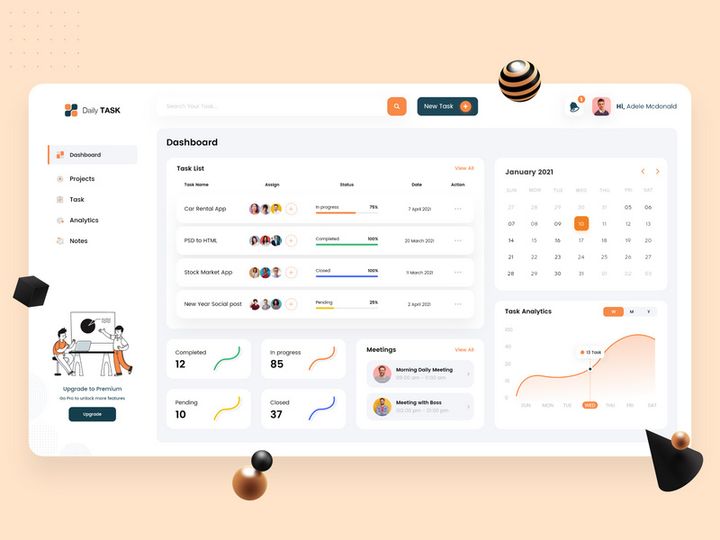

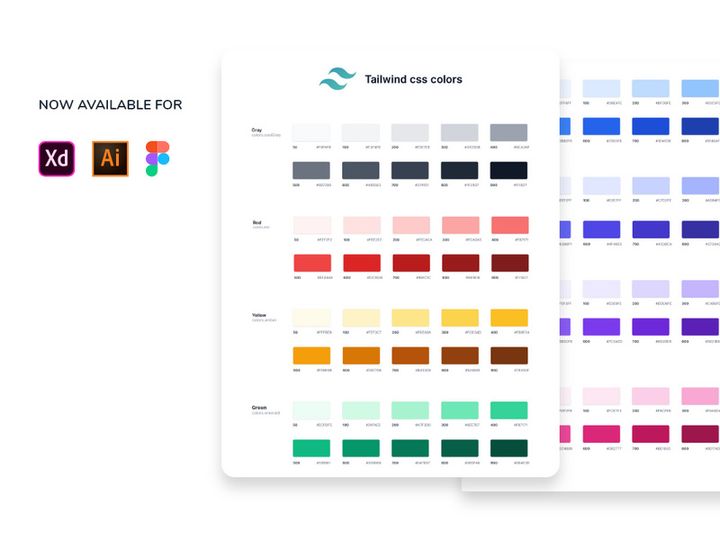
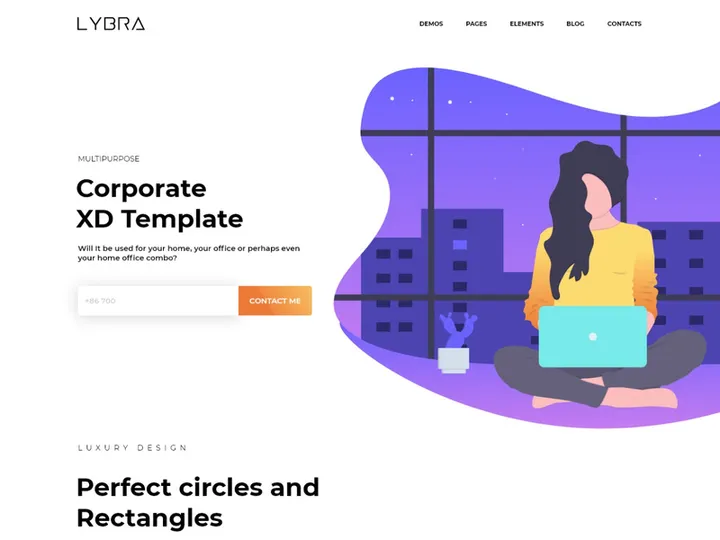
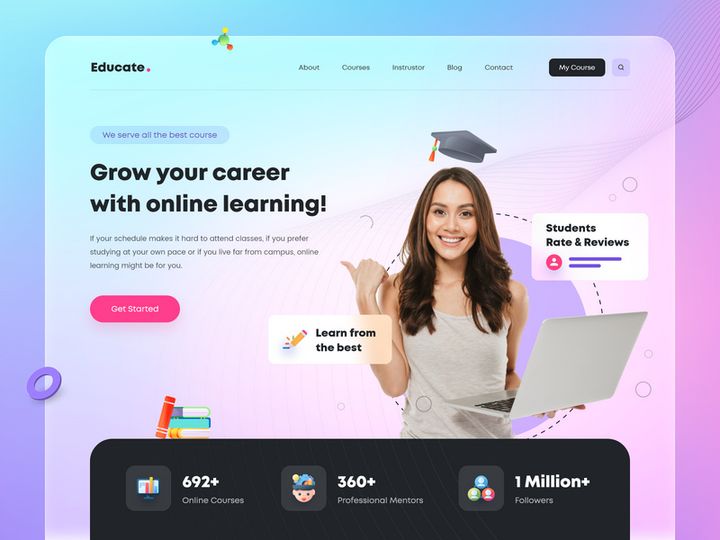
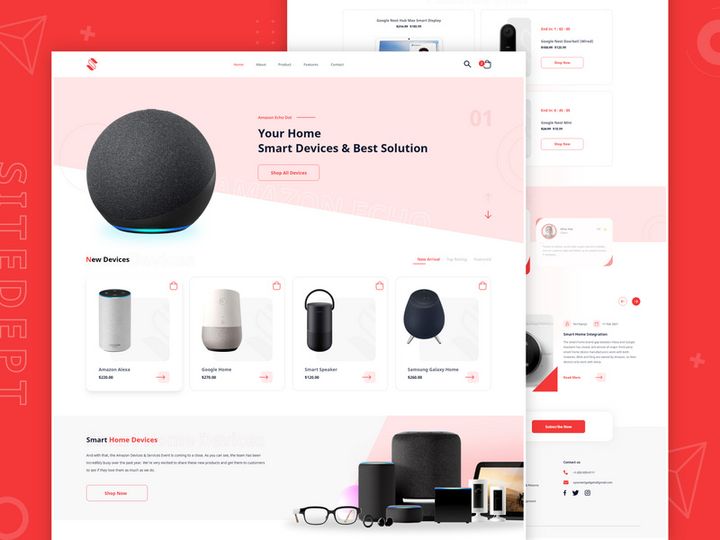
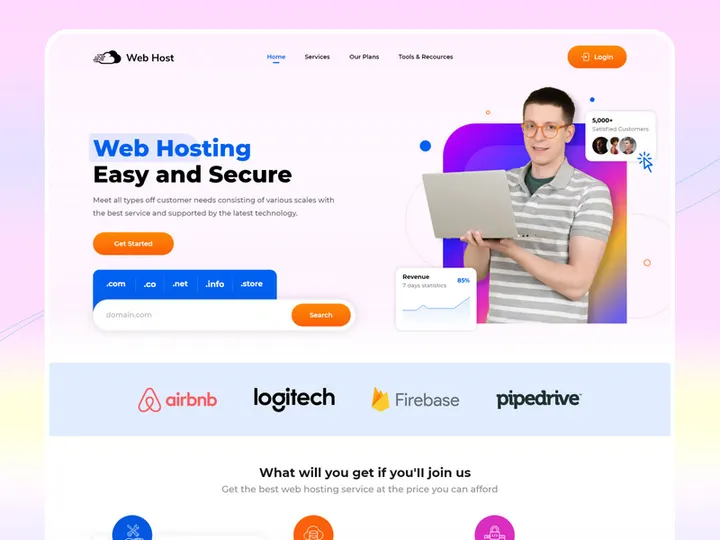

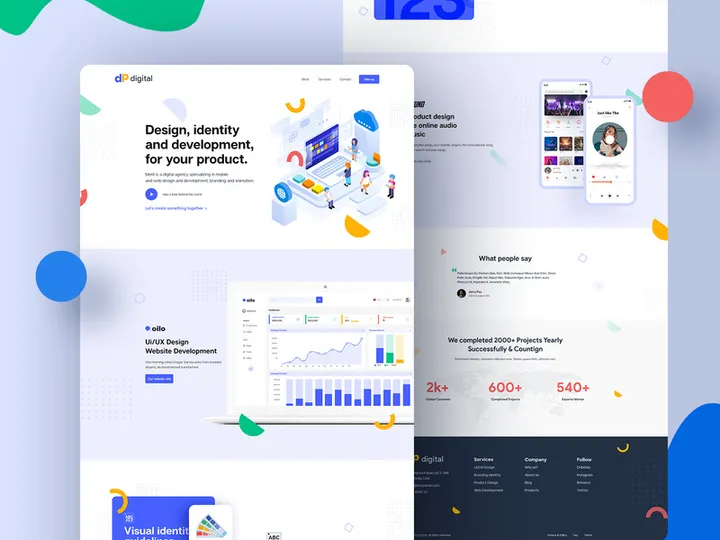
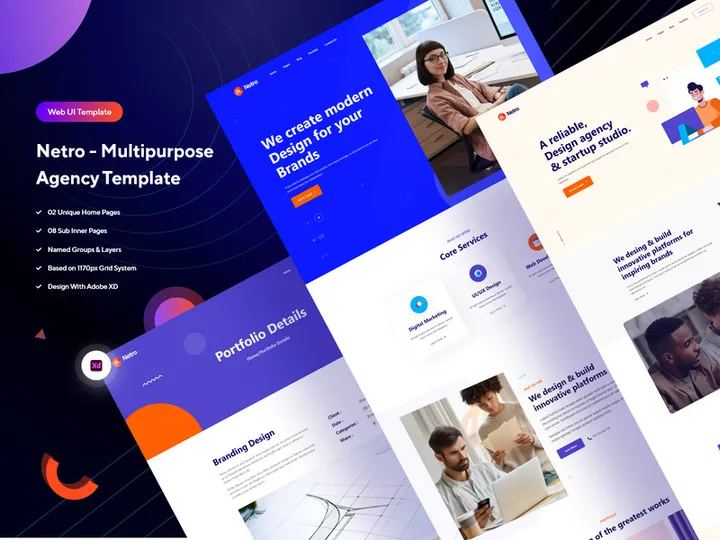
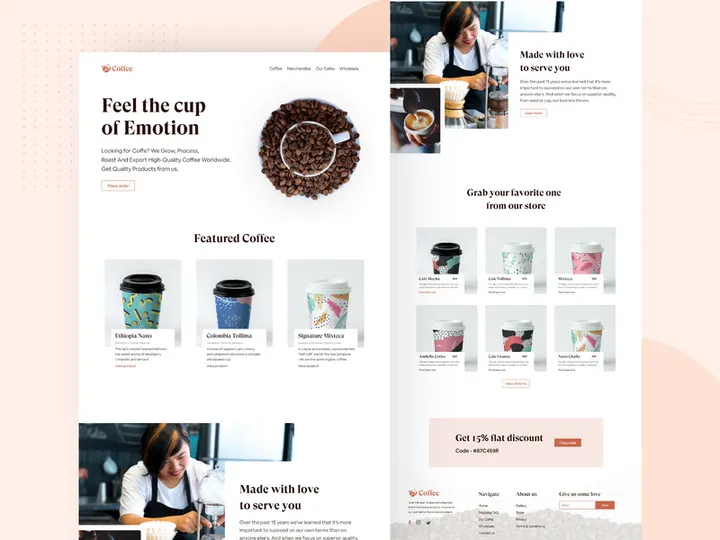
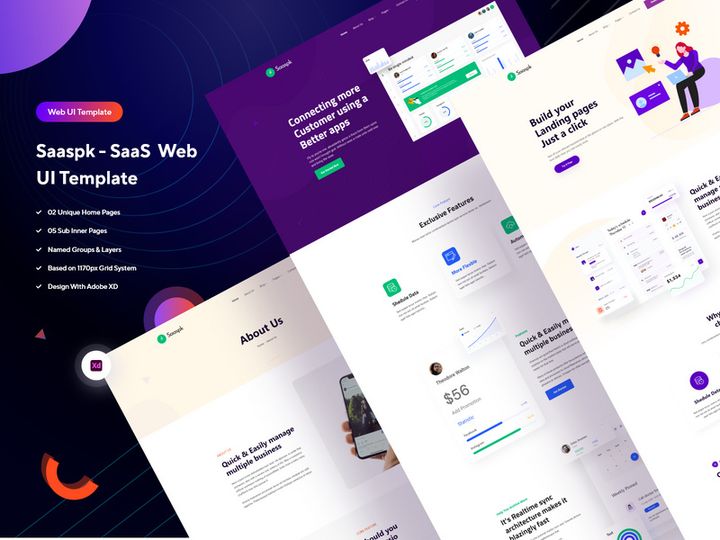
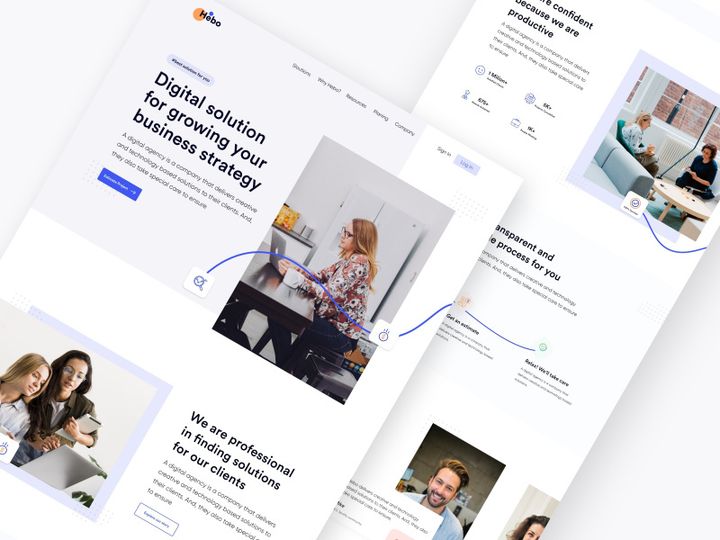
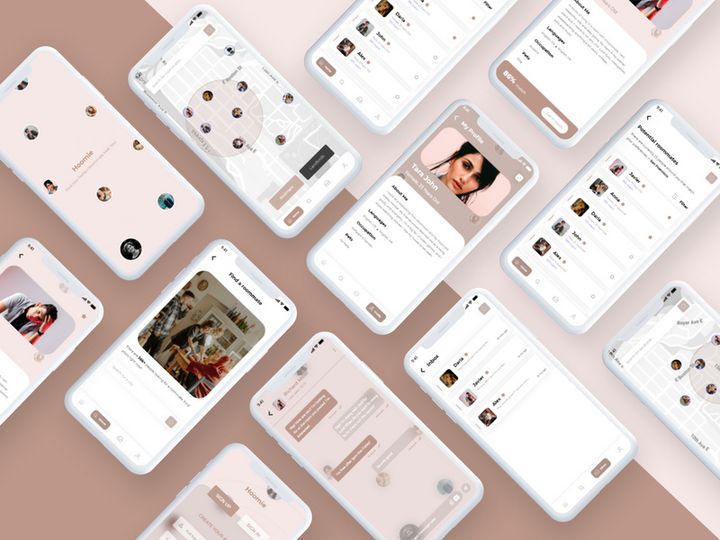




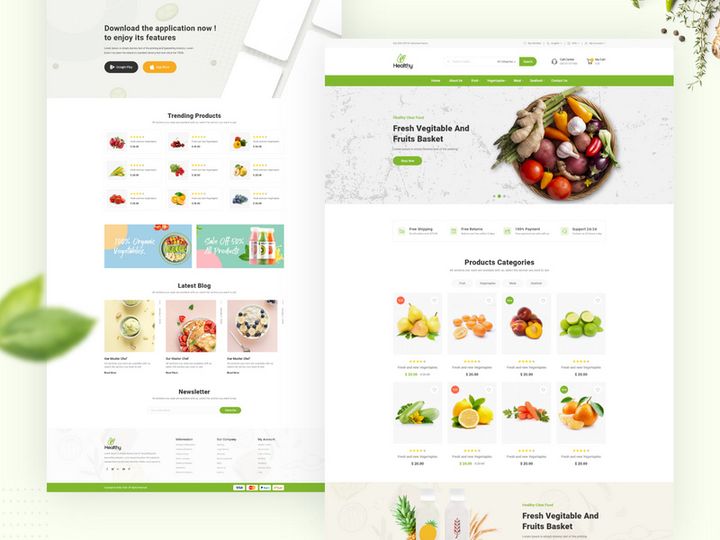
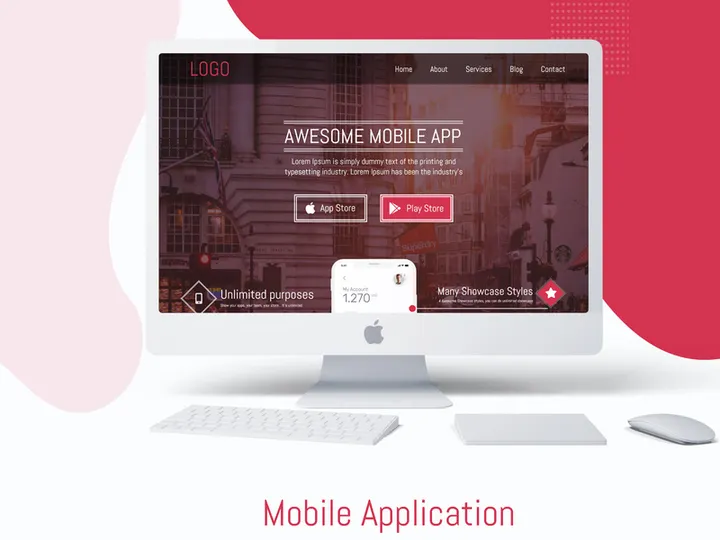
Try Our Free Resources
Download any of these for free - no account required
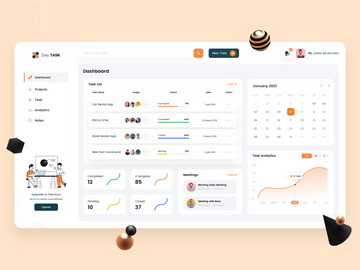
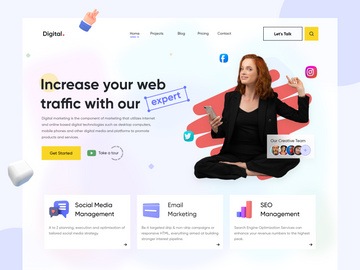
Why Adobe XD for Themes?
Adobe XD has emerged as a leading design tool for interface and experience design, making it a top choice for designers working with themes. Its intuitive interface, powerful prototyping capabilities, and seamless integration with other Adobe Creative Cloud applications make it particularly well-suited for creating and applying themes efficiently. For designers focused on user experience, branding, and consistent visual language, themes in Adobe XD offer a streamlined way to maintain design coherence across multiple screens and projects.
One of the standout features of Adobe XD is its robust support for design systems and reusable components. When working with themes, this means that color palettes, typography styles, and UI elements can be saved and applied globally, ensuring consistency throughout a project. The Repeat Grid feature, for example, allows designers to quickly replicate lists or galleries while maintaining theme integrity. Shared libraries further enhance the theming process by enabling team-wide access to standardized assets, which is essential for collaborative environments.
Another key benefit is Adobe XD’s real-time collaboration functionality. Designers can share themes and design files with stakeholders or team members, allowing for immediate feedback and iterative improvements. With cloud documents, version control becomes easier, and theme updates can be synchronized across all linked files. This makes Adobe XD especially effective for long-term projects where design consistency and team coordination are critical.
At EpicPxls, we recognize the importance of high-quality, compatible resources in enhancing the Adobe XD experience. That’s why we’ve carefully curated over 74+ premium themes specifically tailored for Adobe XD users. Each resource is tested for functionality, compatibility, and design excellence, ensuring that whether you're building a mobile app, website, or dashboard, you have access to themes that elevate your workflow. Our collection emphasizes usability, visual appeal, and adaptability—core values that align with Adobe XD’s design philosophy.
Top Themes Picks for Adobe XD
With a growing library of over 74+ resources, finding the right theme for your Adobe XD project has never been easier. Whether you’re just starting out or you’re a seasoned designer, there’s a theme that fits your needs. At EpicPxls, we’ve categorized our top picks to help you quickly identify resources that match your skill level and project requirements. Our hand-selected themes are designed to streamline your workflow, reduce setup time, and deliver professional results with minimal effort.
Best for Beginners
If you're new to Adobe XD or theming in general, starting with accessible and well-documented themes is essential. Look for resources that include clear instructions, organized layers, and intuitive naming conventions. Beginner-friendly themes from the EpicPxls collection often feature drag-and-drop components, pre-built screens, and easy-to-edit color swatches. These themes help you learn best practices while delivering polished designs. Examples include minimalist dashboard templates, mobile app starters, and onboarding flow kits—all designed with simplicity and clarity in mind.
Best for Professionals
For experienced designers, advanced themes offer deep customization, extensive component libraries, and integration with design systems. Professional-grade themes in our 74+ resources collection often include dark and light mode variants, responsive grids, and fully editable vector assets. They are ideal for enterprise projects, SaaS platforms, and complex user interfaces where scalability and consistency are paramount. Many of these themes support auto-layout and nested components, enabling faster iteration and easier maintenance across large projects.
Best Free Options
High-quality doesn’t have to mean high cost. EpicPxls offers a selection of premium-quality free themes that deliver exceptional value without compromising on design. These free resources are perfect for freelancers, students, or teams on a budget. Despite being free, they include professionally crafted UI elements, consistent typography, and modern aesthetics. They serve as excellent starting points for personal projects or client work where time and budget are limited. We regularly update our free offerings to ensure they remain relevant and useful within the Adobe XD ecosystem.
Adobe XD vs Other Tools for Themes
When it comes to working with themes, Adobe XD stands out due to its specialized focus on user experience and interface design. Unlike general-purpose design tools, Adobe XD is built from the ground up to support interactive prototyping, responsive design, and seamless collaboration—all of which are critical when applying and managing themes. Its vector-based engine ensures that themes remain crisp at any resolution, while its component and state management system allows for dynamic, reusable theme elements.
The Adobe XD ecosystem offers unique advantages, especially for those already using other Adobe applications. Integration with Photoshop, Illustrator, and After Effects allows designers to import assets directly into their themes, maintaining visual fidelity and reducing workflow friction. Cloud-based sharing and commenting features further enhance the theming process by enabling real-time feedback and team alignment. This interconnected environment makes Adobe XD a powerful platform for both individual creators and design teams.
From a format compatibility standpoint, Adobe XD uses its own native file format (.xd), which is optimized for performance and interactivity. While this means themes must be specifically designed for XD, it also ensures that all elements—colors, components, and animations—function as intended. When curating our 74+ resources, EpicPxls ensures every theme is fully compatible with the latest version of Adobe XD, eliminating compatibility issues and ensuring a smooth user experience. This attention to detail sets our collection apart and guarantees that every theme works seamlessly within the platform.
Setting Up Themes in Adobe XD
Getting started with themes in Adobe XD is a straightforward process, especially when using well-organized resources from trusted sources like EpicPxls. Whether you're importing a single theme or managing a library of multiple themes, following a structured approach ensures efficiency and consistency. Below is a step-by-step guide to help you import, organize, and begin using themes effectively in your projects.
- Download the Theme File: Begin by downloading your chosen theme from a reliable source. At EpicPxls, all 74+ resources are available in Adobe XD format and ready for immediate use.
- Open Adobe XD: Launch Adobe XD and open a new or existing project where you plan to apply the theme.
- Import the Theme: Go to File > Open and select the downloaded .xd file. Alternatively, you can copy and paste artboards or components directly from the theme file into your project.
- Access Colors and Components: Once imported, navigate to the Assets panel to access the theme’s color swatches, character styles, and components. These are typically pre-named and grouped for easy identification.
- Apply Theme Elements: Begin applying the theme by replacing default colors, fonts, and UI elements in your design with those from the imported theme. Use the Replace feature to update components globally.
- Save as a Shared Library (Optional): For team projects, save the theme as a Creative Cloud Library. This allows all team members to access and use the same theme assets across different files, ensuring design consistency.
When managing large collections of themes, it’s helpful to create a master file that houses all your frequently used themes. This allows for quick access and cross-referencing. Additionally, consider renaming and organizing layers within each theme to match your naming conventions. With the 74+ resources available through EpicPxls, you’ll have a rich palette of options to choose from, making it easy to adapt themes to different project types and client needs.
Adobe XD Workflow Tips
Maximizing your efficiency in Adobe XD goes beyond just applying themes—it’s about building a sustainable, scalable workflow. Whether you're working solo or with a team, adopting best practices for theme management can significantly improve productivity and design quality. From organizing libraries to leveraging batch operations, these strategies will help you get the most out of your Adobe XD experience.
Organizing Themes Libraries
As your collection of themes grows, organization becomes crucial. Use Creative Cloud Libraries to categorize themes by project type, color scheme, or industry (e.g., fintech, healthcare, e-commerce). Name your libraries clearly and include only the most frequently used assets to avoid clutter. At EpicPxls, we recommend downloading only the themes you need and archiving older versions to maintain performance. Group related components—buttons, cards, icons—into folders within the library for faster access.
Batch Operations
Adobe XD supports batch editing through components and styles, which is a game-changer when working with themes. If you need to update the primary color across multiple screens, simply edit the color in the Assets panel and all instances will update automatically. Use the Find and Replace feature to swap fonts, icons, or text styles in bulk. For designers managing multiple themes, this capability saves hours of manual adjustments. The 74+ resources from EpicPxls are designed with batch operations in mind, featuring consistent naming and structured layers for easy global edits.
Collaboration Best Practices
When working in a team, consistency is key. Share theme libraries via Creative Cloud so all members use the same design tokens. Use version-controlled cloud documents and set up design reviews using comment threads directly in Adobe XD. Establish naming conventions and layer structures that align with your themes to reduce confusion. For client presentations, use prototype sharing links to showcase themed interfaces without exposing the underlying design file. EpicPxls themes are built with collaboration in mind—clean layers, documented artboards, and modular components make them ideal for team-based workflows.
Why Download from EpicPxls?
Commercial License
Use in personal and commercial projects
No Account Required
Download free resources instantly
Quality Curated
Every resource is reviewed for quality
Preview Files
See Figma and Photoshop files before downloading
Who Uses These Themes?
Professionals and teams who benefit most from our collection
UI/UX Designers
Speed up your workflow with ready-to-use themes for Adobe XD. Perfect for prototyping and client presentations.
Developers
Get production-ready assets without design skills. Export in any format for web and mobile apps.
Startups & Agencies
Save design budget with affordable premium themes. Commercial license included for client work.
Marketing Teams
Create professional campaigns faster. All themes are optimized for social media and ads.
Themes for Adobe XD FAQCommon questions about these resources
Simple, Transparent Pricing
Get unlimited access to all premium resources
Yearly
- 20 downloads per month
- All file formats
- Commercial license
Lifetime
- Unlimited downloads forever
- All file formats
- Commercial license
Ready to Get Started?
Access 4,441+ free design resources today.
Browse Free ResourcesView Premium PlansEarn 85% and
more on all sales
Upload your products and put them up
for sale at whatever price you want.


