UI Kits for HTML: 45+ Resources
EpicPxls offers 48+ curated ui kits for HTML, all with a commercial license and editable source files (Figma, Sketch, PSD). We have 48+ ui kits compatible with HTML, tested and verified for seamless integration.
Last updated February 12, 2026
Discover 45+ handpicked ui kits for HTML.
Trusted by designers at leading companies
Top UI Kits for HTML
Handpicked resources from our curated collection


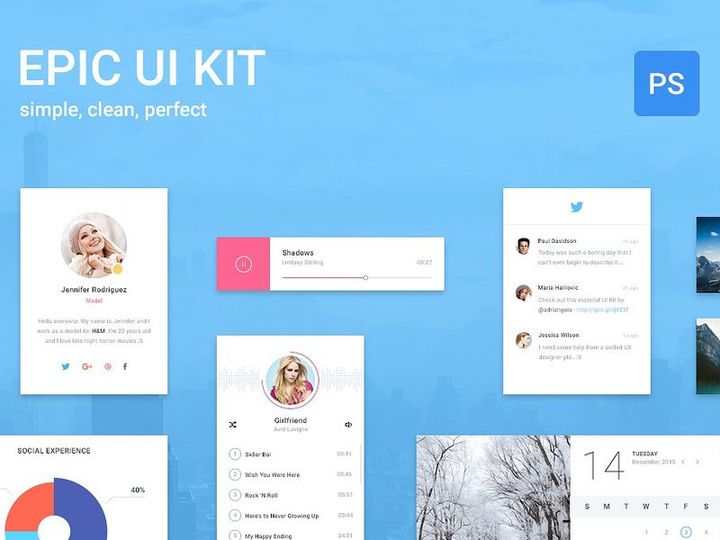

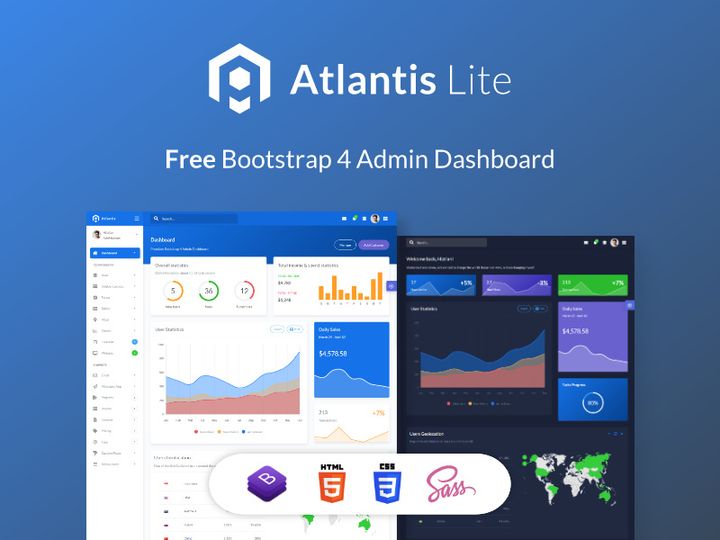
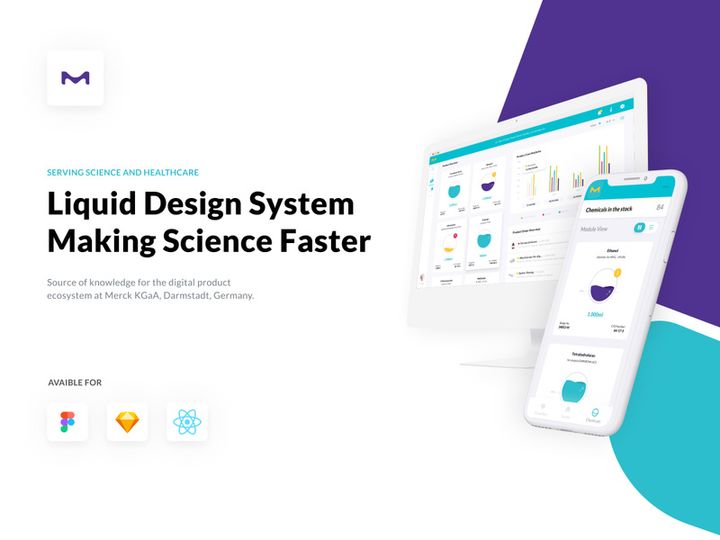

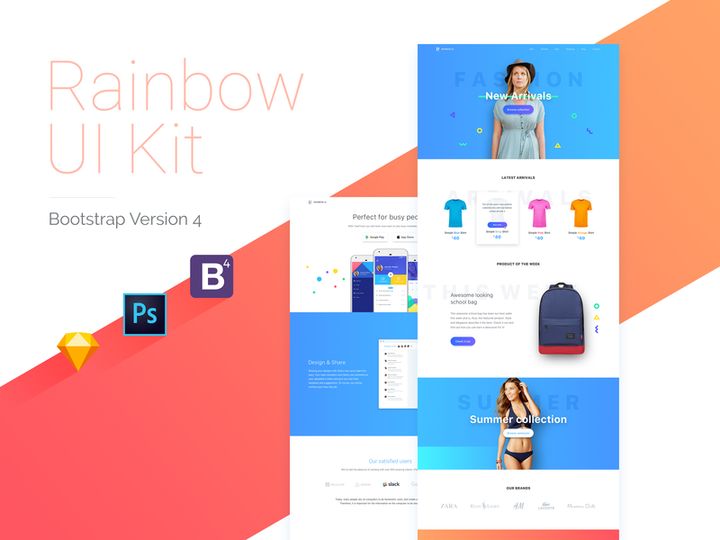





Try Our Free Resources
Download any of these for free - no account required
Why HTML for UI Kits?
HTML has long been the backbone of web development, and its role in modern UI design continues to grow. When it comes to working with UI kits, HTML offers a powerful, accessible, and universally supported foundation. Designers and developers alike choose HTML because it provides a direct pathway from concept to functional interface, enabling rapid prototyping and seamless integration into live websites or web applications. Unlike design tools that simulate interactivity, HTML brings UI elements to life with actual functionality, making it an ideal platform for testing and refining user experiences.
One of the key strengths of HTML in the context of UI kits is its compatibility with CSS and JavaScript, allowing for highly customizable and interactive components. Buttons, navigation bars, modals, cards, and forms can all be styled and scripted to meet exact design specifications. This flexibility means that UI kits built with HTML can be easily adapted across different projects, screen sizes, and user requirements. Additionally, HTML’s open-source nature fosters a vast ecosystem of reusable components, many of which are available under permissive licenses, accelerating development cycles.
At EpicPxls, we recognize the importance of reliable, well-structured HTML resources. Our team carefully curates over 45+ high-quality UI kits specifically tailored for HTML environments. Each resource is evaluated for code cleanliness, responsiveness, documentation quality, and real-world usability. Whether you're building a landing page, admin dashboard, or e-commerce interface, our selection ensures you have access to ready-to-use components that integrate smoothly into your workflow. With consistent updates and a focus on modern standards like HTML5 and semantic markup, EpicPxls makes it easy to find the right tools to bring your designs to life efficiently and effectively.
Top UI Kits Picks for HTML
Selecting the right UI kit can significantly impact your project’s speed, scalability, and visual consistency. With dozens of options available, it helps to know which resources align best with your skill level and development goals. The 45+ resources curated by EpicPxls include a diverse range of HTML-based kits designed to serve different user needs—from newcomers to seasoned developers. Below, we highlight top picks across three key categories to help you find the perfect fit.
Best for Beginners
- BeginnerUI Kit – A lightweight, well-documented HTML/CSS kit featuring intuitive class names and step-by-step setup guides. Ideal for those learning front-end development.
- SimpleFrame – Offers a minimal component library with clear examples of buttons, forms, and grids. Comes with live demos and inline comments for easy understanding.
- LearnLayout – Designed specifically for educational use, this kit introduces responsive design concepts through practical, copy-paste-ready code blocks.
These beginner-friendly options are carefully selected by EpicPxls for their clarity, ease of installation, and strong community support, ensuring a smooth onboarding experience.
Best for Professionals
- ProDesign Suite – A comprehensive HTML UI framework with advanced components like data tables, dynamic modals, and dark mode support. Built with accessibility and performance in mind.
- CodeCraft Elements – Features modular SCSS integration, JavaScript-powered widgets, and customizable themes. Perfect for enterprise-level applications.
- UltraGrid Studio – Offers a CSS grid system with breakpoints, container queries, and responsive utilities for complex layouts.
These kits are part of the 45+ resources that EpicPxls recommends for teams requiring scalability, maintainability, and pixel-perfect implementation.
Best Free Options
- FreeForm UI – A no-cost, open-source collection of form controls, cards, and navigation bars with clean HTML structure.
- OpenCard Kit – Provides reusable card components with hover effects and responsive behavior—ideal for portfolios or product displays.
- BaseLine CSS – Though minimal, this free kit includes normalized resets, typography styles, and utility classes that pair well with custom HTML.
EpicPxls ensures that even free resources meet high standards for code quality and browser compatibility, offering tremendous value without sacrificing performance.
HTML vs Other Tools for UI Kits
When evaluating tools for implementing UI kits, HTML stands out for its direct execution in browsers and native support across all devices. Unlike design-centric tools such as Figma or Sketch—where UI kits serve primarily as visual mockups—HTML brings designs into the realm of functional interfaces. This means interactions, responsiveness, and accessibility can be tested in real environments from the start, reducing the gap between design and development.
The HTML ecosystem benefits from deep integration with CSS for styling and JavaScript for behavior, enabling rich, interactive experiences out of the box. Moreover, HTML-based UI kits can be version-controlled using Git, deployed instantly via CDN, and optimized for SEO and performance—advantages not typically available in static design formats. While other tools excel in collaboration and visual iteration, HTML wins when it comes to delivering production-ready results.
Another advantage is format compatibility. HTML files can be opened in any text editor, viewed in every modern browser, and extended with frameworks like Bootstrap or Tailwind without vendor lock-in. This openness ensures long-term maintainability and adaptability. With over 45+ resources available through EpicPxls, users gain access to UI kits that leverage these strengths, offering not just aesthetics but real technical value. Whether you're building prototypes or full-scale applications, choosing HTML ensures your UI components remain flexible, testable, and future-proof.
Setting Up UI Kits in HTML
Integrating a UI kit into your HTML project doesn’t have to be complex. With a structured approach, you can quickly import, customize, and deploy components. Follow these six steps to get started efficiently and make the most of the 45+ resources curated by EpicPxls.
- Download the UI Kit – Visit a trusted source like EpicPxls and select a compatible HTML UI kit. Ensure it includes HTML, CSS, and any necessary JavaScript files.
- Extract and Organize Files – Unzip the package and place assets into a logical folder structure (e.g., css/, js/, images/) within your project directory.
- Link CSS and JS in Your HTML – Add
<link>tags in the<head>section to include the kit’s stylesheet, and insert<script>tags before the closing</body>tag for JavaScript. - Copy Component Code – Open the kit’s documentation or demo page, locate the HTML snippet for the component you need (e.g., a navbar), and paste it into your markup.
- Customize as Needed – Modify classes, text, colors, or behavior by editing the HTML or overriding styles in a custom CSS file to preserve the original kit for updates.
- Test Across Devices – Use browser developer tools to check responsiveness, interactivity, and performance. Validate accessibility using built-in inspectors or online tools.
For managing large collections, consider creating a local component library or using a static site generator to preview all available elements. EpicPxls recommends labeling each kit with metadata (version, license, features) to streamline future use. With proper setup, even complex UI kits become plug-and-play assets in your development workflow.
HTML Workflow Tips
Efficiency in UI development comes not just from the tools you use, but how you organize and operate within your environment. A well-structured workflow enhances productivity, reduces errors, and makes collaboration smoother—especially when leveraging a wide array of HTML-based UI kits.
Organizing UI Kits Libraries
Keep your UI kits categorized by project type, complexity, or design style. Use descriptive folder names like dashboards/, landing-pages/, or accessible-forms/ to simplify navigation. Include a README.md file in each folder with details on usage, dependencies, and licensing. At EpicPxls, we recommend maintaining a master index HTML page that previews key components from each kit—this acts as a quick-reference style guide and reduces search time.
Batch Operations
When working with multiple UI kits or deploying components across several pages, automate repetitive tasks. Use tools like Gulp, npm scripts, or find-and-replace functions in code editors to update class names, inject headers, or minify assets. For example, if you’re standardizing button styles across 45+ resources, a simple script can apply consistent markup changes in seconds. This approach ensures uniformity and saves hours of manual editing.
Collaboration Best Practices
When sharing UI kits within a team, standardization is critical. Establish naming conventions for classes and files (e.g., BEM or utility-first patterns) and document them clearly. Use version control systems like Git to track changes and enable safe experimentation. Share links to curated resources from trusted sources like EpicPxls to ensure everyone uses compatible, up-to-date components. Encourage team members to comment code and annotate component usage so knowledge isn’t siloed. With disciplined practices, your team can leverage the full potential of HTML UI kits—making development faster, more consistent, and scalable.
Why Download from EpicPxls?
Commercial License
Use in personal and commercial projects
No Account Required
Download free resources instantly
Quality Curated
Every resource is reviewed for quality
Preview Files
See Figma and Photoshop files before downloading
Who Uses These UI Kits?
Professionals and teams who benefit most from our collection
UI/UX Designers
Speed up your workflow with ready-to-use ui kits for HTML. Perfect for prototyping and client presentations.
Developers
Get production-ready assets without design skills. Export in any format for web and mobile apps.
Startups & Agencies
Save design budget with affordable premium ui kits. Commercial license included.
Marketing Teams
Create professional campaigns faster. All ui kits are optimized for social media and ads.
UI Kits for HTML FAQCommon questions about these resources
Simple, Transparent Pricing
Get unlimited access to all premium resources
Yearly
- 20 downloads per month
- All file formats
- Commercial license
Lifetime
- Unlimited downloads forever
- All file formats
- Commercial license
Ready to Get Started?
Access 4,442+ free design resources today.
Browse Free ResourcesView Premium PlansEarn 85% and
more on all sales
Upload your products and put them up
for sale at whatever price you want.


