Mockups for Sketch: 38+ Resources
EpicPxls offers 38+ curated mockups for Sketch, all with a commercial license and editable source files (Figma, Sketch, PSD). We have 38+ mockups compatible with Sketch, tested and verified for seamless integration.
Last updated February 12, 2026
Discover 38+ handpicked mockups for Sketch.
Trusted by designers at leading companies
Top Mockups for Sketch
Handpicked resources from our curated collection
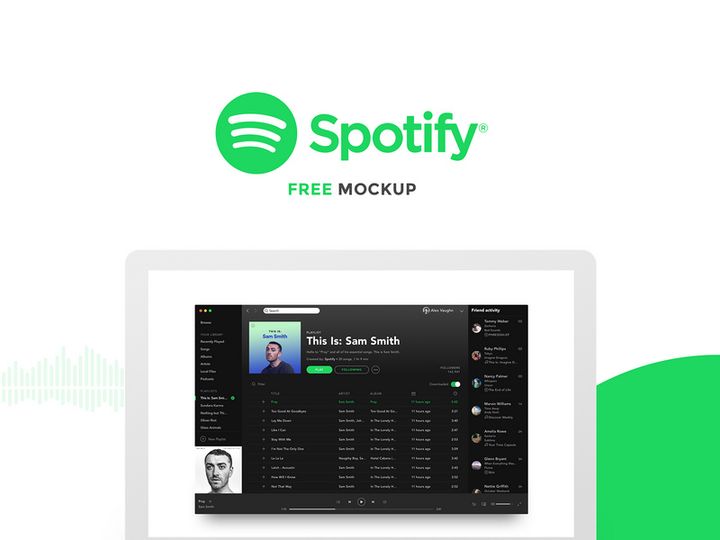
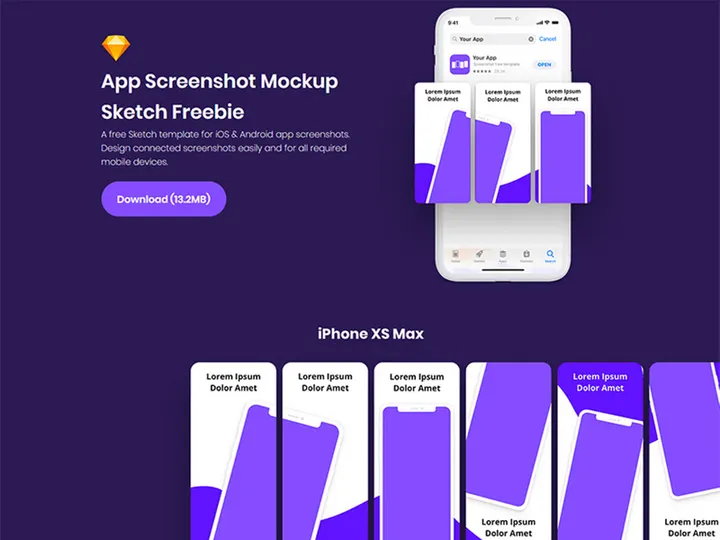
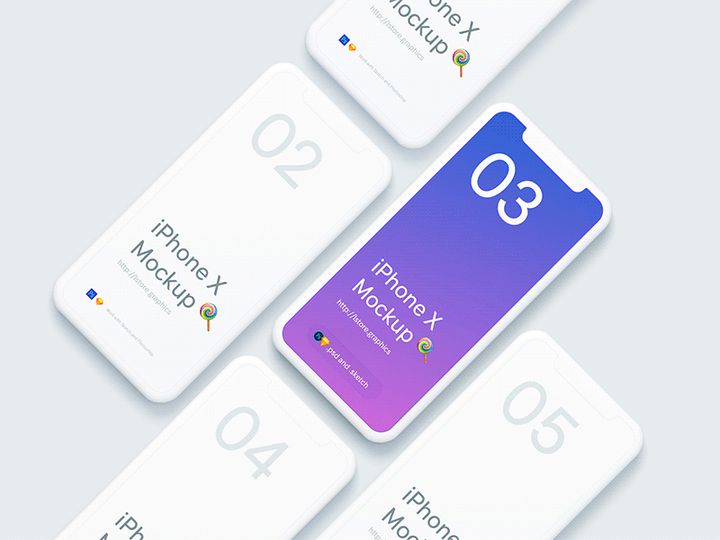
![Google Pixel Mockup [PSD, Sketch] preview picture](https://imgproxy.epicpxls.com/0S9OGY_9_ODKLxjds_PmC53SgImFi3raoTcTGolkJec/rs:fill:720:540:0/g:no/aHR0cHM6Ly9pdGVt/cy5lcGljcHhscy5j/b20vdXBsb2Fkcy9w/aG90by9jNjY0OGE4/ZGZiMTU5Zjk4NjJh/ZGJiYzcwZmNkODUx/NC5qcGc.jpg)
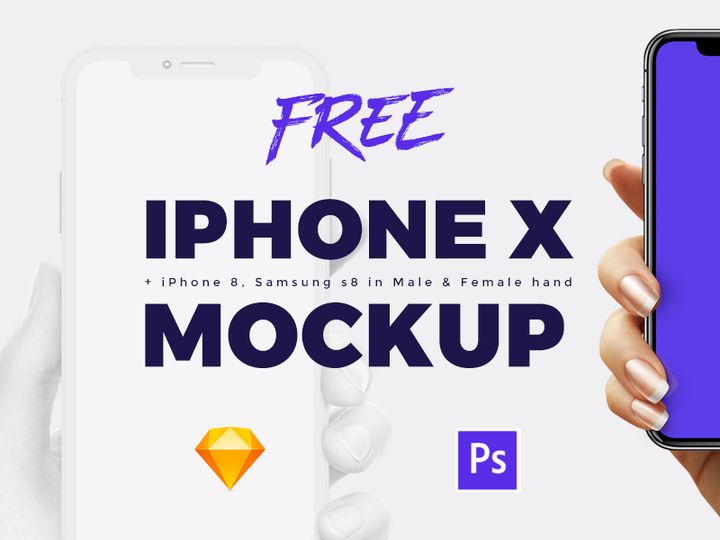

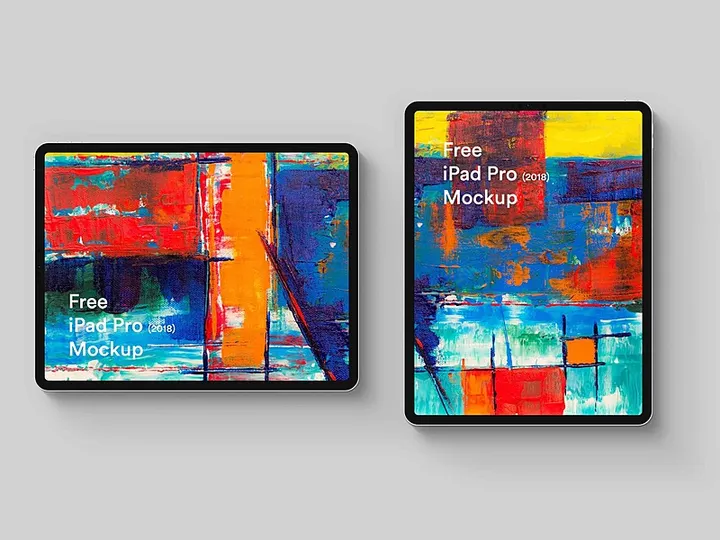
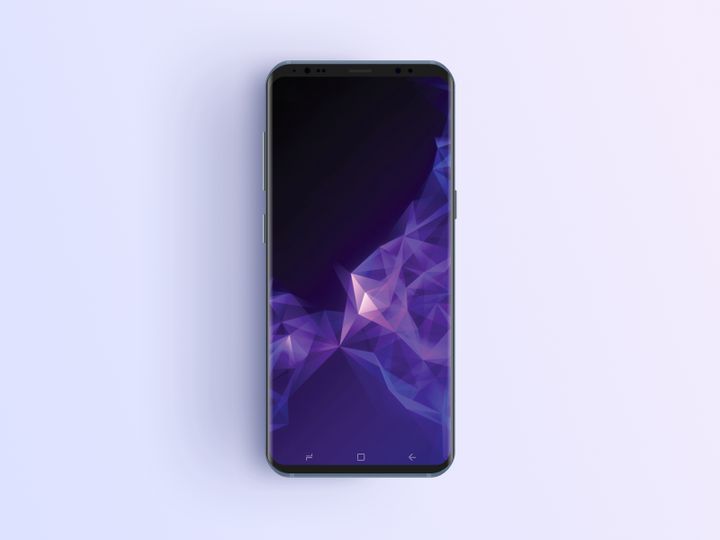
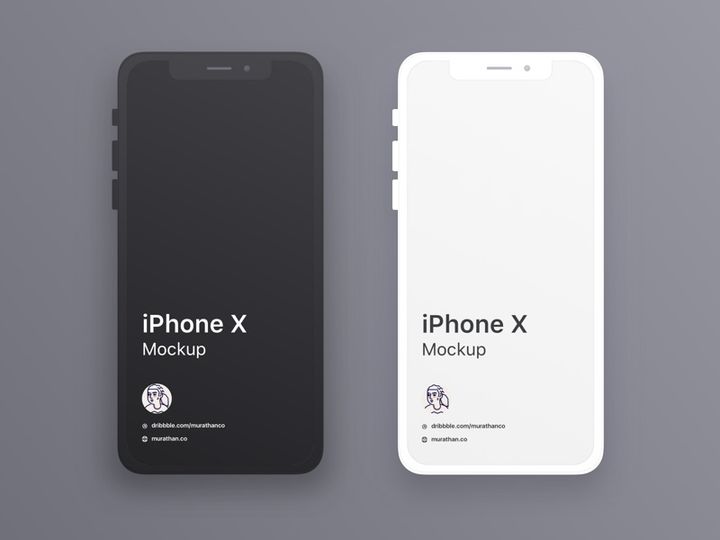
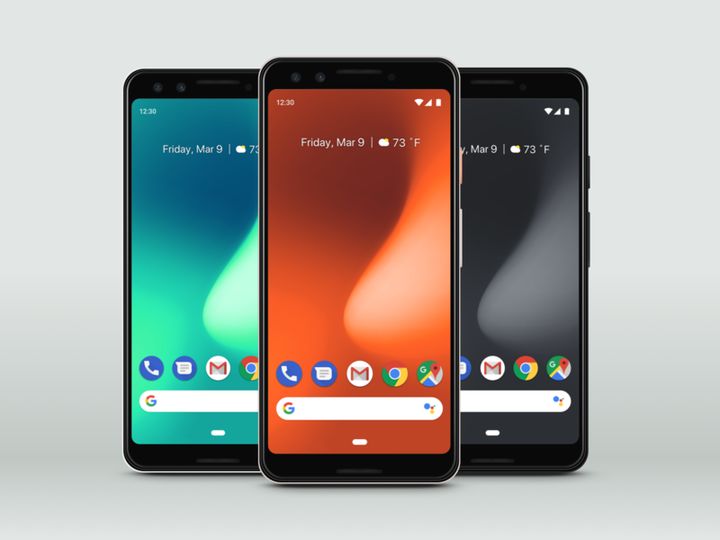
Try Our Free Resources
Download any of these for free - no account required
![Google Pixel Mockup [PSD, Sketch]](https://items.epicpxls.com/uploads/photo/32214a74cd700a539bfccf0de073e6ff.jpg)
Why Sketch for Mockups?
Sketch has become a go-to design tool for UI/UX professionals and creative teams worldwide, especially when it comes to creating and presenting mockups. Its vector-based architecture, combined with a streamlined interface, makes it exceptionally well-suited for crafting high-fidelity mockups that communicate design intent with clarity. One of the primary reasons designers choose Sketch for mockups is its focus on simplicity and efficiency—features that reduce clutter and keep the workflow smooth from concept to presentation.
Sketch excels in mockup workflows thanks to its robust symbol system, which allows for reusable components and dynamic overrides. This means designers can quickly swap content across multiple mockups without manually editing each layer. The artboard-based structure also makes it easy to organize different screen states or device views, ideal when showcasing responsive designs or app interfaces. Additionally, Sketch supports plugins and integrations that extend functionality—perfect for importing mockup scenes, automating repetitive tasks, or exporting multiple formats in one click.
Another strength lies in Sketch’s ecosystem. Designers can access thousands of pre-built mockup resources tailored specifically for the platform, ensuring seamless compatibility and minimal setup time. These resources often come with smart layers, placeholder areas, and customizable shadows or reflections, allowing for photorealistic presentations directly within the app. At EpicPxls, we recognize the value of this streamlined process, which is why we curate only the most compatible and high-quality mockups for Sketch. Our collection of 38+ resources is hand-selected to ensure each one enhances productivity, maintains visual fidelity, and integrates effortlessly into existing design systems. Whether you're preparing client presentations or internal reviews, using Sketch with well-designed mockups elevates your work from static screens to compelling visual stories.
Top Mockups Picks for Sketch
With so many mockup resources available, it can be overwhelming to choose the right ones for your project. That’s where curated collections come in. Whether you're just starting out or you're a seasoned designer, having access to reliable, flexible mockups makes a significant difference in both speed and output quality. Below, we’ve broken down the top picks for Sketch users based on skill level and budget—all sourced from our growing library of 38+ resources at EpicPxls.
Best for Beginners
If you're new to Sketch or mockup design in general, simplicity and clarity are key. Look for mockups that come with clear instructions, organized layers, and intuitive placeholder areas. Resources labeled as “beginner-friendly” typically feature drag-and-drop image insertion, minimal layer nesting, and built-in guides to help you align your designs correctly. At EpicPxls, we prioritize accessibility—many of our beginner options include labeled groups, color-coded folders, and even tutorial videos to help you get started fast. These tools allow new users to focus on learning the platform while still producing professional-grade presentations.
Best for Professionals
Experienced designers often need more advanced features such as perspective warping, texture overlays, lighting controls, and animated scene variations. The top-tier mockups in our 38+ resources collection offer these capabilities, enabling hyper-realistic presentations for pitches and portfolios. Many of these packs include multiple device angles, environment scenes (like desks or hands holding phones), and support for smart objects that auto-adjust to your inserted designs. These resources save hours in post-processing and are ideal for agencies or freelancers who need to deliver polished visuals consistently.
Best Free Options
High-quality doesn’t always mean high cost. There are several excellent free mockups built specifically for Sketch that deliver impressive realism and flexibility. These are perfect for startups, students, or designers testing a new concept before investing in premium assets. While free options may have fewer variations or scenes, many still include essential features like resizable smart objects and organized layer structures. EpicPxls regularly updates its free section with vetted, no-cost resources that maintain professional standards—ensuring you never have to compromise on quality, even on a tight budget.
Sketch vs Other Tools for Mockups
While several design platforms support mockup creation, Sketch stands out due to its specialized focus on interface and screen-based design. Unlike general-purpose tools, Sketch was built with digital product designers in mind, making it inherently more efficient for creating app screens, website layouts, and interactive prototypes. When working with mockups, this focus translates into faster workflows, cleaner file structures, and better integration with design systems.
One of Sketch’s unique advantages is its compact file size and fast rendering performance, even when handling complex mockup scenes with multiple layers and effects. The native support for symbols and shared styles ensures consistency across mockup variations, which is especially useful when presenting different color themes or branding options. Additionally, Sketch files (.sketch) are widely accepted across design teams and handoff tools, simplifying collaboration and review cycles.
From a compatibility standpoint, Sketch’s ecosystem thrives on community-driven resources. Mockups designed specifically for Sketch often include features like auto-resizing artboards, integrated grids, and plugin-ready formats that enhance usability. While other tools may support similar functions, the depth and quality of Sketch-compatible assets—especially those curated by platforms like EpicPxls—are unmatched. With over 38+ resources available in formats optimized for Sketch, designers can quickly find and implement mockups that fit their exact needs without conversion hassles or quality loss.
Setting Up Mockups in Sketch
Getting started with mockups in Sketch is straightforward when you follow a structured approach. Whether you're using a free download or a premium pack from EpicPxls, proper setup ensures your mockups look professional and are easy to update. Follow these six steps to import, organize, and use mockup resources efficiently.
- Download and Unzip the Resource: Most mockup packs come as ZIP files. Extract the contents to access the .sketch file and any accompanying documentation or assets.
- Open the .sketch File in Sketch: Launch Sketch and open the mockup file directly. Ensure you’re using a compatible version of Sketch to avoid any rendering issues.
- Locate the Smart Object or Placeholder Layer: Navigate to the artboard and find the designated image placeholder—usually labeled “Insert Screen” or “Replace Me.” This is typically a rectangle with a double border, indicating a symbol or nested layer.
- Replace the Placeholder Content: Double-click the placeholder to edit it. Paste or drag your design into the new window that appears, then close it to update the mockup scene automatically.
- Adjust Lighting or Perspective (if needed): Some advanced mockups include layers for shadows, reflections, or ambient light. Tweak opacity or blending modes to match your project’s mood and environment.
- Save and Export: Once satisfied, save your updated file and export the final mockup in your desired format—PNG for web use, PDF for print, or SVG for scalable graphics.
For teams managing large collections, consider creating a dedicated “Mockups” folder on your system and using consistent naming conventions. This makes it easier to locate specific assets later. EpicPxls recommends organizing your downloaded resources by category (e.g., mobile, desktop, wearable) and version to streamline future access. With the right setup, even a library of 38+ resources remains manageable and highly productive.
Sketch Workflow Tips
Maximizing your efficiency in Sketch goes beyond just inserting mockups—it’s about building a sustainable, scalable workflow. As your project demands grow, so should your ability to manage assets quickly and collaboratively. Here are three essential practices to elevate your Sketch mockup process.
Organizing Mockups Libraries
A well-organized library saves time and reduces frustration. Instead of scattering mockup files across your desktop or downloads folder, create a centralized directory. Within it, use subfolders to categorize by device type, scene style (e.g., flat lay, lifestyle), or client. Consider using Sketch’s built-in page system to separate mockup types within a single file—for example, one page for mobile devices, another for desktops. This keeps everything in one place without bloating your workspace. EpicPxls’ curated 38+ resources are designed with organization in mind, often including pre-sorted pages and clear layer names to support this structure.
Batch Operations
When working on multiple screens or client variations, batch editing can dramatically speed up your workflow. Use Sketch plugins or built-in symbol overrides to update multiple mockups simultaneously. For instance, if you’re presenting three app screens on different devices, set them as symbol instances and change the embedded image across all at once. You can also use export presets to generate multiple mockup images in one click, choosing formats and resolutions ahead of time. This is especially useful when preparing deliverables for stakeholders or uploading portfolio pieces.
Collaboration Best Practices
Sketch supports real-time collaboration through cloud-based sharing, making it ideal for team environments. When working with others, establish naming conventions for layers, artboards, and symbols to maintain clarity. Use annotations or comments to explain mockup usage or placeholder rules. If you're sharing a file with a developer or non-designer, consider exporting a simplified version with only the final mockup scenes. Platforms like EpicPxls often include collaboration-ready files that are pre-optimized for sharing, ensuring everyone on the team can contribute effectively—whether they're tweaking designs or reviewing presentations.
Why Download from EpicPxls?
Commercial License
Use in personal and commercial projects
No Account Required
Download free resources instantly
Quality Curated
Every resource is reviewed for quality
Preview Files
See Figma and Photoshop files before downloading
Who Uses These Mockups?
Professionals and teams who benefit most from our collection
UI/UX Designers
Speed up your workflow with ready-to-use mockups for Sketch. Perfect for prototyping and client presentations.
Developers
Get production-ready assets without design skills. Export in any format for web and mobile apps.
Startups & Agencies
Save design budget with affordable premium mockups. Commercial license included for client work.
Marketing Teams
Create professional campaigns faster. All mockups are optimized for social media and ads.
Mockups for Sketch FAQCommon questions about these resources
Simple, Transparent Pricing
Get unlimited access to all premium resources
Yearly
- 20 downloads per month
- All file formats
- Commercial license
Lifetime
- Unlimited downloads forever
- All file formats
- Commercial license
Ready to Get Started?
Access 4,441+ free design resources today.
Browse Free ResourcesView Premium PlansEarn 85% and
more on all sales
Upload your products and put them up
for sale at whatever price you want.


