Mockups for Businesss: 115+ Resources
EpicPxls offers 115+ curated mockups, all with a commercial license and editable source files (Figma, Sketch, PSD). Purpose-built mockups for business projects save time and ensure professional results with design elements tailored to business requirements.
Last updated February 12, 2026
Discover 115+ mockups ideal for business design projects.
Trusted by designers at leading companies
Top Mockups
Handpicked resources from our curated collection




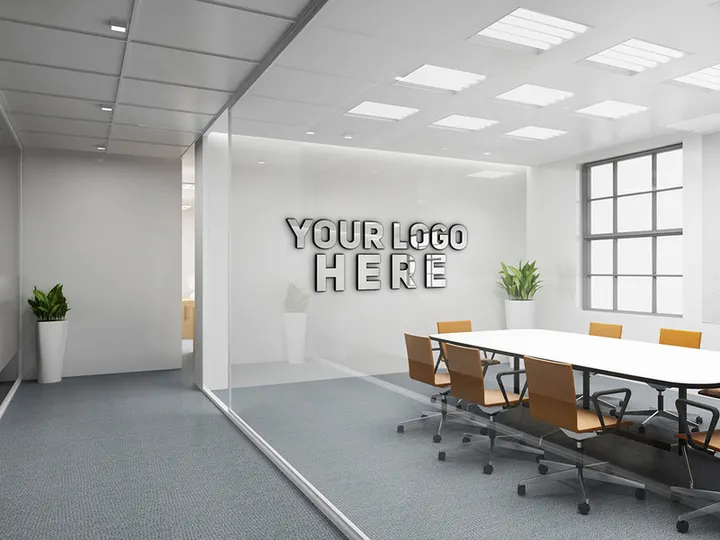

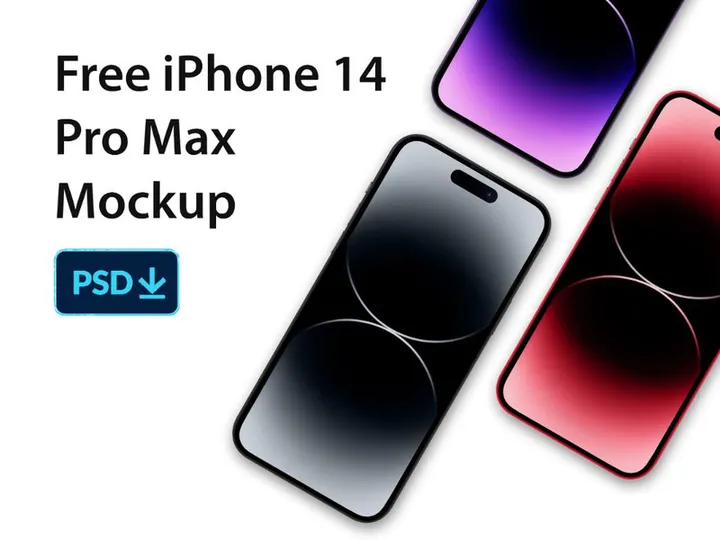

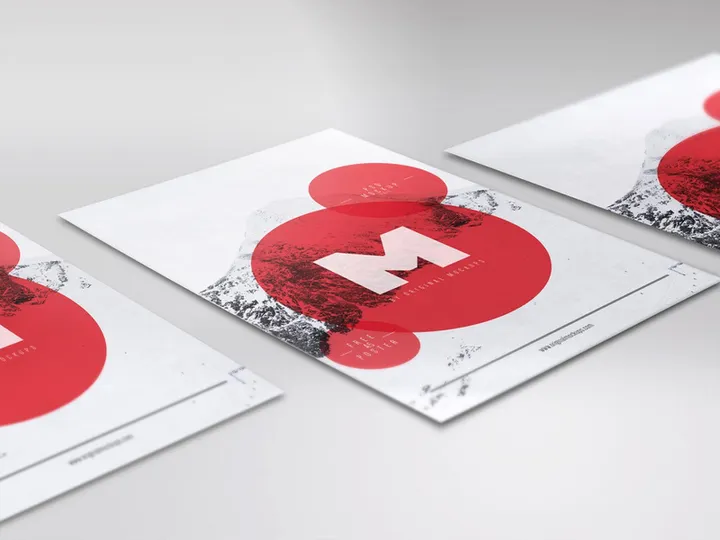





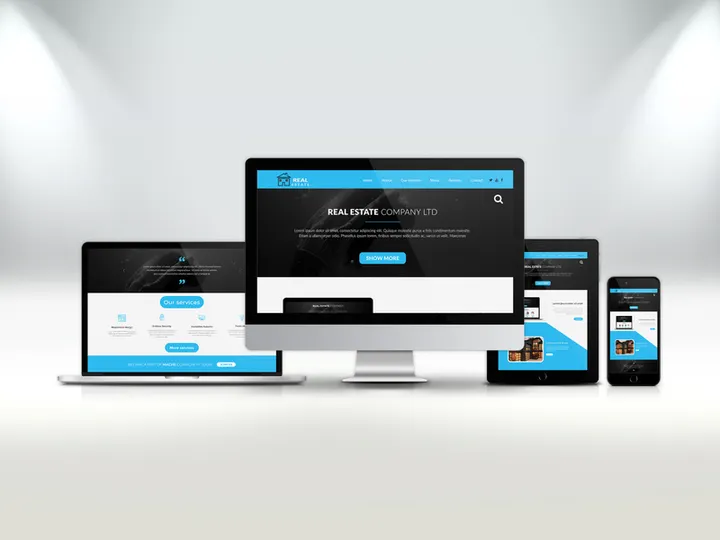
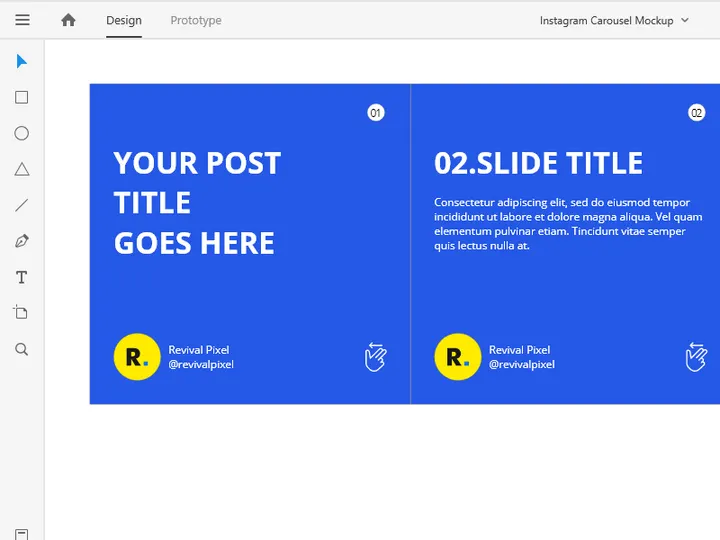


Try Our Free Resources
Download any of these for free - no account required
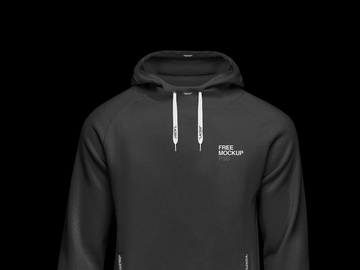
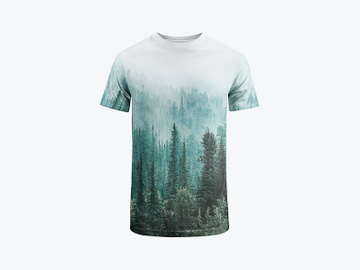
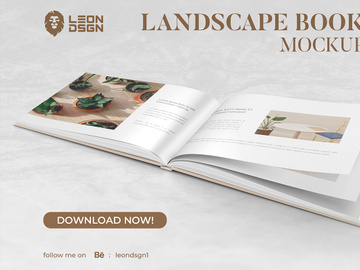
Why Mockups for Business Projects?
Mockups have become indispensable tools in the world of business design, serving as the bridge between raw concepts and polished, client-ready visuals. In fast-paced business environments, where time is a premium and stakeholder expectations are high, pre-made mockups significantly accelerate the design process. Instead of starting from scratch, designers can leverage professionally crafted templates to visualize branding elements, marketing materials, digital interfaces, and physical products in realistic contexts. This not only saves hours of development time but also ensures a consistent, high-quality output that reflects well on both the designer and the business.
Business design projects often come with specific requirements—presentations for executives, investor pitch decks, product launches, website previews, and corporate stationery. These materials need to convey professionalism, clarity, and brand integrity. Creating realistic representations of these deliverables is where mockups shine. Whether it’s showcasing a mobile app interface on a smartphone, displaying a new company logo on business cards, or presenting a website layout on a desktop screen, mockups provide the context that static designs simply can’t match.
EpicPxls understands the unique demands of business design and has curated a comprehensive collection of over 115+ ready-to-use mockup resources tailored specifically for professionals. Each asset is selected for its relevance, quality, and adaptability across different business scenarios. From office environments and digital devices to print media and branding materials, these mockups empower designers to create compelling, real-world visualizations without the overhead of custom 3D modeling or photo shoots. With access to such a robust library, business designers can focus more on strategy and creativity, knowing their presentation assets are both polished and professional.
What Business Designers Need
Essential Mockup Types
Business design projects span a wide range of applications, and having the right types of mockups on hand is critical. Commonly used mockup categories include device mockups (such as laptops, smartphones, and tablets) for showcasing websites, apps, and digital dashboards. Office environment mockups—like desks with notebooks, monitors, and branded stationery—help visualize corporate identity in real-world settings. Branding mockups for business cards, letterheads, envelopes, and folders are essential for identity packages. Presentation mockups allow designers to insert slides into conference room screens or projector views, ideal for pitch decks. Additionally, packaging mockups, signage mockups, and wearable item mockups (like uniforms or name tags) support broader corporate branding initiatives. With 115+ resources available, EpicPxls covers these essential types and more, ensuring designers are equipped for any business scenario.
Format Requirements
For seamless integration into professional workflows, the file format of a mockup is just as important as its visual quality. The most widely used and recommended format is PSD (Photoshop Document), which supports smart layers, enabling easy customization without affecting the mockup’s perspective or lighting. This allows designers to insert their own designs with precision and realism. Additionally, many modern mockups come in Figma, Sketch, or Illustrator formats, catering to different design ecosystems. Vector-based formats are especially valuable for scalability, ensuring crisp visuals at any size. For presentations or client sharing, high-resolution PNG or JPEG previews are often included. EpicPxls ensures all 115+ resources are delivered in industry-standard formats, fully layered and ready for immediate use, minimizing setup time and maximizing efficiency.
Quality Standards
Not all mockups are created equal. For business applications, quality is paramount. A high-quality mockup should feature realistic lighting, accurate shadows, and proper perspective to create a believable scene. It should be shot or rendered in high resolution (ideally 300 DPI or higher) to support both digital and print use. Attention to detail—such as texture, material finish, and environmental context—adds authenticity. For example, a laptop mockup should reflect ambient light on the screen and subtle fingerprints on the casing to appear genuine. Smart object functionality must be properly implemented, allowing for quick and distortion-free insertions. When selecting resources, business designers should prioritize mockups that are professionally crafted, well-organized, and tested for usability. The 115+ resources curated by EpicPxls meet these rigorous standards, offering only the most reliable and visually convincing assets for business design work.
Business Design Project Walkthrough
- Define Your Project Scope: Begin by identifying the deliverables required—whether it’s a website redesign, brand identity package, or app interface. Knowing your end goals helps determine which mockups you’ll need from the 115+ resources available.
- Select Relevant Mockups: Browse through curated collections like those on EpicPxls to find mockups that match your project’s context. For example, choose desktop screen mockups for web projects or business card holders for branding presentations.
- Download and Organize Assets: Once selected, download the mockup files and organize them in your project folder. Ensure you’re using compatible software (e.g., Photoshop, Figma) to open and edit the files efficiently.
- Insert Your Designs: Use smart layers or vector placeholders to insert your designs into the mockup. Adjust colors, sizing, and positioning as needed to maintain visual accuracy and realism.
- Combine Multiple Mockups: For comprehensive presentations, layer different mockups—such as a smartphone showing an app, a laptop displaying a dashboard, and printed materials on a desk. This creates a cohesive narrative and showcases your work across multiple touchpoints.
- Finalize and Export: Review your compositions for consistency in lighting, branding, and quality. Export in high resolution for client presentations or digital sharing. Save layered files for future edits and deliver compressed versions for easy distribution.
By following this structured workflow, business designers can efficiently transform concepts into compelling visual stories. Combining multiple mockups not only enhances realism but also demonstrates the scalability and integration of a design across various business applications. With the right resources—like the 115+ professionally curated options from EpicPxls—this process becomes faster, more intuitive, and consistently impressive.
Business Design Workflow Tips
Speed Up Your Process
Time is one of the most valuable assets in business design, and pre-made mockups are among the best tools for accelerating your workflow. Instead of spending hours setting up scenes, adjusting lighting, or creating 3D models, you can instantly apply your designs to realistic templates. Smart object integration allows for one-click updates across multiple mockups, especially useful when presenting variations of a logo or interface. Using batch processing or layer naming conventions can further streamline edits. With access to 115+ ready-to-use resources from EpicPxls, designers can reduce project turnaround time significantly, responding quickly to client feedback and tight deadlines without compromising quality.
Maintain Consistency
A cohesive visual identity is critical in business design, and consistency across mockups strengthens brand perception. To achieve this, use mockups from the same series or style family—such as matching device angles, lighting conditions, and background environments. This ensures that when you present a smartphone, tablet, and desktop view side by side, they appear as part of a unified ecosystem. Consider creating a master project file where you standardize colors, fonts, and design elements before inserting them into individual mockups. EpicPxls organizes its 115+ resources into thematic collections, making it easy to select compatible assets that align with your project’s aesthetic and maintain professional continuity.
Client Presentation
How you present your work can be just as important as the design itself. High-quality mockups instantly elevate your deliverables, transforming flat designs into tangible, real-world applications that clients can visualize and connect with. Use mockups to create immersive presentation boards—combine digital screens, printed materials, and office settings to tell a complete brand story. Adding subtle animations or interactive prototypes within mockup scenes can further engage stakeholders. When sharing with clients, export in high-resolution PDFs or interactive formats suitable for digital review. By leveraging professional-grade mockups from trusted sources like EpicPxls, you position yourself as a detail-oriented, results-driven designer who delivers polished, client-ready work every time.
Business Design Inspiration
Staying current with design trends is essential for creating impactful business visuals. Today’s top business designs favor minimalism, clean typography, and ample white space—elements that convey professionalism and clarity. Neutral color palettes accented with brand-specific hues are widely used to maintain elegance while reinforcing identity. There’s also a growing emphasis on sustainability and authenticity, reflected in mockups that feature natural materials, soft lighting, and real-world office environments. Another trend is the integration of digital and physical elements—such as showing a mobile app being used during a meeting or a website on a reception area screen—highlighting seamless user experiences across platforms.
Leading designers approach business projects strategically, focusing not just on aesthetics but on communication and usability. They use mockups not merely as presentation tools but as storytelling devices—illustrating how a brand lives and functions in everyday contexts. They often build design systems first, then use mockups to showcase those systems in action. This holistic approach ensures consistency and scalability, which are crucial in enterprise-level branding and digital transformation initiatives.
To elevate your business design work, explore curated collections that offer diverse, high-fidelity mockups tailored to corporate needs. With 115+ resources available through EpicPxls, you gain access to cutting-edge templates that reflect current design standards and real-world applications. Whether you're crafting a startup pitch, rebranding a corporation, or launching a new digital service, these tools provide the inspiration and functionality needed to stand out. By combining trend awareness with professional resources, business designers can deliver work that’s not only visually compelling but also strategically aligned with client goals.
Why Download from EpicPxls?
Commercial License
Use in personal and commercial projects
No Account Required
Download free resources instantly
Quality Curated
Every resource is reviewed for quality
Preview Files
See Figma and Photoshop files before downloading
Who Uses These Mockups?
Professionals and teams who benefit most from our collection
UI/UX Designers
Speed up your workflow with ready-to-use mockups for design tools. Perfect for prototyping and client presentations.
Developers
Get production-ready assets without design skills. Export in any format for web and mobile apps.
Startups & Agencies
Save design budget with affordable premium mockups. Commercial license included for client work.
Marketing Teams
Create professional campaigns faster. All mockups are optimized for social media and ads.
Mockups FAQCommon questions about these resources
Simple, Transparent Pricing
Get unlimited access to all premium resources
Yearly
- 20 downloads per month
- All file formats
- Commercial license
Lifetime
- Unlimited downloads forever
- All file formats
- Commercial license
Ready to Get Started?
Access 4,441+ free design resources today.
Browse Free ResourcesView Premium PlansEarn 85% and
more on all sales
Upload your products and put them up
for sale at whatever price you want.


