Icons for Brandings: 61+ Resources
EpicPxls offers 49+ curated icons, all with a commercial license and editable source files (Figma, Sketch, PSD). Purpose-built icons for branding projects save time and ensure professional results with design elements tailored to branding requirements.
Last updated February 12, 2026
Discover 61+ icons ideal for branding design projects.
Trusted by designers at leading companies
Top Icons
Handpicked resources from our curated collection

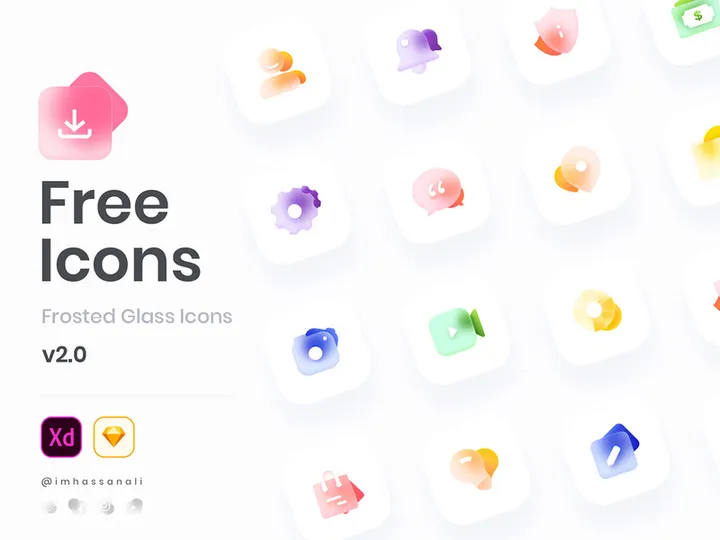
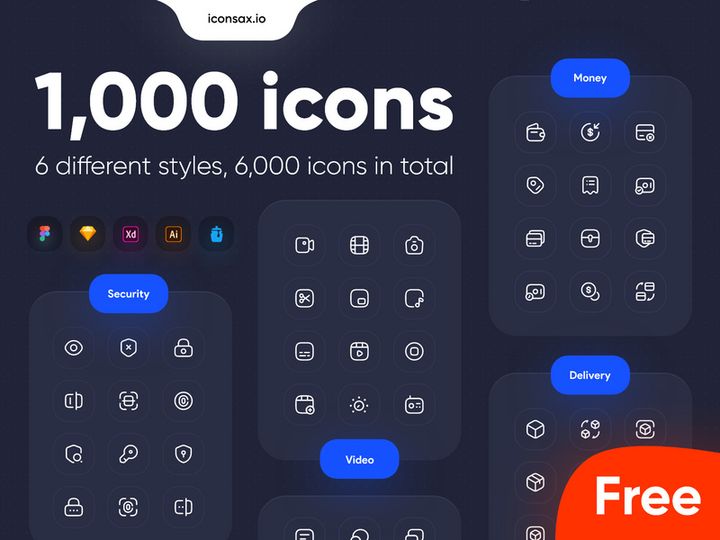


![SWM Icon Pack [300 Figma icons] preview picture](https://imgproxy.epicpxls.com/CBFePP2DUXApBwckrwS5nD00uA_ZoHyeAEhKY08IP20/rs:fill:720:540:0/g:no/aHR0cHM6Ly9pdGVt/cy5lcGljcHhscy5j/b20vdXBsb2Fkcy9w/aG90by82ZWRkNjRl/OWNiMTcwMzU0N2Y3/ZWVmOGNmZWNhNzBk/Zg.jpg)
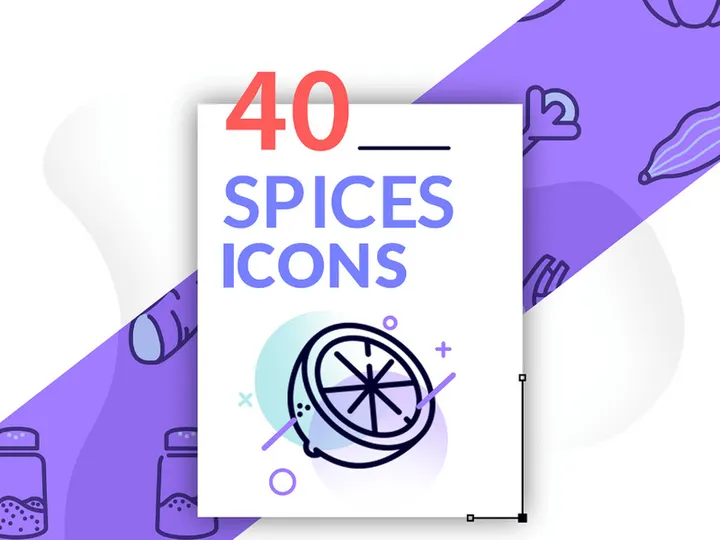




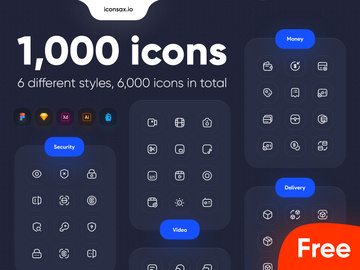
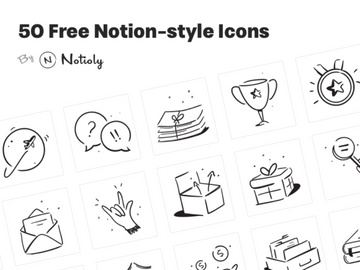
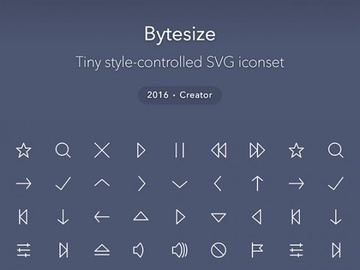
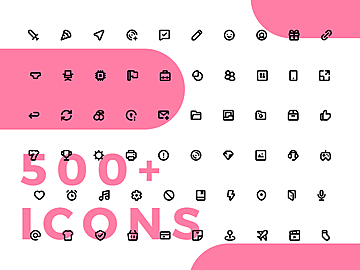
Try Our Free Resources
Download any of these for free - no account required

Why Icons for Branding Projects?
Icons play a pivotal role in modern branding design, serving as visual anchors that communicate identity, values, and function with minimal effort. For branding designers, leveraging pre-made icons is more than a convenience—it’s a strategic advantage. With the right set of icons, designers can significantly accelerate project timelines while maintaining a high level of quality and consistency. In branding, where every visual element contributes to brand recognition, having access to professionally crafted icons ensures that even the smallest details reflect the brand’s personality and aesthetic.
Branding design projects often require a cohesive visual language across multiple platforms and touchpoints—logos, business cards, websites, social media, packaging, and more. Icons help unify these elements by providing a consistent symbolic language. Whether representing services, values, or user interactions, icons simplify complex ideas into digestible visuals. This is especially valuable when creating brand guidelines or designing user interfaces that align with the brand’s identity.
At EpicPxls, we understand the unique demands of branding workflows. That’s why we’ve curated over 61+ expertly designed, branding-ready icon resources tailored to meet the needs of professional designers. These icons are not just visually appealing—they’re optimized for scalability, adaptability, and brand alignment. From minimalist line icons to bold filled styles, our collection supports a wide range of brand personalities. Each resource is selected for its versatility, quality, and relevance to real-world branding projects, ensuring that designers can focus on creativity rather than reinventing common symbols. With 61+ resources at your fingertips, finding the perfect icon match for any brand becomes fast, intuitive, and efficient.
What Branding Designers Need
Essential Icon Types
Not all icons serve the same purpose in branding. Designers need specific types that align with brand messaging and application context. Common essential icon types include:
- Brand Symbols: Abstract or literal icons that represent the brand’s core offering or identity.
- Social Media Icons: Custom-styled versions of platforms like Instagram, LinkedIn, or TikTok for consistent digital presence.
- Service & Feature Icons: Visual representations of key offerings such as “24/7 Support,” “Eco-Friendly,” or “Fast Delivery.”
- Navigation Icons: Menu, home, search, and contact symbols used in digital branding assets.
- Value Icons: Symbols representing brand values like sustainability, innovation, or community.
- Industry-Specific Icons: Tailored for niches like tech, healthcare, finance, or education.
These icon types help build a comprehensive visual system that supports brand storytelling across multiple channels.
Format Requirements
For seamless integration into branding workflows, icons must be delivered in versatile formats. The most useful file types include:
- SVG (Scalable Vector Graphics): Ideal for web use, responsive design, and infinite scalability without quality loss.
- EPS & AI: Preferred for print materials and editing in Adobe Illustrator, ensuring full vector control.
- PNG (with transparent background): Useful for mockups, presentations, and digital assets requiring high-resolution raster images.
- PDF: Universally compatible for sharing with clients or printers.
Having multiple format options allows designers to use the same icon across diverse branding deliverables—from business cards to animated websites—without compromising quality.
Quality Standards
Branding-ready icons must meet strict quality benchmarks. Designers should look for:
- Consistent Stroke Weight and Style: Uniformity in line thickness and design language across all icons in a set.
- Precision in Alignment and Spacing: Clean geometry and balanced negative space for professional appearance.
- Scalability: Icons must retain clarity at both small and large sizes.
- Color Versatility: Easy to recolor for brand palette integration.
- Original Design: Unique, non-generic icons that enhance brand differentiation.
EpicPxls ensures every one of the 61+ resources meets these standards, offering designers confidence in both aesthetic and technical quality.
Branding Design Project Walkthrough
- Define Brand Identity and Visual Direction: Begin by understanding the client’s brand values, target audience, and visual preferences. Are they modern and minimal? Bold and expressive? This informs the icon style selection—whether geometric line icons or hand-drawn illustrations.
- Select Relevant Icon Resources: Browse through curated collections like the 61+ resources available at EpicPxls. Filter by style, theme, or industry to find icons that align with the brand’s tone. Prioritize sets with comprehensive coverage of essential icon types.
- Customize for Brand Integration: Adjust colors to match the brand palette, modify stroke weights if needed, and ensure all icons follow the same visual rules. Use vector editing tools to tweak details while preserving consistency.
- Build a Cohesive Icon System: Combine icons from multiple sets thoughtfully. Maintain uniformity by standardizing size, alignment, and spacing. Group related icons (e.g., contact, social, services) into functional sets for easy reuse.
- Apply Icons Across Brand Assets: Integrate icons into mockups for business cards, letterheads, websites, and social media templates. Ensure they enhance usability and brand recognition without overwhelming the design.
- Document and Deliver: Compile all icons into a brand kit with usage guidelines. Include file formats, color codes, spacing rules, and examples of correct application. This ensures long-term consistency, even when other designers or teams are involved.
By following this structured workflow, designers can efficiently transform a selection of high-quality icons into a powerful, unified branding system. The 61+ resources at EpicPxls are designed to support every stage of this journey, offering flexibility and professionalism out of the box.
Branding Design Workflow Tips
Speed Up Your Process
Time is critical in branding projects, and pre-made icons are one of the most effective tools for accelerating design workflows. Instead of drawing every symbol from scratch, use curated icon sets that match the brand’s aesthetic. EpicPxls streamlines this process by offering 61+ ready-to-use resources, each optimized for quick integration. Search by keyword, filter by style, and download instantly—no waiting, no guesswork. Batch customization using global color styles in design software further reduces repetitive tasks, allowing you to apply brand colors across dozens of icons in seconds.
Maintain Consistency
Consistency is the hallmark of strong branding. When using multiple icons—even from different sets—ensure they share a unified visual language. Stick to one stroke style (e.g., all 2pt strokes), consistent corner radii, and balanced negative space. Avoid mixing ultra-minimalist icons with highly detailed ones unless intentionally creating contrast for hierarchy. Group icons into themed libraries within your design tool for easy access. By treating icons as part of a larger design system, you maintain coherence across all brand touchpoints, from digital ads to printed brochures.
Client Presentation
How you present your branding work influences client perception. Use icons strategically in presentations to visualize brand attributes—pair a “reliability” icon with a tagline, or use service icons in a feature grid. Embed icons in high-fidelity mockups to show real-world application. When delivering final files, include a labeled icon library with usage guidelines. This demonstrates professionalism and empowers clients to maintain brand integrity. With the 61+ resources from EpicPxls, you can build polished, client-ready presentations faster, showcasing a complete and cohesive brand identity from the start.
Branding Design Inspiration
Today’s top branding projects go beyond logos—they create immersive visual ecosystems where icons play a central role. Current trends favor clean, geometric iconography with subtle personality. Designers are embracing custom-crafted icons that reflect brand uniqueness, often blending minimalism with playful details. Duotone color schemes, animated icons for digital interfaces, and adaptive icon systems that shift across contexts are gaining popularity. These approaches help brands stand out in crowded markets while maintaining clarity and usability.
Leading designers treat icons not as afterthoughts, but as core components of brand language. They develop icon families with shared design principles—consistent curvature, stroke behavior, and proportion—ensuring harmony across all assets. Some brands even create signature icon styles that become instantly recognizable, reinforcing identity at a glance. Inspiration can be found in industry leaders who use icons to convey tone: a tech startup might use sharp, futuristic icons, while a wellness brand opts for soft, organic shapes.
To elevate your own work, explore diverse styles and push the boundaries of how icons communicate. The 61+ resources at EpicPxls offer a rich foundation for experimentation and refinement. Whether you’re building a new brand from scratch or refreshing an existing one, these tools provide the creative flexibility and technical reliability needed to deliver exceptional results. Let your icons tell a story—one that aligns perfectly with the brand’s mission, vision, and voice.
Why Download from EpicPxls?
Commercial License
Use in personal and commercial projects
No Account Required
Download free resources instantly
Quality Curated
Every resource is reviewed for quality
Preview Files
See Figma and Photoshop files before downloading
Who Uses These Icons?
Professionals and teams who benefit most from our collection
UI/UX Designers
Speed up your workflow with ready-to-use icons for design tools. Perfect for prototyping and client presentations.
Developers
Get production-ready assets without design skills. Export in any format for web and mobile apps.
Startups & Agencies
Save design budget with affordable premium icons. Commercial license included.
Marketing Teams
Create professional campaigns faster. All icons are optimized for social media and ads.
Icons FAQCommon questions about these resources
Simple, Transparent Pricing
Get unlimited access to all premium resources
Yearly
- 20 downloads per month
- All file formats
- Commercial license
Lifetime
- Unlimited downloads forever
- All file formats
- Commercial license
Ready to Get Started?
Access 4,442+ free design resources today.
Browse Free ResourcesView Premium PlansEarn 85% and
more on all sales
Upload your products and put them up
for sale at whatever price you want.


