Mockups for Brandings: 155+ Resources
EpicPxls offers 158+ curated mockups, all with a commercial license and editable source files (Figma, Sketch, PSD). Purpose-built mockups for branding projects save time and ensure professional results with design elements tailored to branding requirements.
Last updated February 13, 2026
Discover 155+ mockups ideal for branding design projects.
Trusted by designers at leading companies
Top Mockups
Handpicked resources from our curated collection
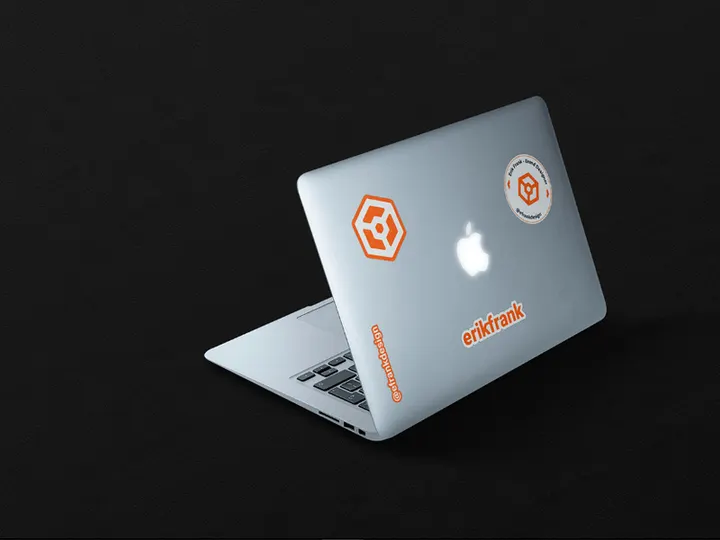
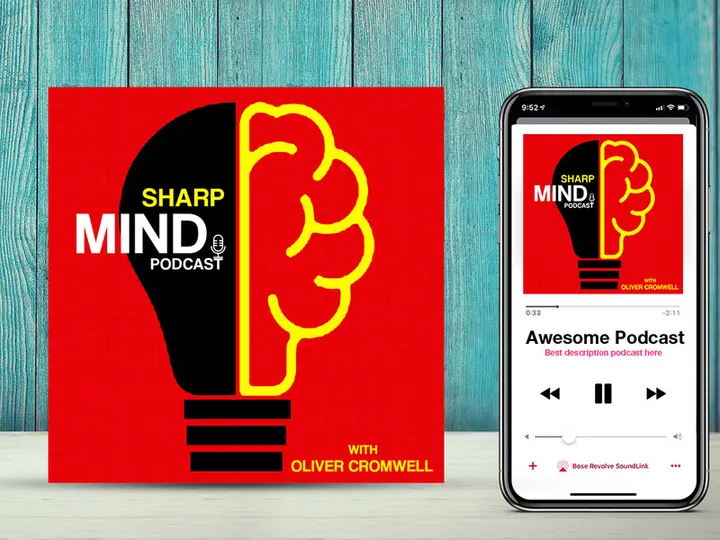
![[FREE] Mockup Sticker preview picture](https://imgproxy.epicpxls.com/dcLt4fkjZ_E5oBbsisXijbJ79nOv7aegmTQw2BSlwuM/rs:fill:720:540:0/g:no/aHR0cHM6Ly9pdGVt/cy5lcGljcHhscy5j/b20vdXBsb2Fkcy9w/aG90by9kYWEwYWVj/NTlkOWE2OTk5MjI2/NjBjZDUwYTkxMGQ1/Yw.jpg)


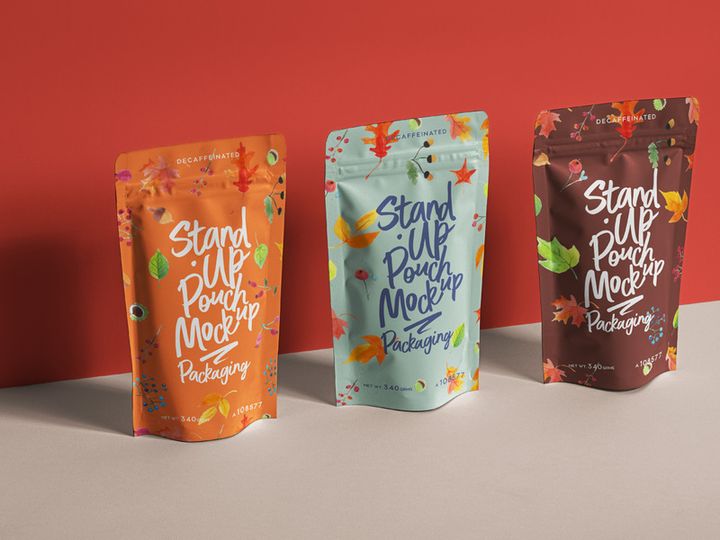
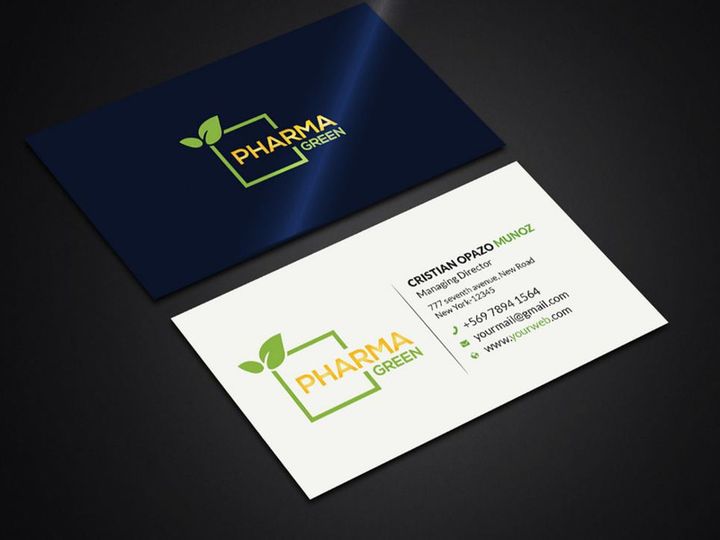
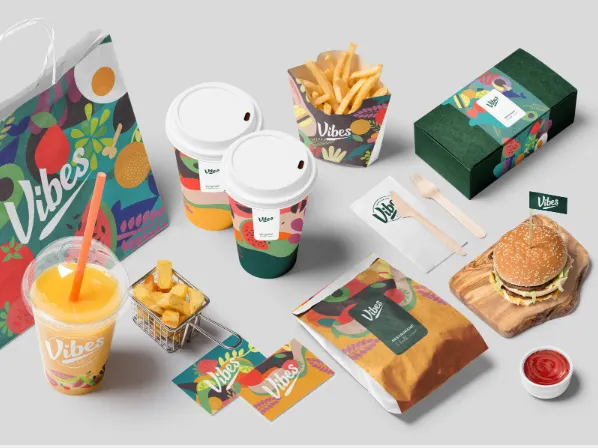
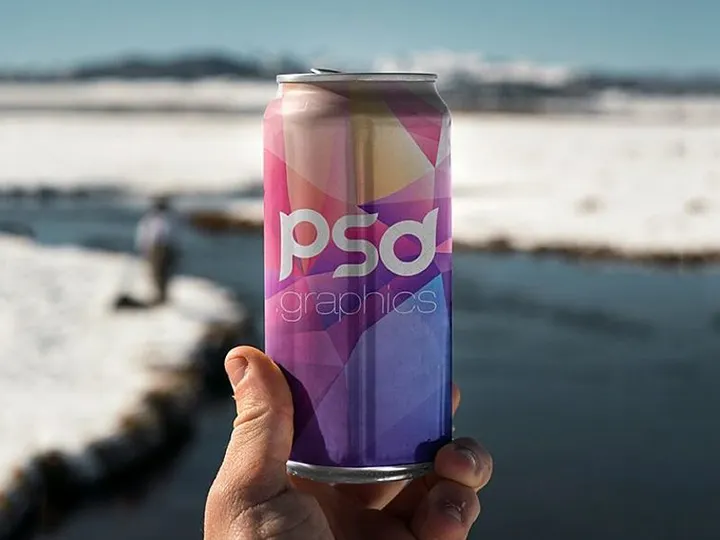





Try Our Free Resources
Download any of these for free - no account required
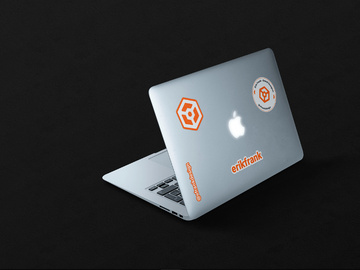
![[FREE] Mockup Sticker](https://items.epicpxls.com/uploads/photo/d797a09d14de66bb04cbc00edb277c97)
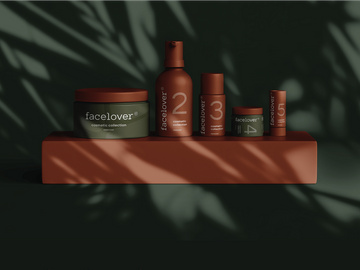
Why Mockups for Branding Projects?
Mockups are an essential tool in the modern branding designer’s toolkit, bridging the gap between digital concepts and real-world applications. Using pre-made mockups accelerates the branding design process by allowing creatives to visualize logos, color palettes, typography, and brand assets in authentic contexts—without the need for custom photography or 3D modeling. This not only saves valuable time but also enhances the credibility and professionalism of client presentations.
Branding projects often require a holistic approach, involving business cards, packaging, apparel, signage, digital interfaces, and more. Designers must demonstrate how brand elements translate across various touchpoints. Mockups provide a realistic preview of these applications, enabling clients to see their brand come to life in everyday environments. Whether it’s a minimalist logo on a matte-finish business card or a vibrant label on a beverage bottle, mockups help align expectations and streamline feedback.
At EpicPxls, we understand the demands of branding design, which is why we’ve curated a collection of 151+ high-quality, branding-ready mockup resources. Each item is selected for its versatility, realism, and compatibility with common design workflows. From print materials to digital displays, our library supports a wide range of branding needs, ensuring designers can find the perfect mockup for any project phase. By offering diverse, professionally crafted templates, EpicPxls empowers designers to focus on creativity rather than technical execution, making the path from concept to presentation faster and more impactful.
What Branding Designers Need
Essential Mockup Types
Successful branding relies on consistency across multiple platforms and physical products. To achieve this, designers need access to a variety of mockup types that reflect real-world brand applications. Common essentials include business card mockups, letterhead and stationery templates, packaging designs (such as boxes, bottles, and bags), apparel items like t-shirts and caps, signage and storefront visuals, and digital interface mockups for websites and mobile apps. Environmental mockups—such as office spaces with branded elements or retail displays—are also highly valuable for demonstrating brand presence in context. These types allow designers to showcase how a brand identity functions cohesively across both physical and digital landscapes.
Format Requirements
Efficiency in branding workflows depends heavily on file compatibility and ease of customization. The best mockups for branding come in layered PSD (Photoshop) format, allowing for smart object replacements and non-destructive editing. This means designers can simply drag and drop their logo or design into a designated layer, preserving lighting, shadows, and textures. Additionally, many modern mockups are available in Figma, Sketch, or AI (Adobe Illustrator) formats, making them adaptable to different design ecosystems. High-resolution files (300 DPI or higher) ensure print readiness, while organized layers and clear labeling improve usability. Access to multiple angles or scene variations within a single file further enhances flexibility during client presentations.
Quality Standards
Not all mockups are created equal. For branding purposes, quality is paramount. A professional-grade mockup should feature realistic textures, accurate lighting, and natural shadows to create an authentic representation. Attention to detail—such as fabric weave on apparel, paper grain on stationery, or reflective surfaces on packaging—adds credibility. High-resolution imagery ensures scalability without pixelation, especially important for print deliverables. Additionally, branding-ready mockups should be customizable without compromising realism. At EpicPxls, every one of the 151+ resources meets strict quality benchmarks, ensuring that designers can rely on consistency, clarity, and professional finish across all project types.
Branding Design Project Walkthrough
- Define the Brand Identity: Begin by understanding the client’s vision, target audience, and core values. Develop the foundational elements—logo, color scheme, typography, and brand guidelines—before selecting mockups.
- Select Relevant Mockups: Browse through the 151+ resources available at EpicPxls to identify mockups that align with the brand’s industry and application needs. For example, a coffee brand may require packaging, cup sleeves, and café signage mockups.
- Customize Smart Objects: Open your chosen mockup file in Photoshop or compatible software. Locate the smart object layer, double-click to open, and insert your logo or design. Save the smart layer to automatically update the mockup with realistic effects.
- Apply Consistent Branding: Use the same color palette, fonts, and design language across multiple mockups. This ensures visual harmony when presenting a full brand suite.
- Combine Multiple Mockups: Create a comprehensive brand board by arranging various mockups into a single layout. For instance, place business cards, a tote bag, and a storefront visualization together to show brand cohesion.
- Finalize and Present: Export high-resolution images or interactive PDFs for client delivery. Use mockups to tell a story—show how the brand appears in real-life scenarios, enhancing engagement and buy-in.
By following this structured workflow, designers can efficiently transform abstract brand concepts into tangible, visually compelling presentations. The ability to mix and match mockups from a diverse library—like the 151+ resources at EpicPxls—ensures flexibility and creativity without sacrificing professionalism.
Branding Design Workflow Tips
Speed Up Your Process
Time is a critical factor in client-driven design projects, and using pre-made mockups is one of the most effective ways to accelerate delivery. Instead of building scenes from scratch or sourcing stock photos, designers can instantly apply their work to professionally crafted templates. With resources from EpicPxls, you gain immediate access to ready-to-use mockups that support quick iterations. Batch processing multiple designs using similar mockup styles further reduces repetitive tasks, allowing you to focus on refining brand details rather than technical setup.
Maintain Consistency
Consistency is the hallmark of strong branding. When using multiple mockups, it’s essential to maintain uniformity in colors, typography, and logo placement. Start by creating a master design file with approved brand assets, then use it as a reference across all mockup customizations. Stick to a cohesive color profile (CMYK for print, RGB for digital) and ensure logo proportions remain constant. By leveraging mockups from a unified source like EpicPxls, you benefit from consistent lighting and styling across templates, making it easier to produce a polished, integrated brand presentation.
Client Presentation
How you present your work can be just as important as the design itself. High-quality mockups elevate your deliverables, transforming flat designs into immersive brand experiences. Use mockups to create lifestyle scenes—show a business card being handed over, a product on a retail shelf, or a website on a laptop screen. This storytelling approach helps clients visualize their brand in action. Export mockups as high-resolution images or compile them into a digital portfolio using tools like Adobe InDesign or Figma. With the 151+ resources available, you can craft tailored presentations that reflect the brand’s personality and market positioning, increasing client satisfaction and approval rates.
Branding Design Inspiration
Today’s branding landscape is shaped by minimalism, authenticity, and experiential design. Leading designers are moving beyond static logos to create dynamic brand ecosystems that adapt across platforms and cultures. Current trends include sustainable packaging with earthy textures, bold typography for digital-first brands, and nostalgic retro designs with modern twists. There’s also a growing emphasis on inclusivity and cultural relevance, with brands striving to connect emotionally with diverse audiences. These shifts encourage designers to think holistically, using mockups not just as presentation tools but as strategic assets in brand storytelling.
Top designers often begin with mood boards and real-world references before diving into mockups. They select templates that reflect the brand’s voice—whether it’s sleek and corporate or playful and handcrafted. By studying award-winning branding projects and exploring curated collections, creatives can refine their own approaches. Platforms like EpicPxls offer inspiration through their diverse range of 151+ resources, showcasing how different mockups can be used to convey tone, quality, and identity. From luxury fashion labels to indie food startups, the right mockup can capture the essence of a brand in a single image.
To elevate your branding work, combine trend awareness with technical precision. Use mockups to experiment with color variations, layout options, and material finishes before finalizing designs. Explore niche applications—like branded merchandise, event signage, or augmented reality previews—to stand out in competitive markets. With access to versatile, high-quality resources, you can push creative boundaries while maintaining professional standards. Whether you're crafting a startup’s first identity or rebranding an established company, the right mockups make all the difference.
Why Download from EpicPxls?
Commercial License
Use in personal and commercial projects
No Account Required
Download free resources instantly
Quality Curated
Every resource is reviewed for quality
Preview Files
See Figma and Photoshop files before downloading
Who Uses These Mockups?
Professionals and teams who benefit most from our collection
UI/UX Designers
Speed up your workflow with ready-to-use mockups for design tools. Perfect for prototyping and client presentations.
Developers
Get production-ready assets without design skills. Export in any format for web and mobile apps.
Startups & Agencies
Save design budget with affordable premium mockups. Commercial license included for client work.
Marketing Teams
Create professional campaigns faster. All mockups are optimized for social media and ads.
Mockups FAQCommon questions about these resources
Simple, Transparent Pricing
Get unlimited access to all premium resources
Yearly
- 20 downloads per month
- All file formats
- Commercial license
Lifetime
- Unlimited downloads forever
- All file formats
- Commercial license
Ready to Get Started?
Access 4,441+ free design resources today.
Browse Free ResourcesView Premium PlansEarn 85% and
more on all sales
Upload your products and put them up
for sale at whatever price you want.


