Icons for 3D Blender Files: 18+ Resources
EpicPxls offers 18+ curated icons for 3D Blender Files, all with a commercial license and editable source files (Figma, Sketch, PSD). We have 18+ icons compatible with 3D Blender Files, tested and verified for seamless integration.
Last updated February 12, 2026
Discover 18+ handpicked icons for 3D Blender Files.
Trusted by designers at leading companies
Top Icons for 3D Blender Files
Handpicked resources from our curated collection
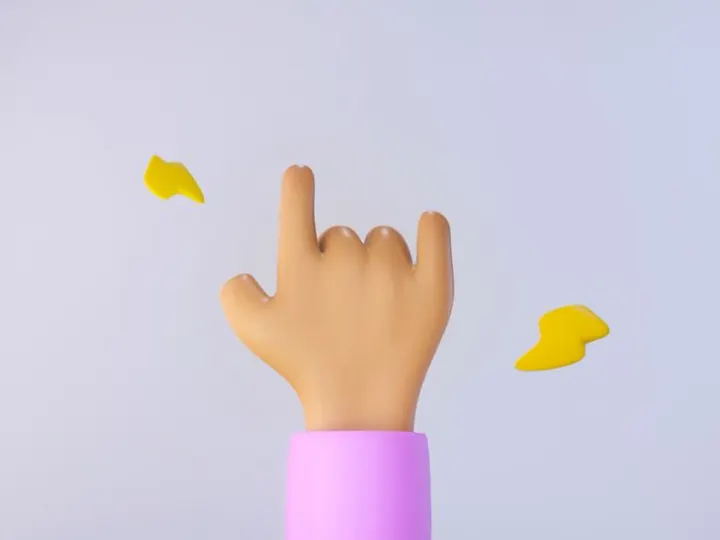
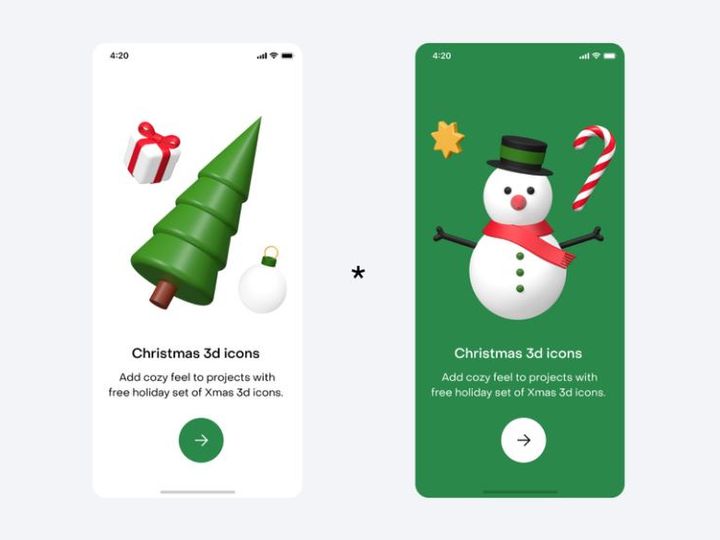
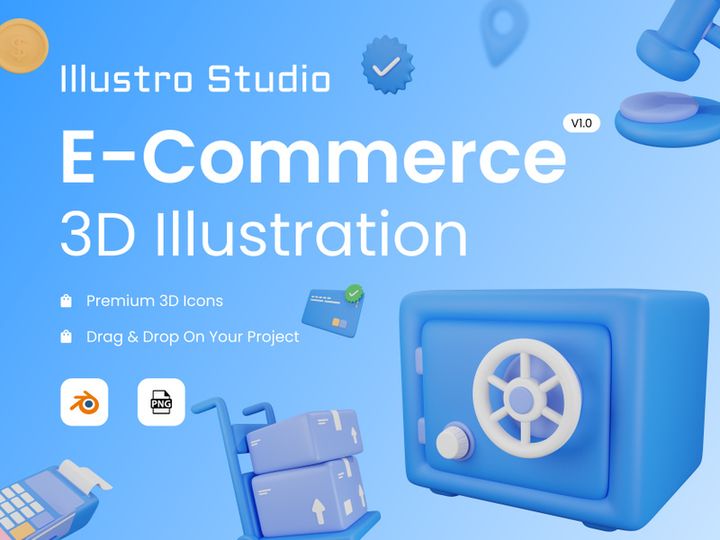
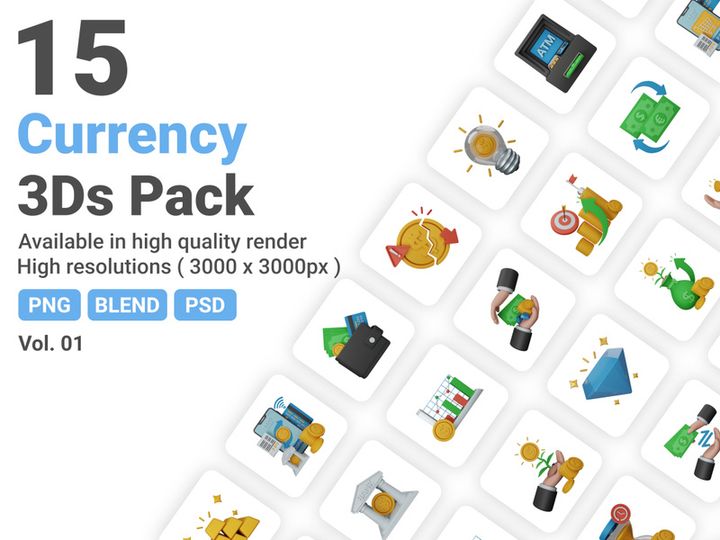
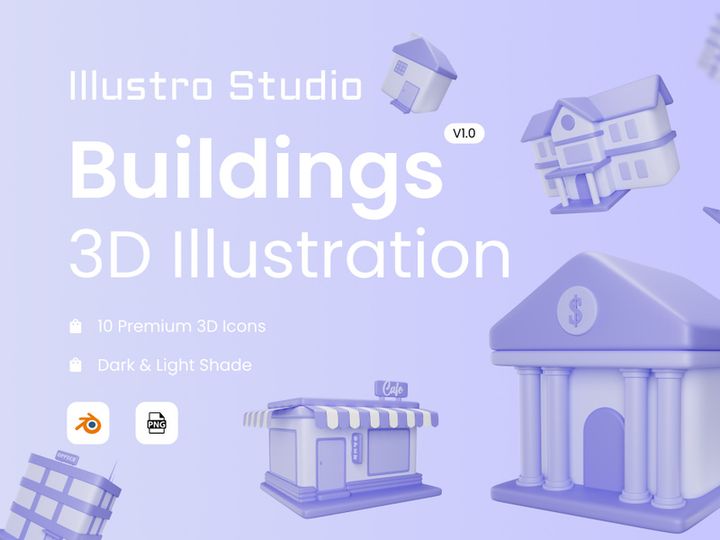
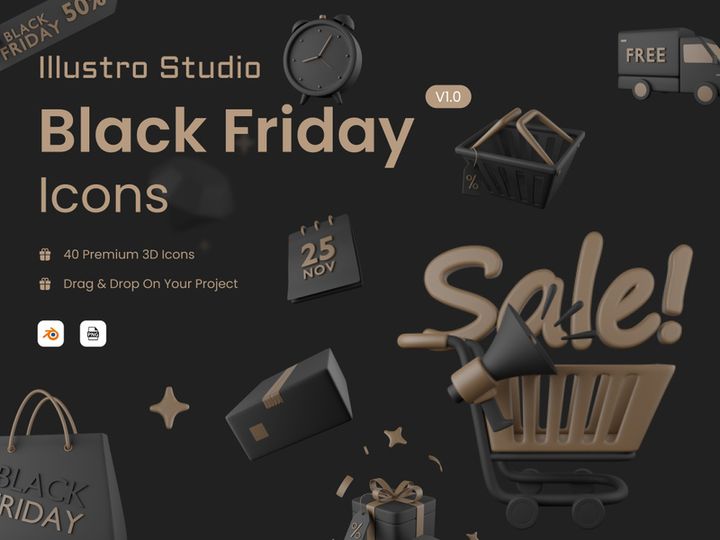
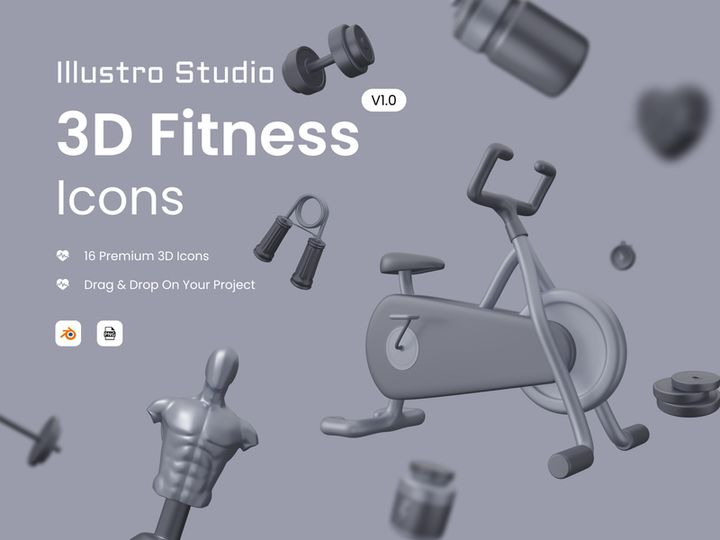
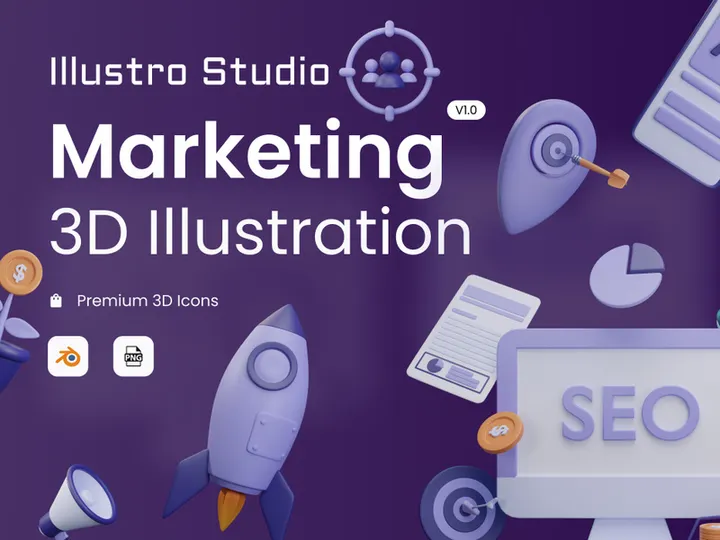
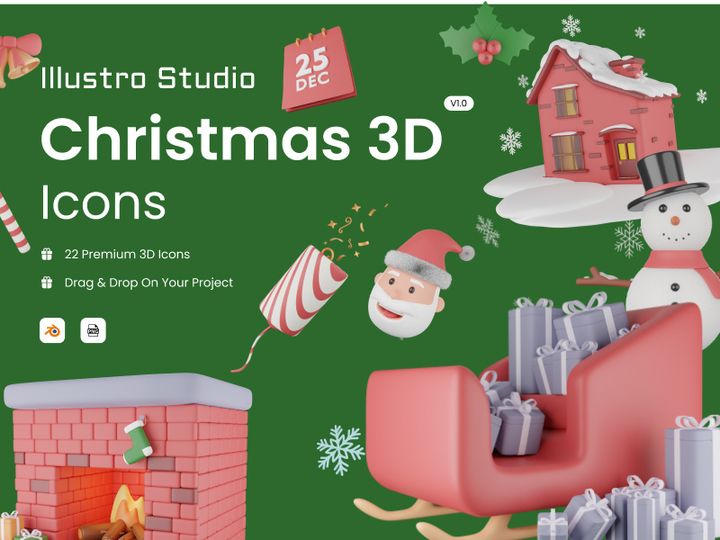
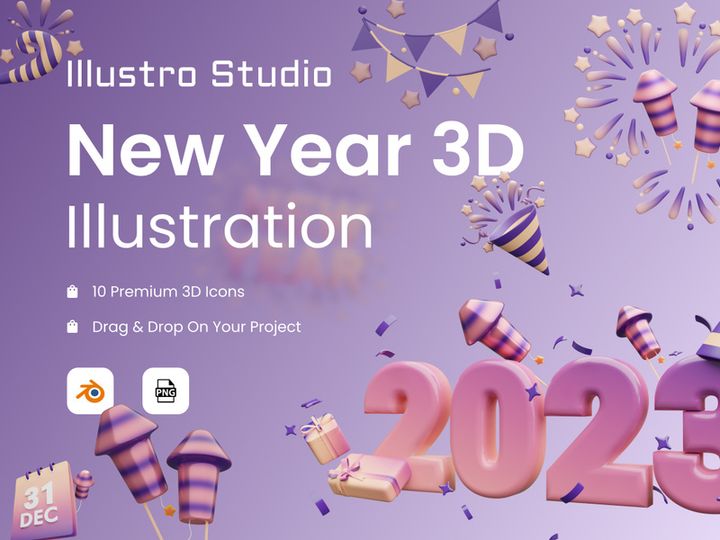
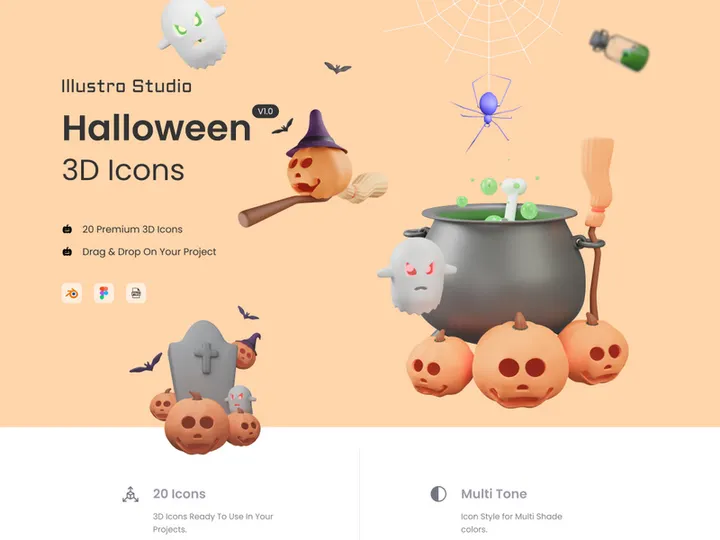
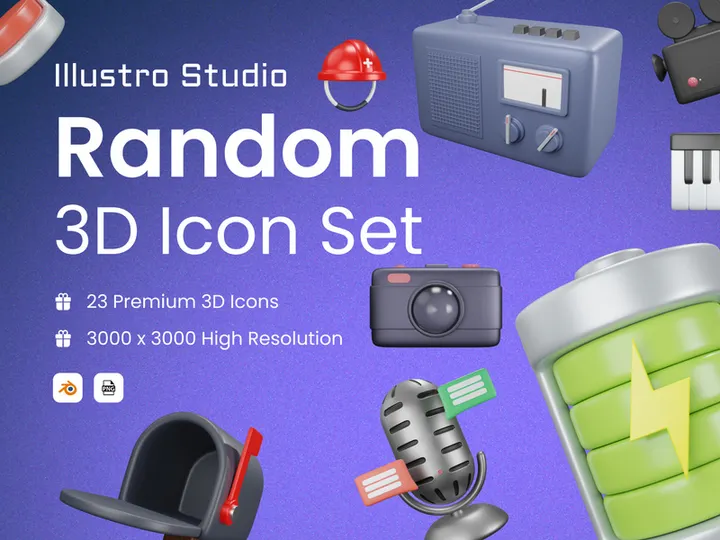
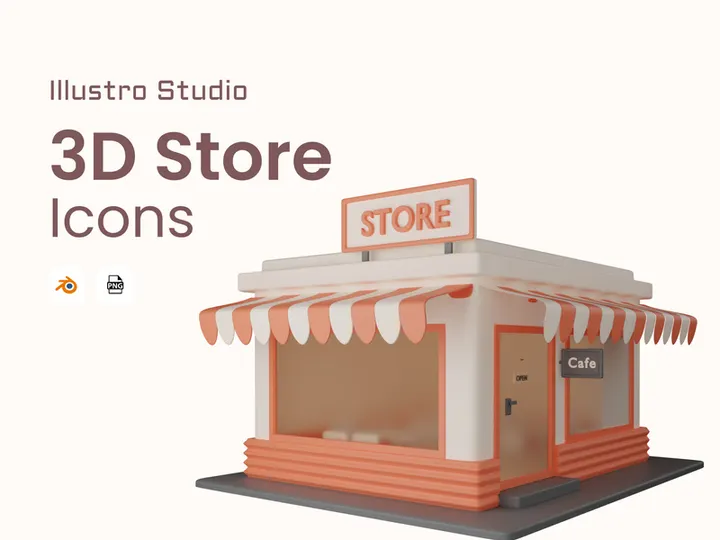
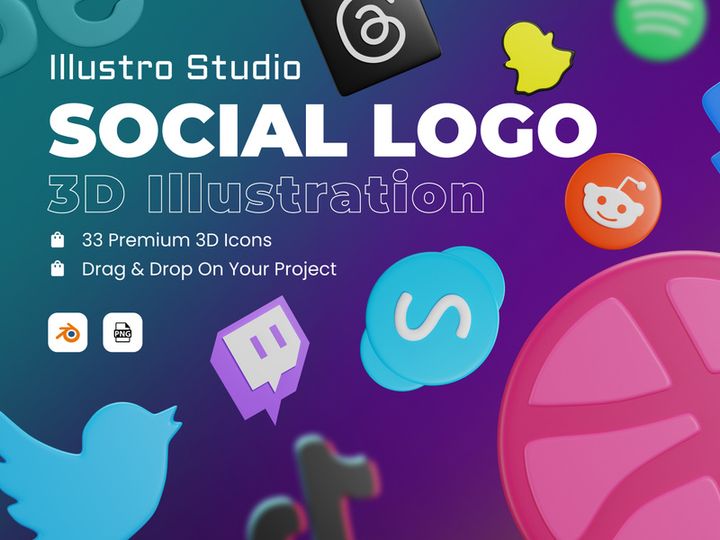
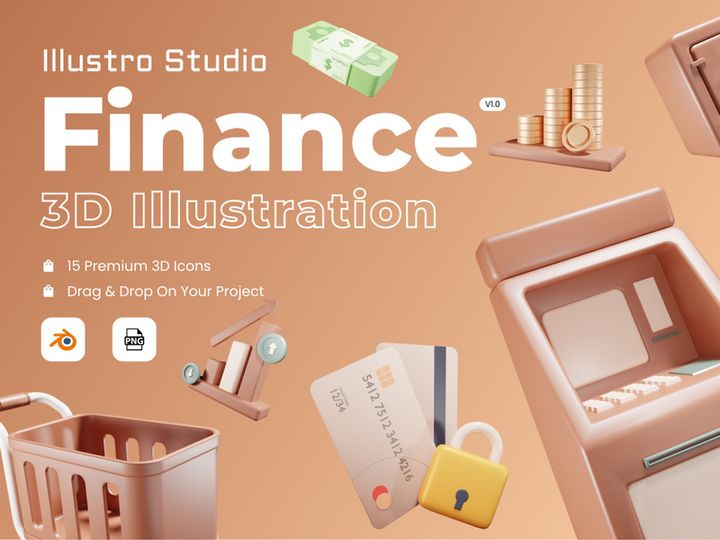
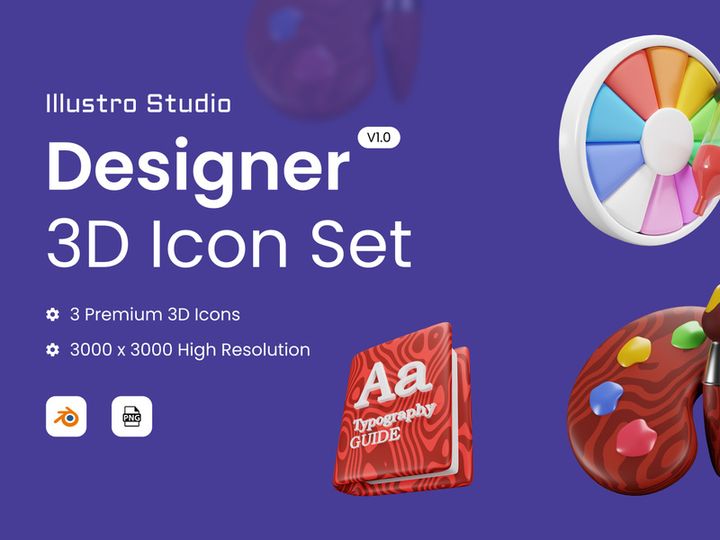
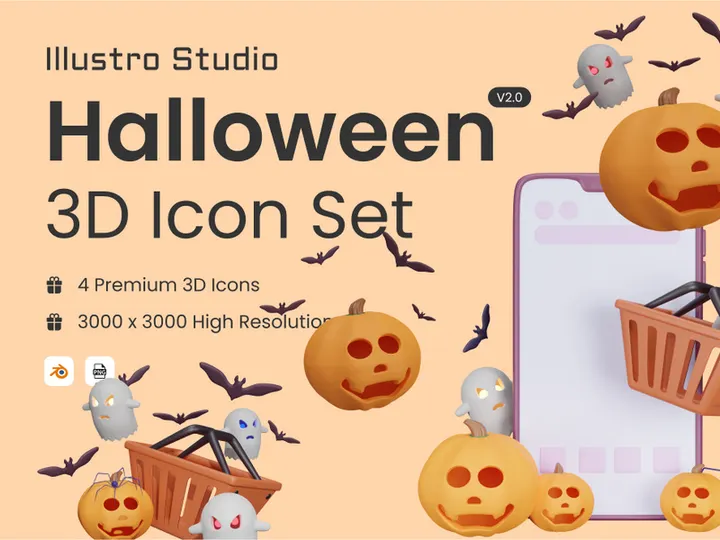
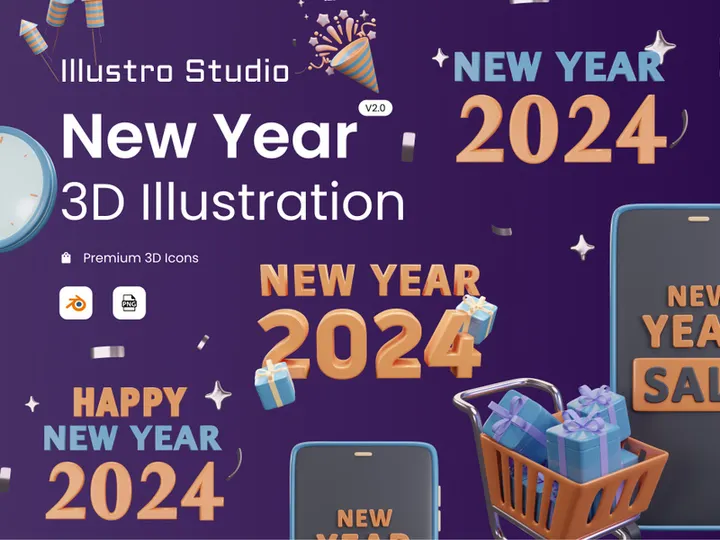
Try Our Free Resources
Download any of these for free - no account required
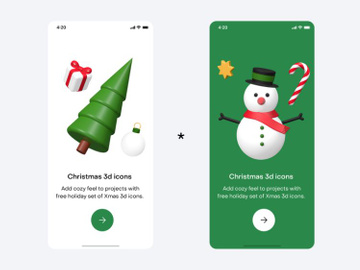
Why 3D Blender Files for Icons?
As digital design continues to evolve, the demand for high-quality, scalable, and customizable icons has grown exponentially. While many designers traditionally rely on 2D vector tools, an increasing number are turning to 3D Blender Files for creating and managing icon assets. Blender, known for its powerful open-source 3D modeling capabilities, offers a unique advantage when it comes to designing icons with depth, lighting, and material realism. Whether you're crafting app icons, UI elements, or immersive 3D symbols for augmented reality, working with 3D Blender Files allows you to push creative boundaries beyond flat, static graphics.
One of the standout features of 3D Blender Files is their flexibility. Unlike rigid icon formats, Blender files (.blend) support full scene data, including meshes, materials, textures, lighting, and animation. This makes it possible to design icons that are not only visually rich but also adaptable across different contexts—from mobile interfaces to interactive web experiences. Designers can tweak lighting angles, apply PBR materials, or animate icons with morph targets, all within a single environment. This level of control is unmatched in conventional icon design workflows.
Additionally, Blender’s node-based shader system enables the creation of dynamic, stylized icons with procedural textures, making it ideal for designers who value efficiency and scalability. Since Blender supports Python scripting, automation of repetitive tasks—like batch-exporting icons in multiple formats or resolutions—becomes seamless. This is especially useful when managing large icon libraries.
At EpicPxls, we recognize the growing importance of 3D in icon design. That’s why we’ve curated a handpicked selection of 18+ resources specifically tailored for use with 3D Blender Files. Each asset is verified for compatibility, quality, and ease of integration, ensuring that designers—from hobbyists to professionals—can immediately leverage these tools without compatibility headaches. Whether you're building a futuristic dashboard or a game UI, our collection streamlines the process of bringing 3D icons to life in Blender.
Top Icons Picks for 3D Blender Files
Finding the right icon resources for 3D Blender Files can dramatically impact your workflow efficiency and final output quality. With so many options available, it’s essential to choose assets that match your skill level, project scope, and design goals. To simplify your search, we’ve organized our top picks into three key categories: beginner-friendly, professional-grade, and high-quality free options. Each category features resources from our curated 18+ collection of Blender-compatible icon packs, ensuring you get the most value from your design time.
Best for Beginners
If you're just starting with 3D icon design in Blender, simplicity and clarity are crucial. The best resources for beginners are those that come with clear documentation, intuitive file structures, and pre-configured materials. Look for icon packs that include labeled layers, organized collections, and straightforward node setups. Many beginner-friendly 3D Blender Files include low-poly models with baked lighting, making them easy to render without deep knowledge of shading or compositing. These assets help new users learn core concepts like object manipulation, material assignment, and camera framing—all within the context of practical icon design. At EpicPxls, we prioritize accessibility, so our beginner picks often feature step-by-step guides and tutorial-ready scenes.
Best for Professionals
For experienced designers, the focus shifts to precision, scalability, and integration with production pipelines. Professional-grade 3D Blender Files for icons often include high-resolution meshes, UDIM texture support, and rigging options for animated symbols. These resources are built with non-destructive workflows in mind, using modifiers, drivers, and reusable asset libraries. Some advanced packs even include JSON metadata or Python scripts for automated icon deployment across projects. These features save hours in repetitive tasks and ensure consistency across large-scale applications like enterprise software or immersive experiences. Our professional selection at EpicPxls emphasizes modularity and performance, with assets optimized for real-time engines and multi-platform exports.
Best Free Options
High-quality doesn’t have to mean high cost. There are several excellent free icon resources available in 3D Blender Files format that rival premium offerings. These free packs often focus on minimalist styles, geometric shapes, or open-source design systems, making them perfect for startups, indie developers, or educational use. While they may lack some advanced features like animation or complex shaders, they still provide fully editable models with clean topology and proper UV mapping. The best free options are well-organized and licensed for both personal and commercial use. EpicPxls carefully vets each free resource to ensure it meets professional standards, so you can trust that even our no-cost icons enhance your workflow without compromise.
3D Blender Files vs Other Tools for Icons
When it comes to icon design, many professionals reach for vector-based software or specialized UI tools. However, 3D Blender Files offer a fundamentally different—and often superior—approach for certain use cases. Unlike 2D-centric applications that limit icons to flat, static visuals, Blender enables full three-dimensional expression. This means icons can be viewed from multiple angles, lit dynamically, and integrated into 3D environments seamlessly. For projects involving virtual reality, gaming interfaces, or animated dashboards, this depth adds a layer of immersion that 2D tools simply can’t match.
The 3D Blender Files ecosystem stands out due to its open architecture and extensibility. With native support for Python scripting, add-ons, and custom node groups, designers can tailor their icon workflows precisely to their needs. This level of customization is rare in closed-format design tools. Moreover, Blender’s PBR (Physically Based Rendering) workflow ensures that icons look realistic under any lighting condition, which is essential for consistent branding across platforms.
From a compatibility standpoint, 3D Blender Files support a wide range of export formats, including FBX, OBJ, glTF, and SVG (via freestyle rendering), making it easy to integrate icons into web, mobile, or game engines. While some tools lock users into proprietary formats, Blender’s openness ensures long-term asset usability. When combined with the 18+ resources curated by EpicPxls, designers gain access to a future-proof workflow where icons are not just static images but dynamic, reusable 3D assets ready for any medium.
Setting Up Icons in 3D Blender Files
Getting started with icons in 3D Blender Files is straightforward once you understand the proper setup process. Whether you're importing a single icon or an entire library, following a structured workflow ensures consistency, performance, and ease of access. Below is a step-by-step guide to help you import, organize, and begin using your icon assets efficiently.
- Download and Verify the Resource: Begin by downloading your chosen icon pack from a trusted source like EpicPxls. Ensure the file is in .blend format and includes all necessary textures and materials.
- Open or Append into Your Project: In Blender, use File > Append to import specific icons without merging full scenes. Navigate to the .blend file, open the “Collection” folder, and select the icon you want to bring in.
- Check Material and Texture Paths: After importing, verify that all materials appear correctly. If textures are missing, use the External Data > Find Missing Files tool to relink them.
- Scale and Position Appropriately: Icons may come in various sizes. Use the transform panel to scale them uniformly (often to 1.0 units) and align them to the grid for consistency.
- Organize with Collections: Create dedicated collections such as “UI Icons,” “Navigation,” or “Status Indicators” to categorize your assets. This keeps your Outliner clean and improves navigation.
- Save as Asset Library (Optional): For frequent use, mark your icons as assets by enabling the Asset Browser and dragging them into the library. This allows one-click access in future projects and enhances reusability across teams.
For designers managing large icon sets, consider creating a master .blend file dedicated solely to asset storage. This file can serve as a centralized repository, reducing clutter in active project files. EpicPxls recommends using clear naming conventions (e.g., “icon_home_3d_v2”) and including version numbers when iterating on designs. With these practices, even the most extensive collections remain manageable and production-ready.
3D Blender Files Workflow Tips
Mastering the use of icons in 3D Blender Files goes beyond simple import and placement. A well-structured workflow enhances productivity, ensures consistency, and supports collaboration—especially when working across teams or on long-term projects. Here are three essential tips to optimize your icon workflow in Blender.
Organizing Icons Libraries
A well-organized icon library is the foundation of an efficient design process. Use Blender’s collection system to group icons by function, theme, or project phase. For example, create separate collections for “Social Media Icons,” “System Controls,” or “Animated Elements.” Name each object clearly and avoid generic labels like “Cube” or “Mesh.” Consider using prefixes such as “ico_” to make icons easily searchable. Additionally, leverage Blender’s color tags in the Outliner to visually distinguish between categories. Storing your master library in a dedicated .blend file and linking assets rather than embedding them helps maintain file integrity and reduces project bloat.
Batch Operations
When dealing with dozens—or even hundreds—of icons, manual adjustments become impractical. Blender’s powerful scripting and modifier tools enable batch operations that save significant time. Use the Batch Rename add-on to update multiple object names at once. Apply modifiers like Subdivision Surface or Edge Split across selected icons simultaneously. For rendering, set up a script that exports all icons in a collection as PNGs or glTF files with consistent camera angles and lighting. Python scripts can automate metadata embedding, texture packing, or version backups. These techniques are especially valuable when preparing icon sets for client delivery or integration into development pipelines.
Collaboration Best Practices
When working in teams, consistency and communication are key. Establish a shared naming convention and folder structure across all members. Use Blender’s Asset Library feature to publish approved icons, ensuring everyone accesses the latest versions. For remote collaboration, store your master icon .blend files in a cloud-synced directory with version control (e.g., using Git LFS or dedicated DAM tools). Document any custom shaders, lighting setups, or animation rigs so new team members can quickly get up to speed. EpicPxls encourages teams to annotate their files with notes about usage rights, export settings, and design intent—this minimizes errors and streamlines feedback loops. With these practices, your 3D Blender Files icon workflow becomes not only efficient but also scalable and team-friendly.
Why Download from EpicPxls?
Commercial License
Use in personal and commercial projects
No Account Required
Download free resources instantly
Quality Curated
Every resource is reviewed for quality
Preview Files
See Figma and Photoshop files before downloading
Who Uses These Icons?
Professionals and teams who benefit most from our collection
UI/UX Designers
Speed up your workflow with ready-to-use icons for 3D Blender Files. Perfect for prototyping and client presentations.
Developers
Get production-ready assets without design skills. Export in any format for web and mobile apps.
Startups & Agencies
Save design budget with affordable premium icons. Commercial license included for client work.
Marketing Teams
Create professional campaigns faster. All icons are optimized for social media and ads.
Icons for 3D Blender Files FAQCommon questions about these resources
Simple, Transparent Pricing
Get unlimited access to all premium resources
Yearly
- 20 downloads per month
- All file formats
- Commercial license
Lifetime
- Unlimited downloads forever
- All file formats
- Commercial license
Ready to Get Started?
Access 4,441+ free design resources today.
Browse Free ResourcesView Premium PlansEarn 85% and
more on all sales
Upload your products and put them up
for sale at whatever price you want.


