CGI: 25+ Design Resources
EpicPxls offers 27+ curated cgi, all with a commercial license and editable source files (Figma, Sketch, PSD). We have 27+ cgi available, with new additions added regularly by our community of designers.
Last updated February 12, 2026
Discover 25+ handpicked cgi from top designers.
Trusted by designers at leading companies
Top CGI
Handpicked resources from our curated collection

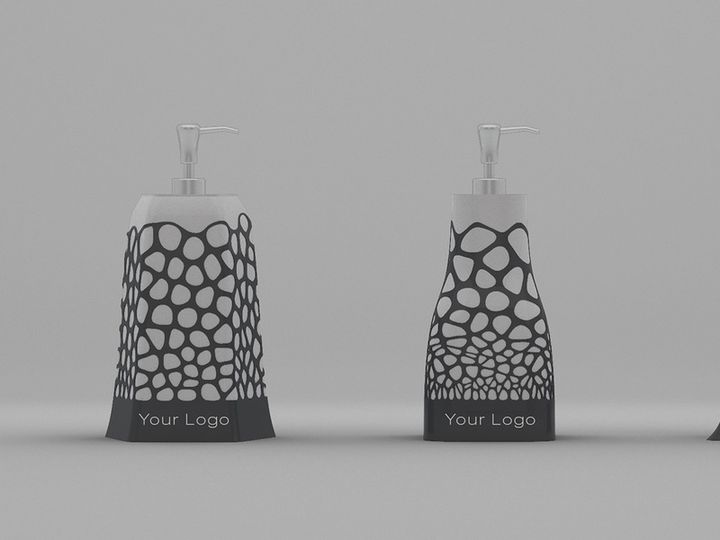


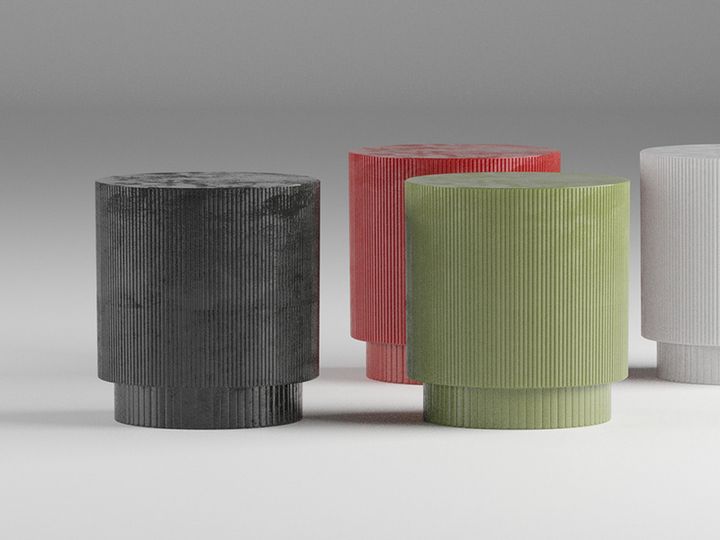
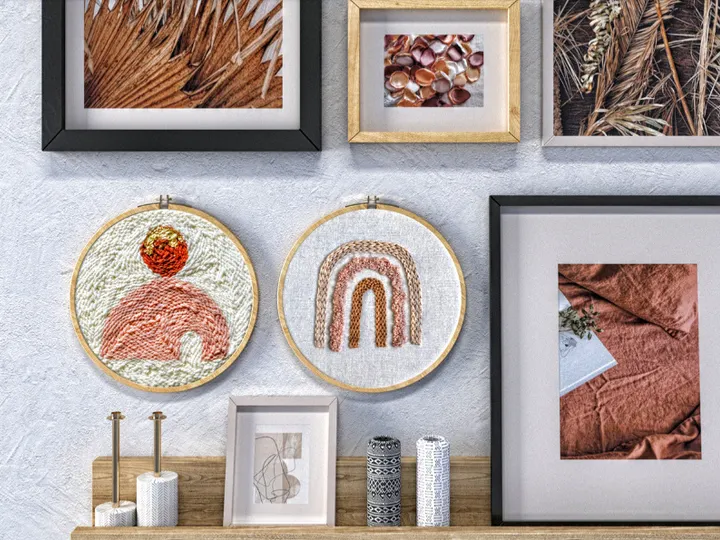
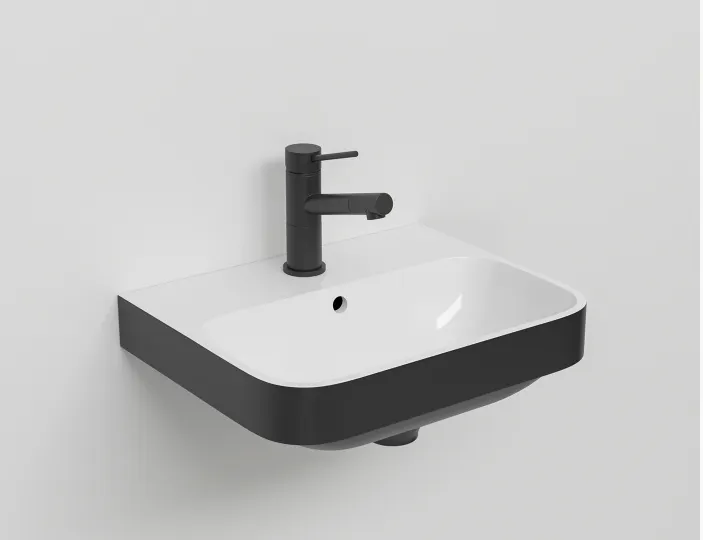
![Key To Happiness [CGI Free Model] preview picture](https://imgproxy.epicpxls.com/HLhF0yU5wuNF6Sxq0r4HF8RWSD6SUpsiq1__qSmW-8g/rs:fill:720:540:0/g:no/aHR0cHM6Ly9pdGVt/cy5lcGljcHhscy5j/b20vdXBsb2Fkcy9w/aG90by8zODViYTBh/Njg5OGE5ZmJkZGVj/OTE0NTdjMTBhOGY4/NA.jpg)






Try Our Free Resources
Download any of these for free - no account required


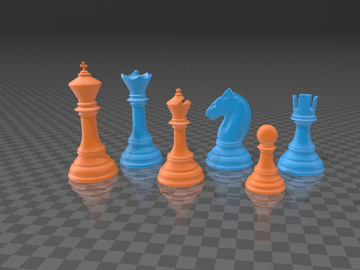
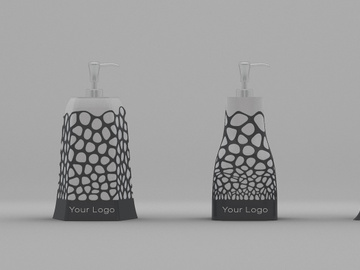
Browse CGI
At EpicPxls, our CGI collection offers a dynamic and versatile range of digital design assets tailored to meet the evolving needs of modern creators. With over 25 high-quality resources available, this category is a go-to destination for graphic designers, digital artists, UI/UX professionals, and multimedia developers seeking cutting-edge visual content. CGI, or computer-generated imagery, spans everything from photorealistic 3D renders to stylized digital illustrations, making it an essential component in branding, advertising, gaming, film, and web design projects.
All CGI resources featured on EpicPxls are created by a global network of skilled digital artists and 3D design professionals who adhere to strict quality standards. Each submission undergoes a thorough review process to ensure clarity, technical accuracy, and creative originality. Assets are checked for resolution, file integrity, layer organization, and compatibility with industry-standard software. This commitment to quality ensures that every download delivers professional-grade results right out of the box.
The curation of our 25+ CGI resources is driven by both artistic excellence and practical utility. We prioritize assets that demonstrate innovation in lighting, texture, and composition, while also considering real-world application. Whether it's modular 3D interface elements, futuristic HUDs, animated scene templates, or abstract digital environments, each item is selected to inspire and accelerate creative workflows. By combining emerging trends with timeless design principles, EpicPxls ensures that its CGI collection remains a trusted resource for designers at every level.
What's Trending in CGI
Popular Styles in 2026
In 2026, CGI design is defined by a fusion of hyper-realism and digital surrealism. One of the most prominent styles is "Neo-Materialism," which blends physically accurate lighting and textures with imaginative, often impossible forms. This trend is particularly visible in product visualization, where everyday objects are rendered with lifelike precision but placed in dreamlike environments. Another rising aesthetic is "Cyber Organic," merging biomechanical forms with natural elements—think glowing vines wrapped around circuit boards or digital flora growing from metallic soil.
Minimalist CGI is also gaining traction, especially in UI and app design. Clean, low-poly models with soft gradients and ambient occlusion provide a modern, unobtrusive look that enhances user experience without overwhelming the interface. Meanwhile, retro-futurism continues to captivate, with VHS-inspired glitches, CRT scan lines, and 80s synthwave color palettes being reimagined through advanced rendering techniques. These styles are not only visually striking but also highly adaptable across digital platforms, making them a favorite among forward-thinking designers on EpicPxls.
Most Downloaded Categories
The most downloaded CGI resources on EpicPxls reflect current industry demands. 3D mockups—especially for tech gadgets, packaging, and apparel—remain consistently popular, enabling designers to present their 2D artwork in realistic, context-rich environments. Futuristic dashboard templates and sci-fi interface kits are also in high demand, driven by the growth of AR/VR applications and gaming interfaces.
Abstract CGI backgrounds and particle effects are frequently downloaded for use in motion graphics, social media content, and promotional videos. Additionally, modular 3D asset packs—such as customizable furniture sets, architectural components, and vehicle models—are widely used in prototyping and concept visualization. These categories stand out not just for their visual appeal but for their scalability and reusability across multiple projects, making them essential tools in any designer's toolkit.
Emerging Themes
New thematic directions in CGI are pushing the boundaries of digital storytelling. One emerging theme is "Digital Ecology," which explores the relationship between artificial intelligence and natural systems, often visualized through hybrid landscapes where code grows like forests or data streams mimic rivers. Another is "Urban Metamorphosis," depicting futuristic cityscapes where buildings shift shape, streets pulse with energy, and augmented reality overlays redefine public space.
Emotional CGI is also on the rise—designers are using lighting, form, and motion to evoke specific moods, such as nostalgia, awe, or serenity. This trend is particularly impactful in brand storytelling and immersive experiences. As generative AI tools become more integrated into the creative process, we're seeing a surge in algorithmically enhanced CGI that blends human artistry with machine learning. These new themes are not only shaping the visual language of 2026 but are also being actively explored and shared within the growing community of creators on EpicPxls.
How to Download CGI
- Browse the CGI category: Navigate to the CGI section on EpicPxls to explore the full collection of 25+ resources. Use filters to narrow results by format, license type, or complexity based on your project needs.
- Preview each asset: Click on any resource to open its detailed preview page. Here, you can view high-resolution thumbnails, zoom into textures, and read a full description including file contents, dimensions, and supported software.
- Check license and usage rights: Review the licensing information to ensure the asset meets your intended use—whether for personal projects or commercial distribution. This information is clearly displayed on every item page.
- Choose your download option: Free resources can be downloaded immediately with no registration required. Premium assets may require a one-time unlock or membership access, depending on the current offering.
- Download and integrate: After clicking the download button, the file will be saved to your device. Extract the contents if needed and import the CGI asset into your preferred design software for immediate use.
The entire process is streamlined to save time and reduce friction in your creative workflow. Whether you're building a prototype, crafting a presentation, or developing a digital experience, EpicPxls makes it easy to access top-tier CGI assets. With intuitive navigation and transparent metadata, you can confidently select and deploy resources knowing they meet professional standards. The 25+ items in this category are regularly updated to reflect new techniques and emerging design needs, ensuring you always have access to fresh, relevant content.
CGI Category Breakdown
By File Format
Understanding file formats is crucial when selecting CGI resources, as each serves different purposes and software ecosystems. Figma files are ideal for UI/UX designers integrating 3D elements into interactive prototypes. They support vector layers and are perfect for collaborative workflows. PSD (Photoshop) files remain a staple for compositing, offering layered smart objects, adjustment layers, and blending modes that allow for detailed editing of CGI renders.
AI (Adobe Illustrator) files are best for scalable vector-based CGI assets like icons, logos, or stylized illustrations. They maintain sharpness at any size and are easily editable. Sketch files cater to macOS-based designers working on app and web interfaces, providing organized layers and symbols for efficient design systems.
For web and mobile use, SVG is excellent for lightweight, resolution-independent graphics such as animated icons or responsive UI elements. PNG files, especially with transparent backgrounds, are widely used for final renders that need to be layered into other compositions without losing quality. Choosing the right format ensures compatibility, preserves editability, and optimizes performance across platforms.
By License Type
Licensing determines how you can legally use a CGI asset. Personal licenses allow use in non-commercial projects—ideal for portfolios, academic work, or personal art. These licenses typically restrict redistribution, resale, or use in client work.
Commercial licenses, on the other hand, grant permission to use the asset in projects that generate revenue. This includes branding, advertising, product packaging, and client deliverables. Some commercial licenses may include limitations on print runs or digital impressions, so it's important to read the terms carefully. On EpicPxls, every CGI resource clearly states its license type, ensuring transparency and legal compliance. Whether you're a freelance designer or part of an agency, selecting the correct license protects your work and respects the rights of the original creator.
By Complexity
The CGI collection on EpicPxls spans a wide range of complexity levels to suit diverse skill sets and project scopes. Simple assets include individual 3D models, icons, textures, or particle effects that can be dropped into existing scenes with minimal adjustment. These are perfect for designers looking to enhance visuals quickly without deep technical involvement.
Complete kits, in contrast, offer comprehensive solutions such as full scene templates, animated sequences, or modular environment packs. These often come with multiple file formats, lighting setups, and customization options, making them ideal for advanced users or teams building immersive experiences. Some kits even include project files for Blender, Cinema 4D, or Unreal Engine, enabling full scene manipulation. Whether you need a quick visual boost or a foundation for a complex production, the 25+ resources in this category provide scalable options that grow with your creative ambitions.
Making the Most of CGI
Organizing Your Library
To maximize efficiency, maintain a well-structured digital library for your downloaded CGI assets. Create folders based on categories such as "3D Models," "Textures," "UI Elements," or "Animations," and further subdivide by project or theme. Use consistent naming conventions—include keywords like "futuristic," "abstract," or "glow" to make assets easier to search later. Consider using digital asset management (DAM) tools or cloud storage with tagging capabilities to streamline retrieval, especially when managing large volumes of files from EpicPxls.
Customization Tips
Never use CGI assets exactly as downloaded—customization enhances originality and brand alignment. Adjust lighting, color grading, and camera angles to match your project’s mood. In post-processing, combine multiple renders or overlay textures to create unique composites. For vector-based files like AI or SVG, modify shapes, strokes, and gradients to fit your design language. When working with 3D models, tweak materials or animate components to add dynamism. These small changes transform generic resources into bespoke elements that reflect your creative vision.
Common Mistakes to Avoid
- Ignoring resolution requirements: Using low-resolution renders in high-definition projects can result in pixelation and unprofessional output. Always verify the asset’s dimensions before integration.
- Overusing effects: Excessive glow, blur, or distortion can make a design look cluttered. Apply CGI enhancements subtly to maintain visual clarity.
- Mixing incompatible styles: Combining hyper-realistic models with cartoonish elements without proper blending can break visual harmony. Ensure stylistic consistency across all components.
- Skipping license verification: Accidentally using a personal-use asset in a commercial project can lead to legal issues. Always double-check licensing terms on EpicPxls before deployment.
- Not backing up assets: Losing access to downloaded files can disrupt workflows. Store backups in multiple locations—local drives and secure cloud storage.
By avoiding these pitfalls and leveraging the full potential of the 25+ CGI resources available, designers can elevate their work with professional-grade visuals while maintaining efficiency and originality. With thoughtful organization, smart customization, and attention to detail, the CGI collection on EpicPxls becomes more than just a toolkit—it becomes a catalyst for innovation.
Why Download from EpicPxls?
Commercial License
Use in personal and commercial projects
No Account Required
Download free resources instantly
Quality Curated
Every resource is reviewed for quality
Preview Files
See Figma and Photoshop files before downloading
Who Uses These CGI?
Professionals and teams who benefit most from our collection
UI/UX Designers
Speed up your workflow with ready-to-use cgi for design tools. Perfect for prototyping and client presentations.
Developers
Get production-ready assets without design skills. Export in any format for web and mobile apps.
Startups & Agencies
Save design budget with affordable premium cgi. Commercial license included.
Marketing Teams
Create professional campaigns faster. All cgi are optimized for social media and ads.
CGI FAQCommon questions about these resources
Simple, Transparent Pricing
Get unlimited access to all premium resources
Yearly
- 20 downloads per month
- All file formats
- Commercial license
Lifetime
- Unlimited downloads forever
- All file formats
- Commercial license
Ready to Get Started?
Access 4,442+ free design resources today.
Browse Free ResourcesView Premium PlansEarn 85% and
more on all sales
Upload your products and put them up
for sale at whatever price you want.


