Apps for PDF: 21+ Resources
EpicPxls offers 48+ curated apps for PDF, all with a commercial license and editable source files (Figma, Sketch, PSD). We have 48+ apps compatible with PDF, tested and verified for seamless integration.
Last updated May 16, 2026
Discover 21+ handpicked apps for PDF.
Trusted by designers at leading companies
Top Apps for PDF
Handpicked resources from our curated collection



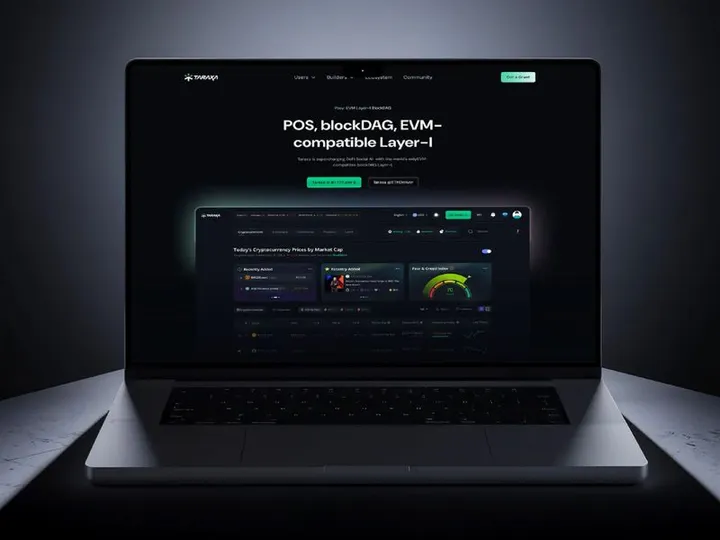
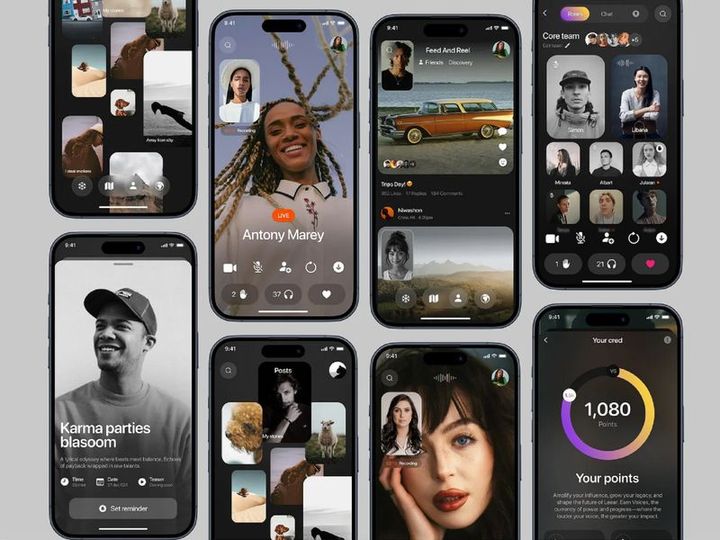
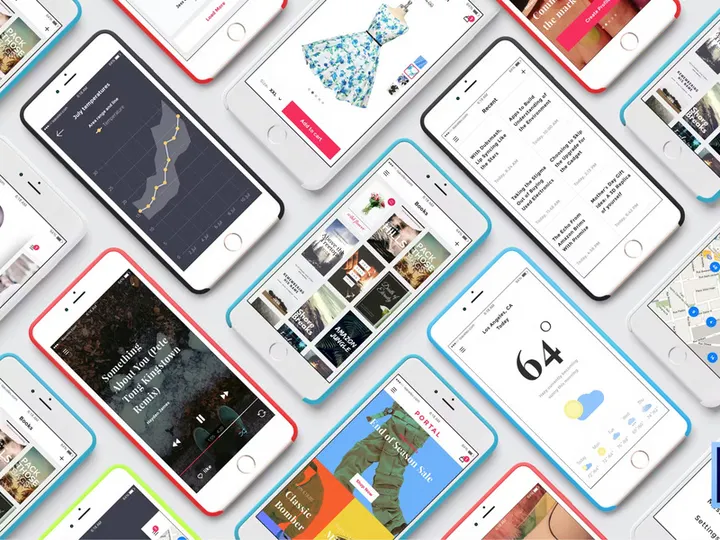

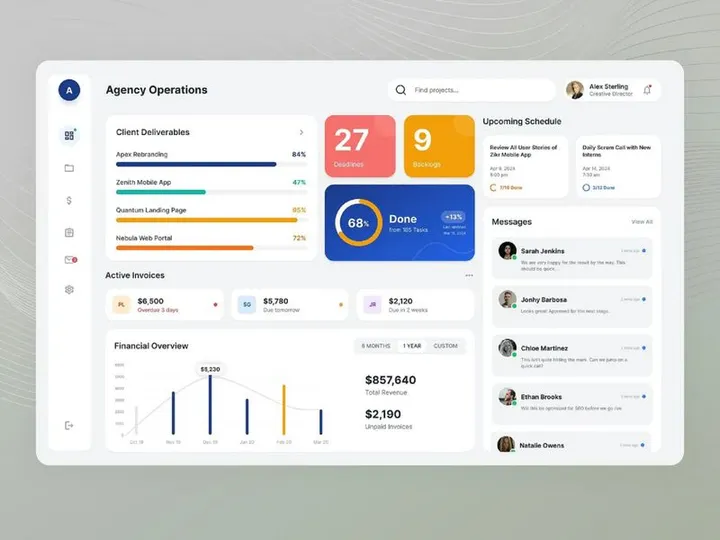




Try Our Free Resources
Download any of these for free - no account required
Why PDF for Apps?
PDF, or Portable Document Format, has long been a cornerstone in digital workflows, especially when it comes to managing and distributing app-related resources. Originally developed by Adobe, the PDF format ensures that documents maintain their original layout, fonts, and graphics regardless of the device or operating system used to view them. This reliability makes it an ideal choice for developers, designers, and project teams who rely on consistent formatting across different platforms. When it comes to apps, PDFs are frequently used to distribute user manuals, technical specifications, design mockups, API documentation, and licensing agreements—all critical components in the app development lifecycle.
One of the standout features of PDFs is their cross-platform compatibility. Whether you're on Windows, macOS, Linux, iOS, or Android, a PDF file will render the same way across devices. This consistency is crucial when sharing app design assets, project roadmaps, or compliance documentation with stakeholders who may be using different hardware or software. Additionally, PDFs support interactive elements such as hyperlinks, form fields, annotations, and embedded multimedia, making them far more dynamic than static image files or plain text documents. These capabilities allow teams to create rich, interactive app guides or feedback forms directly within a single PDF file.
Security is another reason PDFs are favored in app workflows. With built-in encryption, password protection, and digital signature support, sensitive app-related data—such as source code snippets, beta test results, or financial projections—can be securely shared without risk of unauthorized access. Many organizations also use PDFs to archive finalized app versions or documentation for compliance and audit purposes. At EpicPxls, we recognize the importance of reliable, secure, and universally accessible formats. That’s why our curation of 21+ resources emphasizes tools that leverage the full potential of PDFs within app development, design, and collaboration. Each resource is evaluated for usability, compatibility, and feature depth, ensuring only the most effective tools make it into our recommended list.
Top Apps Picks for PDF
Choosing the right app to manage, edit, and create PDFs can significantly enhance your productivity—especially when working on app development projects. With dozens of tools available, it's important to select one that aligns with your technical level, workflow needs, and budget. Whether you're just starting out or managing complex app documentation, there's a PDF solution tailored for you. At EpicPxls, we’ve tested and reviewed over 21+ resources to help you find the best fit. From intuitive interfaces for beginners to advanced editing suites for pros, our curation covers the full spectrum of user requirements.
Best for Beginners
If you're new to working with PDFs in an app development context, ease of use and clear documentation are key. Apps like PDF Candy and Sejda PDF offer straightforward interfaces that make it simple to merge, split, or convert files without technical hurdles. These tools often include drag-and-drop functionality, guided workflows, and helpful tooltips that reduce the learning curve. They’re perfect for managing app onboarding guides, user feedback forms, or simple design drafts. Many beginner-friendly apps also provide mobile access, allowing you to review or sign off on app-related documents from your phone or tablet.
Best for Professionals
For developers, UX designers, and project managers, advanced PDF tools are essential. Apps such as PDFelement Pro and Foxit PhantomPDF deliver powerful features like OCR (Optical Character Recognition), batch processing, redaction, and form automation. These capabilities are indispensable when dealing with large volumes of technical documentation, compliance forms, or multi-language app manuals. Integration with cloud storage and version control systems ensures seamless collaboration across distributed teams. Professionals will also appreciate advanced commenting and review tools that support detailed feedback on app wireframes or interface designs embedded in PDFs.
Best Free Options
You don’t need to spend money to get high-quality PDF functionality. Several free apps offer robust features ideal for app-related tasks. LibreOffice Draw, for instance, allows you to export documents to PDF with full formatting control. Smallpdf and ILovePDF provide free tiers with essential tools like compression, conversion, and annotation—perfect for light editing or sharing app mockups. While free versions may have limitations on file size or monthly usage, they’re excellent starting points for indie developers or small teams. At EpicPxls, we ensure our list of 21+ resources includes standout free tools that deliver real value without hidden costs.
PDF vs Other Tools for Apps
When managing app development workflows, teams often consider various document formats—Word files, HTML pages, image files, or cloud-based collaborative editors. While each has its strengths, PDF stands out for consistency, security, and portability. Unlike Word documents, which may reformat when opened on different devices, PDFs preserve the exact layout, ensuring that app design specs, flowcharts, and prototypes appear as intended. This fidelity is critical when sharing UI/UX mockups or technical diagrams with stakeholders.
Compared to HTML or web-based documents, PDFs offer better offline access and reduced dependency on internet connectivity. They can embed fonts, images, and vector graphics without relying on external servers, making them ideal for distributing app documentation to users in low-bandwidth environments. Additionally, PDFs support password protection and encryption, a feature many lightweight formats lack. This makes them suitable for sensitive app-related data like licensing agreements, internal strategy documents, or beta test reports.
Another advantage is universal compatibility. Nearly every modern device has a built-in PDF reader, eliminating the need for users to install additional software. This reduces friction when sharing app resources with clients, testers, or non-technical team members. While cloud tools like Google Docs enable real-time collaboration, they often fall short in preserving design integrity. PDFs, especially when used with the right apps, offer a balanced solution—combining rich formatting, security, and broad accessibility. At EpicPxls, we prioritize resources that maximize these advantages, ensuring your app workflows remain efficient and professional.
Setting Up Apps in PDF
Integrating PDF tools into your app workflow doesn’t have to be complicated. With the right steps, you can quickly import, organize, and begin using your curated resources. Whether you're managing design assets, technical documentation, or user feedback, setting up your PDF environment properly ensures smooth collaboration and long-term scalability. Follow these six steps to get started with confidence.
- Choose a reliable PDF app from the 21+ resources curated by EpicPxls. Consider your needs—whether it’s annotation, conversion, or form creation—and pick a tool that supports your primary use cases.
- Install and configure the app on your preferred devices. Make sure to enable cloud sync if available, so you can access your files from desktop, tablet, or mobile.
- Import existing app-related documents into your PDF tool. This includes wireframes, user stories, API documentation, and compliance checklists. Organize them into folders by project, version, or function.
- Convert non-PDF files into the PDF format to maintain consistency. Use built-in conversion tools to transform Word, PowerPoint, or image files into searchable, editable PDFs with preserved formatting.
- Apply metadata and tags to your PDFs for easier retrieval. Add titles, keywords, and version numbers so team members can quickly locate the right document during development sprints.
- Set up sharing and access controls. Use password protection or user permissions when distributing sensitive app materials. For collaboration, generate shareable links with comment or edit rights as needed.
By following these steps, you’ll create a structured, secure, and scalable PDF environment. For teams managing multiple app projects, this foundation supports version tracking, audit readiness, and efficient handoffs between designers, developers, and QA testers. EpicPxls recommends revisiting your setup quarterly to ensure it aligns with evolving project demands and tool updates.
PDF Workflow Tips
Optimizing your PDF workflow can dramatically improve efficiency, especially in fast-paced app development environments. Whether you're managing documentation, design assets, or user feedback, small improvements in how you handle PDFs can save hours of work and reduce errors. Here are key strategies to help you get the most out of your PDF tools.
Organizing Apps Libraries
Create a clear folder structure based on project phases—such as “Design,” “Development,” “Testing,” and “Release.” Within each, use consistent naming conventions like “AppName_Version_DocumentType.pdf” to avoid confusion. Consider using color-coded tags or bookmarks for quick navigation. If you're using a cloud-based PDF app, leverage search filters and metadata to locate files without scrolling through long lists. For teams, maintain a shared library with role-based access to ensure everyone sees only what they need.
Batch Operations
When handling multiple app-related documents, batch processing saves significant time. Use tools that allow you to merge several PDFs into a single manual, compress large files for email, or apply watermarks and headers across dozens of documents at once. OCR scanning in bulk can convert scanned design sketches or handwritten notes into searchable, editable text—ideal for digitizing early-stage app concepts. Scheduling batch tasks during off-hours ensures your system remains responsive during peak work times.
Collaboration Best Practices
Effective collaboration starts with clear communication within the PDF itself. Use comment threads, highlight text, and add stamps like “Approved” or “Needs Revision” to streamline feedback. Set deadlines within shared documents and use version history to track changes. When multiple reviewers are involved, assign specific sections to each person to avoid overlapping edits. Always finalize documents with a digital signature to confirm approval. Tools that sync with project management platforms can further enhance transparency by linking PDF reviews to task boards or sprint timelines.
Why Download from EpicPxls?
Commercial License
Use in personal and commercial projects
No Account Required
Download free resources instantly
Quality Curated
Every resource is reviewed for quality
Preview Files
See Figma and Photoshop files before downloading
Who Uses These Apps?
Professionals and teams who benefit most from our collection
UI/UX Designers
Speed up your workflow with ready-to-use apps for PDF. Perfect for prototyping and client presentations.
Developers
Get production-ready assets without design skills. Export in any format for web and mobile apps.
Startups & Agencies
Save design budget with affordable premium apps. Commercial license included for client work.
Marketing Teams
Create professional campaigns faster. All apps are optimized for social media and ads.
Apps for PDF FAQCommon questions about these resources
Simple, Transparent Pricing
Get unlimited access to all premium resources
Yearly
- 20 downloads per month
- All file formats
- Commercial license
Lifetime
- Unlimited downloads forever
- All file formats
- Commercial license
Ready to Get Started?
Access 4,441+ free design resources today.
Browse Free ResourcesView Premium PlansEarn 85% and
more on all sales
Upload your products and put them up
for sale at whatever price you want.


