Themes for PDF: 19+ Resources
EpicPxls offers 20+ curated themes for PDF, all with a commercial license and editable source files (Figma, Sketch, PSD). We have 20+ themes compatible with PDF, tested and verified for seamless integration.
Last updated February 15, 2026
Discover 19+ handpicked themes for PDF.
Trusted by designers at leading companies
Top Themes for PDF
Handpicked resources from our curated collection
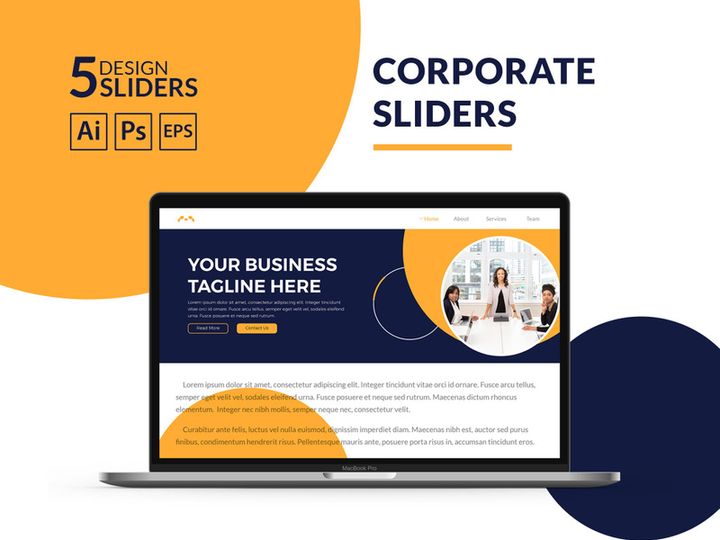
![HappyBox – Landing Page Template [Personal Use License] preview picture](https://imgproxy.epicpxls.com/f4DCUD9EmEuhPIVAUAWBhM-Cto4k3dv0gSKpujV1qeA/rs:fill:720:540:0/g:no/aHR0cHM6Ly9pdGVt/cy5lcGljcHhscy5j/b20vdXBsb2Fkcy9w/aG90by82MDM1YzU5/NGQ3M2Q4ODFkYWZj/NjU0ODk2ZGQ2YzEx/ZA.jpg)
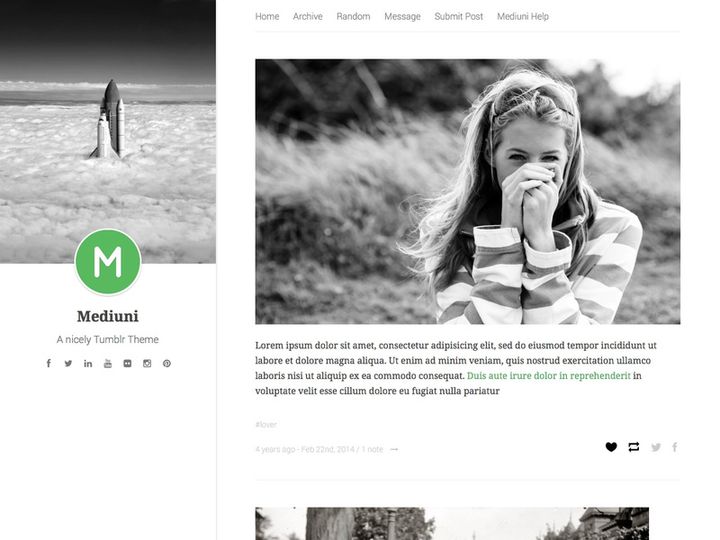

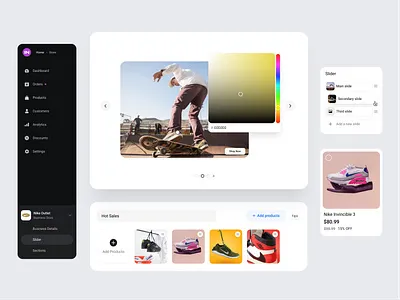
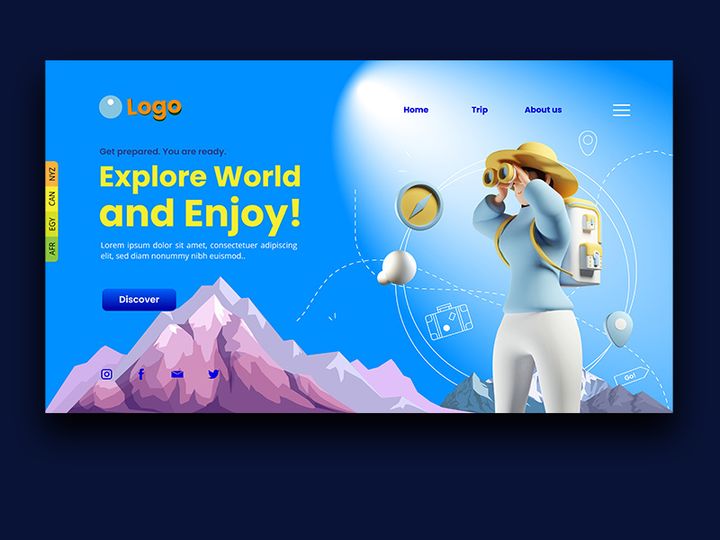
Try Our Free Resources
Download any of these for free - no account required
![HappyBox – Landing Page Template [Personal Use License]](https://items.epicpxls.com/uploads/photo/1c535d770288e193401c434fc0f770c4)
Why PDF for Themes?
PDF has long been recognized as a reliable and universally supported format, but its role in managing and distributing themes—especially in creative and design workflows—has grown significantly in recent years. While many associate PDFs with static documents or printed materials, they are increasingly being used to package and deliver rich, structured theme content for everything from digital planning and journaling to web design inspiration and brand identity kits. The reason? PDF offers a unique combination of accessibility, consistency, and functionality that makes it an ideal container for theme-based resources.
One of the key features that makes PDF ideal for themes is its cross-platform compatibility. Whether you're using a desktop, tablet, or smartphone, a PDF will render the same way across devices and operating systems. This ensures that theme layouts, color palettes, typography samples, and visual hierarchies remain intact no matter where they’re viewed. Additionally, PDF supports embedded fonts, high-resolution images, hyperlinks, and interactive elements like form fields and layers, making it a powerful format for delivering immersive theme experiences. Designers and content creators can build interactive mood boards, style guides, or customizable templates that users can engage with directly within the document.
Another advantage is the ease of distribution and security. PDFs can be password-protected, watermarked, or restricted from editing, which is essential when sharing premium or proprietary themes. At EpicPxls, we recognize these strengths and have curated a collection of over 19+ resources specifically optimized for the PDF format. These include color-themed templates, seasonal design kits, minimalist layouts, and branded style guides—all designed to streamline creative workflows. Our team ensures that each resource is not only visually compelling but also technically sound, with proper layering, metadata, and navigation to enhance usability. Whether you're building a personal project or a client deliverable, PDF themes offer a dependable, polished way to present and apply cohesive design systems.
Top Themes Picks for PDF
With so many theme resources available in PDF format, choosing the right one can make a significant difference in your creative process. Whether you're just starting out or you're a seasoned professional, having access to well-crafted, purpose-built themes can elevate your work. At EpicPxls, we've reviewed and hand-selected over 19+ resources that stand out for their design quality, usability, and versatility. Below, we break down our top picks based on skill level and budget, helping you find the perfect fit for your needs.
Best for Beginners
If you're new to working with themes in PDF, simplicity and clarity are key. Look for resources that come with clear instructions, intuitive layouts, and minimal customization requirements. Beginner-friendly themes often feature drag-and-drop elements, labeled sections, and tutorial overlays that guide you through each step. Many include pre-set color schemes and font pairings, reducing the learning curve. At EpicPxls, we recommend starting with structured journaling templates, basic branding kits, or seasonal planners that offer guided workflows. These resources help users build confidence while learning how to apply themes effectively.
Best for Professionals
For advanced users, the focus shifts to flexibility, scalability, and integration capabilities. Professional-grade PDF themes often include layered files, CMYK color profiles for print, and editable vector elements. They may also feature master pages, consistent grid systems, and advanced typographic hierarchy. Designers working on client projects will appreciate themes that support brand consistency across multiple documents. Our top professional picks include comprehensive style guides, multi-page editorial layouts, and modular design systems—all part of the 19+ resources we’ve curated for high-performance workflows.
Best Free Options
High-quality doesn’t always mean high cost. There are several free PDF theme resources that deliver excellent value without compromising on design. These often come from community-driven platforms or as starter kits from larger design ecosystems. Look for freebies that include full documentation, multiple page templates, and licensing for personal or commercial use. While they may lack some of the advanced features of premium versions, they’re perfect for experimentation, education, or small-scale projects. At EpicPxls, we’ve identified several standout free themes that punch above their weight in terms of usability and aesthetic appeal.
PDF vs Other Tools for Themes
When it comes to managing and applying themes, creators have a variety of tools at their disposal—from dedicated design software to cloud-based collaboration platforms. However, the PDF format holds a distinct edge in several key areas. Unlike proprietary file types that require specific software to open or edit, PDFs are universally accessible. This means a theme delivered as a PDF can be viewed on nearly any device, shared instantly, and archived without fear of format obsolescence. This level of accessibility is especially valuable when working across teams or with clients who may not have access to specialized tools.
Another advantage of the PDF ecosystem is its stability. While other formats may change appearance based on screen size, software version, or rendering engine, PDFs preserve layout, fonts, and imagery exactly as intended. This pixel-perfect consistency is crucial when presenting design themes, brand guidelines, or visual concepts where precision matters. Additionally, PDF supports metadata, bookmarks, and embedded assets, allowing for rich, navigable theme documents that go beyond static pages.
Format compatibility is another area where PDF excels. While some tools lock themes into closed ecosystems, PDFs can be exported from and imported into a wide range of applications, including design suites, note-taking apps, and content management systems. This interoperability makes it easier to repurpose theme elements across projects. Whether you're extracting color palettes, reusing layout grids, or sharing inspiration decks, the PDF format ensures seamless transitions. With over 19+ resources available in compatible formats, EpicPxls ensures that every theme is optimized for real-world use, not just theoretical design.
Setting Up Themes in PDF
Getting started with themes in PDF is straightforward, especially when you follow a structured setup process. Whether you're working with a single template or managing an entire library, these steps will help you import, organize, and begin using your resources efficiently.
- Download your chosen theme: Begin by downloading the PDF theme file from a trusted source. At EpicPxls, all 19+ resources are available in high-quality, print-ready PDF format with clear naming conventions.
- Verify compatibility: Ensure your PDF reader supports interactive elements such as form fields, layers, and annotations. Adobe Acrobat Reader is recommended for full functionality.
- Import into your workflow tool: If you're using a note-taking or planning app that supports PDF import (e.g., for digital journaling), upload the file and set it as a template or background.
- Customize as needed: Use editing tools to modify text, colors, or layout elements. Some PDFs come with editable form fields or layered content that can be toggled on or off.
- Organize by category: Create folders or tags for different theme types—seasonal, professional, minimalist, etc.—to streamline access and improve searchability.
- Test across devices: Open the PDF on multiple devices to confirm consistent rendering. This is especially important if you plan to share the theme with others or use it in presentations.
For those managing large collections, consider using a naming convention that includes theme type, color palette, and date (e.g., “Minimalist_Blue_2024.pdf”). This makes it easier to locate specific files later. Additionally, maintain a master index or catalog—either as a separate PDF or in a spreadsheet—to track which themes you’ve used, where they’re stored, and any customization notes. With proper setup, your PDF themes become a powerful, reusable asset in your creative toolkit.
PDF Workflow Tips
Once your themes are set up, optimizing your workflow can significantly improve productivity and consistency. Whether you're a solo creator or part of a collaborative team, these best practices will help you get the most out of your PDF theme resources.
Organizing Themes Libraries
A well-organized library is the foundation of an efficient workflow. Start by categorizing your themes by purpose—such as branding, planning, editorial, or personal use—and further subdivide by color, season, or project type. Use descriptive file names and folder structures that make sense at a glance. Consider creating a master PDF index that includes thumbnails, keywords, and usage notes for each theme. This not only speeds up retrieval but also helps you avoid duplicating downloads. At EpicPxls, we recommend backing up your library regularly and using cloud storage with version control to prevent data loss.
Batch Operations
When working with multiple PDF themes, batch processing can save significant time. Use tools that allow you to rename, compress, or convert multiple files at once. For example, if you're preparing a set of themes for client delivery, you can apply batch watermarks, optimize file sizes, or merge related templates into a single document. Some advanced PDF editors support scripting or automation, enabling you to run repetitive tasks like applying metadata or updating headers across dozens of files. This is especially useful when maintaining consistency across a large theme collection.
Collaboration Best Practices
Sharing PDF themes with team members or clients requires thoughtful preparation. Always include a brief README or cover page that explains the theme’s purpose, customization options, and licensing terms. Use comments or sticky notes within the PDF to highlight key sections or provide instructions. If collaboration involves feedback, enable commenting features so stakeholders can annotate directly on the document. Ensure all shared files are in a universally accessible format and avoid embedding sensitive data unless the PDF is encrypted. With clear communication and standardized processes, PDF themes become a seamless part of collaborative design and planning workflows.
Why Download from EpicPxls?
Commercial License
Use in personal and commercial projects
No Account Required
Download free resources instantly
Quality Curated
Every resource is reviewed for quality
Preview Files
See Figma and Photoshop files before downloading
Who Uses These Themes?
Professionals and teams who benefit most from our collection
UI/UX Designers
Speed up your workflow with ready-to-use themes for PDF. Perfect for prototyping and client presentations.
Developers
Get production-ready assets without design skills. Export in any format for web and mobile apps.
Startups & Agencies
Save design budget with affordable premium themes. Commercial license included for client work.
Marketing Teams
Create professional campaigns faster. All themes are optimized for social media and ads.
Themes for PDF FAQCommon questions about these resources
Simple, Transparent Pricing
Get unlimited access to all premium resources
Yearly
- 20 downloads per month
- All file formats
- Commercial license
Lifetime
- Unlimited downloads forever
- All file formats
- Commercial license
Ready to Get Started?
Access 4,441+ free design resources today.
Browse Free ResourcesView Premium PlansEarn 85% and
more on all sales
Upload your products and put them up
for sale at whatever price you want.


